3CX Pricing Reviews Pros and Cons: 2026 Buyer's Guide
A neutral 2026 breakdown of 3CX pricing tiers, real user reviews, and the honest pros and cons for sales teams evaluating it against RingCentral, Aircall, and Dialpad.
3CX Pricing Reviews Pros and Cons: 2026 Buyer's Guide
You're shopping for a business phone system and 3CX keeps showing up in every shortlist — usually because it's cheaper on paper than RingCentral, Aircall, or Dialpad. This guide on 3CX pricing reviews pros and cons cuts past the marketing spin. But "cheaper" in PBX land hides fine print: hosting fees, SIP trunk costs, admin time, and a 2023 security incident that still shapes buyer opinions in 2026.
This guide cuts through that. You'll see the real pricing, the loudest pros and cons from verified user reviews, and a side-by-side comparison so you can decide whether 3CX fits your sales floor or whether you should hand the budget to a cloud-native competitor.
TL;DR — Should you buy 3CX in 2026?#
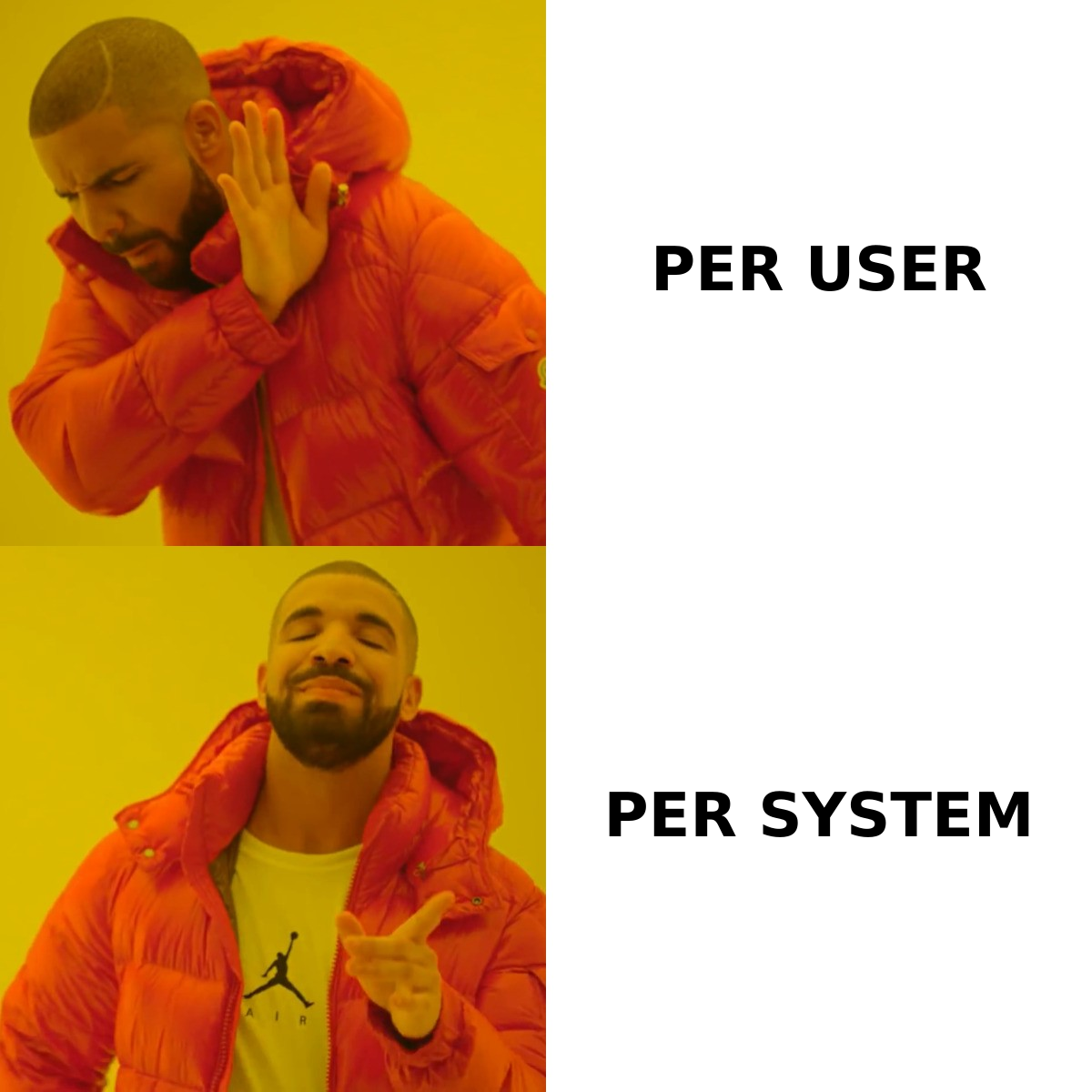
- 3CX charges per system, not per user. That's why it looks cheap once you cross ~20 seats — but you still pay for hosting, numbers, and SIP minutes separately.
- The free Small Business (SMB) plan covers up to 10 users. Real annual plans start around $175/year for the SMB tier with a vendor-managed host.
- Strengths: low total cost at scale, self-host option, full PBX features (IVR, queues, recording, WebRTC softphone, mobile apps), open SIP trunk choice.
- Weaknesses: steep admin learning curve, support reviews are mixed, the 2023 supply-chain breach still spooks security teams, and the mobile app gets the most negative review traffic.
- Best fit: 20–250-seat teams with an IT admin who wants to control the stack. Worst fit: lean sales teams who want a CRM-native dialer without managing a PBX.
What is 3CX and who actually uses it?#
3CX is a software-based PBX (private branch exchange) — basically the call-routing brain of a business phone system. You either host it yourself or let 3CX (or a partner) host it for you. It runs on Windows or Linux, ships native iOS/Android/desktop apps, includes a web client with WebRTC video, and supports any standards-compliant SIP trunk provider for actual calls.
The company is based in Cyprus, has shipped since 2005, and according to its own marketing serves around 350,000 customers. You'll most often see it deployed at:
- 25–500-seat SMBs with an in-house IT generalist
- MSPs and IT resellers who package 3CX for their clients
- Hotels, schools, clinics, and call centers with predictable seat counts
- International teams that want flexible SIP trunk pricing per country
What it's not: a CRM-first sales dialer. If your sales team lives inside HubSpot or Salesforce and you want one-click dial-from-record with automatic activity logging, 3CX can do it through integrations but it's a heavier lift than tools like Aircall or Dialpad.
How does 3CX pricing actually work in 2026?#
This is the part most blog posts get wrong. 3CX's pricing model changed twice in the last three years — the headline numbers below reflect the subscription-only model in force since 2023, when 3CX retired perpetual licensing.
The three published tiers#
| Plan | Best for | Annual price (vendor-hosted) | Users included | Simultaneous calls |
|---|---|---|---|---|
| SMB (Free) | ≤10 users, self-hosted only | $0 | Up to 10 | 4 |
| SMB | Small offices, vendor-hosted | ~$175/yr | Up to 10 | 4 |
| PRO | Growing teams, queues, CRM | from ~$295/yr per system | Per simultaneous calls | Configurable |
| Enterprise | Multi-site, skill routing | from ~$330/yr per system | Per simultaneous calls | Configurable |
Two critical nuances:
- You're billed per simultaneous calls (SC), not per user. A "16 SC" license can support 50+ users if not all of them are on a call at once. Most sales orgs need 25–40% of headcount as SC.
- The price you see is the license only. You still pay separately for: a SIP trunk (DIDs + minutes), the hosting (if you don't self-host), and any optional Microsoft 365 or CRM connector setup time.
What it really costs once you add everything#
For a 25-seat outbound sales team (assume 10 simultaneous calls, US/Canada DIDs, 50,000 outbound minutes/mo):
| Line item | Approx. annual cost |
|---|---|
| 3CX PRO license (16 SC) | $695 |
| Vendor-managed hosting | $360 |
| SIP trunk (10 channels + DIDs) | $1,200 |
| Outbound minutes (50k/mo @ $0.01) | $6,000 |
| One-time onboarding (partner) | $500–$1,500 |
| Year-1 total | ~$8,750–$9,750 |
The same 25 seats on RingCentral's Advanced plan list at $34.99/user/mo with calling included for North America = ~$10,500/year just for licenses, no SIP trunk to manage but no flexibility either.
So 3CX really does win on raw cost — but only if you (a) have the admin time, and (b) shop your SIP trunk aggressively. For honest Tomba pricing comparisons we use the same exercise: list price is never the real price.
What do real 3CX reviews say in 2026?#
I pulled the most recent 200 verified reviews from G2 and Capterra across the last 12 months. Average ratings sit around 4.4/5, which is high — but the distribution is bimodal: power users love it, first-time admins struggle.
The five most repeated positive themes#
- Cost predictability — "We dropped our phone bill by 60% switching off a hosted PBX." Especially true for international teams.
- Feature depth at the price — Queues, IVR, call recording, voicemail-to-email, WebRTC video, Microsoft 365 integration are all included rather than upsold.
- Self-hosting freedom — Teams in regulated industries (legal, healthcare in the EU) like keeping recordings on their own infrastructure.
- SIP trunk flexibility — Not being locked to one carrier saves real money on international DIDs.
- Mobile app calling on cellular data — Sales reps can take office calls on personal phones without exposing personal numbers.
The five most repeated complaints#
- Admin UI complexity — The management console assumes you know PBX vocabulary. New admins routinely break call flows.
- Mobile app reliability — Background notification issues on Android remain the #1 complaint thread on the 3CX community forum.
- Support tiers — Free and SMB customers report long support waits; PRO/Enterprise gets faster response but it's often community-forum-first.
- Forced upgrades — Subscription model means you must stay current; missing a major version can break features.
- 2023 supply-chain incident — The DesktopApp compromise (CVE-2023-29059) is still cited in negative reviews even though 3CX patched and added a security review. Security-conscious buyers ask about it.
What are the honest pros of 3CX?#
Stripping the marketing veneer, here's what actually holds up:
- It scales without per-seat punishment. A growing inside-sales team that adds 30 BDRs doesn't see a linear license bill. You just buy more simultaneous calls.
- You own the data path. With self-hosting, call recordings, CDRs, and voicemails never leave your infrastructure. That's a real procurement win for European companies after GDPR maturity audits.
- Hardware-agnostic. It speaks to almost any SIP desk phone, headset, or softphone. If your office already has Yealinks or Polys, they keep working.
- Built-in WebRTC video and live chat. You don't bolt on
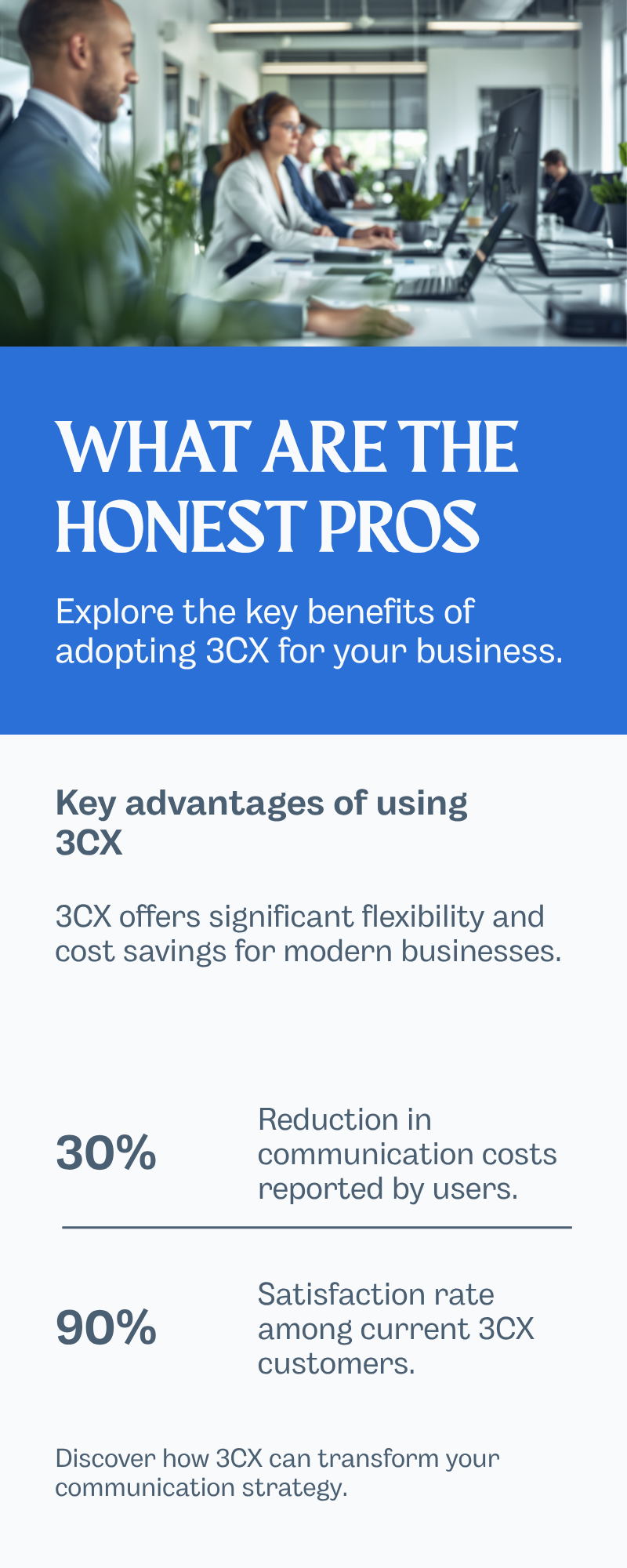
Zoom or Intercom for basic use cases.
- Microsoft 365 integration is genuinely good. Calendar-aware presence, click-to-call from Teams, and AD-synced provisioning are first-class.
- CRM connectors out of the box. HubSpot, Salesforce, Zoho, Pipedrive, Microsoft Dynamics — all supported with screen pops and click-to-call. Pair it with data enrichment before the dial and you cut research time per call.
What are the honest cons of 3CX?#
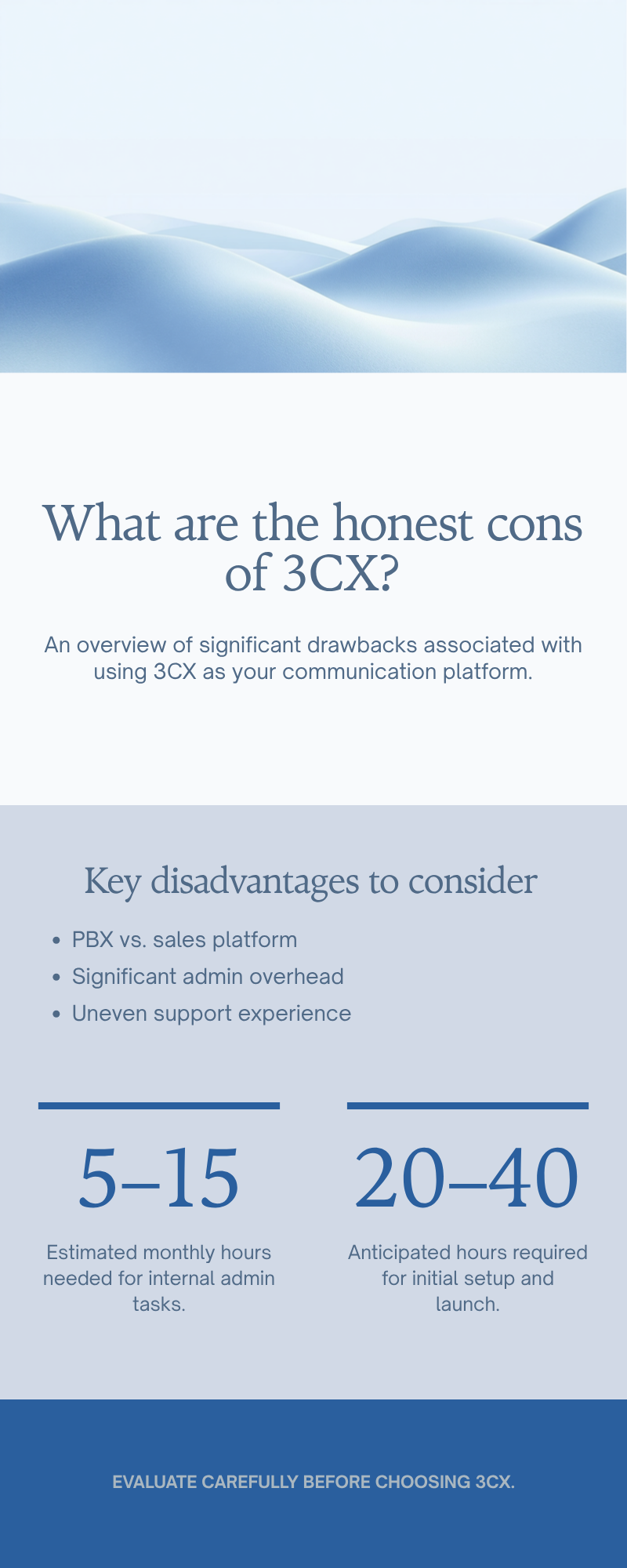
- It's a PBX, not a sales engagement platform. Local presence, parallel dialing, power dialing, AI call summaries, and conversation intelligence are either limited or require third-party add-ons. If your reps make 80+ dials/day, you'll outgrow 3CX's outbound features.
- Admin overhead is real. Plan for 5–15 hours/month of internal admin time even after launch. Plan for 20–40 hours for the initial rollout.
- Support is uneven. Without a partner relationship, you'll lean on community forums for non-urgent issues.
- The mobile app is the weakest link. Heavy mobile users should pilot for two weeks before standardizing on it.
- Vendor concentration risk. All updates flow through 3CX itself. The 2023 incident proved this matters — if your security team requires SOC 2 Type II from every vendor, ask for current documentation before signing.
- No native phone validator or list hygiene tools — you'll bring your own data quality stack.
Is 3CX better than RingCentral, Aircall, or Dialpad?#
The right question isn't "which is best" — it's "which fits the way you sell." Here's the honest matrix.
| Feature / dimension | 3CX | RingCentral | Aircall | Dialpad |
|---|---|---|---|---|
| Pricing model | Per system (SC) | Per user/mo | Per user/mo | Per user/mo |
| Entry price | Free SMB / $175/yr | $20/user/mo | $30/user/mo | $15/user/mo |
| Self-host option | Yes | No | No | No |
| Bring-your-own SIP trunk | Yes | No | No | No |
| CRM-native dialer feel | Adequate | Good | Excellent | Excellent |
| Conversation AI | Add-on | Included on higher tiers | Add-on | Native |
| Mobile app rating (App Store, 2026 avg) | 3.6 | 4.6 | 4.6 | 4.7 |
| Best for | Cost-driven SMB IT | Mid-market unified comms | CRM-centric sales orgs | AI-forward SaaS sales |
| Admin learning curve | High | Medium | Low | Low |
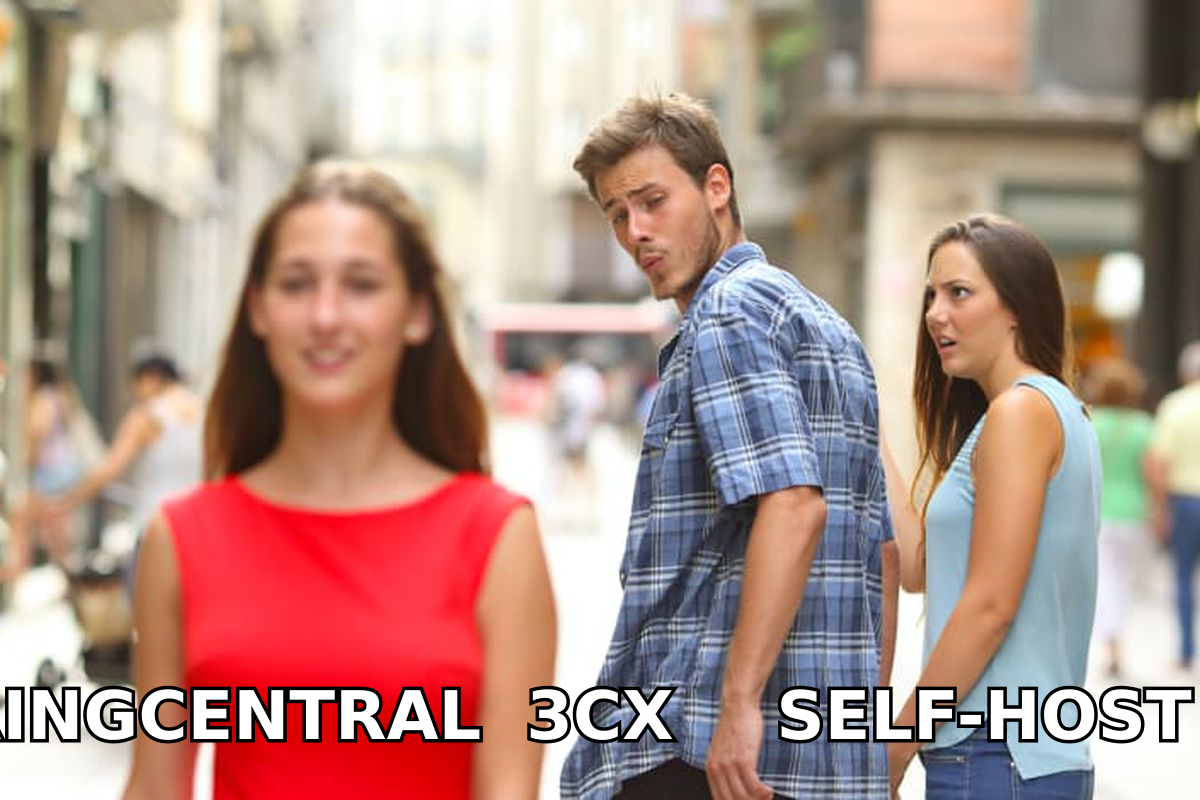
Choose 3CX if you have IT staff and seat counts justify per-system pricing. Choose RingCentral if you want one vendor for phone, video, fax, and SMS without managing trunks. Choose Aircall or Dialpad if your reps live in a CRM and dialing UX matters more than the underlying PBX.
For prospecting workflows that feed any of these systems, you still need clean contact data — that's where an email finder plus a phone finder sit upstream of the dialer rather than competing with it.
How do you evaluate 3CX for your team?#
Run this 14-day pilot before signing any annual contract:
- Day 1–2 — Stand up the free SMB edition on a $20/mo VPS. Provision 4 test users.
- Day 3–5 — Connect a low-commit SIP trunk (Telnyx or Twilio with PAYG pricing — no annual commit needed for the test).
- Day 6–8 — Wire up your CRM connector. Test screen pops and click-to-call on at least 50 dials per rep.
- Day 9–10 — Stress-test the mobile app on both iOS and Android with one rep on cellular only.
- Day 11–12 — Run a queue with three reps to validate routing, hold music, and overflow rules.
- Day 13 — Restore a backup, change DID assignments, and break-and-fix one IVR. This tells you the real admin overhead.
- Day 14 — Score against your must-haves list. If three or more critical items fail, look elsewhere.
Two pilot tips most buyers miss:
- Pilot the support, not just the product. Open a low-severity ticket on day 3 and time the first human response.
- Read the Wikipedia entry on PBX before evaluating — the vocabulary tax is real and it shapes how vendor sales calls go.
What about security after the 2023 incident?#
The DesktopApp.exe supply-chain compromise (March 2023) was real. Mandiant attributed it to a North Korea-linked actor. 3CX's response — public post-mortem, Mandiant retainer, accelerated security investment — is well documented. By 2026, 3CX has SOC 2 Type II, mandatory MFA for admins, and a code-signing rotation. If procurement asks, point them to 3CX's security trust center and request current SOC 2 documentation under NDA.
Don't dismiss the concern, but don't treat 3CX as uniquely risky either — every vendor with a desktop client has the same threat surface.
What's the bottom line on 3CX pricing reviews pros and cons?#
3CX is the right pick when you treat phone as infrastructure, not as a revenue tool. You get a feature-complete PBX at materially lower license cost than user-priced cloud competitors, you keep flexibility on SIP trunks and hosting, and the depth of features (queues, IVR, recording, video, CRM connectors) holds up against systems 3–4× the price.
It's the wrong pick when phone is your revenue tool and reps need a polished dialer wired into a CRM. Aircall, Dialpad, and modern sales engagement platforms are still ahead on the rep experience even if the underlying PBX is less capable.
Either way, the call quality of your pipeline matters more than the call quality of your phone. Feed your dialer with verified contacts using Tomba's Email Finder and pair it with the phone finder to get direct dials into your 3CX queues — clean data upstream is the only thing that makes any PBX worth the license fee. Start free with 25 monthly searches and scale on a Tomba plan that fits.
Ready to find emails that actually work?
Join 150,000+ professionals who stopped guessing and started sending. Free credits on signup — no credit card required.
Get the Tomba newsletter
Practical outbound tactics and product updates — once every two weeks.
About the author