Account Mapping in 2026: The Complete B2B Sales Playbook
Account mapping turns a flat list of target companies into a visual model of who decides, who blocks, and where the revenue is. Here's how to do it in 2026.
TL;DR
- Account mapping is the practice of charting every stakeholder, relationship, and revenue opportunity inside a target account — so you sell to a buying committee, not a single contact.
- It powers account-based selling: higher win rates, larger deals, and faster expansion because you stop guessing who actually signs.
- A usable map has four layers: org structure, buying roles, relationship strength, and white space (untapped products or business units).
- The bottleneck is almost always data — you can't map people you can't find. Accurate contact and enrichment data is the foundation.
- This guide gives you a repeatable framework, a tool comparison table, and the data workflow to build maps that close deals in 2026.
What is account mapping?#
Account mapping is the process of building a visual model of a target company that shows who the players are, how they relate to each other, who influences a purchase, and where you can grow the relationship. Think of it like a subway map for a deal: instead of knowing only the station you boarded at (your one champion), you can see every line, transfer, and destination — including the express route to the economic buyer.
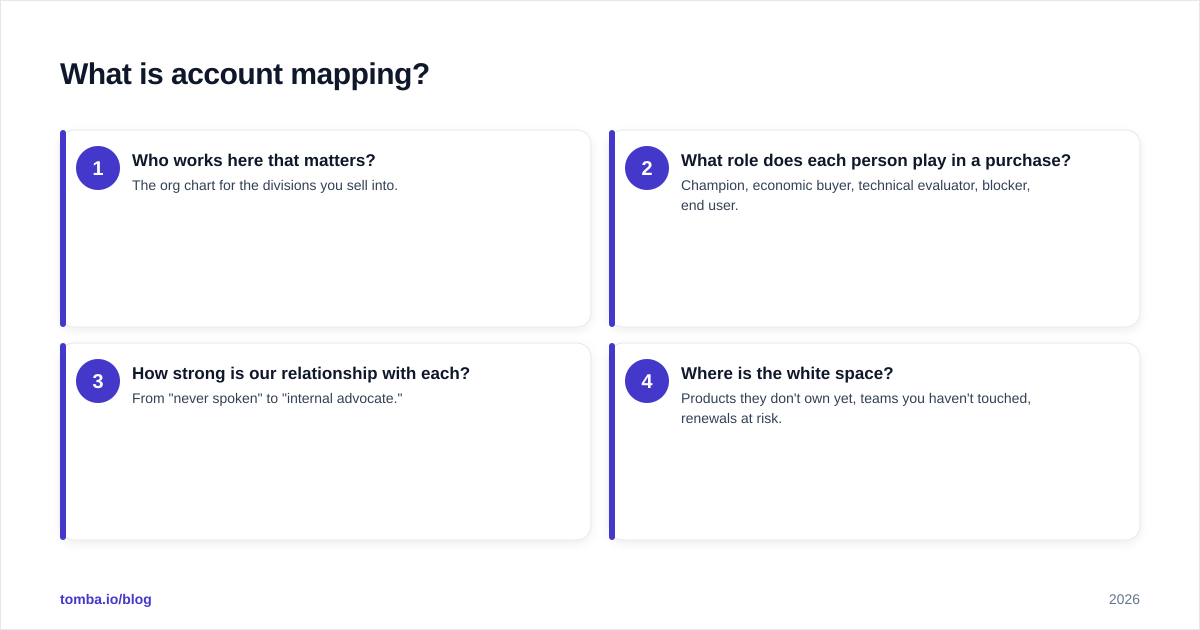
In practical terms, a map answers four questions for any account:
- Who works here that matters? The org chart for the divisions you sell into.
- What role does each person play in a purchase? Champion, economic buyer, technical evaluator, blocker, end user.
- How strong is our relationship with each? From "never spoken" to "internal advocate."
- Where is the white space? Products they don't own yet, teams you haven't touched, renewals at risk.
Modern B2B deals demand this. Gartner's research on buying groups puts the typical B2B purchase committee at six to ten stakeholders, and single-threaded deals — where you rely on one contact — are the ones that stall when that contact leaves or goes quiet. Mapping is how you multi-thread on purpose.
Why does account mapping matter for B2B revenue?#
Conclusion first: mapped accounts close at higher rates and expand more reliably because you remove the two biggest deal-killers — being single-threaded and being blind to internal politics.
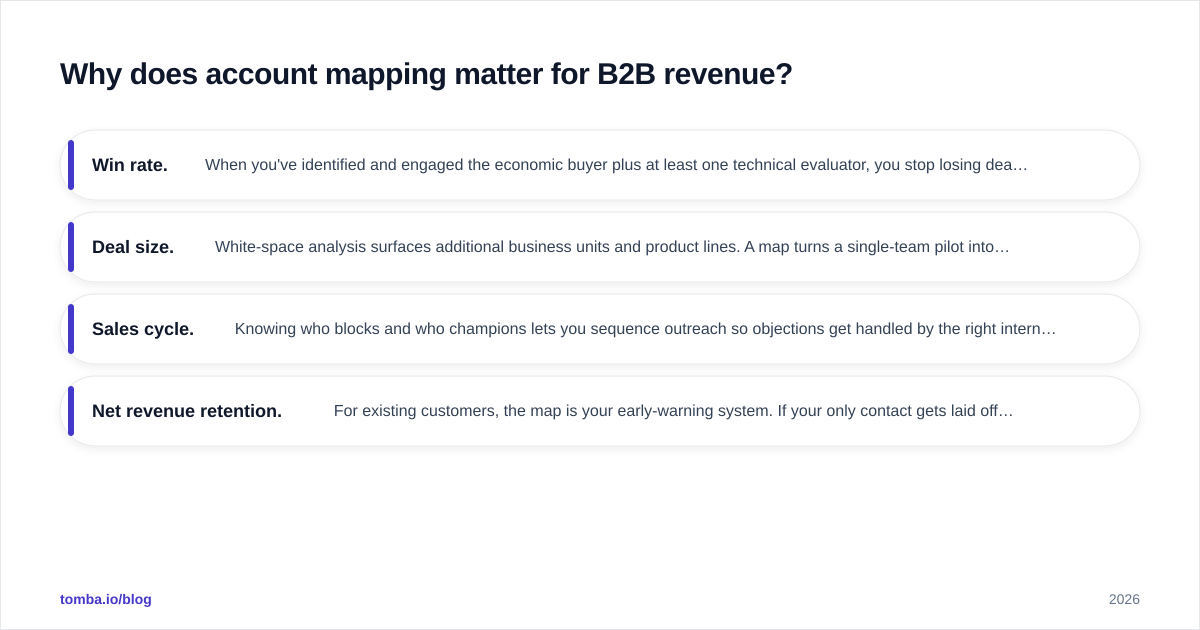
Here's what mapping changes in your numbers:
- Win rate. When you've identified and engaged the economic buyer plus at least one technical evaluator, you stop losing deals to "we went a different direction" surprises you never saw coming.
- Deal size. White-space analysis surfaces additional business units and product lines. A map turns a single-team pilot into a company-wide rollout conversation.
- Sales cycle. Knowing who blocks and who champions lets you sequence outreach so objections get handled by the right internal voice, not by you cold-emailing into a wall.
- Net revenue retention. For existing customers, the map is your early-warning system. If your only contact gets laid off and you have no one else mapped, that renewal is already at risk.
Account mapping is the connective tissue of revenue operations — it aligns sales, marketing, and customer success around the same picture of the account instead of three teams guessing in three directions.
What are the layers of an account map?#
A map is only useful if it's structured. Skip the "giant whiteboard of names" approach. Build these four layers in order.
Layer 1 — Org structure#
Chart the reporting lines for the divisions you sell into. You don't need the whole company; you need the function that owns your problem (e.g., the RevOps org if you sell sales tooling). Capture titles, reporting relationships, and team boundaries.
Layer 2 — Buying roles#
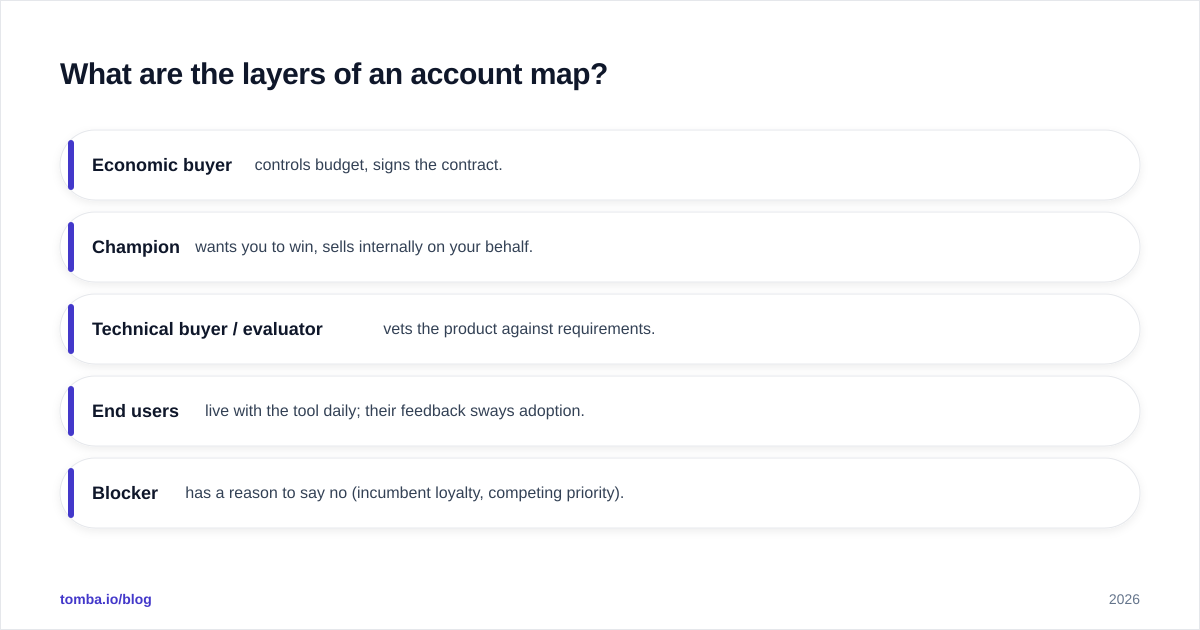
Overlay the buying-committee role on top of each person. The classic set:
- Economic buyer — controls budget, signs the contract.
- Champion — wants you to win, sells internally on your behalf.
- Technical buyer / evaluator — vets the product against requirements.
- End users — live with the tool daily; their feedback sways adoption.
- Blocker — has a reason to say no (incumbent loyalty, competing priority).
Layer 3 — Relationship strength#
Score each contact: no relationship, aware of us, engaged, actively championing. This is what tells you where to invest next. A strong technical evaluator and a cold economic buyer means your next move is obvious — get the champion to introduce you upward.
Layer 4 — White space#
Mark what's not there yet: product lines they haven't bought, sister business units, geographies. White space is where expansion revenue hides.
How do you build an account map step by step?#
A repeatable workflow beats a one-off heroic effort. Here's the loop.
Step 1 — Define the account tier. Not every account deserves a deep map. Reserve full four-layer mapping for your strategic and enterprise tier; use a lightweight version for mid-market.
Step 2 — Pull the org structure. Start from LinkedIn and the company site, then enrich. This is where most maps die — you find five names and stall. Use a domain search to surface every reachable contact at the company, then layer in titles and departments.
Step 3 — Find and verify contact data. A name without a reachable email or phone is a dead node on your map. Run names through an email finder and validate before outreach so you're not burning sender reputation on bounces.
Step 4 — Assign buying roles. Based on titles, past interactions, and discovery calls, tag each contact with their committee role.
Step 5 — Score relationships. Pull engagement from your CRM and sequence tools. Be honest — "they opened one email" is not a relationship.
Step 6 — Identify white space and next actions. For every gap, write one concrete next step: "Ask champion Maria to intro us to the VP of Finance."
Step 7 — Keep it alive. A map is a living document. Refresh it every time a deal stage changes or a contact moves. People change jobs constantly; a quarterly enrichment pass keeps the map honest.
What tools do you need for account mapping?#
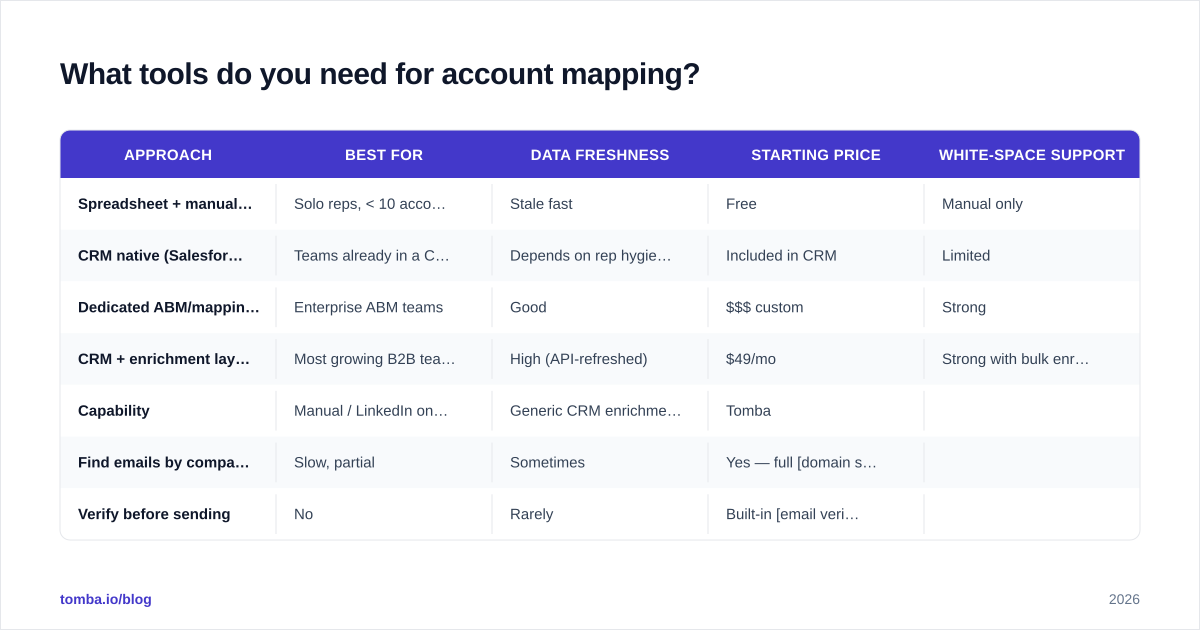
You need three capabilities: a place to store and visualize the map, a source of accurate people data, and a way to keep it enriched. Some teams stitch these together; some buy a dedicated platform. Here's how the common approaches compare.
| Approach | Best for | Data freshness | Starting price | White-space support |
|---|---|---|---|---|
| Spreadsheet + manual research | Solo reps, < 10 accounts | Stale fast | Free | Manual only |
| CRM native (Salesforce/HubSpot) | Teams already in a CRM | Depends on rep hygiene | Included in CRM | Limited |
| Dedicated ABM/mapping platform | Enterprise ABM teams | Good | $$$ custom | Strong |
| CRM + enrichment layer (e.g. Tomba) | Most growing B2B teams | High (API-refreshed) | $49/mo | Strong with bulk enrichment |
The fourth row is where most teams land in 2026: keep your CRM as the system of record, and bolt on a data layer that finds the contacts, verifies them, and re-enriches stale records automatically. That's cheaper than a full ABM suite and far more accurate than manual spreadsheet work.
For the data layer specifically, here's how the contact-sourcing piece stacks up.
| Capability | Manual / LinkedIn only | Generic CRM enrichment | Tomba |
|---|---|---|---|
| Find emails by company domain | Slow, partial | Sometimes | Yes — full domain search |
| Verify before sending | No | Rarely | Built-in email verifier |
| Bulk map a 200-account list | Impractical | Limited | Bulk email finder |
| B2B phone numbers | No | Add-on | Phone finder |
| API for auto-refresh | No | Varies | Tomba API |
| Free tier to test | n/a | No | 25 searches/mo |
How does account mapping fit into ABM and account-based selling?#
Account mapping is the operating layer underneath account-based marketing and account-based selling. ABM picks the accounts; mapping tells you how to actually win them.
The handoff works like this: marketing and RevOps agree on the target account list and ICP fit. For each account, sales builds the map. Marketing then runs plays against the specific roles the map exposes — ads to the economic buyer, content to the technical evaluators, events for the champions. Without the map, ABM degrades into "send the same campaign to everyone at the logo," which is just spray-and-pray with a fancier name.
Platforms like HubSpot and Salesforce give you the CRM backbone to store the relationships, and review sites like G2 are useful for vetting the dedicated mapping and intent tools that sit on top. But all of them assume one thing: that the people in your map are real, reachable, and current. That assumption is exactly where most ABM programs quietly fail.
What are the most common account mapping mistakes?#
- Single-threading by accident. You map one person deeply and call it done. If that contact ghosts you, the deal is gone. Always map at least three roles per active opportunity.
- Treating the map as static. B2B contacts change roles constantly. A map you built six months ago is partly fiction now. Schedule enrichment refreshes.
- Mapping titles, not influence. The person with "Director" in their title isn't always the decision-maker. Validate roles in discovery, don't assume from the org chart.
- Ignoring blockers. Mapping only your friends feels good and loses deals. Name the people who benefit from the status quo and plan around them.
- Bad data at the foundation. If half your contacts bounce, your map is decoration. Verify emails and validate phone numbers before they enter the map.
- No white-space column. A map that only tracks the current deal misses the bigger prize: expansion. Always mark what you could sell next.
How do you keep an account map accurate over time?#
Accuracy is a data-hygiene problem, and it compounds. The fix is automation, not willpower.
Wire your enrichment provider into your CRM so that when a contact's role changes or an email goes stale, the record updates without a rep noticing. Run a bulk enrichment pass across your strategic account list on a fixed cadence — monthly for top-tier, quarterly for the rest. Re-verify emails before any new campaign so deliverability stays high and your sender reputation doesn't take damage from bounces.
The teams that win with account mapping in 2026 aren't the ones with the prettiest diagrams. They're the ones whose maps are true on the day they need them — because the data underneath refreshes itself.
Start with the data that makes maps real#
Account mapping only works when the people in the map are findable, reachable, and verified. That's the layer everything else sits on. The Tomba Email Finder gives you that foundation: search any company by domain, surface the full org of reachable contacts, verify every address before you reach out, and enrich at scale through the API when you're mapping hundreds of accounts. Start free with 25 searches a month, then move to the $49/mo Starter plan when you're ready to map your whole target list — see full Tomba pricing for the Growth and Pro tiers. Build the map on accurate data, and the deals follow.
// get started
Find, verify and enrich your first contacts today
Start on the free plan with 25 searches a month, then scale when your team is ready.
Free plan · No credit card required · GDPR & CCPA
// about the author