BuzzStream Pricing, Reviews, Pros and Cons (2026 Guide)
A no-fluff breakdown of BuzzStream pricing, real user reviews, and the honest pros and cons — plus where it fits (and where it falls short) for outreach teams in 2026.

BuzzStream has been a fixture in the link-building and digital PR world for over a decade. If you run outreach campaigns at scale — pitching journalists, chasing backlinks, or managing influencer relationships — you have probably seen it recommended. But the recommendations rarely tell you what you actually pay, where the tool slows you down, or what real users complain about after six months.
This guide does. Below you get the full picture on BuzzStream pricing, what reviewers consistently praise and criticize, and an honest read on who should buy it versus who should look elsewhere.
TL;DR#
- BuzzStream pricing runs from roughly $24/mo (Starter) to $299/mo (Professional), with a Custom tier for large teams — billed per contact volume and seat, so costs climb fast as your lists grow.
- What it does well: outreach CRM, relationship history, email templates with follow-up automation, and link/mention monitoring in one place.
- What frustrates users: a dated interface, a real learning curve, limited and sometimes inaccurate email discovery, and pricing that jumps sharply between tiers.
- Reviews average ~4.1–4.4 stars on G2 and Capterra — strong for workflow, weaker on UI polish and contact-data accuracy.
- The biggest gap is contact data quality. If your win rate depends on reaching the right inbox, pair or replace BuzzStream's finder with a dedicated email finder.
What is BuzzStream and who is it for?#
BuzzStream is an outreach CRM built specifically for link building, digital PR, and content promotion. Think of it less like a sales tool and more like a contact-relationship hub for marketers who pitch people for a living.
The core loop looks like this: you build a list of target sites or contacts, BuzzStream tries to discover their emails and social profiles, you send personalized pitches with templated follow-ups, and the platform logs every reply, link, and interaction so your team never double-pitches the same journalist. It also monitors when your placed links go live or disappear.
If a CRM is like a shared address book that remembers every conversation your team ever had, BuzzStream is that address book tuned for one job: getting other websites to mention or link to you. That focus is its strength — and the reason it feels clunky if you try to use it as a general-purpose sales platform.
It fits agencies and in-house teams doing ongoing, relationship-driven outreach. It fits poorly if you mainly need accurate B2B contact data, high-volume cold sales sequences, or a modern interface.
How much does BuzzStream cost in 2026?#
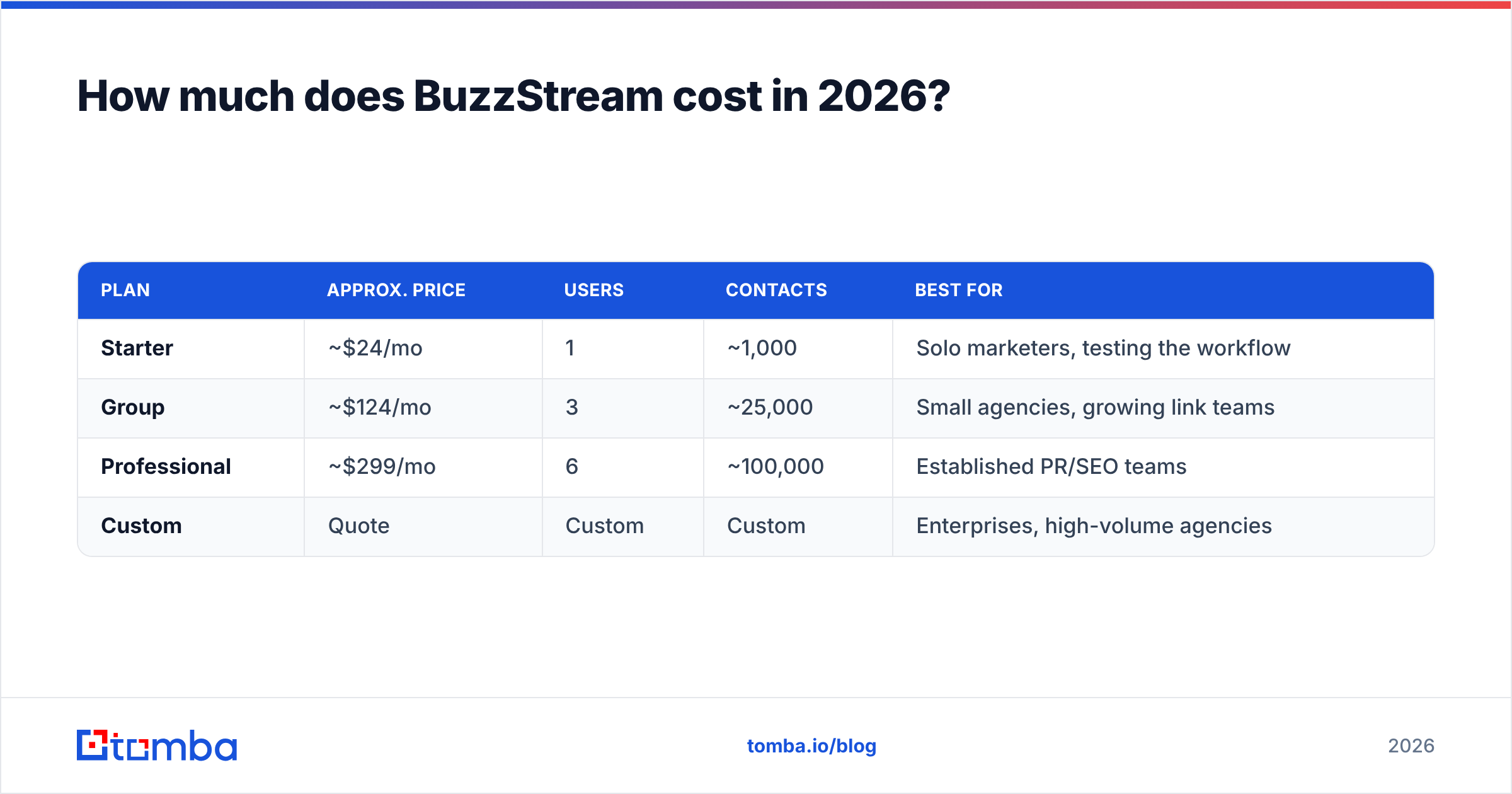
BuzzStream uses tiered monthly pricing based on the number of seats and the volume of contacts you store. Plans are billed monthly or annually, and the jump between tiers is steep — the most common complaint in pricing reviews.
Here is the structure most users see (always confirm current numbers on the official BuzzStream pricing page, since vendors adjust limits):
| Plan | Approx. price | Users | Contacts | Best for |
|---|---|---|---|---|
| Starter | ~$24/mo | 1 | ~1,000 | Solo marketers, testing the workflow |
| Group | ~$124/mo | 3 | ~25,000 | Small agencies, growing link teams |
| Professional | ~$299/mo | 6 | ~100,000 | Established PR/SEO teams |
| Custom | Quote | Custom | Custom | Enterprises, high-volume agencies |
A few things stand out when you map your real usage against this table:
- The Starter tier is genuinely tight. One user and 1,000 contacts disappears in a single mid-sized campaign, pushing most teams to Group almost immediately.
- The Group-to-Professional jump is the painful one. You more than double your spend largely to unlock seats and contact ceilings, not new features.
- Contacts are cumulative. Old, dead prospects still count against your limit unless you prune lists, so storage costs creep up over time.
- Email discovery is bundled, not unlimited. Heavy finding can hit usage limits, which is where many teams bolt on a separate data tool.
For a solo operator the entry price is reasonable. For a team of five doing serious volume, you are realistically looking at the Professional tier — and that is before any complementary data tooling.
What do BuzzStream reviews actually say?#
Aggregate scores are solid: BuzzStream sits around 4.1 to 4.4 stars across G2 and Capterra, based on hundreds of reviews. But averages hide the pattern. Reading the actual text, the praise and the gripes are remarkably consistent.
What reviewers consistently love:
- Relationship tracking. The shared history — who pitched whom, when, and what they replied — is the feature people refuse to give up. It prevents the embarrassing duplicate-pitch problem at agencies.
- Templates plus automated follow-ups. Sequenced reminders that stop when someone replies save hours of manual chasing.
- Link monitoring. Knowing when an earned backlink goes live or gets pulled is a real digital-PR superpower.
- Purpose-built for outreach. Unlike a generic CRM, the fields and stages map to how link builders actually think.
What reviewers consistently criticize:
- Dated interface. "Powerful but clunky" appears over and over. The UI feels like it predates the current design era, and onboarding takes longer than newer tools.
- Learning curve. The flexibility that power users love overwhelms newcomers. Expect a ramp.
- Email discovery accuracy. This is the recurring deal-breaker. Found emails bounce, or no email is found at all, hurting deliverability and wasting send volume.
- Price sensitivity. Smaller teams feel the tier jumps acutely, especially when contact limits force an upgrade they did not plan for.
The throughline: BuzzStream is loved for workflow and questioned for data. That distinction matters when you decide how to spend your budget.
What are the biggest pros and cons of BuzzStream?#
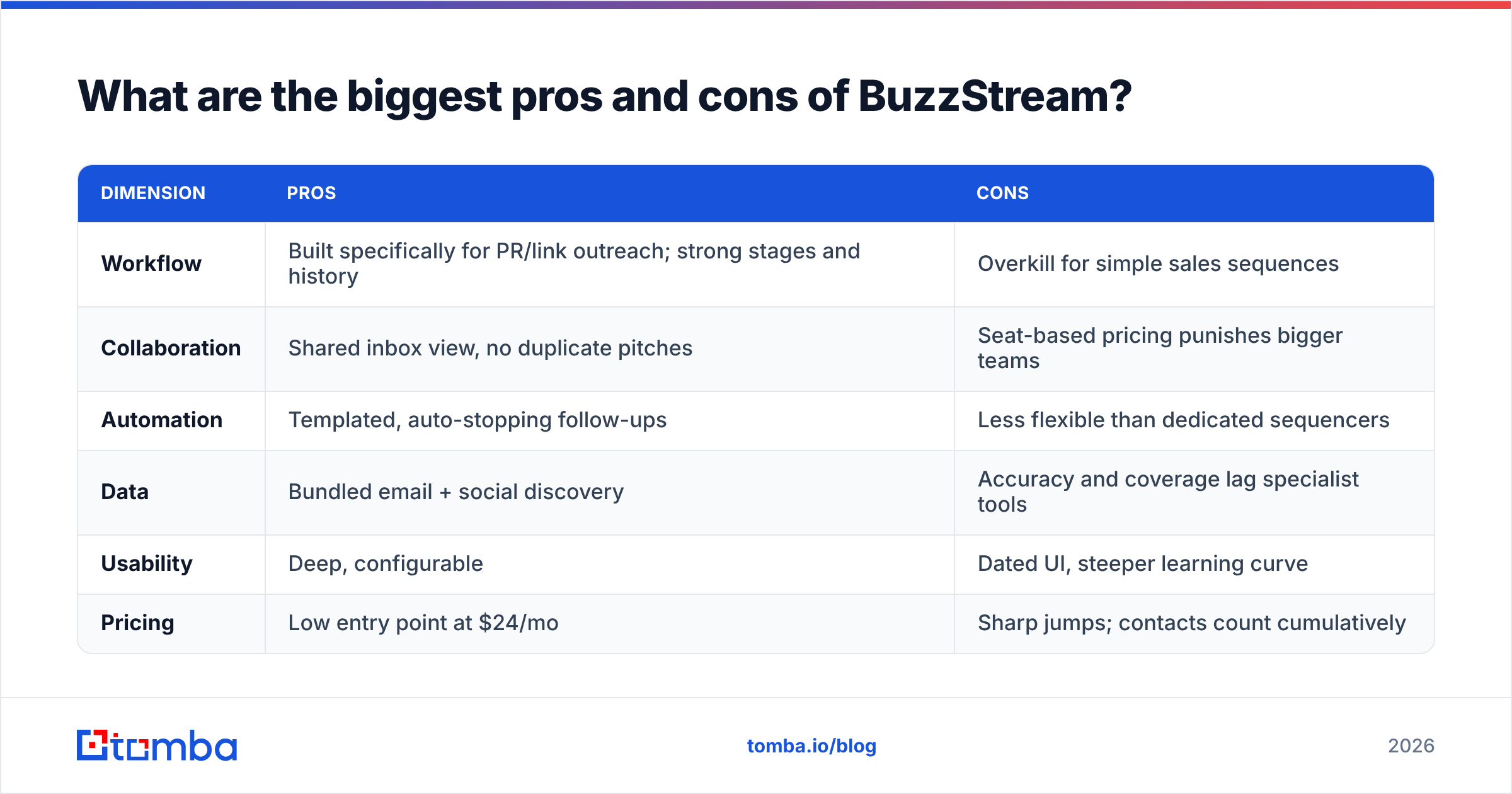
Here is the honest balance sheet, stripped of marketing language.
| Dimension | Pros | Cons |
|---|---|---|
| Workflow | Built specifically for PR/link outreach; strong stages and history | Overkill for simple sales sequences |
| Collaboration | Shared inbox view, no duplicate pitches | Seat-based pricing punishes bigger teams |
| Automation | Templated, auto-stopping follow-ups | Less flexible than dedicated sequencers |
| Data | Bundled email + social discovery | Accuracy and coverage lag specialist tools |
| Usability | Deep, configurable | Dated UI, steeper learning curve |
| Pricing | Low entry point at $24/mo | Sharp jumps; contacts count cumulatively |
The single most important row is Data. BuzzStream's email finder is a convenience feature, not its core competency. When the found address is wrong or missing, your perfectly crafted pitch never lands — and you still paid for the contact slot.
Is BuzzStream's email discovery accurate enough?#
Short answer: it is fine for warm, well-known publisher domains and unreliable for everything else. That is the consensus from reviews, and it is the gap most teams have to close with another tool.
The problem is structural. BuzzStream's value is the CRM and the relationships; contact discovery is a bundled extra. A platform whose entire business is finding and verifying contact data will simply do that job better. When your outreach response rate hinges on hitting the right inbox, "good enough" discovery quietly caps your results.
This is exactly where a dedicated data layer earns its keep. Running your target list through a specialist domain search surfaces the real addresses behind a company, and a fast email verifier strips out the bounces before you ever hit send. Cleaning the list first protects your sender reputation and your deliverability — the two things a clunky-but-bundled finder can silently erode.
For teams running large prospect lists, a bulk email finder turns a spreadsheet of domains and names into verified, ready-to-pitch contacts in one pass — then you push the clean records into BuzzStream for the relationship management it genuinely does well.
How does BuzzStream compare to the alternatives?#
BuzzStream is rarely a one-tool decision. Most serious outreach stacks combine a CRM-style workflow with a dedicated data source. Here is how the trade-offs line up.
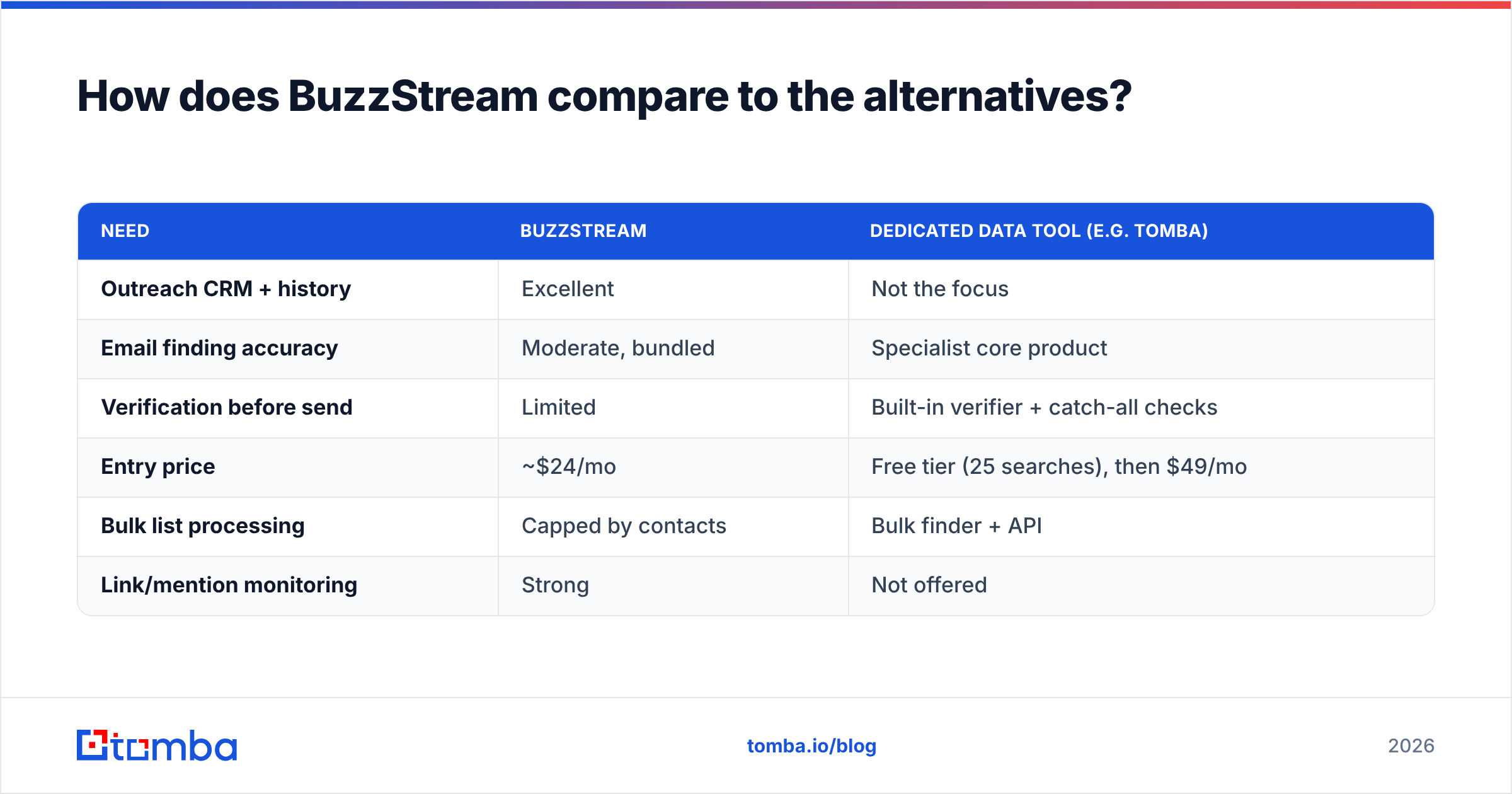
| Need | BuzzStream | Dedicated data tool (e.g. Tomba) |
|---|---|---|
| Outreach CRM + history | Excellent | Not the focus |
| Email finding accuracy | Moderate, bundled | Specialist core product |
| Verification before send | Limited | Built-in verifier + catch-all checks |
| Entry price | ~$24/mo | Free tier (25 searches), then $49/mo |
| Bulk list processing | Capped by contacts | Bulk finder + API |
| Link/mention monitoring | Strong | Not offered |
The takeaway is not "replace BuzzStream." For relationship-heavy digital PR, its workflow is hard to beat. The takeaway is don't rely on it for data. Use BuzzStream for what it is great at, and feed it accurate, verified contacts from a tool built for that job.
If you want to see how the pure-data side prices out, compare Tomba pricing against the data overhead baked into BuzzStream's contact-based tiers. The Free tier alone (25 searches/month) lets you test discovery accuracy on your own target list before committing a dollar.
Who should buy BuzzStream — and who shouldn't?#
Buy BuzzStream if:
- Your primary job is link building, digital PR, or content promotion.
- You run a team that pitches the same pool of journalists and sites repeatedly and needs shared history.
- Link and mention monitoring is core to how you report wins.
- You can tolerate a dated UI in exchange for purpose-built depth.
Look elsewhere (or supplement) if:
- Your bottleneck is finding and verifying accurate contact data, not managing relationships.
- You need high-volume cold sales sequences rather than relationship outreach.
- A small team will get squeezed by contact-based tier jumps.
- Modern UX and fast onboarding are non-negotiable.
For most teams the honest answer is "both, with clear roles." Let BuzzStream own the relationship and reporting layer. Let a specialist own the data.
Frequently asked questions#
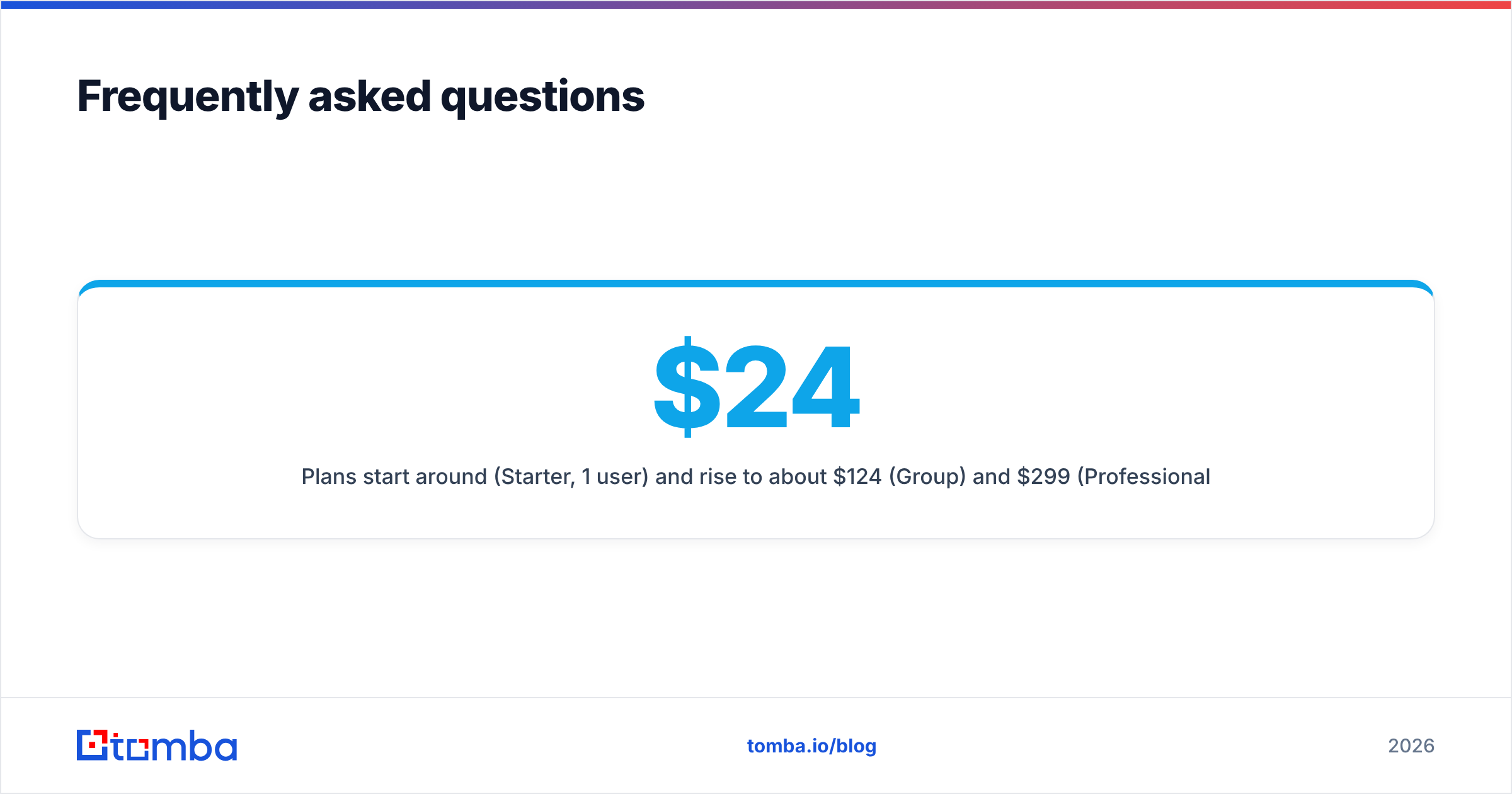
How much does BuzzStream cost per month? Plans start around $24/mo (Starter, 1 user) and rise to about $124/mo (Group) and $299/mo (Professional), with a Custom tier for enterprises. Pricing scales with seats and stored contacts, so confirm current limits on BuzzStream's site.
Is there a BuzzStream free trial? BuzzStream typically offers a time-limited free trial rather than a permanent free tier. If you want to test contact discovery without a deadline, a tool with a standing free tier — like Tomba's 25 free searches a month — lets you benchmark accuracy at your own pace.
Is BuzzStream good for cold sales email? It can send sequences, but it is built for PR-style relationship outreach, not high-volume cold sales. Dedicated sales sequencers and data tools are usually a better fit for that motion.
What is the main weakness in BuzzStream reviews? Two themes dominate: a dated, sometimes clunky interface, and email-discovery accuracy that trails specialist data providers. The first is a usability tax; the second can directly cap your response rate.
The bottom line#
BuzzStream remains one of the best dedicated outreach CRMs for link building and digital PR. Its pricing is fair at the bottom and steep in the middle, its workflow is loved, and its reviews are genuinely good — with two clear caveats around interface age and data accuracy.
The smartest move in 2026 is to treat contact data as a separate, deliberate decision rather than an afterthought bundled into your CRM bill. Before your next campaign, run your target list through the Tomba Email Finder to pull verified, accurate addresses by domain, name, or company — then drop those clean contacts into BuzzStream and let it do the relationship work it does best. Better data in means more replies out, and that is the only outreach metric that actually pays the bills.
// get started
Find, verify and enrich your first contacts today
Start on the free plan with 25 searches a month, then scale when your team is ready.
Free plan · No credit card required · GDPR & CCPA
// about the author