500apps Pricing Reviews Pros and Cons (2026 Guide)
A neutral 2026 breakdown of 500apps pricing, real user reviews, pros and cons, and when the $14.99 all-in-one bundle wins vs. best-of-breed tools.
TL;DR#
- 500apps bundles 50+ business apps — CRM, email finder, helpdesk, project management, marketing, HR — for a flat $14.99 per user per month (Infinity Suite). Annual plans drop to roughly $9.99/user/month.
- The pricing is the headline pro: a single team can replace 5–10 standalone SaaS subscriptions and cut software spend by 60–80% on paper.
- The headline con is depth. Most apps are "good enough" rather than category-leading. Power users of Salesforce, HubSpot, Apollo, or Intercom will hit walls fast.
- User reviews on G2 and Capterra average 3.8–4.2 / 5, with consistent praise for value and consistent complaints about support response time, occasional bugs, and a steep learning curve when adopting many apps at once.
- Best fit: bootstrapped startups, agencies, and SMBs under 50 employees that need broad coverage on a tight budget. Worst fit: revenue teams that need deep CRM automation, advanced sequencing, or enterprise SLAs.
What is 500apps and who is it built for?#
500apps is an Indian-headquartered SaaS company (parent: 500apps Inc.) that sells the Infinity Suite — a bundle of 50+ separately branded business applications under one login and one bill. The pitch is simple: instead of paying for HubSpot CRM, Mailchimp, Asana, Zendesk, Calendly, and a dozen others, you pay one flat fee and get a same-purpose tool for each.
The catalog spans seven broad categories:
- Sales: NinjaCRM (CRM), NinjaSEO, Mailsend, Agile CRM-style pipelines
- Marketing: Mailsend (email), 500Conversion (CRO), Socialsuite (scheduling)
- Support: Support.cc (helpdesk), Knowledge.cc (knowledge base), Chat.cc (live chat)
- HR: HRSprout, ATS.cc (recruiting)
- Productivity: Projectsly (project management), Tasks.cc, Calenderly
- Developer: Apptics (analytics), Apicheckr (API monitoring)
- Finance: Invoicely, Expense.cc
The buyer profile that makes sense for 500apps is narrow: a generalist team — usually 5–30 people at a bootstrapped startup, agency, or consultancy — that needs adequate coverage in many areas rather than excellent coverage in one or two.
How does 500apps pricing actually work in 2026?#
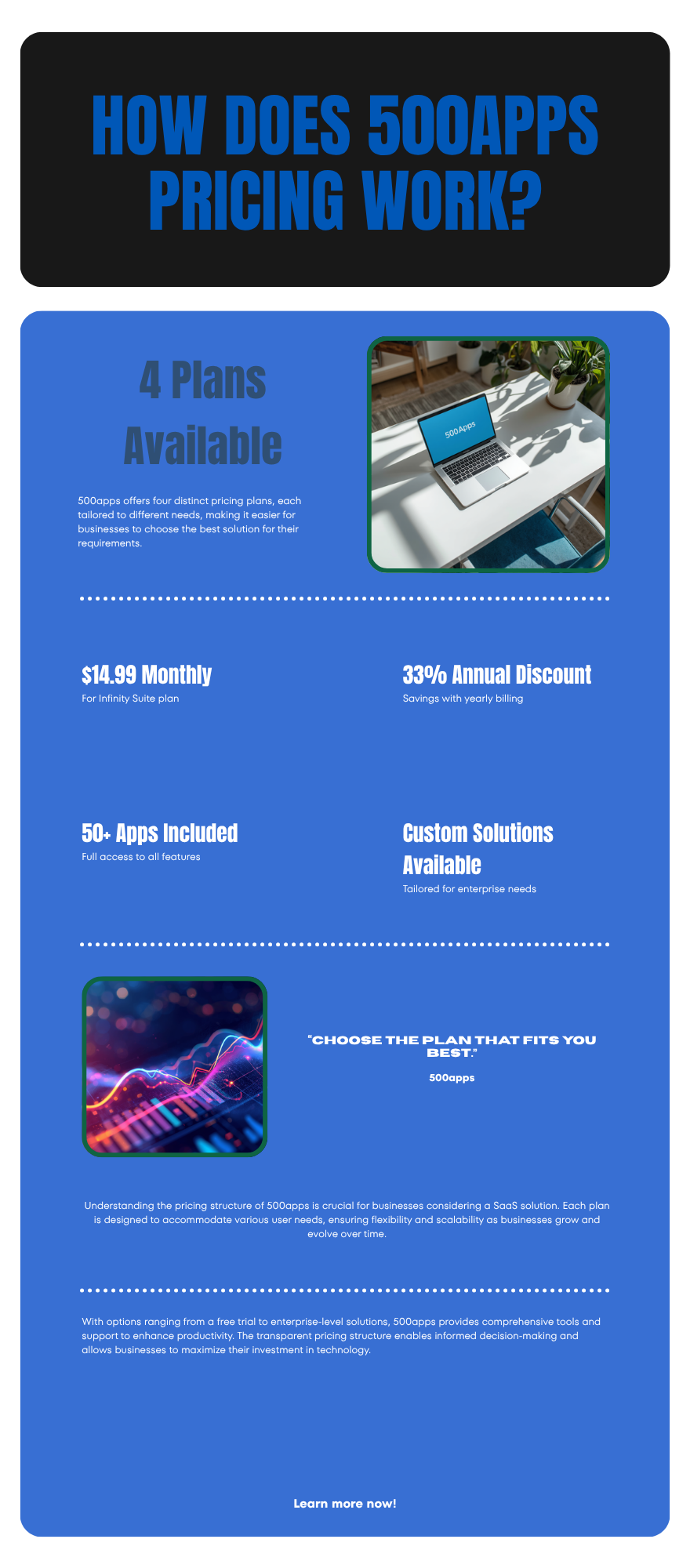
500apps uses one of the simplest pricing models in B2B SaaS. There is essentially one plan: the Infinity Suite.
| Plan | Monthly (per user) | Annual (per user/mo) | What's included |
|---|---|---|---|
| Free Trial | $0 | $0 | 14 days, full access to all 50+ apps |
| Infinity Suite (monthly) | $14.99 | — | Every app, unlimited users on shared workspace, standard support |
| Infinity Suite (annual) | — | ~$9.99 | Same as monthly, 33% discount, billed yearly |
| Enterprise | Custom | Custom | Dedicated infrastructure, SSO, custom SLAs, white-label options |
A few details that aren't obvious from the marketing page:
- The $14.99 is per user, not per app. Adding apps costs nothing extra.
- Some apps have hard usage caps inside the bundle — email sends, AI credits, storage. Heavy users typically need an Enterprise quote.
- The free trial is genuinely full-featured. No credit card required at signup, no feature gating during the trial.
- Annual billing is non-refundable mid-term, which several G2 reviewers flag as a friction point.
Compared to the standalone alternatives, the math is dramatic. A 10-person sales + marketing team running HubSpot Starter ($20/seat), Mailchimp Standard ($20), Calendly Teams ($16), Intercom ($39), and Asana Premium ($13.49) pays roughly $108 per seat per month. The same team on 500apps Annual pays ~$10. That's a 91% reduction on paper.
The catch: "on paper" is doing real work in that sentence.
What are the real pros of 500apps?#
Strip the marketing copy and the genuine pros come down to four things.
1. Price compression that's almost hard to argue with. For sub-50-person companies that don't need best-of-breed depth, $9.99–$14.99 per user for a full operating stack is structurally cheaper than anything else on the market. Even category-leading bundles like
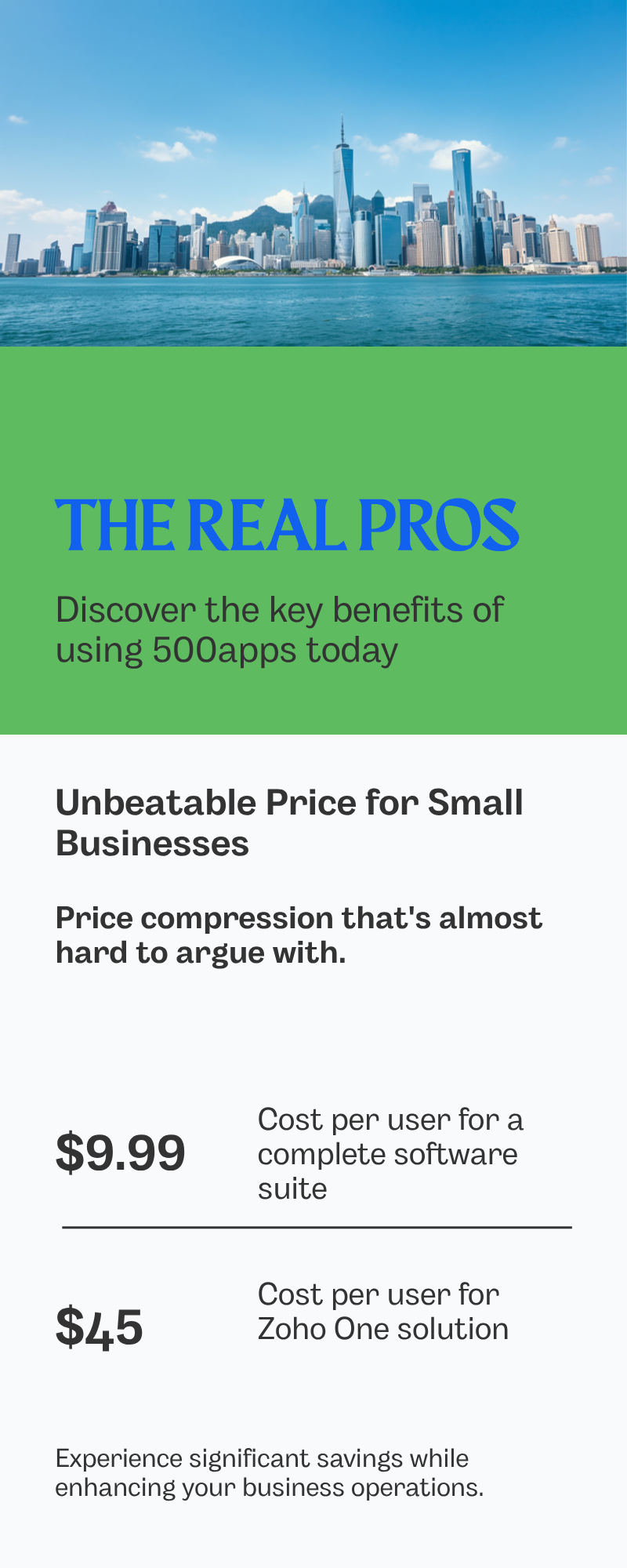
Zoho One ($45/user) or HubSpot Starter Hub ($20/seat per hub) come in 2–4x higher.
2. One vendor, one bill, one login. Procurement teams love this. So do finance teams who don't want to renew 12 separate SaaS contracts each year. SSO across all 50 apps is built in even at the base tier.
3. Unlimited users on a workspace. Most competitors charge per seat aggressively. 500apps' pricing is per active user but allows unlimited collaborators on shared workspaces in practice, which is friendly to agencies bringing in freelancers.
4. Surprisingly broad feature coverage in each app. Each individual 500apps product is roughly equivalent to a 2018-era SMB-tier SaaS — not jaw-dropping, but the basics are present. NinjaCRM has pipelines, custom fields, email integration, and basic automations. Support.cc has ticketing, macros, and a knowledge base. Projectsly does Kanban, Gantt, and timesheets.
For a founder who needs "something that works" across CRM, email, support, and project management without spending a week per category evaluating vendors, the bundle removes decision fatigue.
What are the cons buyers consistently report?#
Reviews on G2 and Capterra tell a consistent story. Here are the issues that come up in more than 20% of negative reviews:
- Shallow depth in every category. NinjaCRM is fine, but it's not Salesforce, HubSpot, or Pipedrive. The email finder app is functional but not in the same league as a dedicated email finder like Tomba, Hunter, or Apollo. The helpdesk is no Zendesk. The pattern repeats across the suite.
- Support response times. Multiple reviewers report 24–72 hour responses on standard support tickets, with paid Enterprise customers getting faster SLAs. This is the single most common complaint.
- Bugs and inconsistent UX. Because the apps were built (and sometimes acquired) at different times, the design language and behavior shifts between them. Saving a contact in NinjaCRM doesn't always reflect cleanly inside Mailsend campaigns.
- Learning curve when adopting many apps at once. Teams that try to migrate everything in week one usually abandon 80% of the apps within a quarter and end up using 3–4 actively.
- Data portability concerns. Exporting historical data from individual apps works for CRM contacts and tickets but is uneven for analytics, automation logs, and custom dashboards.
- AI features feel bolted on. The 2025–2026 push to add AI assistants across the suite has been uneven. Some apps have useful AI; others added a chat widget that doesn't do much.
The unflattering summary: 500apps is a breadth product, not a depth product. If your sales team's revenue depends on advanced sequencing, multi-touch attribution, or a real data enrichment pipeline, the bundle won't cut it — and bolting on a serious tool defeats the cost argument.
How does 500apps compare to standalone best-of-breed tools?#
Here's the comparison that actually matters for B2B revenue teams. The columns are picked to show what you trade when you choose the bundle.
| Capability | 500apps (NinjaCRM/Mailsend/etc.) | HubSpot (Starter) | Best-of-breed standalone |
|---|---|---|---|
| Starter price per seat | $9.99–$14.99 | $20/hub | $49+/seat per category |
| CRM depth | Basic pipelines, custom fields | Strong, opinionated | Salesforce/Pipedrive — deep |
| Email finder accuracy | ~70–80% (anecdotal) | N/A (integrate) | Tomba 95%+, Hunter, Apollo |
| Cold email sequencing | Basic Mailsend campaigns | Sequences in Sales Hub | Instantly, Smartlead — built for it |
| Helpdesk / ticketing | Support.cc — basic | Service Hub Starter | Zendesk, Intercom |
| Marketing automation | Workflow templates | Marketing Hub flows | HubSpot, Customer.io |
| Reporting / BI | App-level dashboards only | Cross-hub reporting | Looker, Tableau |
| Integrations | ~30 native + Zapier | 1,400+ native | Varies by tool |
| Support SLA | Standard email | 24/7 chat (Pro+) | Vendor-dependent |
| Best for | Bootstrapped SMBs | Growing SMBs/Mid-market | Specialized teams |
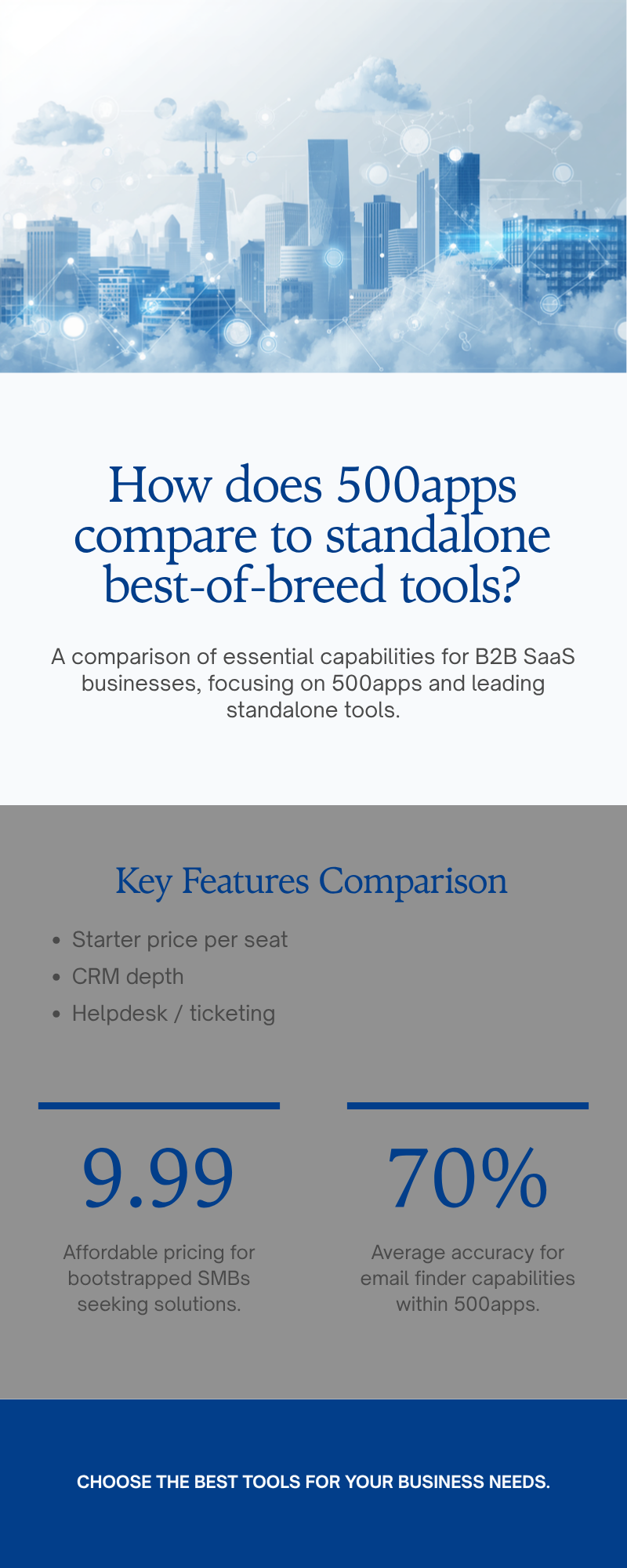
The pattern: 500apps wins on price and breadth. It loses on depth, ecosystem, and reliability of any single category.
If you're a 4-person startup that just needs something in every category to function, the bundle is a strong default. If you're a 30-person sales team where pipeline velocity is the business, you'd be better off pairing a real CRM with a dedicated email finder, a dedicated sequencer, and a dedicated helpdesk — even at 3–4x the seat cost.
What do G2 and Capterra reviews say about 500apps?#
Aggregating the publicly available scores as of early 2026:
- G2: 4.0 / 5 across ~500 reviews, with the highest scores on "value for money" and "ease of doing business" and the lowest on "quality of support" and "ease of admin."
- Capterra: ~4.2 / 5, with similar themes — value praised, support and bug reports flagged.
- Trustpilot: More polarized. Reviewers either love the price-to-feature ratio or complain about renewal/refund handling.
A representative positive review (paraphrased from common themes):
"We replaced six SaaS subscriptions with 500apps and our software bill went from $1,800/month to $300/month for a 20-person team. Yes, every individual tool is weaker than the one it replaced, but we use 80% of the features and that's enough."
A representative negative review:
"Cancellation and refund process took three weeks. Support tickets sat for days. We migrated back to HubSpot after six months — the time we wasted babysitting bugs cost more than the savings."
Both are true, and both should inform the decision. Reviewers who succeed with 500apps tend to share three traits: they're cost-sensitive, they're flexible on feature parity, and they have someone on the team who's comfortable being the "admin" for the suite.
When should you choose 500apps — and when should you avoid it?#
A short decision framework.
Choose 500apps if:
- You're under 30 employees and pre-Series A.
- Your monthly SaaS bill is the top 3 line item on your P&L.
- No single tool in your stack is mission-critical at "enterprise" depth.
- You have at least one ops-minded person who can own the suite.
- You're consolidating, not just adding another tool.
Avoid 500apps if:
- Your sales team's pipeline depends on advanced sequencing, lead scoring, or attribution.
- Your support team has SLAs measured in minutes.
- You need a deep ecosystem of native integrations (Slack, Salesforce, Notion, etc.).
- Your data is your moat and you need granular export and warehouse sync.
- Your team's productivity will collapse if a tool has a 2-hour outage.
The honest middle ground: many teams adopt 500apps for three or four apps — typically CRM, project management, helpdesk, and forms — and pair it with one or two specialized vendors for the high-leverage workflows. That hybrid is often where the real ROI lives.

What are the strongest alternatives to 500apps in 2026?#
If 500apps doesn't fit, three categories of alternatives are worth comparing.
Other all-in-one bundles
- **
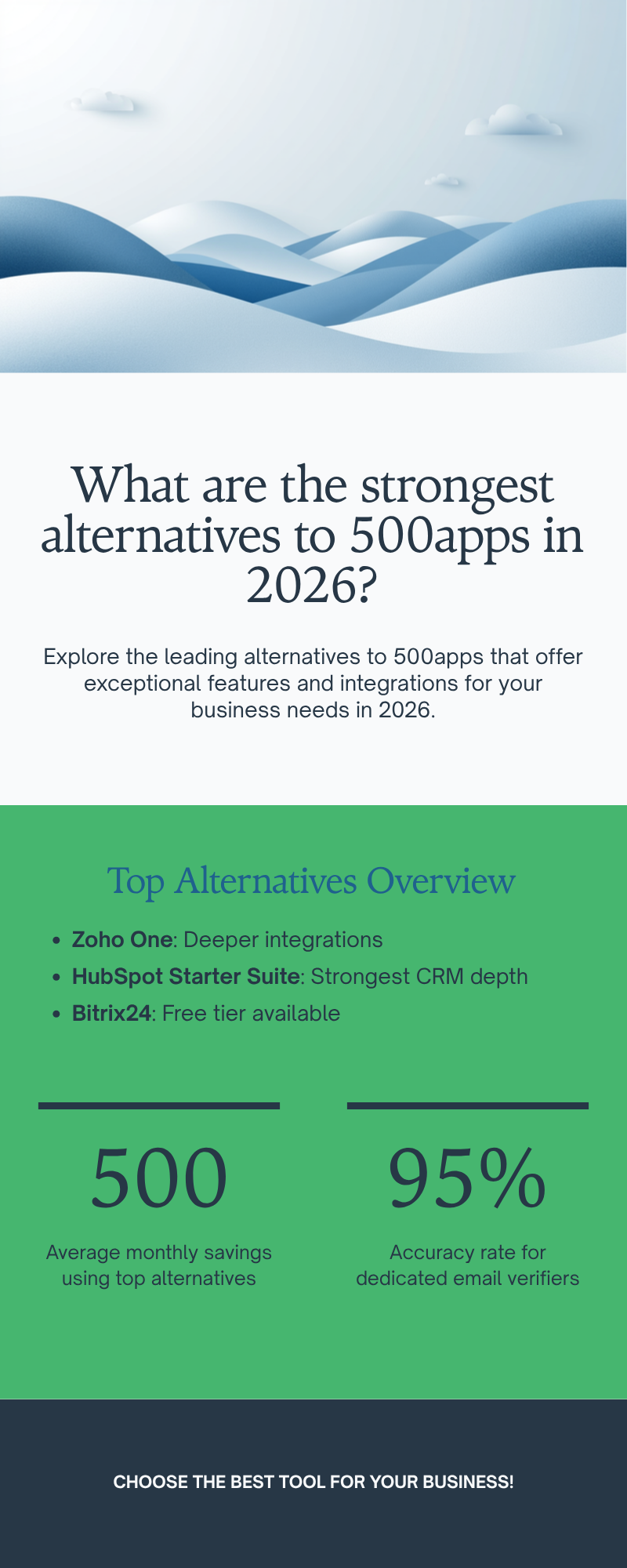
Zoho One** ($45/user/mo) — deeper than 500apps, broader integrations, more mature support. Best step up if budget allows.
- HubSpot Starter Suite ($20/seat per hub, ~$45 for full stack) — strongest CRM/marketing depth in the bundle category, weaker on project management/HR/dev.
- Bitrix24 (free tier, $61/mo for 5 users on Standard) — strong CRM + collaboration, weaker individual apps.
Best-of-breed stacks
If you're going to break up the suite, the highest-leverage swaps are usually:
- A real CRM (HubSpot, Pipedrive, Salesforce, or Apollo alternative builds for prospecting-led teams)
- A real email finder + verifier — see Tomba pricing at $49/mo Starter for 95%+ accuracy and a dedicated email verifier
- A real sequencer (Instantly, Smartlead, or a Salesloft alternative)
- A real helpdesk (Intercom, Zendesk, Help Scout)
Open-source / self-hosted
- ERPNext, EspoCRM, Mautic, Plane — free to run, expensive in engineering time. Only viable if you have a dedicated DevOps resource.
For B2B sales teams specifically, the modern stack is shifting back toward best-of-breed because the cost of bad data — bounced emails, broken sequences, missed handoffs — is now higher than the cost of an extra SaaS line item. Independent industry benchmarks from Gartner and G2 both show the marginal ROI of specialized tooling rising in 2024–2026.
Frequently asked questions about 500apps pricing, reviews, pros and cons#
Is 500apps really $14.99 per user for everything? Yes, the Infinity Suite covers all 50+ apps at $14.99/user/month, or ~$9.99 on annual billing. Some apps have soft usage caps (email volume, AI credits, storage) that push heavy users to Enterprise.
Is there a free version? There's a 14-day free trial with full access — no credit card required. There is no permanent free tier.
How does 500apps make money at that price? Volume, plus enterprise upsells. The base SKU is a customer-acquisition tool; the margin comes from annual contracts and Enterprise deals with dedicated infrastructure.
Can 500apps replace HubSpot? For very small teams with light CRM and marketing needs — sometimes. For any team that runs serious lifecycle marketing, sequences, or attribution — no.
Is the email finder in 500apps any good? It's adequate for occasional lookups. For B2B prospecting at any scale, a dedicated tool with verified data (such as the domain search and email verifier combo from Tomba) will pay for itself in deliverability alone.
What's the typical onboarding time? Most teams report 2–4 weeks to get 3–5 apps in productive use. Trying to deploy all 50 at once is a known failure pattern in the reviews.
Final verdict: who 500apps is — and isn't — for#
500apps is a legitimately interesting answer to one specific question: "How do I cover 80% of my SaaS needs for 10% of the cost?" For bootstrapped startups, agencies, and consultancies that question is real and urgent.
The pros — price, breadth, single vendor — are real. The cons — shallow depth, support latency, occasional bugs — are equally real. The reviews bear out both sides. Whether the trade is worth it depends on whether the categories you'd be downgrading happen to be the categories your business depends on.
For most B2B sales teams above 20 people, the answer is no. The CRM, the prospecting tools, and the sequencer are where your revenue is generated, and "good enough" in those categories tends to leave money on the table.
Get your data layer right before you pick a bundle#
The single highest-ROI swap most teams make when leaving (or supplementing) 500apps is the prospecting stack. If your outbound depends on accurate contact data, plug a dedicated email finder into whatever CRM you choose.
Try Tomba Email Finder — 25 free searches per month, 95%+ verified accuracy, API and Google Sheets integrations, and Tomba pricing that starts at $49/mo on the Starter plan. It pairs cleanly with NinjaCRM if you stay on 500apps, or with any best-of-breed CRM you migrate to.
// get started
Find, verify and enrich your first contacts today
Start on the free plan with 25 searches a month, then scale when your team is ready.
Free plan · No credit card required · GDPR & CCPA
// about the author