Best Act! Alternatives in 2026: 9 CRMs Compared by Price
Act! has served SMBs for decades, but modern teams want cloud-native CRMs with better automation and data enrichment. Here are 9 Act! alternatives compared on price, features, and fit.
TL;DR
- Act! is a long-standing SMB CRM, but its desktop roots, dated UI, and limited native automation push many teams to look elsewhere in 2026.
- The best Act! alternatives depend on your priority: HubSpot for marketing-led teams, Pipedrive for pure pipeline focus, Zoho for budget breadth, Salesforce for enterprise scale.
- No CRM fixes bad data. Whatever you migrate to, pair it with a verified contact source so your pipeline isn't built on bounced emails.
- Pricing ranges from free (HubSpot, Zoho free tier) to $150+/user/mo (Salesforce Enterprise). Match the tier to the workflow, not the logo.
- Use the comparison table and decision framework below to shortlist in under ten minutes.
Why look for Act! alternatives in 2026?#
Act! built its reputation as an on-premise contact manager for small businesses, and that heritage is exactly why teams outgrow it. The conclusion first: most people leave Act! because they want cloud-native access, modern automation, and cleaner data — not because the core contact management is broken.
Think of Act! like a reliable older car. It still starts every morning, but you're manually rolling down the windows while competitors drive cars that park themselves. The common friction points:
- Desktop and hybrid roots. Act! offers cloud hosting, but the experience still feels anchored to its installed-software past compared with browser-first rivals.
- Limited native automation. Workflow automation, sequences, and triggers are thinner than what HubSpot, Pipedrive, or
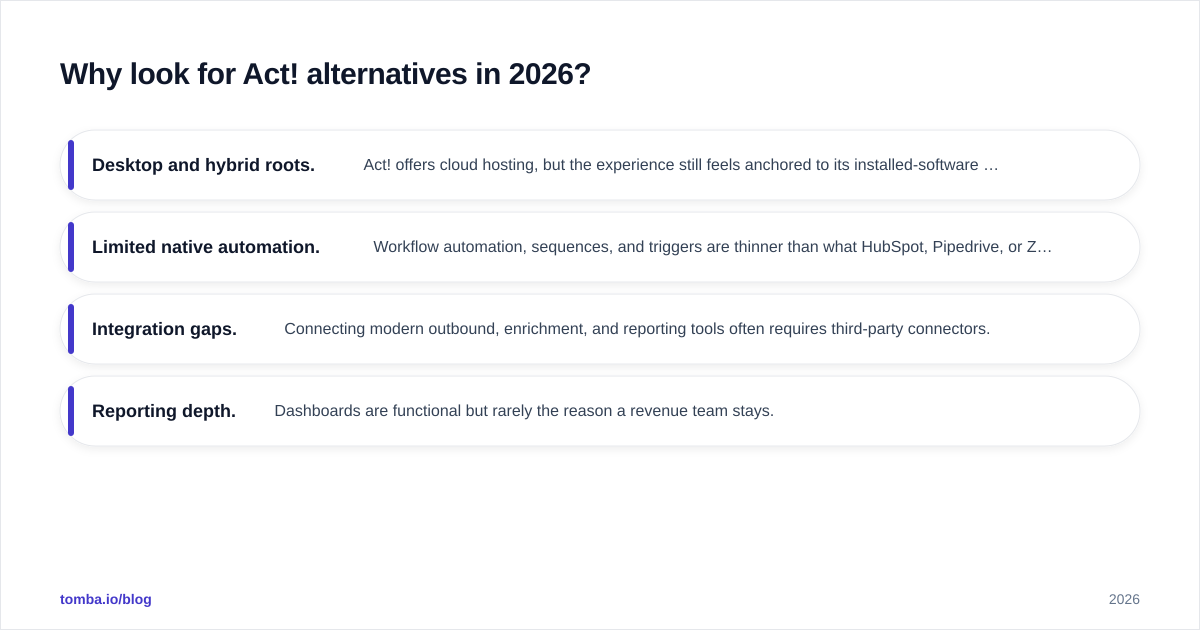
Zoho ship by default.
- Integration gaps. Connecting modern outbound, enrichment, and reporting tools often requires third-party connectors.
- Reporting depth. Dashboards are functional but rarely the reason a revenue team stays.
None of this makes Act! a bad product. It makes it a specific product — and if your needs have shifted toward automation and integrated data, a switch is reasonable. You can see how real users weigh these trade-offs on G2's CRM category.
What should you look for in an Act! replacement?#
Before comparing logos, define what "better" means for your team. A CRM that's perfect for a 200-rep sales org is overkill for a five-person agency.

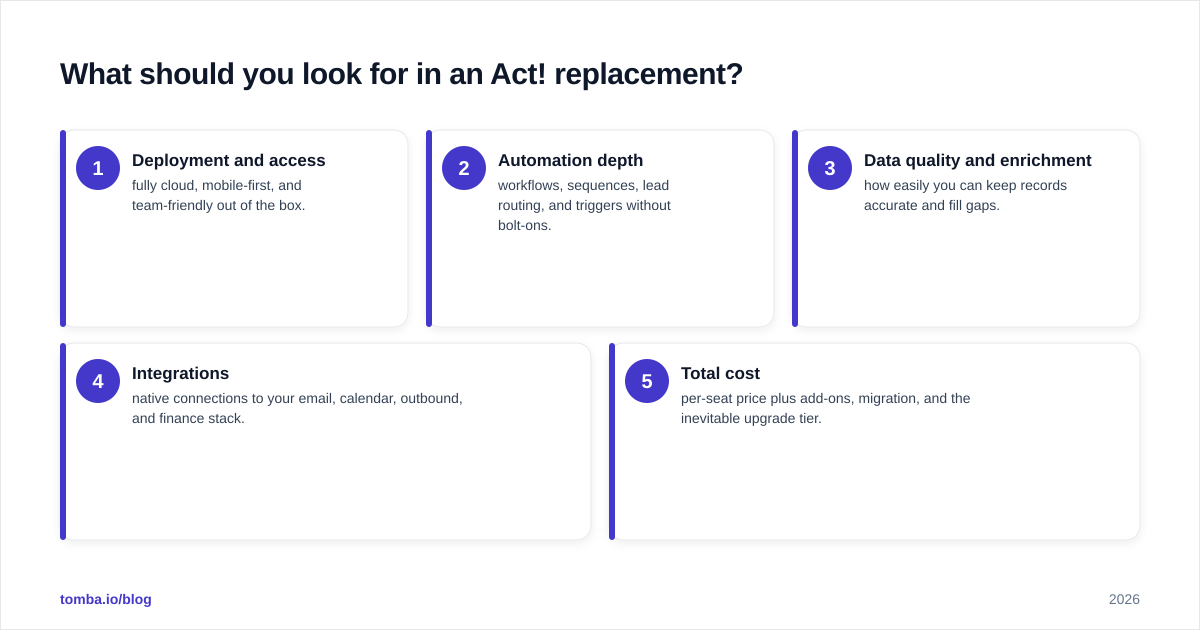
Score each candidate against these five dimensions:
- Deployment and access — fully cloud, mobile-first, and team-friendly out of the box.
- Automation depth — workflows, sequences, lead routing, and triggers without bolt-ons.
- Data quality and enrichment — how easily you can keep records accurate and fill gaps.
- Integrations — native connections to your email, calendar, outbound, and finance stack.
- Total cost — per-seat price plus add-ons, migration, and the inevitable upgrade tier.
Here's a simple way to map your priorities to a CRM tier before you demo anything.
What are the best Act! alternatives?#
The nine tools below cover the realistic range — from lightweight pipeline CRMs to full enterprise platforms. Each entry notes who it fits best so you can shortlist fast.
1. HubSpot CRM — best for marketing-led teams#
HubSpot's free tier is genuinely usable, and its strength is the unified marketing-sales-service model. If your growth depends on inbound content, forms, and nurture sequences, this is the natural Act! upgrade. The trade-off is that costs climb quickly once you need Marketing Hub Professional. See the official breakdown on hubspot.com. If you already run HubSpot, the HubSpot integration lets you push verified contacts straight into your CRM.
2. Pipedrive — best for pure pipeline focus#
Pipedrive does one thing extremely well: visual deal management. Reps see exactly what to do next, and the learning curve is short. It lacks HubSpot's marketing breadth, which is the point — you pay for a focused sales tool, not a suite. Connect it with the Pipedrive integration to keep records enriched.
3. Zoho CRM — best for budget-conscious breadth#
Zoho offers the widest feature-to-price ratio in this list, plus a deep ecosystem (Zoho One) if you want finance, support, and projects under one bill. The UI is busier than Pipedrive's, but the value is hard to argue with for small teams.
4. Salesforce — best for enterprise scale#
If you're outgrowing Act! because you're scaling fast, Salesforce is the endgame CRM: infinitely customizable, with the largest app marketplace. It's also the most expensive and the most demanding to administer. Most SMBs don't need it yet — but those that do rarely regret it. The Salesforce integration handles enrichment at scale.
5. Freshsales — best for built-in phone and AI#
Freshsales (Freshworks) bundles calling, email, and an AI assistant into an approachable package. It's a strong middle ground between Pipedrive's simplicity and Zoho's breadth.
6. Insightly — best for project + CRM hybrids#
Insightly blends CRM with light project management, useful for agencies and services firms that track delivery alongside deals.
7. Nimble — best for relationship and social selling#
Nimble pulls in social and web context automatically, making it a fit for relationship-driven sellers. See how it compares as a Nimble alternative if you want similar workflows elsewhere.
8. Capsule CRM — best for simple, clean records#
Capsule is the minimalist's choice: clean contact records, simple pipelines, fair pricing. It's the closest "modern Act!" in spirit without the desktop baggage.
9. Copper — best for Google Workspace teams#
Copper lives inside Gmail and Google Calendar, so teams already deep in Workspace get a CRM that feels native to their inbox.
How do the top Act! alternatives compare on price and features?#
The table below uses publicly listed starting prices as of 2026. Always confirm current pricing on each vendor's site before buying, since tiers shift.
| CRM | Starting price | Free tier | Best for | Native automation |
|---|---|---|---|---|
| Act! | ~$30/user/mo | No | Legacy SMB contacts | Basic |
| HubSpot | $0 (free) / $20/seat | Yes | Marketing-led growth | Strong |
| Pipedrive | $14/user/mo | No (trial) | Pipeline focus | Good |
| Zoho CRM | $14/user/mo | Yes (3 users) | Budget breadth | Strong |
| Salesforce | $25/user/mo (Starter) | No | Enterprise scale | Very strong |
| Freshsales | $9/user/mo | Yes (limited) | Built-in calling + AI | Good |
| Capsule | $0 / $18/user/mo | Yes (2 users) | Simple clean records | Basic |
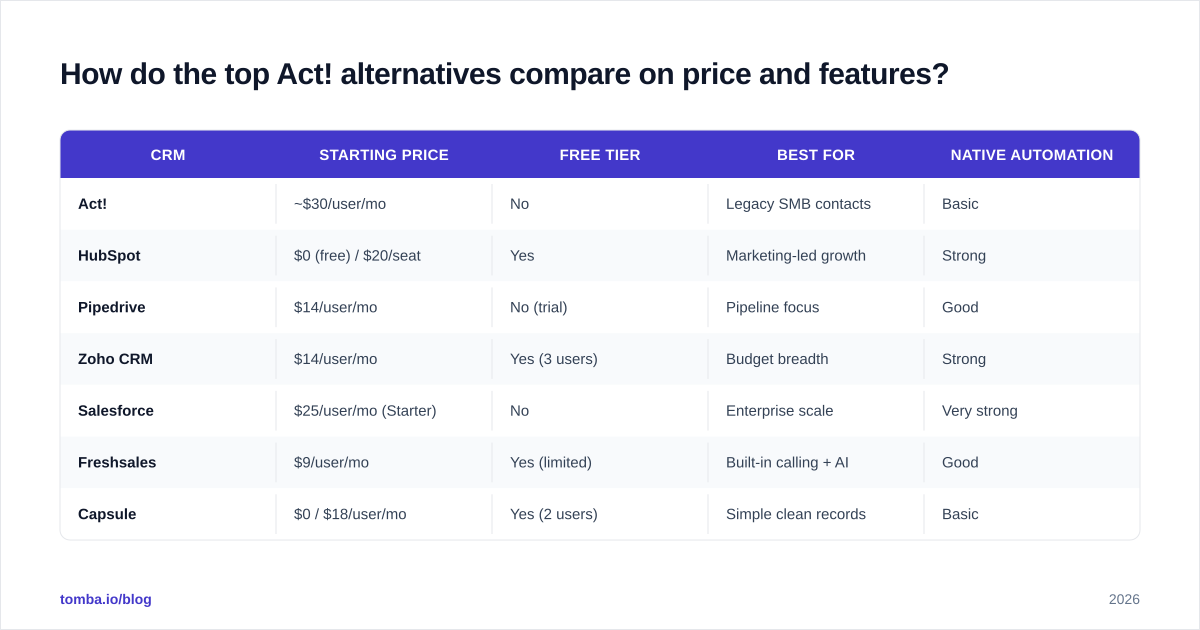
A note on reading this table: the cheapest sticker price is rarely the cheapest real cost. Add-ons, required upgrade tiers for automation, and migration time all factor in. Pipedrive at $14 with no free tier may cost less in practice than a "free" CRM you outgrow in a quarter.

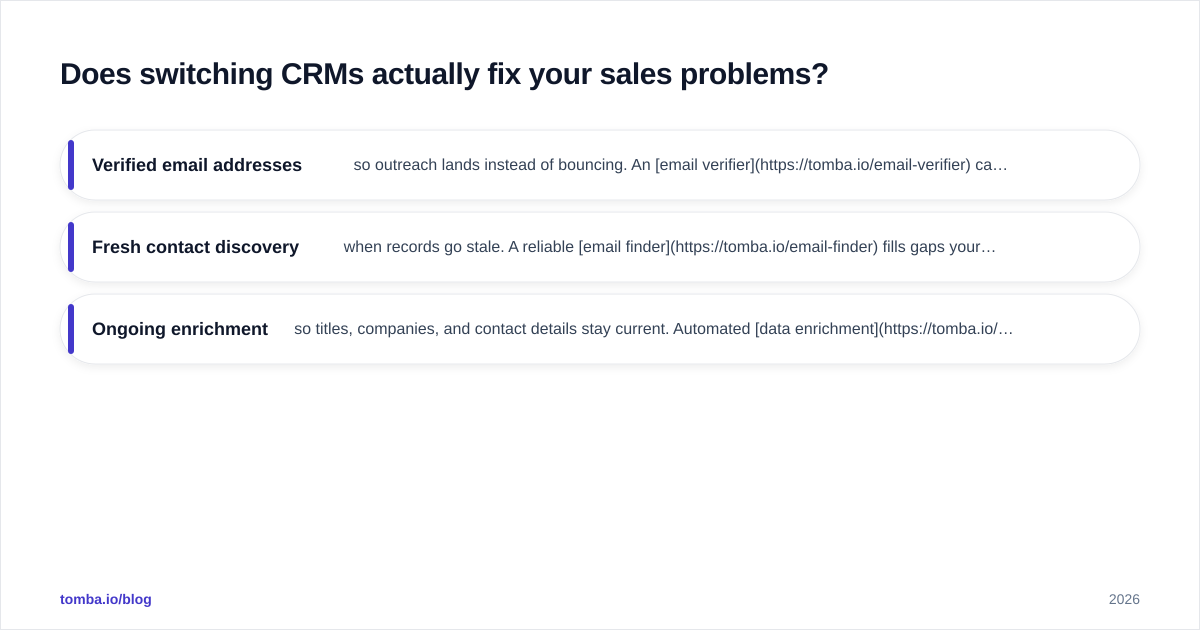
Does switching CRMs actually fix your sales problems?#
Honest answer: only partway. The conclusion first — a new CRM fixes workflow and access problems, but it does nothing for the quality of the data you pour into it.
This is the trap teams fall into when leaving Act!. They assume the platform was the bottleneck, migrate everything, and three months later they're still emailing stale contacts and chasing wrong phone numbers. The CRM changed; the bounce rate didn't.
Think of your CRM as a kitchen and your contact data as the ingredients. A nicer kitchen doesn't rescue spoiled produce. Before and after any migration, you want:
- Verified email addresses so outreach lands instead of bouncing. An email verifier catches dead addresses before they hit your sequences.
- Fresh contact discovery when records go stale. A reliable email finder fills gaps your old Act! database left behind.
- Ongoing enrichment so titles, companies, and contact details stay current. Automated data enrichment keeps every record sales-ready.
Whichever Act! alternative you choose, treat data hygiene as a separate, non-negotiable layer. The CRM is the system of record; your finder and verifier are what keep that record true.
Which Act! alternative is right for your team?#
Match your situation to the shortlist:
- You run inbound marketing → HubSpot. The free tier alone beats Act! for content-led teams.
- You only care about closing deals → Pipedrive. Least friction, fastest rep adoption.
- You want the most features per dollar → Zoho CRM. Especially if you'll use the wider Zoho suite.
- You're scaling toward enterprise → Salesforce. Pay the complexity tax once, scale forever.
- You live in Gmail → Copper. Native Workspace experience.
- You want "modern Act!" simplicity → Capsule. Clean records, no bloat.
If you're comparing total cost across these, it helps to benchmark against transparent, published pricing — something every vendor here should offer and you can sanity-check against Tomba pricing as a reference point for predictable, tier-based SaaS billing.
Final recommendation and next step#
Pick the CRM that matches your workflow, not the one with the longest feature list. For most SMBs leaving Act!, the realistic winner is HubSpot (marketing-led), Pipedrive (sales-led), or Zoho (budget-led). Enterprises graduate to Salesforce.
But the CRM is only half the system. The other half is the quality of the contacts inside it — and that's where most migrations quietly fail. Start your switch by cleaning and rebuilding your contact base: use the Tomba Email Finder to discover accurate, verified email addresses for the accounts you actually want to win, then push them into whichever Act! alternative you choose. A modern CRM filled with verified data is the upgrade that actually moves revenue — not the logo on the login screen.
// get started
Find, verify and enrich your first contacts today
Start on the free plan with 25 searches a month, then scale when your team is ready.
Free plan · No credit card required · GDPR & CCPA
// about the author