Adaptio vs Captain Verify: Email Verification Compared 2026
Adaptio vs Captain Verify, side by side: accuracy, pricing models, catch-all handling, API depth, and where a finder-plus-verifier stack like Tomba fits in 2026.
Choosing between Adaptio vs Captain Verify usually comes down to one question: which tool keeps your bounce rate low without draining credits or your patience? Both promise cleaner lists and better inbox placement, but they take different routes to get there — and neither is a complete prospecting stack on its own.
This guide breaks down how the two compare on accuracy, pricing, catch-all handling, and API depth, then shows where a finder-first platform fits when verification is only half the job.
TL;DR#
- Captain Verify is a mature, credit-based email and phone verification service with a simple pay-as-you-go model and a Europe-friendly data posture.
- Adaptio positions itself as a deliverability-focused verification and list-hygiene tool aimed at teams that care most about protecting sender reputation.
- Both clean lists well; neither finds new contacts — you still need a separate source for prospect emails.
- If you want one workflow that finds, verifies, and enriches, pair (or replace) them with a tool that does all three, like Tomba.
- Pick on catch-all accuracy, API limits, and price-per-verification for your real volume — not the headline rate.
What do Adaptio and Captain Verify actually do?#
Both tools live in the same lane: email verification, the process of checking whether an address is deliverable before you send to it. Think of it like a bouncer at the door — they confirm the address exists, the mailbox is active, and the domain can receive mail, so your campaign doesn't get turned away.
Captain Verify is the older, broader product. It verifies emails and phone numbers, runs syntax and MX checks, detects disposable and role-based addresses, and flags catch-all domains. Its core appeal is a no-subscription, buy-credits-when-you-need-them model.
Adaptio leans into deliverability and sender-reputation protection. The pitch is less "clean this CSV once" and more "keep your lists continuously healthy so your domain reputation never tanks." That framing matters if you send high volume and have been burned by sender reputation damage before.
The shared limitation is the important part: neither finds contacts. They validate addresses you already have. That is a different job from sourcing new prospects, and it shapes the whole buying decision.
How does email verification actually work?#
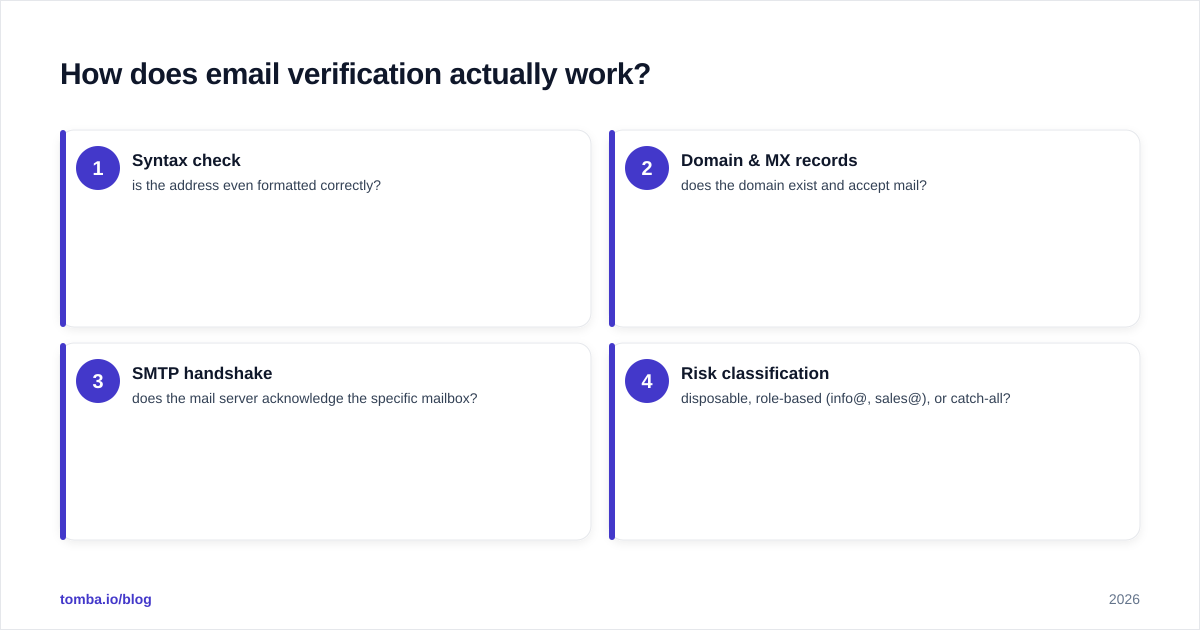
Understanding the mechanics helps you judge accuracy claims instead of trusting a marketing percentage. Every serious verifier runs roughly the same pipeline:
- Syntax check — is the address even formatted correctly?
- Domain & MX records — does the domain exist and accept mail?
- SMTP handshake — does the mail server acknowledge the specific mailbox?
- Risk classification — disposable, role-based (info@, sales@), or catch-all?
The first two steps are cheap and nearly identical across vendors. The real differentiation is steps 3 and 4. Catch-all domains — servers that accept mail to any address — are where most tools quietly disagree, because there's no clean SMTP answer. A verifier has to infer validity, and that's where accuracy gaps show up.
This is also why a standalone email verifier and a dedicated catch-all verifier often produce different confidence levels on the same list. The infrastructure behind the guess matters more than the marketing copy.

Adaptio vs Captain Verify: feature comparison#
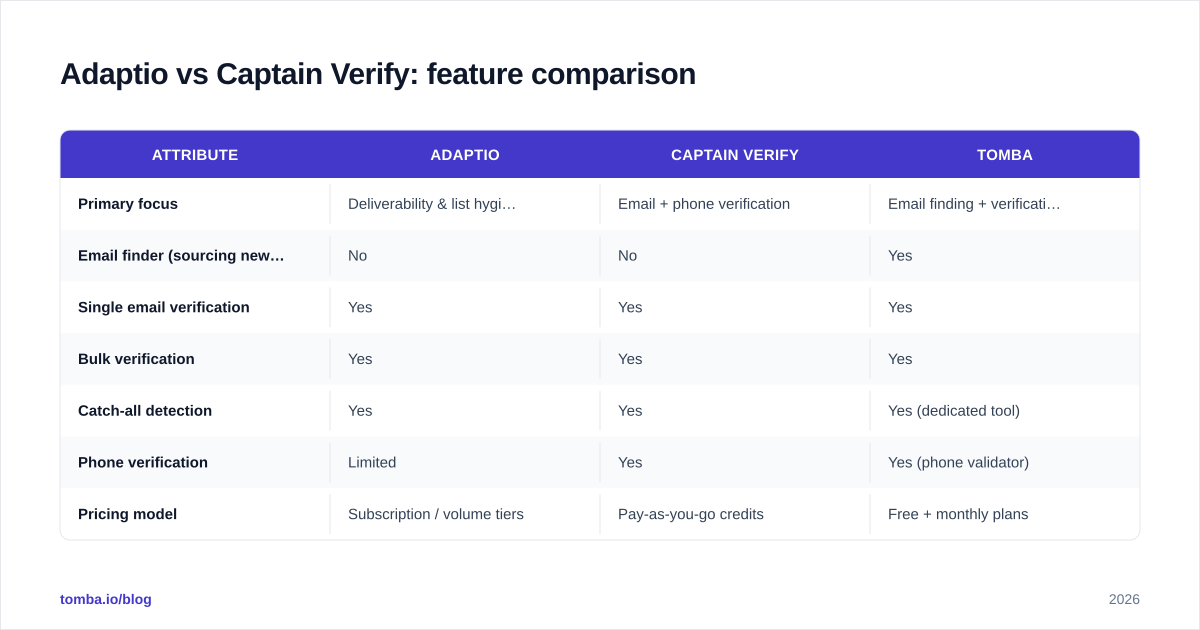
Here's the head-to-head on the attributes that actually change your results. Where a competitor's pricing varies by plan or region, the model is described rather than pinned to a single number — always confirm current rates on the vendor's own page before you buy.
| Attribute | Adaptio | Captain Verify | Tomba |
|---|---|---|---|
| Primary focus | Deliverability & list hygiene | Email + phone verification | Email finding + verification |
| Email finder (sourcing new contacts) | No | No | Yes |
| Single email verification | Yes | Yes | Yes |
| Bulk verification | Yes | Yes | Yes |
| Catch-all detection | Yes | Yes | Yes (dedicated tool) |
| Phone verification | Limited | Yes | Yes (phone validator) |
| Pricing model | Subscription / volume tiers | Pay-as-you-go credits | Free + monthly plans |
| Free tier | Trial credits | Free test credits | 25 searches/mo |
| Entry paid price | Volume-dependent | Credit packs from low $ | $49/mo Starter |
| API access | Yes | Yes | Yes (full REST API) |
| Best for | High-volume senders | Occasional list cleans | Find + verify in one flow |
A few takeaways from the table:
- Captain Verify wins on flexibility for occasional use. If you clean a list once a quarter, paying only for credits you consume beats a monthly subscription.
- Adaptio wins for continuous, high-volume hygiene. If list rot is an ongoing operational problem, a subscription that keeps everything monitored can be worth it.
- Neither closes the sourcing gap. Both assume you already have the emails.
Which one is more accurate?#
Accuracy is the headline buyers chase, and it's the hardest to compare honestly. Both vendors advertise high deliverability accuracy — typically in the high-90s percentile — but those numbers come from different test sets, so they aren't directly comparable.
What actually moves accuracy in the real world:
- Catch-all handling. A tool that marks every catch-all as "risky" looks cautious but leaves you guessing. A tool that confidently resolves catch-alls saves usable contacts. Test both on a known catch-all domain you control.
- Greylisting resilience. Some mail servers temporarily defer the SMTP check. Verifiers that retry intelligently report fewer false "unknowns."
- Data freshness. An address valid last month can be gone today. Recency of the underlying checks matters more than a static accuracy badge.
The honest move: run the same 500-address sample through both tools and your own send. Compare each tool's predictions against actual bounces. That real-world bounce-match rate beats any vendor's self-reported figure. If you want a baseline before committing credits, a free email checker lets you spot-test individual addresses at no cost.
How does pricing compare?#
Pricing philosophy is the clearest difference between these two.
Captain Verify uses pay-as-you-go credits. You buy a pack, credits don't expire quickly, and you spend them as needed. This is ideal for spiky, occasional usage — a one-off list clean before a big campaign, then nothing for weeks.
Adaptio leans toward subscription or volume tiers. You commit to a monthly or annual allotment. This rewards steady, predictable volume and usually lowers your effective price-per-verification at scale, but you pay even in quiet months.
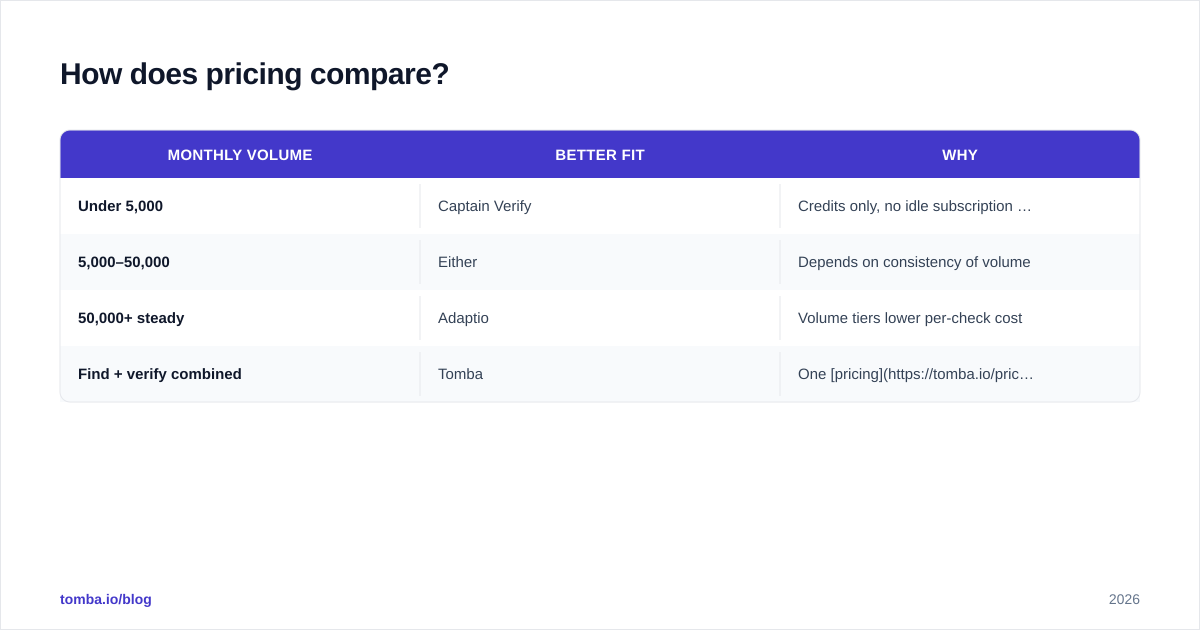
To compare fairly, calculate price per verification at your real monthly volume, not the sticker price:
| Monthly volume | Better fit | Why |
|---|---|---|
| Under 5,000 | Captain Verify | Credits only, no idle subscription cost |
| 5,000–50,000 | Either | Depends on consistency of volume |
| 50,000+ steady | Adaptio | Volume tiers lower per-check cost |
| Find + verify combined | Tomba | One pricing covers both jobs |
If sourcing and verifying are both on your plate, splitting spend across a finder and a separate verifier often costs more than a single tool. Tomba's plans — Free (25 searches/mo), Starter $49/mo, Growth $99/mo, Pro $249/mo, and Enterprise — bundle finding and verification, which removes a line item rather than adding one.
What about API access and automation?#
If you're wiring verification into a CRM, a signup form, or an outbound sequence, the API is the product. Both Adaptio and Captain Verify offer REST APIs for single and bulk checks, with documented rate limits and webhook or callback patterns for large batches.
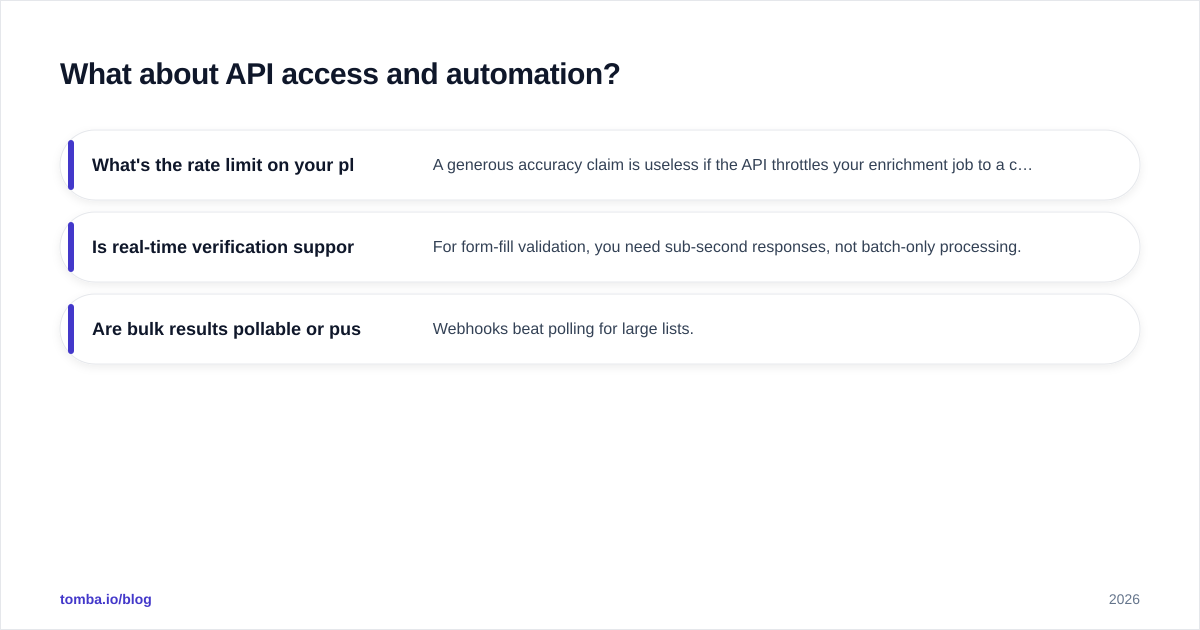
Questions to ask before you commit:
- What's the rate limit on your plan? A generous accuracy claim is useless if the API throttles your enrichment job to a crawl.
- Is real-time verification supported? For form-fill validation, you need sub-second responses, not batch-only processing.
- Are bulk results pollable or push-based? Webhooks beat polling for large lists.
This is another place where a finder-plus-verifier stack simplifies the build. With one provider you call a single email finder API to source an address and verify it in the same flow, instead of stitching two vendors' rate limits, auth schemes, and response formats together. For non-engineers, a bulk email finder and spreadsheet add-ons cover the same ground without code.
When should you pick a finder instead?#
Here's the reframe that saves the most money: verification is a downstream fix for an upstream gap. You only need to scrub a list because the list quality was uncertain to begin with.
If your real problem is "I don't have enough good contacts," then a verifier — Adaptio or Captain Verify — solves the wrong half. You'd source emails somewhere (LinkedIn scrapes, a data vendor, manual research), then pay a second tool to clean them.
A finder-first workflow collapses that into one step:
- Find the address from a name and domain, or pull every address on a company email search.
- Verify it in the same call before it ever hits your sequence.
- Enrich with role, company, and contact data so the send is targeted.
That's the gap pure verifiers leave open. They make a bad list less bad; they don't build a good list. For teams whose bottleneck is finding qualified contacts rather than cleaning known ones, the finder is the higher-leverage purchase — and it still verifies on the way out.
You can sanity-check vendor claims with third-party reviews on G2 before you buy, and read up on the fundamentals of email verification if the terminology is new.
Adaptio vs Captain Verify: the verdict#
There's no single winner — there's a winner for your usage pattern:
- Choose Captain Verify if you verify occasionally, want zero subscription commitment, and value a simple credit model plus phone verification.
- Choose Adaptio if you send high volume continuously and want deliverability monitoring baked into ongoing list hygiene.
- Choose neither alone if your actual constraint is finding contacts — because both leave that job to you.
Match the tool to the bottleneck. If clean lists are the problem, either verifier earns its keep. If building lists is the problem, start one step earlier.
Find and verify in one workflow with Tomba#
If you keep landing on "I need to find these contacts and trust the addresses," stop paying for two tools to do one job. The Tomba Email Finder sources professional emails by name, company, or domain and verifies deliverability in the same flow — with a free tier (25 searches/mo) to test against your own list before you spend a cent. Run your toughest catch-all domains through it, compare the bounce-match rate to Adaptio and Captain Verify, and let the real numbers pick your stack.
Ready to find emails that actually work?
Join 150,000+ professionals who stopped guessing and started sending. Free credits on signup — no credit card required.
Get the Tomba newsletter
Practical outbound tactics and product updates — once every two weeks.
About the author