Adaptio vs Egrabber: Best B2B Lead Tool Compared (2026)
Adaptio and Egrabber both promise faster B2B list building, but they take very different paths. Here's an honest 2026 breakdown of pricing, data accuracy, and which one actually fits your sales motion.
Choosing between Adaptio and Egrabber usually comes down to one question you don't see on either pricing page: do you want a tool that scrapes lists in bulk, or a tool that finds and verifies the specific people you actually want to reach? They sit in the same "B2B lead generation" category on review sites, but they solve the problem from opposite ends.
This is a neutral, hands-on breakdown of how the two stack up in 2026 — deployment, data accuracy, pricing, and the workflows each one is genuinely good at. Where a modern email-finding API like Tomba changes the math, we'll say so, and where it doesn't, we'll say that too.
TL;DR#
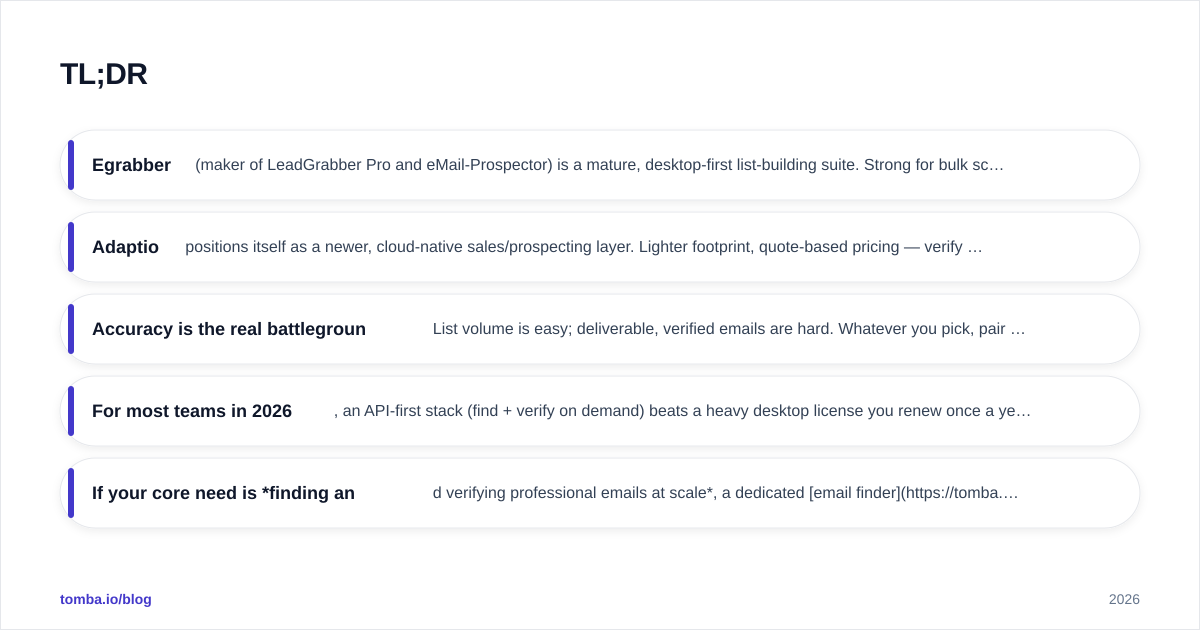
- Egrabber (maker of LeadGrabber Pro and eMail-Prospector) is a mature, desktop-first list-building suite. Strong for bulk scraping from LinkedIn and directories; pricing is annual-license, enterprise-flavored, and high.
- Adaptio positions itself as a newer, cloud-native sales/prospecting layer. Lighter footprint, quote-based pricing — verify current plans directly, because they shift faster than legacy vendors.
- Accuracy is the real battleground. List volume is easy; deliverable, verified emails are hard. Whatever you pick, pair it with real-time verification.
- For most teams in 2026, an API-first stack (find + verify on demand) beats a heavy desktop license you renew once a year.
- If your core need is finding and verifying professional emails at scale, a dedicated email finder like Tomba is cheaper per result and easier to automate than either incumbent.
What is Egrabber?#
Egrabber is one of the older names in B2B list building. Its flagship products — LeadGrabber Pro and eMail-Prospector — run primarily as Windows desktop applications. You point them at a LinkedIn search, a directory, or a list of names and companies, and they scrape contact records, then append business emails and phone numbers by guessing patterns and validating against mail servers.
The strengths are real: Egrabber is fast at turning a big search result into a bulk CSV, and its email-append step has been refined over many years. The trade-offs are equally real:
- It's desktop software, so it's tied to a machine and a Windows environment rather than living in the cloud where your CRM and sequencer already are.
- Pricing is annual-license and oriented toward heavier users — LeadGrabber Pro has historically sat in the multi-thousand-dollars-per-year range. Always confirm the current figure on egrabber.com, because list-builder pricing changes.
- Automation and integration are limited compared to API-native tools; you're mostly exporting files.

What is Adaptio?#
Adaptio is the newer, cloud-native entrant in this comparison. It's marketed as a lighter prospecting and sales-data layer that runs in the browser rather than as installed software, with a focus on a cleaner workflow and faster onboarding than legacy desktop suites.
Because Adaptio is a younger product, two things are true at once. First, the experience tends to feel more modern — less "Windows 7 utility," more SaaS dashboard. Second, the public details (exact data coverage, accuracy benchmarks, and pricing tiers) are less battle-tested and change more often than Egrabber's. Treat any number you see — including ours — as something to confirm in a live trial. Check current listings on G2 or Capterra before committing budget.
The honest summary: Adaptio competes on modern UX and cloud convenience, Egrabber competes on bulk-scraping maturity. Neither of those, by itself, guarantees the thing that actually matters — deliverable data.
Adaptio vs Egrabber vs a dedicated email finder: the comparison table#
Here's the head-to-head. Where a vendor's number is quote-based or shifts frequently, that's noted rather than invented.
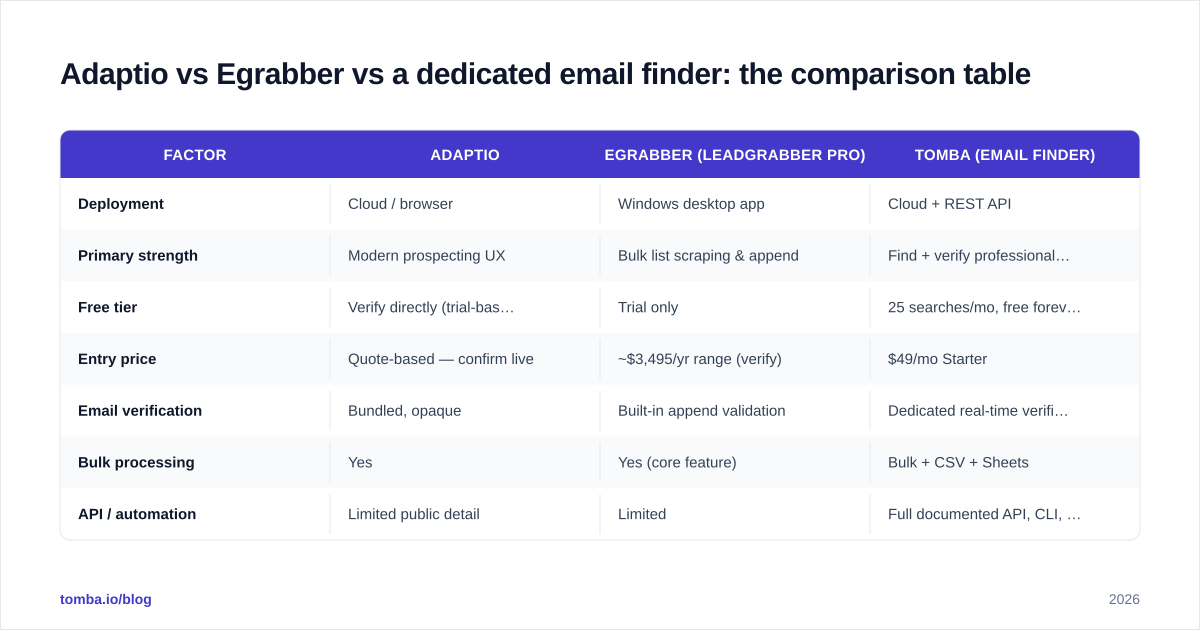
| Factor | Adaptio | Egrabber (LeadGrabber Pro) | Tomba (email finder) |
|---|---|---|---|
| Deployment | Cloud / browser | Windows desktop app | Cloud + REST API |
| Primary strength | Modern prospecting UX | Bulk list scraping & append | Find + verify professional emails |
| Free tier | Verify directly (trial-based) | Trial only | 25 searches/mo, free forever |
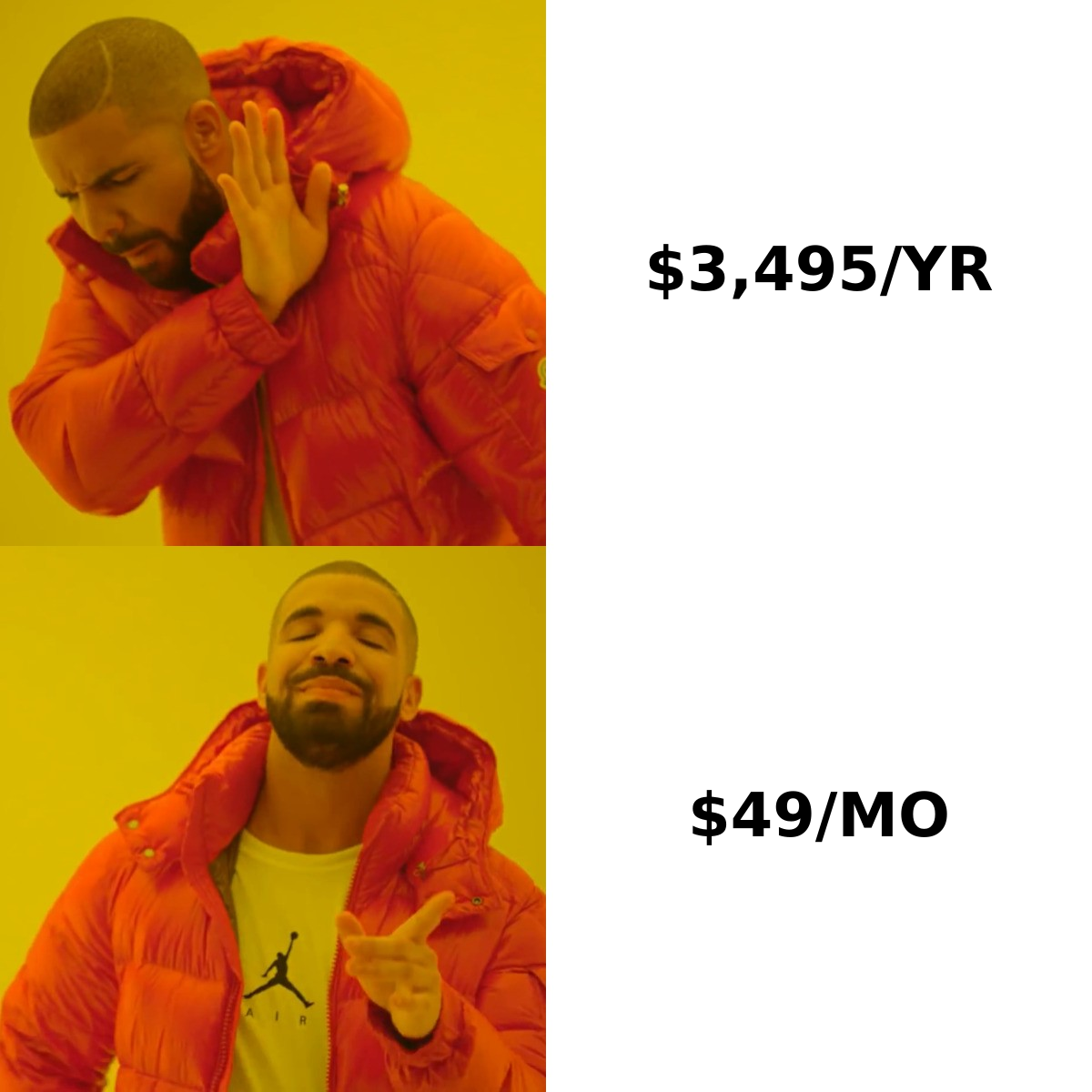
| Entry price | Quote-based — confirm live | ~$3,495/yr range (verify) | $49/mo Starter |
| Email verification | Bundled, opaque | Built-in append validation | Dedicated real-time verifier |
| Bulk processing | Yes | Yes (core feature) | Bulk + CSV + Sheets |
| API / automation | Limited public detail | Limited | Full documented API, CLI, MCP |
| Best for | Teams wanting cloud simplicity | High-volume list exports | Verified, targeted outreach at scale |
The pattern is clear: the two incumbents both ask you to commit to a platform, while the email-finder approach is consumption-priced and automation-first. See full Tomba pricing for the per-credit math.
Which one finds more accurate emails?#
This is where the comparison actually gets decided, and it's the question both incumbents would rather reframe as "who scrapes more records."
Scraping a thousand contacts is trivial. The hard part is that a meaningful share of any scraped list is stale, role-based (info@, sales@), or sitting behind a catch-all domain that accepts everything and confirms nothing. If you blast a sequence at that list, your bounce rate spikes, your domain reputation drops, and your good emails stop landing in the inbox too.

Egrabber's append engine validates against mail servers, which is better than nothing, but desktop-era validation struggles with two modern realities: catch-all domains and aggressively rate-limited SMTP. Adaptio's verification is bundled but not transparently benchmarked, so you're trusting a black box.
A dedicated stack splits the job in two and does each one properly:
- Find the most likely address using pattern detection plus source data — this is the find email addresses step.
- Verify it in real time, including a true catch-all verifier pass, before it ever enters a sequence.
That two-step discipline is why teams obsessed with deliverability tend to run a verifier regardless of where the list originated. If you only remember one thing from this section: volume is a vanity metric; verified-deliverable is the number your reply rate cares about.
How should you choose? A simple decision framework#
Don't pick on feature lists. Pick on your actual motion. Map your situation against the four axes below.
- Volume vs precision. If you need 10,000 raw records dumped to CSV monthly and accept cleanup later, Egrabber's bulk scraping is purpose-built for it. If you need the right 500 contacts, verified, a targeted finder wins.
- Desktop vs cloud. A Windows-bound app is friction if your team is on Mac, distributed, or automating through a CRM. Cloud and API tools slot into modern stacks without a dedicated machine.
- License vs consumption. A multi-thousand-dollar annual license only pays off at sustained high volume. Consumption pricing (pay for credits you use) protects you in slower quarters.
- Manual vs automated. If a human exports files and uploads them, either incumbent works. If you want enrichment to fire automatically — on a new CRM record, a website visit, a form fill — you need an email finder API with real endpoints, not an export button.
The workflow most teams actually land on#
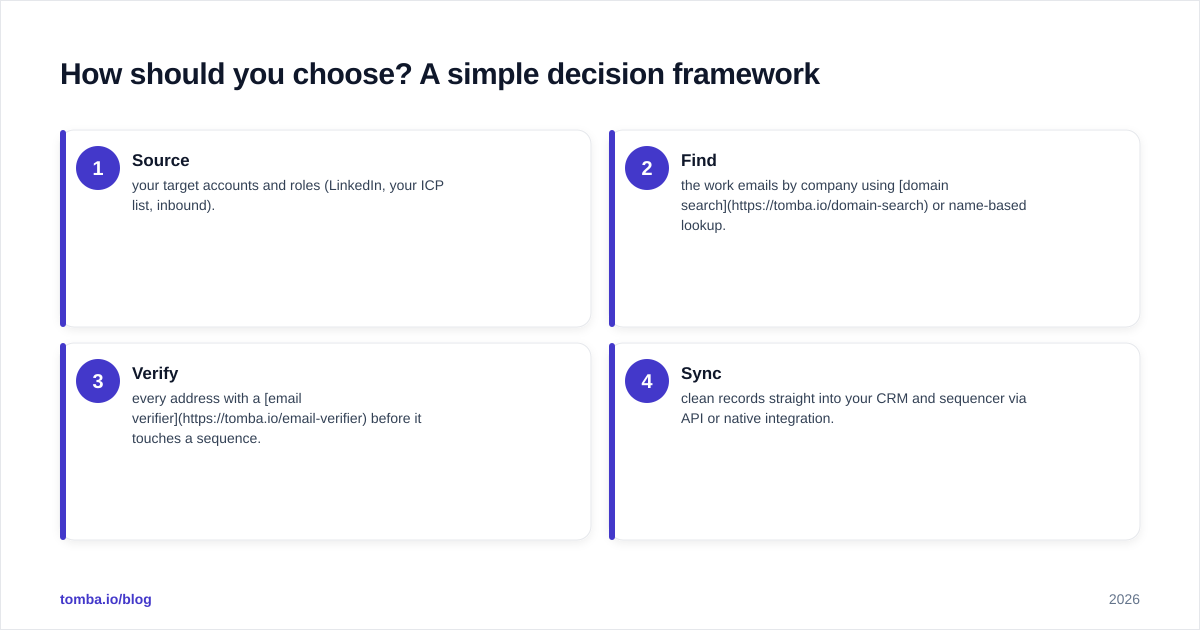
Here's the process that consistently outperforms "buy one big tool," diagrammed:
- Source your target accounts and roles (LinkedIn, your ICP list, inbound).
- Find the work emails by company using domain search or name-based lookup.
- Verify every address with a email verifier before it touches a sequence.
- Sync clean records straight into your CRM and sequencer via API or native integration.
This pipeline is tool-agnostic at step one and ruthless about quality at steps two and three — which is exactly backwards from how most list-builder marketing wants you to think.
What about pricing and total cost of ownership?#
The sticker price is the least interesting number. Total cost of ownership includes the bounces, the burned domains, and the SDR hours spent scrubbing bad data.
- Egrabber front-loads cost with an annual license. If you're a high-volume team that genuinely exports tens of thousands of records, the per-record cost can be reasonable. If you're a 3-person sales team, you're paying enterprise rates for capacity you won't use.
- Adaptio uses quote-based pricing, which can be flexible but also opaque — get the number in writing and confirm whether verification credits are bundled or metered separately.
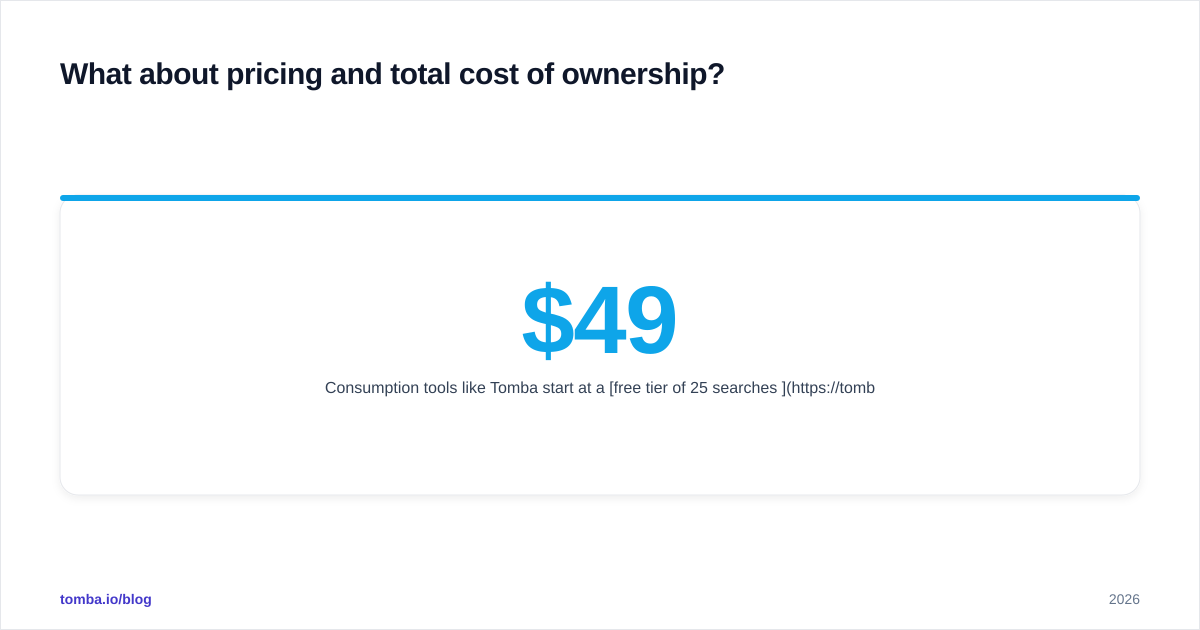
- Consumption tools like Tomba start at a free tier of 25 searches/mo, then $49/mo (Starter), $99/mo (Growth), and $249/mo (Pro), with an enterprise tier for volume. You scale spend with actual usage instead of pre-buying a year.
For most teams running normal outbound, the consumption model wins on TCO because your bill tracks your activity, and verification is built into the same per-credit cost rather than bolted on.
Is there a better alternative to both?#
For the specific job of finding and verifying professional emails, yes — and it's not a close call for cloud-first teams. A dedicated email-finding platform gives you the bulk capacity of Egrabber, the modern cloud UX Adaptio is reaching for, and the API automation neither prioritizes — at consumption pricing.

That said, be fair about fit:
- If your entire job is scraping massive directory lists into CSVs on a Windows machine and you don't care about API automation, Egrabber still does that one thing well.
- If you want the lightest possible cloud prospecting UI and you've validated Adaptio's data in a trial against your own ICP, it's a reasonable modern pick.
- If your reply rate depends on clean, verified, automatable contact data flowing into your CRM, a finder-plus-verifier stack is the durable choice.
You don't have to take positioning on faith. Run the same 100 target contacts through any tool's trial and measure two numbers: how many emails it returns, and how many of those actually pass an independent verification. The gap between those two numbers is the real product.
Final recommendation#
Pick by motion, not by brand. Egrabber for legacy high-volume desktop scraping, Adaptio for a lighter cloud experience you've trial-validated, and a dedicated finder when deliverable accuracy and automation are the priority.
If that last description sounds like your team, start with the Tomba Email Finder. You get 25 free searches a month to benchmark accuracy against whatever you're using today, real-time verification baked in, and a documented API so enrichment runs automatically instead of living in a folder of exported CSVs. Find the right people, confirm the emails are real, and spend your outbound energy on conversations — not on cleaning up someone else's list.
Ready to find emails that actually work?
Join 150,000+ professionals who stopped guessing and started sending. Free credits on signup — no credit card required.
Get the Tomba newsletter
Practical outbound tactics and product updates — once every two weeks.
About the author