Adaptio vs Safetymails: Email Verification Compared (2026)
Adaptio vs Safetymails compared head-to-head: accuracy, pricing, catch-all handling, and bulk verification. See which email verifier fits your 2026 stack — and where a third option wins.
TL;DR
- Adaptio and Safetymails are both email verification tools built to scrub bad addresses before you send — but they weight speed, catch-all handling, and pricing differently.
- Safetymails is the more established name, with a points-based pricing model, a free monthly allowance, and strong catch-all/disposable detection.
- Adaptio positions itself as a leaner, automation-first verifier that leans on API workflows and real-time checks.
- Neither tool finds emails — they only validate a list you already have. If you need finding plus verification in one place, that gap matters.
- If you want verification bundled with an email finder, domain search, and enrichment under one credit pool, Tomba is the option this comparison keeps circling back to.
What do Adaptio and Safetymails actually do?#
Both tools answer one question: will this email bounce if I send to it? Think of email verification like a bouncer checking IDs at the door — it weeds out fake, dead, and risky addresses before they cost you sender reputation.
That matters because bounce rate is the single fastest way to wreck deliverability. Mailbox providers read a high bounce rate as a signal that you don't know who you're emailing, and they start routing you to spam. Most cold-email platforms now suspend accounts that cross a 3–5% bounce threshold. Verification keeps you under it.
Here's the important framing for this whole comparison: Adaptio and Safetymails are verifiers, not finders. They take a list you already built and tell you which addresses are valid. They do not generate new contacts. If your problem is "I need to reach the head of procurement at 200 companies and I don't have their emails," neither tool solves that on its own — you'd pair them with a separate email finder.
How does email verification work under the hood?#
Every serious verifier runs the same multi-stage pipeline. Understanding it helps you judge whether Adaptio or Safetymails is doing real work or just guessing.
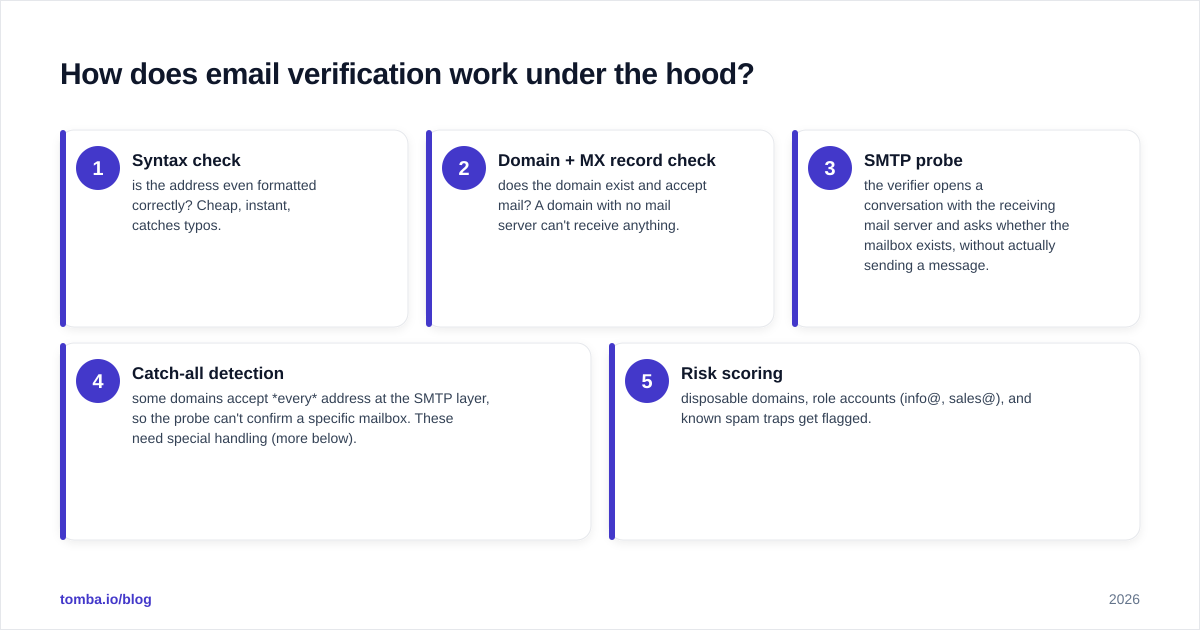
- Syntax check — is the address even formatted correctly? Cheap, instant, catches typos.
- Domain + MX record check — does the domain exist and accept mail? A domain with no mail server can't receive anything.
- SMTP probe — the verifier opens a conversation with the receiving mail server and asks whether the mailbox exists, without actually sending a message.
- Catch-all detection — some domains accept every address at the SMTP layer, so the probe can't confirm a specific mailbox. These need special handling (more below).
- Risk scoring — disposable domains, role accounts (info@, sales@), and known spam traps get flagged.
The quality difference between tools shows up in stages 3–5. Anyone can check syntax. The hard part is doing accurate SMTP probing at scale without getting your probing IPs blacklisted, and correctly classifying catch-all domains instead of dumping them into an "unknown" bucket. For a deeper primer, Wikipedia's overview of email verification covers the protocol mechanics.

Adaptio vs Safetymails: the head-to-head table#
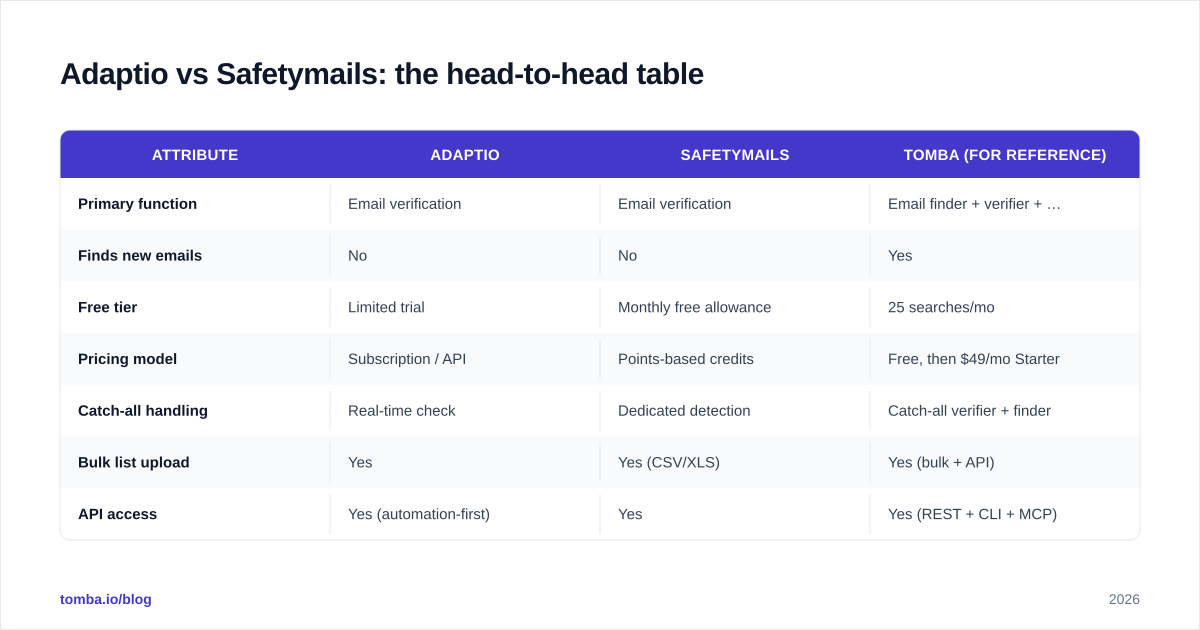
Here's the side-by-side. Where a tool doesn't publish a number, treat it as "varies / contact sales" rather than a hard spec.
| Attribute | Adaptio | Safetymails | Tomba (for reference) |
|---|---|---|---|
| Primary function | Email verification | Email verification | Email finder + verifier + enrichment |
| Finds new emails | No | No | Yes |
| Free tier | Limited trial | Monthly free allowance | 25 searches/mo |
| Pricing model | Subscription / API | Points-based credits | Free, then $49/mo Starter |
| Catch-all handling | Real-time check | Dedicated detection | Catch-all verifier + finder |
| Bulk list upload | Yes | Yes (CSV/XLS) | Yes (bulk + API) |
| API access | Yes (automation-first) | Yes | Yes (REST + CLI + MCP) |
| Disposable detection | Yes | Yes | Yes |
| Best for | API-driven pipelines | Standalone list cleaning | End-to-end prospecting |
The headline takeaway: Adaptio and Safetymails are genuinely close on the core verification job. Your decision between just those two comes down to pricing model preference (subscription vs points) and whether you live inside an API or a dashboard.
But notice the third column. The moment you ask "where does the list come from in the first place?", a pure verifier leaves half your workflow unsolved.
Is Safetymails better than Adaptio?#
For standalone list cleaning, Safetymails has the edge on maturity; Adaptio has the edge on automation. Here's the honest breakdown.
Safetymails has been in market longer and built its reputation on catch-all and disposable detection. Its points-based pricing is friendly to teams with spiky, irregular volume — you buy credits and burn them when you need them, instead of paying a flat monthly fee whether you verify 100 addresses or 100,000. The free monthly allowance also lets you test accuracy on your own list before paying, which is the only test that actually matters. You can sanity-check its market standing on G2 alongside other verifiers, and the vendor's own Safetymails site documents the points system.
Adaptio leans the other way. It's pitched at teams that want verification as a step in an automated pipeline — fire a list (or a single address) at an API, get a clean result back, move on. If you're a developer wiring verification into a signup flow or an enrichment job, that real-time, API-first posture is the draw.
Neither is "wrong." The mistake is picking on brand recognition instead of matching the tool to how you actually work.
What about catch-all domains — the part everyone gets wrong?#
Catch-all domains are where verifiers earn their money, and where buyers get misled.
A catch-all domain accepts mail to any address — realperson@company.com and xyz123@company.com both pass the SMTP probe even though only one is real. A lazy verifier marks the whole domain "unknown" and washes its hands. A good one applies additional signals to estimate whether the specific mailbox is live.
This matters enormously for B2B, because a huge share of corporate domains are catch-all. If your verifier dumps every catch-all address into "risky/unknown," you either throw away good leads (over-cautious) or send to dead boxes and bounce (over-eager).
Both Adaptio and Safetymails handle catch-all better than the average free tool. But if catch-all is a big slice of your list, you want a dedicated workflow — which is exactly why a catch-all verifier exists as its own product line rather than a checkbox. Test each tool against a sample of your catch-all domains, not a generic test list, before you commit budget.
How much do Adaptio and Safetymails cost?#
Pricing is where the two models diverge most.
- Safetymails uses points/credits. You buy a balance, each verification consumes points, and unused balance carries until spent. Good for irregular volume; you're never paying for a month you didn't use.
- Adaptio leans toward subscription + API billing — predictable monthly cost, better for steady, ongoing pipelines where you verify continuously.
The trap with any verifier-only pricing is that it's only part of your real cost. If you pay for Safetymails to clean a list, but you also pay a separate finder to build that list, plus an enrichment tool to add phone numbers and titles, you're now stacking three subscriptions to do one job.
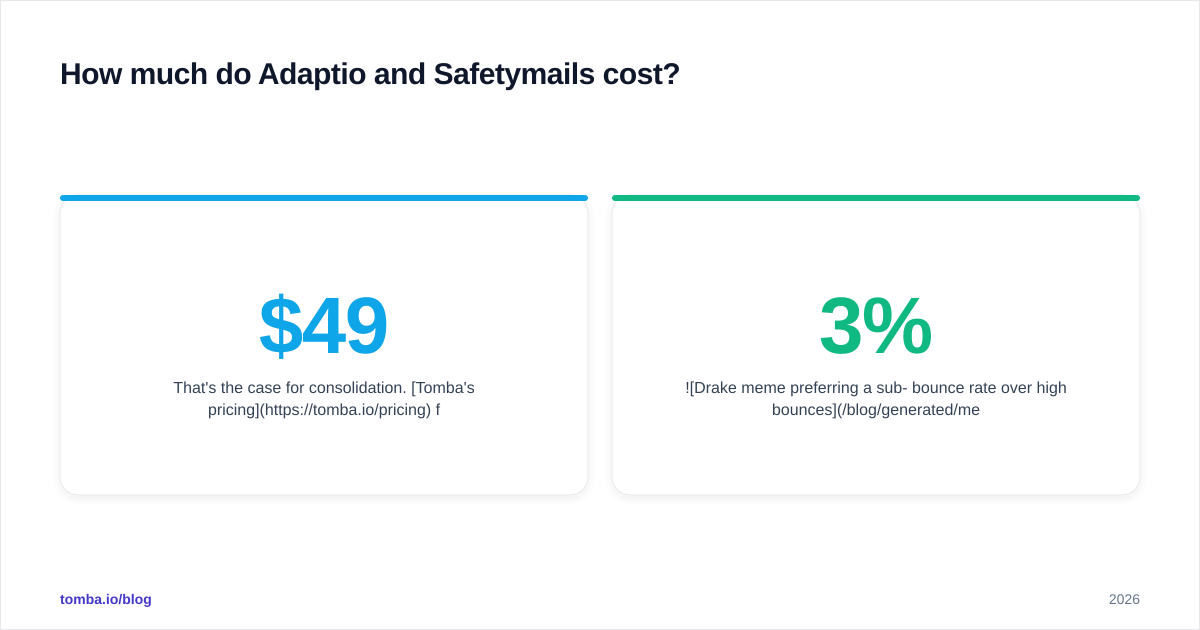
That's the case for consolidation. Tomba's pricing folds finding, verification, domain search, and enrichment into a single credit pool — Free (25 searches/mo), Starter at $49/mo, Growth at $99/mo, Pro at $249/mo, and custom Enterprise. One bill, one credit balance, instead of three tools you reconcile every month. For high-volume jobs, bulk verify runs against the same pool.

When should you choose a verifier-only tool vs an all-in-one?#
Choose Adaptio or Safetymails when verification is genuinely your only missing piece — you already have a reliable list source and a finder you like, and you just need a dependable scrubbing step bolted on. In that scenario, a focused verifier is clean and effective.
Choose an all-in-one when your workflow spans finding, verifying, and enriching. Most outbound teams do. The sequence is almost always:
- Find the contact (name → email).
- Verify it won't bounce.
- Enrich it with title, company, phone.
- Push to your CRM or sequencer.
Stitching three vendors across those four steps creates reconciliation overhead, credit waste, and integration brittleness. Doing it in one platform with data enrichment and a single email verifier under the same roof removes the seams.
Here's a simple decision frame:
| Your situation | Better fit |
|---|---|
| You only need to clean an existing list | Adaptio or Safetymails |
| Verification feeds an automated API pipeline | Adaptio |
| Irregular, spiky verification volume | Safetymails (points) |
| You also need to find the emails | All-in-one (Tomba) |
| You want finding + verifying + enrichment in one bill | All-in-one (Tomba) |
How do you actually test which verifier is accurate?#
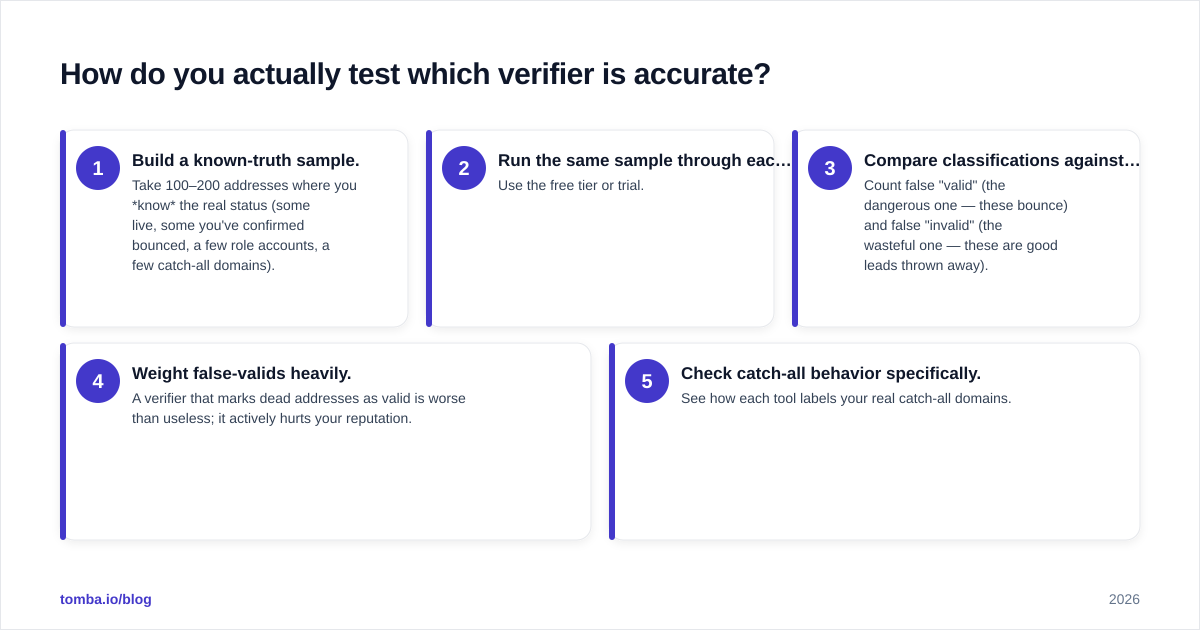
Don't trust marketing accuracy claims — every vendor says "99%." Run your own test:
- Build a known-truth sample. Take 100–200 addresses where you know the real status (some live, some you've confirmed bounced, a few role accounts, a few catch-all domains).
- Run the same sample through each tool. Use the free tier or trial.
- Compare classifications against truth. Count false "valid" (the dangerous one — these bounce) and false "invalid" (the wasteful one — these are good leads thrown away).
- Weight false-valids heavily. A verifier that marks dead addresses as valid is worse than useless; it actively hurts your reputation.
- Check catch-all behavior specifically. See how each tool labels your real catch-all domains.
This 30-minute test tells you more than any comparison article — including this one. Pair it with basic deliverability hygiene; clean lists only help if your sender reputation and authentication are also in order.
The bottom line: Adaptio vs Safetymails#
Between the two, Safetymails wins on maturity and flexible points pricing; Adaptio wins on API-first automation. Pick based on how you work and what your volume looks like — then validate with your own known-truth sample before paying.
But step back and the bigger question is whether a verifier-only tool fits your stack at all. If you're verifying lists you bought, found, or scraped elsewhere, you're paying for half a workflow and gluing the rest together. Most teams are better served consolidating find → verify → enrich into one platform.
If that's you, start with the Tomba Email Finder — it finds professional addresses by name, domain, or company and verifies them in the same step, so the list you build is the list you can safely send to. Spin up the free tier (25 searches a month, no card), run it against the same known-truth sample you'd use to test Adaptio and Safetymails, and compare the end-to-end cost — not just the verification line item. The tool that removes a vendor from your stack usually wins.
Ready to find emails that actually work?
Join 150,000+ professionals who stopped guessing and started sending. Free credits on signup — no credit card required.
Get the Tomba newsletter
Practical outbound tactics and product updates — once every two weeks.
About the author