AdvizorPro vs CUFinder: B2B Data Tools Compared (2026)
AdvizorPro targets financial-advisor data; CUFinder chases broad B2B enrichment. Here's which one fits your pipeline, your budget, and your data-accuracy needs in 2026.
TL;DR
- AdvizorPro is a niche data provider built for selling into financial advisors, RIAs, broker-dealers, and insurance pros — deep vertical fields, shallow everywhere else.
- CUFinder is a broad B2B data and enrichment platform: email finding, company lookup, and bulk enrichment across most industries, not just finance.
- Pick AdvizorPro if your entire go-to-market is wealth management and you need advisor-specific attributes (AUM, custodian, licenses).
- Pick CUFinder if you sell across verticals and want general-purpose enrichment with an API.
- If your real bottleneck is finding and verifying work emails at scale, a dedicated email finder like Tomba often beats either on price-per-verified-contact.
What are AdvizorPro and CUFinder?#
The short answer: they solve different problems that look similar on a feature list.
AdvizorPro is a vertical database. It exists to help you sell financial products, recruiting services, and software to financial professionals — registered investment advisors, wirehouse reps, insurance agents, and the firms behind them. Its value is in fields you won't find anywhere else: assets under management, custodian relationships, FINRA/SEC registration status, licenses held, and team structure. Think of it as a specialist surgeon — extraordinary inside one operating room, unavailable in the others.
CUFinder is a generalist. It's a B2B lead-generation and enrichment toolkit that finds company data, contact emails, phone numbers, and firmographics across pretty much any industry. It leans on a large company database plus real-time lookups and exposes most of it through an API. Think of it as a well-stocked general practitioner — handles most cases, refers out the rare specialty work.
That distinction drives every other comparison below. You're not really choosing the "better tool." You're choosing which problem you have.
How do AdvizorPro and CUFinder compare head-to-head?#
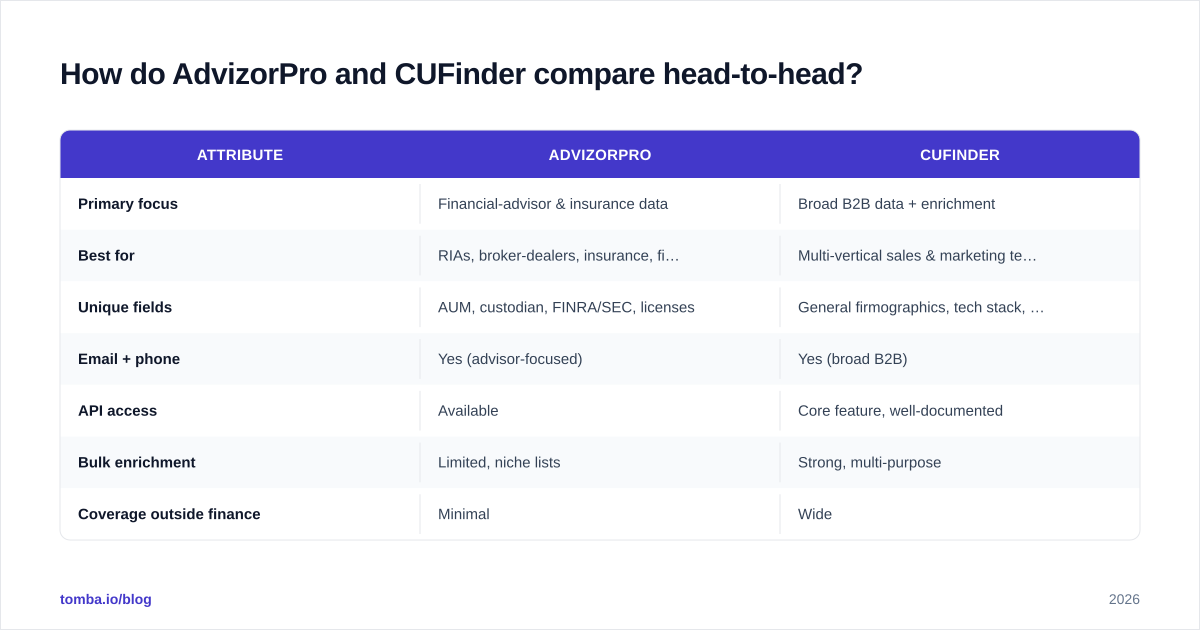
Here's the practical breakdown across the attributes that actually change a buying decision.
| Attribute | AdvizorPro | CUFinder |
|---|---|---|
| Primary focus | Financial-advisor & insurance data | Broad B2B data + enrichment |
| Best for | RIAs, broker-dealers, insurance, fintech GTM | Multi-vertical sales & marketing teams |
| Unique fields | AUM, custodian, FINRA/SEC, licenses | General firmographics, tech stack, socials |
| Email + phone | Yes (advisor-focused) | Yes (broad B2B) |
| API access | Available | Core feature, well-documented |
| Bulk enrichment | Limited, niche lists | Strong, multi-purpose |
| Coverage outside finance | Minimal | Wide |
| Typical pricing model | Higher, vertical premium | Credit/tiered, generalist |
| Learning curve | Low (focused UI) | Moderate (more surface area) |
The pattern is consistent: AdvizorPro wins on depth in one vertical; CUFinder wins on breadth and flexibility. Neither is a universal email-finding workhorse, which is the gap most teams underestimate.

Which one has better data accuracy?#
Accuracy depends entirely on whether the record sits inside each tool's sweet spot.
For a financial advisor at a mid-size RIA, AdvizorPro will usually have more correct, more current attributes — because that record is its core asset and gets refreshed against regulatory filings. Ask it for a marketing director at a logistics company and coverage thins out fast.
CUFinder flips that. It'll return solid firmographics and contacts for a SaaS company, an e-commerce brand, or a manufacturer, but it won't tell you a financial advisor's custodian or book size.
A few honest caveats that apply to both, and to every B2B data vendor:
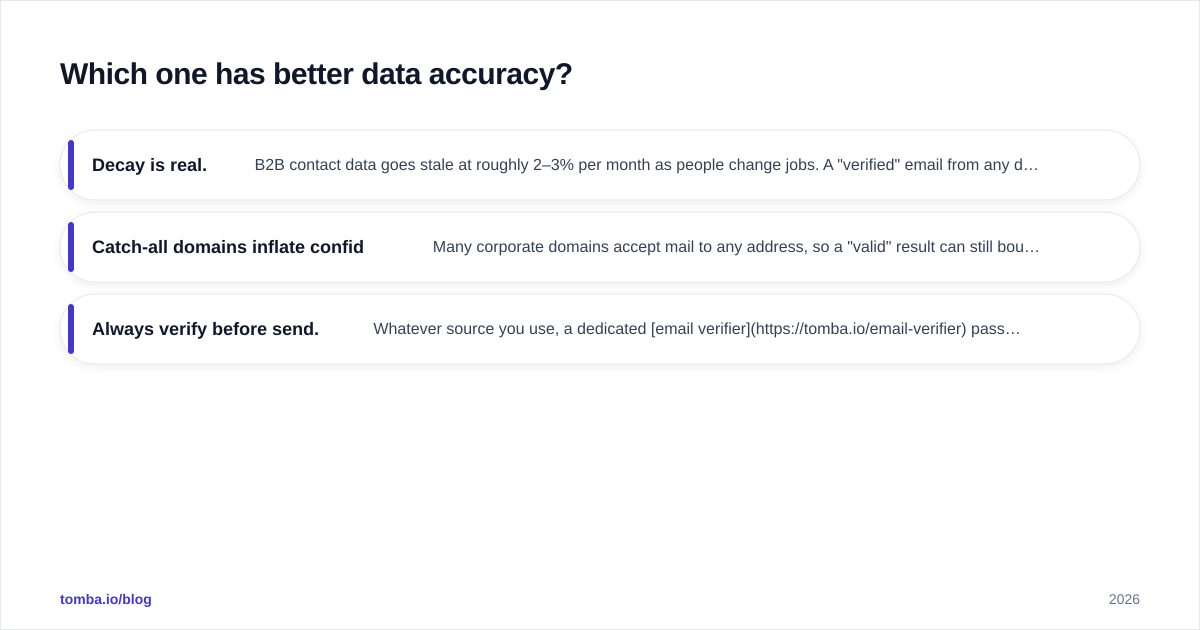
- Decay is real. B2B contact data goes stale at roughly 2–3% per month as people change jobs. A "verified" email from any database is a snapshot, not a guarantee.
- Catch-all domains inflate confidence scores. Many corporate domains accept mail to any address, so a "valid" result can still bounce. Run questionable records through a catch-all verifier before you trust them.
- Always verify before send. Whatever source you use, a dedicated email verifier pass protects your sender reputation more than any single provider's internal score.
If you want a primer on why vendors arrive at different numbers, G2's category data shows how widely "accuracy" claims swing across the lead-intelligence space.
Is AdvizorPro better than CUFinder for cold outreach?#
It depends on who you're emailing — but for most outbound teams, neither is the finishing tool.
AdvizorPro hands you a precise list of advisors and the context to personalize ("I saw your firm custodies with Schwab and you're around $400M AUM…"). That context is gold for a niche play, and it's the single best reason to pay AdvizorPro's premium.
CUFinder gives you reach: pull contacts across industries, enrich them, and push into your sequencer. Better for horizontal products where your buyer could be in any vertical.
But both stop short of two things that decide whether outbound actually lands:
- Verified, deliverable emails at volume — you still want an independent verification layer.
- Deliverability hygiene — list quality matters less than whether your domain is warmed up and your bounce rate stays low. See our guide to email deliverability for the fundamentals.
This is where a focused finder-plus-verifier stack earns its keep. You can source niche records from AdvizorPro or broad records from CUFinder, then run everything through one verification pipeline so your sender reputation survives the campaign.
How does pricing compare?#
Neither publishes simple flat pricing the way a pure email-finder does, so model total cost, not sticker price.
- AdvizorPro charges a vertical premium. You're paying for proprietary advisor data you genuinely can't get cheaply elsewhere — so the cost is justified if finance is your whole market. If it isn't, you're overpaying for fields you'll never query.
- CUFinder uses credit/tiered pricing typical of generalist enrichment tools. More flexible, but credits burn quickly on bulk enrichment, and per-record cost climbs at scale.
A useful gut check: divide your annual contract by the number of verified, usable contacts you'll realistically action in a year. Vertical tools often look expensive per seat but cheap per qualified advisor; generalist tools look cheap per credit but expensive once you filter for deliverable records.
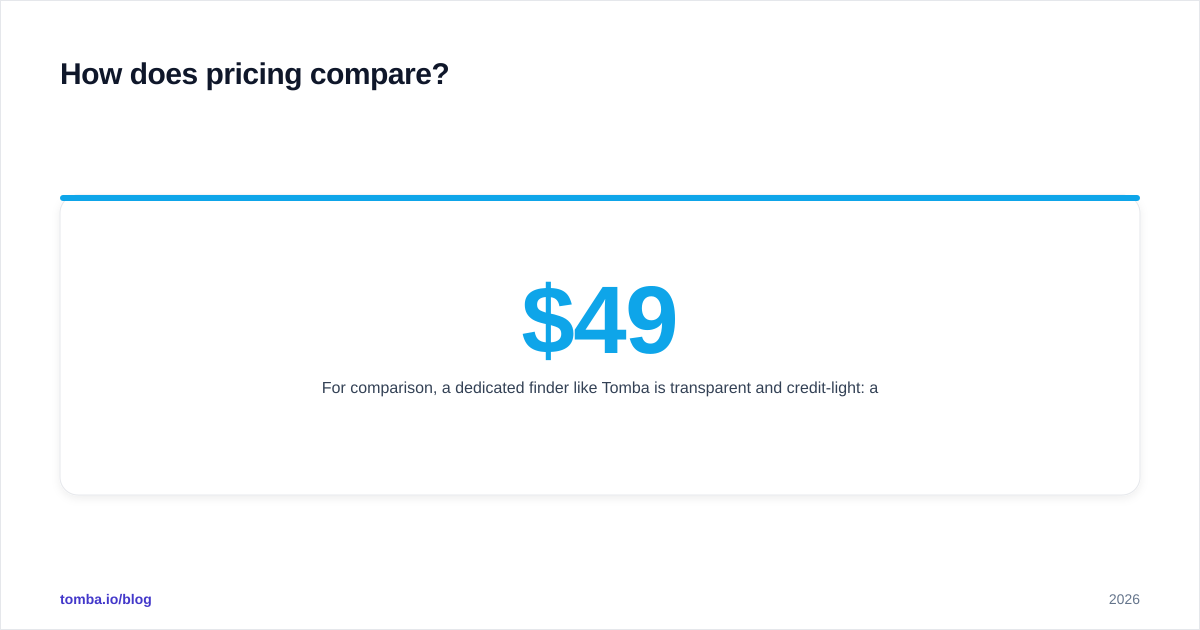
For comparison, a dedicated finder like Tomba is transparent and credit-light: a Free tier with 25 searches/month, Starter at $49/mo, Growth at $99/mo, and Pro at $249/mo. Full numbers are on the Tomba pricing page. The point isn't that one model is "right" — it's that you should compare cost-per-verified-contact, not cost-per-seat.

Who should choose which tool?#
A simple decision rule, conclusion first.
Choose AdvizorPro if:
- Your ICP is financial advisors, RIAs, broker-dealers, or insurance professionals.
- You need advisor-specific attributes (AUM, custodian, licenses) to personalize.
- You'd rather have a small, exquisitely accurate niche list than a big general one.
Choose CUFinder if:
- You sell across multiple industries and can't be boxed into finance.
- You want a flexible enrichment API to wire into your own stack.
- You do bulk enrichment and value breadth over vertical depth.
Choose a dedicated finder/verifier (like Tomba) if:
- Your bottleneck is finding and verifying work emails, not vertical attributes.
- You want one predictable cost-per-contact across every industry.
- You need data enrichment, domain search, and verification in one place.
Most teams I talk to end up with two of these, not one: a source of record for their niche (AdvizorPro or CUFinder) plus a finishing layer that finds the missing emails and verifies the whole list before send.
What about combining tools?#
This is the move most mature GTM teams make, and it's cheaper than it sounds.
Use your specialist or generalist database for targeting — deciding who's worth contacting. Then use a dedicated finder for contactability — getting and confirming the email and phone for those targets. The databases are good at "who"; finders are good at "how to reach them, reliably, today."
A concrete stack:
- Build your target list in AdvizorPro (advisors) or CUFinder (everyone else).
- Fill gaps and confirm work emails with an email finder and bulk email finder.
- Verify the full list to strip bounces and catch-alls.
- Enrich with phone numbers via a phone finder where you need multi-channel.
- Push clean records into your CRM or sequencer.
For background on how broad B2B intelligence platforms position themselves, Salesforce's overview of data enrichment is a reasonable neutral reference, and HubSpot's prospecting resources cover the downstream workflow.
The bottom line on AdvizorPro vs CUFinder#
AdvizorPro and CUFinder aren't really competitors — they're tools for two different go-to-market shapes. AdvizorPro is the right call when financial advisors are your whole world and you'll pay for depth. CUFinder is the right call when you sell across verticals and want flexible, API-driven breadth.
But if you strip both down, the recurring need underneath is the same: accurate, verified, deliverable contact data. That's a problem worth solving with a purpose-built tool rather than stretching a database to do a finder's job.
That's exactly where Tomba fits. Use the Tomba Email Finder to turn any name and company into a verified work email, layer in verification and enrichment, and keep one predictable cost-per-contact no matter which vertical you're chasing. Start free with 25 searches a month, then scale to Starter at $49/mo when your pipeline does — and let AdvizorPro or CUFinder handle the targeting while Tomba handles the reach.
Ready to find emails that actually work?
Join 150,000+ professionals who stopped guessing and started sending. Free credits on signup — no credit card required.
Get the Tomba newsletter
Practical outbound tactics and product updates — once every two weeks.
About the author