Anymail Finder vs Cufinder: 2026 Email Tool Comparison
Anymail Finder bills only verified emails; Cufinder bundles a 360M+ B2B database. We compare accuracy, pricing, and data depth to pick a 2026 winner.
You have a list of 5,000 target accounts and no email addresses. You narrow the tooling to two names that keep surfacing in the same searches: Anymail Finder and Cufinder. They look similar from the pricing page, but they solve the problem from opposite ends — one obsesses over verification, the other over database breadth. Picking wrong means either paying for bounces or paying for a giant database you never fully use.
This comparison breaks down how Anymail Finder and Cufinder actually differ on accuracy, pricing model, data coverage, and workflow fit in 2026, so you can match the tool to your motion instead of the marketing copy.
TL;DR#
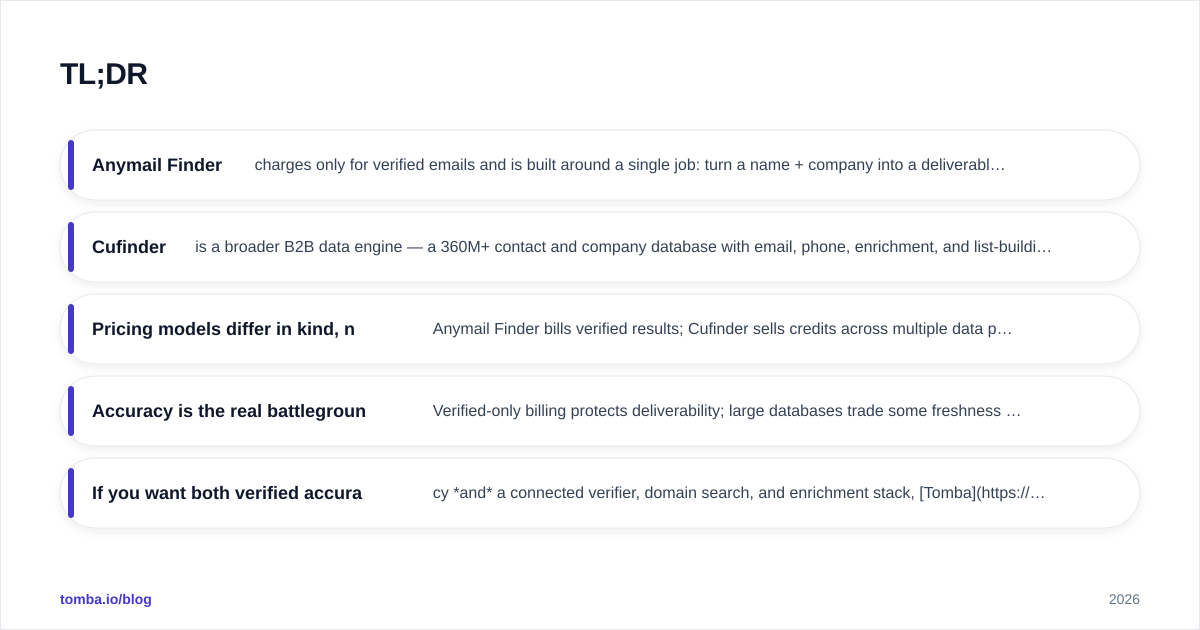
- Anymail Finder charges only for verified emails and is built around a single job: turn a name + company into a deliverable address. Best for teams that want clean bounce rates without managing a data platform.
- Cufinder is a broader B2B data engine — a 360M+ contact and company database with email, phone, enrichment, and list-building on top. Best for teams that want prospecting and enrichment in one place.
- Pricing models differ in kind, not just price. Anymail Finder bills verified results; Cufinder sells credits across multiple data products. Compare cost-per-verified-email, not sticker price.
- Accuracy is the real battleground. Verified-only billing protects deliverability; large databases trade some freshness for reach.
- If you want both verified accuracy and a connected verifier, domain search, and enrichment stack, Tomba is the third option worth testing in the same trial window.
What is Anymail Finder?#
Anymail Finder is a focused email-finding tool. You give it a full name and a company domain (or upload a list), and it returns an email address with a status: verified or not found. The headline promise is the billing model — you are only charged when it delivers a verified email. Guessed or unverifiable patterns do not consume your quota.
That single constraint shapes everything. Because revenue is tied to verified hits, the product leans hard on SMTP validation and pattern confidence before it returns a result. For cold-email teams whose entire program lives or dies on sender reputation, that alignment matters: fewer risky sends means fewer bounces, which protects your email deliverability over time.
The tradeoff is scope. Anymail Finder is an email finder, not a prospecting platform. It does not hand you a searchable database of 200M contacts to slice by title and industry. You bring the names; it finds the addresses.
What is Cufinder?#
Cufinder is a B2B data and lead-generation platform. At its core sits a large company and contact database — marketed in the 360M+ contact range — paired with an email finder, phone finder, enrichment API, and list-building tools. Instead of starting from names you already have, you can start from a filter ("SaaS companies, 50–200 employees, US, with a VP of Sales") and let Cufinder build the list, then append emails and phones.
That makes Cufinder closer to an all-in-one prospecting engine than a single-purpose finder. The enrichment API is a genuine draw for RevOps teams who want to append firmographic and contact data to existing CRM records at scale.
The cost of breadth is the usual database tradeoff: coverage is wide, but freshness varies by segment, and a credit can be spent on a record that turns out stale. You manage that risk with verification — either Cufinder's own checks or a downstream email verifier before you send.
Anymail Finder vs Cufinder: how do they compare?#
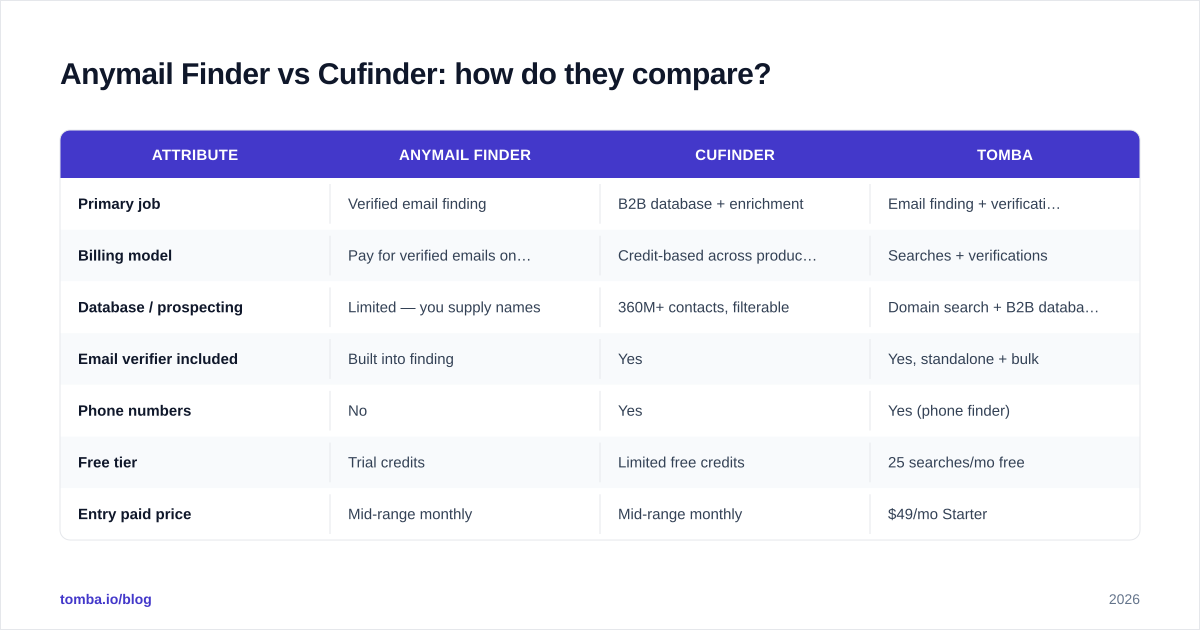
Here is the side-by-side. Treat the prices as directional — both vendors change tiers, and credit definitions differ — and always confirm on the official pricing pages before buying.
| Attribute | Anymail Finder | Cufinder | Tomba |
|---|---|---|---|
| Primary job | Verified email finding | B2B database + enrichment | Email finding + verification suite |
| Billing model | Pay for verified emails only | Credit-based across products | Searches + verifications |
| Database / prospecting | Limited — you supply names | 360M+ contacts, filterable | Domain search + B2B database |
| Email verifier included | Built into finding | Yes | Yes, standalone + bulk |
| Phone numbers | No | Yes | Yes (phone finder) |
| Free tier | Trial credits | Limited free credits | 25 searches/mo free |
| Entry paid price | Mid-range monthly | Mid-range monthly | $49/mo Starter |
| Bulk processing | Yes (CSV) | Yes | Yes (bulk finder + verifier) |
| API | Yes | Yes (enrichment-focused) | Yes (finder + verifier) |
| Best for | Clean cold-email lists | All-in-one prospecting | Verified accuracy + connected tools |
The pattern is clear: Anymail Finder optimizes for trust per email, Cufinder optimizes for reach per search, and they win on different jobs.

Which tool is more accurate?#
Accuracy is the question that actually decides cold-email ROI, so it deserves more than a feature row.
Anymail Finder's verified-only billing creates a structural incentive to be conservative. If the tool returns a "verified" status and it bounces, that erodes the core promise users pay for. In practice that means a lower volume of returned emails but a higher trust level on the ones you get — useful when each send carries reputation risk.
Cufinder's accuracy is more variable by nature. A 360M-record database casts a wider net, which is exactly what you want for top-of-funnel reach, but large datasets accumulate stale records as people change jobs. Cufinder mitigates this with verification, yet the broader the coverage, the more you should verify before sending. Independent reviews on G2 and Capterra reflect this split — finders are praised for deliverability, database tools for coverage.

The honest takeaway: no email finder is 100% accurate, regardless of marketing claims. Job changes alone churn roughly a quarter of B2B contact data every year. The right defense is process, not faith in a single vendor — run found emails through a dedicated verifier and segment catch-all domains with a catch-all verifier before a campaign goes out. A tool that returns fewer-but-verified emails and a tool that returns more-but-needs-checking can land at the same effective accuracy once your verification step runs.
How does pricing really compare?#
Sticker price is misleading here because the two tools count usage differently.
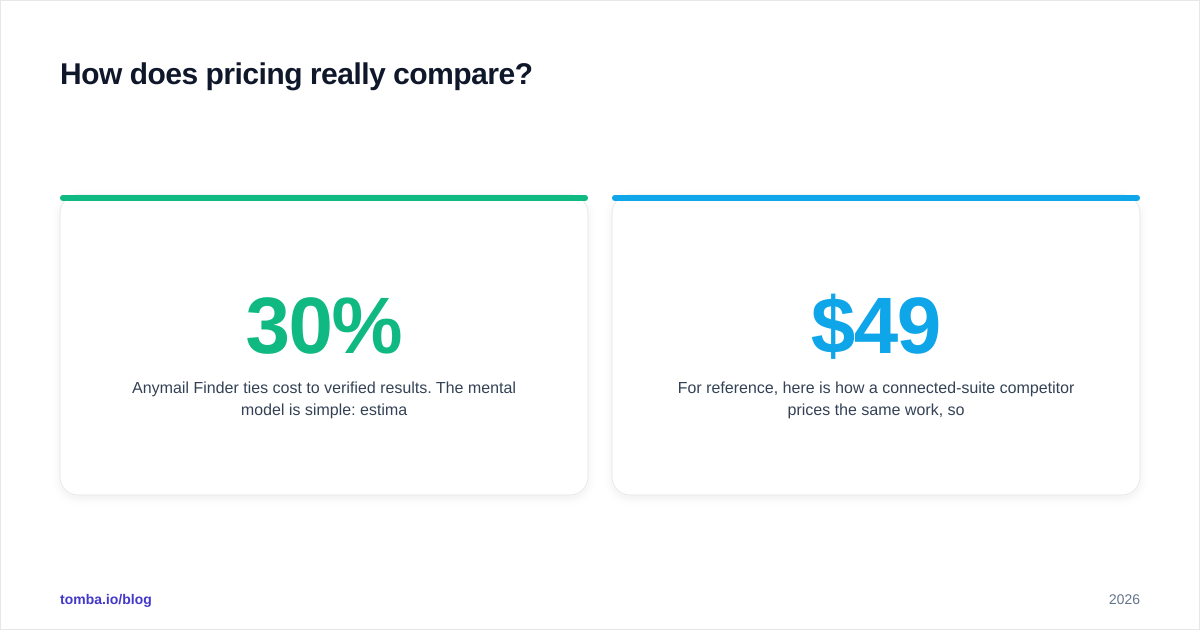
Anymail Finder ties cost to verified results. The mental model is simple: estimate how many verified emails you need per month, and your bill tracks that. You are not paying for the 30% of names that come back "not found." For a team running clean, targeted lists, this is efficient — you pay for outcomes.
Cufinder uses credits that flow across finding, enrichment, and phone lookups. That flexibility is the point: one balance powers list-building, email append, and data enrichment. But it also means a credit spent on a stale record or a phone you did not need still counts. To compare fairly, divide your monthly cost by the number of usable, verified emails you actually send to — your real cost-per-contact, not the advertised credit rate.
For reference, here is how a connected-suite competitor prices the same work, so you have a third anchor point. Tomba's pricing runs a free tier at 25 searches/month, Starter at $49/mo, Growth at $99/mo, Pro at $249/mo, and custom Enterprise — with the email finder, verifier, domain search, and enrichment sharing one balance rather than living in separate products.

The rule of thumb: if your bottleneck is finding the right people, a database tool's credits earn their keep. If your bottleneck is getting clean addresses for people you already know, verified-billing or a search-based finder wins on cost.
Which one fits your workflow?#
Map the tool to where your list actually comes from.
Choose Anymail Finder if:
- You already have target names (from LinkedIn, events, CRM) and just need deliverable emails.
- Deliverability is sacred — you run cold email at volume and cannot afford bounce-driven reputation damage.
- You want predictable, outcome-based billing without learning a data platform.
Choose Cufinder if:
- You start from filters, not names, and need the database to build the list for you.
- You want email and phone and firmographic enrichment from one vendor.
- Your RevOps team enriches CRM records in bulk via API and values coverage breadth.
Consider a connected suite (like Tomba) if:
- You want the verified-accuracy discipline of a finder and a real domain search to map a company's whole org, in one tool.
- You need a standalone bulk verifier, catch-all handling, and enrichment without buying three subscriptions.
- You value a documented email finder API plus native HubSpot, Salesforce, and Sheets integrations.

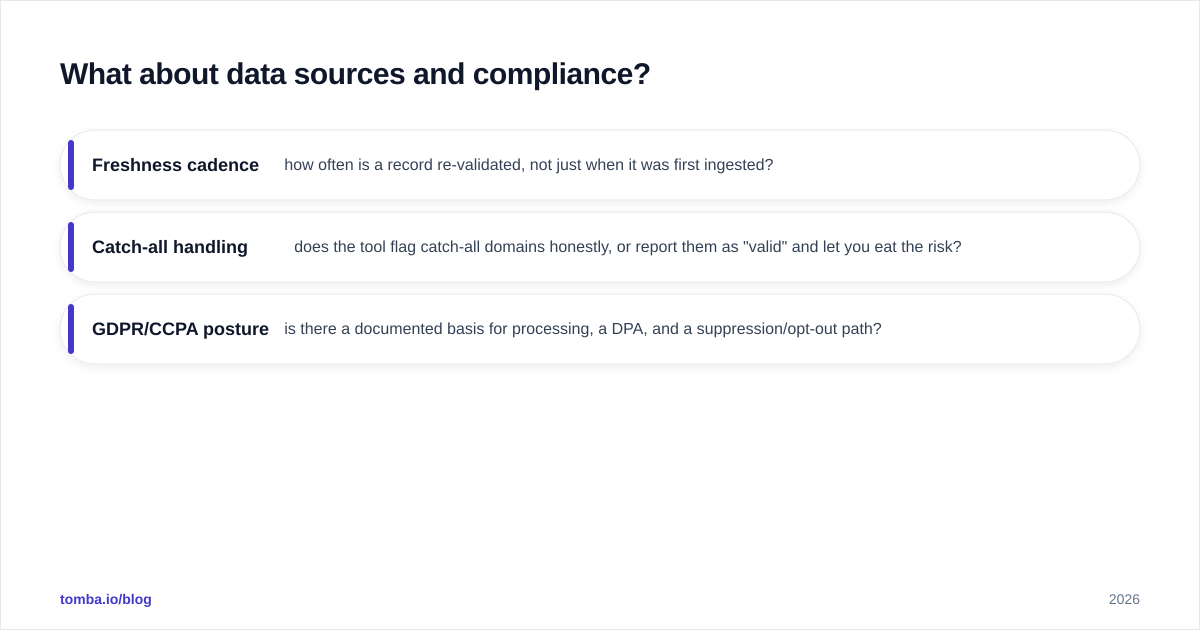
What about data sources and compliance?#
Where the data comes from matters as much as how much there is. Both tools assemble contact data from public web sources, SMTP signals, and partner feeds, then layer verification on top. The practical questions to ask any vendor in 2026 are the same:
- Freshness cadence — how often is a record re-validated, not just when it was first ingested?
- Catch-all handling — does the tool flag catch-all domains honestly, or report them as "valid" and let you eat the risk?
- GDPR/CCPA posture — is there a documented basis for processing, a DPA, and a suppression/opt-out path?
Anymail Finder's narrow scope makes its compliance story simpler to reason about: it verifies the specific addresses you request. Cufinder's database model means you should review how its 360M records are sourced and refreshed, especially for EU contacts. For any provider, being transparent about where the data comes from is a green flag — vague sourcing is a red one.
Whichever you pick, treat verification as a non-negotiable final step. Even the best source decays, and a quick pass through an email verification layer is cheaper than a damaged sending domain. If you want to test the underlying validity of an address right now, a free email checker is a fast sanity check before committing credits.
Anymail Finder vs Cufinder: the verdict#
There is no universal winner — there is a winner for your motion.
If your job is clean cold outreach to a list you already have, Anymail Finder's verified-only model is the tighter fit. You pay for outcomes, your bounce rate stays low, and there is almost nothing to learn. It is a scalpel.
If your job is building lists from scratch and enriching records at scale, Cufinder's database and enrichment API do more in one place. You accept some freshness variance in exchange for reach, and you add a verification step to close the gap. It is a workbench.
And if you want verified accuracy plus a connected finder, verifier, domain search, and enrichment under one roof and one bill, that is the gap a suite fills — without forcing you to choose between a scalpel and a workbench.
Start finding verified emails#
If you want to test the third path before committing to either tool above, the Tomba Email Finder lets you find professional email addresses by name, domain, or company — with verification built in and a free tier of 25 searches per month, no card required. Pair it with the standalone verifier and domain search on the same balance, and you can benchmark accuracy against Anymail Finder and Cufinder in a single afternoon. Run all three on the same 100 target contacts, measure verified-email yield and bounce rate, and let the data — not the pricing page — pick your winner.
Ready to find emails that actually work?
Join 150,000+ professionals who stopped guessing and started sending. Free credits on signup — no credit card required.
Get the Tomba newsletter
Practical outbound tactics and product updates — once every two weeks.
About the author