Anymail Finder vs Listkit 2026: Pricing, Accuracy & Verdict
Anymail Finder verifies emails before charging; Listkit sells ready-built B2B lists. Here's which one actually fills your pipeline in 2026 — and where each falls short.
Choosing between Anymail Finder and Listkit comes down to one question: do you want a tool that verifies an email before it charges you, or a tool that hands you a finished list to import and send? They sound similar, but they solve different halves of the same problem.
This breakdown compares both on accuracy, pricing, data coverage, and real-world workflow — then shows where a verification-first finder fits if neither is a clean match.
TL;DR — Anymail Finder vs Listkit at a glance#
- Anymail Finder is a verification-first email finder. You search by name + domain (or in bulk), and it only bills you for emails it marks "verified." Best for teams that already know who they want to reach.
- Listkit is a list-building platform. You filter a B2B database by title, industry, and tech stack, then export contacts with emails and (on higher tiers) phone numbers. Best for teams that need to build a target list from scratch.
- Accuracy: Anymail Finder leans on real-time SMTP checks; Listkit relies on its underlying data partners, so freshness varies by segment.
- Pricing model: Anymail Finder charges per verified email; Listkit sells credit/seat bundles aimed at agencies and SDR teams.
- The gap both leave: neither bundles deep enrichment, catch-all handling, and an API at an entry price. That's where alternatives like Tomba earn a look.
What is Anymail Finder?#
Anymail Finder (anymailfinder.com) is a straightforward email-finding tool built around one promise: you only pay for emails it can verify. Feed it a full name and a company domain, and it returns a single best-guess address with a status — "verified," "risky/catch-all," or "not found." Bulk uploads let you process a CSV of prospects at once.
The product's strength is its billing philosophy. Many finders charge a credit the moment they return an address, verified or not. Anymail Finder withholds the charge unless the SMTP handshake confirms the inbox exists. For outbound teams obsessed with bounce rates, that alignment of incentives matters.
The trade-off: it's a finder, not a database. It won't tell you who to email. You bring the names; it finds the addresses. If your list-building happens elsewhere (LinkedIn, Sales Navigator, a CRM export), that's a clean fit. If you're starting from "I need 500 marketing directors in fintech," it can't help you build that list.
What is Listkit?#
Listkit (listkit.io) flips the model. It's a list-building and data platform popular with cold-email agencies and SDR teams running high-volume outbound. You don't bring names — you filter a database by job title, seniority, industry, headcount, location, and technographics, then export a ready-to-send list with emails attached.
Listkit's pitch is speed-to-list. In a few clicks you go from "ideal customer profile" to a CSV (or a push into your sequencer) without ever touching a separate finder. Higher tiers add phone numbers and integrations with cold-email tooling, which is why it shows up in a lot of agency stacks.
The catch is that you're trusting Listkit's data freshness across every segment you pull. Database-first tools are only as good as their last refresh, and coverage is uneven — strong in well-trodden segments (US SaaS, common titles), thinner in niche industries, smaller companies, or non-US regions. You also pay for the whole list, including rows you'd never have manually selected.

Anymail Finder vs Listkit: which approach fits your workflow?#
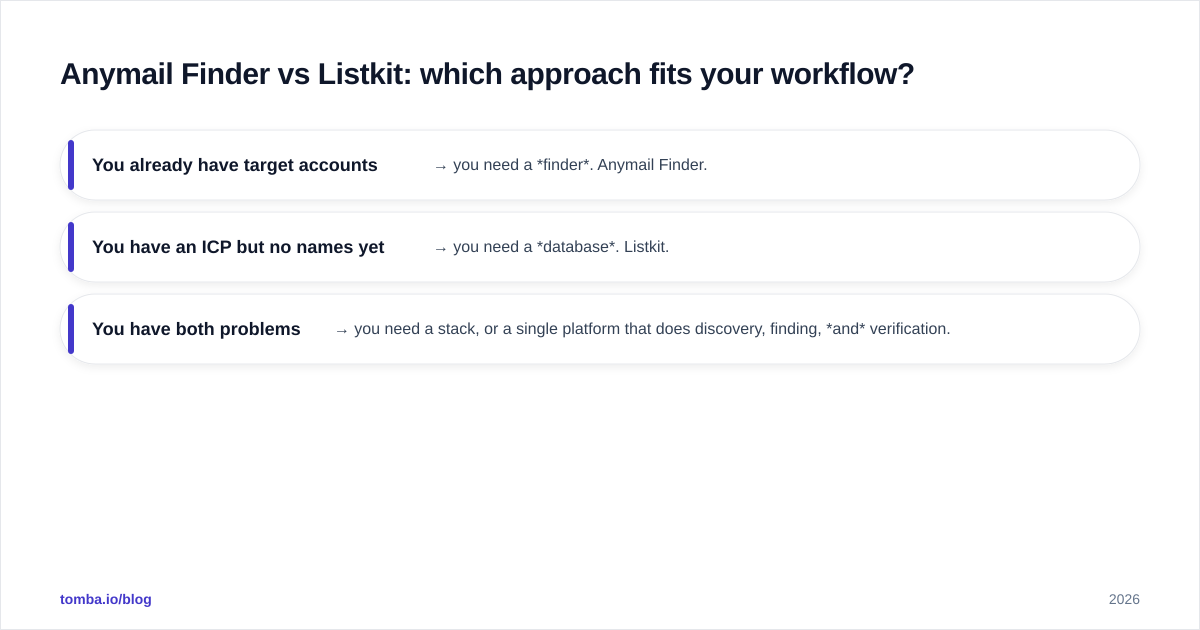
The honest answer is that they're not direct competitors so much as two ends of the same pipeline. Here's the mental model:
- You already have target accounts and names → you need a finder. Anymail Finder.
- You have an ICP but no names yet → you need a database. Listkit.
- You have both problems → you need a stack, or a single platform that does discovery, finding, and verification.
Most teams discover they need both within a quarter. You build a list (Listkit-style), then realize 20–30% of the emails bounce or are catch-alls, so you bolt on a verifier (Anymail Finder-style) anyway. That double-spend is the real cost nobody quotes upfront.
This is also why pure list-buying gets a bad reputation. A raw exported list with no second-pass verification is how you torch a sending domain. If you're going that route, treat email deliverability as a first-class concern, not an afterthought — run every imported address through an email verifier before the first send.
How do Anymail Finder and Listkit compare on accuracy?#
Accuracy is measured differently for each tool, which makes head-to-head numbers slippery.
Anymail Finder's accuracy claim is about verification confidence: when it says "verified," the SMTP server acknowledged the mailbox. That's a per-email guarantee, but it returns fewer addresses overall because it withholds the ones it can't confirm. High precision, lower recall.
Listkit's accuracy is about database coverage and freshness: how many of your filtered contacts have a correct, current email at export time. It returns more rows, but a slice of them will be stale, role-based, or catch-all. Higher recall, more variable precision.
Neither is "wrong" — they optimize for different things. For cold outbound where bounce rate caps your sending reputation, precision usually wins. A list of 1,000 with 40 bounces hurts your domain more than a list of 700 clean addresses helps it.

Whichever tool you pick, the durable habit is verify-then-send. Catch-all domains are the silent killer here — they accept every address at the SMTP layer, so a naive verifier marks them "valid" when they may not be. A dedicated catch-all verifier is the only reliable way to separate real inboxes from accept-all traps.
Anymail Finder vs Listkit: pricing and features compared#
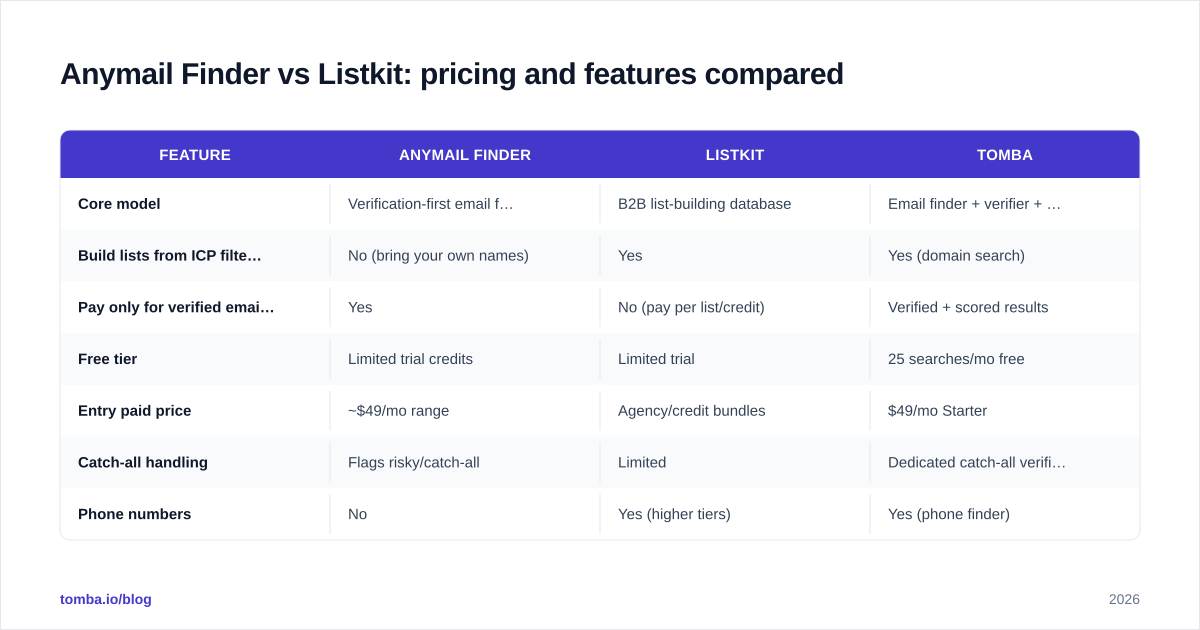
Here's the side-by-side. Treat exact prices as directional — both vendors adjust tiers, and Listkit in particular bundles by credits and seats rather than a simple per-email rate.
| Feature | Anymail Finder | Listkit | Tomba |
|---|---|---|---|
| Core model | Verification-first email finder | B2B list-building database | Email finder + verifier + enrichment |
| Build lists from ICP filters | No (bring your own names) | Yes | Yes (domain search) |
| Pay only for verified emails | Yes | No (pay per list/credit) | Verified + scored results |
| Free tier | Limited trial credits | Limited trial | 25 searches/mo free |
| Entry paid price | ~$49/mo range | Agency/credit bundles | $49/mo Starter |
| Catch-all handling | Flags risky/catch-all | Limited | Dedicated catch-all verifier |
| Phone numbers | No | Yes (higher tiers) | Yes (phone finder) |
| Data enrichment | No | Partial | Yes |
| Public API | Yes | Limited | Yes (full REST API) |
| Best for | Finding emails for known names | Building cold-email lists fast | Teams wanting find + verify + enrich in one |
A few things stand out. Anymail Finder and Tomba both land around the $49/mo entry point, but Tomba's Starter includes domain search and verification in the same plan, so you're not stitching a finder to a separate database. Listkit's pricing is built for volume teams running agencies — great economics if you're exporting tens of thousands of contacts, less so for a founder doing 50 hand-picked outreaches a week.
If you want the full tier breakdown for a verification-first option, the Tomba pricing page lays out Free (25 searches), Starter ($49), Growth ($99), Pro ($249), and Enterprise.

Is Listkit better than Anymail Finder for cold email?#
For high-volume cold email agencies, Listkit is the more complete starting point — it gets you from ICP to sendable list without a second tool, which is exactly what an agency optimizing for throughput wants. But "complete starting point" is not the same as "send it as-is."
The teams that win with Listkit treat its export as a draft list, then run a verification pass before loading it into their sequencer. Skip that step and you'll see the bounce rate creep that quietly drags down sender reputation across your whole domain.
Anymail Finder is the better fit when your prospecting is manual and surgical — you found someone great on LinkedIn, you want their work email, and you want to know it's real before you spend a credit. It's the scalpel; Listkit is the bulk loader.
What about Tomba as an alternative to both?#
If the recurring theme above — "you'll end up needing both find and verify" — describes your situation, a single platform that does both is worth pricing out before you commit to a two-tool stack.
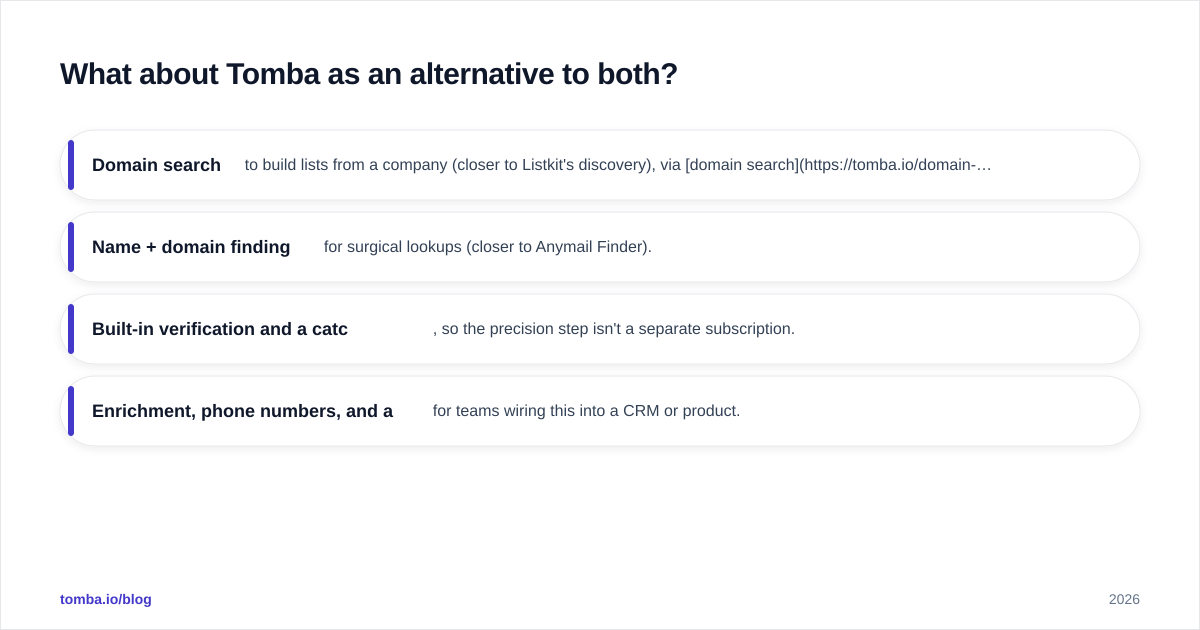
Tomba sits in that middle ground. It offers:
- Domain search to build lists from a company (closer to Listkit's discovery), via domain search.
- Name + domain finding for surgical lookups (closer to Anymail Finder).
- Built-in verification and a catch-all verifier, so the precision step isn't a separate subscription.
- Enrichment, phone numbers, and a full Tomba API for teams wiring this into a CRM or product.
It won't replace Listkit's massive agency-scale export volume, and Anymail Finder's pay-only-for-verified billing is genuinely elegant for pure finders. But for most B2B teams who need to both build a list and trust it, consolidating into one tool removes the double-spend and the CSV juggling between platforms.
Independent reviews on G2 are the sanity check here — read the one- and two-star reviews of any tool you're considering, because that's where data-freshness and billing complaints surface.
How to choose: a quick decision framework#
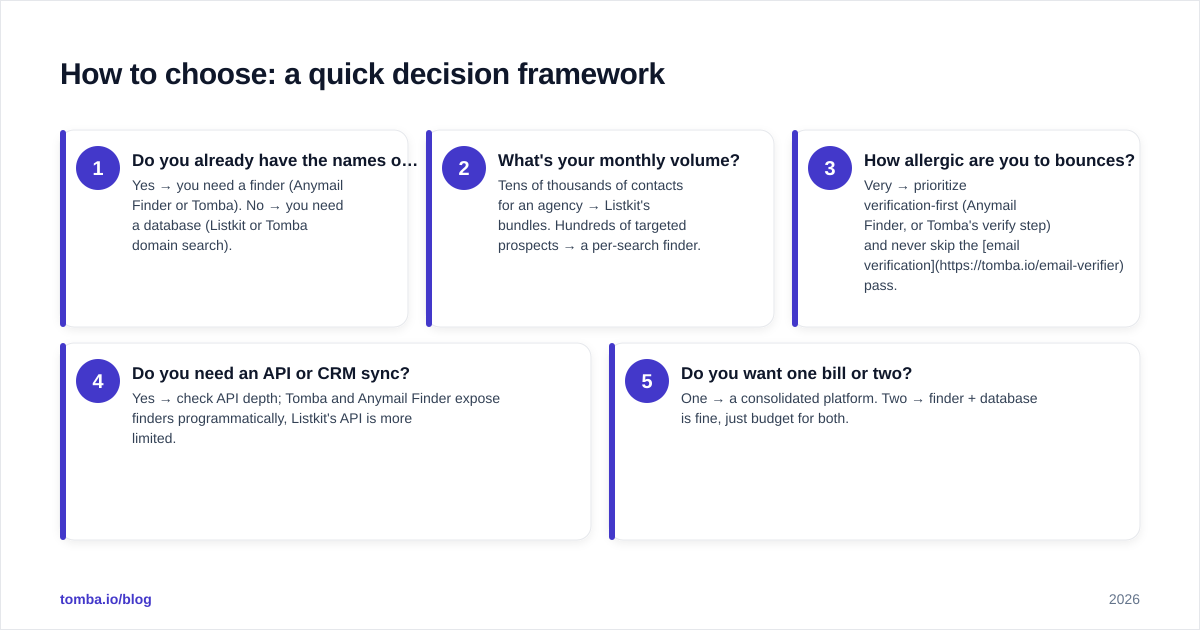
Run your situation through these questions in order:
- Do you already have the names of who you want to email? Yes → you need a finder (Anymail Finder or Tomba). No → you need a database (Listkit or Tomba domain search).
- What's your monthly volume? Tens of thousands of contacts for an agency → Listkit's bundles. Hundreds of targeted prospects → a per-search finder.
- How allergic are you to bounces? Very → prioritize verification-first (Anymail Finder, or Tomba's verify step) and never skip the email verification pass.
- Do you need an API or CRM sync? Yes → check API depth; Tomba and Anymail Finder expose finders programmatically, Listkit's API is more limited.
- Do you want one bill or two? One → a consolidated platform. Two → finder + database is fine, just budget for both.
The most common mistake is buying a list tool, sending unverified, and blaming the copy when replies don't come. The list quality and the verification step decide more of your response rate than the subject line does.
Final verdict#
Pick Anymail Finder if your prospecting is name-first and surgical, and you love the pay-only-for-verified model. Pick Listkit if you're an agency or SDR team that needs to build large lists fast and you'll add a verification step yourself. Pick Tomba if you'd rather not run two subscriptions — finding, verification, catch-all handling, enrichment, and an API live under one $49/mo entry plan.
Ready to test the consolidated approach? Start with the Tomba Email Finder — the free tier gives you 25 searches a month to find and verify professional emails by name, domain, or company before you commit to anything. Build the list, confirm it's real, and send with a clean domain from day one.
// get started
Find, verify and enrich your first contacts today
Start on the free plan with 25 searches a month, then scale when your team is ready.
Free plan · No credit card required · GDPR & CCPA
// about the author