Connect Tomba to AI tools via MCP
Connect Tomba to 10+ AI tools via MCP. OAuth for Claude Desktop — no API keys needed. Remote server at mcp.tomba.io, no local install required.
See how AI tools interact with Tomba via MCP



Based on verified reviews
Add to your AI tool in 30 seconds
Add this to your AI tool's MCP config. Claude Desktop uses OAuth — no API keys needed. Other clients can use Bearer token or API key headers.
{
  "mcpServers": {
    "tomba": {
      "url": "https://mcp.tomba.io/mcp"
    }
  }
}
Claude Desktop authorizes via browser automatically. For other clients, generate credentials from the Tomba Dashboard
MCP Server Features
Everything you need to connect Tomba's data to your AI workflow.
Claude Desktop
Use Tomba tools directly inside Claude Desktop. Ask questions in plain English and get email data instantly.
Cursor IDE
Access Tomba data without leaving your code editor. Find emails, verify contacts, and enrich leads from Cursor.
Windsurf
Integrate Tomba tools into your Windsurf AI workflow for seamless email discovery and verification.
AI Agents
Build autonomous AI agents that can find emails, search domains, and verify contacts using Tomba data.
Natural Language Queries
No API syntax to memorize. Ask in plain English and your AI tool translates it to Tomba API calls.
Email Finder via AI
Ask your AI assistant to find anyone's professional email address by name and company domain.
Domain Search via AI
Tell your AI tool a company domain and get back all discovered email addresses with confidence scores.
Email Verification via AI
Verify any email address for deliverability directly from your AI chat. Get status, confidence, and catch-all detection.
Phone Finder via AI
Discover direct phone numbers for contacts through natural language queries to your AI assistant.
Bulk Operations
Process multiple lookups in a single AI conversation. Find emails for an entire team or verify a batch of addresses.
Real-time Data Access
Every MCP query hits the live Tomba API. No stale caches or outdated databases between you and the data.
OpenClaw Integration
Use the Tomba Contact Intelligence skill on OpenClaw for automated contact discovery, email verification, lead enrichment, and company research.
Secure API Key Auth
Your Tomba API credentials stay local in your MCP config. Keys are never sent to AI model providers.
OAuth 2.0 Authentication
Claude Desktop uses OAuth — authorize in your browser, no API keys to manage. Tokens refresh silently.
Remote MCP Server
Connect to mcp.tomba.io directly. No local npx install, no Node.js dependency. Just add the URL.
Claude Code CLI
Use Tomba tools from the Claude Code command line with Bearer token authentication.
Zed Editor
Access Tomba data from Zed via its built-in MCP support and agent panel.
How MCP Integration Works
Three steps to connect Tomba to your AI tools
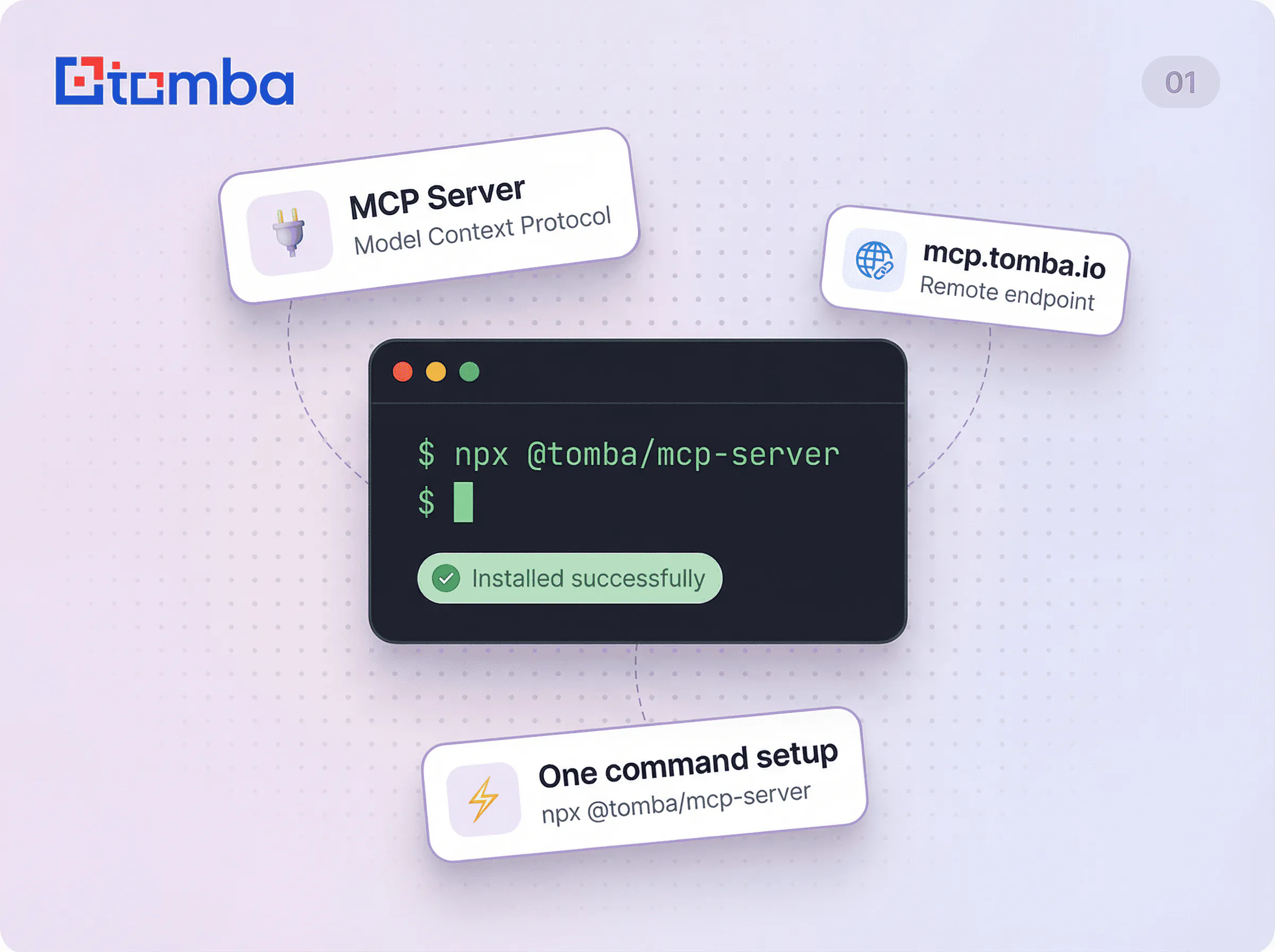
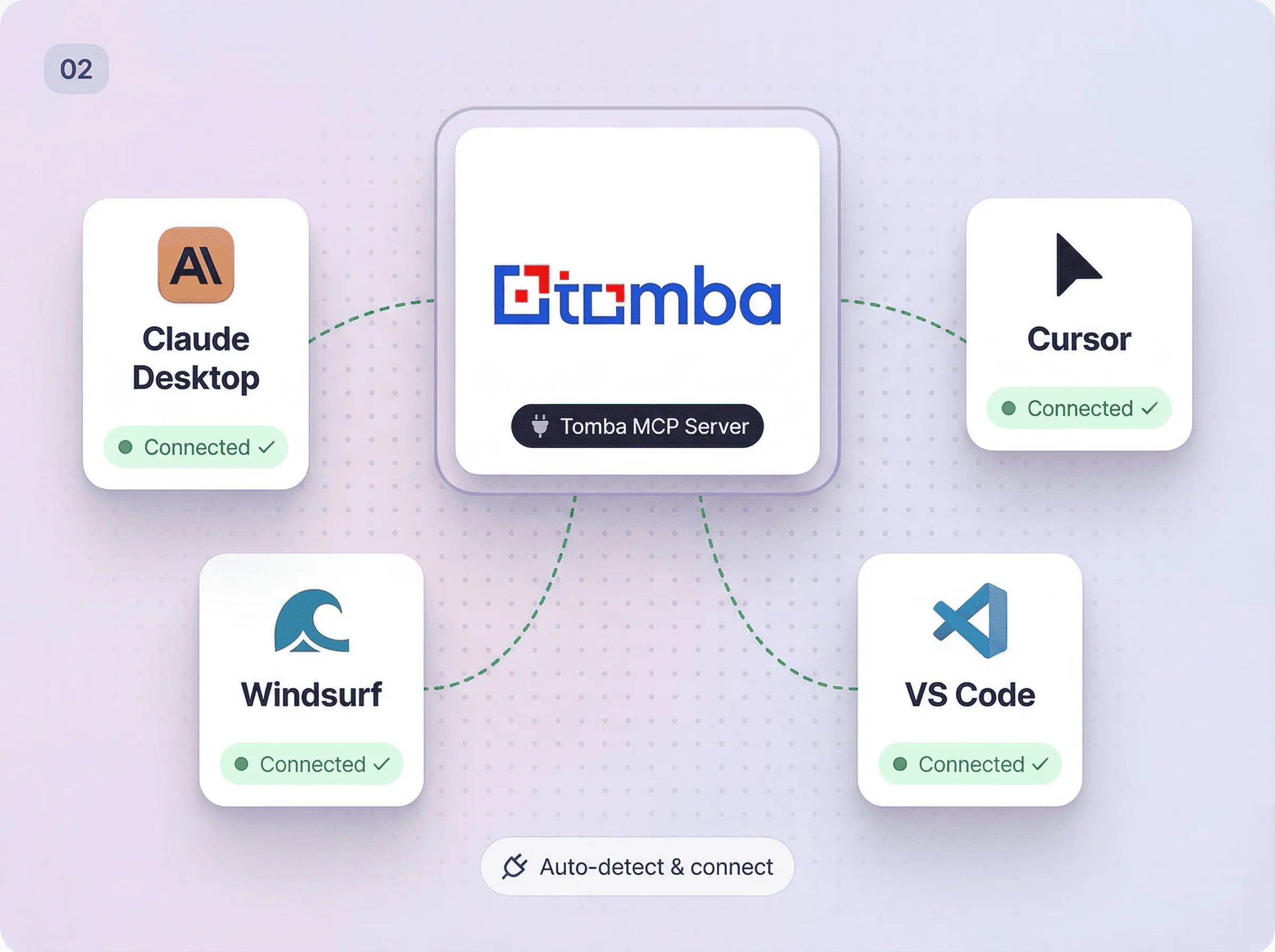
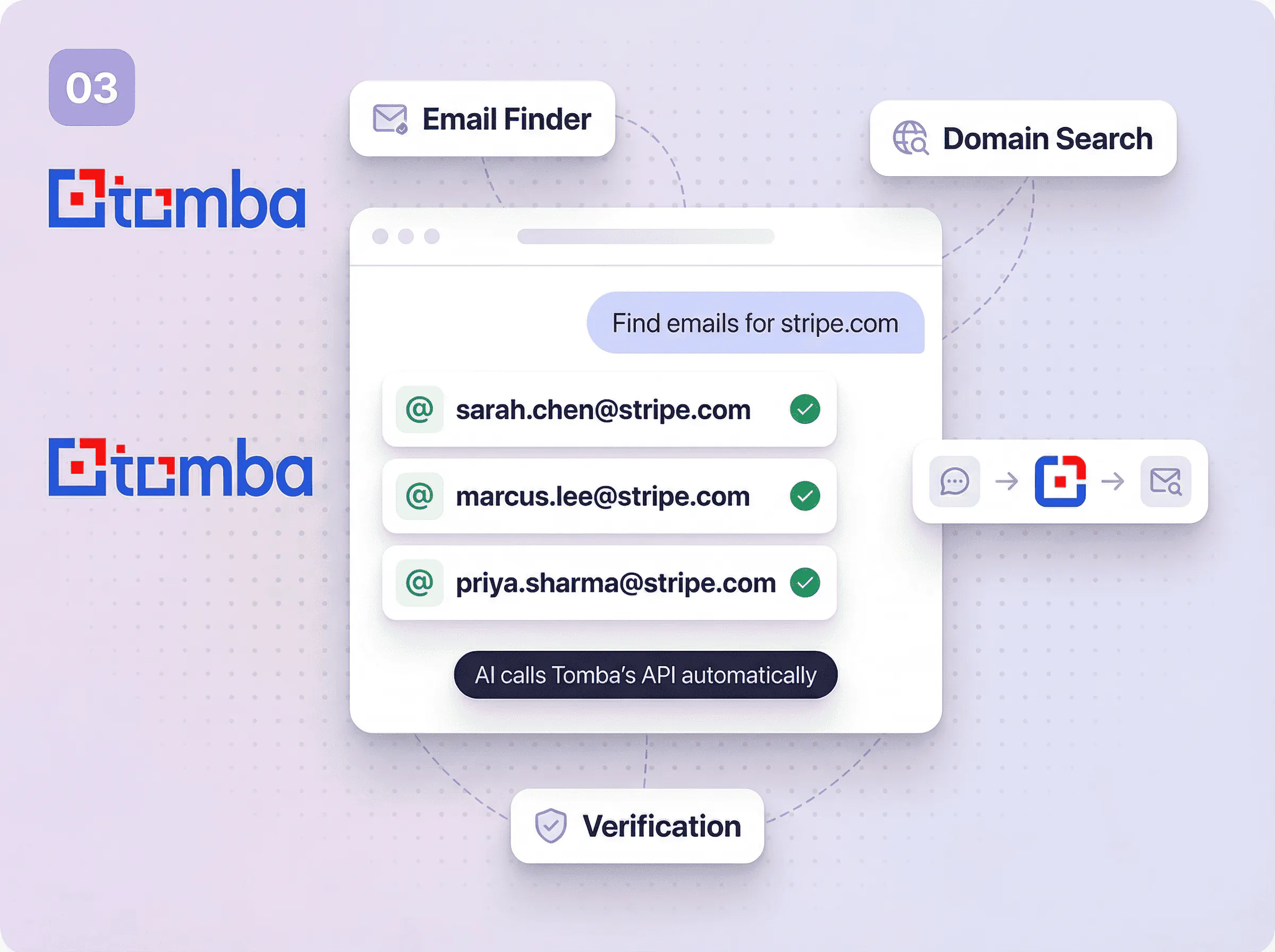
Supported AI tools
Works with any AI tool that supports the Model Context Protocol.
Claude Desktop
OAuth — no API keys needed
Claude Code
Bearer token auth via CLI
Cursor
Header-based auth
VS Code
MCP via Copilot extensions
Windsurf
Bearer token auth
Zed
MCP via agent panel
ChatGPT
OAuth plugin integration
Gemini CLI
MCP support via CLI
Codeium
MCP integration support
Any MCP Client
Open standard protocol
Available MCP tools
Each tool maps to a Tomba API endpoint. Your AI assistant calls them automatically based on your request.
domain_search
Find all email addresses associated with a domain
email_finder
Find the email address of a person by name and domain
email_verifier
Verify if an email address is deliverable
author_finder
Find the email of an article author from a URL
linkedin_finder
Find the email address behind a LinkedIn profile
email_enrichment
Enrich an email with full contact and company data
phone_finder
Find direct phone numbers for a contact
phone_validator
Validate and format phone numbers
email_count
Get total email counts for a domain
technology_finder
Discover the tech stack of any website
similar_finder
Find similar and competing companies
companies_search
Search companies by industry, size, location, and more
person_enrichment
Find person data by email including name, position, and social profiles
company_enrichment
Find company data by domain including industry, size, and location
combined_enrichment
Combined person and company enrichment by email
domain_status
Check if a domain is webmail or disposable
email_format
Get the email format patterns used by a domain
email_sources
Find where an email address was found on the web
autocomplete
Autocomplete company names and retrieve domain info
location
Get employee location count by country for a domain
account_info
Get current account info including plan, credits, and limits
usage_info
Get current API usage statistics across all endpoints
get_logs
Get recent API request logs
create_lead
Add a new lead to a list
list_leads
List leads with optional domain filter
create_flag
Report incorrect data for credit recovery
list_flags
List submitted data flags with credit refund info
list_keys
List all API keys for the account
MCP Resources
Real-time data endpoints your AI assistant can read directly.
API Status
tomba://api/statusAccount status, usage statistics, remaining credits, and plan details
Department List
tomba://data/departmentsAvailable department filters for domain search queries
Tomba Docs
tomba://docs/api-referenceComprehensive API documentation with all endpoints and usage examples
12 Built-in Prompts
Pre-built workflows your AI assistant can run with a single command. From lead research to due diligence.
lead-research
Research a company and find key contacts for outreach
competitor-analysis
Analyze competitors including tech stack, team structure, and contacts
email-verification
Verify a list of email addresses
find-person
Find a specific person's email at a company
content-outreach
Find authors and content creators for outreach campaigns
account-based-marketing
Build comprehensive ABM campaigns with multi-stakeholder targeting
investor-research
Research VCs/investors, portfolio companies, and find decision makers
hiring-outreach
Source candidates from target companies for recruiting
partnership-research
Identify strategic partners and integration opportunities
market-research
Conduct industry analysis across multiple companies
sales-territory-mapping
Build territory plans with account prioritization and stakeholder mapping
due-diligence
Comprehensive company analysis for investment, acquisition, or partnership
Teach AI assistants Tomba expertise
Install the Tomba MCP skill to give your AI assistant domain knowledge for email discovery, verification workflows, and lead generation best practices.
npx skills add tomba-io/agent-pluginsDomain knowledge for email discovery and verification
Best practices for lead generation workflows
Authentication setup guidance
Tool usage examples and patterns
Use MCP Server everywhere you work
Browser extensions, spreadsheet add-ons, REST API, and native integrations pick what fits your workflow.
MCP Server works differently
Most tools
Require manual copy-paste between AI tools and email finders
No direct integration with AI assistants
Complex API syntax to memorize for every operation
Separate tools for search, verification, and enrichment
No natural language interface for email data
Tomba
Direct MCP connection between your AI tool and Tomba data
Native support for Claude Desktop, Claude Code, Cursor, VS Code, Windsurf, Zed, ChatGPT, Gemini CLI, Codeium, and more
Natural language queries translated to API calls automatically
All tools in one server: search, find, verify, enrich, and more
OAuth for Claude Desktop (no API keys), plus Bearer token and header auth for other clients
Need to use Tomba without AI?
Trusted by sales teams worldwide
“The MCP integration is a game changer. I ask Claude to find emails and it just works. No more switching between tools.”

“Stellar product and amazing support. This one is far superior by far.”

Ready to connect Tomba to your AI tools?
Join 150,000+ professionals who trust Tomba for accurate contact data. No credit card required.
Under 5% bounce rate
GDPR Compliant
450M+ contacts
Data updates
Quick answers about MCP Server
Here are the most common ones we get.
If you can't find the answer to your question here, visit the dedicated section in our Help Center .




