Verbind Tomba met AI-tools via MCP
Het Model Context Protocol stelt AI-assistenten zoals Claude, Cursor en Windsurf in staat om de e-mailzoek-, domeinzoek- en verificatietools van Tomba te gebruiken in natuurlijke taal.
See how AI tools interact with Tomba via MCP



Op basis van geverifieerde beoordelingen
Add to your AI tool in 30 seconds
Add this to your AI tool's MCP config. Claude Desktop uses OAuth — no API keys needed. Other clients can use Bearer token or API key headers.
{
  "mcpServers": {
    "tomba": {
      "url": "https://mcp.tomba.io/mcp"
    }
  }
}
Claude Desktop authorizes via browser automatically. For other clients, generate credentials from the Tomba Dashboard
Functies van de MCP-server
Alles wat u nodig hebt om Tomba-data te koppelen aan uw AI-workflow.
Claude Desktop
Gebruik Tomba-tools rechtstreeks in Claude Desktop. Stel vragen in gewone taal en ontvang direct e-mailgegevens.
Cursor IDE
Krijg toegang tot Tomba-data zonder uw code-editor te verlaten. Zoek e-mails, verifieer contacten en verrijk uw prospects vanuit Cursor.
Windsurf
Integreer Tomba-tools in uw Windsurf AI-workflow voor naadloze e-mailontdekking en -verificatie.
AI-agents
Bouw autonome AI-agents die e-mails kunnen vinden, domeinen kunnen doorzoeken en contacten kunnen verifiëren met Tomba-data.
Zoekopdrachten in natuurlijke taal
Geen API-syntaxis om te onthouden. Vraag in gewone taal en uw AI-tool vertaalt dit naar Tomba API-aanroepen.
E-mail zoeken via AI
Vraag uw AI-assistent om het zakelijke e-mailadres van iemand te vinden op basis van naam en bedrijfsdomein.
Domein zoeken via AI
Geef een bedrijfsdomein op aan uw AI-tool en ontvang alle gevonden e-mailadressen met betrouwbaarheidsscores.
E-mailverificatie via AI
Controleer de bezorgbaarheid van elk e-mailadres rechtstreeks vanuit uw AI-chat. Ontvang de status, het betrouwbaarheidsniveau en catch-all-detectie.
Telefoon zoeken via AI
Ontdek directe telefoonnummers van uw contacten via zoekopdrachten in natuurlijke taal aan uw AI-assistent.
Bulkbewerkingen
Verwerk meerdere zoekopdrachten in één AI-gesprek. Vind de e-mails van een heel team of verifieer een batch adressen.
Realtime datatoegang
Elke MCP-query bevraagt de Tomba API live. Geen verouderde cache of oude database tussen u en de data.
OpenClaw-integratie
Gebruik de Tomba Contact Intelligence-skill op OpenClaw voor geautomatiseerde contactontdekking, e-mailverificatie, leadverrijking en bedrijfsonderzoek.
Veilige API-sleutelauthenticatie
Uw Tomba API-gegevens blijven lokaal in uw MCP-configuratie. Sleutels worden nooit naar AI-modelproviders verzonden.
Hoe de MCP-integratie werkt
Drie stappen om Tomba te verbinden met uw AI-tools
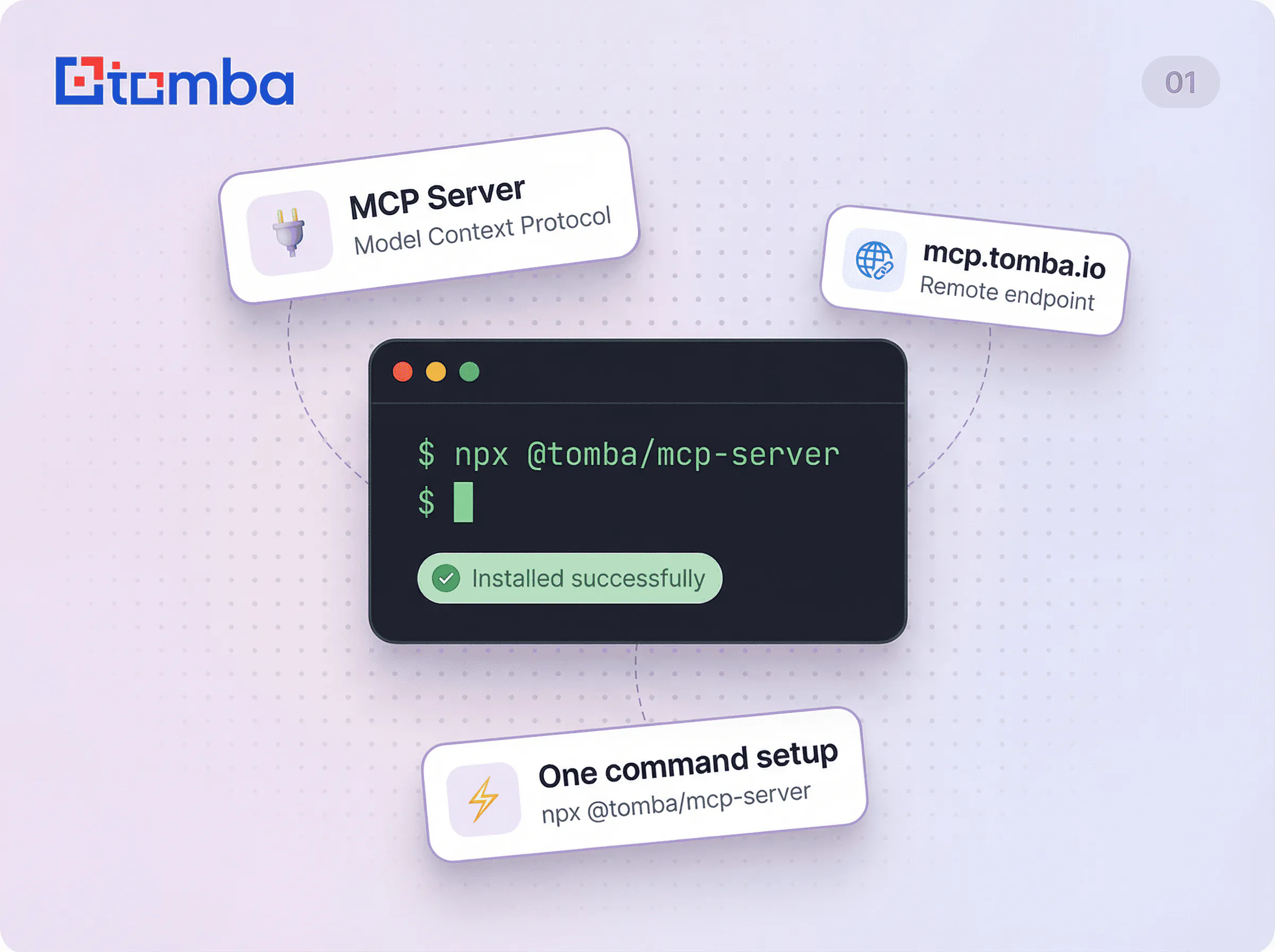
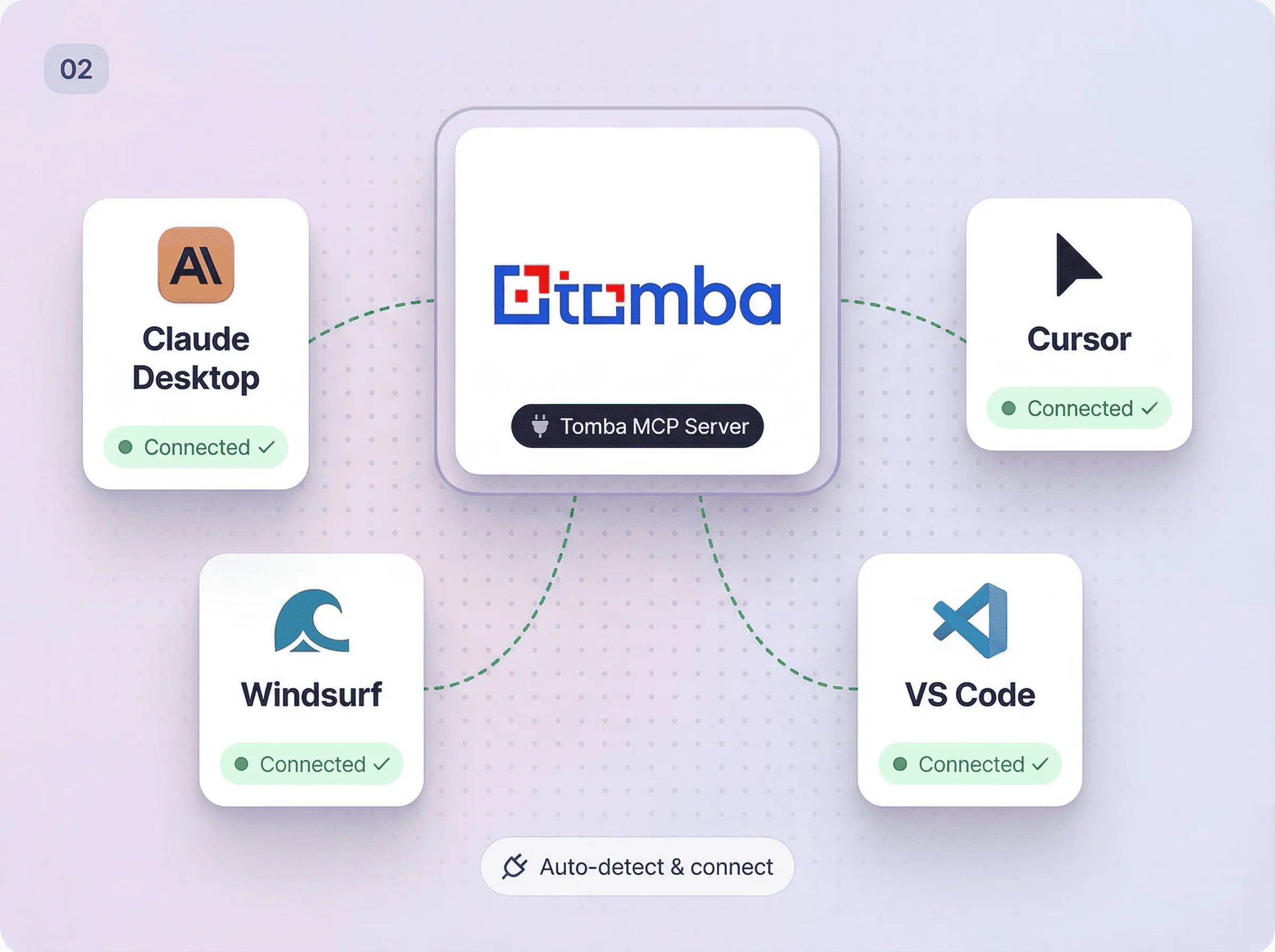
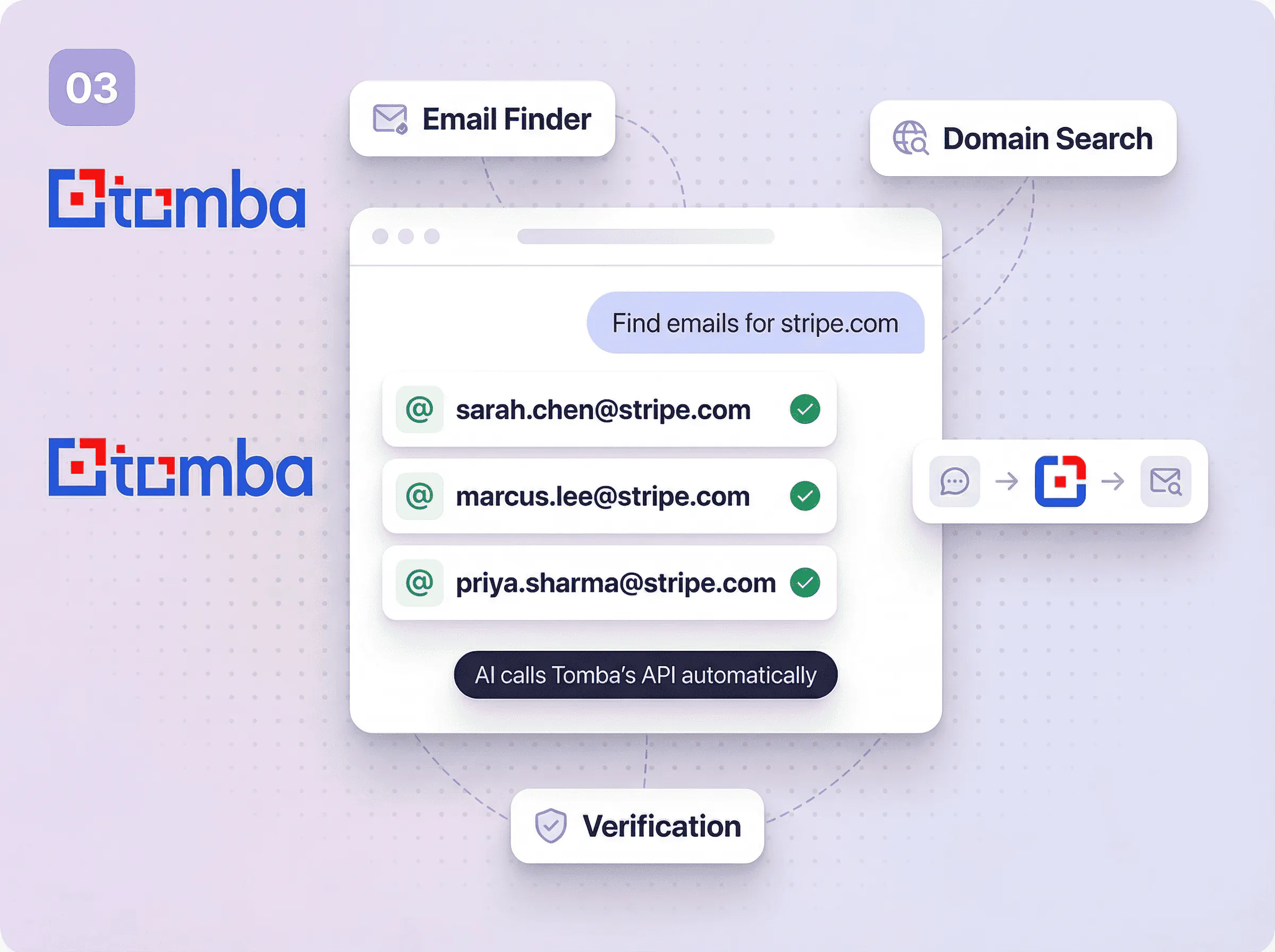
Supported AI tools
Works with any AI tool that supports the Model Context Protocol.
Claude Desktop
OAuth — no API keys needed
Claude Code
Bearer token auth via CLI
Cursor
Header-based auth
VS Code
MCP via Copilot extensions
Windsurf
Bearer token auth
Zed
MCP via agent panel
ChatGPT
OAuth plugin integration
Gemini CLI
MCP support via CLI
Codeium
MCP integration support
Any MCP Client
Open standard protocol
Available MCP tools
Each tool maps to a Tomba API endpoint. Your AI assistant calls them automatically based on your request.
domain_search
Find all email addresses associated with a domain
email_finder
Find the email address of a person by name and domain
email_verifier
Verify if an email address is deliverable
author_finder
Find the email of an article author from a URL
linkedin_finder
Find the email address behind a LinkedIn profile
email_enrichment
Enrich an email with full contact and company data
phone_finder
Find direct phone numbers for a contact
phone_validator
Validate and format phone numbers
email_count
Get total email counts for a domain
technology_finder
Discover the tech stack of any website
similar_finder
Find similar and competing companies
companies_search
Search companies by industry, size, location, and more
person_enrichment
Find person data by email including name, position, and social profiles
company_enrichment
Find company data by domain including industry, size, and location
combined_enrichment
Combined person and company enrichment by email
domain_status
Check if a domain is webmail or disposable
email_format
Get the email format patterns used by a domain
email_sources
Find where an email address was found on the web
autocomplete
Autocomplete company names and retrieve domain info
location
Get employee location count by country for a domain
account_info
Get current account info including plan, credits, and limits
usage_info
Get current API usage statistics across all endpoints
get_logs
Get recent API request logs
create_lead
Add a new lead to a list
list_leads
List leads with optional domain filter
create_flag
Report incorrect data for credit recovery
list_flags
List submitted data flags with credit refund info
list_keys
List all API keys for the account
MCP Resources
Real-time data endpoints your AI assistant can read directly.
API Status
tomba://api/statusAccount status, usage statistics, remaining credits, and plan details
Department List
tomba://data/departmentsAvailable department filters for domain search queries
Tomba Docs
tomba://docs/api-referenceComprehensive API documentation with all endpoints and usage examples
12 Built-in Prompts
Pre-built workflows your AI assistant can run with a single command. From lead research to due diligence.
lead-research
Research a company and find key contacts for outreach
competitor-analysis
Analyze competitors including tech stack, team structure, and contacts
email-verification
Verify a list of email addresses
find-person
Find a specific person's email at a company
content-outreach
Find authors and content creators for outreach campaigns
account-based-marketing
Build comprehensive ABM campaigns with multi-stakeholder targeting
investor-research
Research VCs/investors, portfolio companies, and find decision makers
hiring-outreach
Source candidates from target companies for recruiting
partnership-research
Identify strategic partners and integration opportunities
market-research
Conduct industry analysis across multiple companies
sales-territory-mapping
Build territory plans with account prioritization and stakeholder mapping
due-diligence
Comprehensive company analysis for investment, acquisition, or partnership
Teach AI assistants Tomba expertise
Install the Tomba MCP skill to give your AI assistant domain knowledge for email discovery, verification workflows, and lead generation best practices.
npx skills add tomba-io/agent-pluginsDomain knowledge for email discovery and verification
Best practices for lead generation workflows
Authentication setup guidance
Tool usage examples and patterns
Gebruik MCP Server overal waar u werkt
Browserextensies, spreadsheet-add-ons, REST API en native integraties kies wat past bij uw workflow.
MCP Server werkt anders
De meeste tools
Require manual copy-paste between AI tools and email finders
No direct integration with AI assistants
Complex API syntax to memorize for every operation
Separate tools for search, verification, and enrichment
No natural language interface for email data
Tomba
Direct MCP connection between your AI tool and Tomba data
Native support for Claude Desktop, Claude Code, Cursor, VS Code, Windsurf, Zed, ChatGPT, Gemini CLI, Codeium, and more
Natural language queries translated to API calls automatically
All tools in one server: search, find, verify, enrich, and more
OAuth for Claude Desktop (no API keys), plus Bearer token and header auth for other clients
Need to use Tomba without AI?
Vertrouwd door verkoopteams wereldwijd
“The MCP integration is a game changer. I ask Claude to find emails and it just works. No more switching between tools.”

“Stellar product and amazing support. This one is far superior by far.”

Ready to connect Tomba to your AI tools?
Sluit u aan bij meer dan 150.000 professionals die Tomba vertrouwen voor nauwkeurige contactgegevens. Geen creditcard vereist.
Minder dan 5% bouncepercentage
AVG-conform
450M+ contacten
Data-updates
Snelle antwoorden over MCP Server
Hier vindt u de meest gestelde vragen.
Als u het antwoord op uw vraag hier niet vindt, bezoek dan het speciale gedeelte in ons Helpcentrum .




