Clodura.ai vs CUFINDER 2026: Which B2B Data Tool Wins?
Clodura.ai vs CUFINDER compared on data accuracy, email finding, pricing, and fit. See which B2B prospecting tool actually earns a spot in your stack in 2026.
Clodura.ai vs CUFINDER: Which B2B Data Tool Should You Pick in 2026?
Choosing between Clodura.ai and CUFINDER comes down to one question: do you need an all-in-one sales-engagement platform, or a fast, API-first contact data engine? This guide compares both on data accuracy, email finding, pricing, and real-world fit — without the marketing gloss — and shows where a focused tool like Tomba beats both when email accuracy is all you actually care about.
TL;DR#
- Clodura.ai is a sales intelligence + engagement suite: prospecting database, email/sequence automation, and meeting scheduling bundled together. Best if you want a single platform to replace several tools.
- CUFINDER is a contact and company enrichment engine with a strong API and Chrome extension. Best for developers and ops teams piping data into a CRM or workflow.
- Accuracy is the deciding factor for both — neither wins decisively, and both ship bounce risk you must verify before sending.
- Pricing favors CUFINDER for credit-based enrichment; Clodura.ai costs more because you pay for the engagement layer too.
- If you only need verified emails at scale, a dedicated email finder such as Tomba is cheaper per valid contact and skips features you won't use.
What is Clodura.ai?#
Clodura.ai positions itself as an AI-powered sales prospecting platform. The pitch is breadth: a B2B contact database (it advertises hundreds of millions of contacts), direct-dial numbers, email sequencing, a built-in dialer, and meeting scheduling — all in one login. The idea is that a rep can find a prospect, verify the contact, and launch a cadence without leaving the tool.
That bundling is the appeal and the catch. You're buying a workflow, not just data. For a small team without an existing sequencing tool, that consolidation saves money and tab-switching. For a team that already runs Outreach, Salesloft, or Instantly, you'd be paying twice for the engagement layer. If that's you, the honest move is to look at a pure data source plus your existing Apollo alternative stack instead.
You can review Clodura.ai's current feature set on its official site and cross-check user sentiment on G2.
What is CUFINDER?#
CUFINDER is a B2B data enrichment and lead-generation engine. Its center of gravity is the API and a set of enrichment endpoints — email finder, phone finder, company lookup, and field-by-field enrichment — plus a Chrome extension and bulk tools. Where Clodura.ai wants to be your daily prospecting cockpit, CUFINDER wants to be the data layer behind your cockpit.
That makes CUFINDER attractive to RevOps and engineering teams. If you maintain a CRM and want to enrich records programmatically — fill missing emails, append firmographics, validate phone numbers — CUFINDER's credit model and API fit that job. The trade-off is that you bring your own outreach tooling; CUFINDER is not trying to send your emails for you. Details are on the CUFINDER homepage and its Capterra listing.
)
How do Clodura.ai and CUFINDER compare head to head?#
Here's the core comparison. Treat advertised database sizes as marketing numbers, not guarantees — what matters is how many contacts in your niche come back verified.
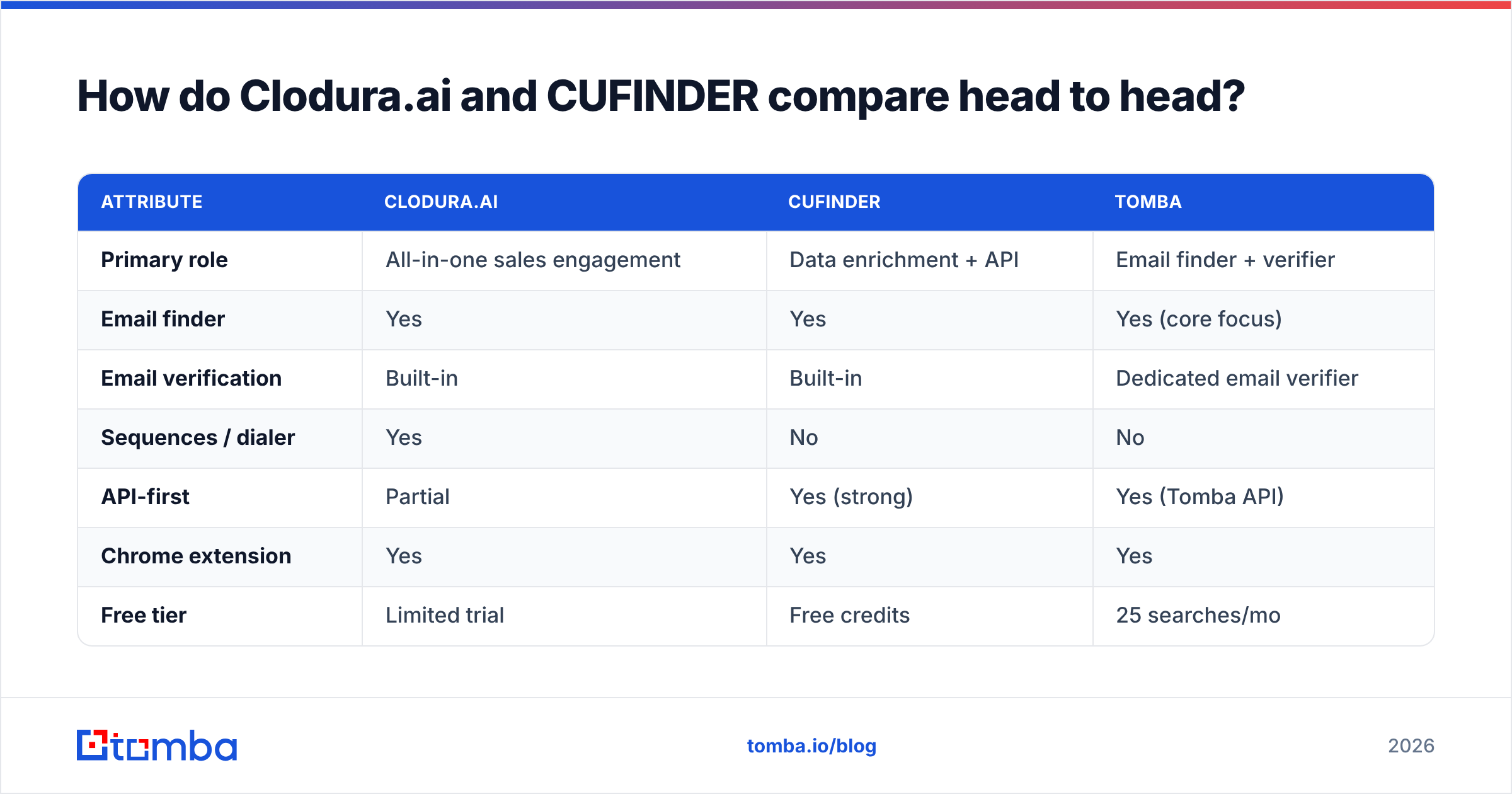
| Attribute | Clodura.ai | CUFINDER | Tomba |
|---|---|---|---|
| Primary role | All-in-one sales engagement | Data enrichment + API | Email finder + verifier |
| Email finder | Yes | Yes | Yes (core focus) |
| Email verification | Built-in | Built-in | Dedicated email verifier |
| Sequences / dialer | Yes | No | No |
| API-first | Partial | Yes (strong) | Yes (Tomba API) |
| Chrome extension | Yes | Yes | Yes |
| Free tier | Limited trial | Free credits | 25 searches/mo |
| Starting paid plan | Higher (bundled) | Credit-based, lower entry | $49/mo |
| Best for | Teams wanting one tool | Devs / RevOps enrichment | Verified email at scale |
The pattern is clear: Clodura.ai sells you a complete motion, CUFINDER sells you clean data with an API, and a focused finder sells you accuracy without the overhead.
Which tool has more accurate data?#
Neither tool wins accuracy outright — and that's the honest answer most comparison posts dodge. Both Clodura.ai and CUFINDER draw from a mix of public web data, partner sources, and pattern inference. In any of these tools, results vary wildly by geography, seniority, and industry. A VP at a US SaaS company is easy; a procurement lead at a German mid-market manufacturer is hard, and every vendor struggles there.

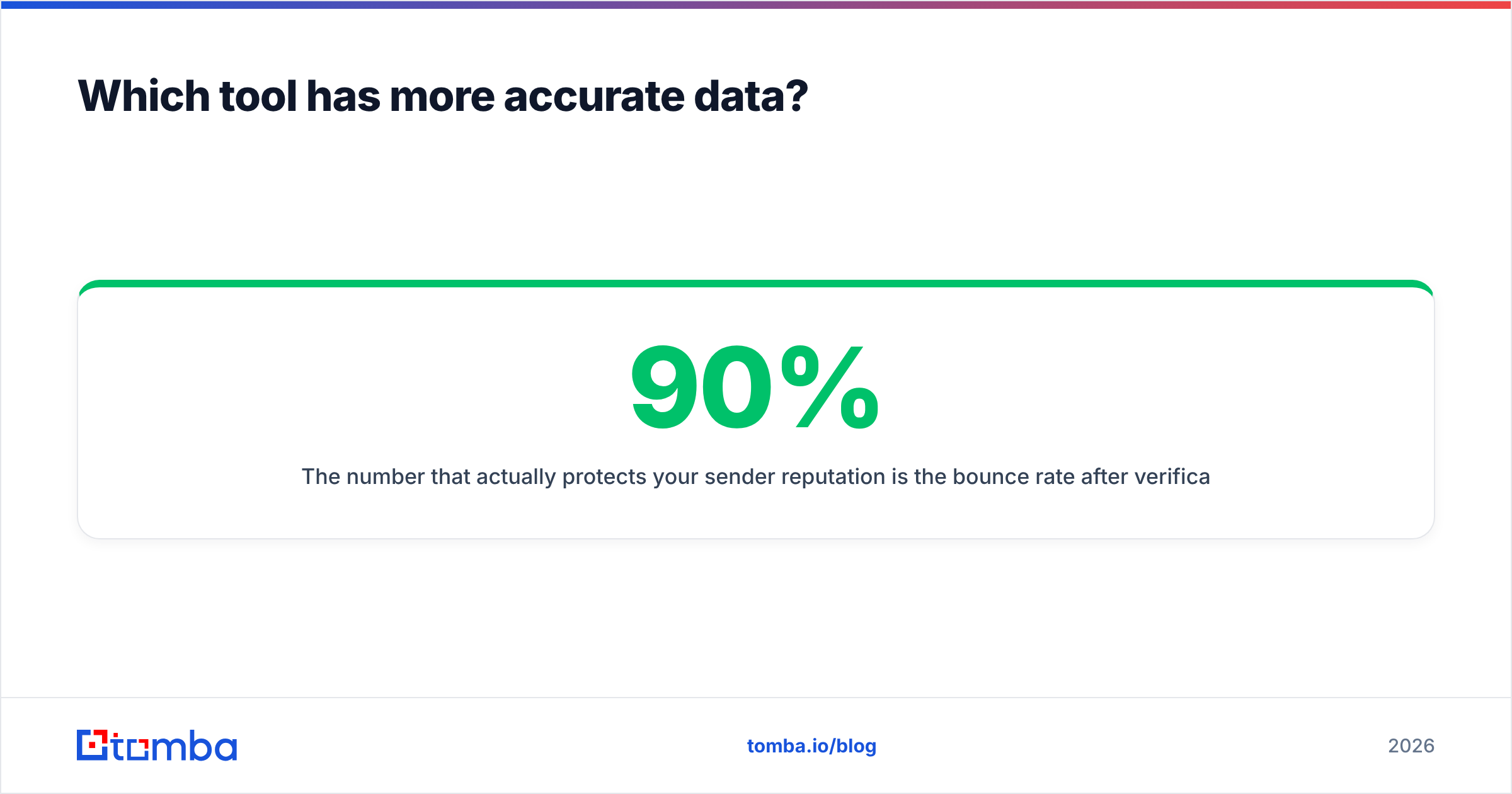
The number that actually protects your sender reputation is the bounce rate after verification, not the raw "found" rate. A tool that returns 90% of addresses but ships 15% invalids will hurt your domain more than a tool that returns 70% but ships 2% invalids. This is why verification matters as much as discovery — and why you should always run found emails through an independent check. Tomba's approach to sourcing is documented openly on its data sources page, and the email verifier runs SMTP-level checks plus catch-all detection before you ever hit send.
Practical rule: whichever tool you choose, verify before sending. Do not trust a "valid" flag from the same engine that guessed the address.
How does pricing compare for Clodura.ai vs CUFINDER?#
CUFINDER generally has the lower entry point because it's credit-based enrichment — you pay for what you pull. Clodura.ai costs more per seat because you're funding the engagement platform (sequences, dialer, scheduling) whether or not you use all of it.
Here's how the cost logic breaks down:
- Clodura.ai — seat-based with feature tiers. Good value only if you replace a separate sequencing tool. Otherwise you pay for capability you already own.
- CUFINDER — credit-based. Predictable for enrichment jobs; cost scales with volume, so high-volume bulk pulls add up fast.
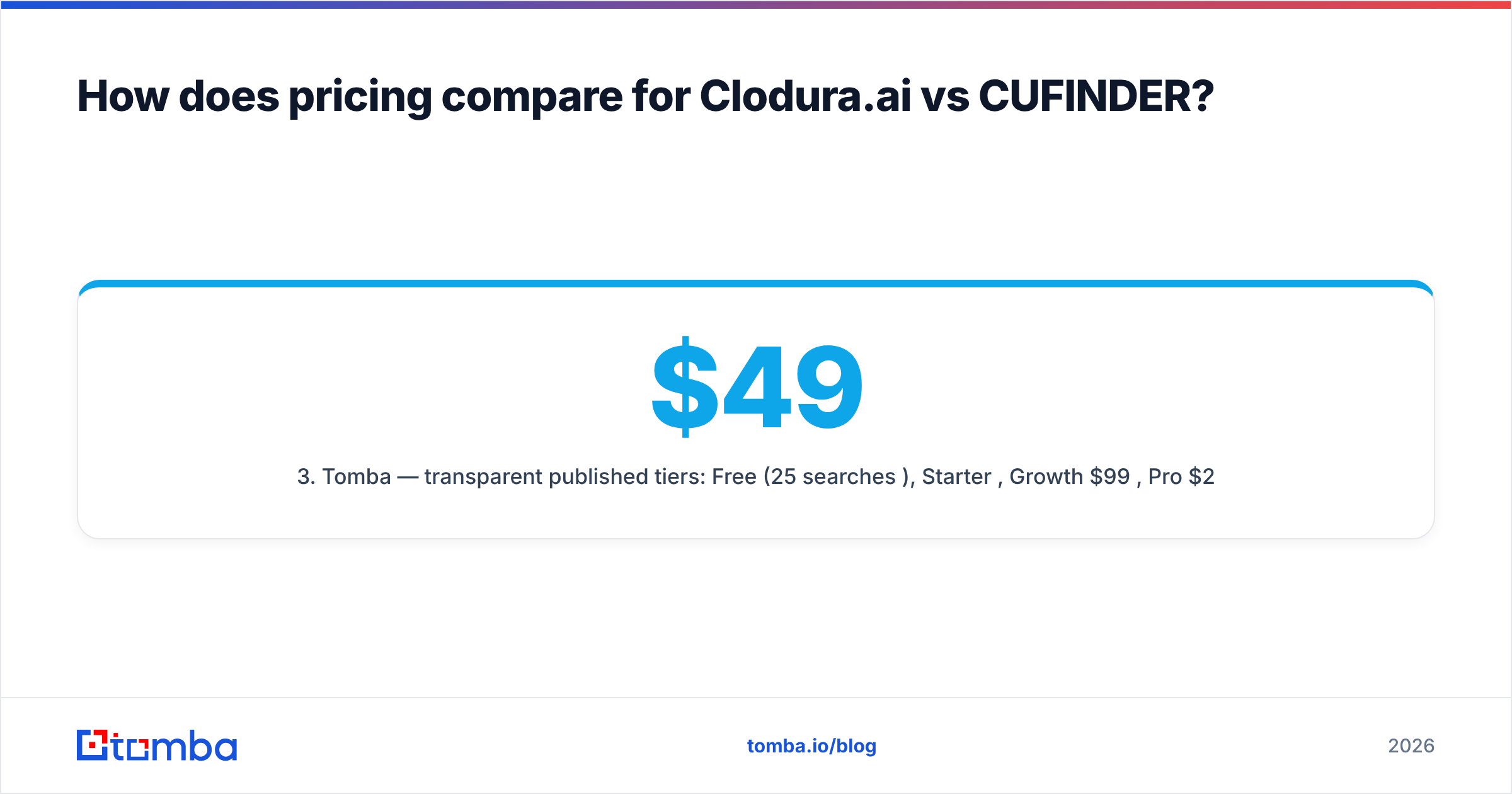
- Tomba — transparent published tiers: Free (25 searches/mo), Starter $49/mo, Growth $99/mo, Pro $249/mo, Enterprise custom. See full Tomba pricing.
- Hidden cost to watch — verification. If a tool bundles weak verification, you'll buy a second verifier anyway. Factor that into total cost per valid contact, not per credit.
)
The cheapest tool on paper is rarely the cheapest per usable lead. Run a small paid test with each, then divide spend by the number of contacts that survived verification and didn't bounce. That single metric beats any pricing page.
Which should you choose for your use case?#
Match the tool to the job, not the hype.
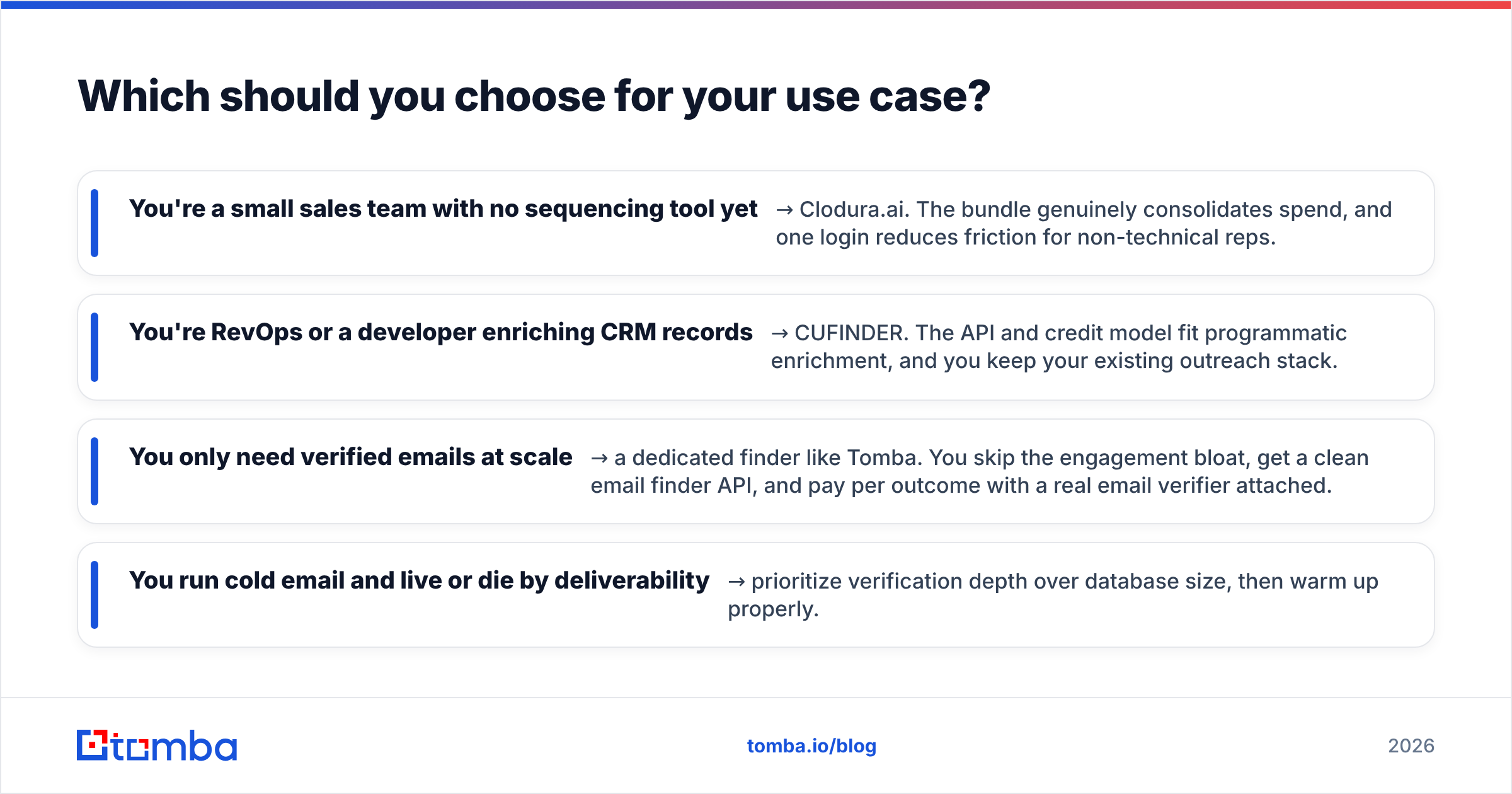
- You're a small sales team with no sequencing tool yet → Clodura.ai. The bundle genuinely consolidates spend, and one login reduces friction for non-technical reps.
- You're RevOps or a developer enriching CRM records → CUFINDER. The API and credit model fit programmatic enrichment, and you keep your existing outreach stack.
- You only need verified emails at scale → a dedicated finder like Tomba. You skip the engagement bloat, get a clean email finder API, and pay per outcome with a real email verifier attached.
- You run cold email and live or die by deliverability → prioritize verification depth over database size, then warm up properly.
A common mistake is buying an all-in-one platform to solve a data problem. If your sequences already work and your only gap is "I can't find or trust the email," adding a full engagement suite is overkill. The reverse is also true: don't bolt three point tools together if a single platform covers a team that won't use an API anyway.
What about data enrichment and bulk workflows?#
Both tools handle enrichment, but the experience differs. CUFINDER leans into bulk and API enrichment as a first-class feature — upload a list, map fields, pull what's missing. Clodura.ai's enrichment is woven into its prospecting flow, which is smoother in-app but less flexible for headless, automated pipelines.
If bulk is your main job, evaluate three things: cost per enriched row, fill rate on your missing fields, and how the tool handles catch-all domains. Catch-all addresses are the silent killer of bounce rates — many tools mark them "valid" when they're really "unknown." Tomba exposes this directly with a catch-all verifier, and supports bulk lead generation and data enrichment so you can enrich and verify in one pass rather than stitching two vendors together.
For teams already in spreadsheets, also check native connectors. Whether you live in Google Sheets, a CRM, or a no-code tool like Zapier, the right integration removes a manual export step that quietly costs hours every week.
The honest verdict#
There's no universal winner between Clodura.ai and CUFINDER — there's only a winner for your specific motion. Clodura.ai wins on breadth for teams that want one platform. CUFINDER wins on flexibility for teams that want a data API. Both lose to a focused finder when the only real requirement is verified email accuracy at a fair price.
Be skeptical of any "X found Y million contacts" claim, including the ones above. Database size is a vanity number. The metrics that pay your salary are bounce rate after verification, fill rate in your niche, and cost per usable contact. Test all three before you commit annually to anything.
Ready to find emails you can actually send to?#
If your real problem is finding and verifying professional emails — not buying another dashboard — start with the tool built for exactly that. The Tomba Email Finder locates addresses by name, company, or domain, runs every result through SMTP and catch-all verification, and exposes a clean API and Chrome extension when you're ready to scale. The free tier gives you 25 searches a month to benchmark accuracy against Clodura.ai or CUFINDER yourself, and paid plans start at $49/mo with no engagement-suite markup. Compare the results, divide by valid contacts, and let the bounce rate decide. Try Tomba's email finder today and keep your sender reputation intact.
// get started
Find, verify and enrich your first contacts today
Start on the free plan with 25 searches a month, then scale when your team is ready.
Free plan · No credit card required · GDPR & CCPA
// about the author