Cufinder vs Mailtester Ninja: Which Tool Wins in 2026?
Cufinder finds and enriches B2B contacts; Mailtester Ninja verifies deliverability. We break down accuracy, pricing, and which one actually belongs in your outbound stack in 2026.
Choosing between Cufinder vs Mailtester Ninja is like picking a fishing rod or a scale. One helps you catch the fish — it finds contacts. The other tells you how much it weighs — it checks whether the email is real. The two overlap just enough to confuse buyers. They also differ enough that the wrong pick can waste a quarter of your budget.
This guide cuts through the marketing. You get a feature-by-feature breakdown, real pricing math, and an honest answer on accuracy. You also get a clear verdict on which tool fits which job. And you learn where one platform that both finds and verifies beats running two subscriptions.
TL;DR — Cufinder vs Mailtester Ninja at a glance#
- Cufinder is a data platform. It finds emails, phone numbers, and company data by name or domain. It also enriches lists. Think prospecting and list-building.
- Mailtester Ninja is a verifier. It checks whether an email is deliverable, catches spam traps, and scores risk. Think list hygiene, not discovery.
- They solve different problems. Need new leads? Cufinder wins by default. Need to clean an existing list before a send? Mailtester Ninja is the specialist.
- Running both is common — and expensive. Many teams pay for a finder and a separate verifier, then still bolt on phone data.
- The consolidation play: one platform that finds and verifies (like Tomba Email Finder) removes the hand-off, the duplicate billing, and the CSV shuffling.
What is Cufinder and who is it for?#
Cufinder is a B2B lead-generation and data-enrichment platform. You feed it a company name, a domain, or a person's name. It returns professional emails, phone numbers, LinkedIn URLs, and firmographic data. Its pitch is breadth: one tool to build lists and enrich the rows you already have.
The typical Cufinder user is an SDR, a growth marketer, or a small agency. They need to go from "I know this company exists" to "I have a named contact and their email" without leaving one dashboard. It leans toward the discovery end of the funnel — the top, where you don't yet have contact details.
Where Cufinder gets weaker is confidence. Like every finder, it leans on pattern generation and crawled sources. So some of what it returns is a best-guess (first.last@domain.com) rather than a confirmed address. That's not unique to Cufinder — it's the nature of email finding. But it's exactly why a verification step matters, and why the "finder vs verifier" comparison is a little apples-to-oranges.

What is Mailtester Ninja and who is it for?#
Mailtester Ninja is a focused email-verification service. You give it an address or a list. It tells you whether that mailbox is likely to accept mail. It runs syntax checks, MX-record lookups, SMTP handshakes, and disposable- or role-account detection. Then it hands back a status: valid, invalid, catch-all, or risky.
The typical Mailtester Ninja user already has a list. Maybe it was exported from a CRM, scraped from a webinar signup, or inherited from a past campaign. They want to avoid torching their sender reputation on dead addresses. So the tool sits at the hygiene end of the workflow, right before you press send.
What Mailtester Ninja deliberately does not do is find new contacts. It has no business turning "Acme Corp" into "jane@acme.com." If discovery is your bottleneck, a verifier alone leaves you stuck. This is the key thing to grasp before comparing the two: they are not substitutes.

Cufinder vs Mailtester Ninja: the head-to-head table#
Here's the honest side-by-side. Notice how few rows they actually compete on. Most cells read "not its job."
| Capability | Cufinder | Mailtester Ninja |
|---|---|---|
| Primary job | Find & enrich contacts | Verify deliverability |
| Find email by name/domain | Yes | No |
| Phone number lookup | Yes | No |
| Company / firmographic data | Yes | No |
| Bulk email verification | Limited | Yes (core feature) |
| Catch-all detection | Basic | Detailed |
| Spam-trap / risk scoring | No | Yes |
| API access | Yes | Yes |
| Best fit | Building new lists | Cleaning existing lists |
| Free tier | Limited credits | Limited checks |
The takeaway isn't "which is better." It's "which stage are you in." A prospecting team at the top of funnel gets almost nothing from Mailtester Ninja alone. A deliverability-obsessed ops person cleaning a 200k list gets almost nothing from a finder's verification afterthought.
Which one is more accurate?#
In the Cufinder vs Mailtester Ninja matchup, accuracy means two different things. So measure each tool on its own job.
For Mailtester Ninja, accuracy is verification precision. When it says "valid," is the mailbox really deliverable? When it says "invalid," is it really dead? Good verifiers land in the high-90s percent range on clean domains. The honest caveat: catch-all domains are unknowable by SMTP alone. No verifier can promise a specific mailbox exists behind a catch-all server. Mailtester Ninja flags these as "catch-all/risky" instead of pretending certainty, which is the right behavior.
For Cufinder, accuracy is finder precision. Of the emails it returns, how many actually reach a human? This is where finders vary widely. A returned email can be sourced (seen in the wild, high confidence) or generated (pattern-guessed, lower confidence). If a finder skips its own verification pass, you inherit a list where a meaningful slice bounces.
That gap is the whole argument for keeping find and verify under one roof. The tool that generates the address can also SMTP-check it before handing it over. That way you skip the "export to a second tool, re-import" tax. Tools built around a combined email verifier pipeline give you a deliverability signal on every found address instead of a shrug.

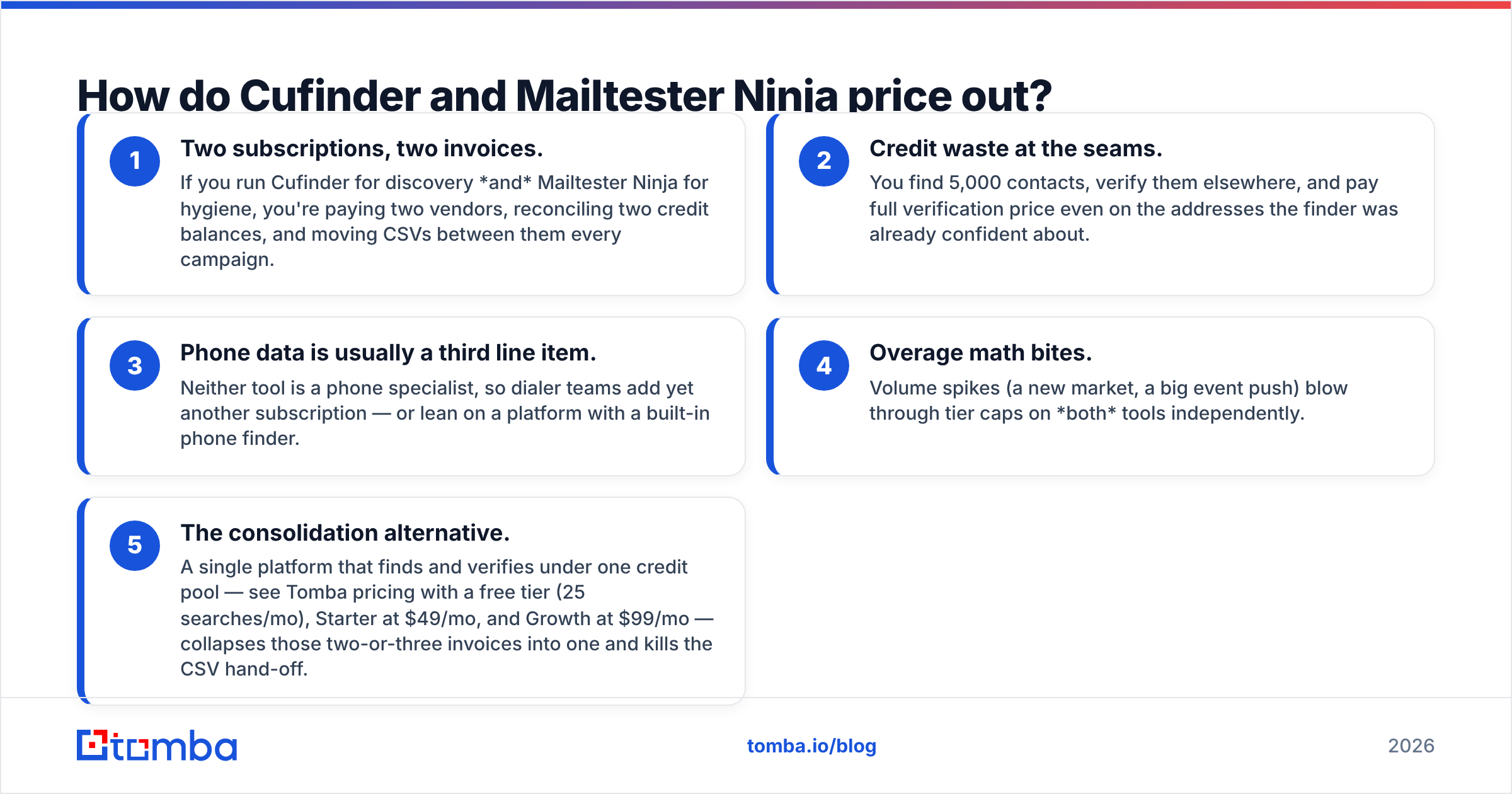
How do Cufinder and Mailtester Ninja price out?#
Both use credit or volume models, and both offer entry tiers. But you pay for different units. Cufinder sells lookups and enrichments. Mailtester Ninja sells verifications. Comparing sticker prices directly is misleading, because most teams that need one eventually need the other. That's where the real cost hides.
Rather than quote figures that drift between billing pages, here's the structural comparison that drives the decision:
- Two subscriptions, two invoices. Run Cufinder for discovery and Mailtester Ninja for hygiene, and you pay two vendors. You also reconcile two credit balances and move CSVs between them every campaign.
- Credit waste at the seams. You find 5,000 contacts and verify them elsewhere. You pay full verification price even on the addresses the finder was already confident about.
- Phone data is usually a third line item. Neither tool is a phone specialist. So dialer teams add yet another subscription — or lean on a platform with a built-in phone finder.
- Overage math bites. Volume spikes — a new market, a big event push — blow through tier caps on both tools independently.
- The consolidation alternative. One platform finds and verifies under a single credit pool. See Tomba pricing with a free tier (25 searches/mo), Starter at $49/mo, and Growth at $99/mo. It collapses those two-or-three invoices into one and kills the CSV hand-off.
The point isn't that Cufinder or Mailtester Ninja is overpriced for what it does. It's that "what it does" is half the job for most outbound teams. The second half is where budgets quietly double.
Can you use both together?#
Yes, and plenty of teams do. The Cufinder vs Mailtester Ninja stack is legitimate. The classic pipeline is simple: Cufinder builds the list, you export it, Mailtester Ninja verifies it, and you re-import the clean rows into your sequencer. It works.
The friction is operational, not technical:
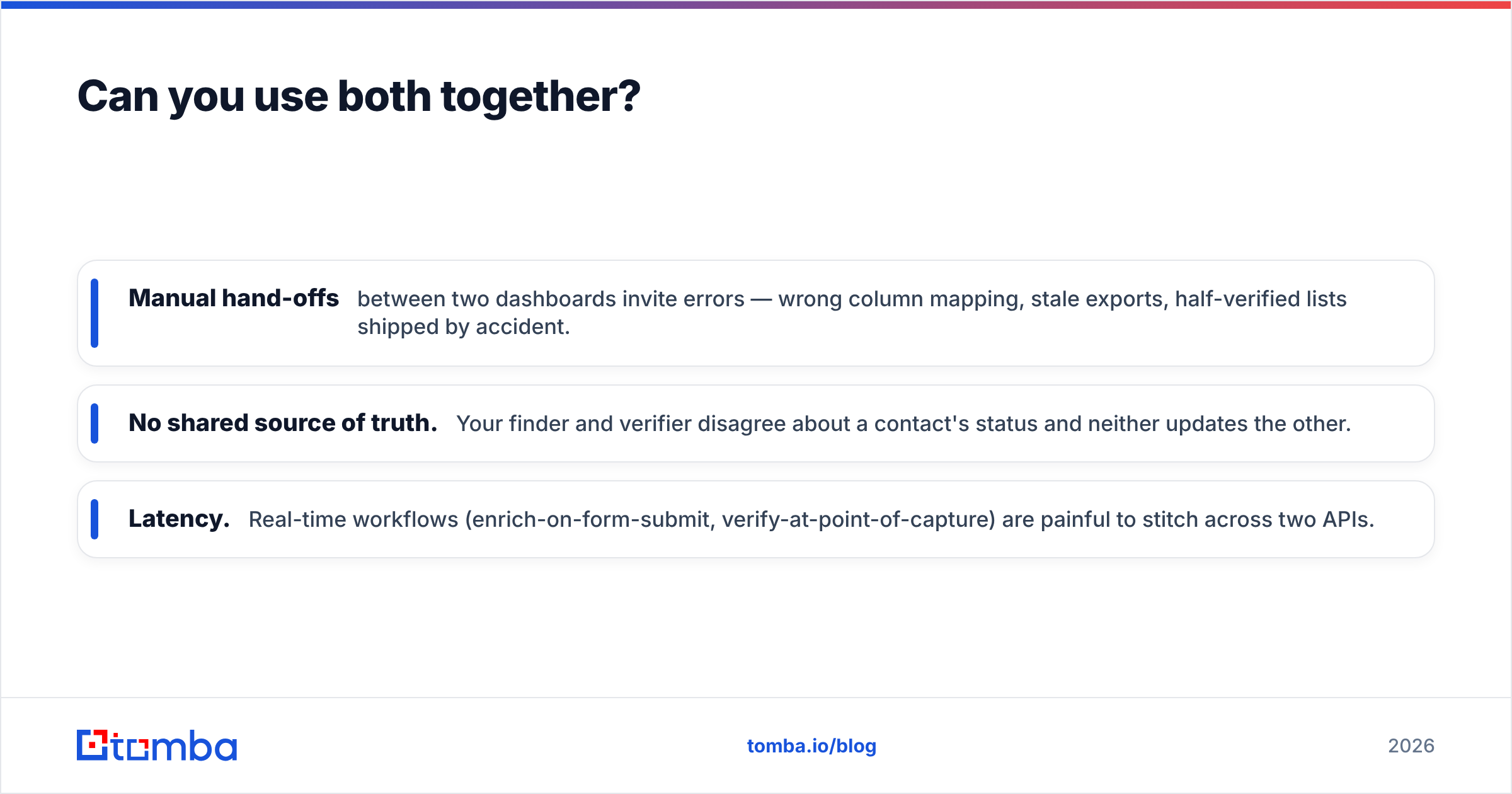
- Manual hand-offs between two dashboards invite errors — wrong column mapping, stale exports, half-verified lists shipped by accident.
- No shared source of truth. Your finder and verifier disagree about a contact's status, and neither updates the other.
- Latency. Real-time workflows — enrich-on-form-submit, verify-at-point-of-capture — are painful to stitch across two APIs.
If your volume is low and occasional, the two-tool stack is fine. If prospecting is a daily motion, the hand-off tax compounds. That's when teams start pricing out one platform where domain search, finding, and verification share a single API and credit balance.

Which tool should you actually choose?#
Match the tool to your bottleneck, not to a feature checklist.
- Choose Cufinder if your problem is discovery. You have target accounts but no contacts, and you want emails, phones, and company data from one finder. Just plan to verify what it returns before a big send.
- Choose Mailtester Ninja if your problem is hygiene. You already have a list and need to protect email deliverability by scrubbing dead and risky addresses. Don't expect it to find anyone.
- Choose a combined platform if you do both regularly. The two-subscription hand-off costs you more in time and bounces than a consolidated tool would. This is the majority case for active outbound teams.
There's no shame in a two-tool stack for the right team. But be honest about how often you export a CSV from one tool just to feed the other. That repeated shuffle is the tell.
How does a combined finder-plus-verifier compare?#
The consolidation argument is simple. The address a finder generates and the address a verifier checks are the same address. Splitting them across two vendors is an artificial seam. Platforms built finder-first, with verification baked in, return an address and its deliverability status in one call.
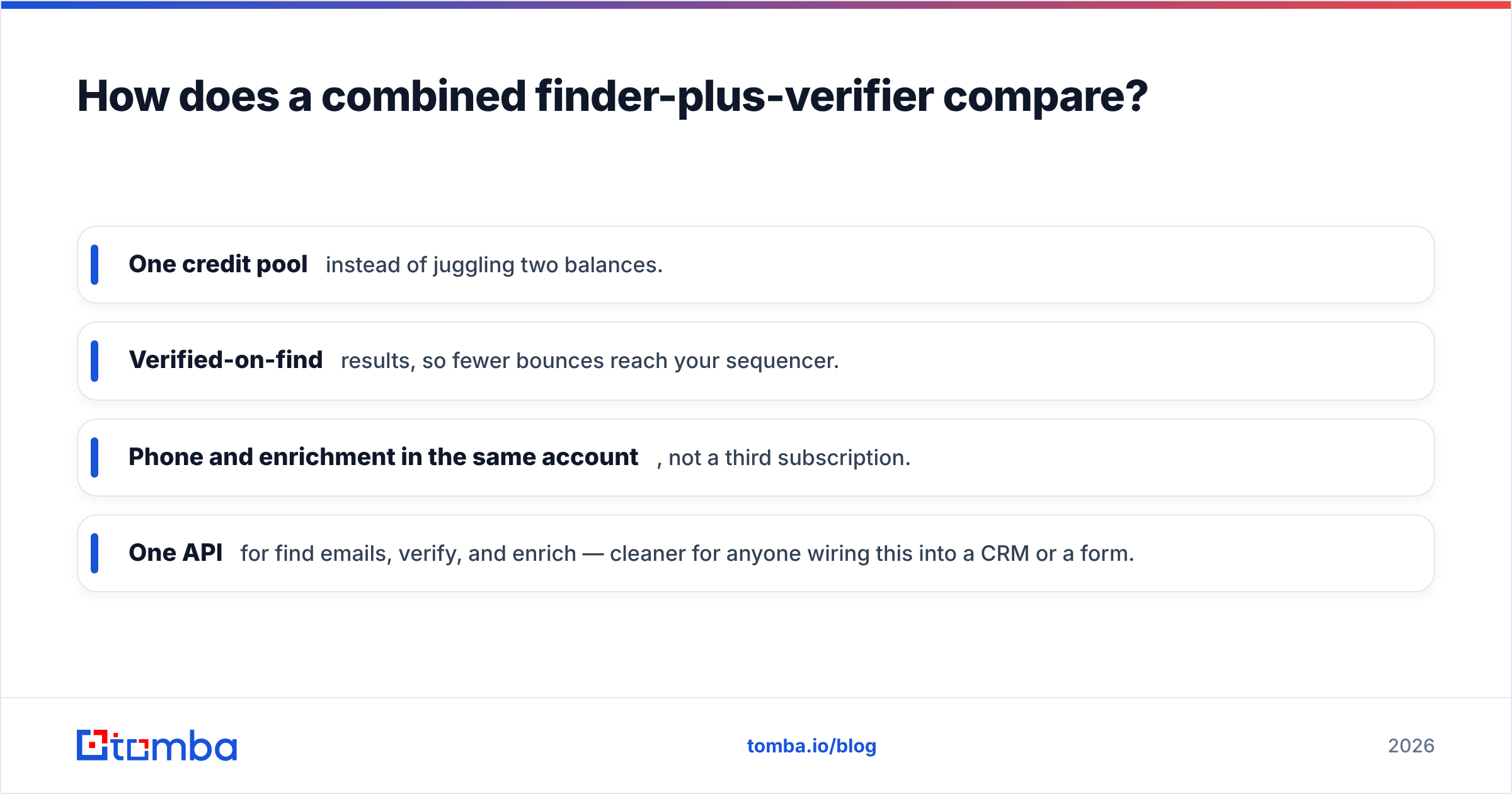
Concretely, that means:
- One credit pool instead of juggling two balances.
- Verified-on-find results, so fewer bounces reach your sequencer.
- Phone and enrichment in the same account, not a third subscription.
- One API for find emails, verify, and enrich — cleaner for anyone wiring this into a CRM or a form.
This is the model Tomba is built on. It won't out-specialize a pure verifier on every deliverability edge case. Dedicated enrichment giants also have deeper firmographic graphs. But for the common outbound job — find a real, deliverable contact and act on it — one platform beats stitching two. You can pressure-test the accuracy claims yourself against Tomba's data sources before committing budget.
Frequently asked questions#
Is Mailtester Ninja an email finder? No. Mailtester Ninja verifies whether an existing email is deliverable. It does not find or generate new contacts from a name or domain. That's a finder's job, like Cufinder or Tomba.
Is Cufinder accurate enough to skip verification? Not entirely. Like any finder, some Cufinder results are pattern-generated rather than confirmed. For a small, high-value send you can risk it. For volume, verify first — with a dedicated verifier or a finder that verifies inline.
What's the cheapest way to cover both find and verify? Usually one platform with a shared credit pool, rather than two subscriptions. Compare a combined tool's per-contact cost against your stacked Cufinder + Mailtester Ninja bills. Include the wasted credits at the hand-off.
Do I need phone numbers too? If you run cold calling or multi-channel sequences, yes. Neither of these tools is a phone specialist. Factor a phone data source into the comparison instead of pretending email alone covers outbound.
The verdict#
The Cufinder vs Mailtester Ninja verdict is simple: they aren't really rivals. They're two halves of one workflow. Cufinder finds; Mailtester Ninja verifies. If you only have one problem, buy the specialist for that problem. If you have both problems every week — and most outbound teams do — the two-subscription hand-off quietly becomes the most expensive part of your stack.
That's the case for consolidating. Want discovery and deliverability under one roof, with phone and enrichment along for the ride? Start with the Tomba Email Finder. Find a real contact, get its verification status in the same call, and skip the CSV shuffle entirely. The free tier (25 searches/mo) is enough to benchmark it against your current stack before you move a dollar of budget.
Related guides#
Ready to find emails that actually work?
Join 150,000+ professionals who stopped guessing and started sending. Free credits on signup — no credit card required.
Get the Tomba newsletter
Practical outbound tactics and product updates — once every two weeks.
About the author