Altss vs ContactOut 2026: Which Contact Finder Wins?
A neutral, hands-on breakdown of Altss vs ContactOut in 2026 — data coverage, accuracy, pricing, compliance, and which contact finder fits your outbound motion.
You are choosing between two contact-data tools that solve the same surface problem — "get me this person's email and phone" — but get there in very different ways. Altss leans on real-time AI search across the open web; ContactOut leans on a large pre-indexed database stitched to LinkedIn. The right pick depends on whether you prospect in bursts off LinkedIn or run high-volume, list-based outbound.
This is a neutral, hands-on comparison. No vendor wins every row, and where Tomba is a sharper fit we say so plainly.
TL;DR — Altss vs ContactOut in one screen#
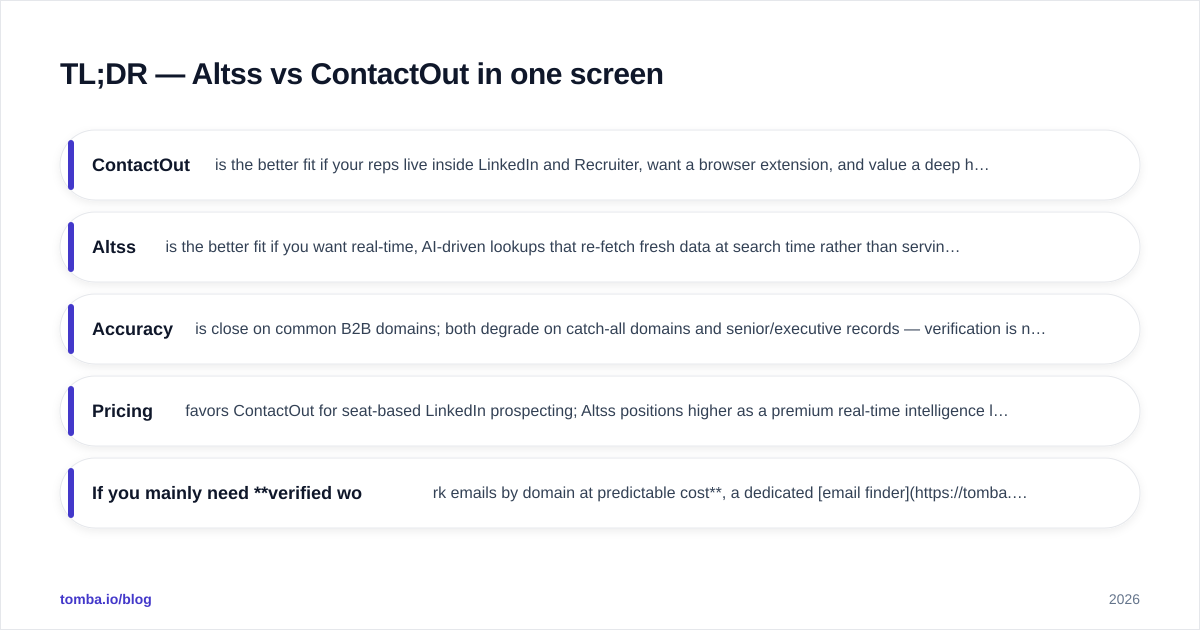
- ContactOut is the better fit if your reps live inside LinkedIn and Recruiter, want a browser extension, and value a deep historical database of personal and work emails.
- Altss is the better fit if you want real-time, AI-driven lookups that re-fetch fresh data at search time rather than serving a cached record that may be months stale.
- Accuracy is close on common B2B domains; both degrade on catch-all domains and senior/executive records — verification is non-negotiable for either.
- Pricing favors ContactOut for seat-based LinkedIn prospecting; Altss positions higher as a premium real-time intelligence layer.
- If you mainly need verified work emails by domain at predictable cost, a dedicated email finder like Tomba often beats both on cost-per-valid-email — more on that below.
What is Altss?#
Altss is a sales-intelligence and contact-finding platform that markets itself around real-time search. Instead of returning a record from a database snapshot, it runs lookups against live sources when you query, with the pitch that freshness beats raw database size. The angle matters for fast-moving segments — startups, recent job-changers, newly funded teams — where a static database goes stale within a quarter.
That freshness comes with trade-offs: real-time lookups can be slower per record, coverage on long-tail or low-digital-footprint contacts is less predictable, and you are more dependent on what the open web exposes at query time.
What is ContactOut?#
ContactOut is a well-known contact-finder built around LinkedIn. Its core is a large indexed database of work and personal emails plus phone numbers, surfaced through a Chrome extension that overlays profiles, a search portal, and an API. Recruiters and SDRs use it to pull a contact while viewing a profile, then push it to a CRM or sequencer.
ContactOut's strength is its dual-email coverage (it surfaces personal Gmail-style addresses alongside corporate ones) and its tight LinkedIn workflow. You can read more on its official site and cross-check user sentiment on G2.
How do Altss and ContactOut actually differ?#
The cleanest way to think about it: database-first vs search-first.
ContactOut is database-first. It has already crawled, matched, and stored contacts, so retrieval is instant and works great in a LinkedIn-centric flow. The risk is staleness — a stored email tied to a role someone left eight months ago.
Altss is search-first. It tries to assemble the answer at query time. The upside is freshness; the downside is variance — sometimes you get a rich, current result, sometimes the live web simply doesn't expose what you need.

Neither model removes the need to verify. A "found" email is a hypothesis until an SMTP check confirms the mailbox exists, which is why teams pair any finder with an email verifier before sending.
Altss vs ContactOut: feature and pricing comparison#
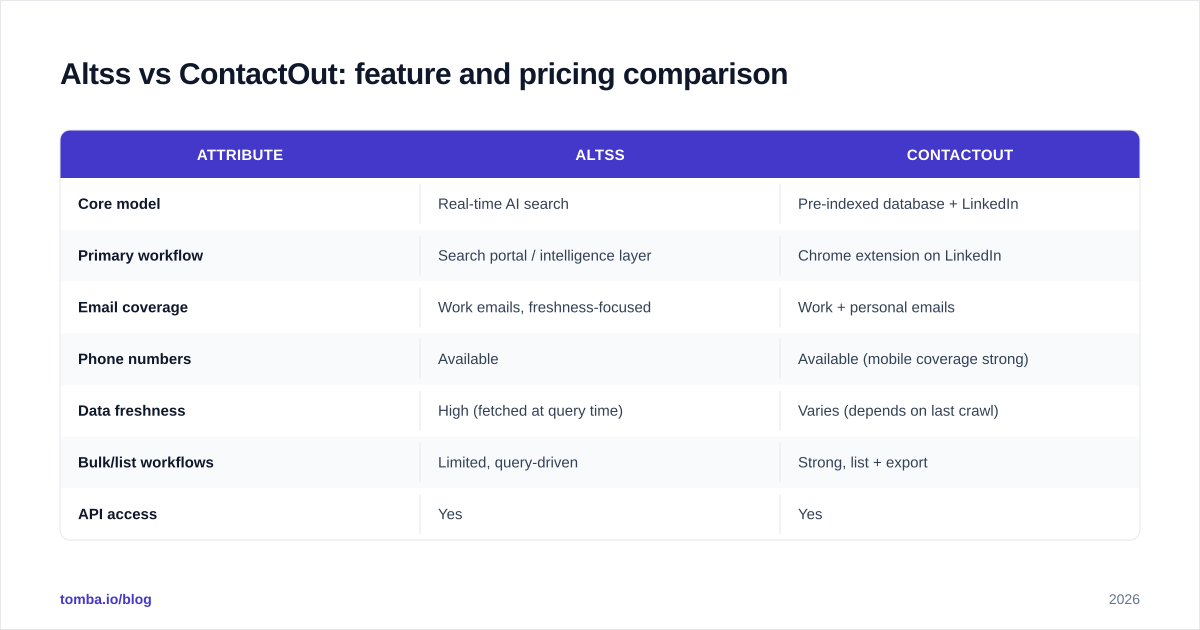
| Attribute | Altss | ContactOut |
|---|---|---|
| Core model | Real-time AI search | Pre-indexed database + LinkedIn |
| Primary workflow | Search portal / intelligence layer | Chrome extension on LinkedIn |
| Email coverage | Work emails, freshness-focused | Work + personal emails |
| Phone numbers | Available | Available (mobile coverage strong) |
| Data freshness | High (fetched at query time) | Varies (depends on last crawl) |
| Bulk/list workflows | Limited, query-driven | Strong, list + export |
| API access | Yes | Yes |
| Best for | Fast-moving, recent-change segments | LinkedIn-heavy SDR/recruiting |
| Pricing posture | Premium / higher entry | Seat-based, mid-market friendly |
Treat pricing as directional — both vendors change tiers and gate credits behind annual plans. Always confirm current numbers on their pricing pages and check what counts as a "credit" (a search, a reveal, or a verified result), because that single definition drives your real cost more than the sticker price.
Which one is more accurate?#
Accuracy is close on mainstream B2B domains, and both stumble in the same two places: catch-all domains and senior leadership records.
Catch-all domains accept every address at the SMTP layer, so a finder can't confirm a specific mailbox exists — it can only guess the pattern. That's why a dedicated catch-all verifier step matters regardless of which finder produced the address. Executive and founder records skew stale everywhere because those people change titles, spin up new ventures, and scrub their public footprint.

The practical takeaway: don't buy on a headline accuracy number. Run a sample of 100 contacts from your actual ICP through each tool, send them through a verifier, and measure cost-per-valid-email. That number — not the marketing claim — is what your campaigns will live or die on. Where a tool sources its records also matters; transparency about data sources is a fair thing to demand from any vendor.
When should you pick ContactOut?#
Pick ContactOut when:
- Your reps prospect primarily inside LinkedIn and LinkedIn Recruiter.
- You need personal emails, not just corporate ones (common in recruiting and founder outreach).
- You want a low-friction browser overlay rather than a separate search app.
- Mobile phone coverage is a priority for a call-heavy motion.
ContactOut's database model means instant reveals and predictable seat-based pricing, which finance teams like. The cost is occasional staleness — budget a verification pass before any send.
When should you pick Altss?#
Pick Altss when:
- You target segments that change fast — recently funded startups, job-changers, emerging teams.
- A months-old cached record is worse for you than a slower live lookup.
- You value an AI-driven intelligence layer over a static export workflow.
- Your volume is moderate and quality-per-record beats raw throughput.
Altss is less suited to someone who wants to upload a 10,000-row list and get a clean export back in minutes — that's a database-and-bulk job, not a real-time-search job.
Where does a dedicated email finder fit?#
Here's the honest gap both tools leave: if your core need is verified work emails by company domain at a predictable price, a focused email finder is usually the cheaper, simpler engine — and you can layer Altss or ContactOut on top for the LinkedIn-specific or real-time edge cases.
That's where Tomba slots in. Tomba is built around the find-then-verify loop rather than a seat-based LinkedIn overlay:
- Domain search returns every discoverable address on a company domain with confidence scores and detected pattern.
- Bulk email finder handles list-based jobs that a real-time search tool isn't designed for.
- Built-in verification and a catch-all verifier mean you're scoring deliverability in the same pass, not bolting on a second vendor.
- If you're specifically shopping for a ContactOut swap, the ContactOut alternative breakdown maps feature-for-feature.
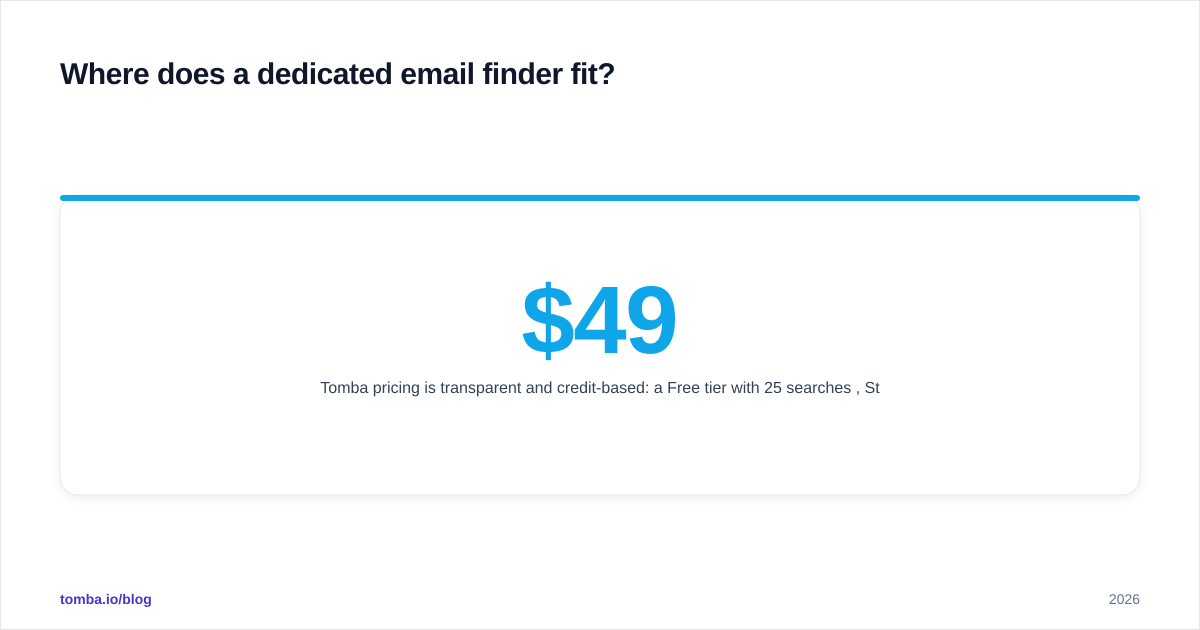
Tomba pricing is transparent and credit-based: a Free tier with 25 searches/month, Starter at $49/mo, Growth at $99/mo, and Pro at $249/mo, with Enterprise custom. Full Tomba pricing is public so you can model cost-per-valid-email before committing.

How should you run the evaluation?#
Don't decide from a comparison post — including this one. Run a structured bake-off.
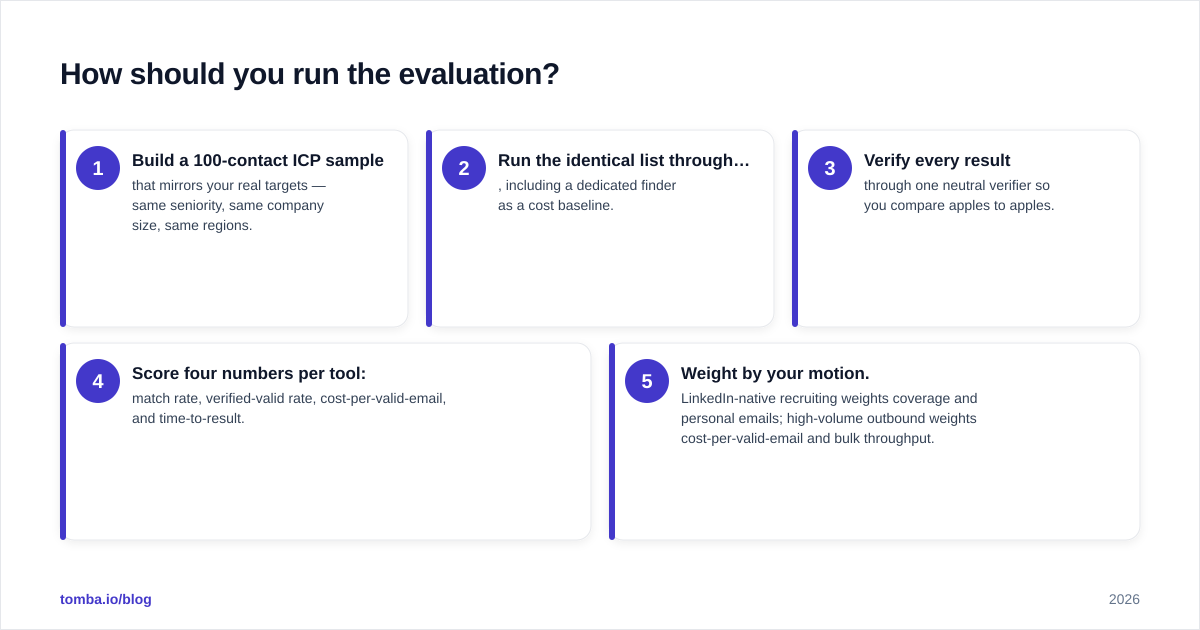
- Build a 100-contact ICP sample that mirrors your real targets — same seniority, same company size, same regions.
- Run the identical list through each tool, including a dedicated finder as a cost baseline.
- Verify every result through one neutral verifier so you compare apples to apples.
- Score four numbers per tool: match rate, verified-valid rate, cost-per-valid-email, and time-to-result.
- Weight by your motion. LinkedIn-native recruiting weights coverage and personal emails; high-volume outbound weights cost-per-valid-email and bulk throughput.
The tool with the best brochure rarely wins this test. The tool with the best verified-valid rate at your price point does.
Frequently asked questions#
Is Altss or ContactOut better for cold email at scale? For high-volume, list-based cold email, ContactOut's database-and-export model fits better than Altss's real-time search — but a dedicated bulk finder usually beats both on cost-per-valid-email. Always verify before sending to protect sender reputation.
Do these tools handle GDPR and compliance? Both publish compliance positions, but responsibility for lawful basis and outreach consent stays with you. Review each vendor's data-processing terms and your regional rules before running personal-email outreach.
Can I use more than one? Yes, and many teams do. A common stack is a low-cost finder for the bulk of domain-based lookups, plus ContactOut or Altss for LinkedIn-specific or hard-to-find records the primary engine misses.
The bottom line#
ContactOut wins the LinkedIn-native, personal-email, seat-based prospecting use case. Altss wins when freshness on fast-changing segments matters more than database size or bulk export speed. Neither removes the verification step, and neither is the cheapest path to plain verified work emails at volume.
If your real job is finding and verifying business emails by domain at a predictable cost, start with the Tomba Email Finder — run a free batch against your own ICP, measure cost-per-valid-email, and let that number, not the marketing, pick your stack. You can layer Altss or ContactOut on top for the edge cases once your baseline is solid.
Ready to find emails that actually work?
Join 150,000+ professionals who stopped guessing and started sending. Free credits on signup — no credit card required.
Get the Tomba newsletter
Practical outbound tactics and product updates — once every two weeks.
About the author