Altss vs Wiza 2026: Lead Data & Email Finder Compared
Altss vs Wiza in 2026: how AI real-time sourcing stacks up against LinkedIn list-building for B2B lead data, email accuracy, pricing, and workflow fit.
You are choosing between two very different bets on where B2B contact data is going. Altss leans on AI-driven, real-time sourcing. Wiza leans on LinkedIn list-building and bulk export. This guide compares them head to head so you can pick the one that actually fits how your team prospects in 2026.
TL;DR — Altss vs Wiza in one minute#
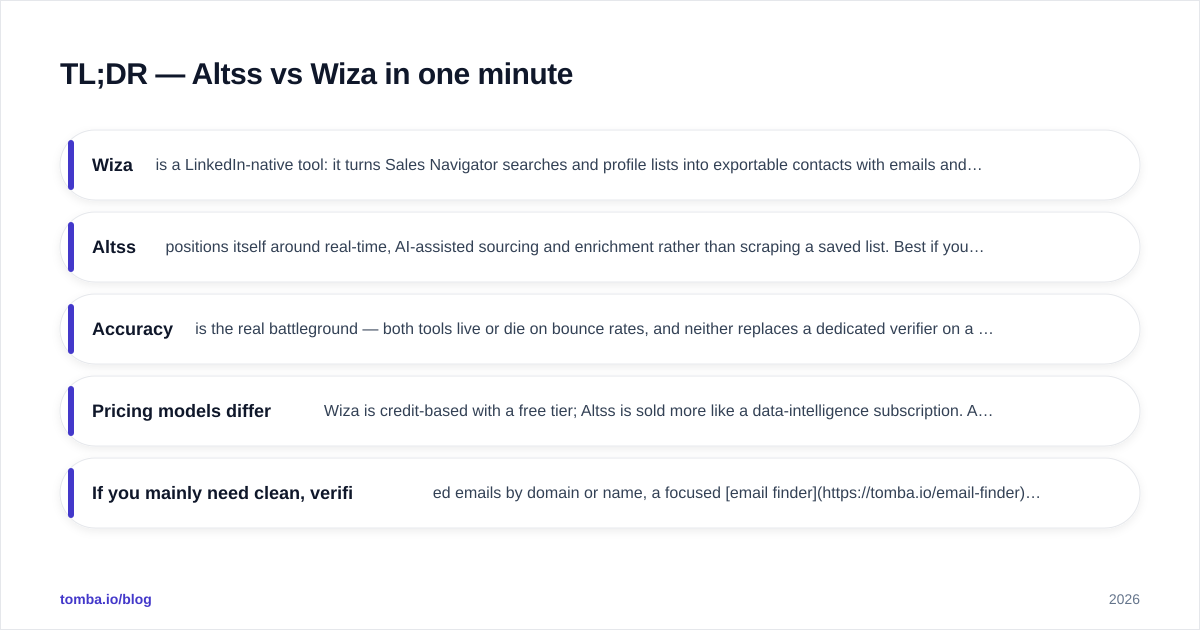
- Wiza is a LinkedIn-native tool: it turns Sales Navigator searches and profile lists into exportable contacts with emails and phone numbers. Best if LinkedIn is your primary prospecting surface.
- Altss positions itself around real-time, AI-assisted sourcing and enrichment rather than scraping a saved list. Best if you want fresher data and less manual list curation.
- Accuracy is the real battleground — both tools live or die on bounce rates, and neither replaces a dedicated verifier on a cold-email program.
- Pricing models differ: Wiza is credit-based with a free tier; Altss is sold more like a data-intelligence subscription. Always confirm live pricing on each vendor's page.
- If you mainly need clean, verified emails by domain or name, a focused email finder like Tomba is often cheaper and more accurate than paying for either platform's broader feature set.
What is Altss?#
Altss is a lead-intelligence platform built around the idea that contact data should be sourced and enriched in real time, not pulled from a static database that decays the moment it's compiled. Instead of exporting a list and hoping the rows are still accurate, the pitch is that records are assembled and refreshed closer to the moment you need them.
In practice that means Altss competes less with a CSV exporter and more with enrichment and data-intelligence providers. The appeal is freshness: job changes, new roles, and updated company data are a constant problem in B2B, and a real-time approach is designed to reduce the "this person left six months ago" failure mode.
The trade-off is that real-time sourcing is harder to predict on volume and cost. If your motion is "build a 5,000-row list this afternoon and blast it," a system tuned for fresh, targeted lookups may feel slower or pricier per record than a bulk exporter.
What is Wiza?#
Wiza is a LinkedIn-first prospecting tool. You run a search in LinkedIn or Sales Navigator, and Wiza converts the results into a structured list with work emails, personal emails, and phone numbers. It also offers a Chrome extension for grabbing individual profiles and an API for programmatic access.
Wiza's strength is workflow gravity. If your reps already live in Sales Navigator, Wiza removes the copy-paste tax: build the search, export, push to your CRM or sequencer. It's a known quantity, it has a free tier to test with, and it has thousands of reviews on G2 to set expectations.
The limitation is that Wiza is only as good as the LinkedIn list you feed it. It excels at "I found these people on LinkedIn, get me their contacts," but it's not designed for "find everyone at this domain" or deep firmographic sourcing outside the LinkedIn graph.
How do Altss and Wiza compare on features?#
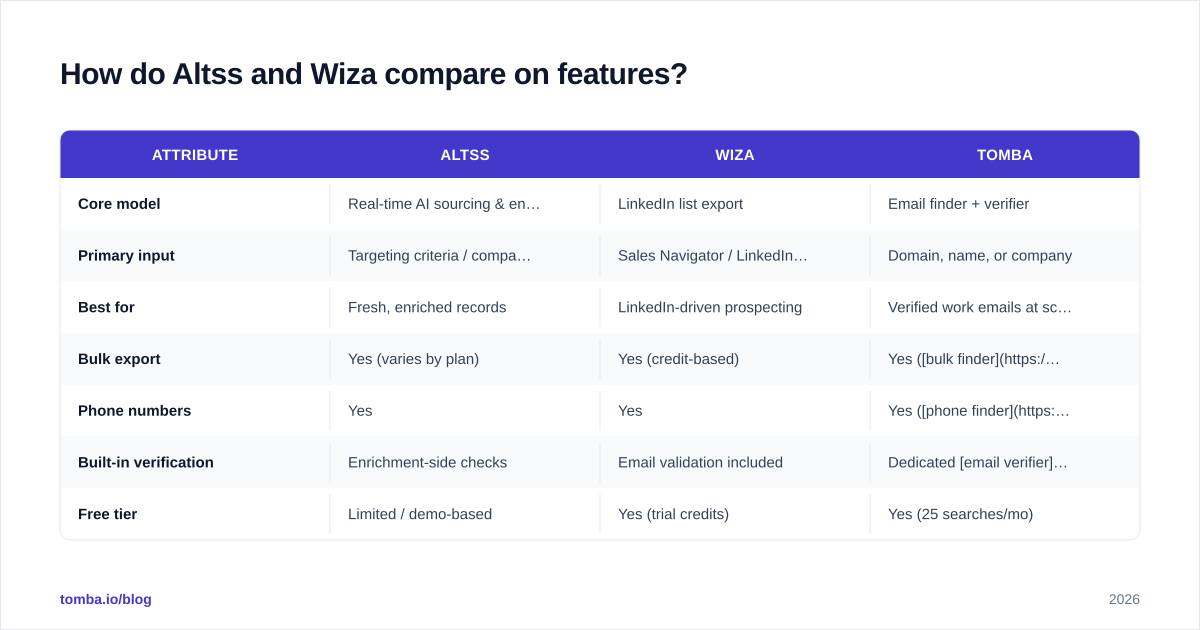
The clearest way to see the difference is side by side. The table below maps the two tools against the attributes that actually change your day-to-day, with Tomba included as a focused email-finder reference point.
| Attribute | Altss | Wiza | Tomba |
|---|---|---|---|
| Core model | Real-time AI sourcing & enrichment | LinkedIn list export | Email finder + verifier |
| Primary input | Targeting criteria / company & person | Sales Navigator / LinkedIn lists | Domain, name, or company |
| Best for | Fresh, enriched records | LinkedIn-driven prospecting | Verified work emails at scale |
| Bulk export | Yes (varies by plan) | Yes (credit-based) | Yes (bulk finder) |
| Phone numbers | Yes | Yes | Yes (phone finder) |
| Built-in verification | Enrichment-side checks | Email validation included | Dedicated email verifier |
| Free tier | Limited / demo-based | Yes (trial credits) | Yes (25 searches/mo) |
| Starting paid price | Subscription (confirm on site) | Credit plans (confirm on site) | $49/mo Starter |
A note on pricing rows: both Altss and Wiza adjust plans frequently, so treat the prices above as directional and confirm on each vendor's pricing page before you buy. Tomba's numbers are fixed — Free, Starter $49/mo, Growth $99/mo, Pro $249/mo — and published on the Tomba pricing page.

Which tool has more accurate data?#
Accuracy is where the marketing language stops mattering and your bounce rate starts talking. Neither Altss nor Wiza publishes an independently audited accuracy figure you can take to the bank, so judge them the way your inbox provider does: by how many sends bounce.
Wiza validates emails before export, which catches obvious failures, but LinkedIn-sourced personal emails and guessed work addresses still slip through. Altss's real-time angle should, in theory, reduce decay-related bounces because records are assembled fresher — but "fresher" and "verified" are not the same thing, and you should still test on a sample before committing budget.
The honest takeaway: run a 200–300 contact pilot through each tool, send to a warmed inbox, and measure the actual bounce rate. That single test tells you more than any vendor claim. And regardless of which platform wins your pilot, route the final list through a standalone verifier — a catch-all verifier matters most here, because catch-all domains are where both tools tend to over-report deliverability.
)
Is Altss better than Wiza for cold email?#
For cold email specifically, the deciding factor is volume economics and list hygiene, not which dashboard looks nicer.
Wiza fits a high-volume, LinkedIn-sourced cold motion: build a targeted Sales Navigator search, export a few hundred to a few thousand verified contacts, and load them into your sequencer. The credit model is predictable, and the free trial lets you sanity-check accuracy before paying.
Altss fits a quality-over-quantity motion: fewer, fresher, better-enriched records aimed at higher-value accounts where a bounce or a wrong title is expensive. If you're running ABM-style outbound to a defined target list, real-time sourcing can pay for itself by keeping reps off dead records.
Either way, deliverability lives downstream of the data. No tool fixes a cold domain with no SPF, weak warmup, or aggressive send volume. If your bounce rate is creeping up, the cause is often email deliverability hygiene, not the data source. Pair whichever tool you pick with proper authentication and gradual ramp-up.
How does pricing really compare?#
Three different philosophies are at work:
- Wiza — credit-based, self-serve. You buy credits, you spend them on reveals. Easy to start, easy to estimate, and a free tier exists for testing. Costs scale with volume, which can get expensive at high reveal counts.
- Altss — subscription/data-intelligence. Priced more like a platform than a per-reveal exporter. Better for teams that want continuous enrichment rather than one-off list pulls, but confirm seat and volume terms directly.
- Tomba — flat, finder-first. Tomba plans are predictable monthly tiers with a generous free start (25 searches/mo) and a Starter at $49/mo, designed for teams whose core need is finding and verifying emails rather than buying a full data suite.
If you only need verified work emails and don't want to pay for a broad intelligence platform, the finder-first model is usually the cheapest path to a clean list. If you need continuous enrichment across a CRM, a subscription platform may justify its cost.
)
Where does Tomba fit in this comparison?#
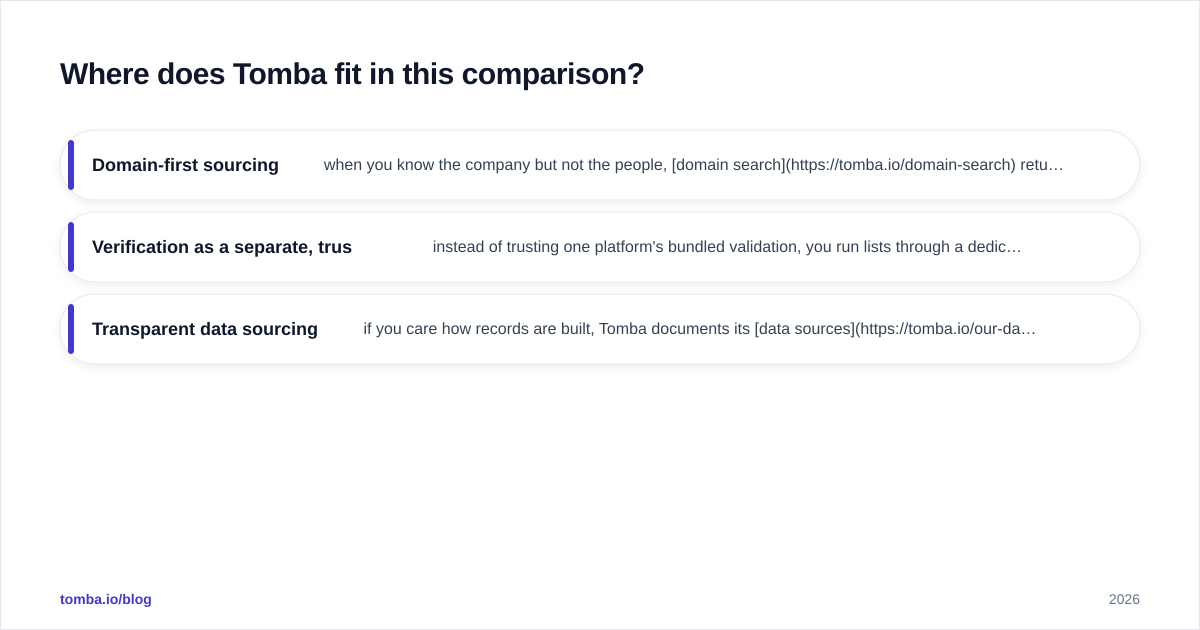
Tomba is not trying to be a LinkedIn list-builder or a full data-intelligence suite. It's a focused email finder and verifier, and that focus is the point: when your real bottleneck is "get me accurate, deliverable emails for these companies," a specialist tool tends to beat a generalist on both accuracy and price.
Where Tomba slots in cleanly:
- Domain-first sourcing — when you know the company but not the people, domain search returns the addresses and patterns for an entire company in one query, something LinkedIn-list tools can't do without a profile to start from.
- Verification as a separate, trusted step — instead of trusting one platform's bundled validation, you run lists through a dedicated verifier and own your bounce rate.
- Transparent data sourcing — if you care how records are built, Tomba documents its data sources rather than treating the pipeline as a black box.
A common stack in 2026: use Wiza or Altss for discovery where each is strongest, then standardize on a single finder/verifier so your list quality doesn't swing depending on which tool produced the row. If you're specifically weighing list-builders, Tomba also maintains a side-by-side Wiza alternative breakdown.

Which one should you choose?#
Pick based on your dominant motion, not feature counts:
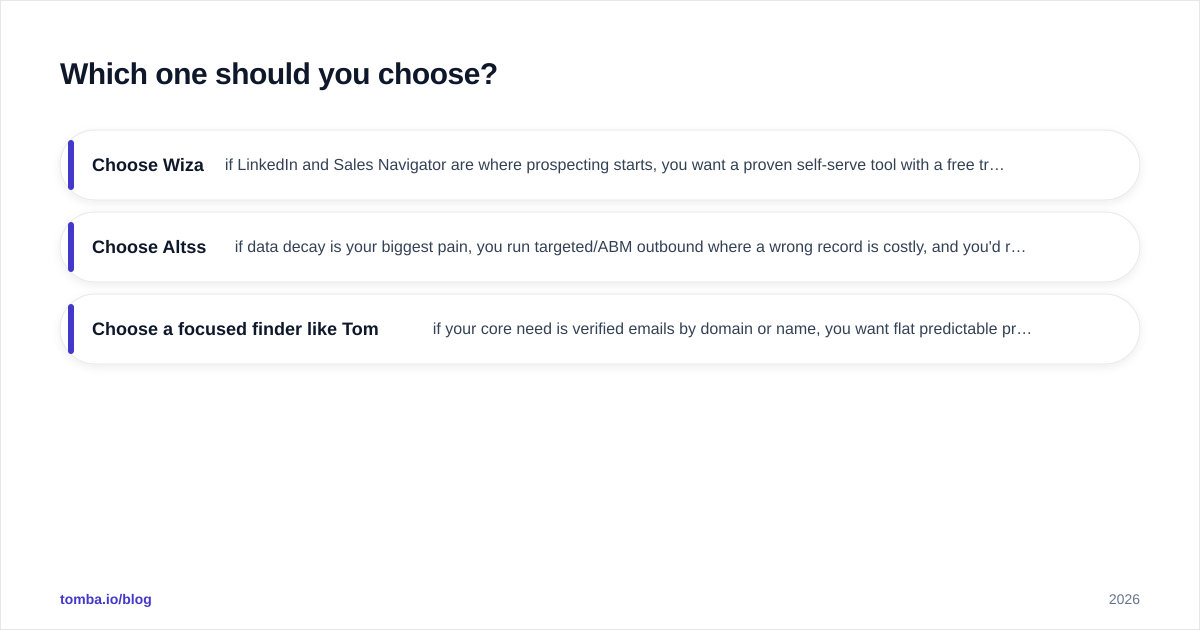
- Choose Wiza if LinkedIn and Sales Navigator are where prospecting starts, you want a proven self-serve tool with a free trial, and predictable credit-based costs matter more than maximum freshness. Its G2 reviews and official site make it easy to validate fit.
- Choose Altss if data decay is your biggest pain, you run targeted/ABM outbound where a wrong record is costly, and you'd rather pay for continuous, fresher enrichment than bulk dumps.
- Choose a focused finder like Tomba if your core need is verified emails by domain or name, you want flat predictable pricing, and you'd rather not buy a whole platform to solve one job — or you want a clean verification layer underneath either tool above.
Whatever you choose, prove it with a pilot. Export a few hundred contacts from each, verify independently, send to a warmed inbox, and let the bounce rate decide. Vendor claims are a starting hypothesis, not evidence — and good data quality practices, as HubSpot's own data management guidance repeatedly stresses, come down to ongoing verification, not a one-time purchase.
Ready to fix the data layer?#
If your real problem is finding and verifying B2B emails — not buying another dashboard — start with the Tomba Email Finder. Search by domain, name, or company, verify before you send, and keep your bounce rate low without paying for a full intelligence suite. The free tier gives you 25 searches a month to test accuracy against your current tool before you commit a dollar. Run the pilot, compare the bounce rates, and let the numbers pick your winner.
// get started
Find, verify and enrich your first contacts today
Start on the free plan with 25 searches a month, then scale when your team is ready.
Free plan · No credit card required · GDPR & CCPA
// about the author