Anymail Finder vs LeadIQ 2026: Which Email Tool Wins?
Anymail Finder vs LeadIQ compared on accuracy, pricing, data coverage, and workflow fit — plus where a flat-rate alternative beats both for 2026 outbound teams.
Choosing between Anymail Finder and LeadIQ comes down to one question most comparison posts dodge: are you buying a pure email-finding engine, or a sales-prospecting workflow that happens to find emails? They are not the same product, and picking the wrong one wastes budget fast.
This guide breaks down both tools on accuracy, pricing, data coverage, and integrations — then shows where a flat-rate alternative quietly beats both.
TL;DR — Anymail Finder vs LeadIQ at a glance#
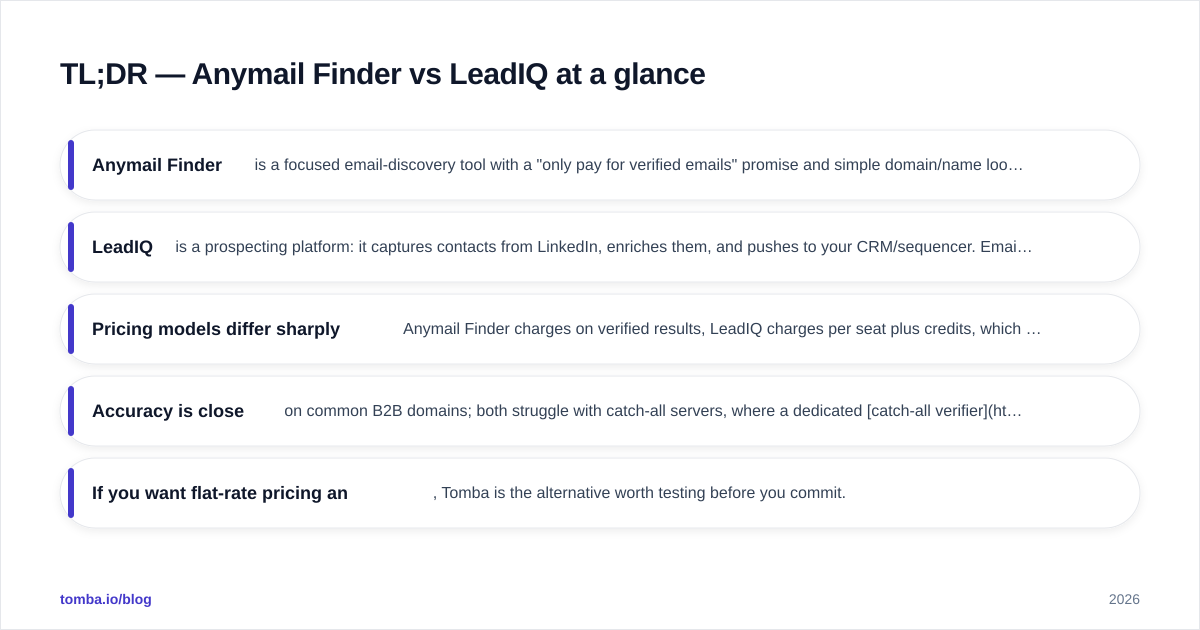
- Anymail Finder is a focused email-discovery tool with a "only pay for verified emails" promise and simple domain/name lookups. Best for lean teams that just need clean addresses.
- LeadIQ is a prospecting platform: it captures contacts from LinkedIn, enriches them, and pushes to your CRM/sequencer. Email is one feature among many.
- Pricing models differ sharply — Anymail Finder charges on verified results, LeadIQ charges per seat plus credits, which gets expensive for small teams.
- Accuracy is close on common B2B domains; both struggle with catch-all servers, where a dedicated catch-all verifier matters more than raw find rate.
- If you want flat-rate pricing and an API-first stack, Tomba is the alternative worth testing before you commit.
What is Anymail Finder?#
Anymail Finder is an email-finding tool built around a single value proposition: you only get charged for emails it can verify as deliverable. You feed it a full name plus a company domain (or just a domain for role-based searches), and it returns a validated address or nothing.
That "verified-only billing" model is the headline feature. It removes the gamble of burning credits on guesses that bounce. For founders, recruiters, and small agencies running modest volumes, that predictability is genuinely useful.
The trade-off is scope. Anymail Finder does not capture contacts from LinkedIn, does not maintain a large searchable contact database you can filter by title or industry, and does not run multi-step sequences. It finds and verifies emails — that is the job, and it stays in its lane.
What is LeadIQ?#
LeadIQ is a sales-prospecting platform, not a standalone email finder. Its core motion is the browser extension: you browse LinkedIn Sales Navigator, click a prospect, and LeadIQ captures their name, title, company, work email, and phone — then enriches and pushes the record straight into Salesforce, HubSpot, Outreach, or Salesloft.
The pitch is workflow compression. Instead of copy-pasting between LinkedIn, an email finder, a verifier, and a CRM, LeadIQ collapses that into a few clicks. It also layers on features like "Scribe" AI message generation and data-quality tracking against your CRM.
That breadth is the point — and the cost. You are paying for a prospecting suite. If all you need is to turn "Jane Doe at acme.com" into a verified email at scale via API, LeadIQ is heavier and pricier than the job requires.
Anymail Finder vs LeadIQ: full comparison table#
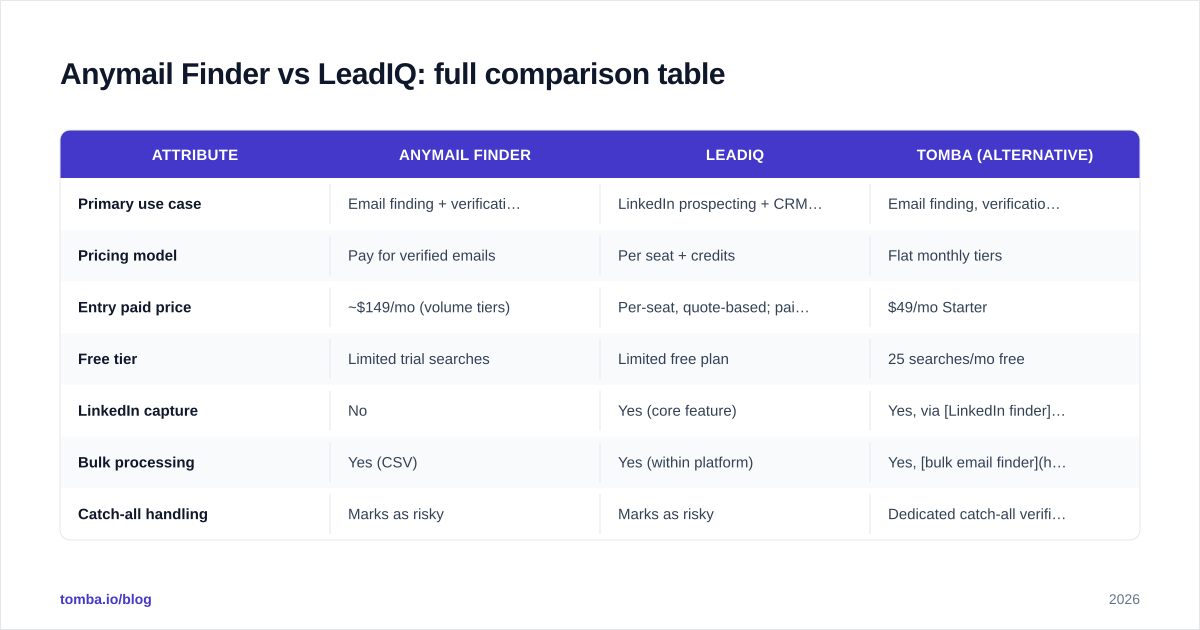
| Attribute | Anymail Finder | LeadIQ | Tomba (alternative) |
|---|---|---|---|
| Primary use case | Email finding + verification | LinkedIn prospecting + CRM capture | Email finding, verification, enrichment, API |
| Pricing model | Pay for verified emails | Per seat + credits | Flat monthly tiers |
| Entry paid price | ~$149/mo (volume tiers) | Per-seat, quote-based; paid plans scale fast | $49/mo Starter |
| Free tier | Limited trial searches | Limited free plan | 25 searches/mo free |
| LinkedIn capture | No | Yes (core feature) | Yes, via LinkedIn finder |
| Bulk processing | Yes (CSV) | Yes (within platform) | Yes, bulk email finder |
| Catch-all handling | Marks as risky | Marks as risky | Dedicated catch-all verifier |
| Native API | Yes | Limited / enterprise | Yes, full email finder API |
| Best for | Lean teams, recruiters | SDR teams living in LinkedIn | Dev-driven + cost-conscious teams |
Is Anymail Finder more accurate than LeadIQ?#
On standard corporate domains with published MX records, the two are close enough that accuracy alone rarely decides the winner. Both validate via SMTP-level checks and both will return a "verified" status only when the mail server accepts the recipient.
The real divergence shows up in two places:
Catch-all domains. Servers configured to accept any address make SMTP verification meaningless — they say yes to everything. Anymail Finder and LeadIQ both flag these as "risky" or "accept-all" rather than guaranteeing them. Neither resolves the ambiguity; they just label it.
Coverage breadth. LeadIQ pulls from a contact database tied to its prospecting graph, so for a known LinkedIn profile it often surfaces a contact where a pure name+domain finder comes up empty. Anymail Finder, lacking that profile graph, depends more on pattern detection and public sources.

The honest takeaway: do not trust any vendor's self-reported accuracy percentage. Run a sample of 100 known contacts through each tool's free tier and measure your own bounce rate against a neutral email verifier. Accuracy is workload-specific.
)
How do Anymail Finder and LeadIQ price compare?#
This is where the decision usually gets made, because the two pricing philosophies serve different buyers.
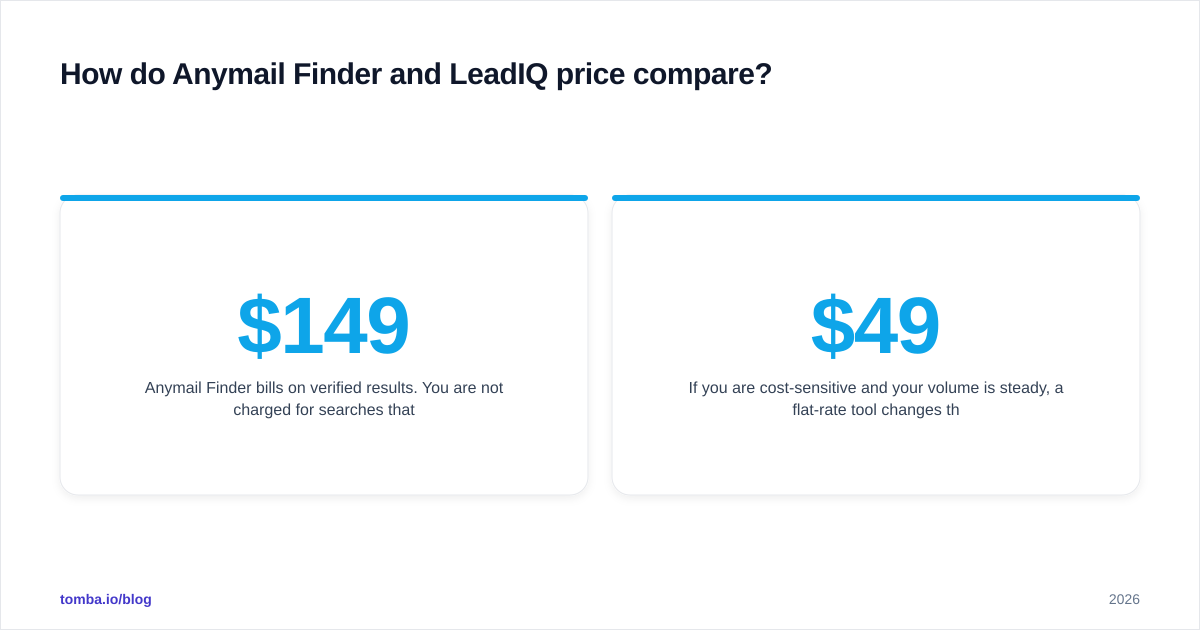
Anymail Finder bills on verified results. You are not charged for searches that return nothing usable, which keeps spend tied to value. Plans scale by the number of verified emails per month, starting around the $149/mo range for meaningful volume. For a solo founder or recruiter, this is clean and predictable.
LeadIQ uses a per-seat model layered with credits. Each rep on the team needs a license, and verified contact "exports" draw down credits. For a five-person SDR team, the per-seat math adds up quickly — you are paying for the platform, the enrichment, and the CRM integrations whether or not every rep uses all of it. LeadIQ publishes tiered plans but routes most real buying through sales, so expect a quote.
)
If you are cost-sensitive and your volume is steady, a flat-rate tool changes the equation entirely. Tomba's pricing starts at $49/mo for the Starter plan (Growth $99/mo, Pro $249/mo), with a free tier of 25 searches — no per-seat tax and no credit roulette. For teams that mostly need find-and-verify at volume, flat pricing is often the cheaper path than either competitor here.
Which tool fits your workflow?#
Match the tool to how your team actually works, not to a feature checklist.
Pick Anymail Finder if:
- You need verified emails and almost nothing else.
- You value pay-for-results billing over a flat subscription.
- Your sourcing starts from names and domains you already have (CSV lists, event attendee sheets, partner directories).
- You are a recruiter, founder, or small agency with bursty, variable volume.
Pick LeadIQ if:
- Your SDRs live inside LinkedIn Sales Navigator all day.
- You want one-click capture-to-CRM and are already on Salesforce/Outreach/Salesloft.
- You value workflow consolidation over per-contact cost.
- You have the budget for per-seat pricing across a sales team.
Pick a flat-rate alternative (Tomba) if:
- You want predictable monthly cost regardless of team size.
- You need a real API, CLI, or spreadsheet add-ons for engineering-driven workflows.
- You want data enrichment, domain search, and phone lookup under one roof without stacking subscriptions.

What do real users say about each tool?#
Sentiment patterns are consistent across review platforms. On G2, Anymail Finder reviewers praise the simplicity and the verified-only billing, while flagging that find rates dip on smaller or non-Western company domains. LeadIQ reviewers love the LinkedIn-to-CRM speed but repeatedly mention price and occasional data staleness on phone numbers.
A useful neutral reference for how email verification actually works under the hood — and why catch-all servers break SMTP checks — is the SMTP entry on Wikipedia. Understanding the protocol makes vendor accuracy claims much easier to interrogate.
When you read reviews, weight them by your own use case. A recruiter's complaint about LinkedIn capture is irrelevant if you never prospect on LinkedIn. An SDR's love of CRM sync is irrelevant if you work from CSV uploads.
How should you decide between Anymail Finder and LeadIQ?#
Run a three-step test before paying anyone.
- Build a 50–100 contact truth set — people whose real, working emails you already know.
- Run that list through each tool's free or trial tier. Measure find rate (how many it returned) and accuracy (how many matched the known-good address).
- Cross-check the survivors with an independent verifier and note the catch-all rate. The tool that wins on your data wins, full stop.
Decision shortcut:
- Pure email finding, variable volume, pay-per-result → Anymail Finder.
- LinkedIn-heavy SDR motion, CRM-native, budget for seats → LeadIQ.
- Predictable flat cost, API-first, all-in-one data → a flat-rate alternative like Tomba.
For deeper background on how email verification fits a full deliverability strategy, HubSpot's guide to email deliverability is a solid, vendor-neutral primer worth reading before you scale any outbound program.
The bottom line#
Anymail Finder and LeadIQ solve adjacent but different problems. Anymail Finder is the scalpel — a clean, verified-only email finder for teams that want exactly that. LeadIQ is the Swiss Army knife — a prospecting platform that finds emails as part of a broader LinkedIn-to-CRM motion, priced accordingly.
Neither is "better" in the abstract. The better tool is the one whose pricing model and workflow match your team. If you are squeezed between Anymail Finder's volume tiers and LeadIQ's per-seat costs, test a flat-rate option before signing.
That is where Tomba fits. The Tomba Email Finder gives you verified email discovery by name, domain, or company, backed by a full API, bulk processing, and built-in verification — all on flat monthly pricing that starts at $49/mo with 25 free searches to test first. If predictable cost and developer-friendly access matter to you, start there before you commit a budget to either competitor.
// get started
Find, verify and enrich your first contacts today
Start on the free plan with 25 searches a month, then scale when your team is ready.
Free plan · No credit card required · GDPR & CCPA
// about the author