B2B Lists vs SignalHire: Which Wins for Lead Data in 2026?
Static B2B lists or SignalHire's real-time lookups? We compare cost, accuracy, freshness, and compliance so you can pick the lead-data source that actually fills your pipeline in 2026.
You have a quota to hit and two ways to get contacts: buy a prepackaged B2B list, or pull records on demand from a tool like SignalHire. They feel similar — both end with a spreadsheet of names and emails — but they behave nothing alike once your reps start dialing.
This guide breaks down b2b lists vs SignalHire on the dimensions that actually move pipeline: data freshness, accuracy, price-per-usable-contact, compliance, and workflow fit. By the end you'll know which one belongs in your stack, and why most teams that scale end up running a hybrid.
TL;DR#
- Static B2B lists are cheap per row and fast to deploy, but they decay 25–30% per year and you pay for dead records you can't see until you send.
- SignalHire pulls live contact and phone data on demand, so freshness is far better, but credits get expensive at volume and coverage varies by region and seniority.
- Accuracy is the real cost driver: a "10,000-contact list" with 35% bad emails is a 6,500-contact list that also wrecks your sender reputation.
- The winning pattern is a finder/verifier layer (SignalHire, Tomba, or both) feeding a clean CRM — never raw purchased lists pushed straight into a sequencer.
- Whichever source you choose, verify before you send. Unverified data is the single biggest driver of bounces and spam-folder placement.
What is the real difference between a B2B list and SignalHire?#
The difference is static vs. live, and it changes everything downstream.
A purchased B2B list is a snapshot. A vendor scraped, aggregated, or licensed records at some point in the past, packaged them as a CSV or a database export, and sold you a copy. The moment you download it, it starts aging — people change jobs, companies rebrand, inboxes get deactivated.
SignalHire works the other way around. It's a contact-finder that resolves emails and phone numbers in real time, usually triggered from a LinkedIn profile, a name + company, or a bulk upload. You spend credits per reveal and get data that reflects the moment you asked, not the moment someone built a list six months ago.
That single distinction — snapshot vs. on-demand — drives the freshness, pricing, and compliance gaps we'll cover below.

Wait — that's the placeholder. Here's the meme:
)
How do B2B lists and SignalHire compare head-to-head?#
Here's the side-by-side on the factors that decide whether a data source pays for itself.
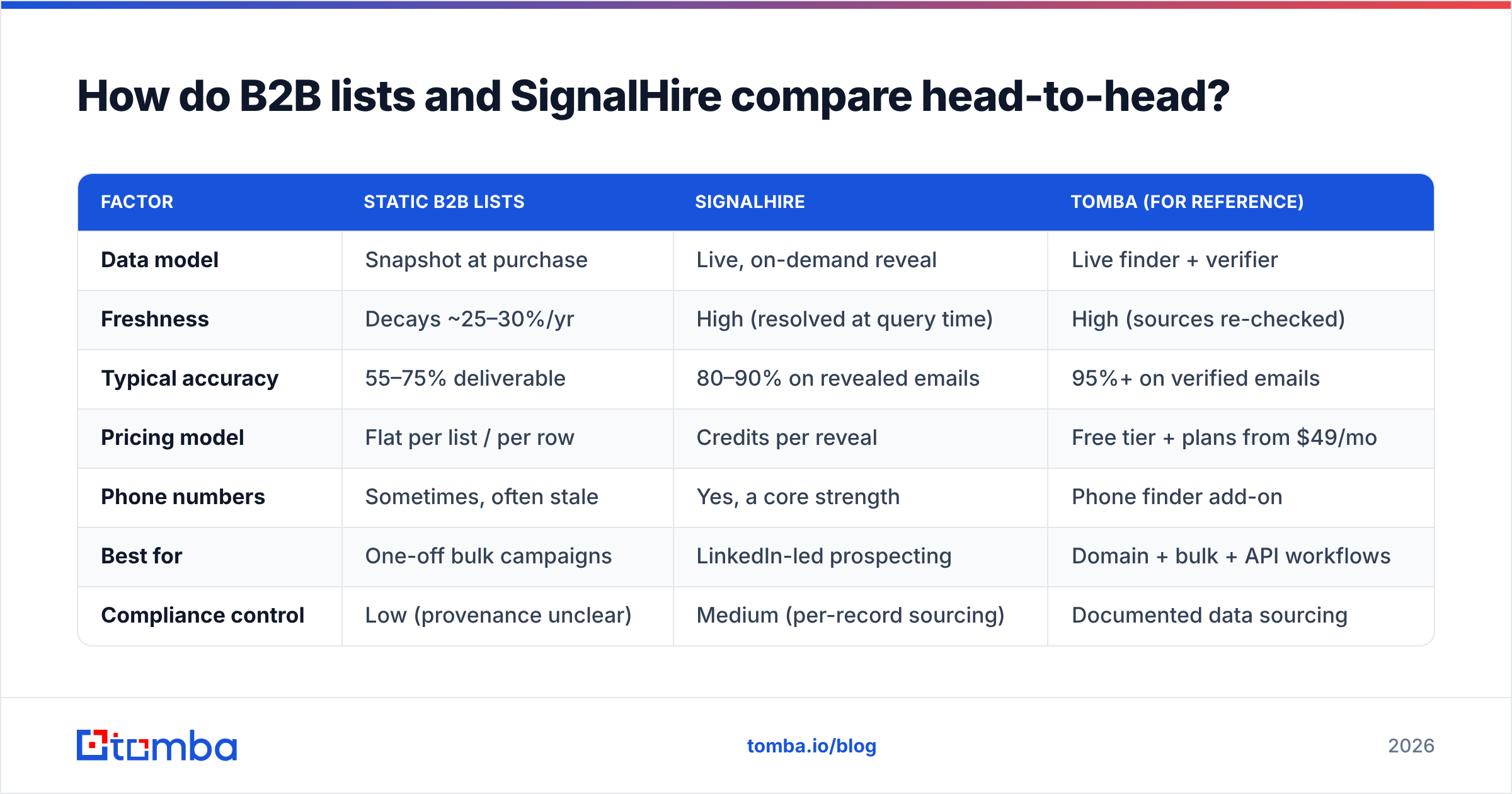
| Factor | Static B2B Lists | SignalHire | Tomba (for reference) |
|---|---|---|---|
| Data model | Snapshot at purchase | Live, on-demand reveal | Live finder + verifier |
| Freshness | Decays ~25–30%/yr | High (resolved at query time) | High (sources re-checked) |
| Typical accuracy | 55–75% deliverable | 80–90% on revealed emails | 95%+ on verified emails |
| Pricing model | Flat per list / per row | Credits per reveal | Free tier + plans from $49/mo |
| Phone numbers | Sometimes, often stale | Yes, a core strength | Phone finder add-on |
| Best for | One-off bulk campaigns | LinkedIn-led prospecting | Domain + bulk + API workflows |
| Compliance control | Low (provenance unclear) | Medium (per-record sourcing) | Documented data sourcing |
| Verification included | Rarely | Partial | Built-in email verifier |
Two numbers in that table do most of the work: freshness and accuracy. A list that looks cheaper per row almost never is once you subtract the records that bounce.
Which is more accurate — bought lists or SignalHire?#
SignalHire wins on accuracy for one structural reason: it resolves data when you ask, not months earlier.
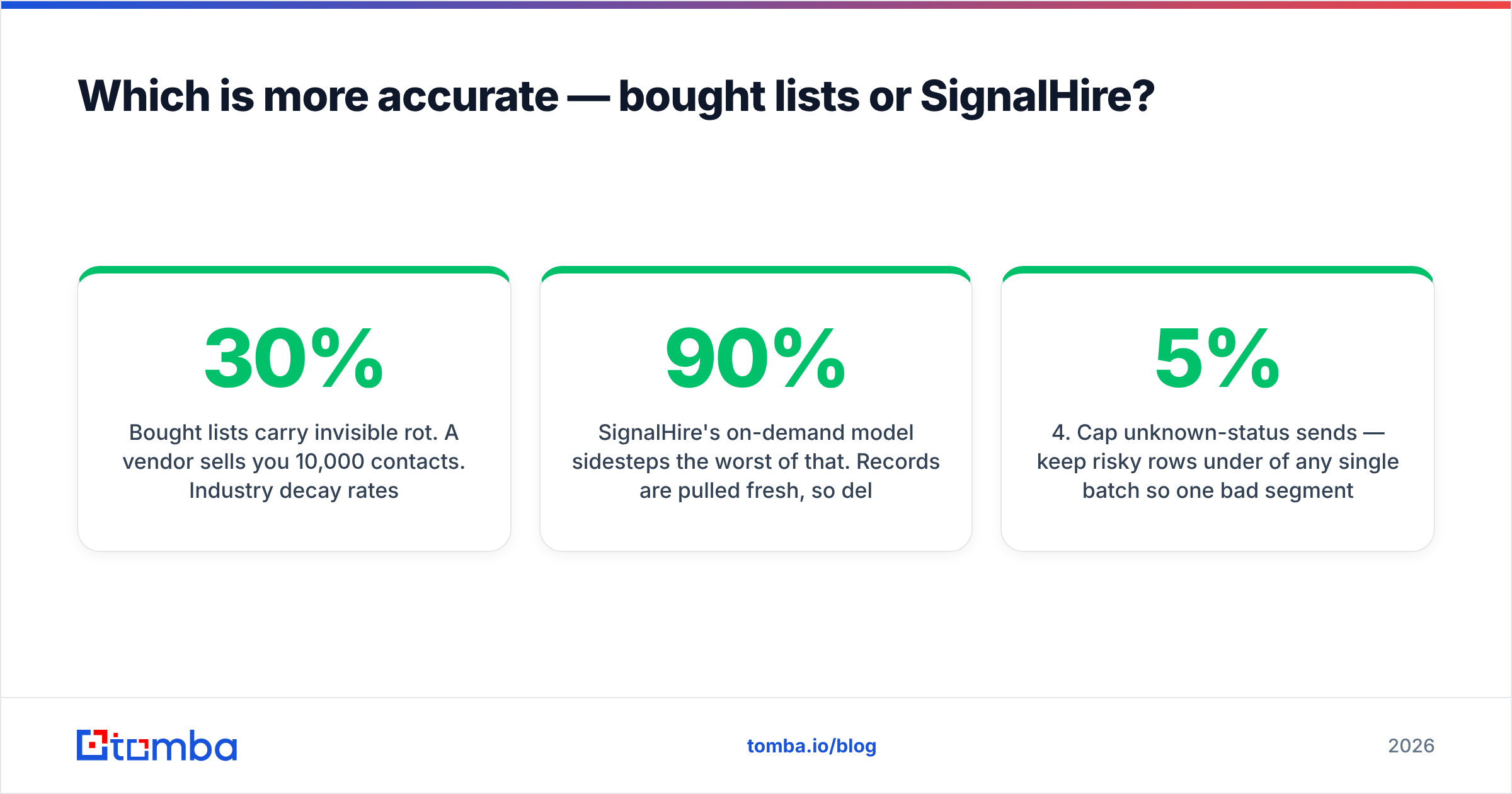
Bought lists carry invisible rot. A vendor sells you 10,000 contacts. Industry decay rates put roughly 25–30% of B2B contact data out of date within a year, and many lists are already a year old when they're sold. So your "10,000 contacts" might be 6,000–7,000 deliverable on day one — and you have no way to see which is which until your bounce report comes back and your domain is already flagged.
SignalHire's on-demand model sidesteps the worst of that. Records are pulled fresh, so deliverability on revealed emails tends to land in the 80–90% range. It's not perfect — catch-all domains, personal-vs-work ambiguity, and thin coverage for some regions still produce misses — but you're starting from a much better baseline than a stale CSV.
That said, no finder removes the need to verify. Even live-resolved emails should pass through an email verifier before they hit a sequencer. Verification is what protects your sender reputation — and reputation, once burned, takes weeks to rebuild.
A practical accuracy checklist before any campaign:
- Verify every address — SMTP-check the list regardless of source; treat unverifiable rows as risk.
- Segment catch-all domains — these accept everything at the server, so "valid" means "unknown." Route them through a catch-all verifier.
- De-duplicate across sources — bought lists and tool exports overlap; dupes inflate your counts and your spend.
- Cap unknown-status sends — keep risky rows under 5% of any single batch so one bad segment can't tank deliverability.
Is SignalHire cheaper than buying B2B lists?#
It depends entirely on volume and how you measure it — and the honest answer is "price per usable contact," not price per row.
Bought lists look cheap. A broker might quote you fractions of a cent per record on a bulk file. But divide that flat fee by the share that's actually deliverable, strip out the dupes, and subtract the deliverability damage from the dead rows, and the effective cost climbs fast.
SignalHire's credit model is transparent but scales linearly: every reveal costs a credit, so a 50,000-contact push is genuinely expensive. The upside is you only pay for records you actually pull, and they're fresh.
A rough decision rule:
- Small, targeted, LinkedIn-led prospecting → credit-based tools (SignalHire, Tomba) win on quality-per-dollar.
- Massive one-shot bulk blasts → lists look cheaper on paper, but only verify-then-send makes them safe, which erases much of the savings.
- Repeatable, programmatic enrichment → an API-driven finder beats both, because you enrich records exactly when a lead enters your CRM instead of buying inventory you may never touch.
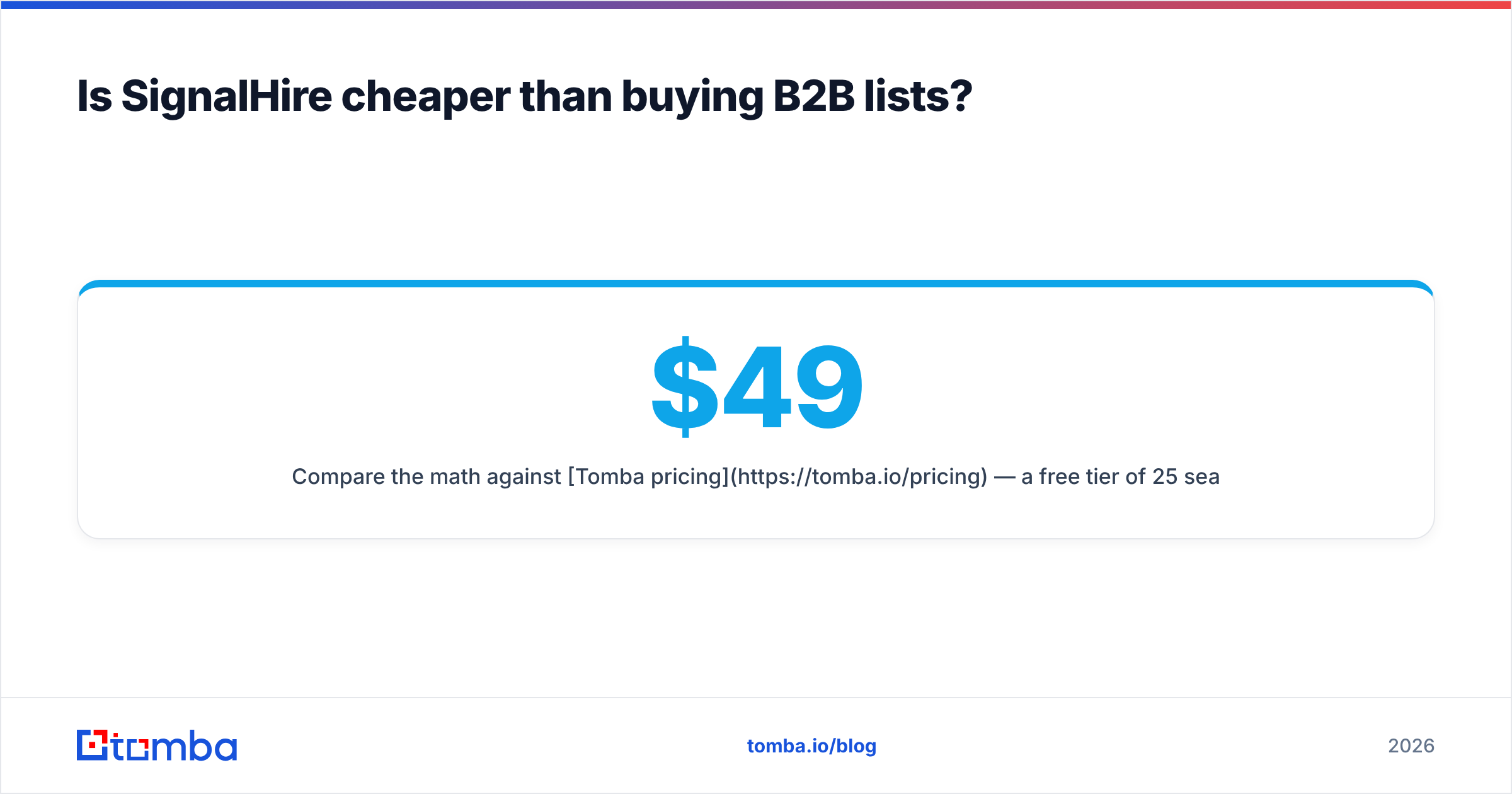
Compare the math against Tomba pricing — a free tier of 25 searches, Starter at $49/mo, Growth at $99/mo — and you'll see credit-based tooling is usually cheaper per deliverable contact than a list that's 30% dead on arrival.
)
What about compliance and data provenance?#
This is where bought lists are riskiest and where on-demand tools have a structural edge.
With a purchased list, you frequently can't answer the basic questions a privacy review will ask: Where did this contact come from? What was the legal basis for collection? Is there an unsubscribe lineage? Under GDPR and CCPA, "we bought it from a broker" is not a defense. Many lists are aggregated through chains of resellers, and provenance gets murkier at every hop.
On-demand finders resolve records against identifiable sources at query time, which makes per-record sourcing far more traceable. It's not automatic immunity — you still own consent and suppression obligations — but you're starting from a defensible position instead of a black box. For a deeper primer, the Wikipedia overview of GDPR is a useful baseline, and your legal team should sign off on any data source before it touches a campaign.
Transparency is worth checking directly. Tomba publishes where its data comes from; reputable vendors should be able to do the same. If a list seller can't, treat that as the answer.
When should you choose each one?#
Match the source to the motion, not the other way around.
Choose a static B2B list when:
- You need a large, one-time volume for a single campaign and accept aggressive verification first.
- Your targeting is broad (industry + company size) rather than person-specific.
- You have a deliverability buffer — a separate sending domain and warmed infrastructure — to absorb risk.
Choose SignalHire when:
- You prospect from LinkedIn and want fresh emails and phone numbers per profile.
- Your reps work named accounts and need accurate contacts for specific people.
- You value freshness over flat per-row cost and your volumes are moderate.
Choose an API-first finder (Tomba) when:
- You want to enrich leads programmatically as they enter your funnel via the Tomba API.
- You need domain search to map every contact at a target company at once.
- You're running bulk lead generation and want finding + verification in one pass instead of stitching two vendors together.
For most growing teams, this isn't either/or. You use a finder for precision on named accounts, occasionally enrich a broader list, and run everything through verification before it reaches a sequencer.
How does Tomba fit into the B2B lists vs SignalHire decision?#
Tomba sits in the same on-demand, fresh-data camp as SignalHire but leans harder into accuracy, bulk, and developer workflows.
Where SignalHire is strongest as a LinkedIn-centric contact revealer, Tomba pairs its email finder with a built-in verifier, domain-wide search, data enrichment, and a documented B2B database — so the find, verify, and enrich steps live in one place. That matters because the expensive failure mode isn't finding a contact; it's sending to one you never verified.
A few practical fit notes:
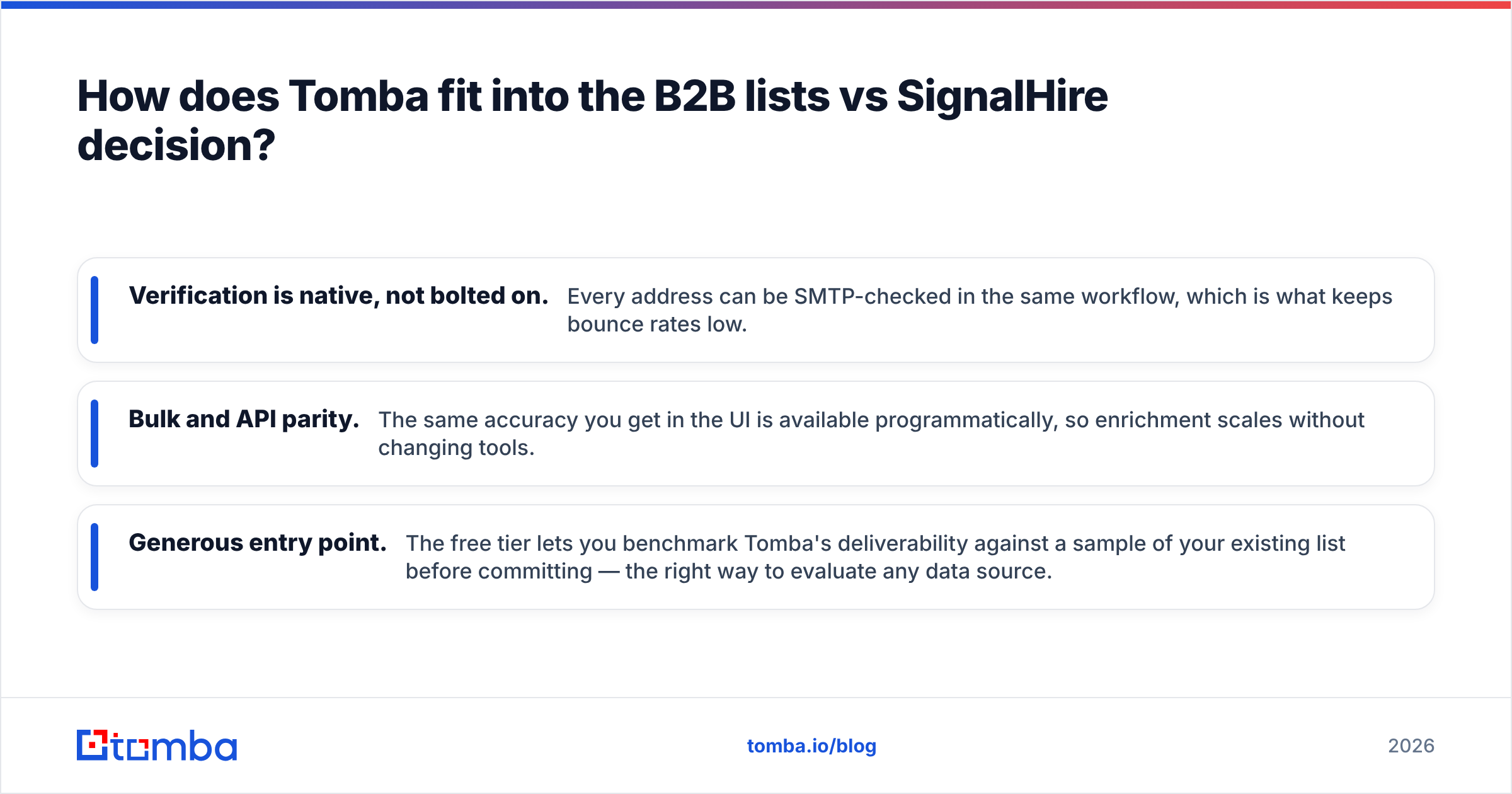
- Verification is native, not bolted on. Every address can be SMTP-checked in the same workflow, which is what keeps bounce rates low.
- Bulk and API parity. The same accuracy you get in the UI is available programmatically, so enrichment scales without changing tools.
- Generous entry point. The free tier lets you benchmark Tomba's deliverability against a sample of your existing list before committing — the right way to evaluate any data source.
You don't have to take vendor claims on faith. Pull a 100-row sample, run it through each tool, verify the output independently, and measure the deliverable percentage. Independent reviews on G2 are a useful sanity check, but your own bounce report is the only benchmark that matters.
The bottom line#
Static B2B lists optimize for upfront cost; SignalHire and Tomba optimize for freshness and accuracy. In 2026, with deliverability rules tighter and inbox providers less forgiving, the freshness-first approach wins for almost every repeatable motion — and the only "list" you should trust is one you verified yourself.
Stop paying for contacts that bounce. Start with the Tomba Email Finder — find verified, fresh B2B emails by name, company, or domain, run them through built-in verification in the same pass, and feed your pipeline data that actually lands. The free tier gives you 25 searches to benchmark it against whatever list or tool you're using today. If Tomba's deliverable rate doesn't beat your current source, you'll have lost nothing but a stale CSV.
// get started
Find, verify and enrich your first contacts today
Start on the free plan with 25 searches a month, then scale when your team is ready.
Free plan · No credit card required · GDPR & CCPA
// about the author