Best Email Checker Tool in 2026: Top 7 Verifiers Ranked
A dirty list quietly burns your sender reputation. Here are the 7 best email checker tools of 2026, ranked on accuracy, catch-all handling, speed, and price.
Picking the wrong email checker is expensive in a way you don't see until the damage is done. The list looks "validated," you send, and three days later your open rates crater because mailbox providers throttled you for hitting too many dead addresses. This guide ranks the best email checker tool options for 2026 on the things that actually move the needle: real-world accuracy, catch-all handling, bulk throughput, and honest pricing.
TL;DR — Which Email Checker Should You Use?#
- Best overall accuracy + finder in one: Tomba — multi-source verification with catch-all detection, free tier to test it.
- Best for one-off checks: a free single-email checker beats pasting addresses into a CRM and hoping.
- Best for huge lists: any tool with true parallel SMTP and de-duplication; raw speed matters at 100k+ rows.
- The non-negotiable metric: accuracy on catch-all domains — that's where cheap tools quietly fail and inflate "valid" counts.
- Price reality: expect roughly $0.0004–$0.004 per verification; per-month plans only win if you verify steadily.
What Does an Email Checker Tool Actually Do?#
An email checker is like a bouncer at a club checking IDs before anyone gets in — it inspects each address and decides whether mail sent there will land or bounce, before you waste a send on it. Technically, a good checker runs a layered set of tests, each one cheaper and faster than the next is thorough:
- Syntax validation — Is the address even shaped like an email (RFC 5322)? Catches
john@@acmeand trailing spaces. - Domain + MX record check — Does the domain exist and publish mail-exchange records? No MX means no mailbox, period.
- SMTP handshake — The checker opens a conversation with the receiving mail server and asks "does this mailbox exist?" without sending an actual message.
- Catch-all detection — Some domains accept every address at the handshake, then bounce internally. A weak tool marks these "valid"; a strong one flags them as risky.
- Role + disposable filtering — Spotting
info@,sales@, and throwaway domains that hurt engagement. - Greylisting + retry logic — Re-querying servers that defer the first request instead of guessing.
The gap between a mediocre checker and a great one lives almost entirely in steps 4–6. Anyone can validate syntax. The money is in correctly judging the ambiguous cases. For a deeper primer on the underlying mechanics, Wikipedia's email verification overview is a solid neutral reference.
How Should You Judge the Best Email Checker Tool?#
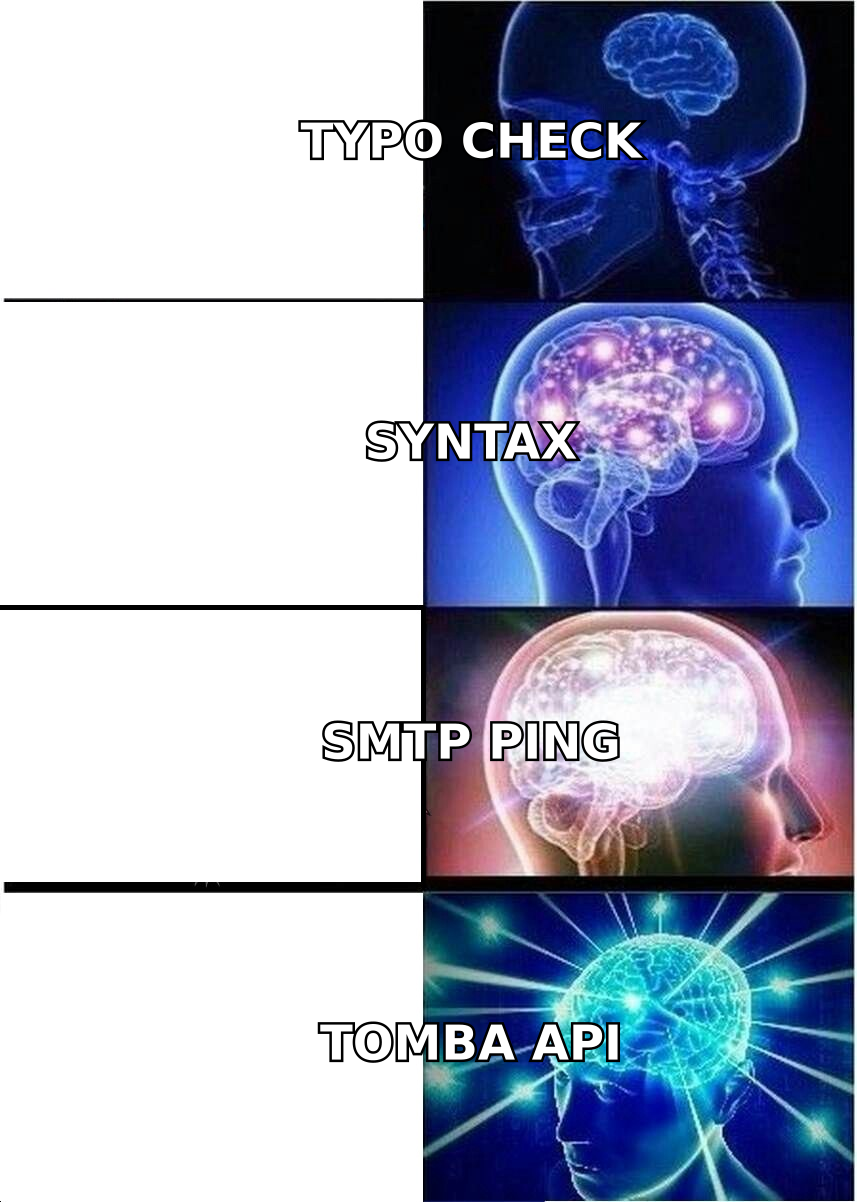
Don't trust a vendor's headline "99% accuracy" — everyone claims it, and the number is meaningless without knowing the test set. Judge on these instead:
- Accuracy on catch-all and risky domains, not just obvious dead/alive addresses.
- False-valid rate — the most damaging error, since these still bounce after you've sent.
- Throughput — verifications per minute on a large file; this decides whether a 200k list takes 20 minutes or 6 hours.
- De-duplication and list hygiene built in, so you don't pay to verify the same address twice.
- Data freshness — verification is a snapshot; a tool backed by recent data beats one querying stale records.

Accuracy is where most "cheap" tools fall apart. They optimize for a high valid-rate because users emotionally prefer a list that says "95% good" — even when reality is 78%. A trustworthy email verifier will under-promise: it returns clear "valid," "invalid," "catch-all," and "unknown" buckets instead of forcing every gray case into "valid."
Which Are the Best Email Checker Tools in 2026?#
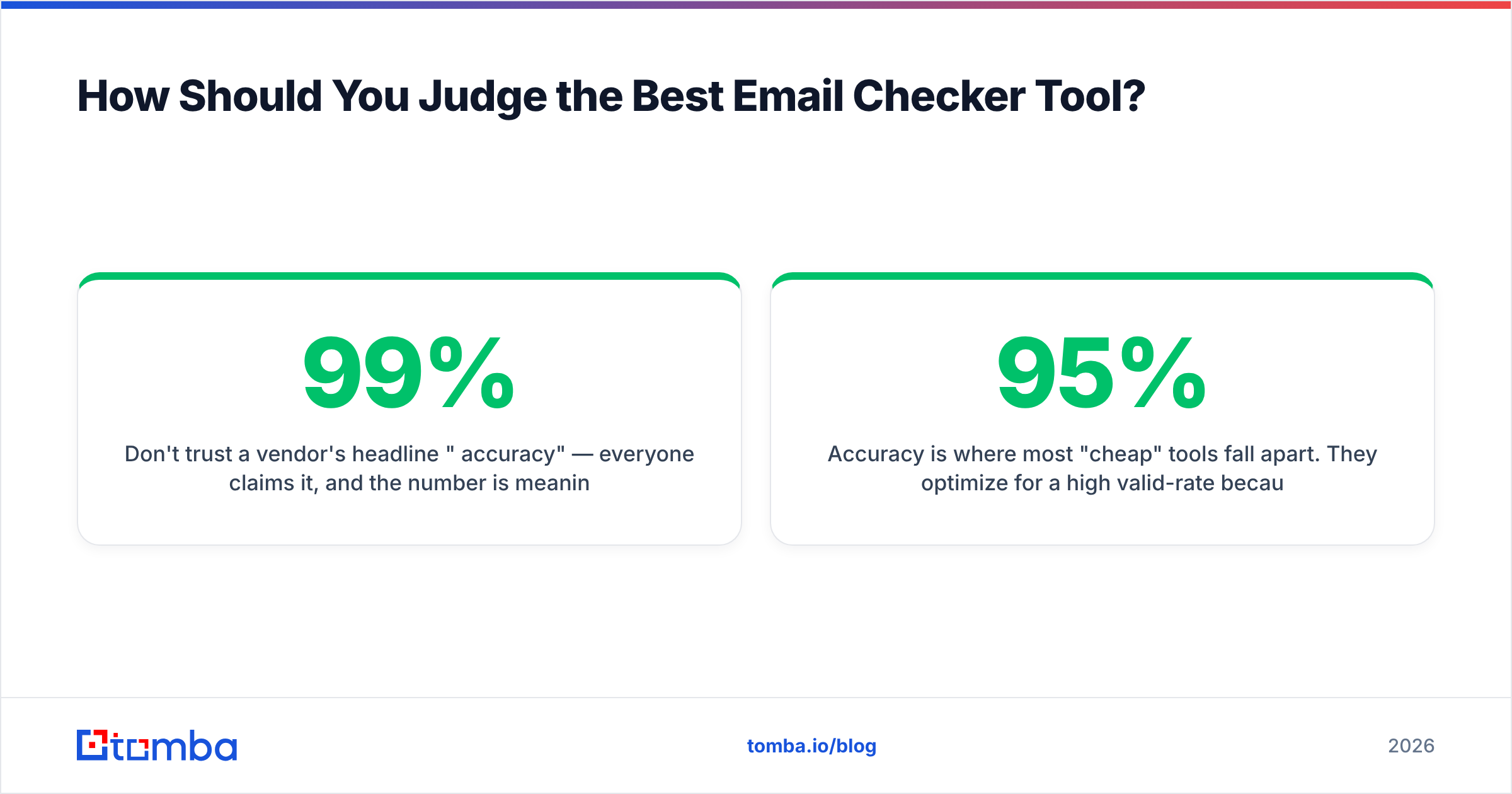
Here's the head-to-head. Prices reflect entry paid tiers; all of these offer some form of trial or free credits.
| Tool | Free tier | Entry price | Catch-all handling | Built-in email finder | Best for |
|---|---|---|---|---|---|
| Tomba | 25 searches/mo | $49/mo | Dedicated catch-all verifier | Yes | Find + verify in one stack |
| ZeroBounce | 100 credits | ~$18/mo | Good | No | Verify-only marketers |
| NeverBounce | 1,000 (trial) | Pay-as-you-go | Good | No | Occasional bulk cleans |
| Bouncer | 100 credits | ~$8/1k | Strong | No | EU data-residency needs |
| Hunter | 25/mo | $34/mo | Basic | Yes | Light prospecting |
| Clearout | 100 credits | ~$21/5k | Good | Partial | Budget bulk verify |
| EmailListVerify | 100 credits | ~$24/10k | Adequate | No | Cheapest per-verification |
A few notes the table can't capture. Verify-only tools (ZeroBounce, NeverBounce, Bouncer) do one job well but force you to source addresses elsewhere first. Combined platforms like Tomba and Hunter let you go from a company domain to a clean, verified contact in one pass — which matters because verification is only half the workflow. If you're comparing pricing seriously, check the published Tomba pricing tiers against per-credit math: a $49/mo Starter plan undercuts pay-as-you-go once you're verifying a few thousand addresses monthly.
For third-party validation of any tool on this list, cross-reference real reviews on G2 rather than the vendor's own testimonials.
Is a Free Email Checker Good Enough?#
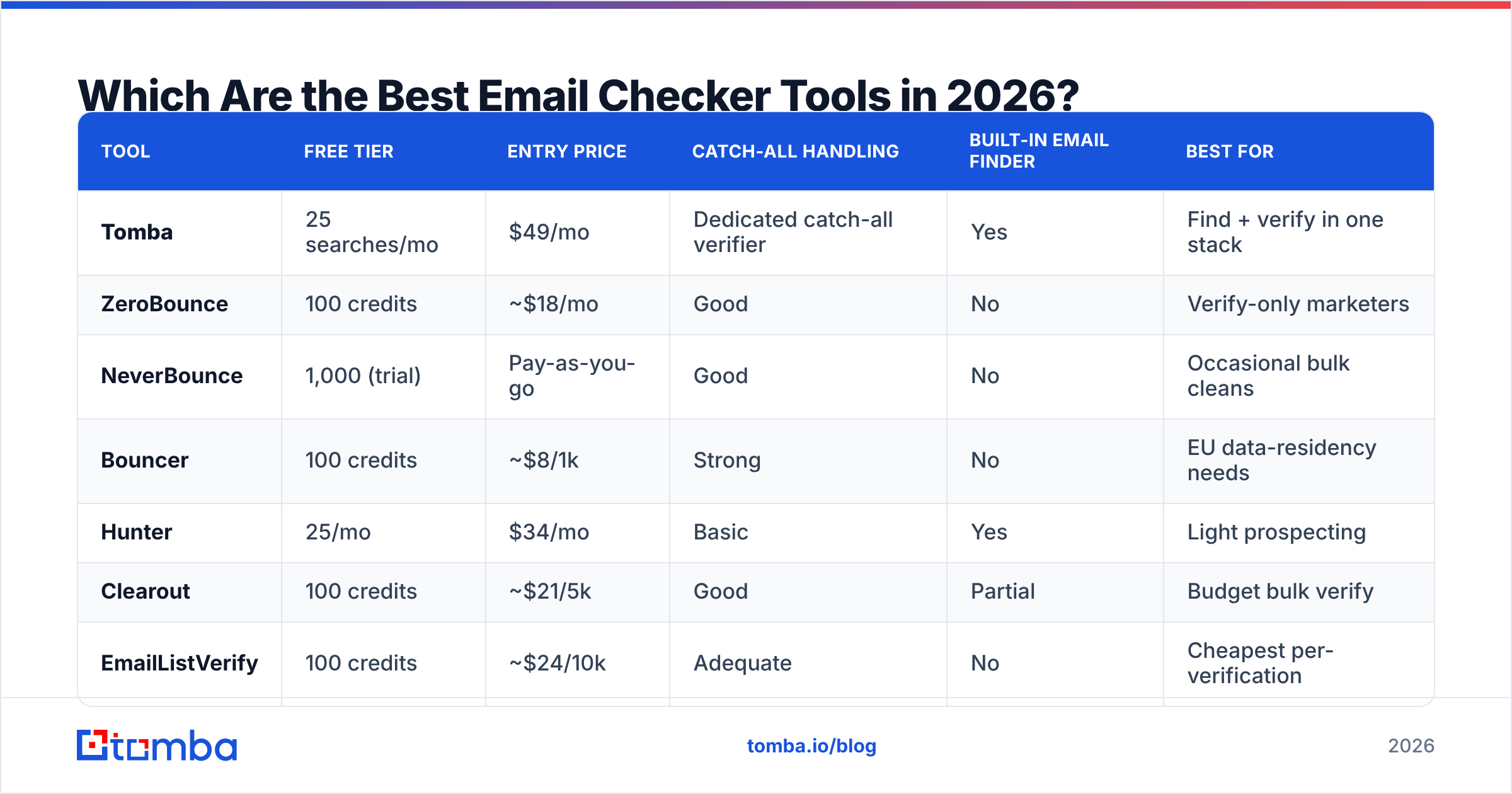
For a handful of addresses, yes — and you shouldn't pay for that. If you just landed one lead and want to confirm the address before a high-stakes send, a free email checker runs syntax, MX, and SMTP checks instantly with no signup. That's the right tool for one-off confidence.
Free tools stop being enough the moment you have a list. Here's the honest dividing line:
- Use free when: verifying under ~25 addresses a month, doing manual one-at-a-time checks, or testing a tool's accuracy before committing.
- Go paid when: you verify lists, need bulk upload, require an API, or care about catch-all classification at scale.
The trap is treating a free single-checker as a list cleaner — you'll either give up after 40 manual pastes or, worse, skip verification entirely and mail a dirty list. That's the most expensive "free" decision in cold outreach.
How Much Does an Email Checker Affect Deliverability?#
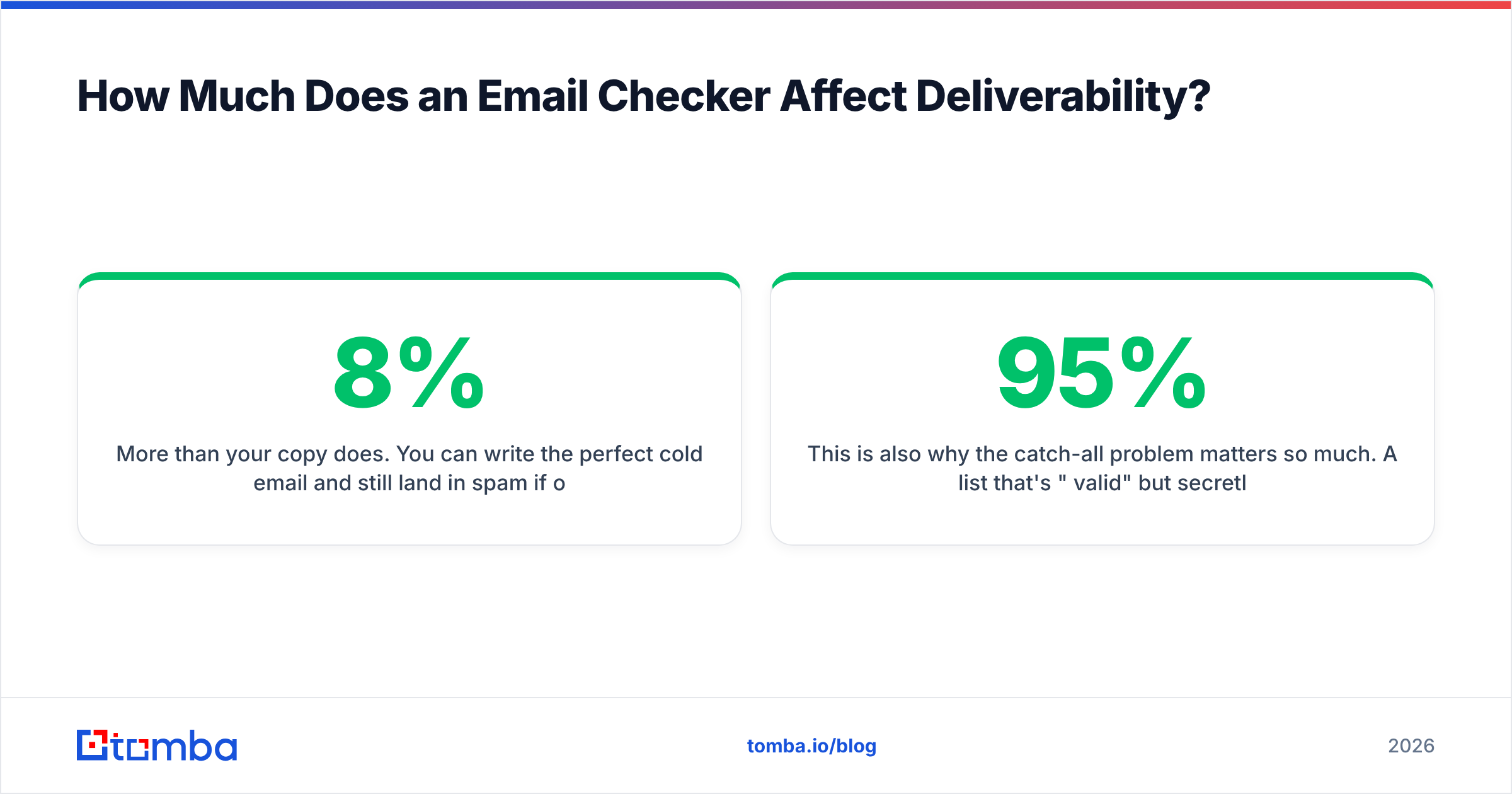
More than your copy does. You can write the perfect cold email and still land in spam if 8% of your list bounces. Mailbox providers read a high bounce rate as a signal that you don't manage your audience — the hallmark of a spammer — and they throttle accordingly. Keeping bounces under roughly 2% is the practical threshold for protecting sender reputation.
This is also why the catch-all problem matters so much. A list that's "95% valid" but secretly stuffed with unresolved catch-all domains can still bounce at 6–7% in production. Running those addresses through a dedicated catch-all verifier before launch is the difference between a clean send and a throttled one. For the broader playbook on inbox placement, HubSpot's email deliverability guide pairs well with verification as a one-two punch.

How Do You Verify a Large List Efficiently?#
Don't verify your list the way you'd verify one address — at scale, the workflow changes. The efficient path:
- De-duplicate first. Paying to verify the same address three times is pure waste. Good tools dedupe on upload automatically.
- Strip obvious garbage (blank rows, malformed syntax) before the expensive SMTP step.
- Run bulk verification with parallelism. A tool doing serial SMTP at 1 request/sec will take hours; true parallel processing finishes 100k rows in minutes.
- Segment by result bucket — send confidently to "valid," exclude "invalid," and handle "catch-all/unknown" with a cautious, low-volume warmup.
- Re-verify periodically. B2B data decays ~22–30% per year as people change jobs; a list clean in January is stale by summer.
If you live in spreadsheets or a CRM, look for native integrations so you're not exporting and re-importing CSVs all day. Tomba's bulk email finder handles find-and-verify together, and combined with its data enrichment you can fill gaps in the same pass instead of stitching three tools together.
What's the Real Difference Between a Checker and a Finder?#
They're two halves of the same job, and the best stacks do both. A finder discovers an address you don't have ("what's the email for this person at this company?"). A checker confirms an address you do have will actually deliver. You need both: a finder without verification hands you guesses, and a verifier without a finder leaves you no addresses to clean.
This is the practical argument for a combined platform. With a standalone verifier you still need a separate email finder to source contacts, then reconcile two exports. With an integrated tool, the address is found and verified in one API call — fewer moving parts, less data leakage, one bill. For teams running real outbound volume, that consolidation is usually worth more than squeezing the per-verification price down by a fraction of a cent.
Frequently Asked Questions#
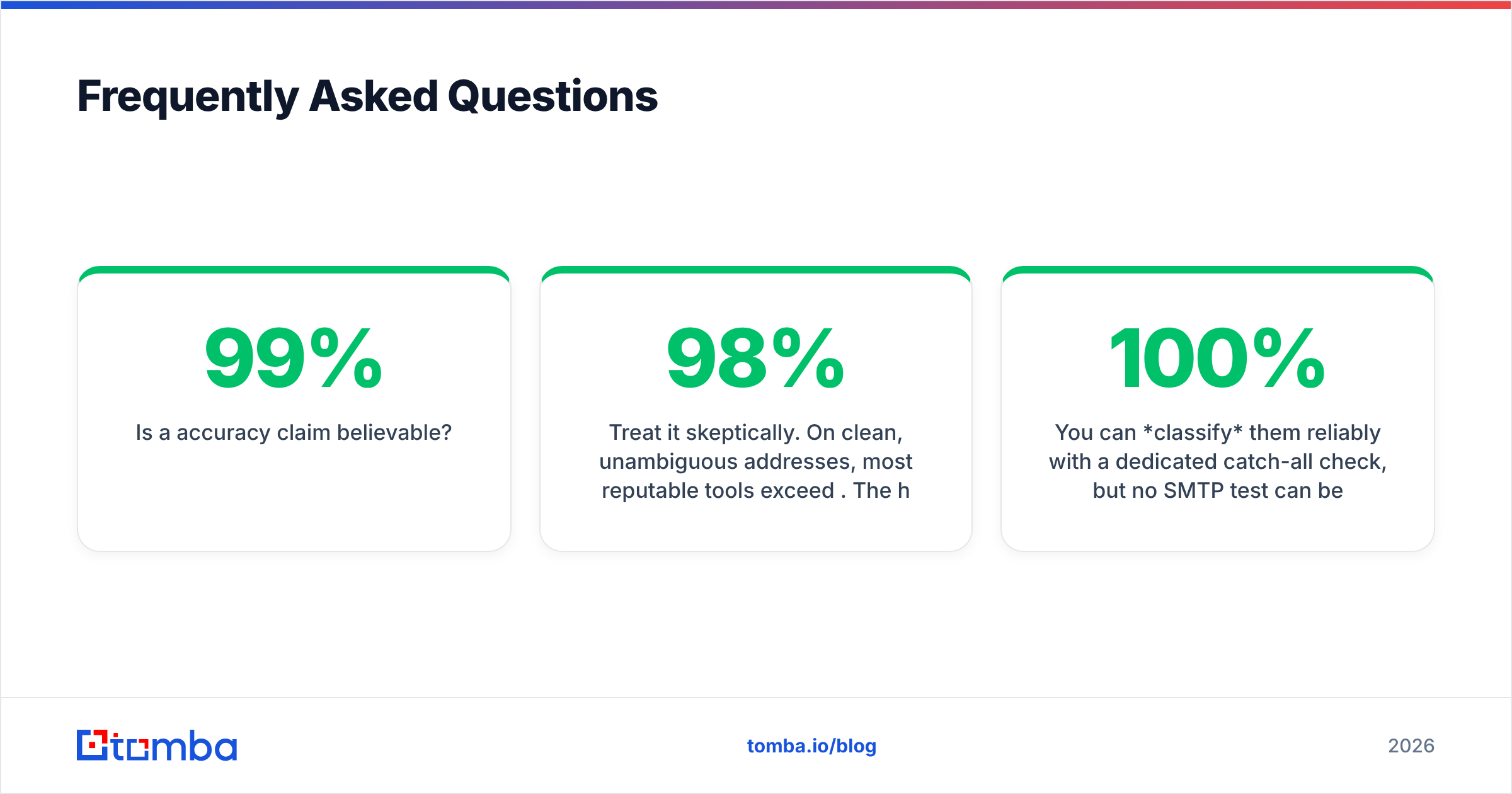
Is a 99% accuracy claim believable? Treat it skeptically. On clean, unambiguous addresses, most reputable tools exceed 98%. The honest comparison is accuracy on catch-all and risky domains, where the spread between tools is wide. Test on your own sample before trusting any headline number.
Will verifying my list guarantee inbox placement? No — it removes the single biggest deliverability landmine (bounces), but warmup, authentication (SPF/DKIM/DMARC), content, and sending cadence all still matter. Verification is necessary, not sufficient.
How often should I re-verify? For active outbound, re-verify every 60–90 days. B2B contact data decays fast as people switch roles, so a list verified once and reused for a year will quietly rot.
Can I verify catch-all addresses reliably? You can classify them reliably with a dedicated catch-all check, but no SMTP test can be 100% certain a catch-all mailbox exists. The right move is to flag them, send cautiously, and watch engagement — not to assume they're all valid or all dead.
The Bottom Line: Find and Verify in One Place#
The best email checker tool for you depends on whether you also need to find contacts. If you only clean lists you already own, a focused verifier will do. But most teams are sourcing and cleaning at the same time — and that's where doing both in one stack pays off.
Start free and test it on your own data: Tomba's Email Finder pulls verified professional addresses by name, domain, or company, with catch-all detection and bulk processing built in, on a free tier that needs no credit card. Find the contact, confirm it'll land, and send to a list you can actually trust — instead of one that just looks clean.
// get started
Find, verify and enrich your first contacts today
Start on the free plan with 25 searches a month, then scale when your team is ready.
Free plan · No credit card required · GDPR & CCPA
// about the author