Best Email Verification Services in 2026: Ranked & Tested
A no-fluff comparison of the best email verification services in 2026 — accuracy, catch-all handling, bulk speed, and real pricing for ZeroBounce, NeverBounce, Bouncer, and Tomba.

Bounce rates quietly kill cold campaigns. You can write the perfect subject line, build the perfect list, and still land in spam because 18% of your contacts no longer exist. An email verification service is the cheapest insurance you can buy against that — but only if you pick one that actually catches dead addresses without nuking good ones.
This guide ranks the best email verification services in 2026 on the four things that matter: accuracy, catch-all handling, bulk throughput, and honest pricing.
TL;DR — Which Email Verification Service Wins?#
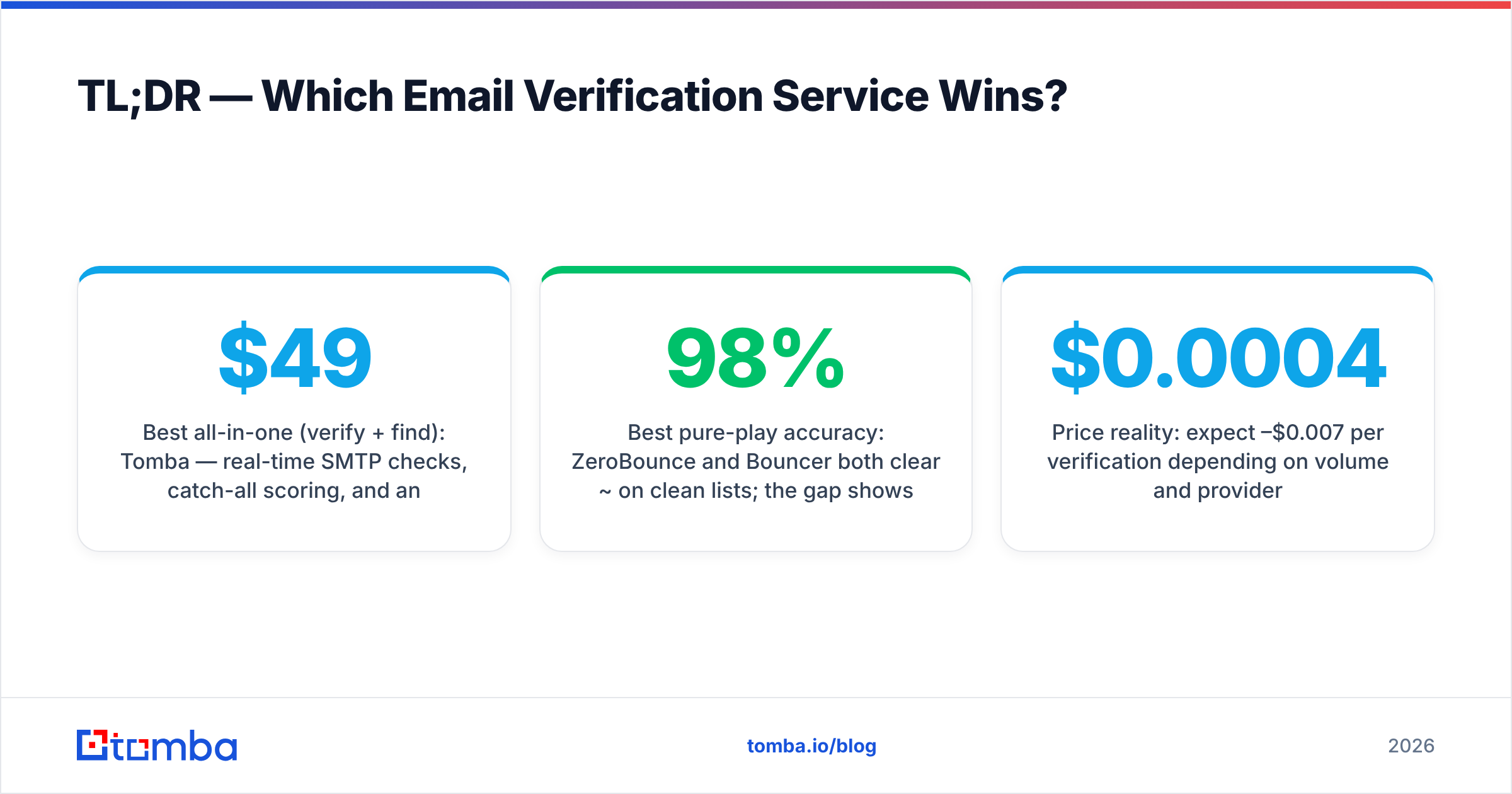
- Best all-in-one (verify + find): Tomba — real-time SMTP checks, catch-all scoring, and an email finder under one credit pool starting at $49/mo.
- Best pure-play accuracy: ZeroBounce and Bouncer both clear ~98% on clean lists; the gap shows up on catch-all and role-based addresses.
- Best for one-off scrubs: NeverBounce pay-as-you-go is fine for a quarterly list clean.
- What actually moves the needle: SMTP-level verification plus catch-all detection. Syntax-only "validators" are useless for deliverability.
- Price reality: expect $0.0004–$0.007 per verification depending on volume and provider.
What Does an Email Verification Service Actually Do?#
Think of email verification like a bouncer checking IDs at the door. Anyone can write an address that looks valid — correct syntax, real-looking domain — but the bouncer's job is to confirm the person behind it exists before letting your campaign through.
A real verification service runs four escalating checks:
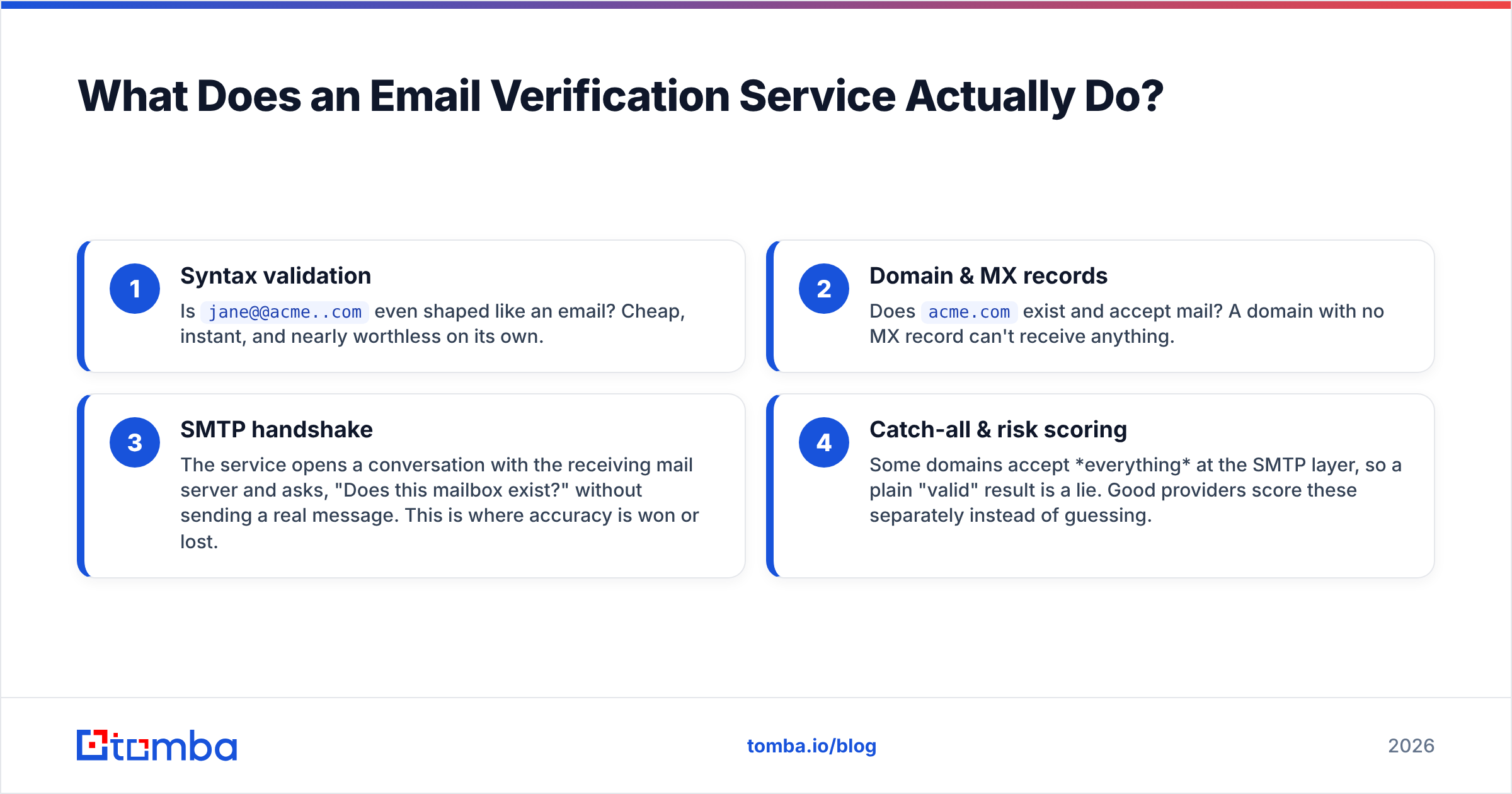
- Syntax validation — Is
jane@@acme..comeven shaped like an email? Cheap, instant, and nearly worthless on its own. - Domain & MX records — Does
acme.comexist and accept mail? A domain with no MX record can't receive anything. - SMTP handshake — The service opens a conversation with the receiving mail server and asks, "Does this mailbox exist?" without sending a real message. This is where accuracy is won or lost.
- Catch-all & risk scoring — Some domains accept everything at the SMTP layer, so a plain "valid" result is a lie. Good providers score these separately instead of guessing.
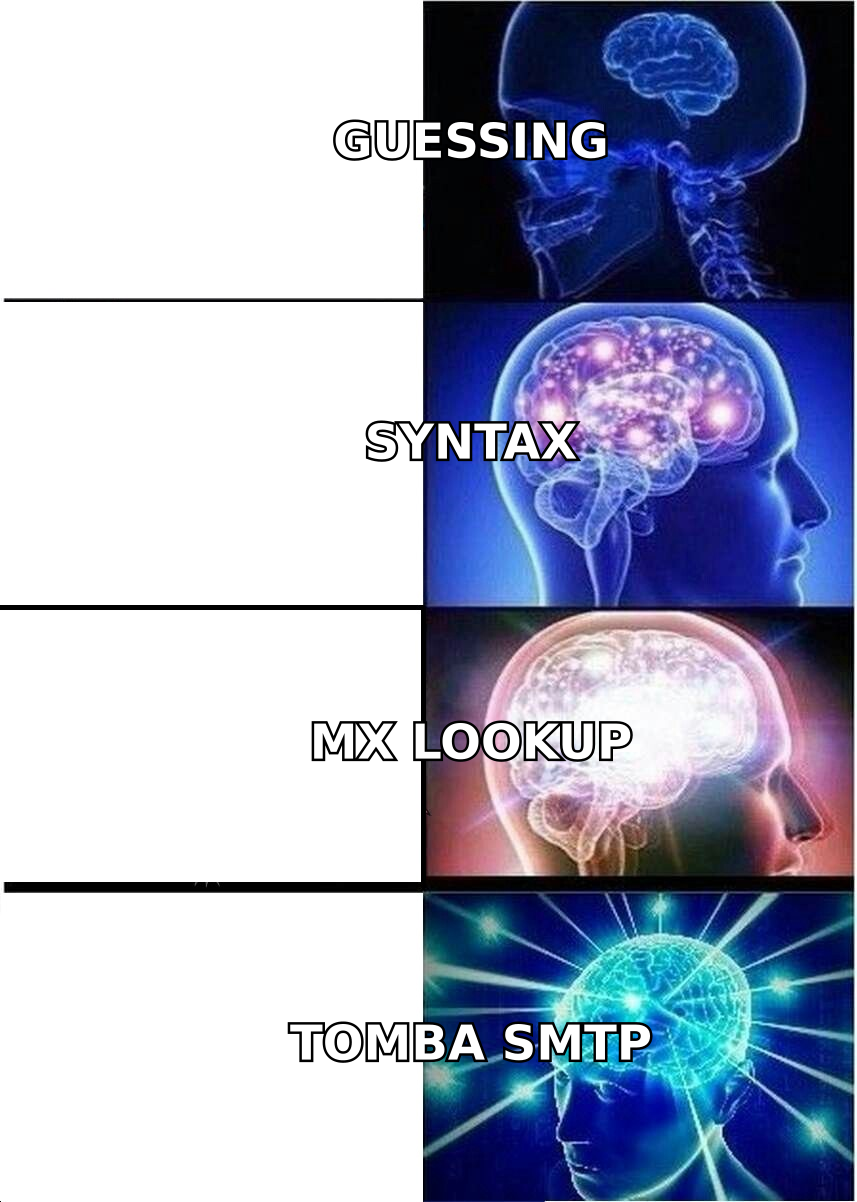
The jump from a syntax checker to a true SMTP-plus-catch-all engine is the entire difference between a tool that protects your sender reputation and one that just makes you feel productive. If you want the deeper mechanics, Tomba's email verifier documents exactly which signals feed each verdict.
How Should You Compare Email Verification Services?#
Vendors love to advertise one big number — "99% accuracy!" — measured on a pristine internal list. That number tells you almost nothing about your messy export from LinkedIn or a 3-year-old CRM. Judge providers on these dimensions instead:
- True accuracy on dirty data — performance on role-based, disposable, and stale addresses, not just obvious valids.
- Catch-all handling — does it flag catch-all domains honestly, or mark them "valid" to inflate stats?
- Bulk throughput — how fast can it process 100k rows, and does it deduplicate first?
- API quality — real-time verification at signup forms beats batch-only tools for SaaS.
- Pricing transparency — per-credit math, rollover rules, and whether finder + verifier share a pool.
- Data freshness — re-verification matters because mailboxes die constantly.

Best Email Verification Services in 2026 (Comparison Table)#
Here's how the leading tools stack up on the attributes that decide deliverability. Pricing reflects published entry tiers as of 2026; always confirm current rates on each vendor's page.
| Service | Entry price | Verification depth | Catch-all scoring | Bulk + API | Built-in email finder |
|---|---|---|---|---|---|
| Tomba | $49/mo (Starter) | Syntax + MX + SMTP | Yes — dedicated scoring | Yes / Yes | Yes |
| ZeroBounce | ~$18 / 2k credits | Syntax + MX + SMTP | Partial | Yes / Yes | Limited |
| NeverBounce | ~$0.008/verify PAYG | Syntax + MX + SMTP | Partial | Yes / Yes | No |
| Bouncer | ~$8 / 1k credits | Syntax + MX + SMTP | Yes | Yes / Yes | No |
| Generic syntax checker | Free | Syntax only | No | No / Sometimes | No |
A few takeaways from the table:
- Tomba is the only entry that bundles verification and finding under one pricing plan, so you're not paying two vendors to build and clean the same list.
- ZeroBounce and Bouncer are excellent dedicated scrubbers — strong choices if you already have your list and only need cleaning. ZeroBounce publishes its methodology openly on zerobounce.net.
- NeverBounce shines on pay-as-you-go for occasional, one-time cleans.
- A free syntax checker belongs nowhere near a paid campaign — it can't see whether a mailbox exists.
Why Is Catch-All Verification the Hard Part?#
Catch-all domains are the reason two verification services can score the same list and disagree by 20%.
A catch-all (or "accept-all") domain is configured to say yes to every address at the SMTP layer — ceo@acme.com, xyzqwerty@acme.com, all of it. The receiving server isn't confirming the mailbox exists; it's just accepting everything to sort later. A lazy verifier sees that "yes" and marks the address valid. Then your email bounces anyway because the mailbox was never real.
The honest move is to flag catch-all domains as risky and score the likelihood separately, using historical data and pattern signals rather than a single SMTP reply. Tomba splits this out with a dedicated catch-all verifier so a risky domain never gets silently promoted to "safe to send."

Practical rule: if a provider returns zero catch-all or "unknown" results on a large B2B list, be suspicious. Real corporate data is full of accept-all domains, and pretending otherwise is how you torch your sender reputation.
How Much Should Email Verification Cost?#
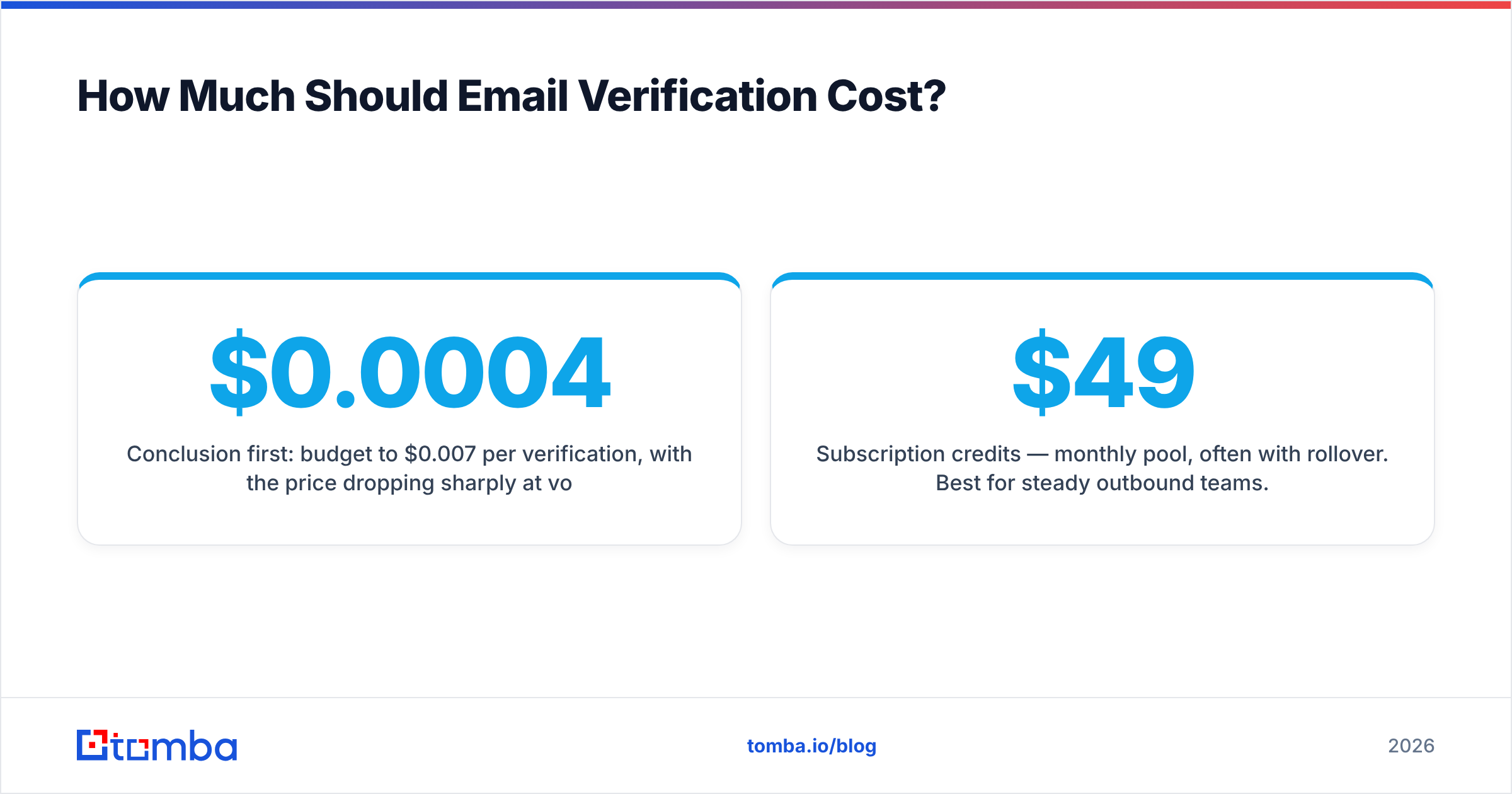
Conclusion first: budget $0.0004 to $0.007 per verification, with the price dropping sharply at volume. Anything wildly cheaper is usually syntax-only; anything wildly more expensive is paying for a brand, not better accuracy.
Three pricing models dominate the market:
- Subscription credits — monthly pool, often with rollover. Best for steady outbound teams. Tomba's plans (Starter $49/mo, Growth $99/mo, Pro $249/mo) work this way, and the same credits cover finding and verifying.
- Pay-as-you-go — buy a block, use it whenever. Best for occasional quarterly scrubs (NeverBounce's sweet spot).
- Enterprise / custom — negotiated rates for millions of verifications, dedicated infrastructure, and SLAs.
When you're comparing quotes, normalize everything to cost-per-verification and check three fine-print items: do unused credits roll over, do finder and verifier share a pool, and are catch-all results billed the same as clean valids. For large jobs, run a sample through the bulk verify flow before committing — measuring real accuracy on your data beats any published benchmark.

Is a Standalone Verifier Better Than an All-in-One Platform?#
It depends on where your list comes from.
Choose a standalone verifier (ZeroBounce, Bouncer, NeverBounce) when: you already have your contact list from another source and you only ever need to clean it. These tools are focused, fast, and accurate at the single job of scrubbing.
Choose an all-in-one platform (Tomba) when: you're building lists, not just cleaning them. If your workflow is "find the prospect → get the email → verify it → push to CRM," paying a finder vendor and a separate verifier vendor means two bills, two credit systems, and two places for data to drift out of sync.
Tomba covers the full chain in one place: an email finder to source addresses by name and domain, verification baked into the same credits, plus data enrichment and a B2B database to fill gaps. For teams running outbound at scale, consolidating the build-and-clean loop is usually worth more than a fractional accuracy edge on cleaning alone. You can read how Tomba sources and refreshes its records on the data sources page.
How Do You Verify a List the Right Way?#
A clean process beats a fancy tool used carelessly. Follow these steps:
- Deduplicate first. Don't pay to verify the same address twice — strip duplicates before upload.
- Remove obvious junk. Drop malformed syntax and known disposable domains up front to save credits.
- Run a sample. Verify 500–1,000 rows first and eyeball the valid/invalid/catch-all split. If it looks implausible, the tool — not your list — may be the problem.
- Verify the full list. Process the rest, keeping catch-all and "unknown" results in their own bucket.
- Segment by risk. Send confidently to valids, warm up cautiously to catch-alls, and suppress invalids entirely.
- Re-verify on a schedule. B2B data decays roughly 2–3% per month as people change jobs. Re-clean active lists quarterly.
This is also where verification protects more than your bounce rate — mailbox providers watch bounces as a core signal, so a clean list directly defends your email deliverability. Industry guides from sources like HubSpot and peer reviews on G2 reinforce the same point: list hygiene is a deliverability lever, not a vanity metric.
Which Email Verification Service Should You Pick?#
Match the tool to your job:
- You only clean existing lists → ZeroBounce or Bouncer. Focused, accurate, well-documented.
- You scrub occasionally → NeverBounce pay-as-you-go.
- You build and clean lists → Tomba, because finding and verifying share one credit pool and one workflow.
- You need real-time form validation → any provider with a fast verification API — confirm latency and uptime first.
There is no single "best" for everyone; there's the best fit for your data source and volume. But if your real bottleneck is sourcing and validating B2B contacts without juggling vendors, the consolidated approach wins on both cost and sanity.
Get Started With Tomba#
If you're building outbound lists from scratch, start with the Tomba Email Finder. It locates professional email addresses by domain, name, or company, then verifies them with real-time SMTP and catch-all scoring — all under one credit pool that begins free (25 searches/month) and scales to $49/mo Starter when you're ready. One tool to find the contact, confirm the mailbox exists, and push a clean record into your CRM — instead of stitching a finder and a verifier together and hoping the data lines up. Try it on a real list and compare the valid rate against whatever you're using now.
// get started
Find, verify and enrich your first contacts today
Start on the free plan with 25 searches a month, then scale when your team is ready.
Free plan · No credit card required · GDPR & CCPA
// about the author