Bettermerge vs Tomba (2026): Email Finder Accuracy Compared
Bettermerge vs Tomba in 2026: a neutral breakdown of accuracy, verification, pricing, and which email-finding tool actually fits your outbound stack.
Choosing between Bettermerge and Tomba comes down to one question most "best tool" lists dodge: when you push a name and a domain in, how often does a real, inbox-deliverable email come back out? Everything else — UI polish, integrations, dashboards — is secondary to that hit rate, because a low hit rate quietly poisons your sender reputation and your numbers.
This is a neutral, attribute-by-attribute comparison so you can match the tool to your actual workflow instead of a marketing headline.
TL;DR — Bettermerge vs Tomba in one screen#
- Tomba is a dedicated email-finding and verification platform: domain search, name-based finder, catch-all handling, bulk processing, and a documented API, with a free tier (25 searches/mo) and paid plans from $49/mo.
- Bettermerge positions itself around merge-and-enrich workflows — useful if you live inside spreadsheets and want a lighter, list-centric tool rather than a full finder-plus-verifier stack.
- Accuracy is the deciding factor. A finder that returns more "maybe" emails forces you to verify elsewhere, so the real cost is finder price plus verification price plus bounced-send risk.
- Pick Tomba if you need verification depth, catch-all detection, and API access for scaled or programmatic prospecting.
- Pick Bettermerge if your needs are small, occasional, and spreadsheet-bound, and you already verify emails with a separate tool.
What is Bettermerge and what is Tomba?#
Think of the two like a multitool versus a single specialized blade.
Tomba is the multitool built for one job done thoroughly: turning a company or a person into a verified, reachable email. Its email finder takes a name and domain and returns the most likely address with a confidence score; its email verifier then checks whether that address actually accepts mail. Around those two cores sit domain search, a catch-all verifier, phone finding, and enrichment — all under one roof with a shared API.
Bettermerge leans toward the merge-and-go crowd: people who maintain lists, enrich rows, and want fewer moving parts. That simplicity is a genuine strength for low-volume users, but it usually means you bolt on a separate verification step when deliverability matters.
Here's the core-concept split, broken out by what each tool is actually optimized for:
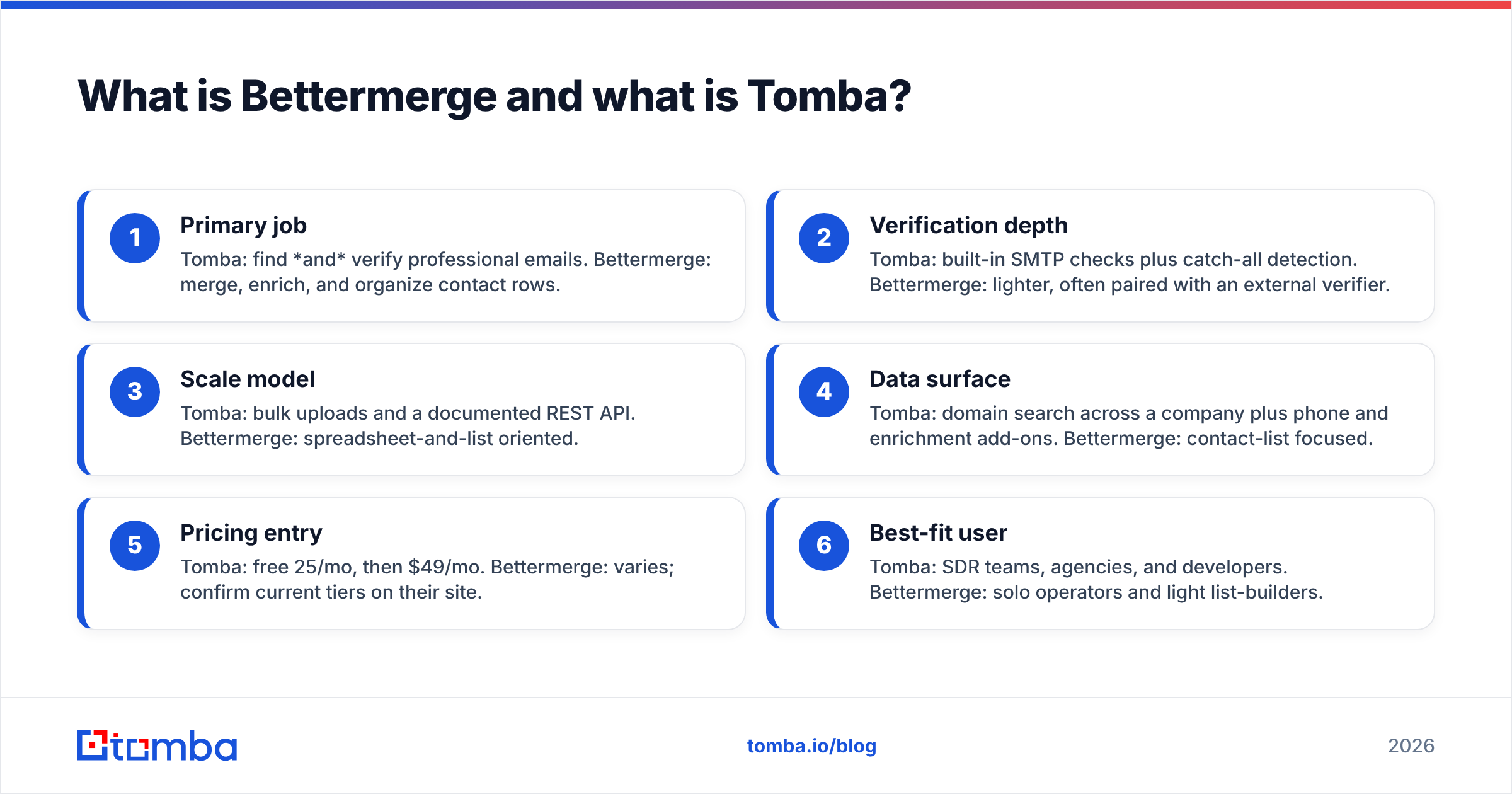
- Primary job — Tomba: find and verify professional emails. Bettermerge: merge, enrich, and organize contact rows.
- Verification depth — Tomba: built-in SMTP checks plus catch-all detection. Bettermerge: lighter, often paired with an external verifier.
- Scale model — Tomba: bulk uploads and a documented REST API. Bettermerge: spreadsheet-and-list oriented.
- Data surface — Tomba: domain search across a company plus phone and enrichment add-ons. Bettermerge: contact-list focused.
- Pricing entry — Tomba: free 25/mo, then $49/mo. Bettermerge: varies; confirm current tiers on their site.
- Best-fit user — Tomba: SDR teams, agencies, and developers. Bettermerge: solo operators and light list-builders.

How accurate is each email finder?#
Accuracy is where this comparison is won or lost. An email finder is only as good as the percentage of addresses it returns that are real, current, and deliverable — and just as important, how honestly it labels the ones it isn't sure about.
Tomba publishes confidence scoring on every result and separates "verified," "accept-all/catch-all," and "unknown" states instead of returning a flat list of guesses. That matters because a catch-all domain accepts everything at the SMTP layer, so a naive finder reports those as valid when they may not be. Tomba's catch-all verifier is built specifically to triage that gray zone, and you can read how it sources and scores data on its data sources page.

Before you trust any vendor's accuracy claim — Bettermerge's or Tomba's — pressure-test it yourself:
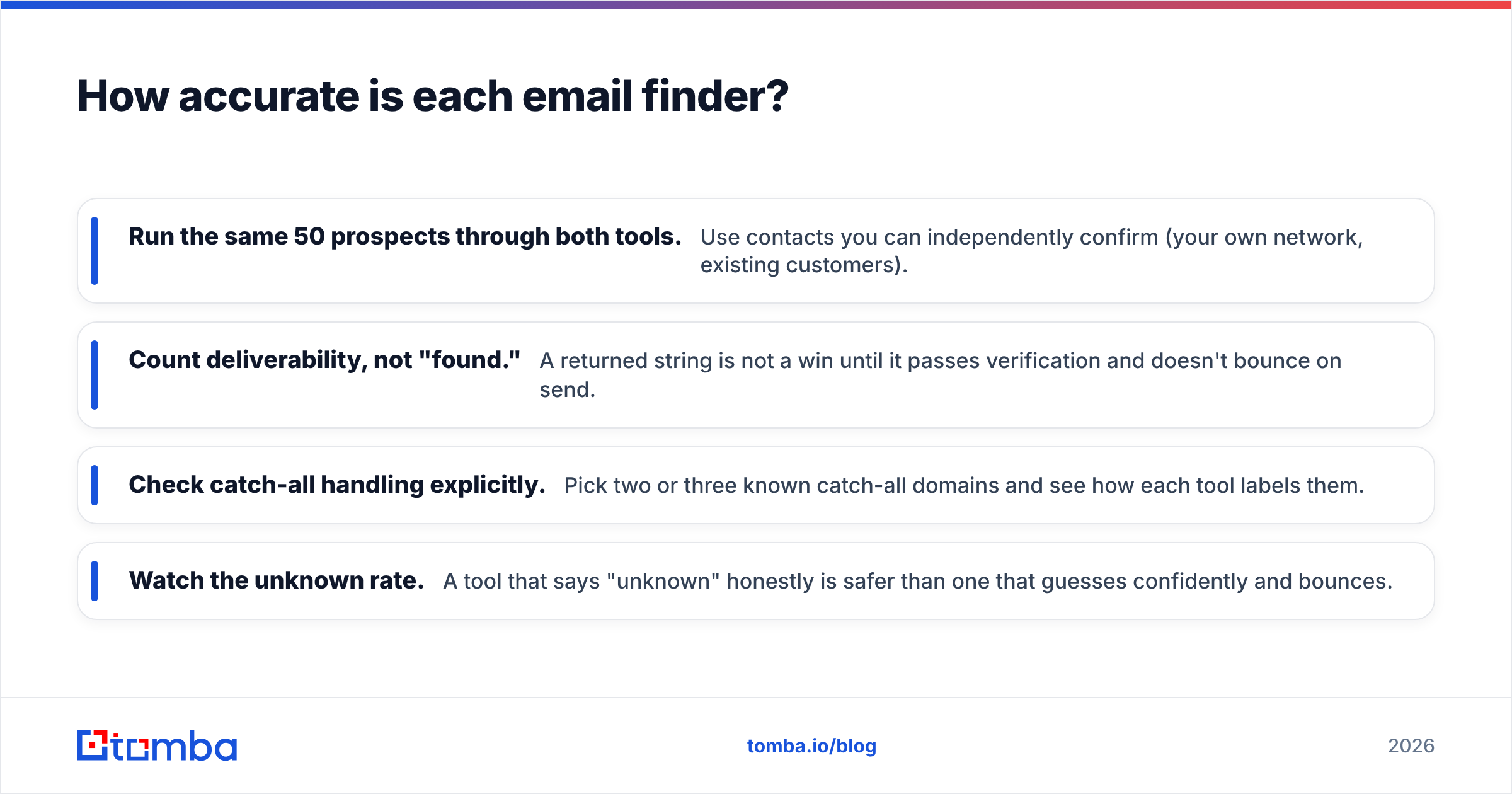
- Run the same 50 prospects through both tools. Use contacts you can independently confirm (your own network, existing customers).
- Count deliverability, not "found." A returned string is not a win until it passes verification and doesn't bounce on send.
- Check catch-all handling explicitly. Pick two or three known catch-all domains and see how each tool labels them.
- Watch the unknown rate. A tool that says "unknown" honestly is safer than one that guesses confidently and bounces.
Independent reviews on G2 and Capterra are a useful sanity check on real-world hit rates, since vendor benchmarks are self-selected. Read the one- and two-star reviews specifically — that's where bounce-rate complaints surface.
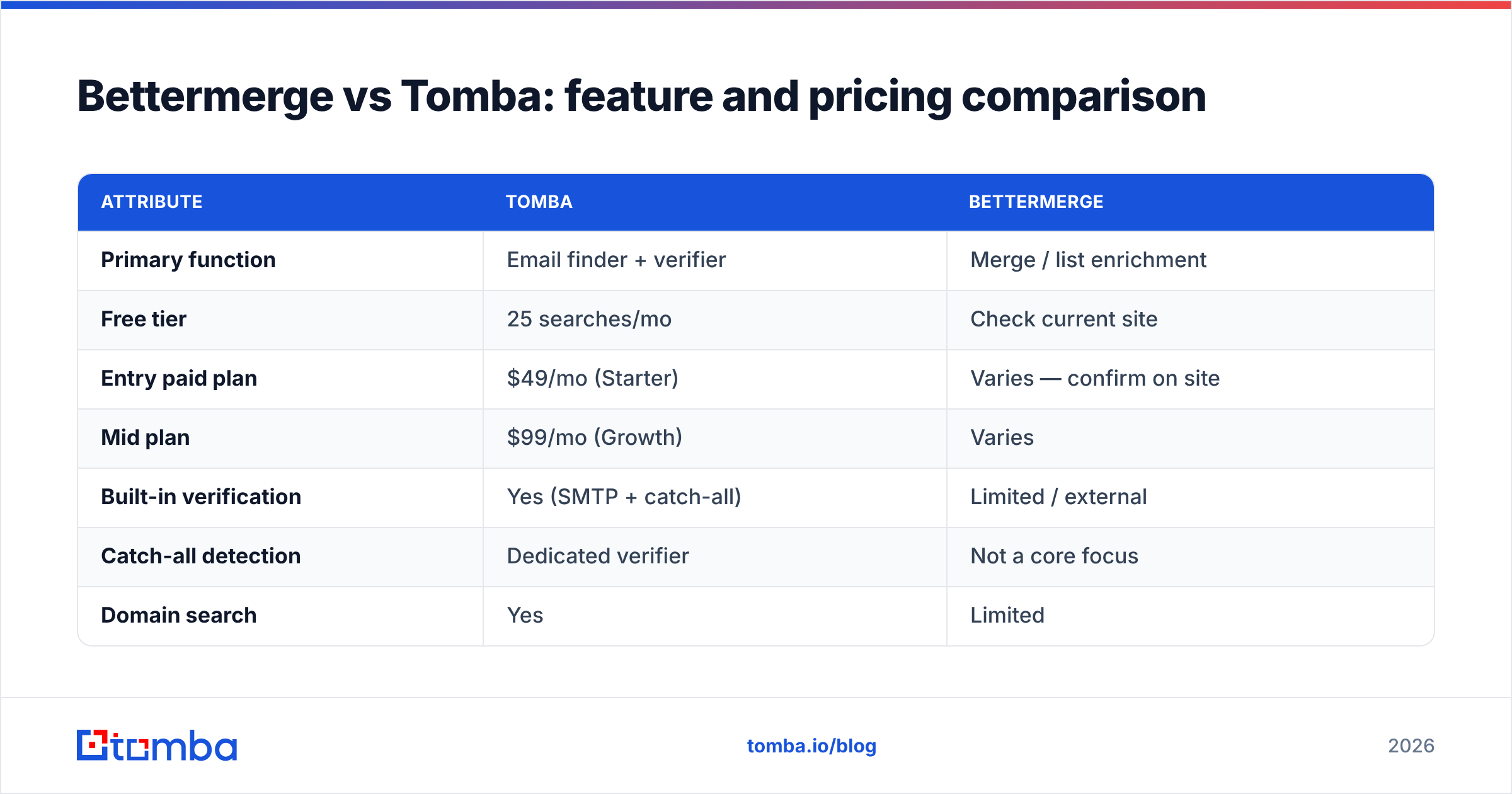
Bettermerge vs Tomba: feature and pricing comparison#
Here's the head-to-head. Treat the Bettermerge column as a positioning summary — always confirm live numbers on the vendor's own pricing page before you buy, since tiers change.

| Attribute | Tomba | Bettermerge |
|---|---|---|
| Primary function | Email finder + verifier | Merge / list enrichment |
| Free tier | 25 searches/mo | Check current site |
| Entry paid plan | $49/mo (Starter) | Varies — confirm on site |
| Mid plan | $99/mo (Growth) | Varies |
| Built-in verification | Yes (SMTP + catch-all) | Limited / external |
| Catch-all detection | Dedicated verifier | Not a core focus |
| Domain search | Yes | Limited |
| Bulk processing | Yes (bulk finder + verify) | List-oriented |
| Documented REST API | Yes | Varies |
| Phone + enrichment | Yes (add-ons) | Limited |
| Best for | SDR teams, agencies, devs | Solo / light list-builders |
The honest read: if your workflow is "I have a list and want to tidy and enrich it occasionally," a lighter merge tool can be plenty. If your workflow is "I need to generate verified contacts at volume and not torch my domain reputation," the verification and catch-all columns are where Tomba pulls ahead.
Which tool is better for scaling outbound?#
Tomba, if "scaling" means programmatic or high-volume prospecting — and here's why in plain terms.
When you move past a few dozen lookups a week, two things start to matter more than the UI: bulk throughput and API access. Tomba's bulk finder lets you upload lists and get verified results back without manual one-by-one searches, and the API lets engineering wire email-finding directly into your CRM enrichment, your signup flow, or your data pipeline. That's the difference between a tool you use and a tool that runs underneath your stack.
A merge-first tool like Bettermerge shines when a human is in the loop on every list and volume is modest. The moment you want automation — enrich every inbound lead, refresh a stale list nightly, dedupe and verify on a schedule — you'll want a documented API and built-in verification rather than a chain of stitched-together exports.
One caution that applies regardless of which tool you pick: more volume amplifies the cost of bad data. Sending to unverified addresses tanks your email deliverability and sender reputation, which is far more expensive to repair than it is to avoid. Verify before you send, every time — the mechanics of how verification protects your domain are well documented in email verification references.
What does Bettermerge cost compared to Tomba?#
Total cost of ownership is the number to compare, not the sticker price.
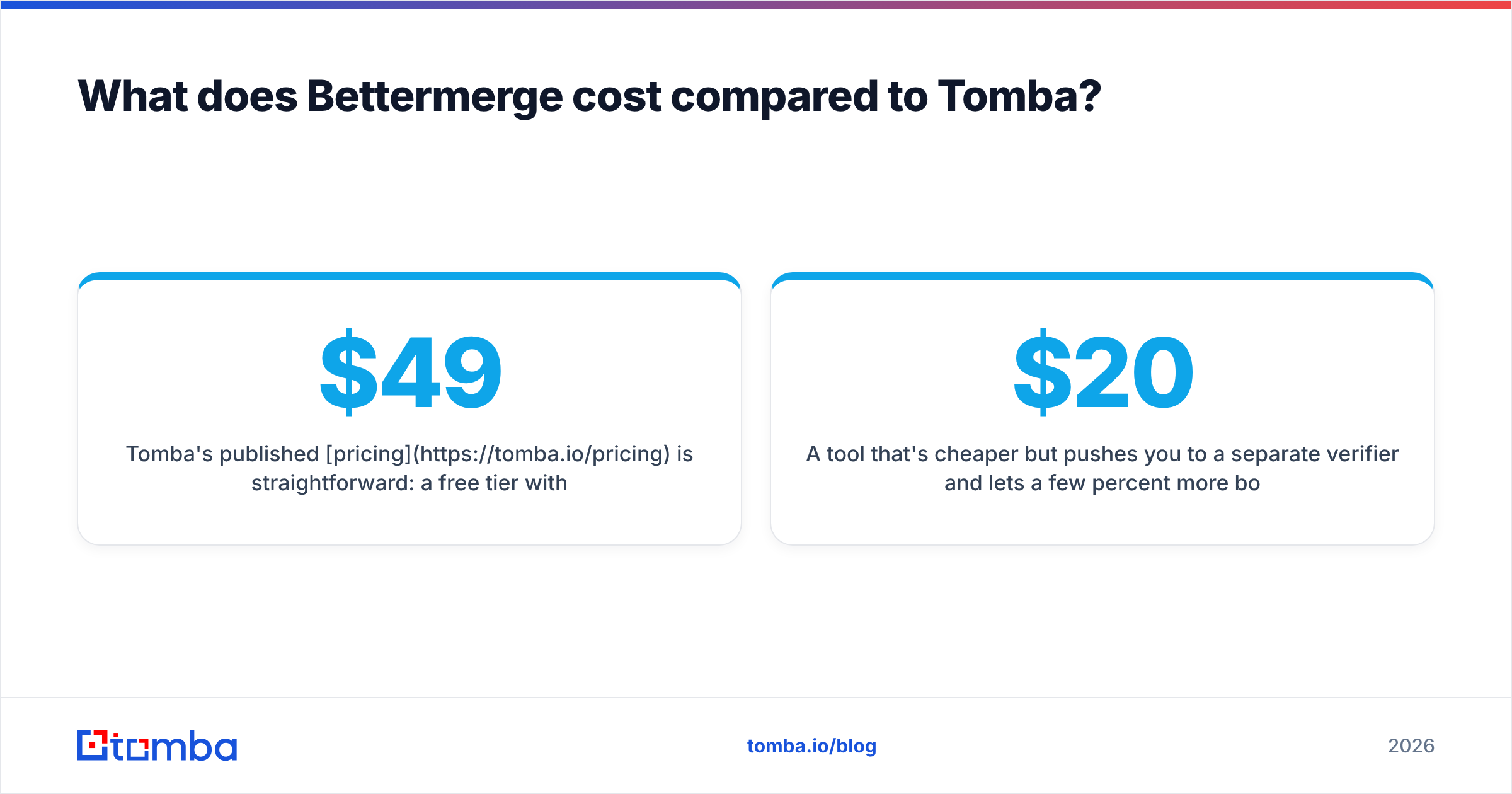
Tomba's published pricing is straightforward: a free tier with 25 searches per month, then Starter at $49/mo, Growth at $99/mo, Pro at $249/mo, and a custom Enterprise tier. Verification is part of the platform, so you don't pay a second vendor to confirm the addresses your finder returns.
With a lighter merge tool, the headline price can look cheaper, but run the full math:
- Finder cost — the subscription itself.
- Verification cost — if it's not built in, add a separate verifier's plan.
- Bounce cost — the hardest to see and the most damaging: blacklisting, lower inbox placement, and rep recovery time.
A tool that's $20/mo cheaper but pushes you to a separate verifier and lets a few percent more bounces through is not actually cheaper. That's the lens to judge Bettermerge's pricing through — not "what does it cost," but "what does it cost me after verification and bounces."
Who should choose which?#
A quick decision guide:
- Choose Tomba if you're an SDR team, an agency running outreach for clients, or a developer who needs an email finder API — anyone for whom verified, catch-all-aware data and scale are non-negotiable.
- Choose Bettermerge if you're a solo operator or small team doing occasional, low-volume list work, you already have a verification step you trust, and a simple merge experience is worth more to you than depth.
- Run both on a 50-contact test if you're genuinely unsure. An afternoon of testing beats a month of bounced sends and a damaged domain.
There's no universally "best" tool here — there's the one that matches your volume, your need for verification, and whether automation is in your future.
The bottom line#
Bettermerge and Tomba aren't really competing for the same job. Bettermerge is a lighter, list-and-merge experience for people who want simplicity. Tomba is a dedicated find-and-verify platform built for accuracy, catch-all detection, and scale. If deliverability and volume are central to how you sell, the verification depth and API access tip the decision toward Tomba.
If you want to test that hit rate yourself, start free with the Tomba Email Finder — 25 searches a month, no card, find a name-and-domain match with a confidence score, and verify it in the same place before it ever reaches your sequence. Run your hardest 25 prospects through it and let the bounce rate, not the marketing, make the call.
// get started
Find, verify and enrich your first contacts today
Start on the free plan with 25 searches a month, then scale when your team is ready.
Free plan · No credit card required · GDPR & CCPA
// about the author