Bigin vs Pipedrive 2026: Which CRM Fits Your Sales Team?
Bigin by Zoho and Pipedrive both promise simple pipelines for small teams—but they diverge on price, scale, and automation. Here's the honest breakdown for 2026.
Choosing between Bigin and Pipedrive usually comes down to one question: how much CRM do you actually need? Both are built for small and mid-sized sales teams that want a visual pipeline without the bloat of Salesforce. But they price, scale, and automate very differently, and picking wrong means either paying for features you'll never touch or outgrowing the tool in a year.
This is a neutral, side-by-side breakdown for 2026—no vendor spin. By the end you'll know which CRM fits your team size, budget, and growth plans.
TL;DR: Bigin vs Pipedrive at a glance#
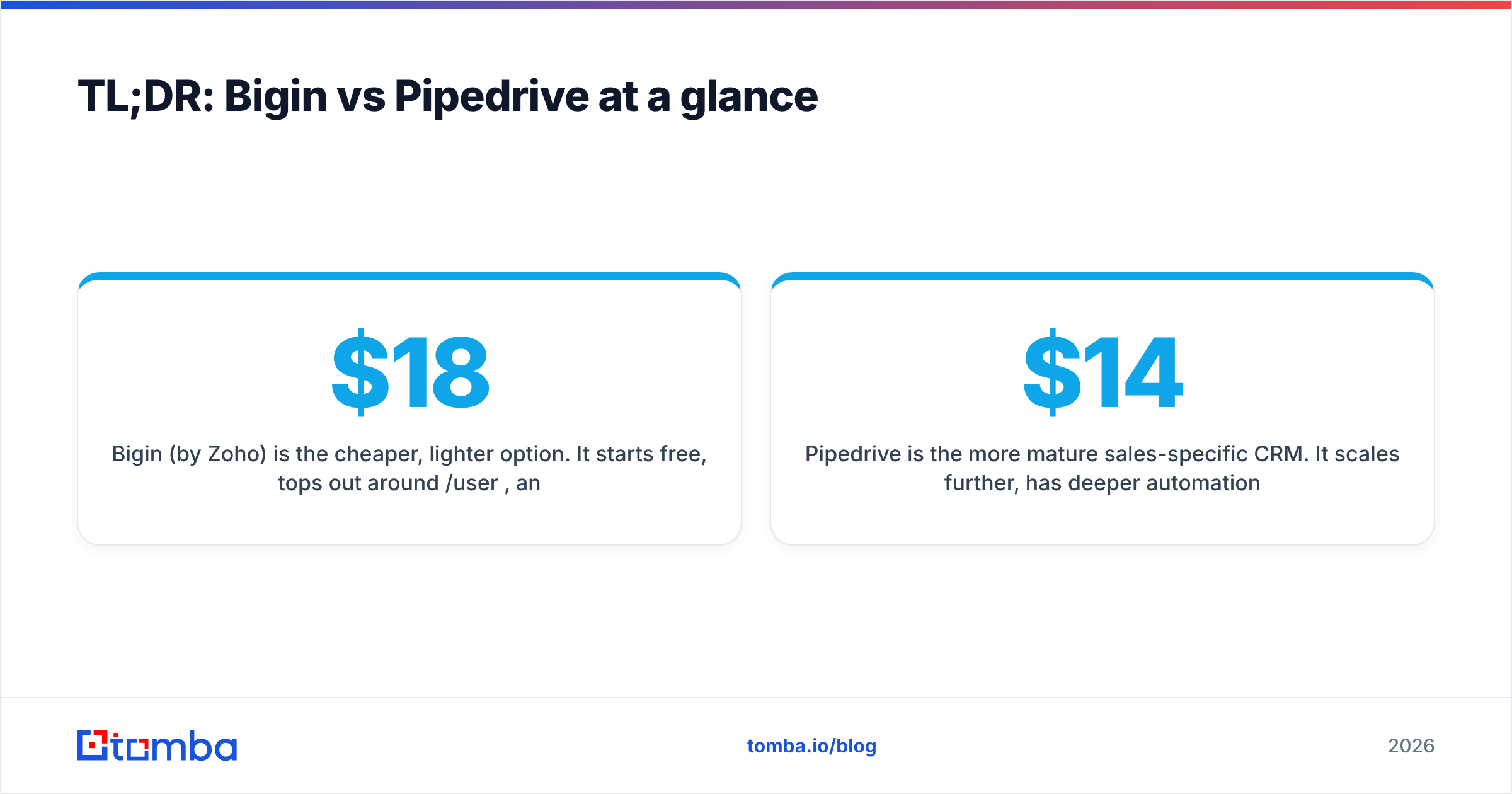
- Bigin (by Zoho) is the cheaper, lighter option. It starts free, tops out around $18/user/month, and is ideal for teams of 1–10 who want a clean pipeline and a path into the Zoho ecosystem.
- Pipedrive is the more mature sales-specific CRM. It scales further, has deeper automation and reporting, but costs more per seat ($14–$99/user/month).
- Automation: Pipedrive wins on workflow depth and a larger integration marketplace. Bigin covers the basics well for the price.
- Best for Zoho users: Bigin, hands down—native sync with Zoho Books, Desk, and Campaigns.
- The shared blind spot: neither tool finds or verifies contact data. Both are only as good as the leads you feed them, which is where a dedicated email finder earns its place in the stack.
What is Bigin by Zoho?#
Bigin is Zoho's stripped-down CRM aimed at small businesses that find the full Zoho CRM overwhelming. Think of it like a starter apartment: everything you need to run a sales pipeline, nothing you don't, and an easy upgrade path when you outgrow it.
It uses a pipeline-centric model with "Team Pipelines," letting you run sales, onboarding, and support flows in one place. Records, deals, activities, and built-in telephony all live behind a clean interface. Because it's a Zoho product, it slots neatly into Zoho Books, Desk, and Campaigns—a real advantage if you already pay for that suite. You can see the official feature set on Zoho's Bigin page.
What is Pipedrive?#
Pipedrive is a sales-first CRM built around the idea that reps should always know the next action on every deal. It launched in 2010 specifically as an antidote to clunky enterprise CRMs, and that focus shows: the deal-stage Kanban view, activity reminders, and "no deal left to rot" philosophy are core to the product.
Compared to Bigin, Pipedrive is deeper. It has a stronger automation engine, more granular reporting, an AI sales assistant, and a marketplace of 400+ integrations. You can review the plans directly on Pipedrive's pricing page. The trade-off is cost—Pipedrive's useful tiers cost noticeably more per seat than Bigin's.
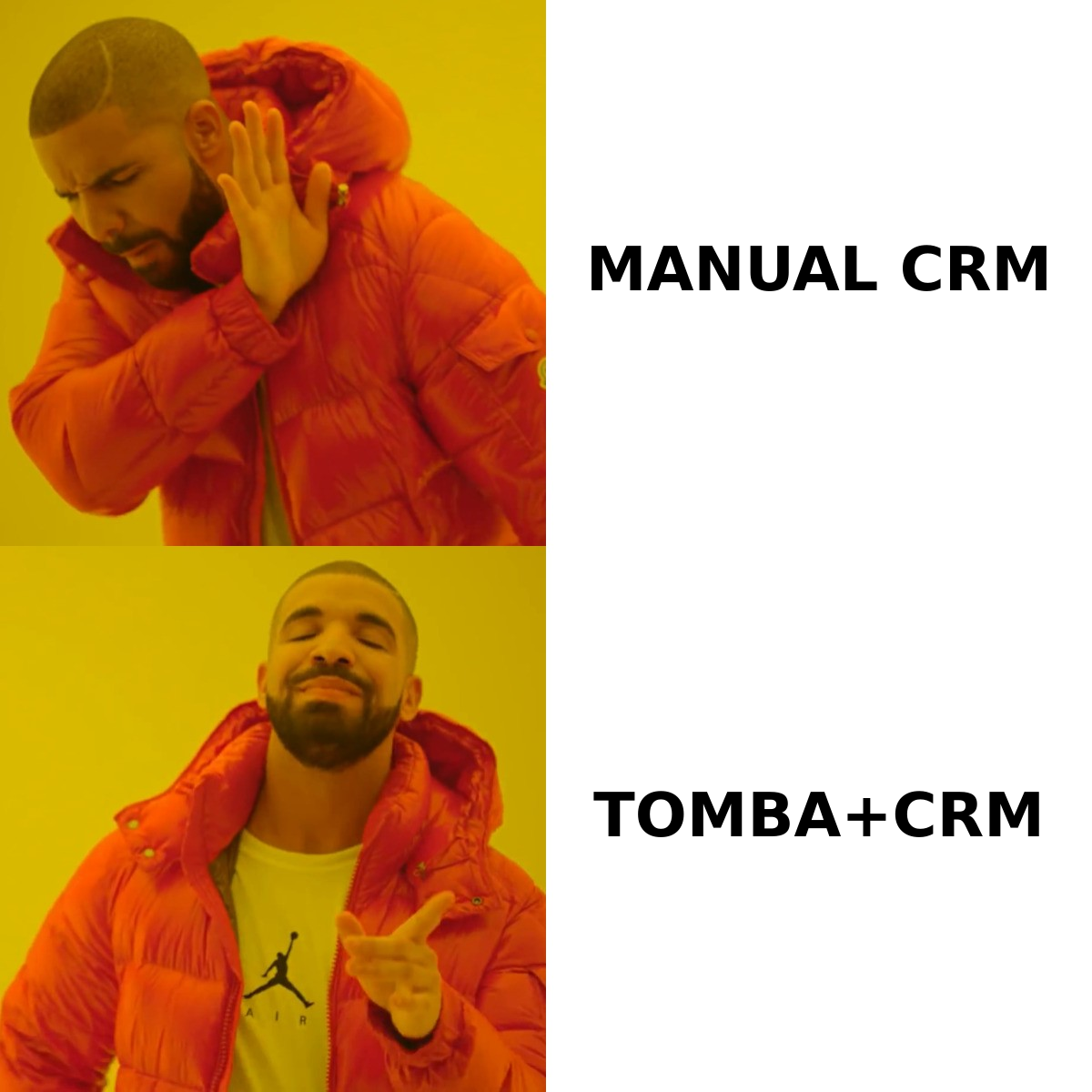
Bigin vs Pipedrive: full feature and pricing comparison#
Here's the head-to-head on the attributes that actually drive a buying decision in 2026.
| Attribute | Bigin (by Zoho) | Pipedrive |
|---|---|---|
| Free tier | Yes (1 user, 500 records) | No (14-day trial only) |
| Entry paid price | ~$9/user/mo (Express) | $14/user/mo (Essential) |
| Top standard tier | ~$18/user/mo (Premier) | $99/user/mo (Enterprise) |
| Pipelines | Up to 5 team pipelines | Unlimited |
| Workflow automation | Basic (tiered by plan) | Advanced, multi-step |
| Built-in telephony | Yes | Add-on |
| Reporting & dashboards | Standard | Advanced + custom |
| Integrations | Zoho-centric, growing | 400+ marketplace apps |
| AI features | Limited | Sales Assistant + AI tools |
| Best for | Solo / small teams, Zoho users | Scaling sales teams |
The pattern is clear: Bigin wins on price and simplicity, Pipedrive wins on depth and scale. Now let's break down where each one matters.
Which CRM is easier to set up and use?#
Bigin is faster to launch; Pipedrive is faster to master at scale.
Bigin is genuinely usable on day one. A solo founder can import a contact list, build a pipeline, and start logging deals inside an hour. There's almost no learning curve, which is the whole point of the product.
Pipedrive is also intuitive—it's famous for usability—but its extra power means more settings to configure. Custom fields, automation rules, and reporting take longer to set up. For a 2-person team that complexity is overkill; for a 15-person team it's exactly what you want.
If your priority is "running today with zero training," Bigin edges it. If you're building a repeatable sales process for a growing team, Pipedrive's depth pays off within a quarter.
How do Bigin and Pipedrive compare on automation?#
Automation is where the gap widens. Consider the differences by sales motion:
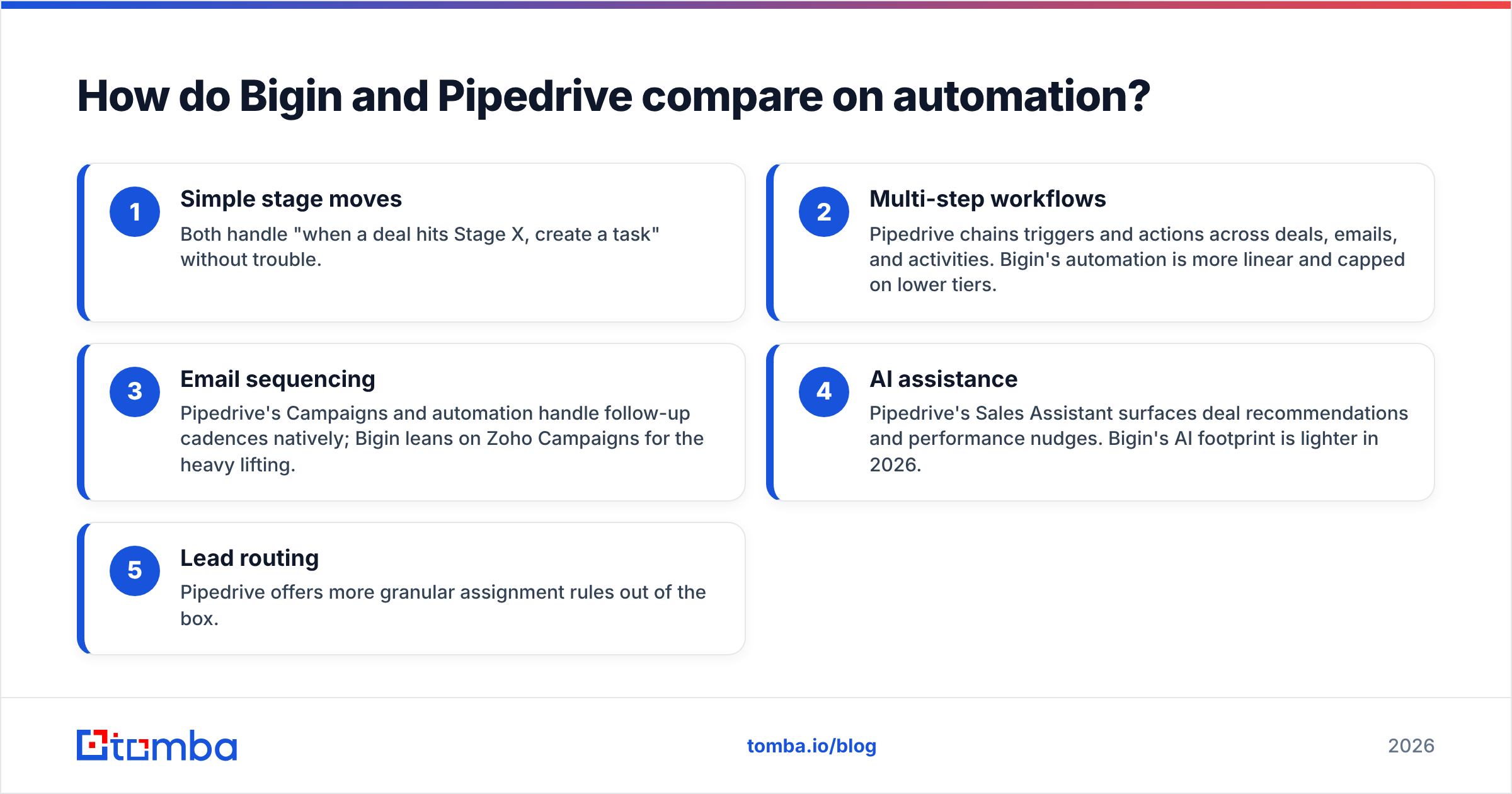
- Simple stage moves — Both handle "when a deal hits Stage X, create a task" without trouble.
- Multi-step workflows — Pipedrive chains triggers and actions across deals, emails, and activities. Bigin's automation is more linear and capped on lower tiers.
- Email sequencing — Pipedrive's Campaigns and automation handle follow-up cadences natively; Bigin leans on Zoho Campaigns for the heavy lifting.
- AI assistance — Pipedrive's Sales Assistant surfaces deal recommendations and performance nudges. Bigin's AI footprint is lighter in 2026.
- Lead routing — Pipedrive offers more granular assignment rules out of the box.
If your team lives and dies by sales automation, Pipedrive is the stronger engine. If automation is a "nice to have" and budget is tight, Bigin covers the essentials.
Is Bigin cheaper than Pipedrive?#
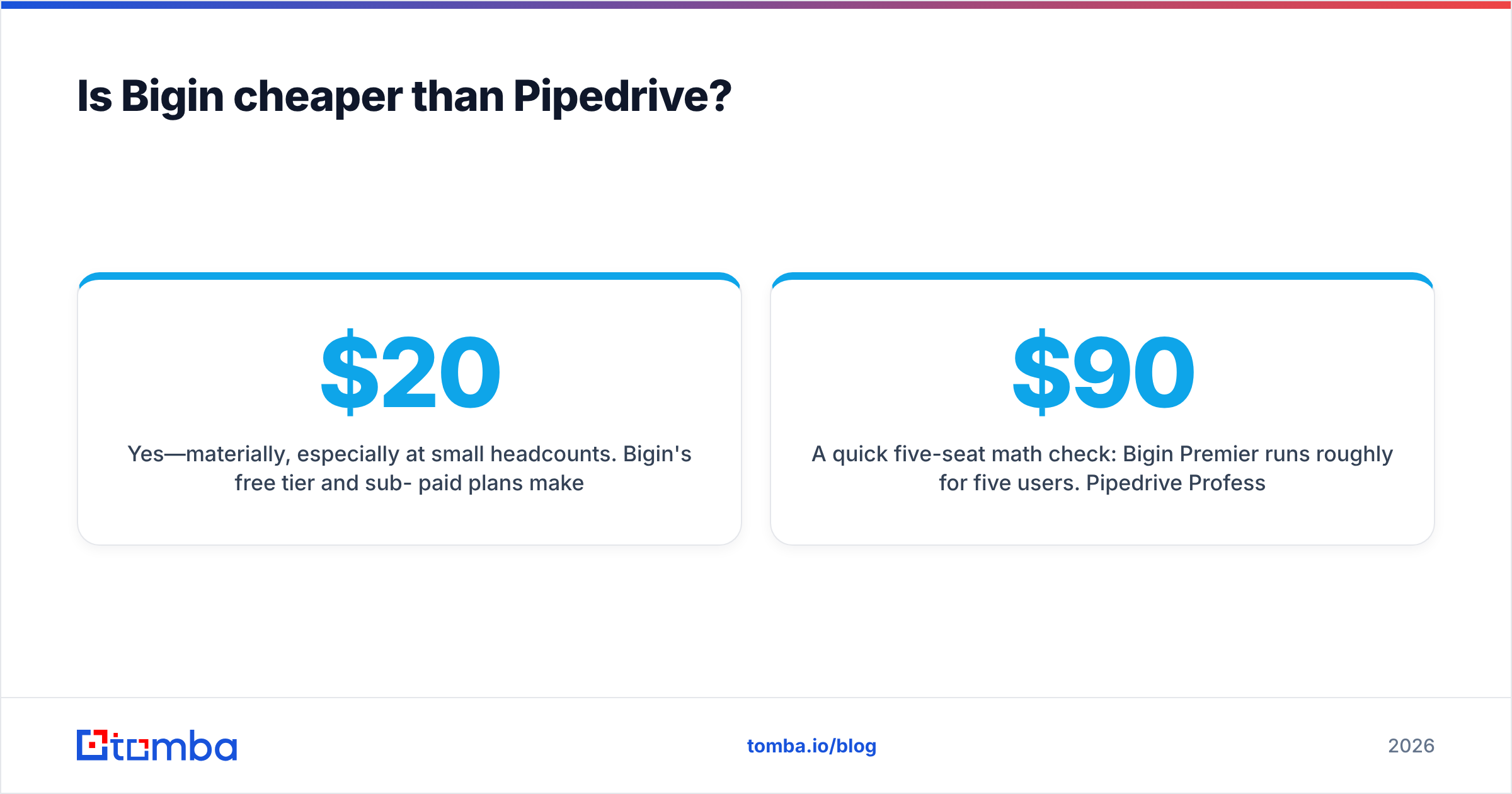
Yes—materially, especially at small headcounts. Bigin's free tier and sub-$20 paid plans make it one of the most affordable real CRMs on the market. Pipedrive has no permanent free plan and its genuinely useful features sit on the Advanced ($39+) and Professional ($49+) tiers.
A quick five-seat math check: Bigin Premier runs roughly $90/month for five users. Pipedrive Professional lands closer to $250/month for the same headcount. Over a year that's a $1,900+ difference—real money for a bootstrapped team. Whether that gap is worth it depends entirely on how much you'll use Pipedrive's extra automation and reporting.
A worthwhile reference point: independent reviews on G2 consistently rate both tools highly on ease of use, with Pipedrive scoring better on feature depth and Bigin on value.
Which one should you choose in 2026?#
Here's the honest decision framework:
- Choose Bigin if you're a solo founder or a team under 10, you want a free or near-free start, or you already run on Zoho apps. It's the better-value pipeline tool for lean operations.
- Choose Pipedrive if you're scaling past 10 reps, you need serious automation and reporting, or you want a deep integration marketplace. The higher price buys real capability.
- Choose neither (yet) if your problem isn't managing contacts but getting accurate ones—that's a data problem, not a CRM problem.
The gap both CRMs share: contact data#
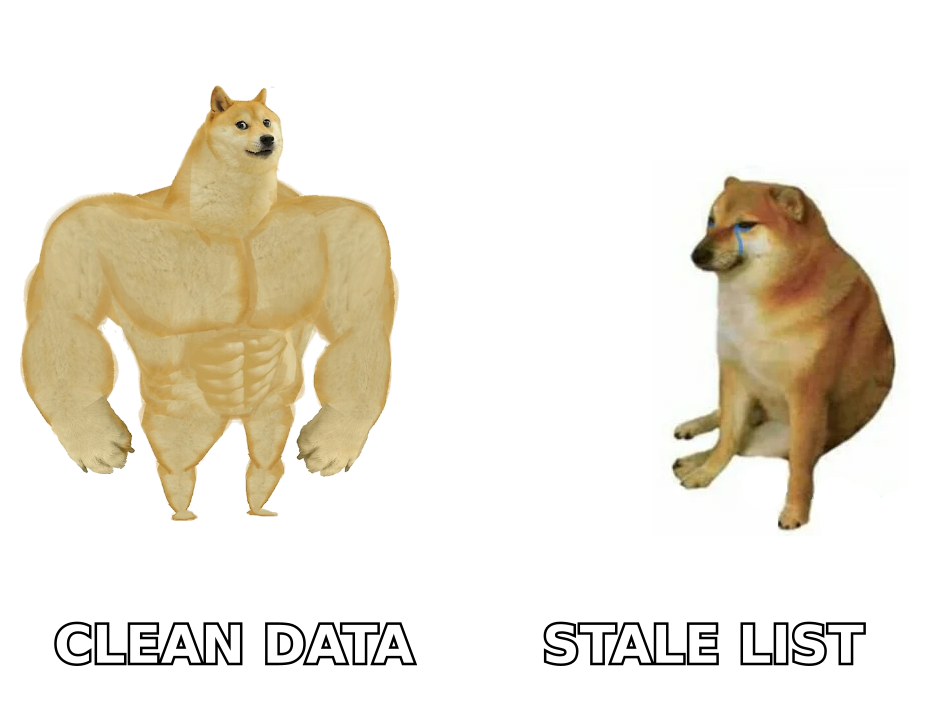
Here's what the Bigin vs Pipedrive debate misses. A CRM is a system of record, not a system of discovery. Neither tool tells you the verified work email of the VP you just found on LinkedIn, and both will happily store bounced, outdated, or duplicate contacts that quietly wreck your email deliverability.
That's the layer to solve before you obsess over pipeline stages. Feeding clean, verified data into whichever CRM you pick is what separates a pipeline that converts from one that just looks busy. A workflow that pairs an email finder and email verifier with your CRM keeps junk records out from the start.
The practical setup looks like this: source prospects, find and verify their emails, enrich the record, then push them into Bigin or Pipedrive. Tools like Tomba plug into that step—via HubSpot, Salesforce, Pipedrive, and Zapier integrations—so your CRM stays full of contacts you can actually reach. Tomba's own plans (Free tier at 25 searches/month, Starter at $49/month, Growth at $99/month) are documented on the Tomba pricing page.
Bigin vs Pipedrive: the verdict#
Both tools are good at their jobs. Bigin is the smart pick for small, budget-conscious teams—especially inside the Zoho world. Pipedrive is the better long-term home for teams that will scale their sales process and want automation depth to match. There's no universally "better" CRM here; there's only the one that fits your size and stage.
But remember the order of operations: the CRM is downstream of your data. The cleanest pipeline in the world won't help if half the emails bounce.
Before you commit to either CRM, fix the input. Use the Tomba Email Finder to find and verify professional email addresses by name, company, or domain—then sync only accurate, deliverable contacts into Bigin or Pipedrive. Start free with 25 searches a month and feed your new CRM the data it deserves.
// get started
Find, verify and enrich your first contacts today
Start on the free plan with 25 searches a month, then scale when your team is ready.
Free plan · No credit card required · GDPR & CCPA
// about the author