Bitscale Reviews 2026: Features, Pricing & Alternatives
An honest, hands-on look at Bitscale in 2026 — what the AI data spreadsheet does well, where the credit model bites, real pricing, and the alternatives worth testing.
TL;DR
- Bitscale is an AI-powered "data spreadsheet" for GTM teams — it chains 100+ data sources, scrapers, and LLM prompts to enrich leads at scale, not a single email-finder.
- It shines when you need custom enrichment workflows (signals, web research, AI columns) that a plain database can't do.
- The pain point in most bitscale reviews is the credit model: complex rows burn credits fast, and costs are hard to predict on bigger lists.
- If your core need is accurate, affordable email + phone discovery, a focused tool like Tomba usually beats a general-purpose enrichment canvas on price and simplicity.
- Best fit: RevOps and growth teams that want to compose bespoke pipelines. Overkill if you just want verified contact data.
What is Bitscale?#
Bitscale is a spreadsheet-style platform that lets go-to-market teams build enrichment and prospecting workflows without code. Think of it as Google Sheets fused with an enrichment engine: each column can call a data provider, scrape a website, run a LinkedIn lookup, or fire an AI prompt against the rows you already have. You drop in a list of companies or people, then "stack" columns until each row holds exactly the fields your outbound motion needs.
That positioning matters for any honest review. Bitscale is not competing to be the single best email finder or the cheapest verifier. It competes on flexibility — the ability to assemble many sources and AI steps into one repeatable pipeline. You can read user sentiment on G2 and Capterra and the official feature list on bitscale.ai, but the short version is: it's a power tool for people who outgrew static databases.
What are the core features in 2026?#
Here are the capabilities that show up most often when teams describe what they actually use Bitscale for.
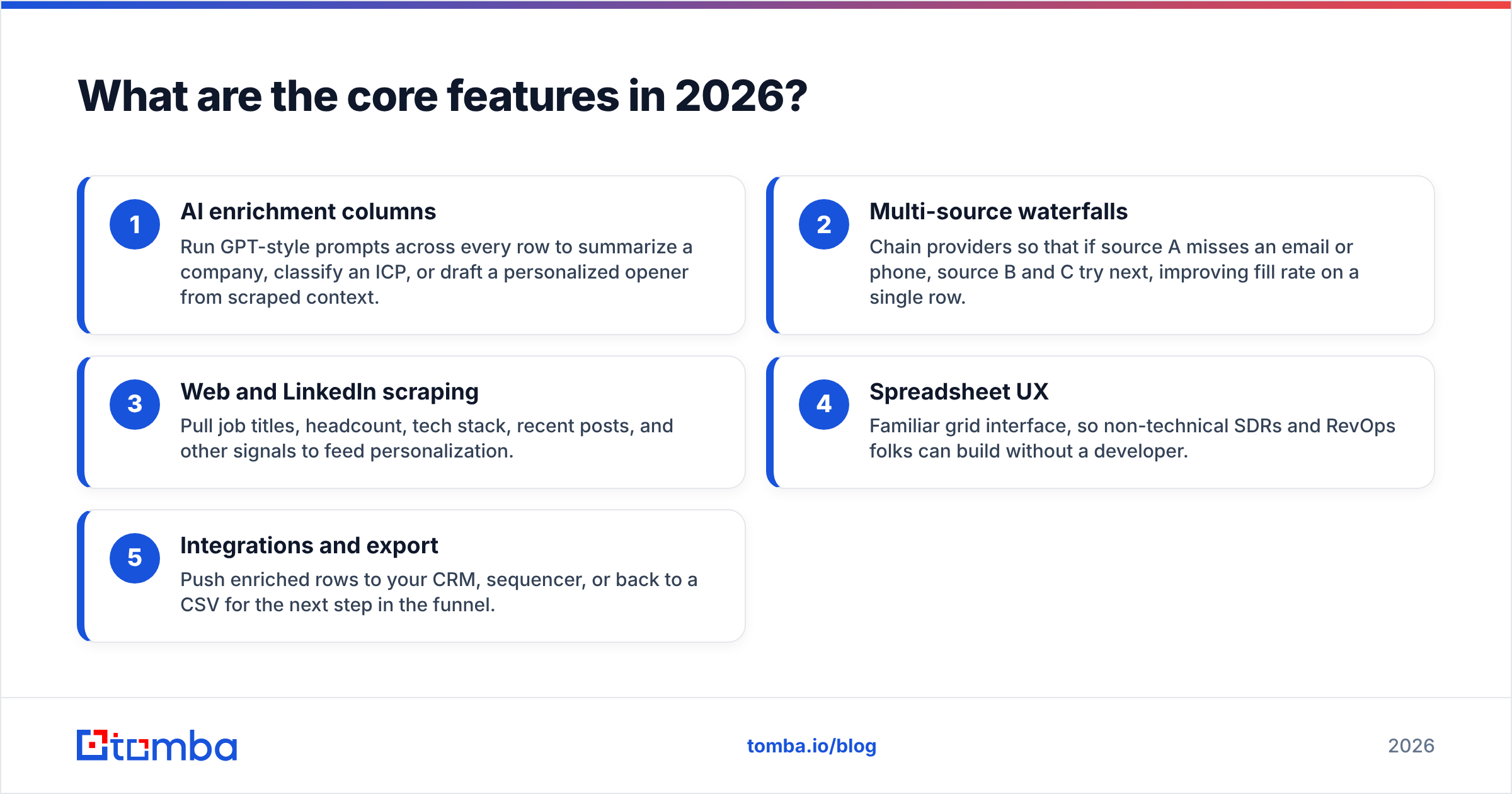
- AI enrichment columns — Run GPT-style prompts across every row to summarize a company, classify an ICP, or draft a personalized opener from scraped context.
- Multi-source waterfalls — Chain providers so that if source A misses an email or phone, source B and C try next, improving fill rate on a single row.
- Web and LinkedIn scraping — Pull job titles, headcount, tech stack, recent posts, and other signals to feed personalization.
- Spreadsheet UX — Familiar grid interface, so non-technical SDRs and RevOps folks can build without a developer.
- Integrations and export — Push enriched rows to your CRM, sequencer, or back to a CSV for the next step in the funnel.
The waterfall logic is the genuinely useful idea. Instead of betting your whole list on one vendor's coverage, you let several compete row by row. That's the same philosophy behind a strong data enrichment layer — coverage improves when you don't rely on a single source. Bitscale just exposes the plumbing to you directly.
How much does Bitscale cost?#
Pricing is where most readers want a straight answer, and where bitscale reviews get cautious. Bitscale uses a credit-based model: every enrichment action — an email lookup, an AI prompt, a scrape — consumes credits, and complex rows with many columns consume many credits. Published tiers and credit allotments shift over time, so always confirm current numbers on the vendor's pricing page before you commit budget.
The practical takeaway: your real cost is a function of workflow complexity times list size, not a flat per-contact rate. A 10-column AI-heavy pipeline over 5,000 rows is a very different bill from a single email lookup over the same list. That unpredictability is the single most common complaint, and it's why teams that only need contact data often prefer flat, search-based pricing.
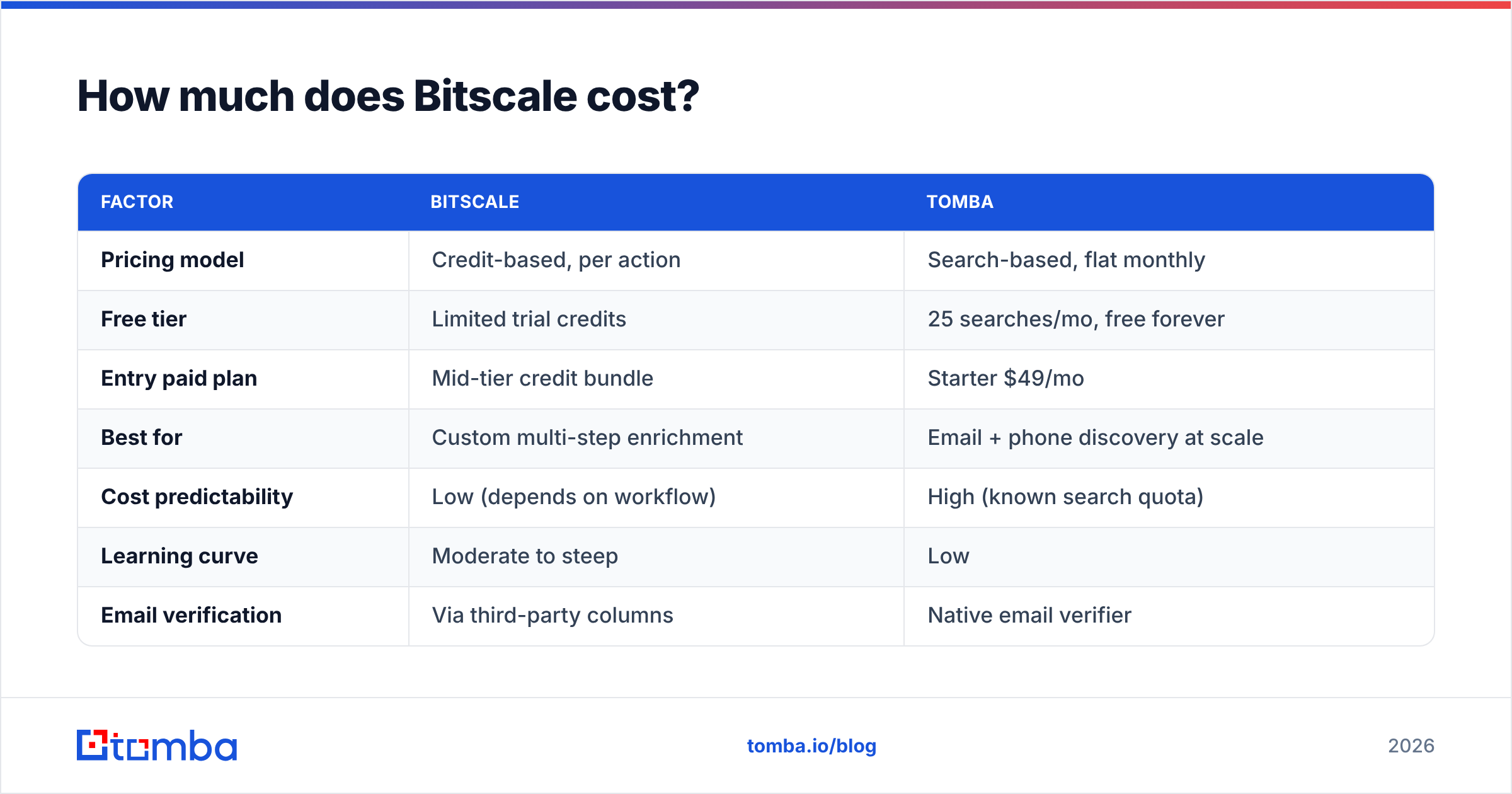
Here's how the model compares to a focused contact-data tool at a conceptual level. (Bitscale figures vary by plan; treat them as directional and verify live.)
| Factor | Bitscale | Tomba |
|---|---|---|
| Pricing model | Credit-based, per action | Search-based, flat monthly |
| Free tier | Limited trial credits | 25 searches/mo, free forever |
| Entry paid plan | Mid-tier credit bundle | Starter $49/mo |
| Best for | Custom multi-step enrichment | Email + phone discovery at scale |
| Cost predictability | Low (depends on workflow) | High (known search quota) |
| Learning curve | Moderate to steep | Low |
| Email verification | Via third-party columns | Native email verifier |
You can sanity-check the right-hand column against published Tomba pricing: Free, Starter $49/mo, Growth $99/mo, Pro $249/mo, and Enterprise. The point isn't that one tool wins outright — it's that you're paying for different things. Bitscale sells flexibility; a dedicated finder sells predictable, verified output.
What do users like and dislike?#
Synthesizing public feedback and hands-on use, the pattern is consistent.
| Pros | Cons |
|---|---|
| Extremely flexible workflows | Credits burn fast on complex rows |
| Spreadsheet UX is approachable | Costs hard to forecast at scale |
| Strong for AI personalization | Overkill for simple email lookups |
| Waterfalls lift fill rates | Output quality depends on chained sources |
| Good for one-off research sprints | Verification often needs add-on steps |
The recurring theme: people who love Bitscale love that it does things a static database literally cannot. People who churn off it usually wanted a simpler job done — find verified emails, get phone numbers, enrich a CRM field — and found the credit accounting and setup overhead disproportionate to that job.
Is Bitscale better than a dedicated email finder?#
Short answer: it depends on whether your bottleneck is workflow or contact data.
If your bottleneck is workflow — you need to research accounts, score them with AI, scrape signals, and personalize at the row level — Bitscale is built for exactly that, and a single-purpose finder won't replace it. If your bottleneck is contact data — you just need correct, verified emails and phone numbers without burning a credit budget on AI columns you don't need — a focused tool is faster, cheaper, and easier to predict.
A few concrete scenarios:
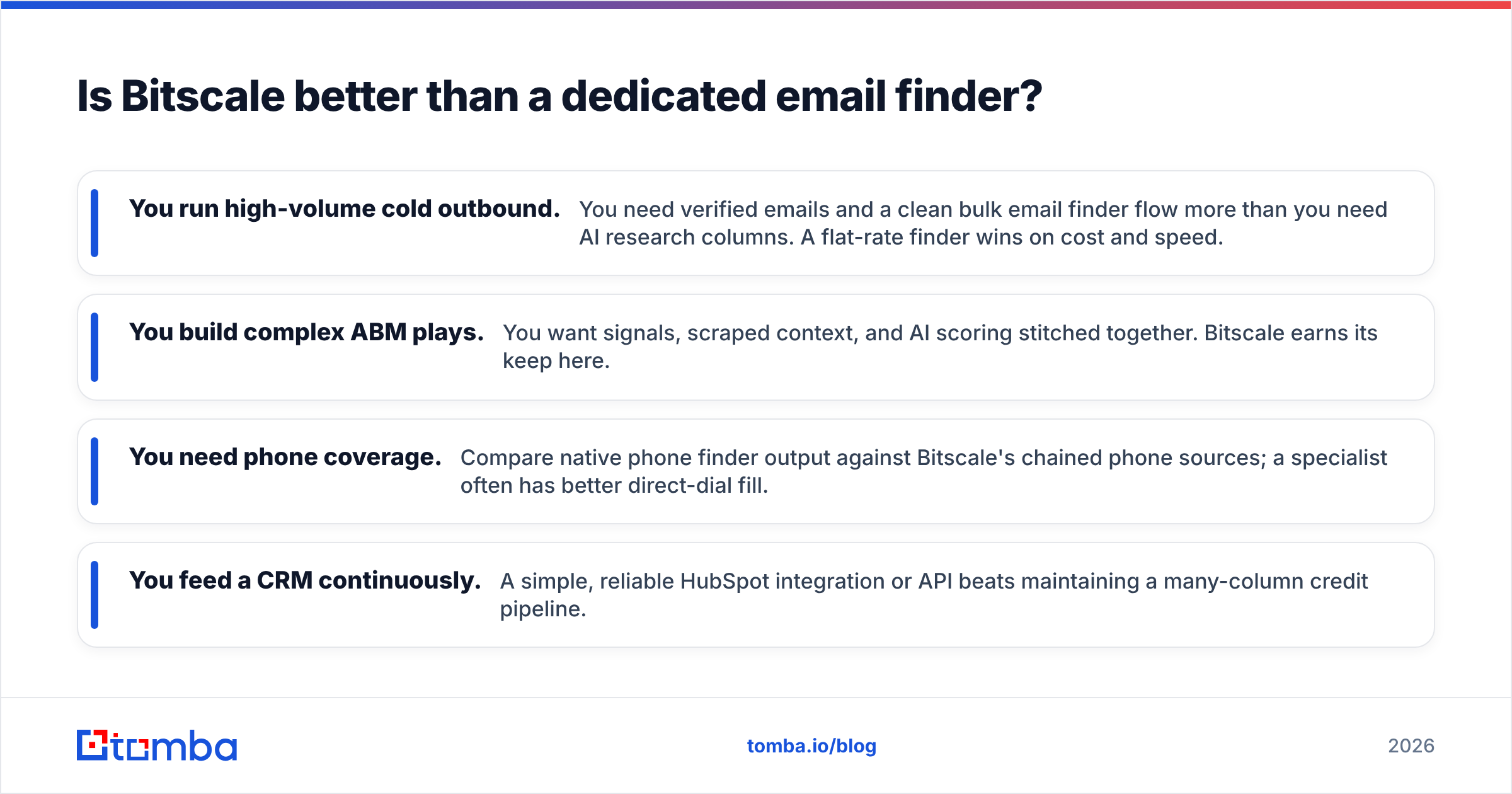
- You run high-volume cold outbound. You need verified emails and a clean bulk email finder flow more than you need AI research columns. A flat-rate finder wins on cost and speed.
- You build complex ABM plays. You want signals, scraped context, and AI scoring stitched together. Bitscale earns its keep here.
- You need phone coverage. Compare native phone finder output against Bitscale's chained phone sources; a specialist often has better direct-dial fill.
- You feed a CRM continuously. A simple, reliable HubSpot integration or API beats maintaining a many-column credit pipeline.
Many teams end up using both: a dedicated finder as the cheap, accurate contact-data backbone, and an enrichment canvas for the small slice of accounts that justify deep custom research.
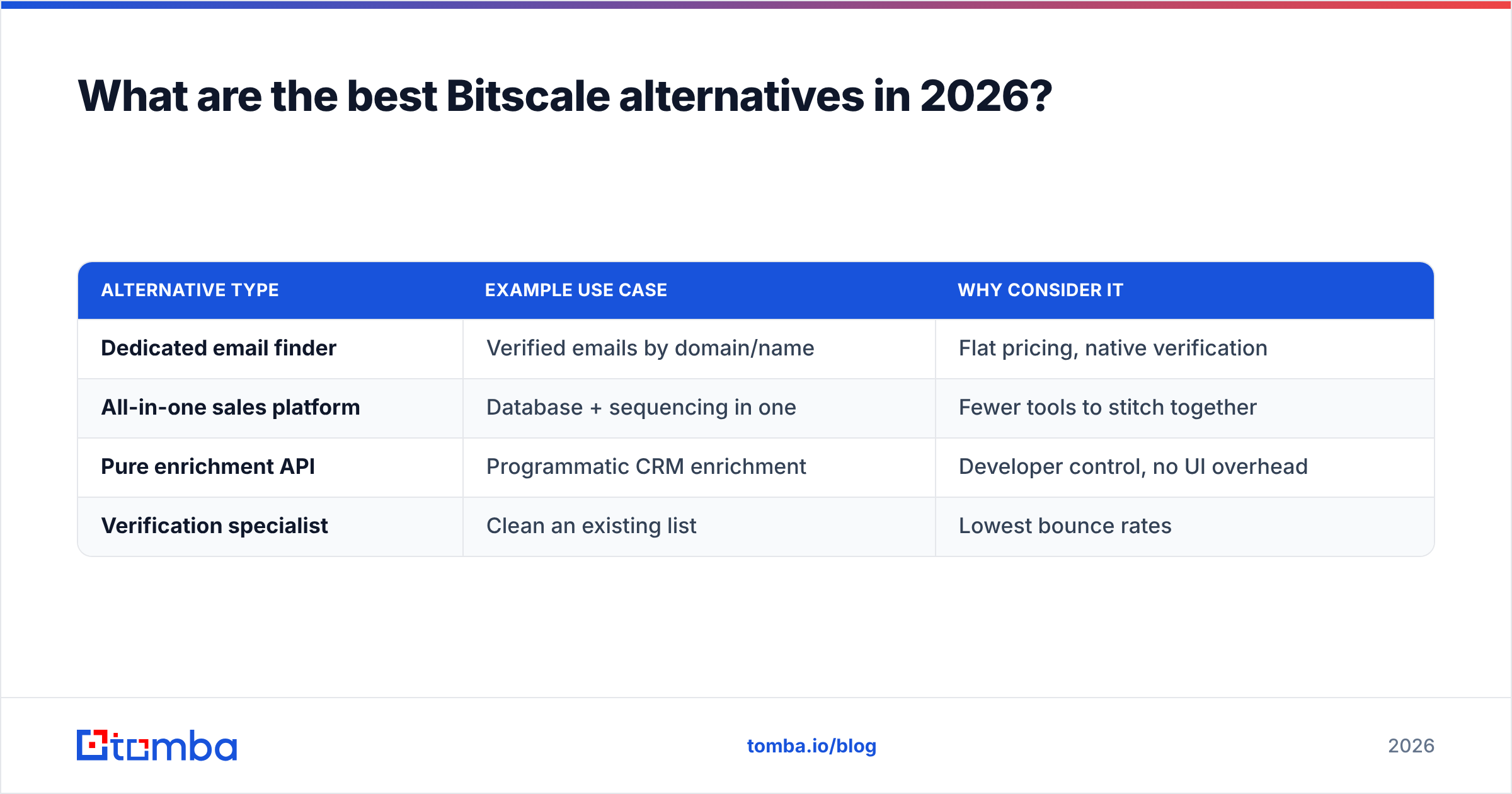
What are the best Bitscale alternatives in 2026?#
If a credit-metered AI spreadsheet isn't the right shape for your team, these are the categories worth testing.
| Alternative type | Example use case | Why consider it |
|---|---|---|
| Dedicated email finder | Verified emails by domain/name | Flat pricing, native verification |
| All-in-one sales platform | Database + sequencing in one | Fewer tools to stitch together |
| Pure enrichment API | Programmatic CRM enrichment | Developer control, no UI overhead |
| Verification specialist | Clean an existing list | Lowest bounce rates |
For the email-finder route specifically, Tomba covers the contact-data jobs that make up most of a Bitscale workflow anyway: domain search to map a company's addresses, the email finder for name-to-email, native verification to cut bounces, and an email finder API when you'd rather call it from your own code than maintain a spreadsheet. If you're specifically shopping enrichment vendors, the Clearbit alternative breakdown is a useful side-by-side.
The honest framing: Bitscale alternatives aren't all "Bitscale but cheaper." They're tools that do one part of what Bitscale does, much better and at predictable cost. Pick based on which part is your actual bottleneck.
Who should actually use Bitscale?#
Use Bitscale if you are a RevOps, growth, or founder-led GTM team that wants to compose custom, multi-step enrichment and research pipelines, you have someone willing to learn the credit math, and the accounts you're targeting are valuable enough to justify deep per-row work. In that world it's a genuinely capable tool and the flexibility pays off.
Skip it if your job is straightforward: find verified business emails and phone numbers, keep a CRM enriched, and run cold outbound at volume. For that, the credit model adds cost and cognitive overhead without adding value, and a focused finder will get you to "verified contact, ready to email" faster.
The verdict#
Bitscale is a strong, flexible AI data spreadsheet that earns its place for teams building bespoke enrichment workflows — and a poor fit for teams that simply need accurate, affordable contact data. The credit model is the deciding factor in most bitscale reviews: powerful when you're using every column, expensive when you're not.
If your real need is verified emails and phone numbers at a price you can predict, start with the Tomba Email Finder. You get 25 free searches a month to test accuracy, a flat $49/mo Starter plan with no credit-by-credit guesswork, native email verification to keep bounce rates low, and an API and CRM integrations when you're ready to scale. Find the contacts, verify them, and spend your enrichment budget only where deep research truly moves the deal.
Ready to find emails that actually work?
Join 150,000+ professionals who stopped guessing and started sending. Free credits on signup — no credit card required.
Get the Tomba newsletter
Practical outbound tactics and product updates — once every two weeks.
About the author