Blind Introduction Email: How to Write One That Works in 2026
A blind introduction email reaches a stranger with no warm referral. Here's how to write one in 2026 that earns replies instead of the spam folder.
A blind introduction email is the message you send to someone who has never heard of you, has no mutual contact vouching for you, and owes you exactly nothing. It is the hardest email in B2B to get right — and the most common one sales teams send badly. This guide breaks down what actually works in 2026.
TL;DR#
- A blind introduction email is a first-contact message sent with no warm referral, no prior relationship, and no shared context — pure cold outreach.
- The winners are short, specific, and recipient-focused; the losers are long, vague, and all about the sender.
- Structure beats inspiration: a sharp subject line, a relevance-proving first sentence, one clear ask, and a frictionless close.
- Deliverability and data quality decide whether your email is even seen — a perfect message to a dead inbox scores zero.
- Tools that verify addresses and personalize at scale (like a reliable email finder) are what separate a 2% reply rate from a 12% one.
What is a blind introduction email?#
A blind introduction email is a cold message introducing yourself or your offer to a recipient who has no idea who you are. Think of it like walking up to a stranger at a conference versus being introduced by a mutual friend. The mutual-friend version — a warm introduction — borrows trust that already exists. The blind version has to build that trust from a standing start, in about three seconds of attention.
That constraint changes everything. With a warm intro, you can afford to be a little long-winded because the reader is already inclined to listen. With a blind introduction email, every word is fighting for the right to be read. You are an interruption until you prove otherwise.
People use blind introduction emails for sales prospecting, partnership outreach, recruiting, fundraising, link building, and journalist pitches. The mechanics are the same across all of them: you have no credibility loan, so you earn attention by being relevant, brief, and respectful of the reader's time.
Why do most blind introduction emails fail?#
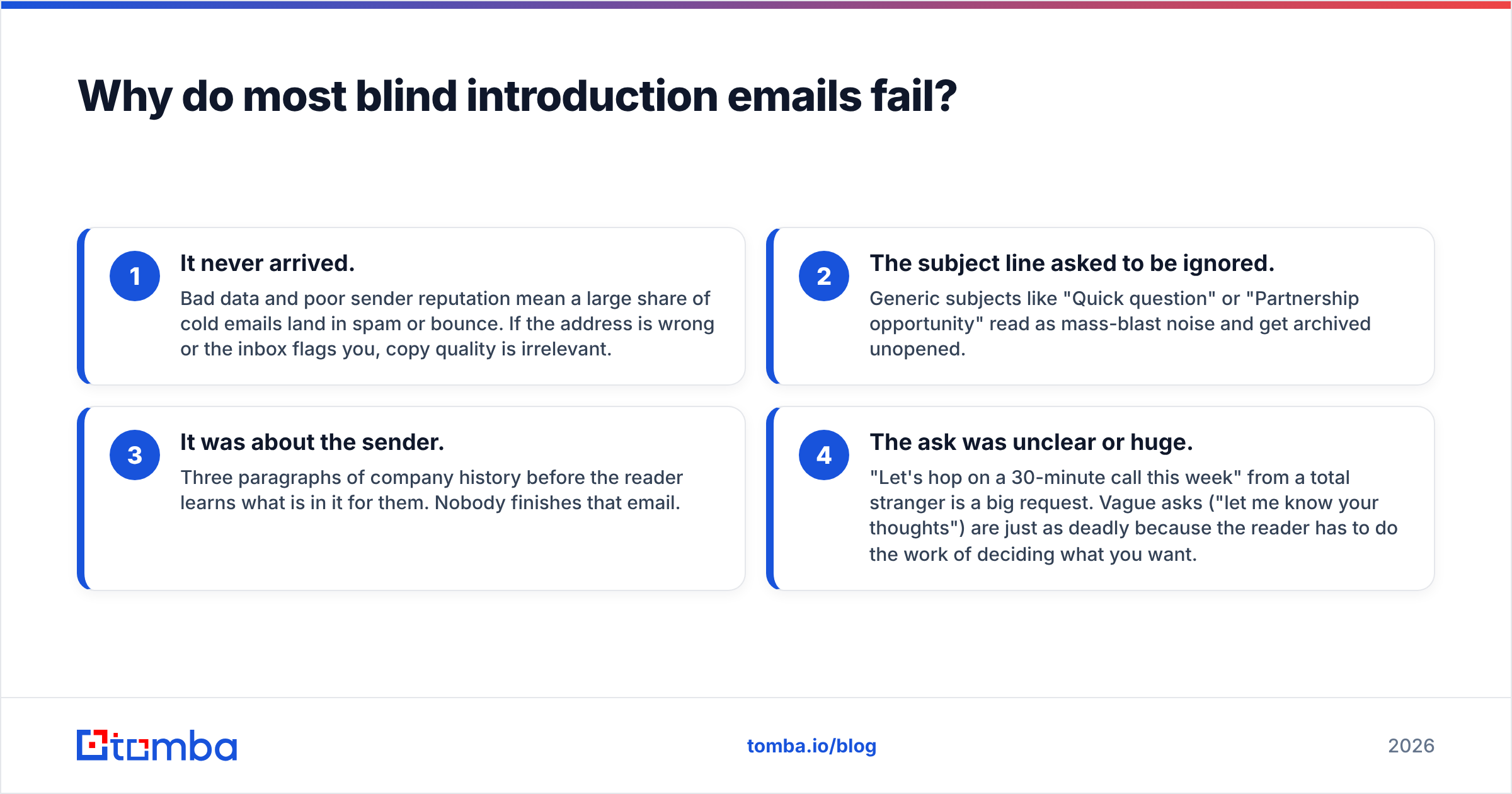
Most fail for one of four reasons, and they compound. Here is the honest breakdown:
- It never arrived. Bad data and poor sender reputation mean a large share of cold emails land in spam or bounce. If the address is wrong or the inbox flags you, copy quality is irrelevant.
- The subject line asked to be ignored. Generic subjects like "Quick question" or "Partnership opportunity" read as mass-blast noise and get archived unopened.
- It was about the sender. Three paragraphs of company history before the reader learns what is in it for them. Nobody finishes that email.
- The ask was unclear or huge. "Let's hop on a 30-minute call this week" from a total stranger is a big request. Vague asks ("let me know your thoughts") are just as deadly because the reader has to do the work of deciding what you want.
Notice that two of the four failures happen before a human reads a single word. That is why serious outbound teams treat data accuracy and email deliverability as first-class problems, not afterthoughts.
What does the anatomy of a great blind introduction email look like?#
A strong blind introduction email has five parts, each doing one job. Keep the whole thing under 125 words.
- Subject line — Earn the open. Be specific, lowercase-casual or sharply concrete, and never clickbait. Reference the recipient's world, not yours.
- Opening line (the hook) — Prove relevance in the first sentence. Mention something true and specific about them: a recent launch, a role change, a published post, a number from their site.
- The bridge — One or two sentences connecting their situation to what you do. This is where you show you understand the problem, not just the product.
- The ask — A single, small, easy-to-answer request. Ask for interest, not 30 minutes. "Worth a quick look?" beats "Are you free Tuesday at 2pm?"
- The close — A frictionless sign-off. No giant signature block, no five links, no PDF attachment that triggers spam filters.
If any part is doing two jobs, split it or cut it. The discipline of one-job-per-line is what keeps a blind email readable.
Blind introduction email vs. warm introduction: which performs better?#
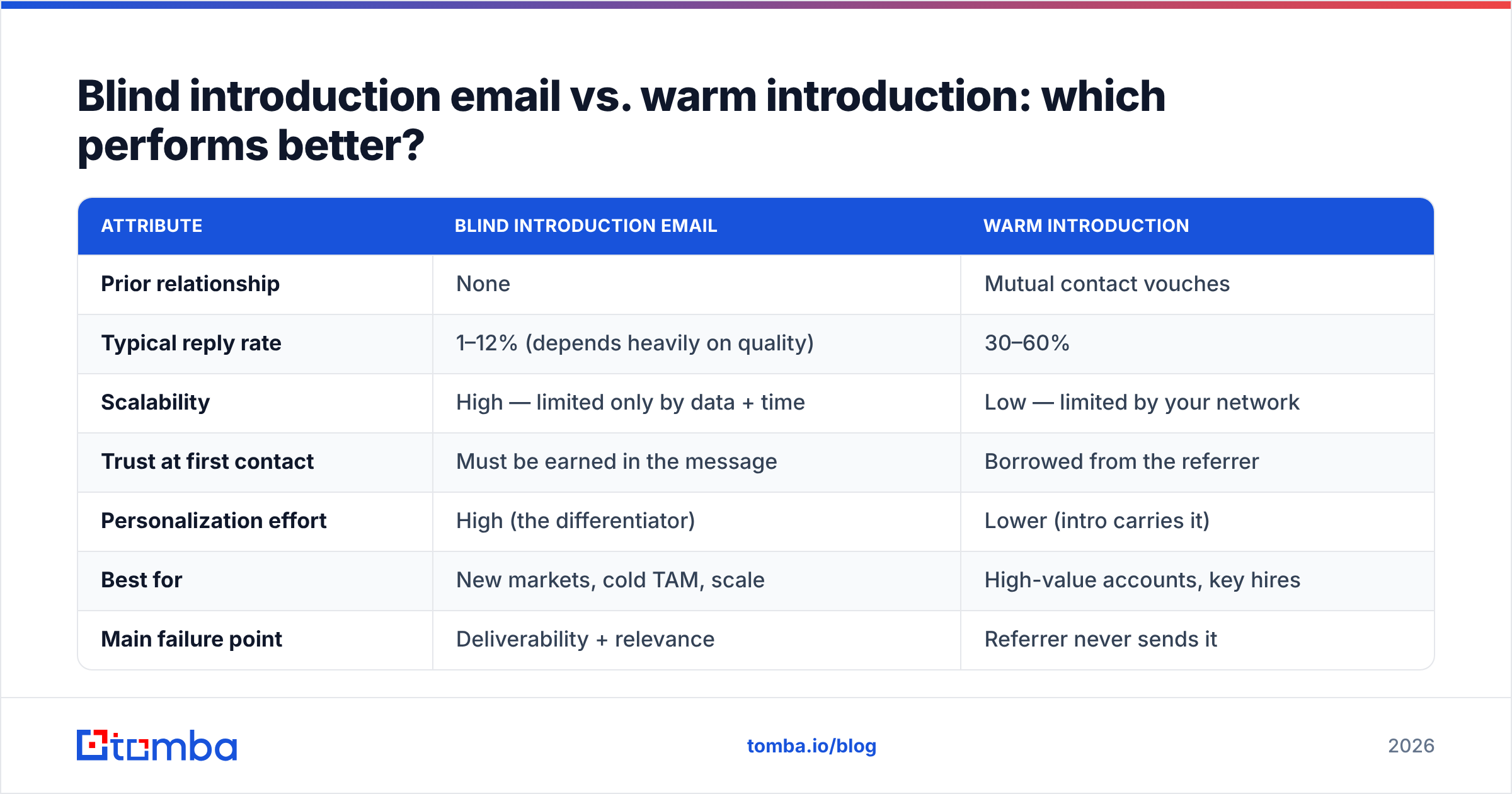
Warm introductions convert better per send, but blind introduction emails scale in a way warm intros never can. You cannot manufacture a thousand mutual connections; you can send a thousand well-researched cold emails. The smart play is to make blind emails feel as warm as possible through research and personalization.
| Attribute | Blind introduction email | Warm introduction |
|---|---|---|
| Prior relationship | None | Mutual contact vouches |
| Typical reply rate | 1–12% (depends heavily on quality) | 30–60% |
| Scalability | High — limited only by data + time | Low — limited by your network |
| Trust at first contact | Must be earned in the message | Borrowed from the referrer |
| Personalization effort | High (the differentiator) | Lower (intro carries it) |
| Best for | New markets, cold TAM, scale | High-value accounts, key hires |
| Main failure point | Deliverability + relevance | Referrer never sends it |
The takeaway: do not treat these as rivals. Use warm intros for your highest-value targets and blind introduction emails for everything else — but invest in the data and personalization that make a cold email read like it came from someone who actually did their homework.
What should you write? Three blind introduction email templates#
Templates are starting points, not scripts. Swap in real, specific details or they read worse than no template at all.
1. The sales prospecting intro
Subject: cutting [Company]'s onboarding time
Hi [Name],
Saw [Company] just rolled out self-serve signup — congrats on the launch. Teams that ship self-serve usually hit a wall when support tickets spike in week two.
We help [similar company] cut first-week tickets by 40% with in-app guidance. Worth a quick look at how?
[Your name]
2. The partnership intro
Subject: [Their product] + [your product] for shared customers
Hi [Name],
A few of our customers already use [their product] alongside us, and they keep asking for a native integration. Before I build a case internally, is partnerships something your team is exploring this quarter?
[Your name]
3. The recruiting / talent intro
Subject: your work on [specific project]
Hi [Name],
Your talk on [specific topic] is the clearest explanation I have found. We are building something in that exact space and I would love your read on it — not a pitch, just curious whether the problem interests you.
[Your name]
Each one leads with the recipient, makes a small ask, and stays short. For more ready-to-adapt structures, browse a library of cold email templates and test a couple against your own list.

How do you get the email address — and make sure it is real?#
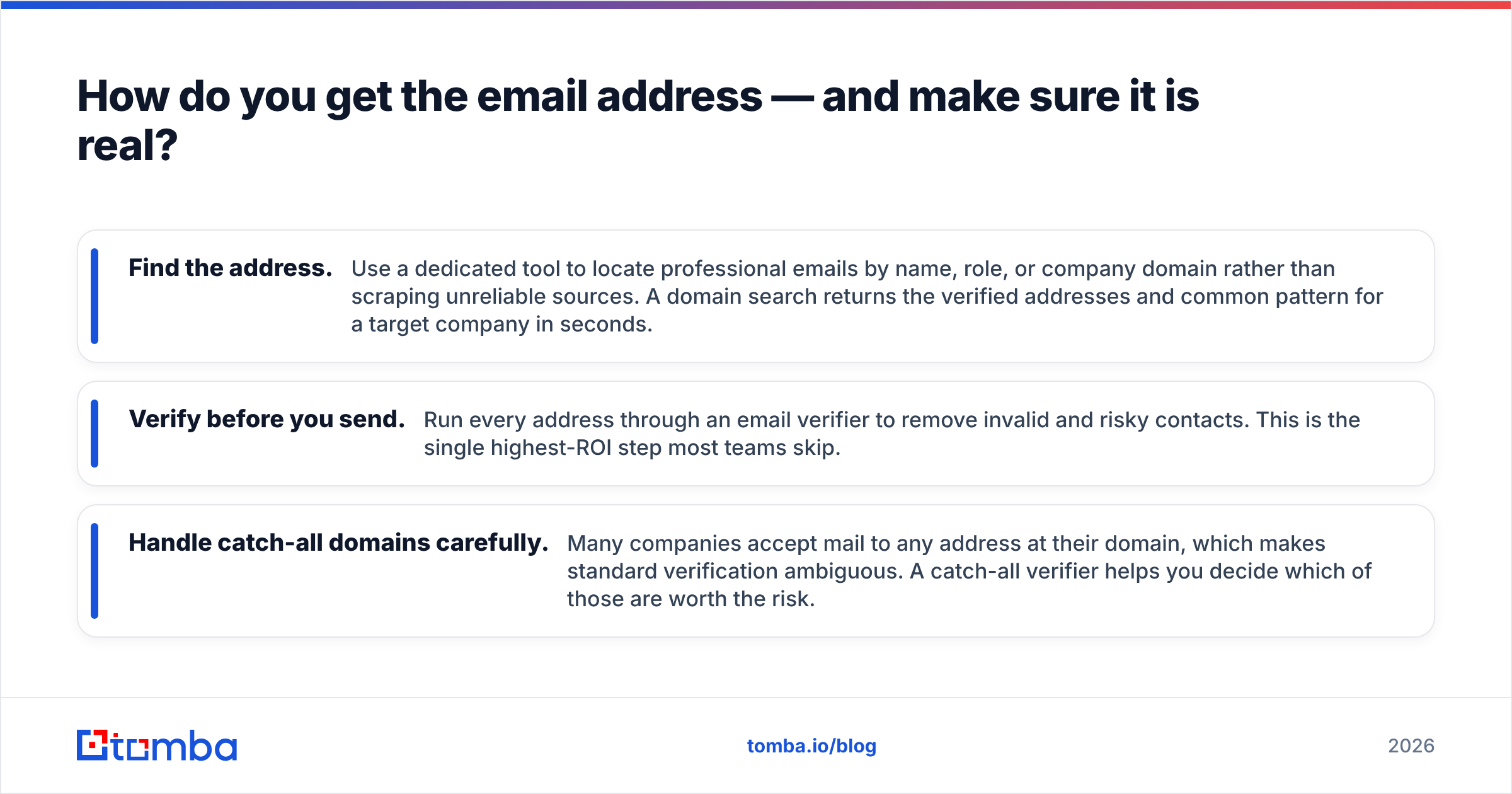
You cannot send a blind introduction email without an accurate address, and guessing is how you tank your sender reputation. Every hard bounce signals to mailbox providers that you are sloppy, which pushes future emails toward spam.
There are three layers to getting this right:
- Find the address. Use a dedicated tool to locate professional emails by name, role, or company domain rather than scraping unreliable sources. A domain search returns the verified addresses and common pattern for a target company in seconds.
- Verify before you send. Run every address through an email verifier to remove invalid and risky contacts. This is the single highest-ROI step most teams skip.
- Handle catch-all domains carefully. Many companies accept mail to any address at their domain, which makes standard verification ambiguous. A catch-all verifier helps you decide which of those are worth the risk.
This matters because deliverability is mostly a reputation game. Clean lists protect your sender reputation, and a strong reputation is what keeps your carefully written email out of the junk folder. According to HubSpot's research on email engagement, personalized, well-targeted sends consistently outperform generic blasts — but none of that personalization counts if the message never reaches the inbox.
How do you scale blind introduction emails without becoming spam?#
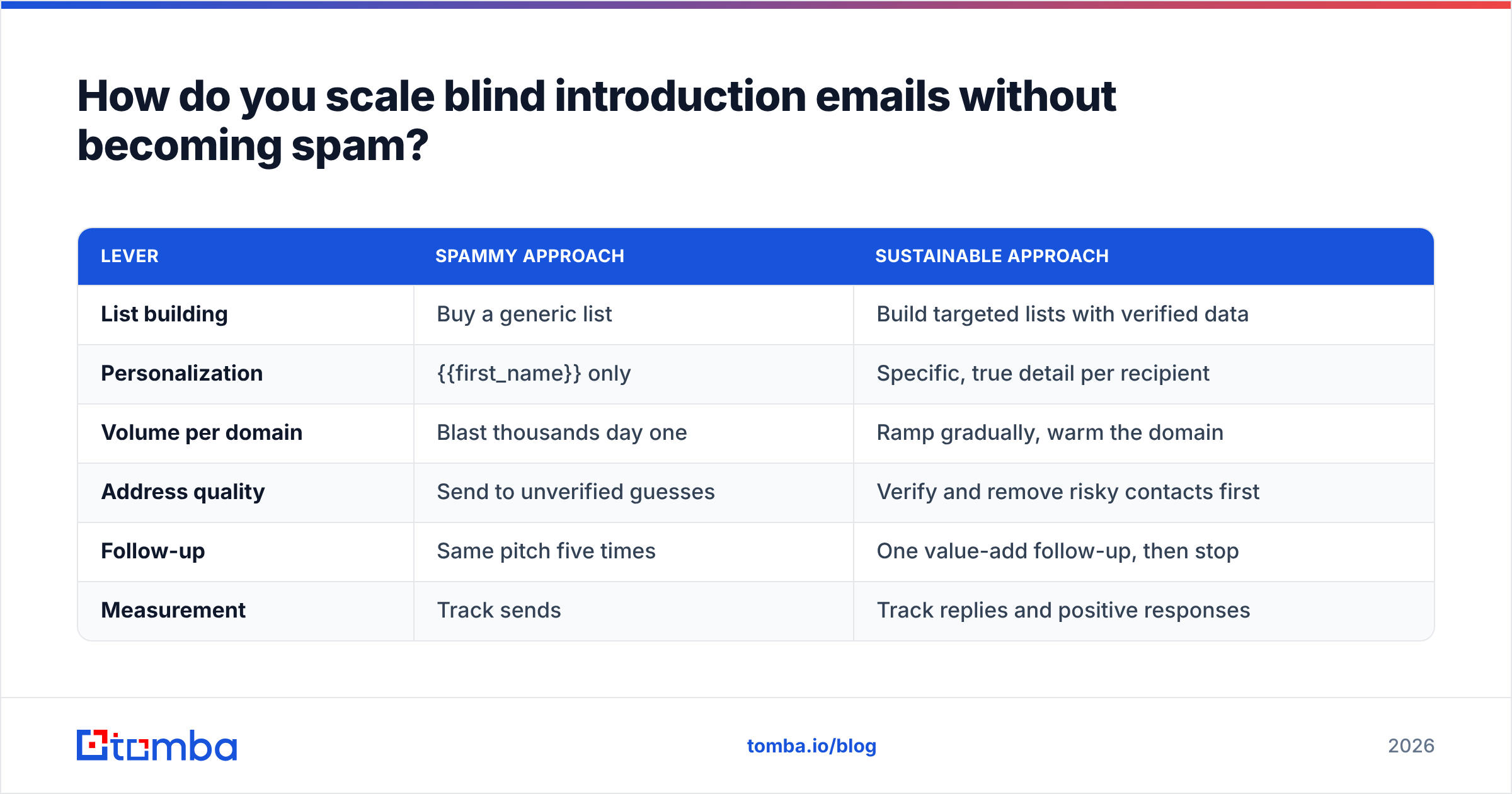
Scale is the point of going blind, but volume without discipline gets your domain blacklisted. The trick is to scale the research, not just the sending.
| Lever | Spammy approach | Sustainable approach |
|---|---|---|
| List building | Buy a generic list | Build targeted lists with verified data |
| Personalization | {{first_name}} only | Specific, true detail per recipient |
| Volume per domain | Blast thousands day one | Ramp gradually, warm the domain |
| Address quality | Send to unverified guesses | Verify and remove risky contacts first |
| Follow-up | Same pitch five times | One value-add follow-up, then stop |
| Measurement | Track sends | Track replies and positive responses |
A practical workflow looks like this: define a tight ICP, pull contacts with a bulk email finder, verify the list, enrich each row with one personalization detail, and send in controlled batches from a warmed domain. You can wire this directly into your stack with the Tomba API so finding and verifying happens inside your existing tools rather than as a manual export-import slog.
The goal is not maximum volume. It is the maximum number of emails that both arrive and feel hand-written. Ten relevant, verified, personalized emails will out-earn a thousand sprayed ones — and they will not cost you your domain.
How do you measure if your blind introduction emails are working?#
Track three numbers, in this order of importance:
- Positive reply rate — the percentage of recipients who respond with interest. This is the only metric that maps to revenue. Aim to improve it iteration over iteration.
- Reply rate (any) — total responses, including "no thanks." A healthy reply rate with low positives means your targeting is off, not your copy.
- Bounce rate — keep it under 2–3%. Anything higher means your data hygiene is failing and your reputation is at risk.
Open rate is increasingly unreliable thanks to privacy features that auto-load images, so treat it as a weak signal at best. Run small A/B tests on subject lines and opening hooks, change one variable at a time, and let the positive reply rate be your judge. For benchmarking your numbers against the broader market, G2's sales software category data is a reasonable external reference point.
What are the most common blind introduction email mistakes to avoid?#
- Writing a wall of text. If it takes more than fifteen seconds to read, it is too long.
- Leading with your company. The reader cares about their problem, not your founding story.
- Faking familiarity. "I have been following your work for years" reads as dishonest when you clearly have not.
- Asking for too much, too soon. A first email is for earning curiosity, not booking a demo.
- Skipping verification. Sending to unverified addresses is the fastest way to ruin deliverability.
- No clear next step. End with one specific, low-effort ask the reader can answer in a single line.
Avoid these and you are already ahead of most senders, simply because most senders do none of this.
Conclusion: make every blind email feel like a warm one#
The best blind introduction email in 2026 does not feel blind at all. It feels like it was written by someone who knows the recipient's world, respects their time, and is asking for something small and reasonable. That impression comes from two things working together: sharp, recipient-focused copy and clean, verified data underneath it.
You control the copy. For the data, Tomba's Email Finder finds and verifies professional addresses by name, company, or domain so your carefully written email actually reaches a real inbox — not a bounce or a spam folder. Start on the free tier (25 searches a month) and scale up to a paid plan when your outreach proves itself; full Tomba pricing runs from $49/mo Starter to custom Enterprise. Write the email like a human, send it to a verified address, and watch your reply rate climb.
// get started
Find, verify and enrich your first contacts today
Start on the free plan with 25 searches a month, then scale when your team is ready.
Free plan · No credit card required · GDPR & CCPA
// about the author