Bloom Pricing, Reviews, Pros and Cons: A 2026 Buyer Guide
Is Bloom Growth worth it in 2026? A neutral look at Bloom pricing, real user reviews, and the honest pros and cons before you commit your team to it.
TL;DR
- Bloom (Bloom Growth) is a business operating-system platform built around the EOS-style meeting, scorecard, rock, and to-do workflow — not a lead database or sales engine.
- Pricing is per-seat and subscription-based, with a free trial and an annual discount; budget for the cost to scale linearly as you add managers and team leads.
- Reviews are mostly positive on G2 and Capterra for meeting structure and accountability, with recurring complaints about the learning curve and occasional performance lag.
- Biggest gap for sales teams: Bloom organizes your people and priorities, but it does not find, verify, or enrich the contact data that fills your pipeline — you still need a dedicated data layer.
- Verdict: Strong fit for EOS-run leadership teams; weak fit if you bought it expecting prospecting or CRM-grade contact intelligence.
What is Bloom (Bloom Growth)?#
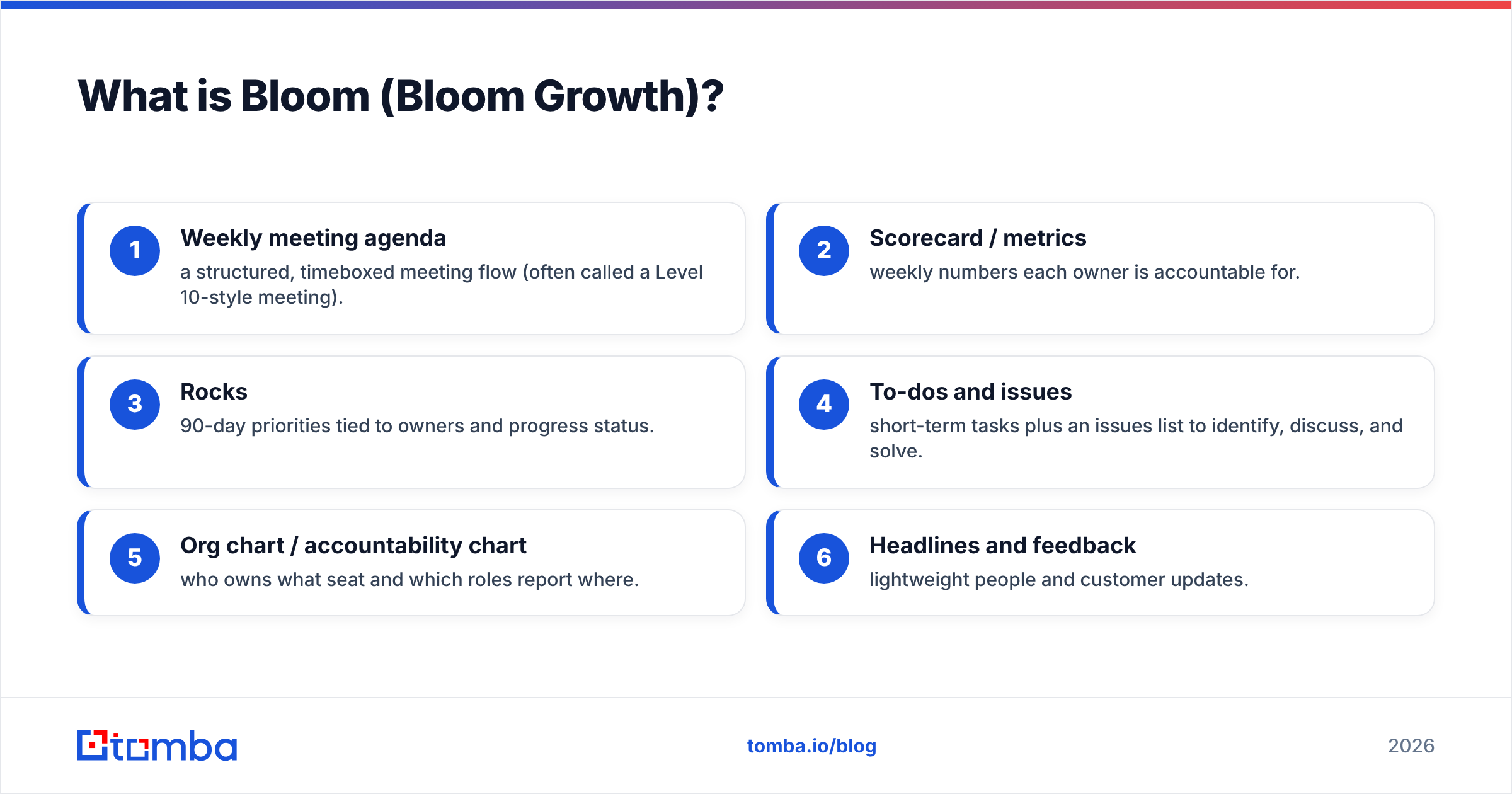
Bloom Growth is meeting and accountability software for teams that run on an operating system like EOS (the framework from the book Traction). Think of it as the shared whiteboard, scorecard, and to-do list for a leadership team — the place where weekly meetings happen, metrics get tracked, quarterly goals ("rocks") get assigned, and issues get worked to a decision.
If a CRM is the kitchen where deals get cooked, Bloom is the management meeting where the head chefs decide what to cook this quarter and who owns each dish. The two solve different problems. Bloom keeps your leadership rhythm tight; it is not where you store prospects, send sequences, or look up a buyer's email.
Core modules typically include:
- Weekly meeting agenda — a structured, timeboxed meeting flow (often called a Level 10-style meeting).
- Scorecard / metrics — weekly numbers each owner is accountable for.
- Rocks — 90-day priorities tied to owners and progress status.
- To-dos and issues — short-term tasks plus an issues list to identify, discuss, and solve.
- Org chart / accountability chart — who owns what seat and which roles report where.
- Headlines and feedback — lightweight people and customer updates.
That structure is the product's whole value: it forces a repeatable cadence. Where teams get into trouble is assuming Bloom also handles the data side of growth. It doesn't.
How much does Bloom cost?#
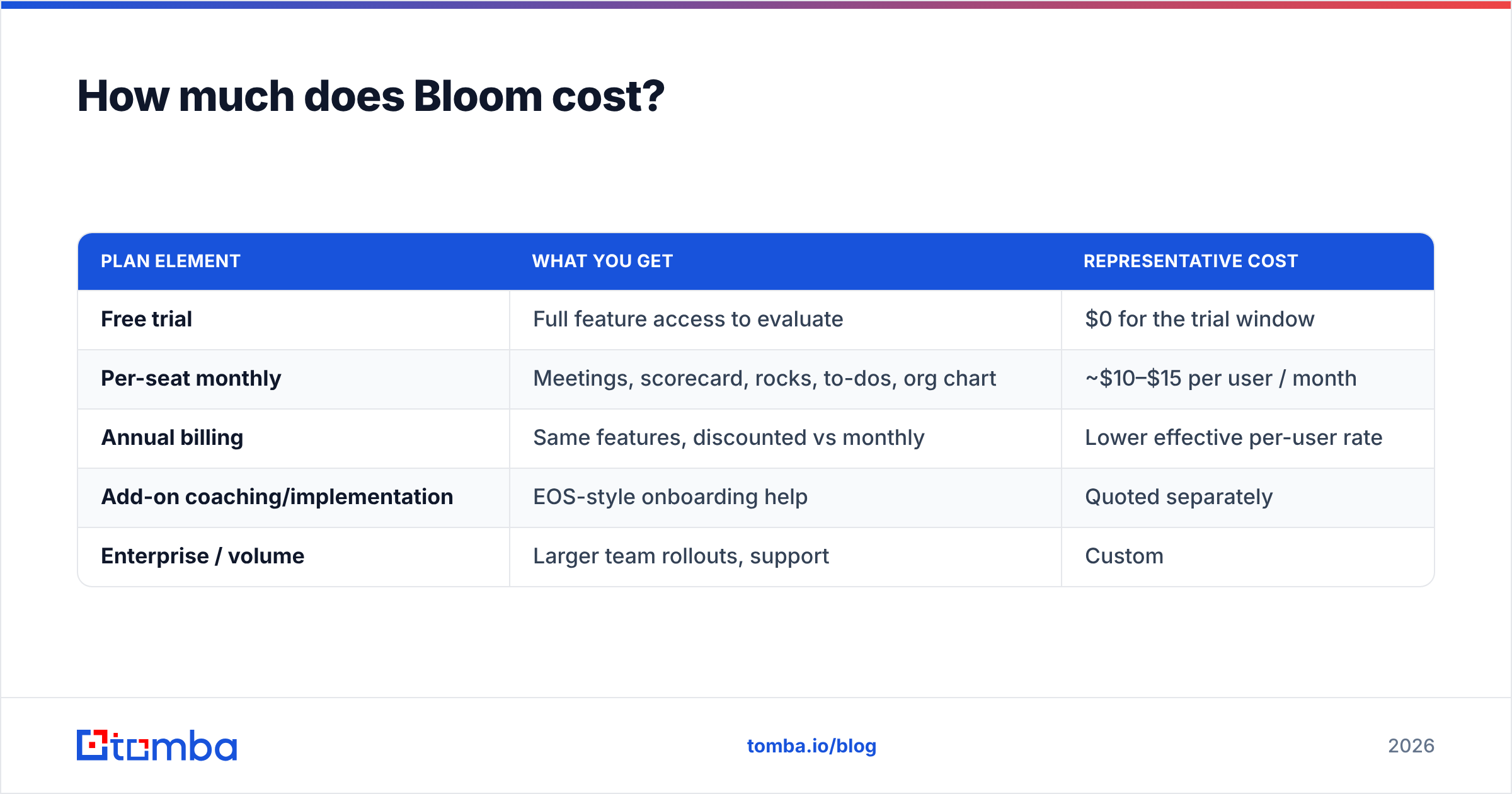
Bottom line: Bloom uses straightforward per-seat subscription pricing with a free trial, billed monthly or annually. Exact figures move over time, so always confirm the live numbers on bloomgrowth.com before you commit — the table below shows the representative structure rather than a locked quote.
| Plan element | What you get | Representative cost |
|---|---|---|
| Free trial | Full feature access to evaluate | $0 for the trial window |
| Per-seat monthly | Meetings, scorecard, rocks, to-dos, org chart | ~$10–$15 per user / month |
| Annual billing | Same features, discounted vs monthly | Lower effective per-user rate |
| Add-on coaching/implementation | EOS-style onboarding help | Quoted separately |
| Enterprise / volume | Larger team rollouts, support | Custom |
Two things matter more than the sticker number. First, Bloom prices per seat, so cost scales with how many managers and team leads you put in the system — a 30-person leadership group costs roughly three times a 10-person one. Second, the trial is genuinely the right way to test fit, because Bloom's payoff depends on your team actually adopting the weekly cadence, not on any single feature.
For comparison shopping, note that this is a different budgeting model from a contact-data tool. A data platform like Tomba pricing is built around search/verification credits (Free at 25 searches/mo, Starter $49/mo, Growth $99/mo, Pro $249/mo), because you pay for records, not seats. You will likely end up paying for both categories — one to run the team, one to feed the pipeline.
What do Bloom reviews say?#
Aggregate sentiment on G2 and Capterra skews positive, clustering around the same themes whether the reviewer loves or merely tolerates the product.
What reviewers praise:
- Meeting discipline. The single most repeated compliment: weekly meetings finally start and end on time and produce decisions.
- Accountability is visible. Rocks and scorecard owners are obvious, so nothing quietly slips.
- Good fit for EOS shops. Teams already running Traction find the structure native rather than bolted-on.
- Responsive support. Onboarding and customer success get frequent positive mentions.
What reviewers criticize:
- Learning curve. New users — especially those who have never run an EOS meeting — need ramp time before the value clicks.
- Occasional lag. Some reviews mention sluggishness or UI quirks during larger meetings.
- Overkill without the methodology. Teams that adopt the tool but not the operating system often abandon it; the software assumes the discipline.
- Not a system of record for customers or contacts. Reviewers looking for CRM or prospecting features come away disappointed — that is simply not what Bloom is.
Read a spread of reviews by team size. A 6-person founder team and a 200-person company evaluate "is the meeting tool fast enough" very differently.
What are the pros and cons of Bloom?#
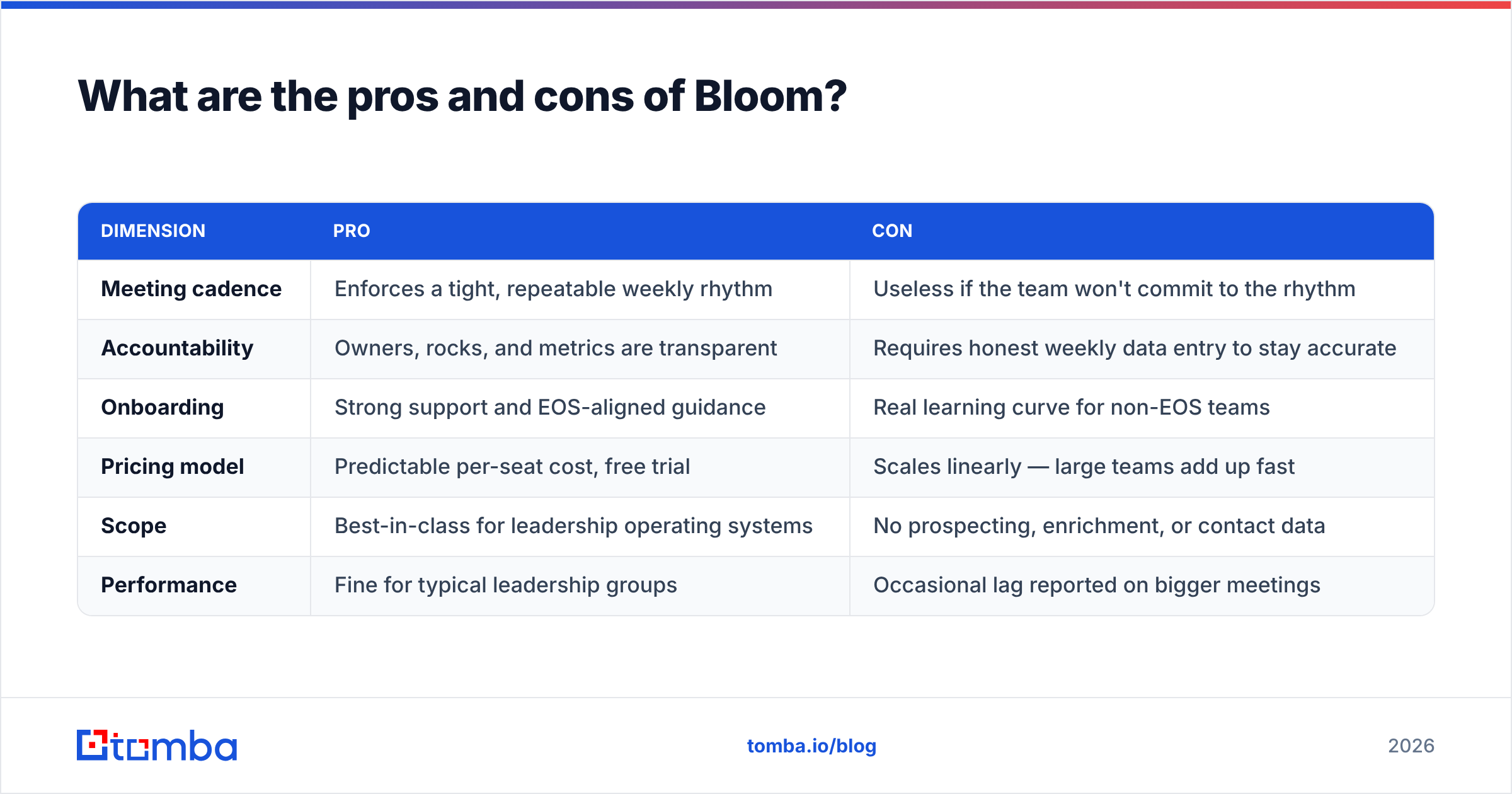
Here is the balanced scorecard most buyers actually want when they search "bloom pricing reviews pros and cons."
| Dimension | Pro | Con |
|---|---|---|
| Meeting cadence | Enforces a tight, repeatable weekly rhythm | Useless if the team won't commit to the rhythm |
| Accountability | Owners, rocks, and metrics are transparent | Requires honest weekly data entry to stay accurate |
| Onboarding | Strong support and EOS-aligned guidance | Real learning curve for non-EOS teams |
| Pricing model | Predictable per-seat cost, free trial | Scales linearly — large teams add up fast |
| Scope | Best-in-class for leadership operating systems | No prospecting, enrichment, or contact data |
| Performance | Fine for typical leadership groups | Occasional lag reported on bigger meetings |
The honest read: Bloom is a focused tool that does one job well. The cons are mostly about expectations — buyers who want it to also be a CRM or a data source are evaluating it against a job it never claimed to do.
How does Bloom compare to alternatives?#
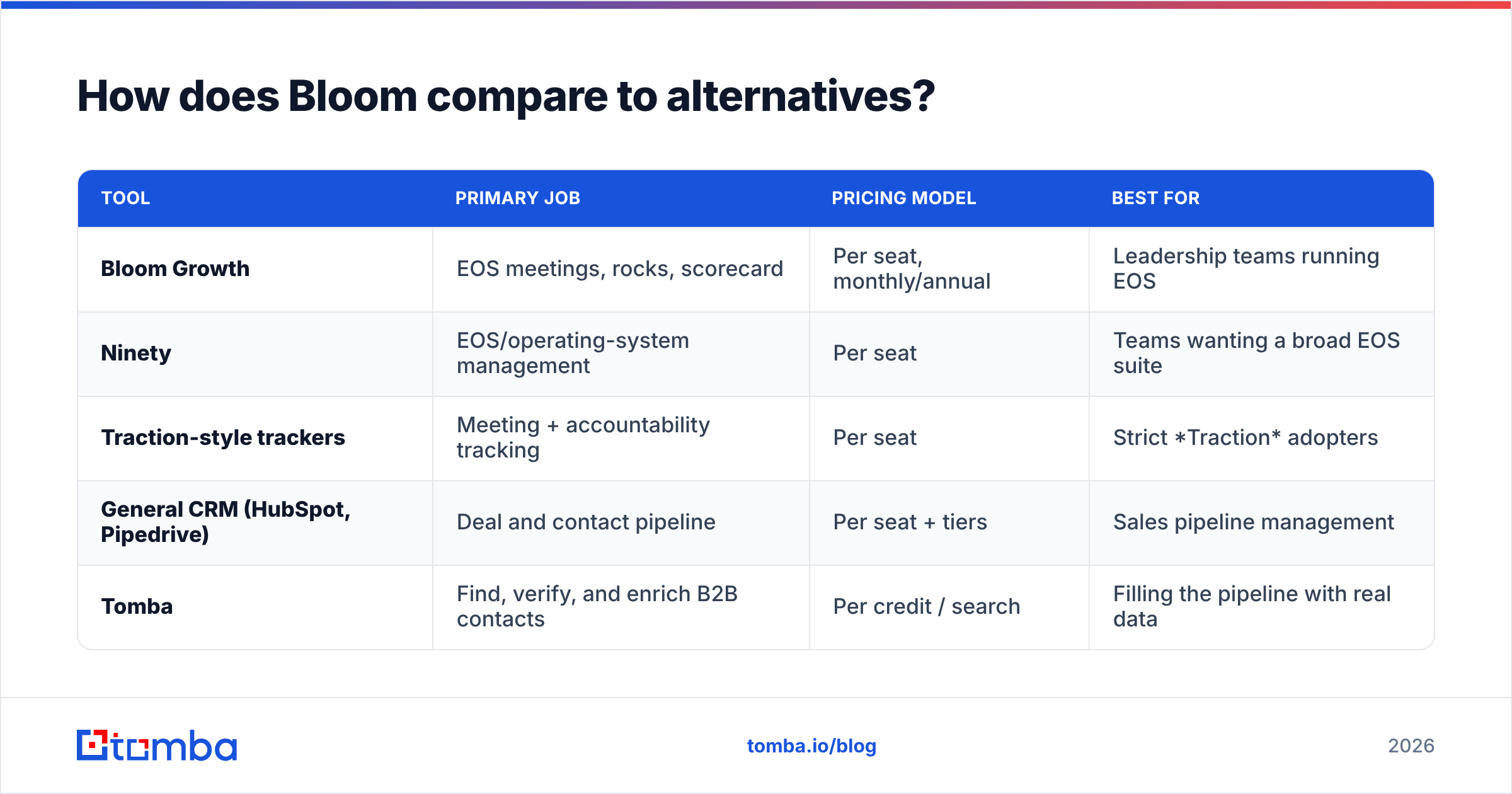
Bloom competes most directly with other EOS / business-operating-system tools. It is not a competitor to a CRM or a data provider — those sit in different layers of your stack.
| Tool | Primary job | Pricing model | Best for |
|---|---|---|---|
| Bloom Growth | EOS meetings, rocks, scorecard | Per seat, monthly/annual | Leadership teams running EOS |
| Ninety | EOS/operating-system management | Per seat | Teams wanting a broad EOS suite |
| Traction-style trackers | Meeting + accountability tracking | Per seat | Strict Traction adopters |
| General CRM (HubSpot, Pipedrive) | Deal and contact pipeline | Per seat + tiers | Sales pipeline management |
| Tomba | Find, verify, and enrich B2B contacts | Per credit / search | Filling the pipeline with real data |
The takeaway: comparing Bloom to a CRM or an email finder is a category error. You don't pick one — a growing company runs an operating-system tool and a CRM and a data layer. Bloom decides who owns the quarterly revenue rock; your CRM tracks the deals; your data tool makes sure the leads in that pipeline are real people with reachable inboxes.
Who should use Bloom — and who shouldn't?#
Use Bloom if:
- Your company runs EOS or a similar operating system and wants software built for that exact cadence.
- Your leadership meetings sprawl, decisions stall, or accountability is fuzzy.
- You value structure and are willing to enforce a weekly rhythm.
Skip Bloom (or pair it) if:
- You expected a CRM, a prospecting tool, or a contact database — Bloom is none of those.
- Your team won't actually run the weekly meeting; the tool can't create discipline you don't bring.
- You're a solo operator or a tiny team where a shared doc already does the job.
Where does Bloom fall short for sales teams?#
Bloom organizes your team; it does not feed your pipeline. This is the gap nobody warns you about. Your weekly scorecard might track a metric like "new qualified meetings booked," and Bloom will hold the owner accountable for that number — but it has no idea where those meetings come from. The actual work of finding decision-makers, getting accurate email addresses, and confirming they're deliverable happens entirely outside Bloom.
That work needs its own tooling:
- Finding the right contacts at target accounts — see how a domain search returns every reachable email at a company in one step.
- Verifying deliverability so your scorecard's outreach numbers aren't quietly destroyed by bounces — an email verifier checks addresses before you send.
- Enriching records with titles, companies, and context so your team isn't guessing — that's the role of data enrichment.
In other words, Bloom answers "are we accountable to our growth goals?" A data platform answers "do we have the real, reachable contacts to hit them?" One without the other leaves a hole in the system.
Frequently asked questions#
Is Bloom the same as a CRM? No. Bloom is an operating-system / meeting tool. A CRM manages deals and contact pipelines. Most teams run both alongside each other.
Does Bloom have a free plan? Bloom offers a free trial rather than a permanent free tier. Use the trial to confirm your team will adopt the weekly cadence before paying per seat.
Is Bloom worth the price in 2026? For teams genuinely running EOS, yes — the structure pays for itself in tighter meetings and clearer accountability. For teams that won't run the cadence, the software can't manufacture the discipline, and the per-seat cost is wasted.
Can Bloom find or verify email addresses? No. That's outside its scope. You'll need a dedicated tool to find and verify contact data for the outreach goals your Bloom scorecard tracks.
The bottom line#
Bloom Growth is a well-reviewed, fairly priced tool for one specific job: running a disciplined leadership operating system. Its pros (cadence, accountability, support) and cons (learning curve, per-seat scaling, narrow scope) all point to the same conclusion — buy it for what it is, not for what you wish it were.
And if your scorecard has a pipeline number on it, remember that Bloom can hold someone accountable for that number but can't supply the contacts behind it. That's where a data layer earns its place. Start with the Tomba Email Finder to turn your target accounts into verified, reachable contacts — so the growth rocks in your Bloom dashboard are backed by real people, not guesswork. The free tier gives you 25 searches a month to test it against your own account list before you spend a dollar.
Ready to find emails that actually work?
Join 150,000+ professionals who stopped guessing and started sending. Free credits on signup — no credit card required.
Get the Tomba newsletter
Practical outbound tactics and product updates — once every two weeks.
About the author