8 Best BombBomb Alternatives for Video Email in 2026
BombBomb pioneered video email, but pricing and feature gaps push many teams to look elsewhere. Here are 8 BombBomb alternatives compared on price, features, and fit for 2026.
BombBomb helped invent the video-email category. It put a webcam thumbnail inside a sales email years before "personalized video" was a LinkedIn buzzword. But a tool that was novel in 2015 is now one option among many, and plenty of teams hit the same wall: the pricing feels steep for what you get, the recording experience lags behind newer screen-and-cam tools, and the analytics stop short of what a modern revenue team needs.
If you are shopping for BombBomb alternatives in 2026, this guide compares eight credible options on price, recording capabilities, analytics, integrations, and the kind of team each one actually fits. We will also cover the part most "best video email tool" lists ignore: a video email is worthless if it lands in the wrong inbox or bounces, so the data layer underneath your outreach matters as much as the player your prospect clicks.
TL;DR#
- BombBomb is solid but pricey for small teams; its core strength is relationship/CRM video, not high-volume screen recording.
- Best all-rounder alternative: Vidyard — generous free tier, strong analytics, deep sales integrations.
- Best for quick async clips: Loom — fastest recording, massive adoption, weakest sales-specific features.
- Best budget pick: Sendspark or Dubb — cheaper entry plans with personalization at scale.
- The real lever isn't the player — it's whether your emails reach a verified, deliverable inbox. Pair any video tool with accurate contact data from an email finder.
Why look for a BombBomb alternative?#
Three reasons come up again and again.
- Price-to-value. BombBomb's plans are positioned for individual realtors and relationship-driven reps. If you want screen recording, advanced analytics, and team management, you climb into higher tiers fast.
- Recording flexibility. Newer tools handle cam + screen + tab recording, instant trimming, and AI-generated titles more smoothly. BombBomb's editor feels dated by comparison.
- Stack fit. If your team lives in HubSpot, Salesforce, or an outbound sequencer, you want video that drops natively into those workflows rather than a separate app you have to remember to open.
None of these mean BombBomb is bad. They mean the category matured and you now have leverage to match the tool to your exact motion.
What should a BombBomb alternative actually do?#
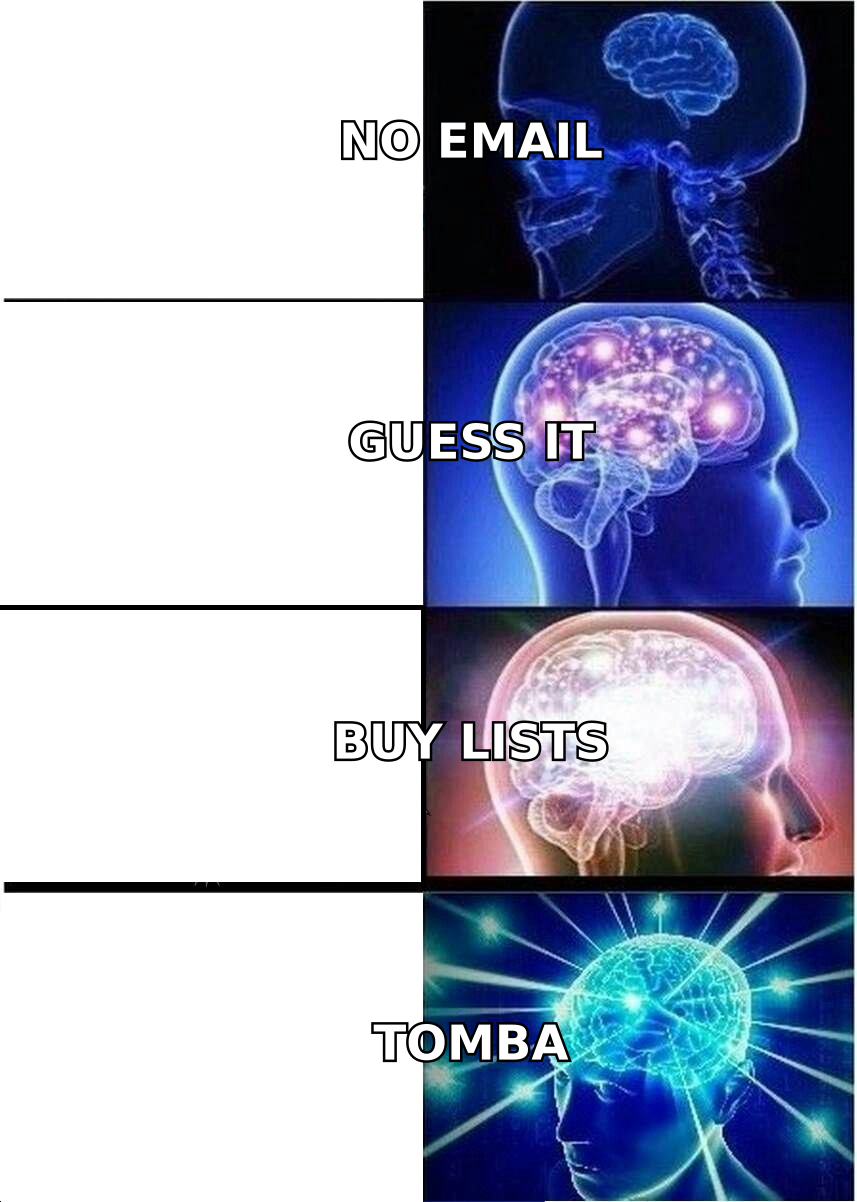
Before comparing logos, anchor on the capabilities that move reply rates. A strong video-email platform in 2026 should deliver on these six fronts:
- Fast capture — webcam, screen, or both, recorded in-browser with no clunky desktop app required.
- Personalization at scale — dynamic backgrounds, custom thumbnails, and merge fields so one recording feels 1:1 across hundreds of sends.
- Engagement analytics — not just "opened," but watch time, drop-off points, and per-prospect heatmaps you can route to your CRM.
- Native integrations — HubSpot, Salesforce, Gmail, Outlook, and your sequencer, without copy-paste gymnastics.
- Deliverability-friendly delivery — animated thumbnails and hosted landing pages instead of heavy attachments that trip spam filters.
- Clean, deliverable contact data — the input that decides whether any of the above ever gets seen.
That last point is the one most buyers skip. You can A/B test thumbnails all day, but if 20% of your list is invalid, you are paying for a video tool to talk to nobody. Run your list through an email verifier before you spend a credit recording.
What are the best BombBomb alternatives in 2026?#
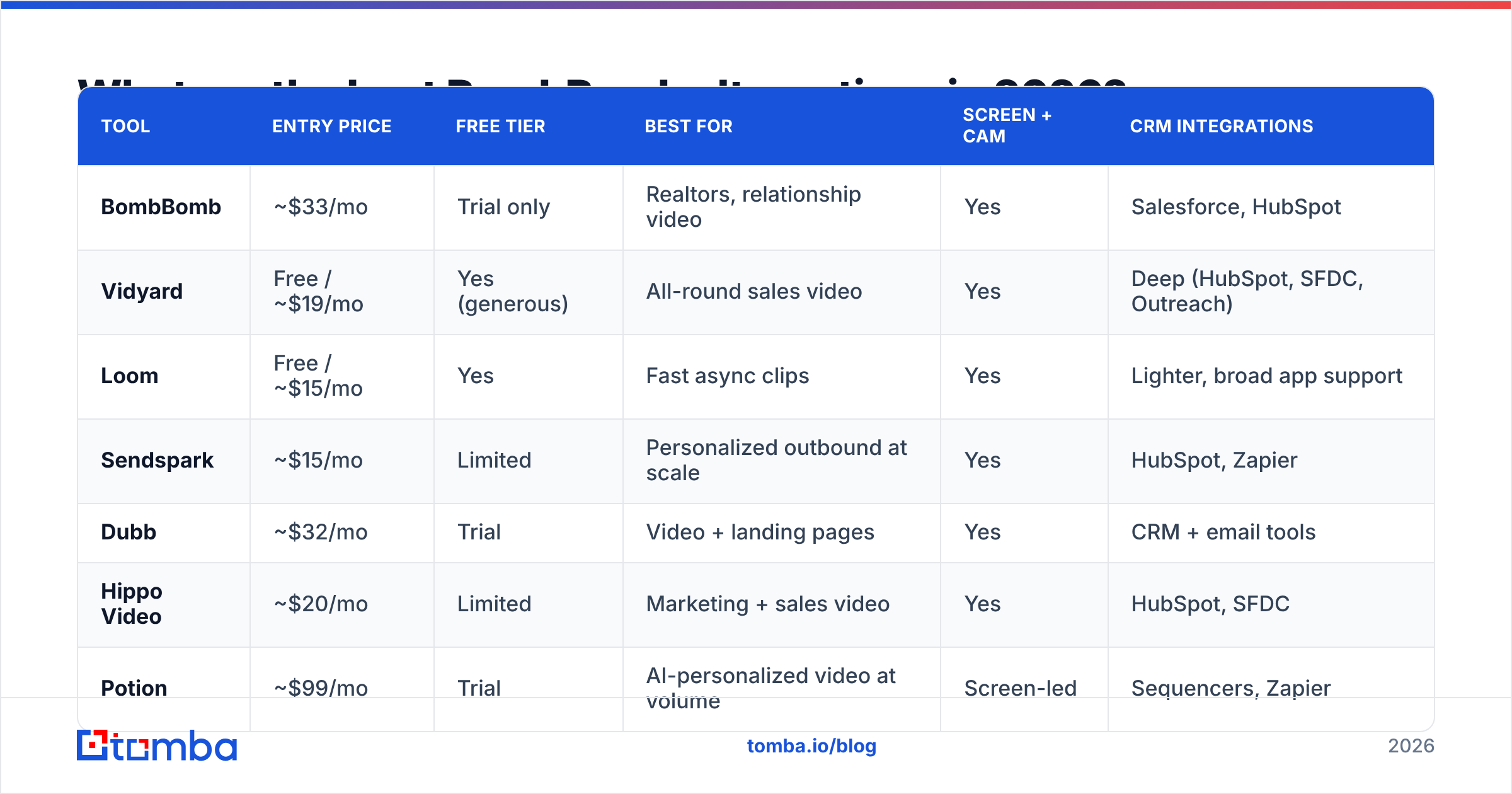
Here is the head-to-head. Prices are entry-level paid tiers as published by each vendor; always confirm current rates before buying.
| Tool | Entry price | Free tier | Best for | Screen + cam | CRM integrations |
|---|---|---|---|---|---|
| BombBomb | ~$33/mo | Trial only | Realtors, relationship video | Yes | Salesforce, HubSpot |
| Vidyard | Free / ~$19/mo | Yes (generous) | All-round sales video | Yes | Deep (HubSpot, SFDC, Outreach) |
| Loom | Free / ~$15/mo | Yes | Fast async clips | Yes | Lighter, broad app support |
| Sendspark | ~$15/mo | Limited | Personalized outbound at scale | Yes | HubSpot, Zapier |
| Dubb | ~$32/mo | Trial | Video + landing pages | Yes | CRM + email tools |
| Hippo Video | ~$20/mo | Limited | Marketing + sales video | Yes | HubSpot, SFDC |
| Potion | ~$99/mo | Trial | AI-personalized video at volume | Screen-led | Sequencers, Zapier |
| Warmly / Sendspark hybrid | Varies | Limited | Signal-based outbound | Yes | RevOps stacks |
1. Vidyard — best all-around alternative#
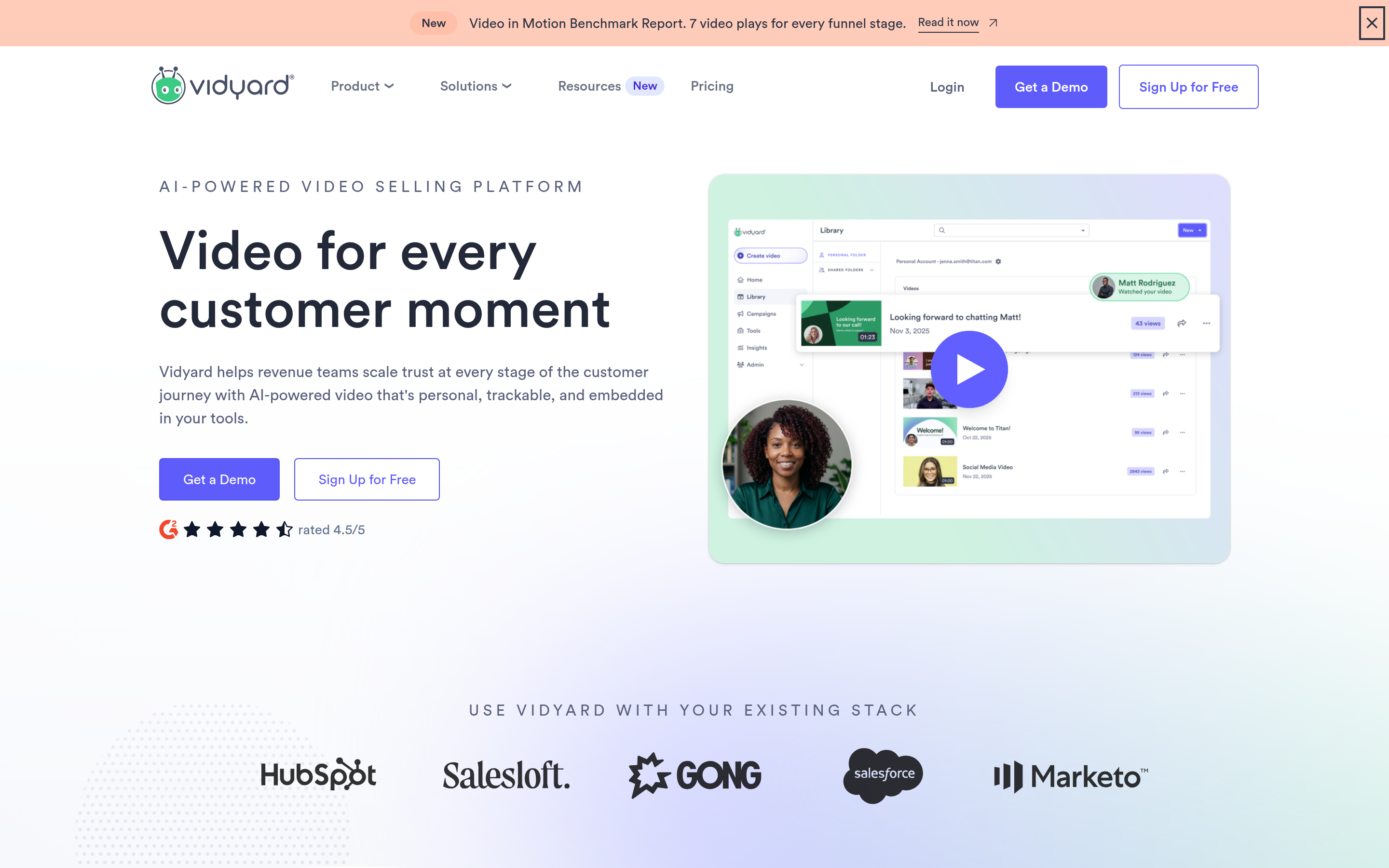
Vidyard is the closest like-for-like swap with more upside. The free plan is genuinely usable, recording covers cam and screen, and the analytics are a step above BombBomb — you get viewer-level watch data that pipes straight into HubSpot or Salesforce. If you want one tool your whole sales org can adopt without finance pushback, start here.
Trade-off: advanced analytics and integrations sit behind higher tiers, so map your must-haves before committing.
2. Loom — best for speed and adoption#
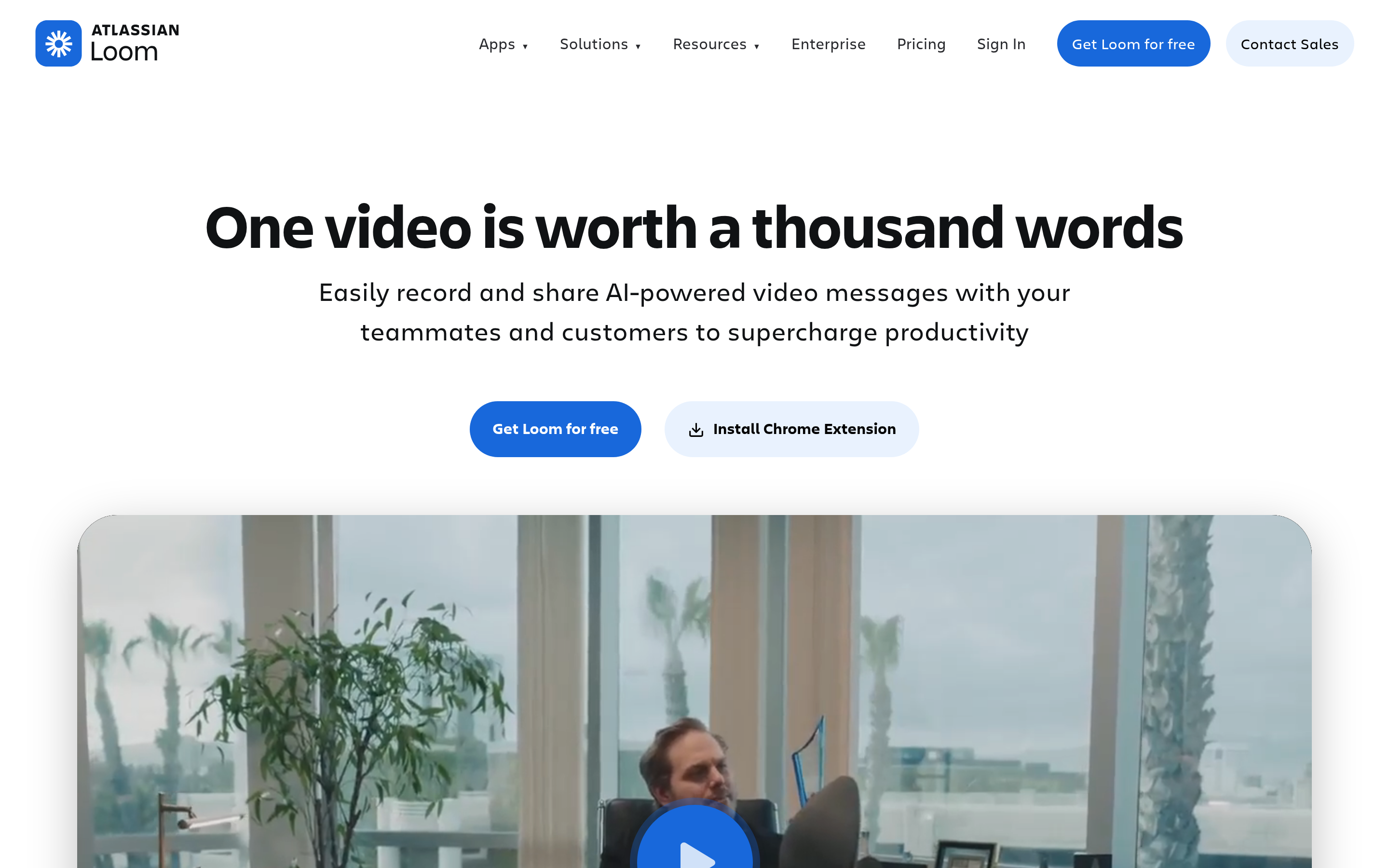
Loom wins on raw recording speed and ubiquity. Half your prospects already know the player, which lowers the "what is this?" friction. It is the easiest tool to get a team recording in an afternoon.
Trade-off: Loom is built for async work communication first and sales second. You will miss sales-specific personalization and pipeline analytics that BombBomb and Vidyard offer natively.
3. Sendspark — best budget personalization#
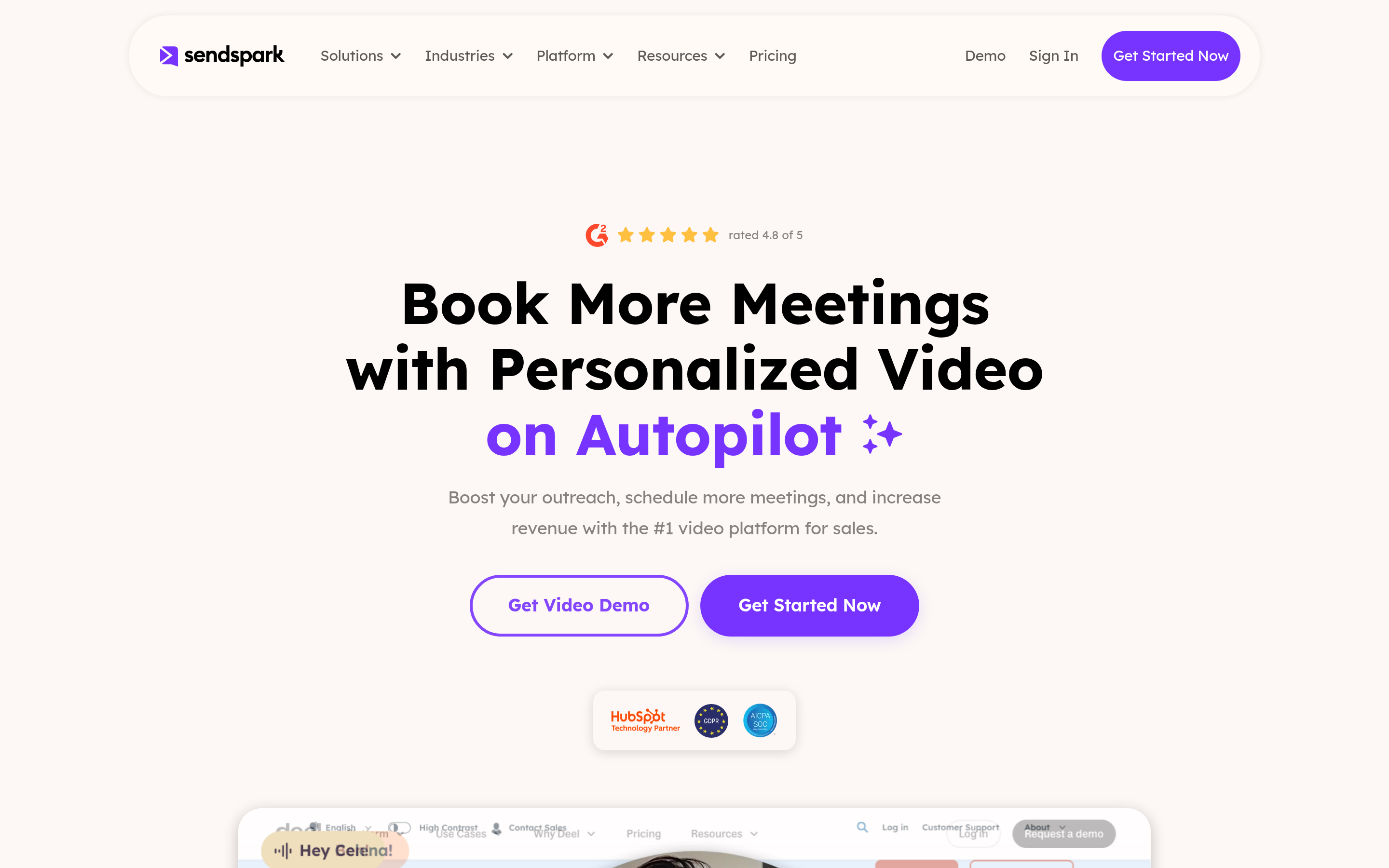
Sendspark focuses on outbound. Dynamic backgrounds and bulk personalization let one recording feel custom across a whole sequence, and the entry price undercuts BombBomb. Good fit for SDR teams running high-volume video at the top of funnel.
4. Dubb — video plus landing pages#
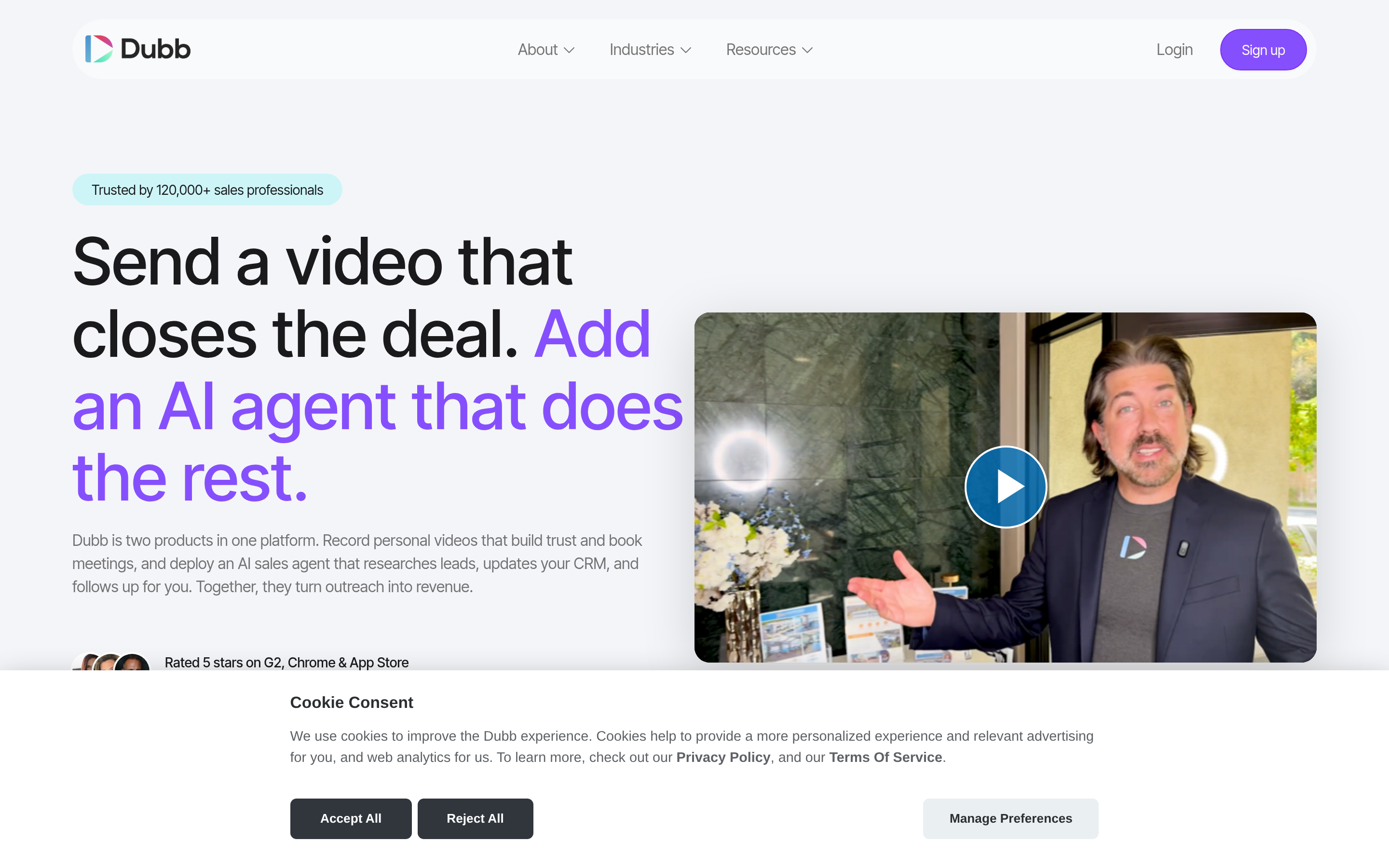
Dubb bundles hosting, landing pages, and basic automation. If you want a prospect to land on a branded page with a CTA under the video rather than a bare player, Dubb packages that well at a price near BombBomb's.
5. Hippo Video — sales and marketing crossover#
Hippo Video stretches across marketing and sales use cases with solid editing and HubSpot/Salesforce hooks. Consider it when more than one team will share the tool.
6. AI-personalized video (Potion and peers)#
A newer class of tools records one "base" video and uses AI to swap in each prospect's name, company, or screen. For cold outbound at scale this can lift reply rates dramatically — at a premium price. Treat it as a specialist play, not a BombBomb replacement for relationship video.
Is BombBomb still worth it?#
Yes, for a specific buyer. If you are a realtor, financial advisor, or relationship-led seller who sends warm, 1:1 video to existing contacts, BombBomb's CRM and email integrations are mature and the workflow is tuned for that motion. Read independent reviews on G2 to sanity-check current sentiment against your use case.
Where BombBomb loses is high-volume outbound, screen-heavy product demos, and teams that need granular analytics without paying up. Those are exactly the gaps Vidyard, Loom, and Sendspark fill.
How do you choose between them?#
Match the tool to your motion, not the other way around.
- Relationship / warm 1:1 video → BombBomb or Hippo Video.
- General sales org, mixed cam + screen → Vidyard.
- Fast async, easy adoption → Loom.
- High-volume personalized outbound on a budget → Sendspark or Dubb.
- AI personalization at scale → Potion-class tools.
Then pressure-test on three questions: Does it drop into the CRM your reps already use? Can you see per-prospect watch data where your pipeline lives? And does the price hold up at the seat count you will actually run?
Why does contact data matter more than the video tool?#
Here is the conclusion first: the best video email tool in the world cannot save bad data. Every platform above competes on recording and analytics, but they all assume the same prerequisite — a real, deliverable email address on the other end.
Think of it like a perfectly produced TV ad aired on a channel no one receives. The production quality is irrelevant if the signal never arrives. Video email has the same dependency. If your list is full of guessed patterns, role addresses, and stale contacts, your animated thumbnail lands in spam or bounces, and your sender reputation takes the hit.
This is where the data layer pays for itself:
- Find the right person. Use a domain search to pull verified contacts at a target company instead of guessing
firstname@. - Verify before you send. Clean the list with an email verifier so your bounce rate stays low and your video actually reaches a human.
- Enrich for personalization. Pull title, company, and role with data enrichment so your merge fields and video scripts are accurate, not generic.
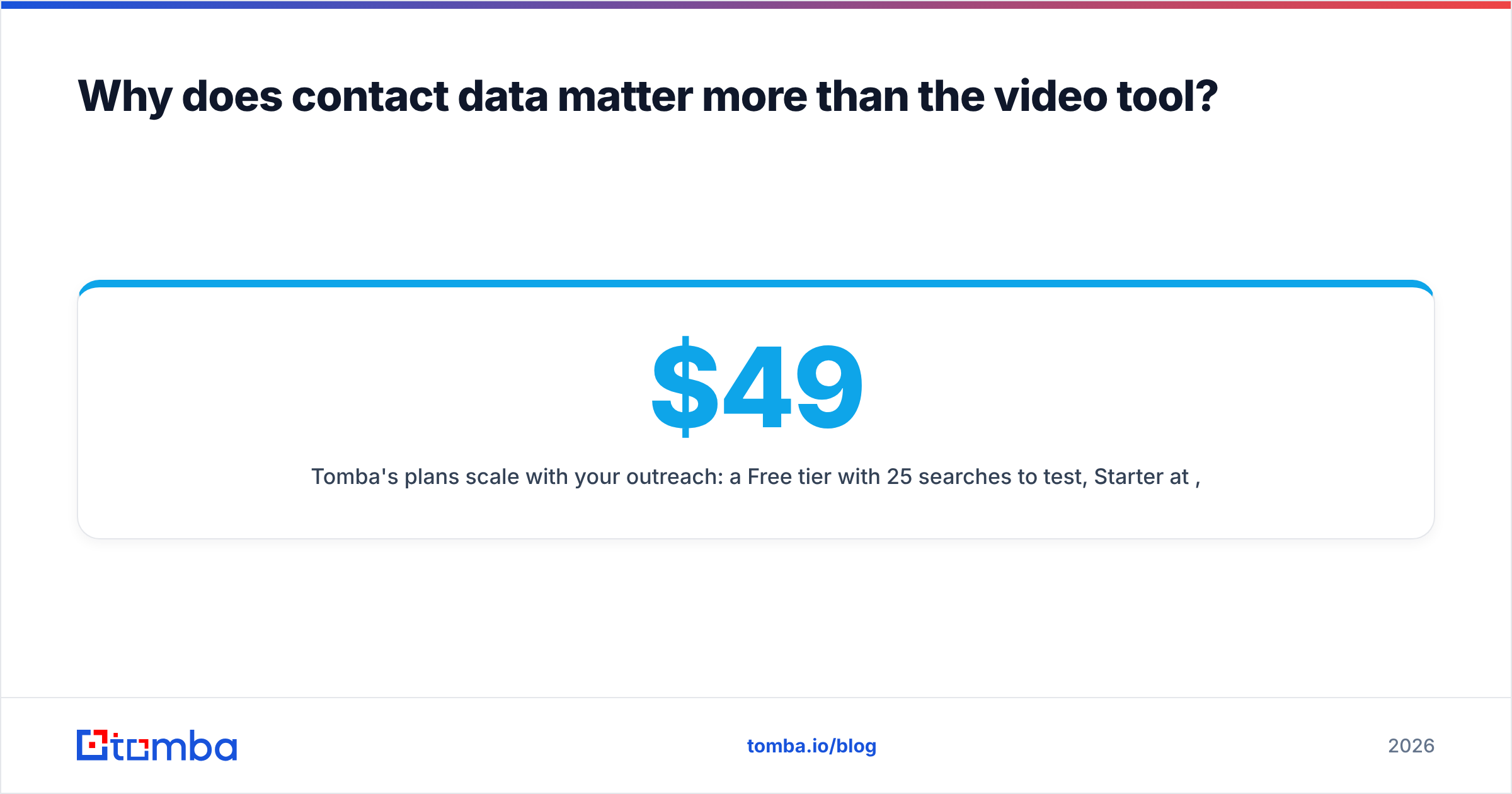
Tomba's plans scale with your outreach: a Free tier with 25 searches/month to test, Starter at $49/mo, Growth at $99/mo, and Pro at $249/mo. See full Tomba pricing for credit allowances, and check the integrations list to wire it into the same HubSpot or Salesforce instance your video tool uses.
What does the full video-outreach stack look like?#
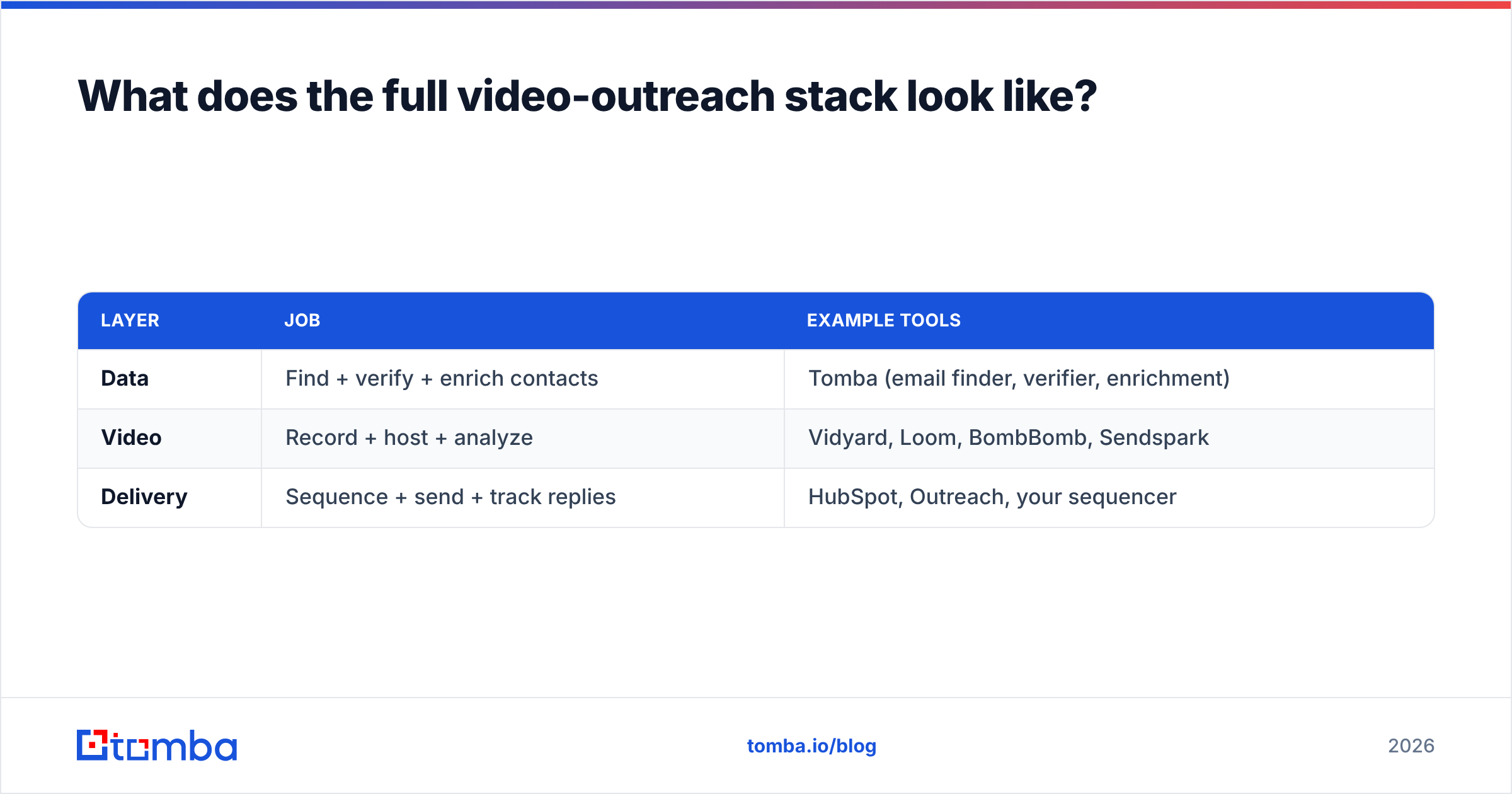
A complete 2026 setup has three layers, and most teams over-invest in the middle one while ignoring the foundation.
| Layer | Job | Example tools |
|---|---|---|
| Data | Find + verify + enrich contacts | Tomba (email finder, verifier, enrichment) |
| Video | Record + host + analyze | Vidyard, Loom, BombBomb, Sendspark |
| Delivery | Sequence + send + track replies | HubSpot, Outreach, your sequencer |
Get the data layer right and a cheaper video tool will outperform a premium one running on a dirty list. That is the unglamorous truth behind every "we 3x'd our reply rate with video" case study — the team that won almost always cleaned their data first.
Final recommendation#
For most teams leaving BombBomb in 2026, Vidyard is the safest swap, Loom is the fastest to adopt, and Sendspark is the best value for high-volume personalized outbound. Pick based on your motion, confirm pricing at your seat count, and trial before you commit.
But fix the foundation first. Before you compare another thumbnail or watch-time chart, make sure the addresses you are sending to are real. Start with the Tomba Email Finder to build a verified, enriched contact list, then layer your video tool of choice on top. The video gets the click — the data gets you the inbox. Sign up free and run your first 25 searches today.
// get started
Find, verify and enrich your first contacts today
Start on the free plan with 25 searches a month, then scale when your team is ready.
Free plan · No credit card required · GDPR & CCPA
// about the author