Bookyourdata vs Mailcleanup: B2B Data Showdown 2026
Bookyourdata sells prepaid B2B contact lists; Mailcleanup cleans the lists you already have. Here's which one fits your pipeline in 2026 — and the live-data option both miss.
You have a quota to hit, a budget to defend, and two very different tools on the table: Bookyourdata, which sells you a prepaid pile of B2B contacts, and Mailcleanup, which scrubs the list you already own. They sound like competitors. They aren't. One fills your database; the other empties the dead weight out of it. Picking the wrong one wastes money in ways that don't show up until your bounce rate spikes.
This breakdown compares both on pricing, accuracy, real use cases, and the failure modes nobody puts on the sales page — then shows where a live email finder beats both for outbound that actually has to land.
TL;DR: Bookyourdata vs Mailcleanup at a glance#
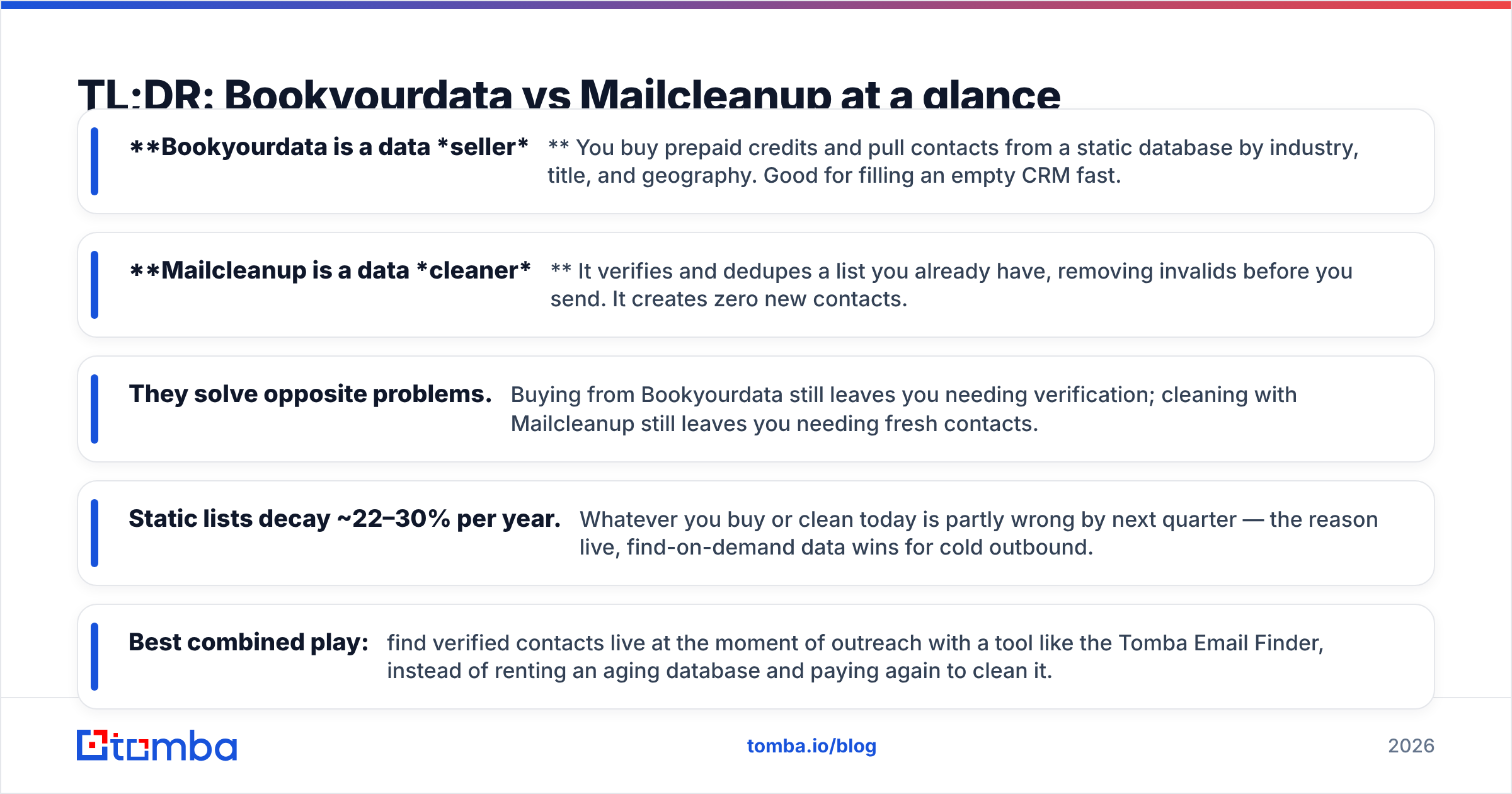
- Bookyourdata is a data seller. You buy prepaid credits and pull contacts from a static database by industry, title, and geography. Good for filling an empty CRM fast.
- Mailcleanup is a data cleaner. It verifies and dedupes a list you already have, removing invalids before you send. It creates zero new contacts.
- They solve opposite problems. Buying from Bookyourdata still leaves you needing verification; cleaning with Mailcleanup still leaves you needing fresh contacts.
- Static lists decay ~22–30% per year. Whatever you buy or clean today is partly wrong by next quarter — the reason live, find-on-demand data wins for cold outbound.
- Best combined play: find verified contacts live at the moment of outreach with a tool like the Tomba Email Finder, instead of renting an aging database and paying again to clean it.
What is Bookyourdata and who is it for?#
Bookyourdata is a prepaid B2B contact-list provider. You filter a database of business records by job title, industry, company size, location, and a handful of other attributes, then spend credits to unlock the matching contacts — emails, phone numbers, and firmographics. Credits don't expire, which is the headline selling point versus subscription tools.
It targets teams that need volume now: a new SDR pod with an empty CRM, an event marketer building a regional invite list, or a founder testing a brand-new ICP before committing to a full data subscription. The pitch is simple — pay once, export thousands of rows, start dialing.
The catch is the one every prepaid-list vendor shares: the data is a snapshot. A contact accurate the day it was scraped drifts out of date as people switch jobs, companies rebrand, and domains change. Bookyourdata advertises a verification guarantee on email validity at export, but "valid when you bought it" and "valid when you send three weeks later" are different claims. That gap is exactly what tools like email verification exist to close.
)
What is Mailcleanup and who is it for?#
Mailcleanup sits on the other side of the workflow. It's an email verification and list-hygiene service: you upload a list, it checks each address against syntax rules, MX records, SMTP responses, and known spam-trap and disposable-domain databases, then hands back a scored, cleaned file. Invalids, duplicates, and risky catch-alls get flagged or removed.
It's for anyone who already has a list and needs to protect deliverability before a send — email marketers warming a domain, agencies inheriting a client's messy CRM, or a sales team that bought data from somewhere (maybe Bookyourdata) and wants to strip the bounces before they torch their sender reputation.
What Mailcleanup explicitly does not do is find or generate contacts. Feed it ten thousand stale rows and you'll get back the seven thousand that still resolve — useful, but you're still working from a shrinking list. Cleaning improves the data you have; it never replaces what's gone dead.
Bookyourdata vs Mailcleanup: how do they actually compare?#
Because they occupy different stages of the data lifecycle, comparing them head-to-head means looking at what each does to your pipeline, not just feature checkboxes.
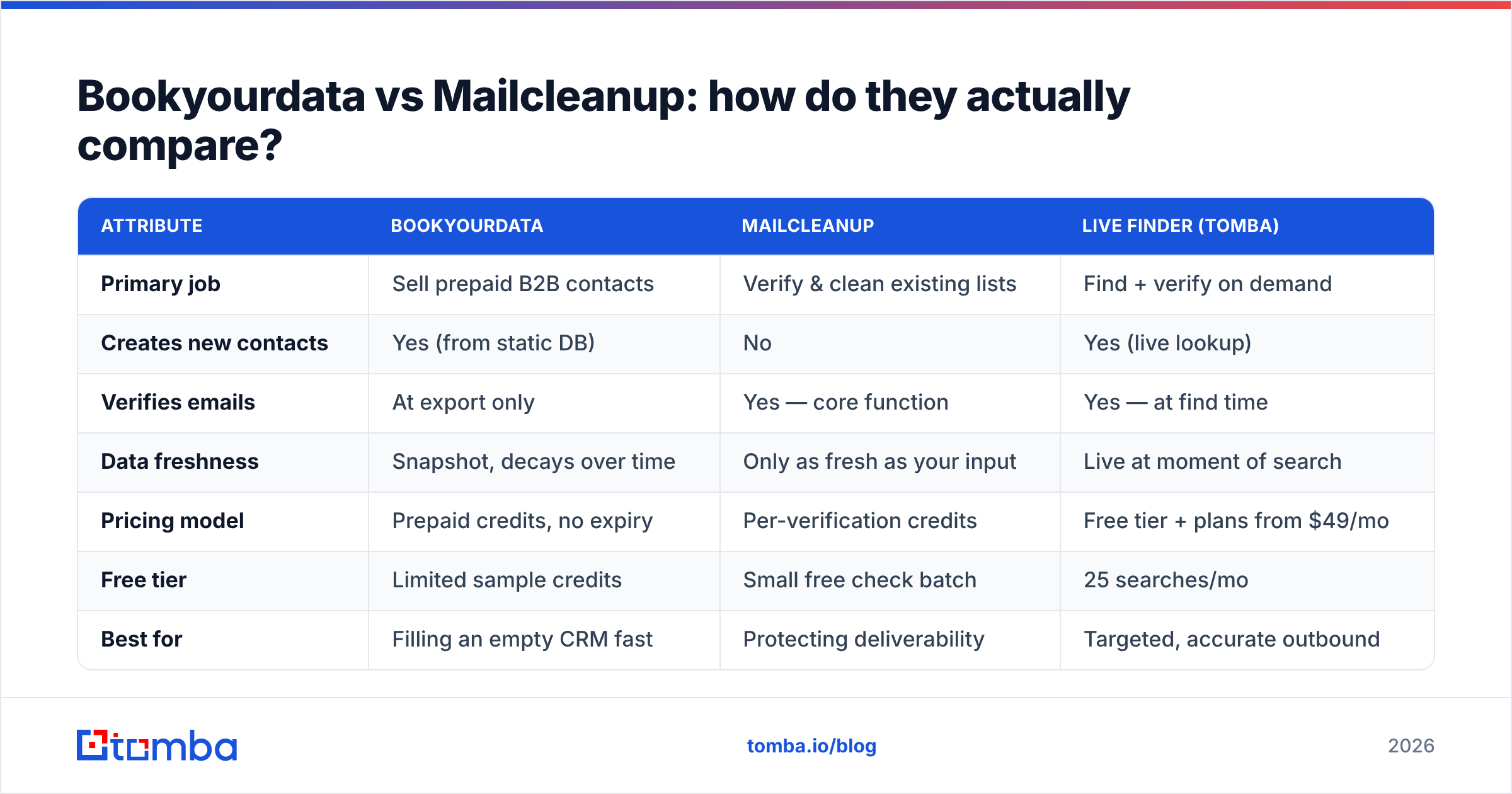
| Attribute | Bookyourdata | Mailcleanup | Live finder (Tomba) |
|---|---|---|---|
| Primary job | Sell prepaid B2B contacts | Verify & clean existing lists | Find + verify on demand |
| Creates new contacts | Yes (from static DB) | No | Yes (live lookup) |
| Verifies emails | At export only | Yes — core function | Yes — at find time |
| Data freshness | Snapshot, decays over time | Only as fresh as your input | Live at moment of search |
| Pricing model | Prepaid credits, no expiry | Per-verification credits | Free tier + plans from $49/mo |
| Free tier | Limited sample credits | Small free check batch | 25 searches/mo |
| Best for | Filling an empty CRM fast | Protecting deliverability | Targeted, accurate outbound |
| Phone numbers | Yes | No | Yes, via phone finder |
The table makes the real relationship obvious: Bookyourdata and Mailcleanup are complementary, not interchangeable. A typical buyer of one eventually needs the other. Buy a list, and you'll want it cleaned. Clean a list, and you'll eventually need new contacts to replace the ones cleaning removed.
That's the structural weakness of the buy-then-clean motion. You pay twice — once to acquire static data, again to maintain it — and you still end up with a list that's authoritative for a single moment in time.
Which tool is more accurate for B2B outreach?#
Accuracy splits into two questions that these tools answer differently: is this the right person? and will this email actually deliver?
Mailcleanup is strong on the second and silent on the first. Its verification catches syntax errors, dead domains, and spam traps, so it reliably tells you whether an address will bounce. But it has no opinion on whether j.smith@acme.com is still the VP of Marketing you're targeting — it only knows the mailbox accepts mail. A verified email to someone who left the company in 2024 still wastes the touch.
Bookyourdata answers the first question at purchase time and the second with a guarantee, but both answers age. Independent reviews on G2 consistently flag the same pattern across prepaid-list vendors: satisfaction is high on volume and price, lower on data staleness once lists sit for a few weeks. That's not a knock on one vendor — it's physics for any static database.
The accuracy ceiling for both tools is set by when the data was true. A live finder sidesteps this by resolving the email at the moment you ask, against current web and company sources, then verifying it in the same step. You're not trusting a snapshot; you're checking reality. For teams that care about how data freshness drives email deliverability, that timing difference is the whole game.
How do Bookyourdata and Mailcleanup price out?#
Pricing structures differ enough that a naive per-unit comparison misleads.
- Bookyourdata — prepaid credits, no expiry. You buy a credit bucket and spend one per unlocked contact. Costs scale with volume, and unused credits roll forever. Attractive for spiky, project-based buying. The hidden cost is re-buying when the data decays.
- Mailcleanup — pay-per-verification. You buy verification credits and spend them per address checked. Cheap per unit, but it's a recurring tax: every list, every refresh, every new batch needs re-verifying.
- The stacked cost. Run the realistic workflow — buy 10,000 contacts, then verify all 10,000 — and you're paying two vendors for one usable list. Then you do it again next quarter because the list decayed.
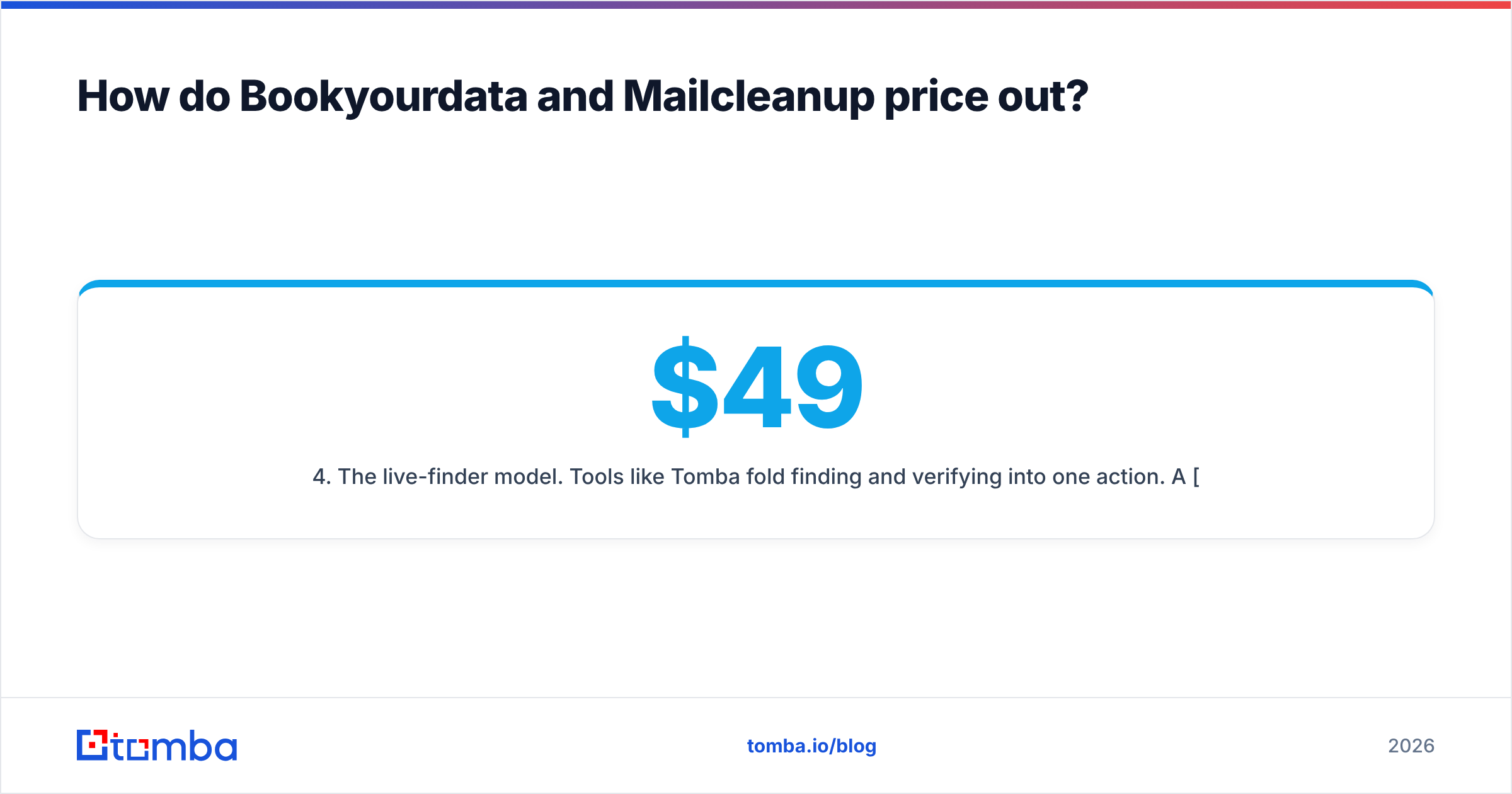
- The live-finder model. Tools like Tomba fold finding and verifying into one action. A free tier covers 25 searches a month, with paid plans starting at $49/mo (Starter), $99/mo (Growth), and $249/mo (Pro) — no separate verification bill, because verification happens at find time.
The takeaway isn't that one is cheapest per row. It's that the buy-and-clean stack has a recurring cost the marketing pages downplay: you pay to acquire, pay to clean, then pay again when both jobs need redoing.
)
When should you use Bookyourdata over Mailcleanup?#
Reach for Bookyourdata when your problem is emptiness. Specific cases where a prepaid list earns its keep:
- Cold-start CRM. Brand-new team, no existing data, and you need enough volume to start testing messaging this week.
- One-off campaigns. A regional event, a webinar push, a single account-based list — projects where credits-that-never-expire beat a monthly subscription you'll cancel.
- ICP exploration. Testing whether a new vertical or title responds before you invest in ongoing data infrastructure.
In all three, pair it with verification before you send. Buying a list and skipping the clean step is how new domains get blacklisted — run the export through an email verifier or a catch-all verifier first, no exceptions.
When should you use Mailcleanup over Bookyourdata?#
Choose Mailcleanup when your problem is rot. The classic triggers:
- Inherited mess. You took over a CRM full of years-old contacts and need to know what's still live before the next send.
- Pre-send hygiene. You're about to email a large segment and want to protect your response rate and inbox placement by stripping invalids and traps.
- Post-purchase cleanup. You bought data anywhere — including Bookyourdata — and want a second, independent verification pass.
What Mailcleanup can't do is grow your list. When cleaning leaves you with fewer usable contacts than you need, you're back to a sourcing problem — which is where the buy-or-find decision returns.
Is there a better alternative to both?#
For cold outbound, yes: find verified contacts live instead of renting a static database and paying to maintain it. This is the gap neither Bookyourdata nor Mailcleanup fills, because neither was built for it.
A live email finder does in one step what the buy-and-clean stack does in three:
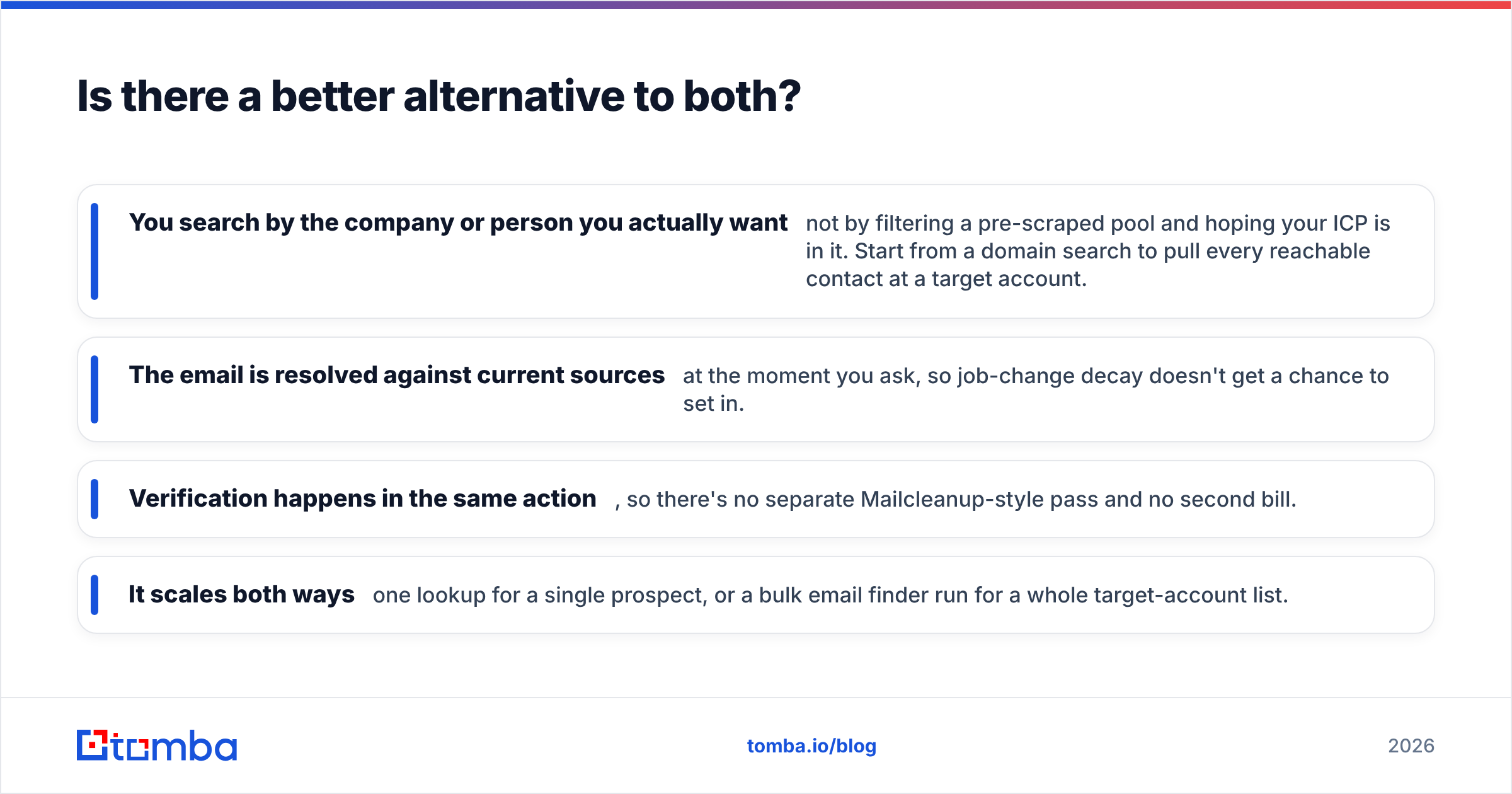
- You search by the company or person you actually want — not by filtering a pre-scraped pool and hoping your ICP is in it. Start from a domain search to pull every reachable contact at a target account.
- The email is resolved against current sources at the moment you ask, so job-change decay doesn't get a chance to set in.
- Verification happens in the same action, so there's no separate Mailcleanup-style pass and no second bill.
- It scales both ways — one lookup for a single prospect, or a bulk email finder run for a whole target-account list.
This is why teams running serious outbound increasingly skip the static-list purchase entirely. The honest framing: Bookyourdata and Mailcleanup are good at their narrow jobs, but those jobs exist because static data is hard to keep accurate. Remove the static snapshot and you remove both problems at once. You can sanity-check any tool's claims against where the data comes from before committing budget.
None of this makes verification obsolete — high-volume senders should still run a hygiene pass, and methodologies from established players like HubSpot reinforce that list hygiene is permanent, not one-and-done. It just moves the heavy lifting upstream, so you're cleaning far less dead weight in the first place.
The bottom line: which should you pick in 2026?#
Conclusion first: if you're choosing only between these two, match the tool to your gap — Bookyourdata when your CRM is empty, Mailcleanup when your list is dirty. Most teams discover they need both, in sequence, which is the tell that the static-data model is costing them twice.
The smarter move for cold outbound in 2026 is to stop buying snapshots. Find each contact live, verified at the moment of outreach, and you skip the decay tax entirely.
That's exactly what the Tomba Email Finder is built for: search by name, company, or domain and get a professional email that's verified the instant it's found — no prepaid pile to maintain, no separate cleaning bill. Start free with 25 searches a month, then scale to a plan from $49/mo when your pipeline does. Fill your pipeline with contacts that are accurate today, not contacts that were accurate whenever the database was last scraped.
// get started
Find, verify and enrich your first contacts today
Start on the free plan with 25 searches a month, then scale when your team is ready.
Free plan · No credit card required · GDPR & CCPA
// about the author