Bookyourdata vs Noparam: B2B Data Tools Compared (2026)
Bookyourdata sells pay-as-you-go contact lists; Noparam pushes real-time email finding. We compare pricing, accuracy, coverage, and verification to show which fits your 2026 outbound stack.
You are choosing between two very different ways to buy B2B contact data, and the wrong pick will quietly drain your sending reputation for months. This is the practical breakdown of Bookyourdata vs Noparam — where each one is strong, where each one bites, and what to use instead when neither fits.
TL;DR#
- Bookyourdata is a pay-as-you-go contact database: you filter a pre-built list, buy credits, and export records. Best for fast list building when you accept some staleness.
- Noparam leans toward real-time email finding and enrichment from live sources, which tends to be fresher but narrower in raw volume.
- Accuracy is the deciding factor. Pre-built databases decay 22–30% per year, so a "verified" list can still bounce hard if it was compiled months ago.
- Pricing models differ sharply: Bookyourdata charges per credit/record; Noparam charges per lookup or subscription. Cost-per-usable contact matters more than headline price.
- If you want fresh, verified emails on demand with transparent pricing, a real-time finder like the Tomba Email Finder usually beats both for cold outbound.
What is Bookyourdata?#
Bookyourdata is a self-service B2B contact database. Think of it like a warehouse of pre-packaged contacts: you walk in, filter by industry, job title, location, and company size, then pay to take a batch of records home. You buy credits, run a search, preview the count, and export name, email, phone, and firmographic fields to CSV or your CRM.
The appeal is speed and volume. In minutes you can pull thousands of contacts in, say, "VP of Marketing at US SaaS companies with 50–200 employees." For teams that need a list today, that immediacy is genuinely useful.
The catch is the same one every static database carries: the data was compiled before you bought it. A contact who was a "VP of Marketing" when the record was created may have changed jobs, and their email alias may be dead. Bookyourdata advertises verification, but verification at compile time is not verification at send time.

What is Noparam?#
Noparam positions itself closer to real-time email finding and lead enrichment. Instead of selling you a pre-built warehouse, it behaves more like a lookup service: you give it a person or a domain, and it returns a likely email plus enrichment fields, sourced and checked closer to the moment of the request.
The everyday analogy: Bookyourdata is buying a bag of pre-picked apples, while Noparam is sending someone to pick a specific apple when you ask. The second approach usually yields fresher fruit, but you generally can't walk away with the whole orchard in one click.
Technically, real-time finders re-derive and re-check candidate emails against live signals (MX records, SMTP responses, pattern confidence) rather than reading a stored value. That freshness advantage is real — but raw coverage and bulk-export ergonomics are often where these tools trail a big static database.
Bookyourdata vs Noparam: how do they compare?#
Here is the head-to-head on the attributes that actually change your results. Treat any vendor's self-reported accuracy with skepticism and validate on your own sample.
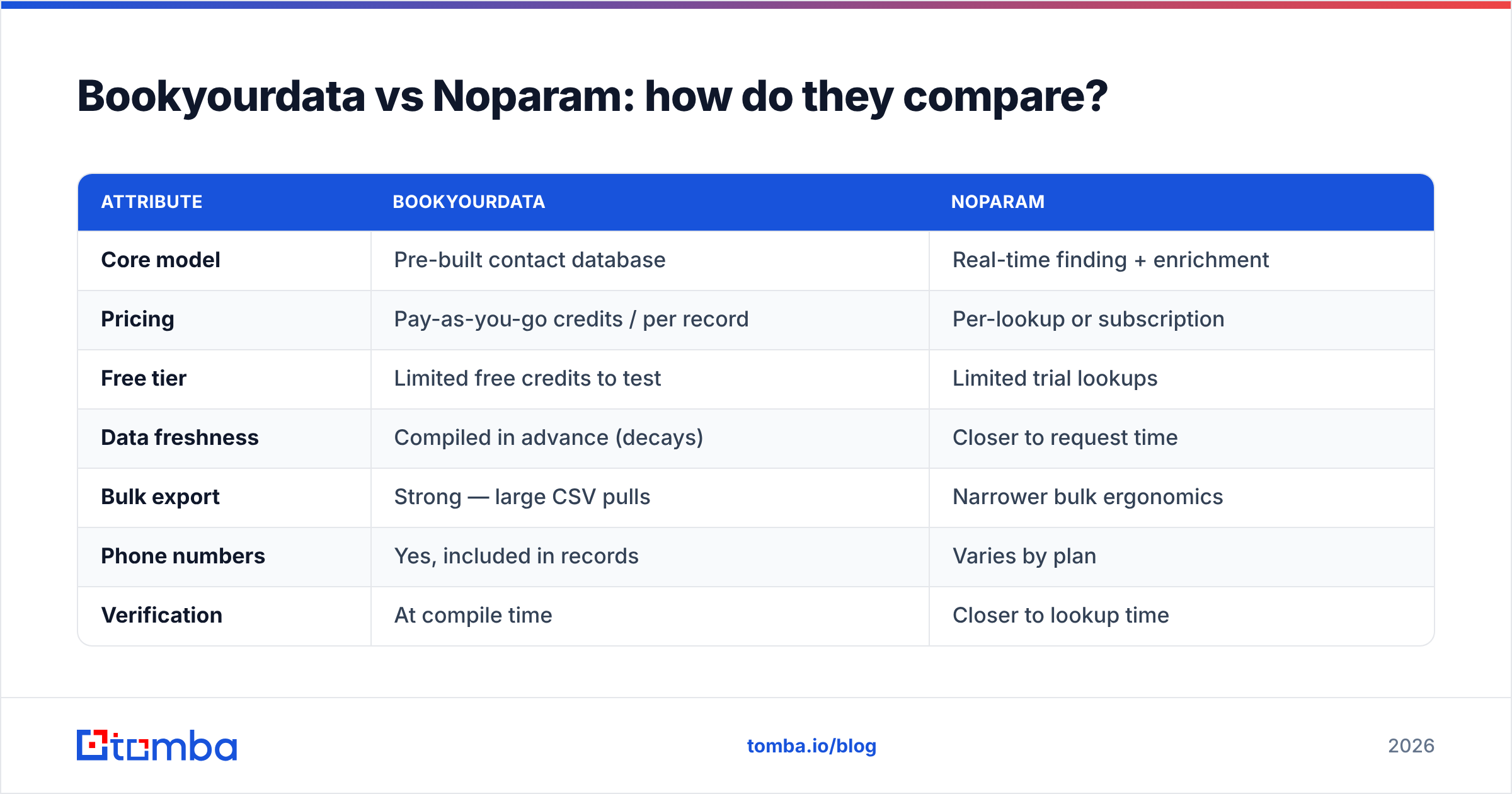
| Attribute | Bookyourdata | Noparam |
|---|---|---|
| Core model | Pre-built contact database | Real-time finding + enrichment |
| Pricing | Pay-as-you-go credits / per record | Per-lookup or subscription |
| Free tier | Limited free credits to test | Limited trial lookups |
| Data freshness | Compiled in advance (decays) | Closer to request time |
| Bulk export | Strong — large CSV pulls | Narrower bulk ergonomics |
| Phone numbers | Yes, included in records | Varies by plan |
| Verification | At compile time | Closer to lookup time |
| Best for | Fast volume list building | Fresh, targeted lookups |
The honest summary: Bookyourdata wins on raw volume and one-click list size; Noparam wins on freshness for targeted, person-level lookups. Neither claim survives without testing on your segment, because accuracy varies wildly by region, seniority, and industry.

Which has better data accuracy?#
Accuracy is the only metric that pays your bills, and it is where pre-built databases struggle most. According to widely cited figures from HubSpot, B2B data decays at roughly 22–30% per year as people change jobs, companies rebrand, and email aliases retire. That means a list "verified" six months ago can already carry double-digit bounce risk.
Here is how to think about accuracy across these two tools:
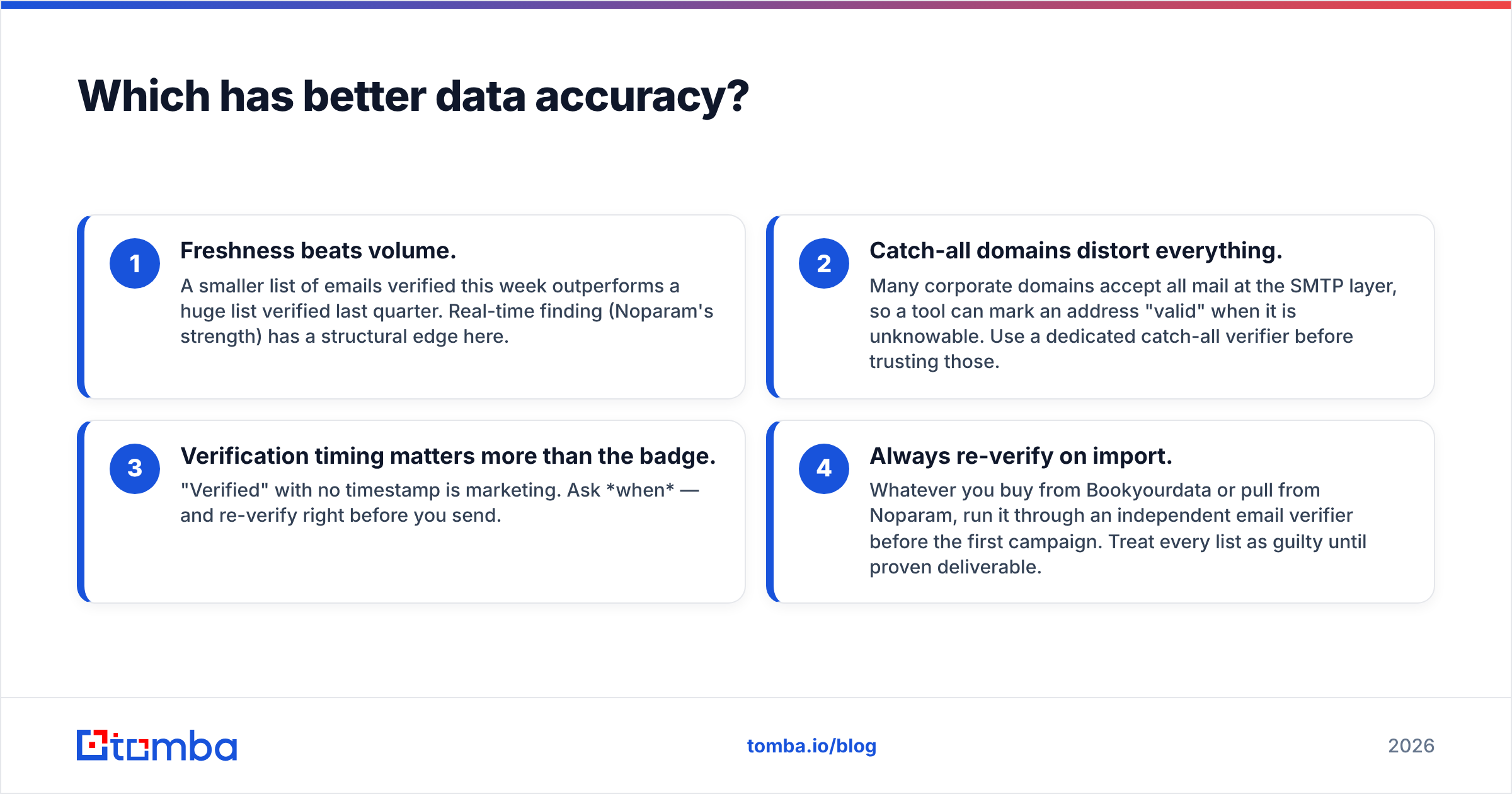
- Freshness beats volume. A smaller list of emails verified this week outperforms a huge list verified last quarter. Real-time finding (Noparam's strength) has a structural edge here.
- Catch-all domains distort everything. Many corporate domains accept all mail at the SMTP layer, so a tool can mark an address "valid" when it is unknowable. Use a dedicated catch-all verifier before trusting those.
- Verification timing matters more than the badge. "Verified" with no timestamp is marketing. Ask when — and re-verify right before you send.
- Always re-verify on import. Whatever you buy from Bookyourdata or pull from Noparam, run it through an independent email verifier before the first campaign. Treat every list as guilty until proven deliverable.
If you skip step 4, your sender reputation absorbs the cost. A 12% bounce rate on a static list can park you in spam folders for legitimate prospects too. For background on how bounces and complaints compound, see Tomba's primer on email deliverability.

Which is better for pricing and value?#
Headline price is the wrong number. What matters is cost per usable, deliverable contact after you discard bounces, role addresses, and stale records.
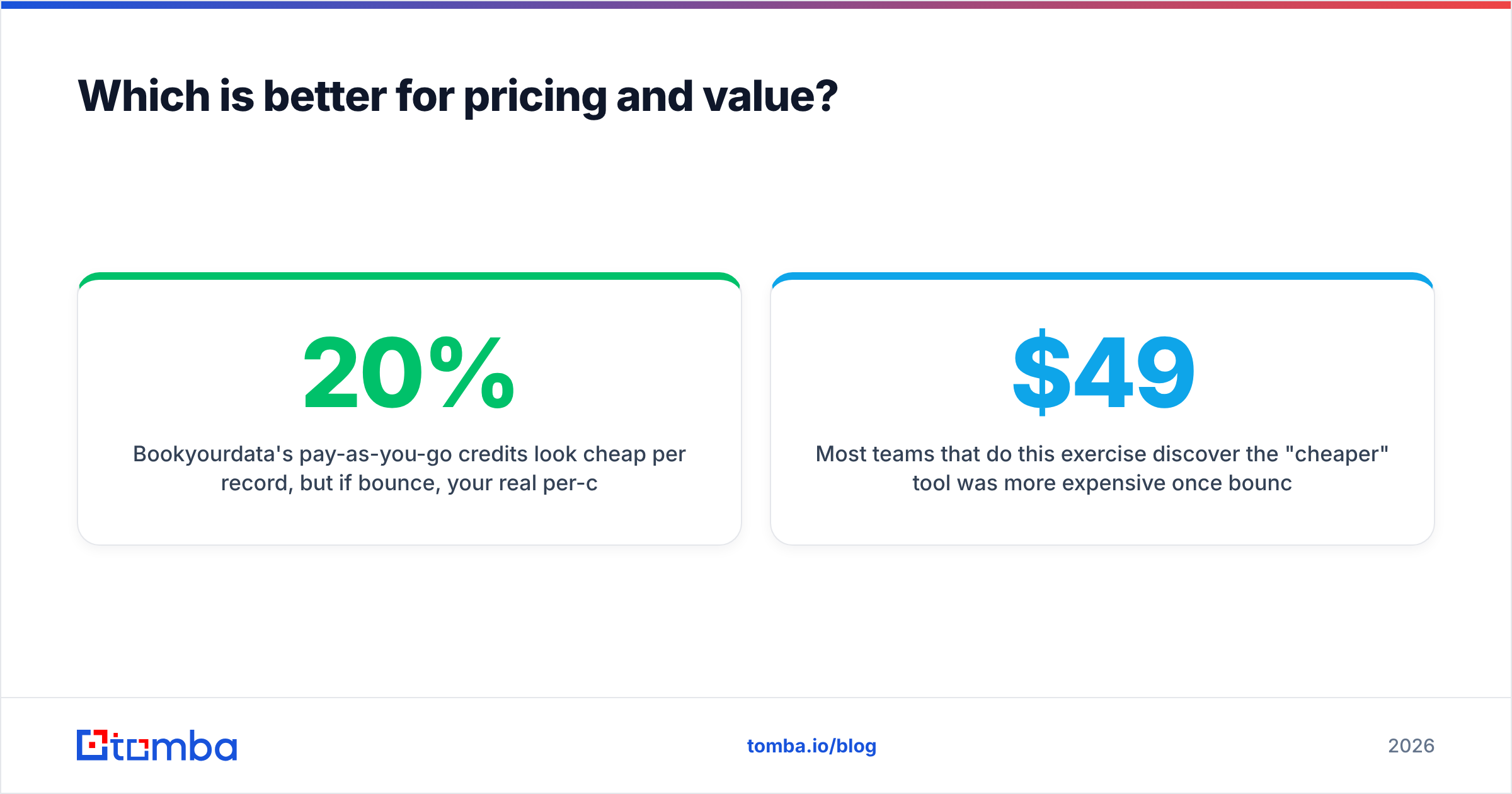
Bookyourdata's pay-as-you-go credits look cheap per record, but if 20% bounce, your real per-contact cost jumps accordingly — and you've also burned reputation. Noparam's per-lookup or subscription model can cost more per request but, when freshness is higher, your effective cost per usable contact may actually be lower.
A simple way to compare any two data tools:
- Run the same 100-contact segment through both.
- Verify both outputs with the same independent verifier.
- Divide total spend by the count that survives verification. That number, not the sticker price, is your real cost.
Most teams that do this exercise discover the "cheaper" tool was more expensive once bounces were priced in. For a transparent, tiered model to benchmark against, compare both vendors with published Tomba pricing: a free tier (25 searches/mo), Starter at $49/mo, Growth at $99/mo, and Pro at $249/mo.

When should you use each tool?#
Match the tool to the job rather than chasing a single "winner."
- Choose Bookyourdata when you need a large list fast, your offer tolerates some bounce, and you'll re-verify before sending. It's a volume play for top-of-funnel experiments.
- Choose Noparam when you're doing targeted, account-based outreach and need the freshest possible email for a specific person, even at a higher per-lookup cost.
- Choose neither when your priority is fresh, verified emails and transparent bulk pricing — that's where a dedicated real-time finder with built-in verification fits best.
There's a third pattern worth naming: many teams use a static database for the firmographic shell (who to target) and a real-time finder for the contact layer (the actual deliverable email). The database tells you the company exists; the finder tells you the email works today.
How does Tomba compare to both?#
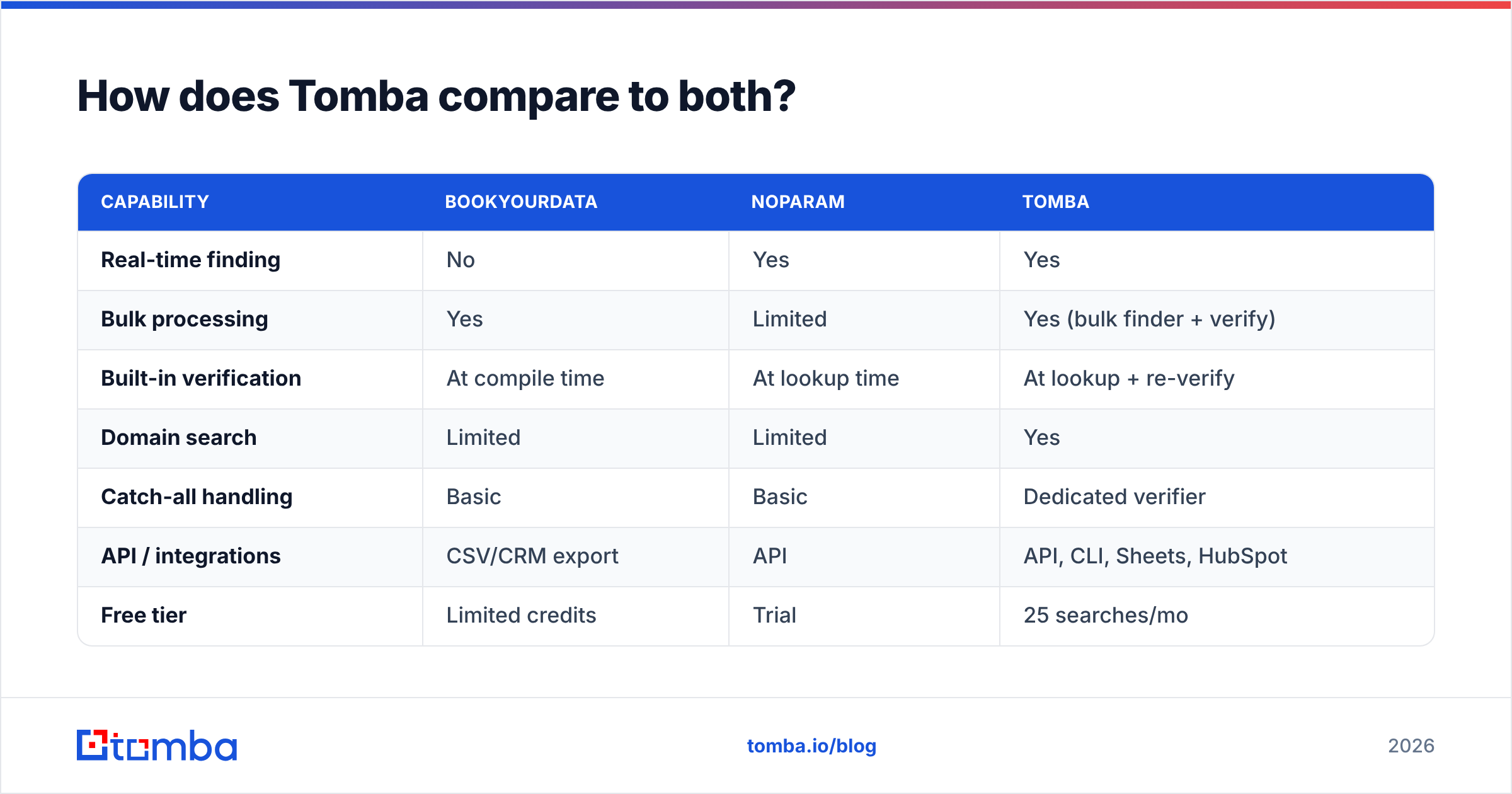
Tomba sits in the real-time-finding camp but pairs it with bulk ergonomics and verification in one workflow — closing the gap that forces teams to choose between Bookyourdata's volume and Noparam's freshness.
| Capability | Bookyourdata | Noparam | Tomba |
|---|---|---|---|
| Real-time finding | No | Yes | Yes |
| Bulk processing | Yes | Limited | Yes (bulk finder + verify) |
| Built-in verification | At compile time | At lookup time | At lookup + re-verify |
| Domain search | Limited | Limited | Yes |
| Catch-all handling | Basic | Basic | Dedicated verifier |
| API / integrations | CSV/CRM export | API | API, CLI, Sheets, HubSpot |
| Free tier | Limited credits | Trial | 25 searches/mo |
With Tomba you can run a domain search to map every public email pattern at a target company, find individual addresses, and verify them in the same pass. The bulk workflow handles list-scale jobs, and the email finder API drops the same data into your own pipeline without manual exports.
For independent reviews of all three categories of tool, G2 and Capterra carry verified user ratings worth scanning before you commit budget.
What should you actually do next?#
Run the test, not the brochure. Pull the same 100-contact segment from each tool, verify all outputs with one neutral verifier, and compare deliverable cost-per-contact. The winner for your market is rarely the one with the loudest accuracy claim.
If your priority is fresh, verified B2B emails with a free tier to test and pricing that scales without surprises, start with the Tomba Email Finder. Find addresses by name, domain, or company, verify them in the same workflow, and push clean contacts straight to your CRM via API or HubSpot integration — so the list you build today is still deliverable when you hit send. Try it free at 25 searches per month before you spend a dollar on credits anywhere else.
// get started
Find, verify and enrich your first contacts today
Start on the free plan with 25 searches a month, then scale when your team is ready.
Free plan · No credit card required · GDPR & CCPA
// about the author