Boomerang for Gmail Pricing, Reviews, Pros and Cons (2026)
A straight look at Boomerang for Gmail pricing, real user reviews, and the honest pros and cons before you pay for another inbox add-on in 2026.
You can run a serious outbound motion on Boomerang for Gmail, but only if you understand exactly what each tier charges for and where the tool quietly stops being useful. This is the no-spin breakdown of Boomerang for Gmail pricing, the reviews that matter, and the pros and cons that decide whether it earns a spot in your stack in 2026.
TL;DR#
- Boomerang for Gmail pricing runs from a free plan (10 message credits/month) up to a Premium tier around $49.99/user/month, with Personal and Pro plans in between.
- The core value is email scheduling, send-later, follow-up reminders, and read tracking inside Gmail — not lead generation or data.
- Reviews on G2 and Capterra are broadly positive (~4.5/5) but flag credit limits, occasional sync glitches, and price creep at the higher tiers.
- It is a productivity layer, not a prospecting engine — Boomerang assumes you already have the right contact and the right email address.
- Pair it with a real email source like the Tomba Email Finder so your scheduled follow-ups actually reach a valid inbox.
What is Boomerang for Gmail?#
Boomerang for Gmail is a browser extension that bolts scheduling and follow-up features onto your existing Gmail account. Think of it like a calendar assistant for your outbox: you write the email now, and Boomerang decides when it leaves and when it nudges you if nobody replies.
The headline features are consistent across most reviews:
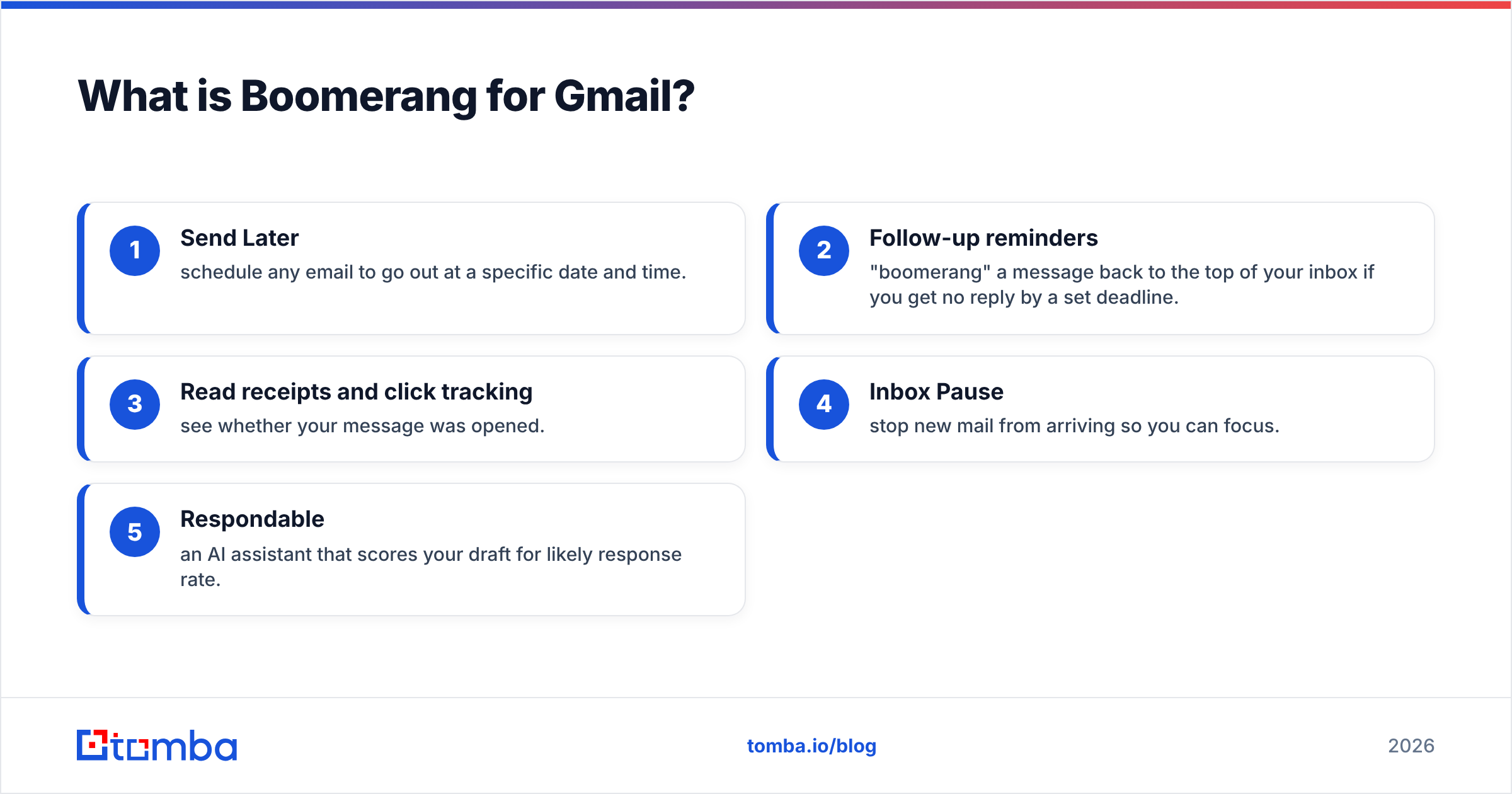
- Send Later — schedule any email to go out at a specific date and time.
- Follow-up reminders — "boomerang" a message back to the top of your inbox if you get no reply by a set deadline.
- Read receipts and click tracking — see whether your message was opened.
- Inbox Pause — stop new mail from arriving so you can focus.
- Respondable — an AI assistant that scores your draft for likely response rate.
None of these create contacts or find email addresses. That distinction matters when you compare it to a sales platform, and it shapes every pro and con below.
)
How much does Boomerang for Gmail cost in 2026?#
Boomerang uses a freemium model with per-user monthly or annual billing. The free plan is genuinely usable for light personal scheduling, but the "credits" (each tracked message or AI action consumes one) run out fast for anyone sending at volume. Annual billing typically shaves 30–40% off the monthly rate.
Here is how the tiers compare on the attributes that actually change your workflow:
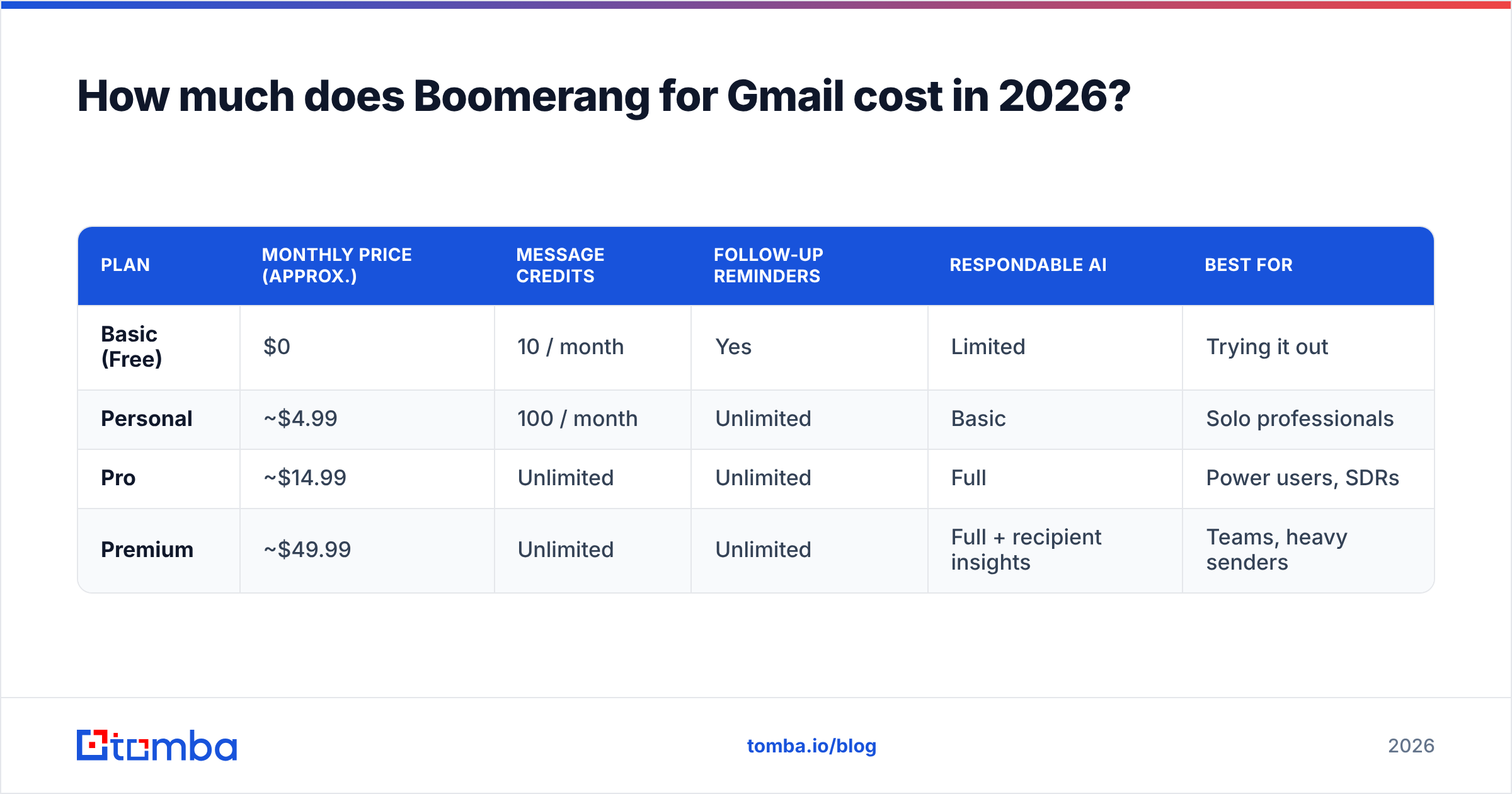
| Plan | Monthly price (approx.) | Message credits | Follow-up reminders | Respondable AI | Best for |
|---|---|---|---|---|---|
| Basic (Free) | $0 | 10 / month | Yes | Limited | Trying it out |
| Personal | ~$4.99 | 100 / month | Unlimited | Basic | Solo professionals |
| Pro | ~$14.99 | Unlimited | Unlimited | Full | Power users, SDRs |
| Premium | ~$49.99 | Unlimited | Unlimited | Full + recipient insights | Teams, heavy senders |
Prices reflect publicly listed rates and can shift with promotions, so confirm current numbers on the official Boomerang site before you buy. The pattern to notice: the jump from Pro to Premium is large, and most of the extra spend buys advanced AI insights rather than core scheduling. For comparison, a dedicated email data tool like Tomba pricing starts at $49/month but solves a completely different problem — finding and verifying the addresses you send to.
Where the credits bite#
The free and Personal tiers meter you by credits. A single message you choose to track, schedule with a return reminder, or run through Respondable burns a credit. Reviewers consistently report hitting the 10-credit free ceiling within a day or two of real use, which is clearly the intended on-ramp to a paid plan.
What do Boomerang for Gmail reviews say?#
Aggregate review scores are solid. On G2, Boomerang holds roughly a 4.4–4.5 rating across hundreds of reviews, and Capterra lands in the same range. The praise and the complaints are remarkably consistent across sources.
What reviewers love:
- Zero learning curve — it lives inside Gmail, so there is no new app to adopt.
- Send Later reliability — scheduling "just works" across time zones.
- Follow-up discipline — the boomerang-back feature stops leads from slipping through the cracks.
What reviewers criticize:
- Credit limits feel stingy on lower tiers, pushing you to upgrade sooner than expected.
- Occasional sync and rendering bugs after Gmail UI updates.
- Premium price is hard to justify if you only use scheduling and reminders.
- Tracking accuracy — read receipts can misfire with image-blocking or privacy settings, a well-known limitation of all pixel-based tracking.
The throughline: people like the product and question the price-to-value ratio at the top tier. That is a healthy signal, not a red flag — but it tells you to buy the tier that matches your actual usage, not the one with the longest feature list.
What are the pros and cons of Boomerang for Gmail?#
Here is the honest balance sheet.
Pros
- Native Gmail integration — nothing to context-switch into.
- Strong follow-up automation — the reminder loop is the single best reason to use it.
- Respondable AI gives useful, real-time feedback on draft quality and length.
- Inbox Pause is a genuinely effective focus tool that few competitors match.
- Free tier lets you validate the workflow before paying.
Cons
- Not a prospecting tool — it does nothing to find, verify, or enrich contacts.
- Credit metering on cheaper plans interrupts heavy senders.
- Read tracking is approximate, like all open tracking.
- Per-user pricing scales painfully for larger teams at the Premium tier.
- Limited deliverability help — it schedules sends but does not protect your sender reputation or clean your list.
That last point is the one that trips up sales teams. Boomerang assumes the email address in the "To" field is correct. If it is not, you have just scheduled a perfectly timed bounce.
)
Is Boomerang for Gmail worth it for sales teams?#
For a solo seller or founder doing low-volume, high-touch outreach, Boomerang at the Pro tier is genuinely worth it. The follow-up reminders alone can lift reply rates by keeping you disciplined, and disciplined follow-up is one of the cheapest ways to improve your response rate.
For a scaling outbound team, Boomerang is a complement, not a foundation. It schedules and tracks, but it sits downstream of the two things that actually determine whether outbound works: having the right contacts and reaching valid inboxes. A scheduled message to a guessed, unverified address is wasted effort no matter how clever the send time.
That is the gap you fill before Boomerang ever enters the picture. You build a clean, verified list with an email finder and an email verifier, then let Boomerang handle the timing and the nudges. The tools do not compete — they sit in sequence.
Where Boomerang fits in the stack#
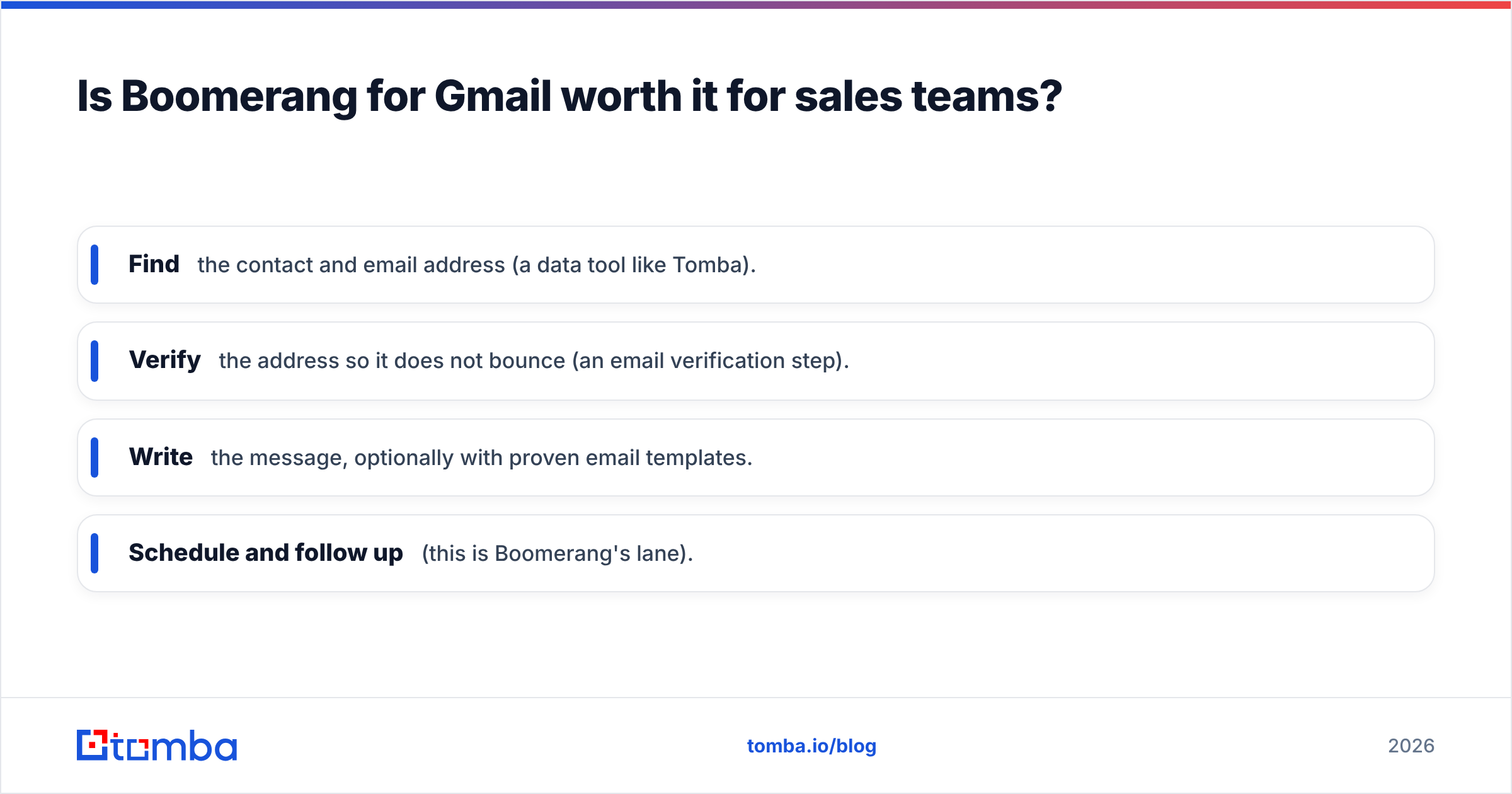
Think of your outbound flow as a relay race:
- Find the contact and email address (a data tool like Tomba).
- Verify the address so it does not bounce (an email verification step).
- Write the message, optionally with proven email templates.
- Schedule and follow up (this is Boomerang's lane).
Boomerang runs the final leg well. It just cannot run the first two.
How does Boomerang compare to dedicated sales tools?#
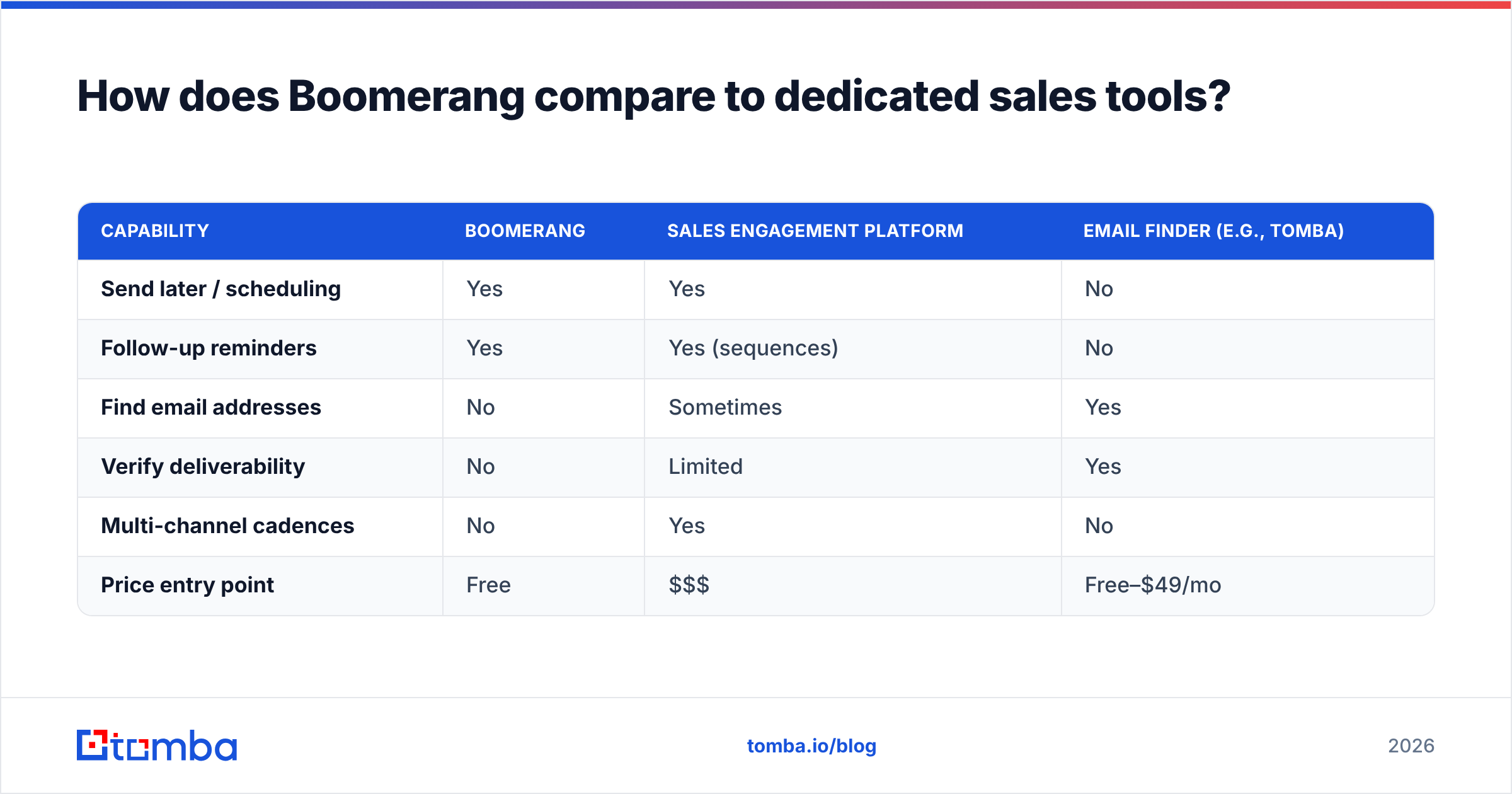
Boomerang competes with other Gmail add-ons (like Mailtrack or Streak) on tracking and scheduling, and brushes up against full sales-engagement platforms on follow-up automation. But it is not in the same category as a sales-engagement suite such as those reviewed by HubSpot for cadence-based outreach, nor is it a data provider.
A quick way to see the boundary:
| Capability | Boomerang | Sales engagement platform | Email finder (e.g., Tomba) |
|---|---|---|---|
| Send later / scheduling | Yes | Yes | No |
| Follow-up reminders | Yes | Yes (sequences) | No |
| Find email addresses | No | Sometimes | Yes |
| Verify deliverability | No | Limited | Yes |
| Multi-channel cadences | No | Yes | No |
| Price entry point | Free | $$$ | Free–$49/mo |
If your problem is "I forget to follow up," Boomerang solves it cheaply. If your problem is "I don't have enough verified contacts to follow up with," Boomerang cannot help — and that is where a tool like the bulk email finder earns its keep by building the list Boomerang then works through. Teams evaluating broader automation often also look at a Saleshandy alternative when they outgrow single-feature add-ons.
How do you get the most value from Boomerang for Gmail?#
A few practical moves keep your spend honest:
- Start on the free tier and track how many credits you actually consume in a week before upgrading.
- Pick Pro over Premium unless you specifically need recipient insights — most teams never touch them.
- Use annual billing if you are confident, since it cuts the effective monthly cost meaningfully.
- Pair it with verified data. Schedule sends only to addresses that passed verification, so your perfectly timed follow-up does not bounce.
- Lean on Respondable for shorter, clearer drafts — it is one of the most underrated features in the suite.
The single biggest lever is the last data point: clean inputs. Boomerang's reminders are only as valuable as the deliverability of the messages they resurface.
The bottom line#
Boomerang for Gmail is a well-built, fairly priced productivity layer with one job — timing and follow-up — that it does better than most. The pricing is reasonable up to Pro and steep at Premium, the reviews are strong with predictable gripes about credits, and the pros clearly outweigh the cons for anyone who lives in Gmail. Just remember what it is not: it is not a source of contacts, and it will happily schedule a flawless email to a dead address.
Fix that upstream first. Use the Tomba Email Finder to pull accurate, verified professional emails by name, domain, or company, then let Boomerang schedule and chase them. Start free with 25 searches a month, build a list that actually lands, and turn your follow-up discipline into replies instead of bounces.
// get started
Find, verify and enrich your first contacts today
Start on the free plan with 25 searches a month, then scale when your team is ready.
Free plan · No credit card required · GDPR & CCPA
// about the author