Bounceban vs Finalscout: Which Email Tool Wins in 2026?
Bounceban verifies catch-all emails, Finalscout pulls contacts from LinkedIn. We compare accuracy, pricing, and use cases to show which one actually fits your 2026 outbound stack.
You are comparing two tools that do not actually do the same job. That is the first thing to fix before you spend a dollar on either one. Bounceban is built to verify deliverability — especially the tricky catch-all addresses most verifiers guess on. Finalscout is built to extract email addresses from LinkedIn profiles using an AI-assisted Chrome extension. One cleans your list; the other builds it. Picking between them without knowing that distinction is how teams end up paying for two tools and still missing the workflow they need.
This breakdown puts both side by side on accuracy, pricing, coverage, and real use cases — and shows where a single platform like Tomba covers the same ground without the gaps.
TL;DR — Bounceban vs Finalscout at a glance#
- Bounceban = verification. Its edge is real-time catch-all and SMTP verification, where most tools return "unknown." If your problem is bounce rate, this is the relevant category.
- Finalscout = LinkedIn email finding. It scrapes profiles and uses pattern logic to surface emails, with AI email-writing bolted on. If your problem is sourcing contacts from LinkedIn, this is the relevant category.
- They solve different problems, so "which is better" depends entirely on whether you need to find or clean emails.
- Neither does both well. You either pair them or use a platform that finds, verifies, and enriches in one place.
- Tomba combines an email finder, an email verifier, and a catch-all verifier under one plan starting at $49/mo — covering both jobs without stitching two subscriptions together.
What is Bounceban and what does it actually do?#
Bounceban is an email verification service whose headline feature is verifying catch-all (accept-all) domains in real time. A catch-all server accepts every address at a domain, so standard SMTP checks can't tell a real inbox from a typo. Most verifiers shrug and mark these "unknown" — and unknowns are where bounces hide. Bounceban tries to resolve them with inbox-level testing rather than a simple ping.
Its core jobs:
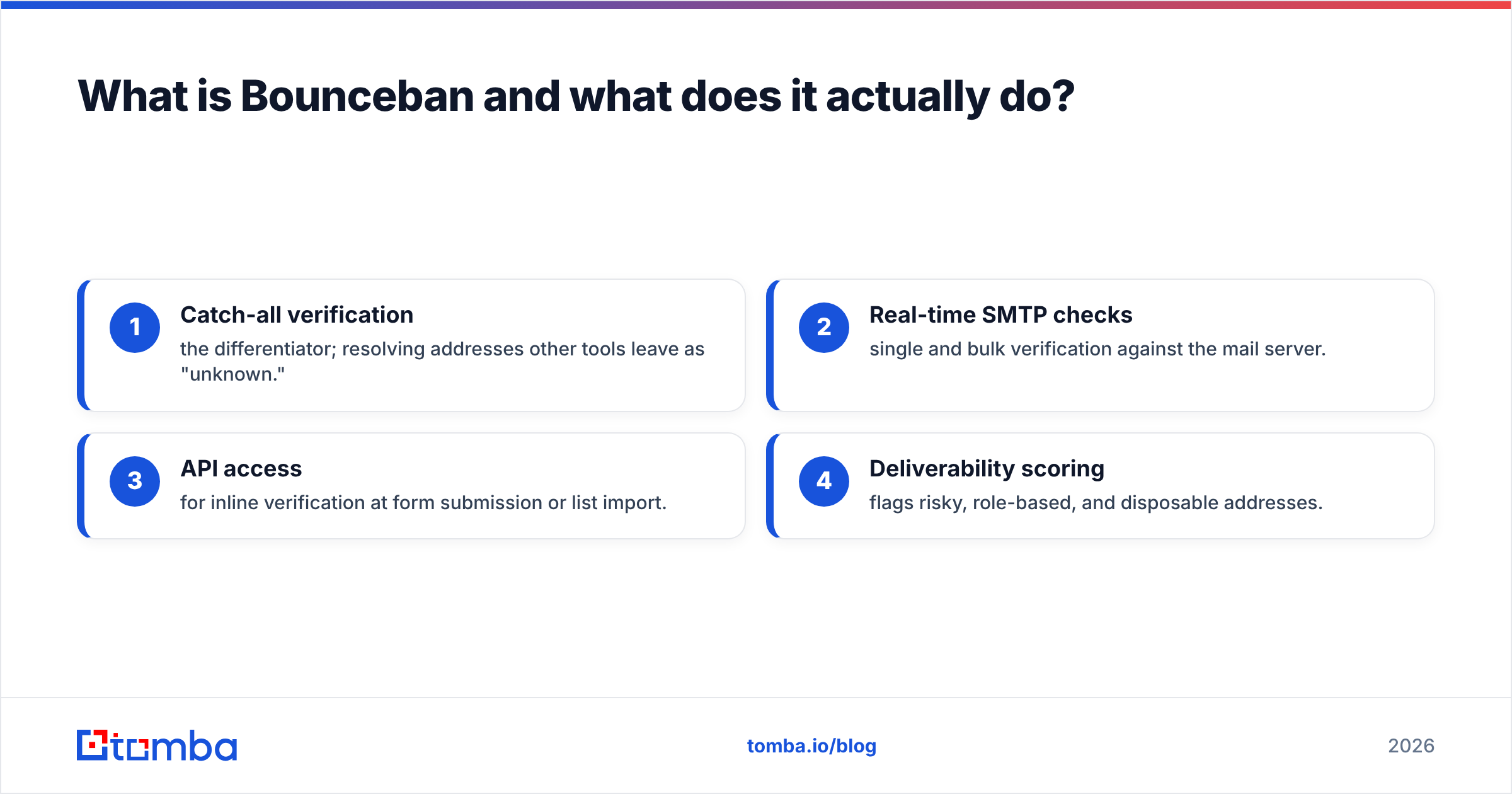
- Catch-all verification — the differentiator; resolving addresses other tools leave as "unknown."
- Real-time SMTP checks — single and bulk verification against the mail server.
- API access — for inline verification at form submission or list import.
- Deliverability scoring — flags risky, role-based, and disposable addresses.
What Bounceban is not: a prospecting tool. It does not source new contacts. You bring the list; it tells you which addresses are safe to send to. If you care about how this affects inbox placement, the mechanics are covered well in this primer on email deliverability.

What is Finalscout and who is it for?#
Finalscout is a LinkedIn-first email finder. You install its Chrome extension, browse profiles or search results, and it returns business email addresses with a claimed validity guarantee. Layered on top is "AI email writing" that drafts outreach based on the profile you're viewing.
Its core jobs:
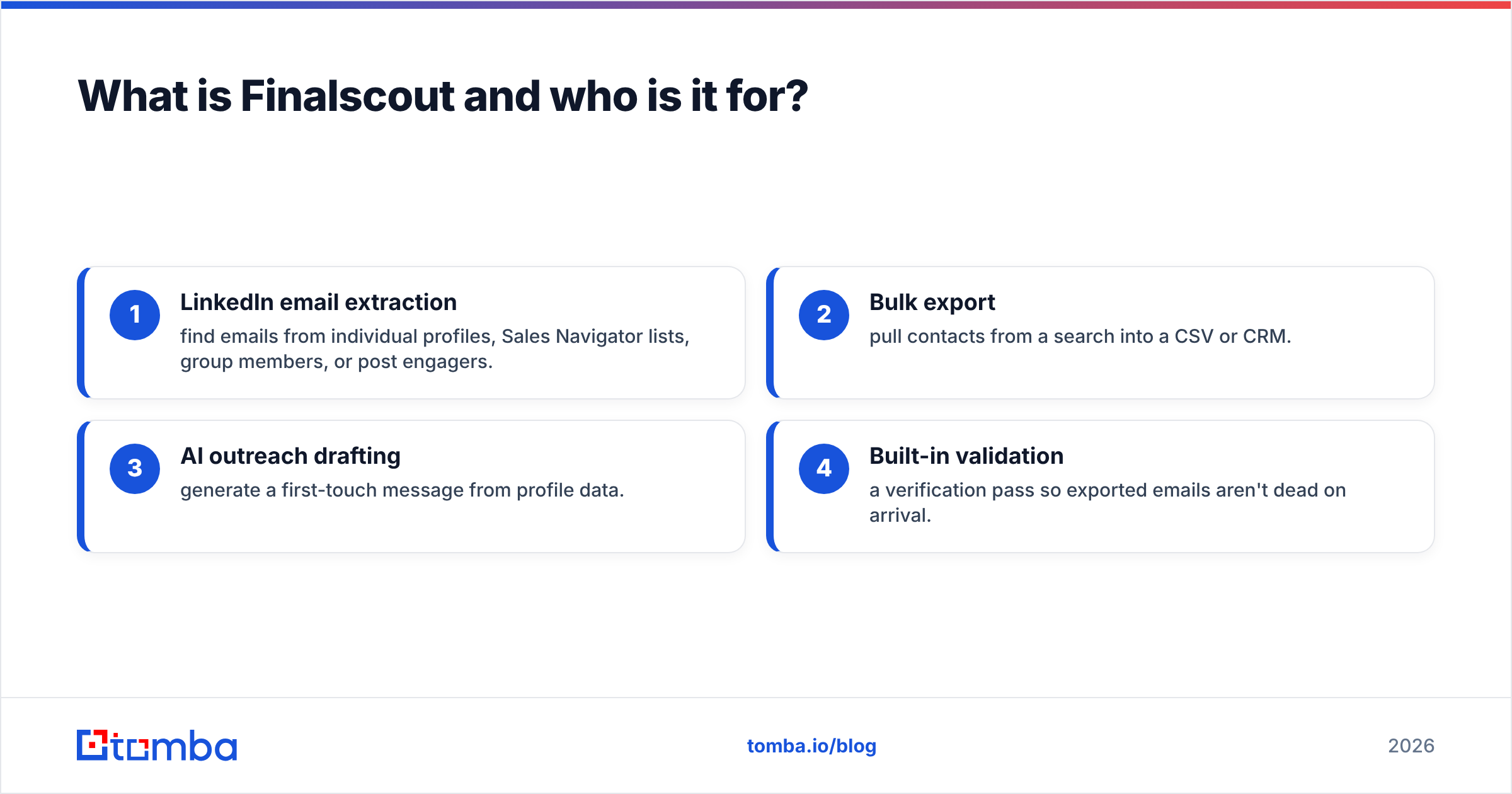
- LinkedIn email extraction — find emails from individual profiles, Sales Navigator lists, group members, or post engagers.
- Bulk export — pull contacts from a search into a CSV or CRM.
- AI outreach drafting — generate a first-touch message from profile data.
- Built-in validation — a verification pass so exported emails aren't dead on arrival.
Finalscout's strength is the LinkedIn surface area. If your entire motion is "I live in Sales Navigator and need the email behind each profile," it speaks your language. Its weakness is everything off LinkedIn: it isn't a general domain-search engine, and its verification is a feature, not the product. For LinkedIn-specific workflows, compare it against a dedicated LinkedIn finder before committing.
Bounceban vs Finalscout: the head-to-head comparison#
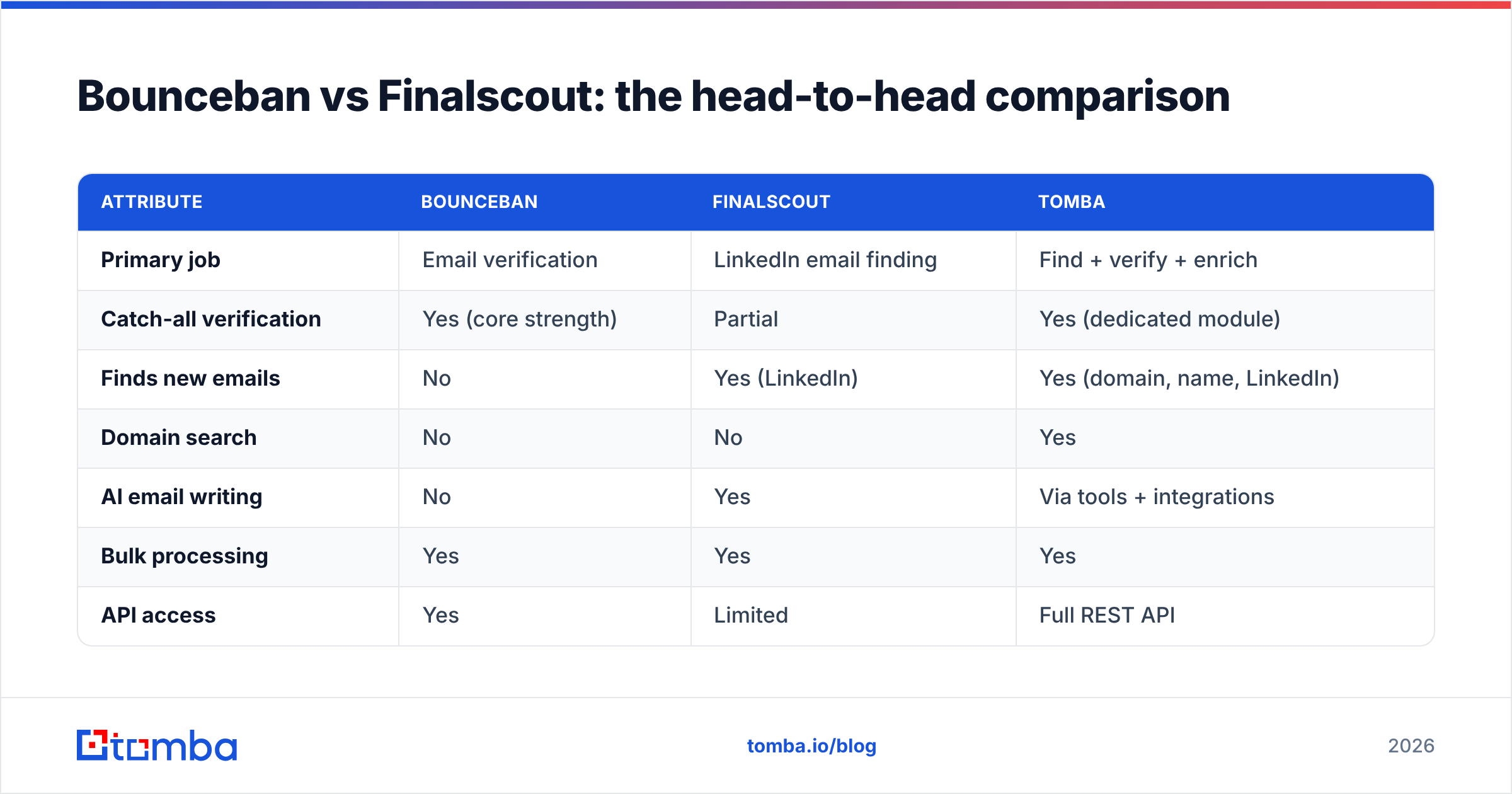
Here is the part most "vs" posts get wrong — they pretend these tools compete feature-for-feature. They mostly don't. The table below is honest about where each one leads and where it has no entry at all.
| Attribute | Bounceban | Finalscout | Tomba |
|---|---|---|---|
| Primary job | Email verification | LinkedIn email finding | Find + verify + enrich |
| Catch-all verification | Yes (core strength) | Partial | Yes (dedicated module) |
| Finds new emails | No | Yes (LinkedIn) | Yes (domain, name, LinkedIn) |
| Domain search | No | No | Yes |
| AI email writing | No | Yes | Via tools + integrations |
| Bulk processing | Yes | Yes | Yes |
| API access | Yes | Limited | Full REST API |
| Free tier | Limited trial | ~Limited credits | 25 searches/mo |
| Entry paid price | Usage-based | ~$35/mo range | $49/mo |
| Best for | Cleaning existing lists | LinkedIn prospecting | End-to-end pipeline |
The takeaway: Bounceban wins verification, Finalscout wins LinkedIn sourcing, and neither covers the full find-to-clean loop. That is the gap a combined platform fills.
Is Bounceban more accurate than Finalscout?#
They aren't measured on the same axis, so "more accurate" needs unpacking.
Bounceban's accuracy is verification accuracy — how reliably it labels an address valid, invalid, or catch-all. On catch-all domains specifically, it outperforms generic verifiers that punt to "unknown." That is its whole reason to exist, and on that narrow task it's strong.
Finalscout's accuracy is discovery accuracy — what share of the profiles you target return a correct, reachable email. That number depends heavily on LinkedIn data freshness and the person's email pattern being inferable. Its built-in validation reduces obvious junk, but a finder's validation pass is rarely as rigorous as a dedicated verifier's.
The practical rule: a finder's "verified" flag and a verifier's verdict are not equivalent. If deliverability is mission-critical, you re-run found emails through a real verifier regardless of which finder produced them. This is exactly why bolting verification onto finding — or vice versa — leaves a seam. Tomba closes it by running discovery and a dedicated catch-all verifier inside the same flow, so the verdict that ships is the verdict that was validated.
How do Bounceban and Finalscout pricing compare?#
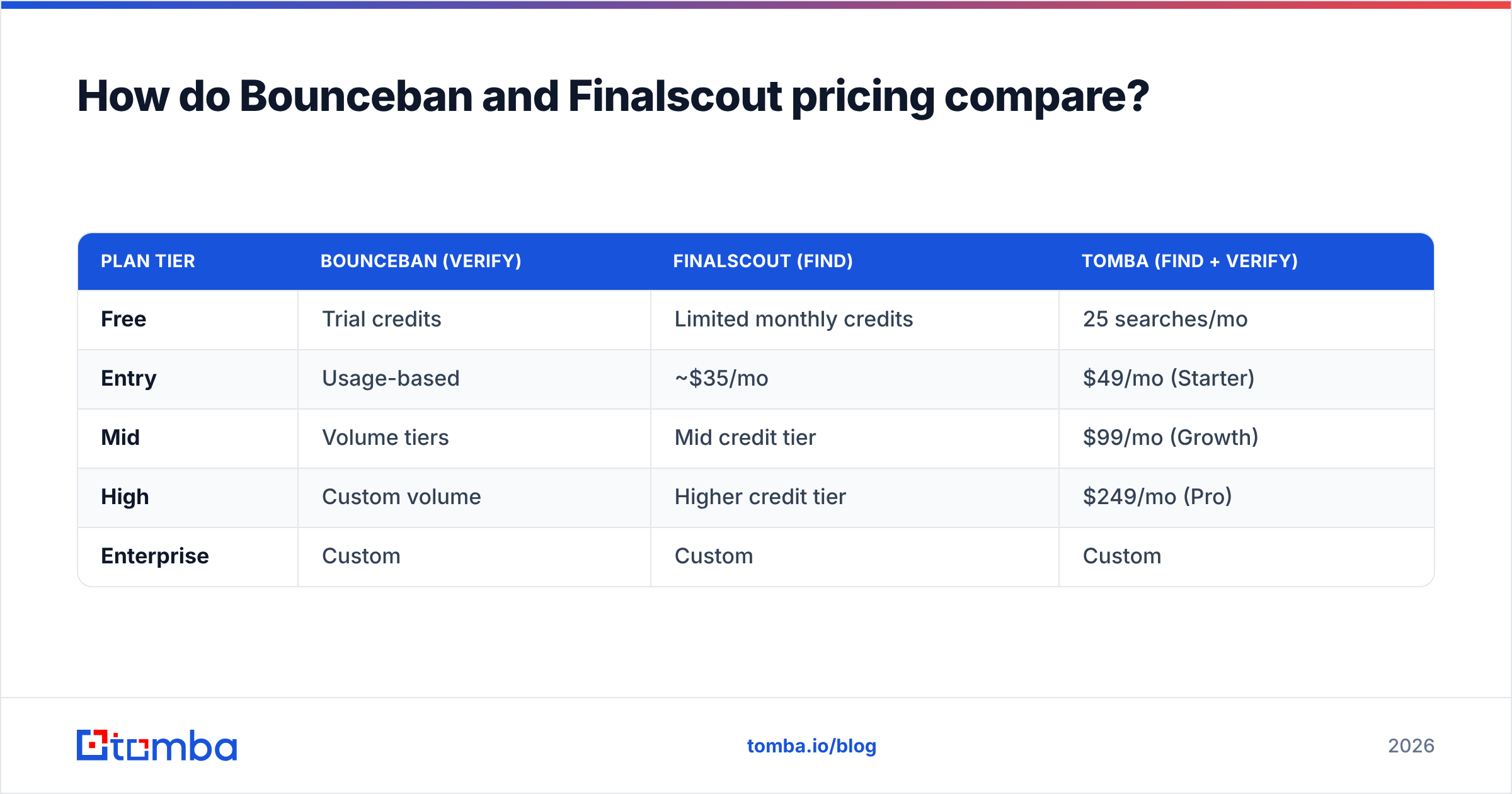
Pricing models differ as much as the products. Bounceban leans usage-based (you pay per verification volume), which suits teams with spiky, list-cleaning needs. Finalscout uses tiered monthly credits aimed at steady LinkedIn prospecting. Neither publishes enterprise numbers openly, so confirm current rates on their own sites before budgeting — always check the official Finalscout pricing and Bounceban's page directly rather than trusting a third-party table.
| Plan tier | Bounceban (verify) | Finalscout (find) | Tomba (find + verify) |
|---|---|---|---|
| Free | Trial credits | Limited monthly credits | 25 searches/mo |
| Entry | Usage-based | ~$35/mo | $49/mo (Starter) |
| Mid | Volume tiers | Mid credit tier | $99/mo (Growth) |
| High | Custom volume | Higher credit tier | $249/mo (Pro) |
| Enterprise | Custom | Custom | Custom |
If you'd need both a finder and a verifier, the honest math is: two subscriptions versus one. A single $49 plan that does discovery and verification often undercuts a finder-plus-verifier pairing once you account for overlapping seats. See the full Tomba pricing breakdown to run your own numbers.
When should you choose Bounceban?#
Choose Bounceban when your list already exists and your problem is bounces. Specific signals:
- High catch-all exposure. You sell into enterprises and agencies whose domains accept everything, and your current verifier returns a wall of "unknown."
- Compliance or sender-reputation pressure. A 2% bounce rate is throttling your domain and you need to scrub before the next send.
- You source emails elsewhere. You already have a finder or a data partner and only need the cleaning layer.
Bounceban is a sharp instrument for one job. If that job is your bottleneck, it earns its place. If you also need to build the list, you're back to pairing it with something else.
When should you choose Finalscout?#
Choose Finalscout when LinkedIn is your prospecting engine. Specific signals:
- Sales Navigator is home base. Your reps work lists and saved searches all day and need the email behind each profile.
- You want drafting in the same window. The AI email feature shortens the path from "found a lead" to "sent a first touch."
- Your targeting is people-led, not domain-led. You think in personas and titles, not "every contact at acme.com."
Where Finalscout struggles is anything outside LinkedIn — bulk domain sweeps, finding emails by domain, or rigorous verification at scale. For those, you'll want a broader engine.
Is there a better alternative to both?#
For most teams, the better question is "why am I buying a finder and a verifier separately?" A platform that does both removes the seam where data quality usually leaks.
Tomba is built for that combined motion:
- Find — by domain search, name, company, or LinkedIn, so you're not locked to a single sourcing surface like Finalscout is.
- Verify — a dedicated email verifier plus a catch-all module that targets the same hard cases Bounceban specializes in.
- Enrich — data enrichment adds firmographics and phone data so a found email becomes a usable record.
- Scale — a full email finder API, bulk processing, and a Chrome extension covering both the inline and batch workflows.
The point isn't that Tomba beats Bounceban at its one trick or Finalscout at its one trick on every edge case. It's that running one platform for find-and-verify removes a whole class of "the finder said valid but it bounced" failures — and costs less than two specialist subscriptions. For a sense of where the data comes from, Tomba documents its data sources openly, which matters when you're judging accuracy claims.

How do you decide in five minutes?#
Run this quick decision path:
- Is your problem bounces on an existing list? → Bounceban is the focused fit.
- Is your problem sourcing emails from LinkedIn specifically? → Finalscout fits that lane.
- Do you need both find and verify? → A single platform beats two tools on cost and data integrity.
- Do you sell beyond LinkedIn — by domain, role, or company? → You need domain search, which neither specialist offers.
- Do you want one API and one bill? → That settles it.
Most B2B teams answer yes to 3 and 4, which is why the "vs" framing collapses: the real choice is specialist-pair versus all-in-one. Independent reviews on G2 and Capterra are useful here — read them for the workflow complaints, not the star ratings, because the complaints reveal where each tool's single-purpose design pinches.
The bottom line#
Bounceban and Finalscout are both good at one thing and silent on the other. Bounceban verifies — especially catch-alls — and doesn't find. Finalscout finds from LinkedIn — and doesn't truly verify at a specialist level. If your motion needs only one of those jobs, buy the specialist. If it needs both, stop stacking subscriptions.
Start free with the Tomba Email Finder — 25 searches a month, no card — and run a real list through find-then-verify in one pass. If it covers both jobs you were about to buy two tools for, you've answered the bigger question. When you're ready to scale, Tomba's plans start at $49/mo and include the verification and enrichment layers built in.
// get started
Find, verify and enrich your first contacts today
Start on the free plan with 25 searches a month, then scale when your team is ready.
Free plan · No credit card required · GDPR & CCPA
// about the author