Bounceremove vs Tomba (2026): Email Verification Compared
Bounceremove cleans lists; Tomba finds and verifies them. See how the two stack up on accuracy, pricing, and features so you pick the right tool in 2026.
Bounceremove vs Tomba: Which Email Tool Should You Use in 2026?
Choosing between Bounceremove and Tomba comes down to one question: do you already have a list, or do you need to build one? Bounceremove is a focused email-verification cleaner. Tomba is a full prospecting stack that finds the addresses first, then verifies them. This guide breaks down where each one wins so you stop overpaying for half a workflow.
TL;DR#
- Bounceremove is a list-cleaning tool. You upload contacts you already have, and it scrubs invalid, risky, and catch-all addresses before you send.
- Tomba is an end-to-end platform: it finds email addresses by name or domain, then verifies them, enriches them, and pulls phone numbers — verification is one feature, not the whole product.
- If your only problem is "my bounce rate is too high on an existing list," a single-purpose verifier is enough.
- If you need to source new contacts and keep deliverability clean, Tomba replaces two or three separate tools in one subscription.
- Pricing: Tomba starts free (25 searches/mo) and scales to a Starter plan at $49/mo; standalone verifiers usually charge per credit on top of whatever finder you already pay for.

What is Bounceremove?#
Bounceremove is an email-verification service. Its job is narrow and well-defined: take a list of email addresses you already collected — from a CRM export, a signup form, a purchased list, or a webinar — and tell you which ones are safe to mail.
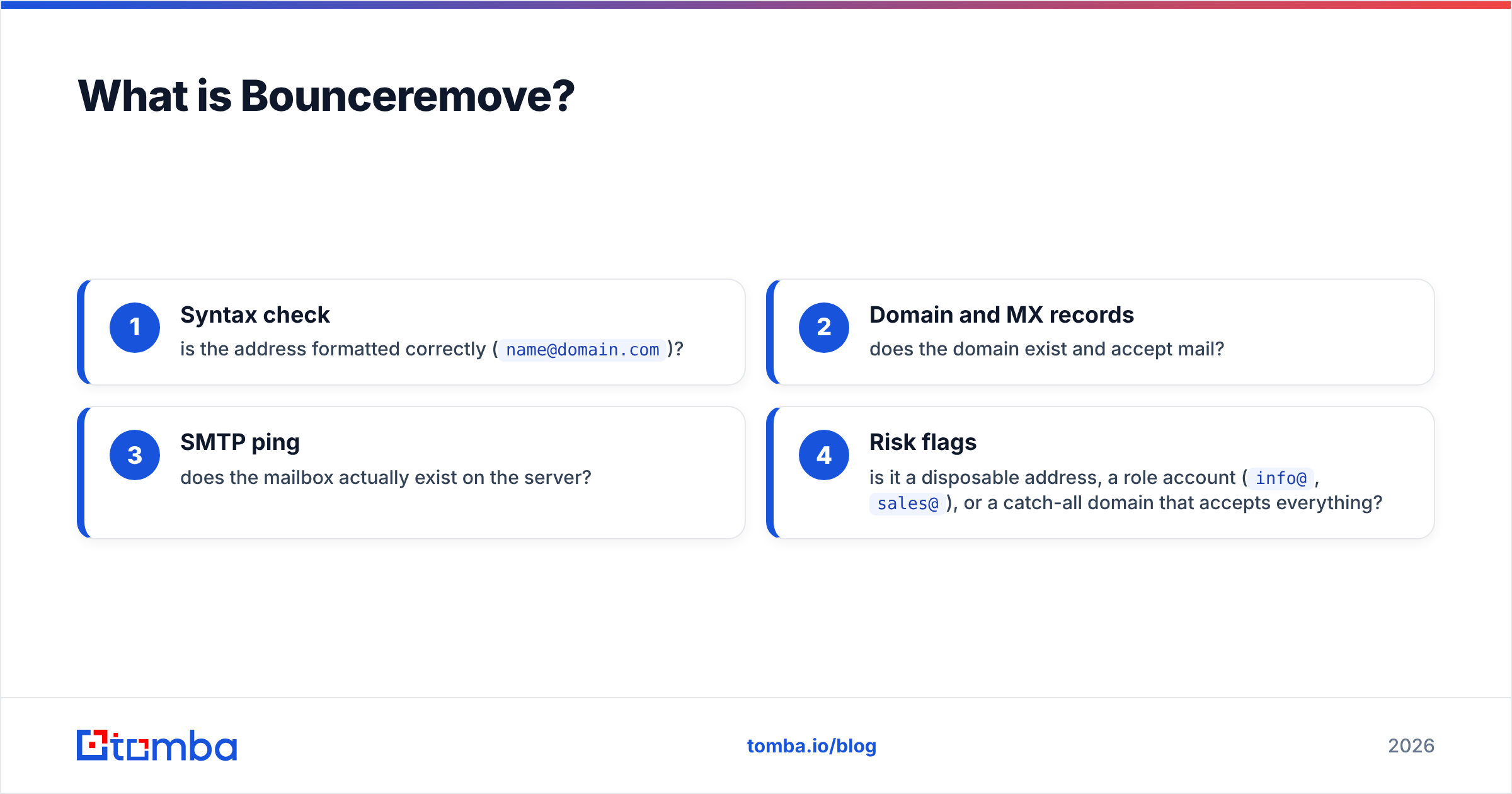
A good verifier runs several checks on each address:
- Syntax check — is the address formatted correctly (
name@domain.com)? - Domain and MX records — does the domain exist and accept mail?
- SMTP ping — does the mailbox actually exist on the server?
- Risk flags — is it a disposable address, a role account (
info@,sales@), or a catch-all domain that accepts everything?
The output is a cleaned list sorted into valid, invalid, and risky buckets. That's the entire value proposition, and for teams that only need cleaning, it works. The limitation is also obvious: Bounceremove does nothing to help you find the addresses in the first place. If your list is empty, a verifier has nothing to do.
What is Tomba?#
Tomba is a B2B email-finder and lead-enrichment platform. Verification is included, but it sits alongside a much larger toolkit built for the full prospecting motion — from "I have a company name" to "I have a verified, mailable contact."
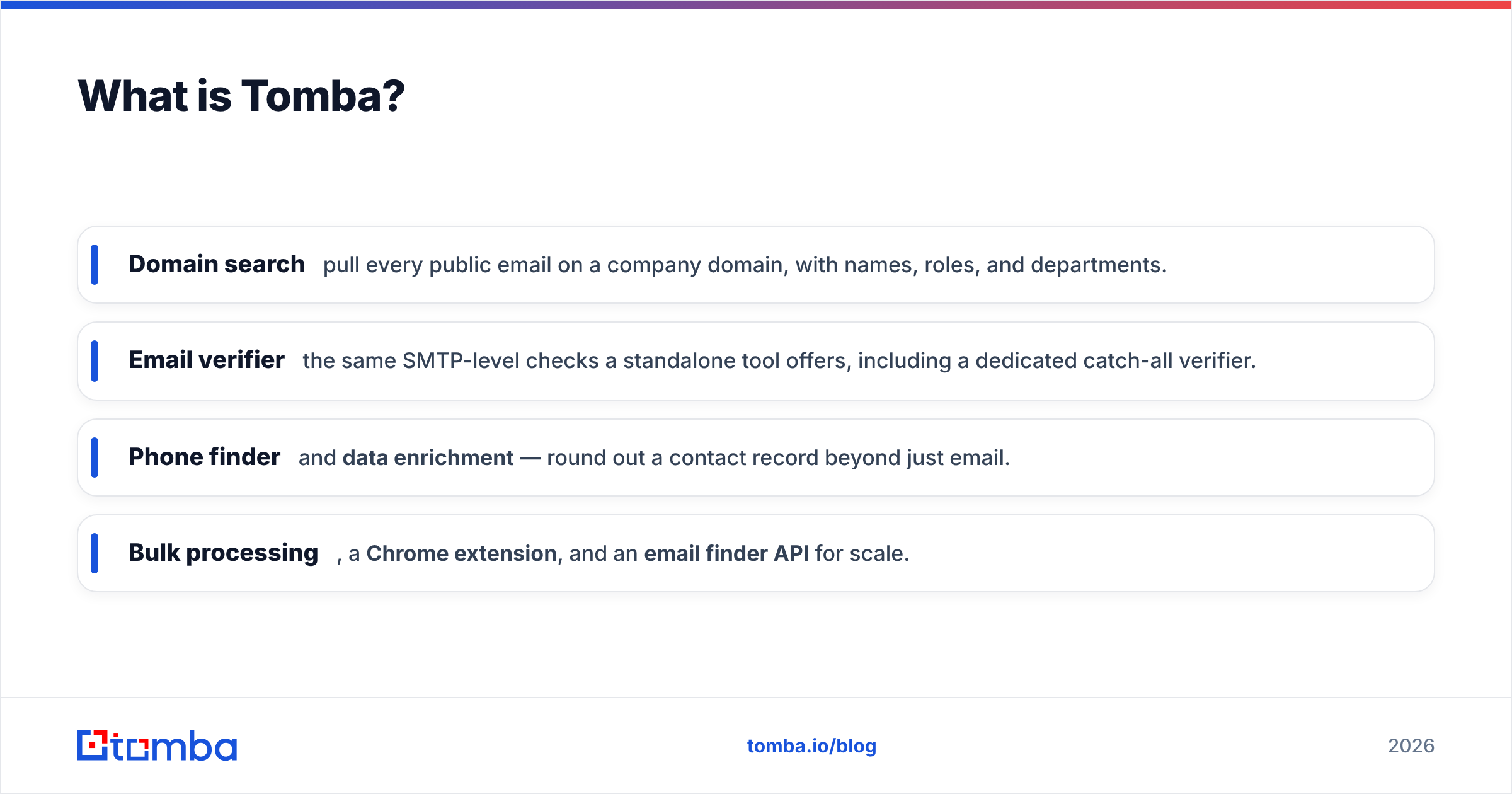
The core engine is the email finder, which takes a person's name and a company domain and returns their professional email with a confidence score and the public sources it was found in. Around that core, Tomba bundles:
- Domain search — pull every public email on a company domain, with names, roles, and departments.
- Email verifier — the same SMTP-level checks a standalone tool offers, including a dedicated catch-all verifier.
- Phone finder and data enrichment — round out a contact record beyond just email.
- Bulk processing, a Chrome extension, and an email finder API for scale.
In other words, Bounceremove is one stage of the pipeline. Tomba is the pipeline.
Bounceremove vs Tomba: How do they compare?#
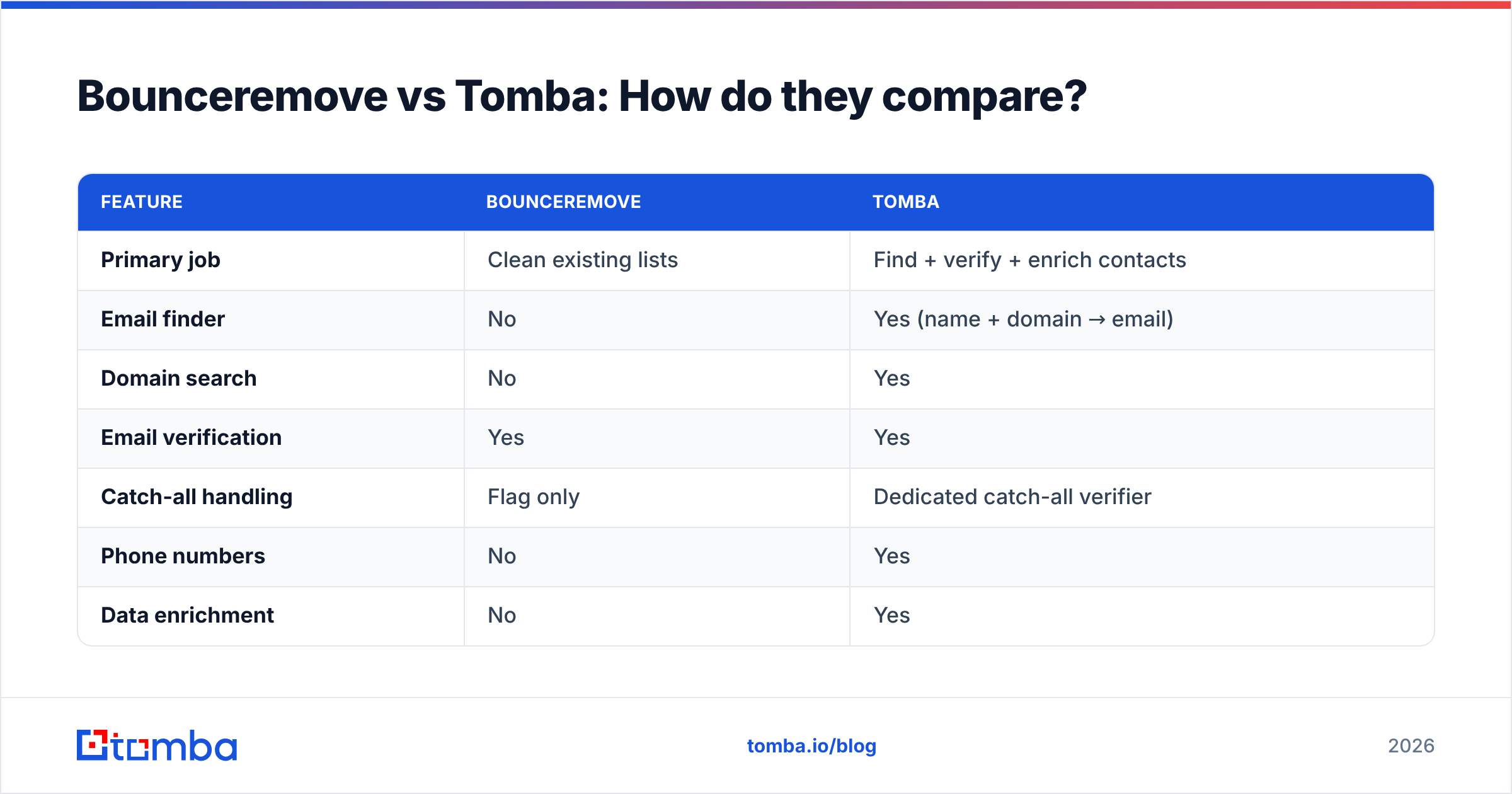
Here is the head-to-head on the attributes that actually change your buying decision.

Accuracy is where the two tools diverge most, because they measure different things. A verifier's accuracy is "did it correctly flag a dead address?" A finder's accuracy is "is the address it discovered actually real?" Tomba is judged on both, since it produces the data and checks it.
| Feature | Bounceremove | Tomba |
|---|---|---|
| Primary job | Clean existing lists | Find + verify + enrich contacts |
| Email finder | No | Yes (name + domain → email) |
| Domain search | No | Yes |
| Email verification | Yes | Yes |
| Catch-all handling | Flag only | Dedicated catch-all verifier |
| Phone numbers | No | Yes |
| Data enrichment | No | Yes |
| Free tier | Limited trial credits | 25 searches/mo, forever |
| Entry paid price | Per-credit packs | $49/mo Starter |
| Chrome extension | No | Yes |
| API access | Verification only | Full finder + verifier API |
| Native integrations | Limited | HubSpot, Salesforce, Pipedrive, Zapier, Sheets |
The pattern is clear: if you line up the two tools feature by feature, Bounceremove fills one column and Tomba fills the whole table. That doesn't make Bounceremove bad — it makes it specialized.
Is Tomba better than Bounceremove?#
For most B2B teams, yes — but only because most teams need to build lists, not just clean them. "Better" depends entirely on the job.
Choose a standalone verifier like Bounceremove when:
- You already have a large list from a reliable source and just need a pre-send scrub.
- You don't do net-new prospecting and never have to find an address from scratch.
- Verification is a one-time or occasional task, not a daily workflow.
Choose Tomba when:
- You start from a company or a name and need to discover the contact.
- You want one tool — and one bill — instead of stitching a finder, a verifier, and an enrichment tool together.
- You care about catch-all domains, which now make up a large share of corporate email and break naive verifiers.
- You need data in your CRM automatically through native integrations.
The hidden cost of the verifier-only approach is the tooling around it. If you buy Bounceremove, you still need something to find the emails, something to enrich them, and something to push them into your CRM. Each of those is another subscription, another login, and another sync to maintain.

How does pricing compare?#
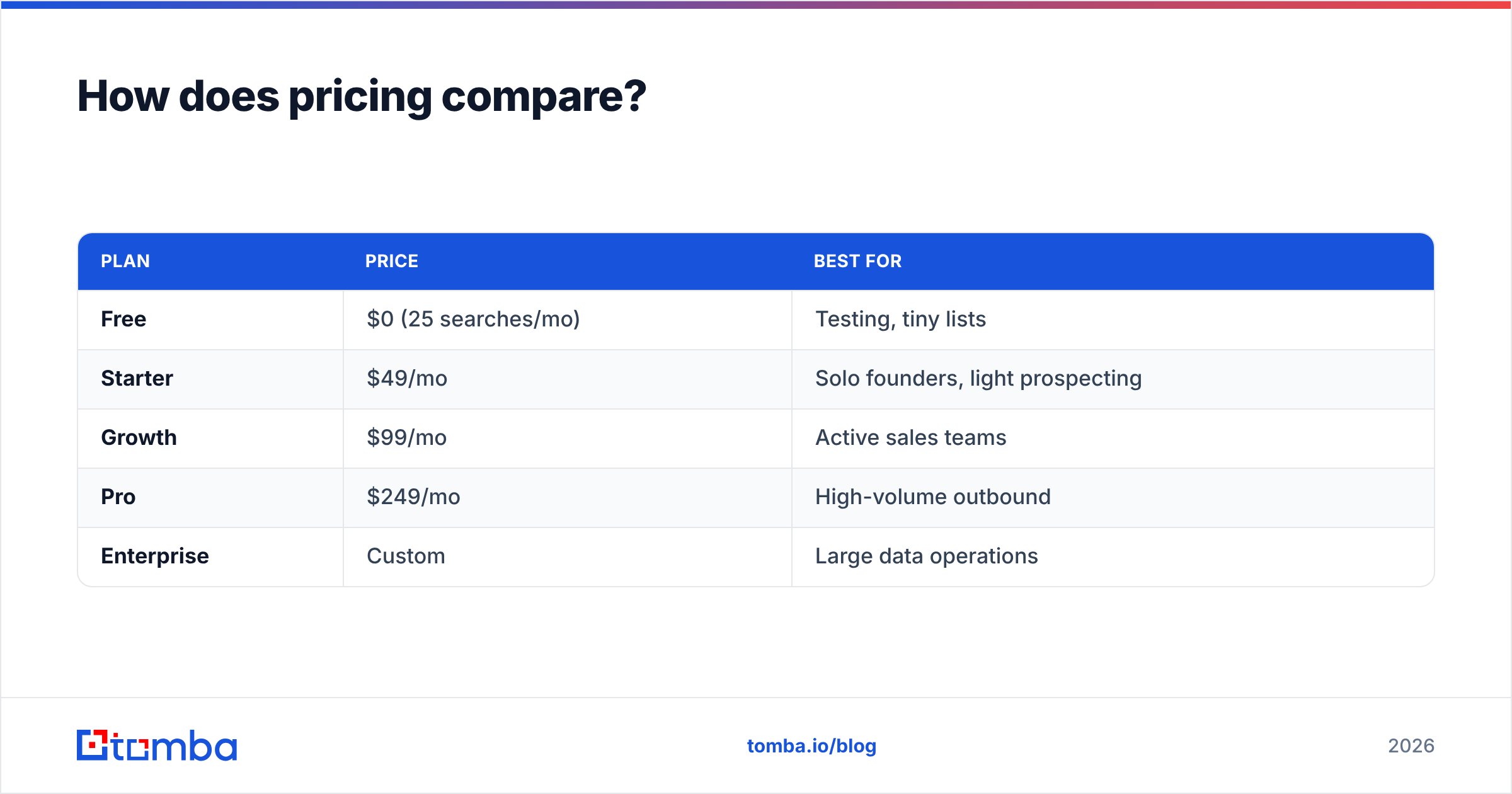
Pricing models are the second big difference. Most standalone verifiers, Bounceremove included, sell credit packs — you pay per email checked. That's efficient if you verify infrequently, but the cost is on top of whatever you already pay to source the data.
Tomba uses a subscription with monthly searches and verifications bundled together:
| Plan | Price | Best for |
|---|---|---|
| Free | $0 (25 searches/mo) | Testing, tiny lists |
| Starter | $49/mo | Solo founders, light prospecting |
| Growth | $99/mo | Active sales teams |
| Pro | $249/mo | High-volume outbound |
| Enterprise | Custom | Large data operations |
See the full breakdown on the Tomba pricing page. The practical takeaway: with a verifier-only tool you pay for cleaning and separately pay to find the data. With Tomba, finding and verifying come out of the same plan, which usually lands cheaper once you account for the second tool you'd otherwise need.
To sanity-check any vendor's claims, third-party review sites like G2 and Capterra are good places to compare verified user ratings rather than relying on marketing pages alone.
What about accuracy and deliverability?#
Deliverability is the whole reason verification exists, so it deserves a closer look. A clean list protects your sender reputation — every hard bounce signals to inbox providers that you don't manage your data, and your inbox placement drops for everyone on your domain.

Both tools reduce bounces. The difference is where the risk enters your funnel:
- With Bounceremove, garbage data gets caught at the end — after you've already sourced it somewhere else. You're cleaning up a mess made upstream.
- With Tomba, the address is verified at the moment it's found, and Tomba is transparent about where its data comes from. Fewer bad addresses ever enter your list, so there's less to clean later.
Catch-all domains are the real test. A catch-all server accepts mail to any address, so a basic SMTP ping returns "valid" even for an address that doesn't exist. Naive verifiers either mark these as valid (false positive, you bounce) or risky (false negative, you skip a real lead). Tomba's catch-all verifier applies extra logic to resolve these instead of just shrugging — important, because catch-all setups are now common at mid-to-large companies.
If you want to dig into the mechanics, both HubSpot's deliverability guidance and Google Postmaster Tools are solid neutral references for how reputation actually gets scored.
Which tool fits your workflow?#
Map the tool to where your data problem lives.
- Inbound-heavy team with a big signup list. Your addresses arrive on their own; you mostly need pre-send hygiene. A focused verifier covers this, though Tomba's verifier does the same job inside a plan you may already want for other reasons.
- Outbound sales / SDR team. You build target lists from scratch every week. You need the finder, the domain search, and verification together — Tomba, clearly.
- Agency running campaigns for clients. You juggle many domains and need bulk finding, bulk verification, and CRM pushes. Tomba's bulk tools and integrations remove the glue work.
- Developer embedding email checks in a product. You want an API. Tomba exposes both finding and verification through one API; a verifier-only tool gives you half of that.
The honest summary: if you genuinely only ever clean lists and never source contacts, a single-purpose verifier is a fine, cheap choice. The moment "find this person's email" enters your week, you're better served by a platform that does both.
Can you use both together?#
You can, but you rarely need to. Running Bounceremove and Tomba means paying twice for verification, since Tomba already verifies what it finds. The only scenario where stacking makes sense is if you have a massive legacy list from a non-Tomba source and want a second opinion before a high-stakes send — and even then, Tomba's bulk verifier handles imported lists directly.
For nearly every team, consolidating into one tool reduces cost, removes a sync point, and keeps your data in a single place rather than bouncing between platforms.
Frequently asked questions#
Is Bounceremove an email finder? No. Bounceremove verifies existing email addresses. It does not find or discover new ones from a name and domain — that's what Tomba's email finder does.
Does Tomba include email verification? Yes. Every plan includes the email verifier, plus a dedicated catch-all verifier, so finding and cleaning happen in the same tool.
Which is cheaper? It depends on volume, but Tomba bundles finding and verification into one subscription starting at $49/mo, while a verifier-only tool is an added cost on top of whatever finder you already pay for. Compare on the pricing page.
Will either tool fix my bounce rate? Both reduce bounces by removing invalid addresses. Tomba also prevents bad data from entering your list at the source, which keeps your sender reputation healthier over time.
The bottom line#
Bounceremove is a sharp tool for one job: scrubbing a list you already own. Tomba is the better fit if your work involves building those lists, because it finds, verifies, enriches, and pushes contacts to your CRM from a single plan — no second subscription required.
If you're sourcing new B2B contacts and want verified emails without juggling separate tools, start with the Tomba Email Finder. The free tier gives you 25 searches a month to test accuracy on your own target accounts before you pay a cent — find the addresses, verify them in the same workflow, and skip the standalone cleaner entirely.
// get started
Find, verify and enrich your first contacts today
Start on the free plan with 25 searches a month, then scale when your team is ready.
Free plan · No credit card required · GDPR & CCPA
// about the author