Bouncify vs Salesql: Which B2B Email Tool Wins in 2026?
Bouncify verifies email lists; Salesql finds emails on LinkedIn. They solve different problems. Here's how they compare on accuracy, pricing, and workflow in 2026 — and where an all-in-one beats both.
Most "Bouncify vs Salesql" comparisons get one thing wrong: they treat the two as direct rivals. They aren't. Bouncify is an email verifier that cleans lists you already have. Salesql is a LinkedIn prospecting tool that finds emails and phone numbers you don't have yet. Picking between them on a feature checklist alone means you'll likely buy the wrong tool for the job in front of you.
This breakdown sorts out which problem each one actually solves, where they overlap, what they cost in 2026, and why a single platform that does both finding and verifying often beats running two subscriptions.
TL;DR#
- Bouncify is a bulk email verification service — upload a list, get back valid/invalid/risky status. It does not find new contacts.
- Salesql is a LinkedIn email and phone finder — a Chrome extension that pulls contact data off profiles and Sales Navigator searches. Its verification is thin.
- They are complementary, not interchangeable. Many teams end up paying for both: Salesql to find, Bouncify to clean.
- Pricing differs by model: Bouncify charges per verification credit; Salesql charges per monthly credit tied to LinkedIn extraction.
- An all-in-one like Tomba collapses both jobs — find, enrich, and verify in one workflow starting at $49/mo, instead of stitching two vendors together.
What is Bouncify and what does it actually do?#
Bouncify is a bulk and real-time email verifier. You feed it a list of addresses — exported from a CRM, a webinar signup, a scraped spreadsheet — and it checks each one against SMTP servers, syntax rules, domain records, and known-spam-trap databases. You get back a clean status for every row.
Think of it like a bouncer at a club checking IDs at the door. Bouncify doesn't go out and recruit guests; it only tells you which of the people already in line are real and safe to let in.
Its core outputs are:
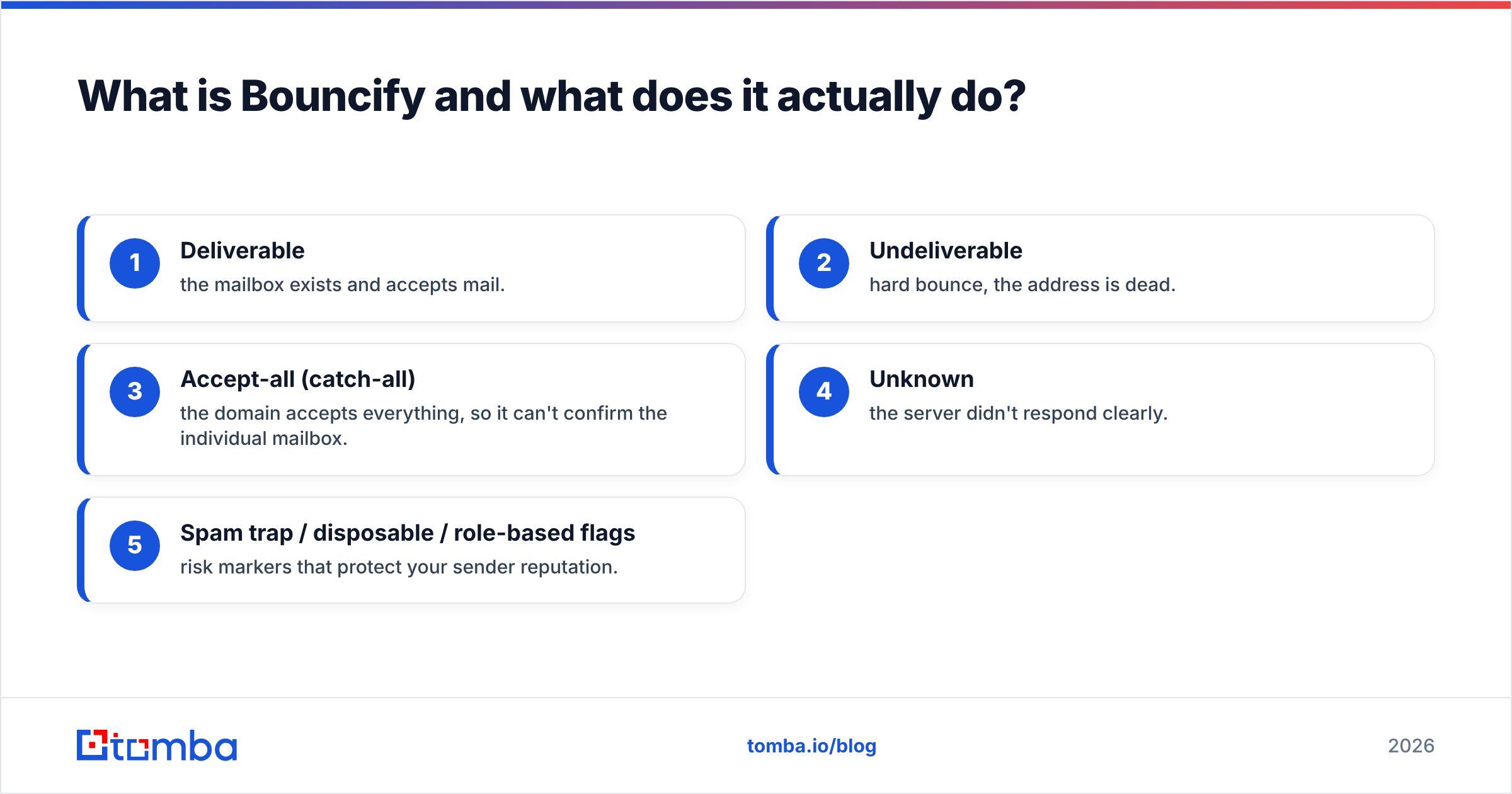
- Deliverable — the mailbox exists and accepts mail.
- Undeliverable — hard bounce, the address is dead.
- Accept-all (catch-all) — the domain accepts everything, so it can't confirm the individual mailbox.
- Unknown — the server didn't respond clearly.
- Spam trap / disposable / role-based flags — risk markers that protect your sender reputation.
What Bouncify does not do is generate contacts. If your list is empty, Bouncify has nothing to work with. That single limitation is the whole reason the "Bouncify vs Salesql" question exists — people conflate "clean my list" with "build my list."

What is Salesql and how is it different?#
Salesql is a LinkedIn-first contact finder. It installs as a Chrome extension, sits on top of LinkedIn and Sales Navigator, and extracts professional and personal emails plus phone numbers as you browse profiles or run searches. You can pull a single prospect or bulk-export from a search result page.
If Bouncify is the bouncer checking IDs, Salesql is the recruiter standing on the street handing out flyers — its whole job is to bring you new names with contact details attached.
Salesql's strengths:
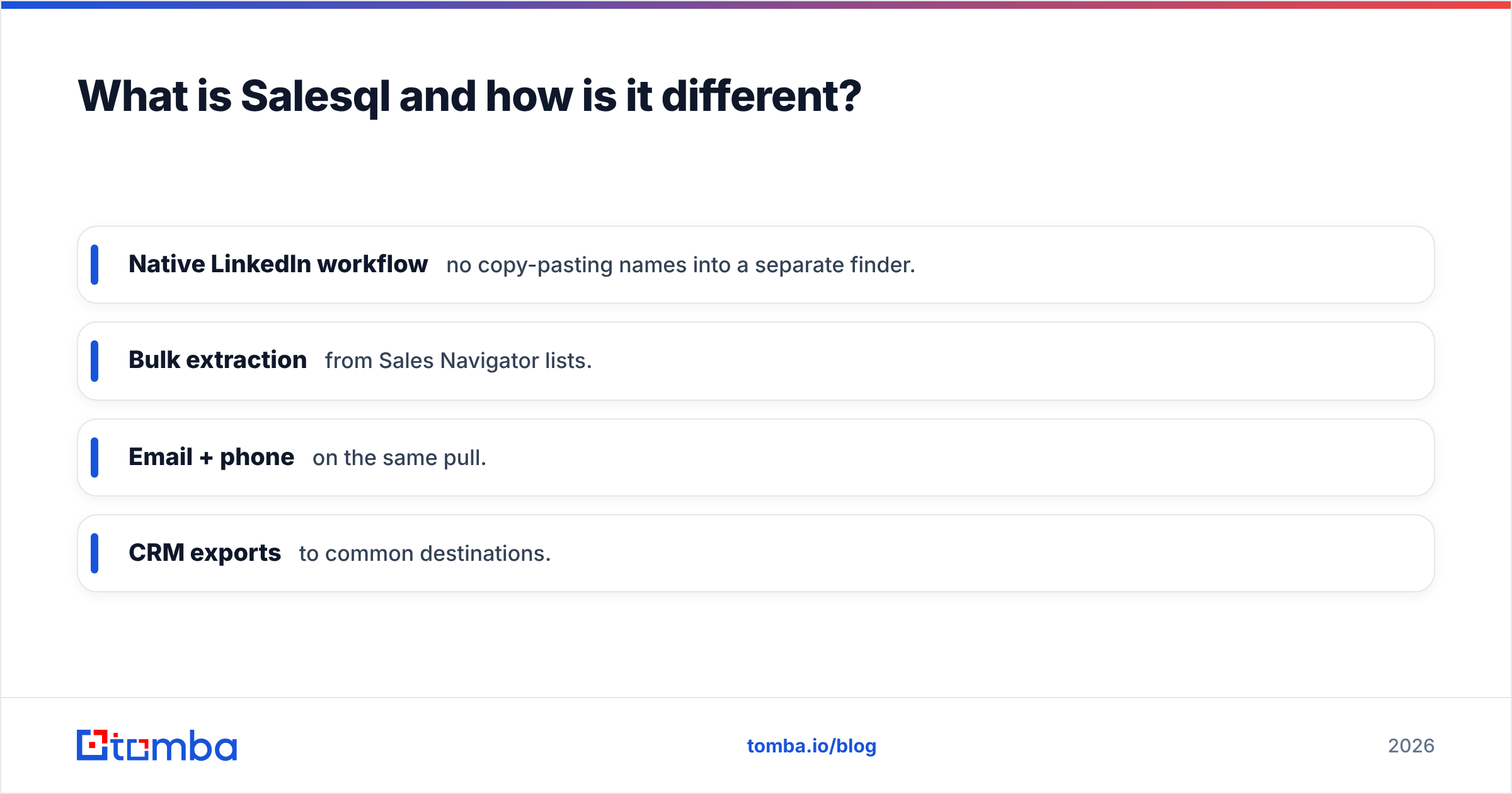
- Native LinkedIn workflow — no copy-pasting names into a separate finder.
- Bulk extraction from Sales Navigator lists.
- Email + phone on the same pull.
- CRM exports to common destinations.
Its weaknesses show up exactly where Bouncify is strong. Salesql labels emails by confidence, but it is not a dedicated verification engine. Catch-all resolution, deep SMTP checks, and spam-trap screening are not its specialty. Run a raw Salesql export straight into a cold campaign and you'll often see bounce rates higher than you'd like — which is precisely why some teams bolt Bouncify onto the back end.
)
Bouncify vs Salesql: the core comparison#
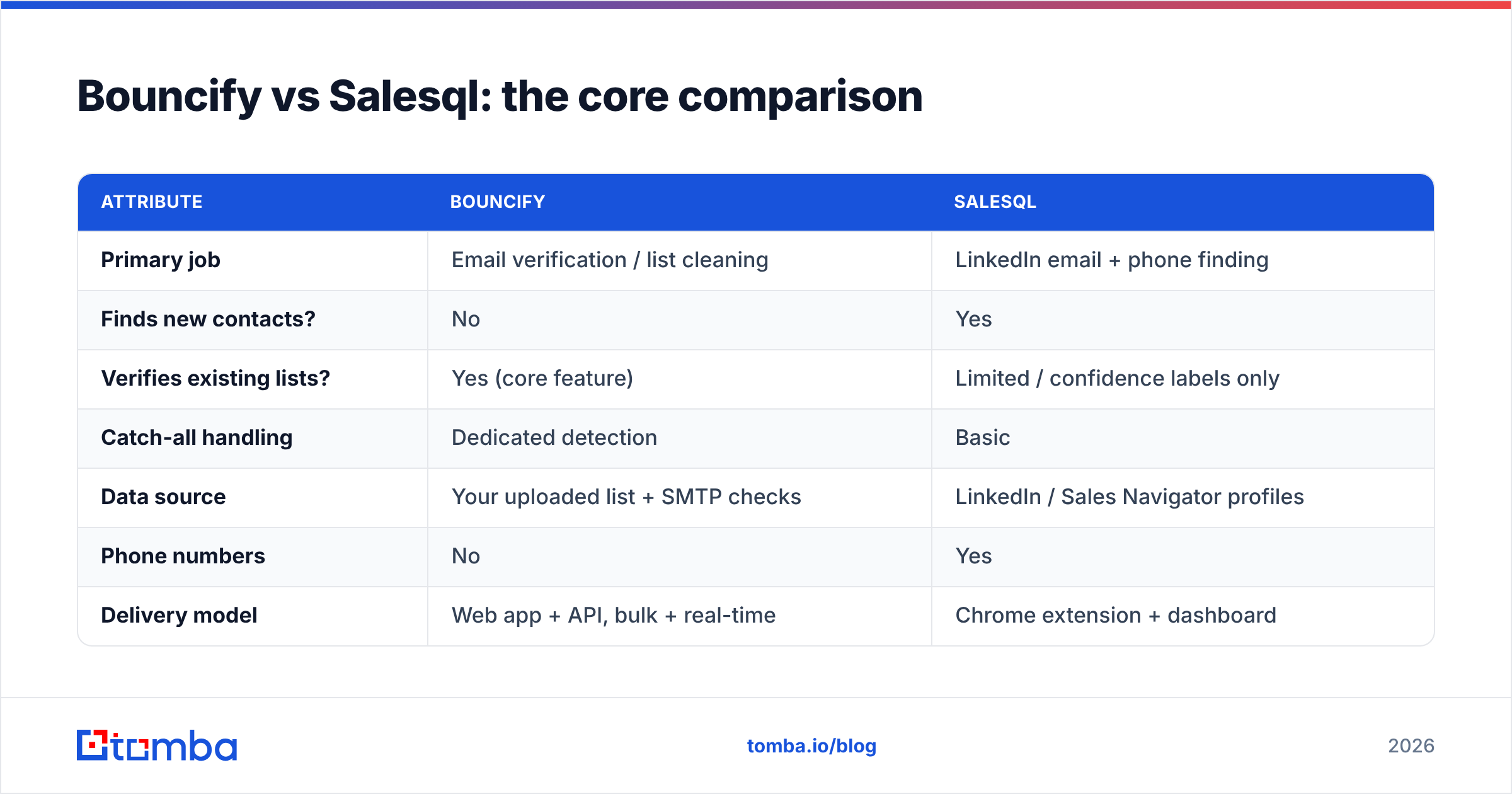
Here's the head-to-head on the attributes that actually drive a buying decision.
| Attribute | Bouncify | Salesql |
|---|---|---|
| Primary job | Email verification / list cleaning | LinkedIn email + phone finding |
| Finds new contacts? | No | Yes |
| Verifies existing lists? | Yes (core feature) | Limited / confidence labels only |
| Catch-all handling | Dedicated detection | Basic |
| Data source | Your uploaded list + SMTP checks | LinkedIn / Sales Navigator profiles |
| Phone numbers | No | Yes |
| Delivery model | Web app + API, bulk + real-time | Chrome extension + dashboard |
| Pricing model | Pay-per-verification credit | Monthly credits tied to extraction |
| Best for | Deliverability & list hygiene | Prospecting & list building |
The table makes the real takeaway obvious: these tools live at opposite ends of the same pipeline. Salesql sits at the top (acquire contacts), Bouncify sits at the bottom (validate contacts before send). Asking "which is better" is like asking whether a drill is better than a level — depends entirely on what you're building.
Which one should you choose?#
Match the tool to the job, not the brand to the hype.
- Choose Bouncify if your main pain is bounce rate. You already have lists — from forms, events, partners, or older exports — and you need them scrubbed before they touch your sending domain. Bouncify's per-credit model is fair when verification is occasional rather than constant.
- Choose Salesql if your main pain is an empty pipeline. You live in LinkedIn Sales Navigator, you want emails and phones off profiles fast, and verification is a secondary concern you'll handle elsewhere.
- Choose neither — pick an all-in-one if you do both every week. Paying two vendors, reconciling two exports, and managing two credit balances is overhead that compounds. This is where a unified platform earns its keep.
)
How does an all-in-one like Tomba change the math?#
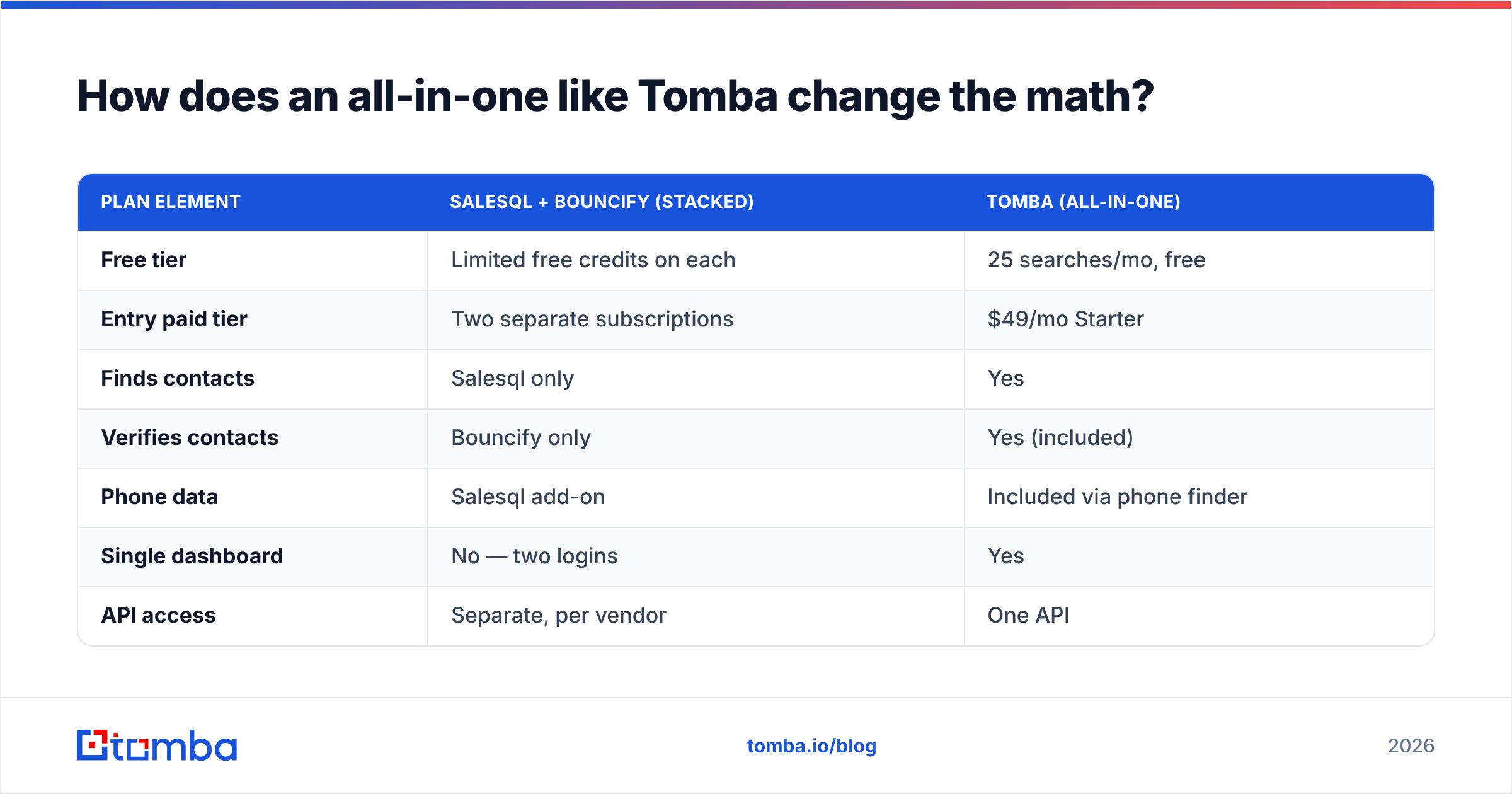
A single platform that finds, enriches, and verifies removes the seam between Salesql's job and Bouncify's job. Instead of "extract in tool A, export, import into tool B, verify, re-export," you run one motion.
Tomba covers the full span:
- Find — the email finder locates professional addresses by name + domain, and the LinkedIn finder extracts emails directly from profiles, overlapping Salesql's core use case.
- Search by company — domain search pulls every public address at a company in one query, which a profile-by-profile tool can't match for breadth.
- Verify — the built-in email verifier and catch-all checks do Bouncify's job inline, before the contact ever leaves the platform.
- Enrich — append titles, company data, and phone numbers in the same record.
That consolidation matters for two reasons. First, accuracy compounds when finding and verification share one data layer — you're not trusting tool A's guess and tool B's check to agree. Second, cost. Two mid-tier subscriptions easily run past a single plan that does both.

Pricing: two tools vs one#
Here's how the stacked-tool approach compares to a single platform. (Bouncify and Salesql pricing shift by tier and volume; treat these as representative entry points and confirm on each vendor's site.)
| Plan element | Salesql + Bouncify (stacked) | Tomba (all-in-one) |
|---|---|---|
| Free tier | Limited free credits on each | 25 searches/mo, free |
| Entry paid tier | Two separate subscriptions | $49/mo Starter |
| Finds contacts | Salesql only | Yes |
| Verifies contacts | Bouncify only | Yes (included) |
| Phone data | Salesql add-on | Included via phone finder |
| Single dashboard | No — two logins | Yes |
| API access | Separate, per vendor | One API |
You can see full Tomba pricing — Free, Starter ($49/mo), Growth ($99/mo), Pro ($249/mo), and Enterprise — and weigh it against running two specialized tools in parallel.
Does combining tools hurt data accuracy?#
It can. Every export-import handoff is a chance for fields to mismatch, encodings to break, and "verified" status to go stale between the moment Salesql pulls a contact and the moment Bouncify checks it weeks later.
The cleaner pattern is to verify at the point of discovery. When you find an address and validate it in the same step, the status reflects reality at send time, not at scrape time. That's the practical argument for unifying the workflow rather than chaining two best-of-breed point tools — fewer seams, fewer stale records, fewer bounces.
If you only ever need verification and already have a finder you love, a dedicated verifier is fine. If you only ever prospect on LinkedIn and verify in your sending tool, a dedicated finder is fine. The stacked-cost problem only appears when you genuinely need both jobs done regularly — which describes most outbound teams.
What do real users say?#
Independent review sites are the best neutral read here. Bouncify generally scores well for verification accuracy and bulk speed; reviewers ding it for being single-purpose. Salesql gets praise for LinkedIn convenience and is frequently criticized for inconsistent email accuracy on harder domains. Cross-check current ratings on G2 before committing, and read each vendor's own positioning at bouncify.io and salesql.com — they're transparent that they target different stages of the funnel.
The pattern in those reviews reinforces everything above: nobody complains that Bouncify can't find contacts, because that was never the promise. Nobody complains that Salesql isn't a verification suite. The friction is real only when a buyer expected one tool to cover both.
Quick decision guide#
- List is dirty, no prospecting needed → Bouncify (or any standalone email verifier).
- Pipeline is empty, you live in LinkedIn → Salesql.
- You find and verify every week, want one bill and one dashboard → an all-in-one like Tomba.
- You're scaling outbound and need an API for both jobs → an all-in-one, every time.
The bottom line#
Bouncify and Salesql aren't competitors — they're two stages of the same pipeline. Bouncify cleans; Salesql finds. If you only need one stage, buy the specialist. If you need both, stacking two subscriptions adds cost, two logins, and a fragile export-import seam between them.
That's the gap Tomba is built for. The Tomba Email Finder locates and verifies professional emails in one motion — pulling from LinkedIn and full-domain searches, validating against catch-all and SMTP checks inline, and enriching contacts with titles and phone numbers — starting free with 25 searches a month and scaling at $49/mo. Before you buy two tools to do one job, try Tomba's email finder and see how much of your stack it replaces.
Ready to find emails that actually work?
Join 150,000+ professionals who stopped guessing and started sending. Free credits on signup — no credit card required.
Get the Tomba newsletter
Practical outbound tactics and product updates — once every two weeks.
About the author