Brandnav vs Clearalist 2026: Which Email Finder Wins?
Brandnav vs Clearalist compared head-to-head on accuracy, pricing, data coverage, and verification. See which email finder fits your B2B pipeline in 2026 — and the alternative that beats both.
Choosing between Brandnav and Clearalist usually comes down to one question your finance team will eventually ask: how many of the emails you paid for actually land in an inbox? Both tools promise verified B2B contact data. Neither is a household name, and that's exactly why a clear, side-by-side breakdown matters before you wire either one into your outbound stack.
This is a neutral comparison. We'll look at accuracy, pricing, data coverage, verification depth, and the practical workflow each tool fits. Where Tomba is the stronger pick, we'll say so and show why — but you'll get the honest case for all three.
TL;DR — Brandnav vs Clearalist at a glance#
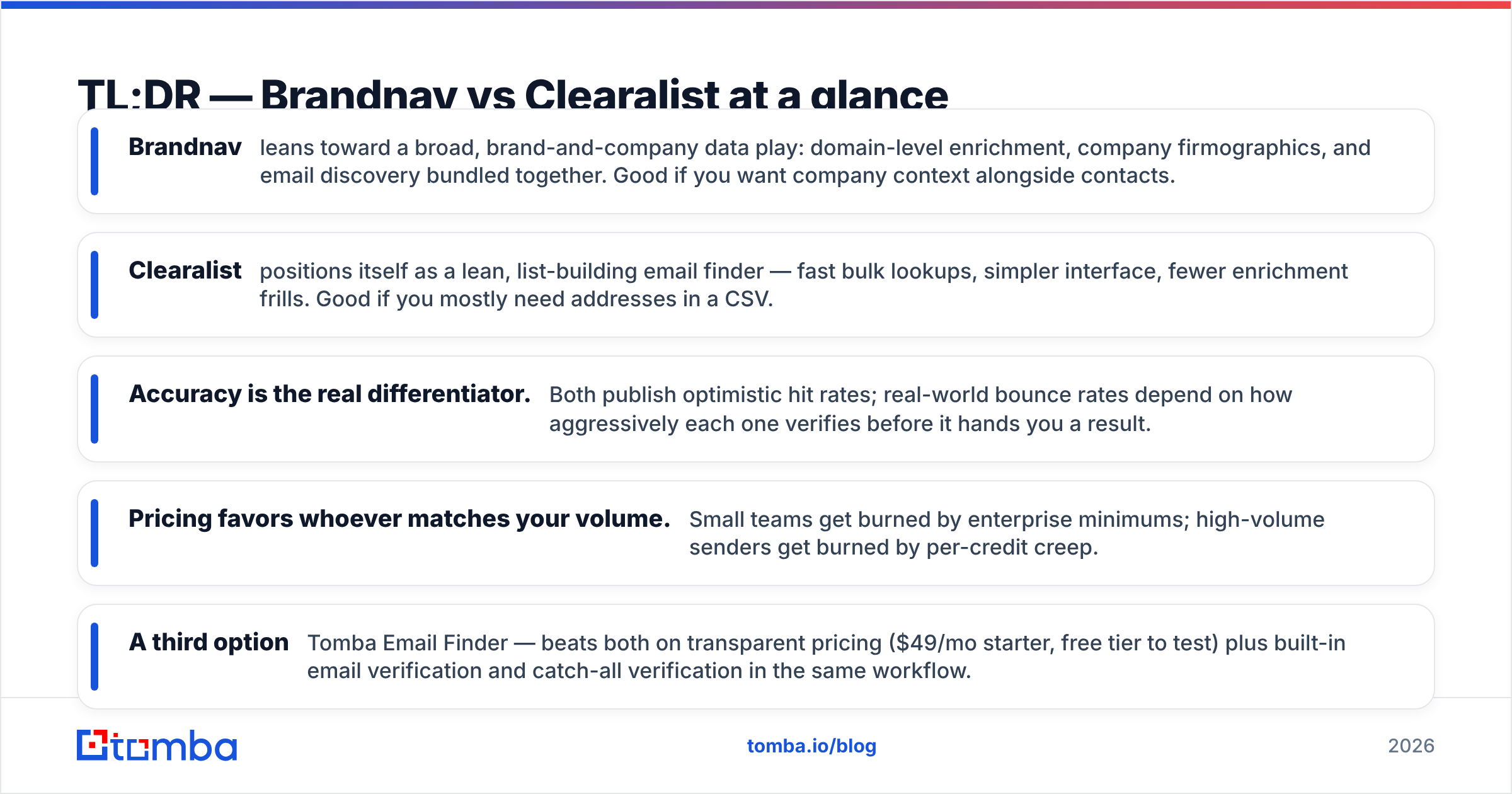
- Brandnav leans toward a broad, brand-and-company data play: domain-level enrichment, company firmographics, and email discovery bundled together. Good if you want company context alongside contacts.
- Clearalist positions itself as a lean, list-building email finder — fast bulk lookups, simpler interface, fewer enrichment frills. Good if you mostly need addresses in a CSV.
- Accuracy is the real differentiator. Both publish optimistic hit rates; real-world bounce rates depend on how aggressively each one verifies before it hands you a result.
- Pricing favors whoever matches your volume. Small teams get burned by enterprise minimums; high-volume senders get burned by per-credit creep.
- A third option — Tomba Email Finder — beats both on transparent pricing ($49/mo starter, free tier to test) plus built-in email verification and catch-all verification in the same workflow.
What do Brandnav and Clearalist actually do?#
Both tools solve the same core problem: you have a name, a company, or a domain, and you need a deliverable business email address. Where they diverge is scope.
Brandnav behaves more like a lightweight data platform. Alongside finding emails, it surfaces company-level signals — industry, size, tech hints, and brand metadata. The pitch is context: you don't just get jane@acme.com, you get a sense of who Acme is. That's useful for account-based teams who segment before they send.
Clearalist is narrower by design. Paste a list of names and domains, get emails back. The interface is stripped down, the learning curve is short, and the output is a clean list. For a solo founder or a small SDR pod doing volume prospecting, that simplicity is a feature, not a gap.
Here's the catch with both: an email address is only worth something if it's real. A tool that returns 1,000 "found" emails with a 25% bounce rate is more expensive than one that returns 700 verified emails with a 2% bounce rate — because bounces wreck your sender reputation and pull your whole domain into spam folders.

How do Brandnav and Clearalist compare on accuracy?#
Accuracy is where marketing copy and reality drift apart. Most email finders quote a "data accuracy" number that describes their database, not your search. Two things actually determine whether an address bounces:
- Source freshness — how recently the contact data was confirmed.
- Verification depth — whether the tool runs an SMTP-level check (and handles catch-all domains) before returning a result.
Brandnav tends to return results even when confidence is moderate, leaning on its enrichment layer to give you context. That breadth means more results, but a chunk of them need a second-pass verification before you send.
Clearalist prioritizes speed, which can mean lighter verification on bulk jobs. You get the list fast; you assume some cleanup.
Neither approach is wrong — but both push verification onto you. The honest takeaway: whichever you pick, budget for a separate verification pass, or pick a tool that bakes it in. Catch-all domains (where the server accepts every address) are the silent killer here; without a dedicated catch-all finder, "valid" results from any vendor can still bounce.

Brandnav vs Clearalist vs Tomba: the comparison table#
Here's the head-to-head on the attributes that change your cost-per-meeting. Figures for the third column reflect published Tomba pricing; treat competitor figures as directional and confirm against each vendor's current plans.
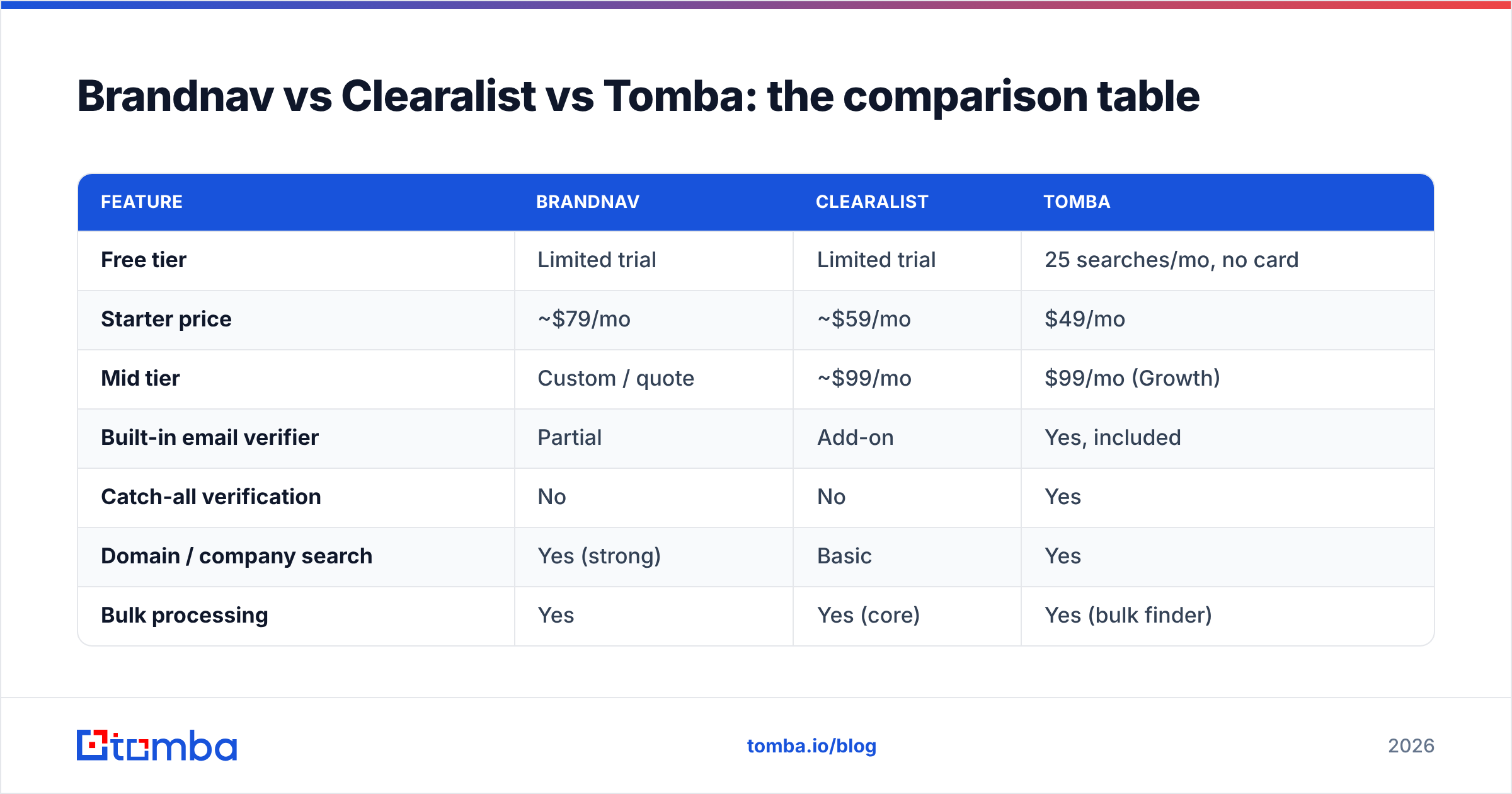
| Feature | Brandnav | Clearalist | Tomba |
|---|---|---|---|
| Free tier | Limited trial | Limited trial | 25 searches/mo, no card |
| Starter price | ~$79/mo | ~$59/mo | $49/mo |
| Mid tier | Custom / quote | ~$99/mo | $99/mo (Growth) |
| Built-in email verifier | Partial | Add-on | Yes, included |
| Catch-all verification | No | No | Yes |
| Domain / company search | Yes (strong) | Basic | Yes |
| Bulk processing | Yes | Yes (core) | Yes (bulk finder) |
| Phone number lookup | Limited | No | Yes (phone finder) |
| Public API | Limited | Yes | Yes (full REST API) |
| Native integrations | Few | CSV-first | HubSpot, Salesforce, Pipedrive, Sheets, Zapier |
A few things stand out. Brandnav wins on company context. Clearalist wins on no-frills speed and a CSV-native flow. Tomba is the only one of the three that pairs finding with verification and catch-all handling in a single pass — which is the part that protects deliverability.
Which tool has better pricing for your volume?#
Pricing only makes sense relative to how you buy. Three rough profiles:
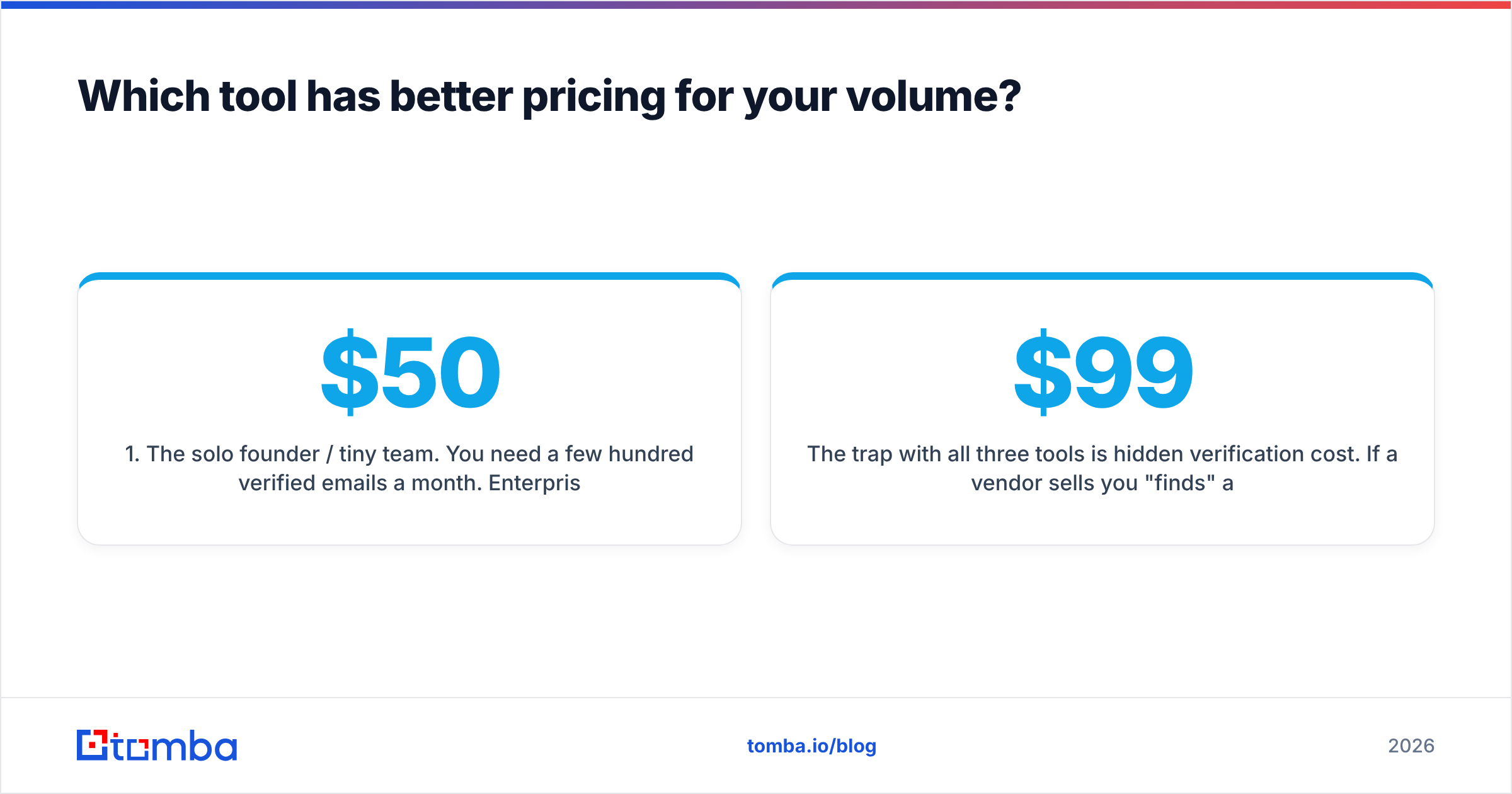
- The solo founder / tiny team. You need a few hundred verified emails a month. Enterprise quote-based pricing is a non-starter. You want a real free tier to test and a sub-$50 entry plan. Clearalist's lower starter and Tomba's $49 plan both fit; Brandnav's quote-driven model often doesn't.
- The scaling SDR team. You're running structured outbound across thousands of contacts. Per-credit creep matters. Look hard at what a "credit" buys — does a failed search still cost you? Does verification cost extra on top of the find?
- The data / RevOps buyer. You need API access, bulk processing, and predictable cost at scale. Here the question is throughput and whether the vendor charges separately for enrichment, finding, and verification — three line items that quietly triple your bill.
The trap with all three tools is hidden verification cost. If a vendor sells you "finds" and then sells "verifications" separately, your effective price per deliverable email is double the sticker. Tomba folds email verification into the workflow, which is why its $99 Growth tier often lands cheaper per usable contact than a $59 finder plus a separate verification subscription.
What about data coverage and sources?#
Coverage is about geography, seniority, and recency. A tool can be excellent for US tech mid-market and thin for EU manufacturing — and the average accuracy number hides that.
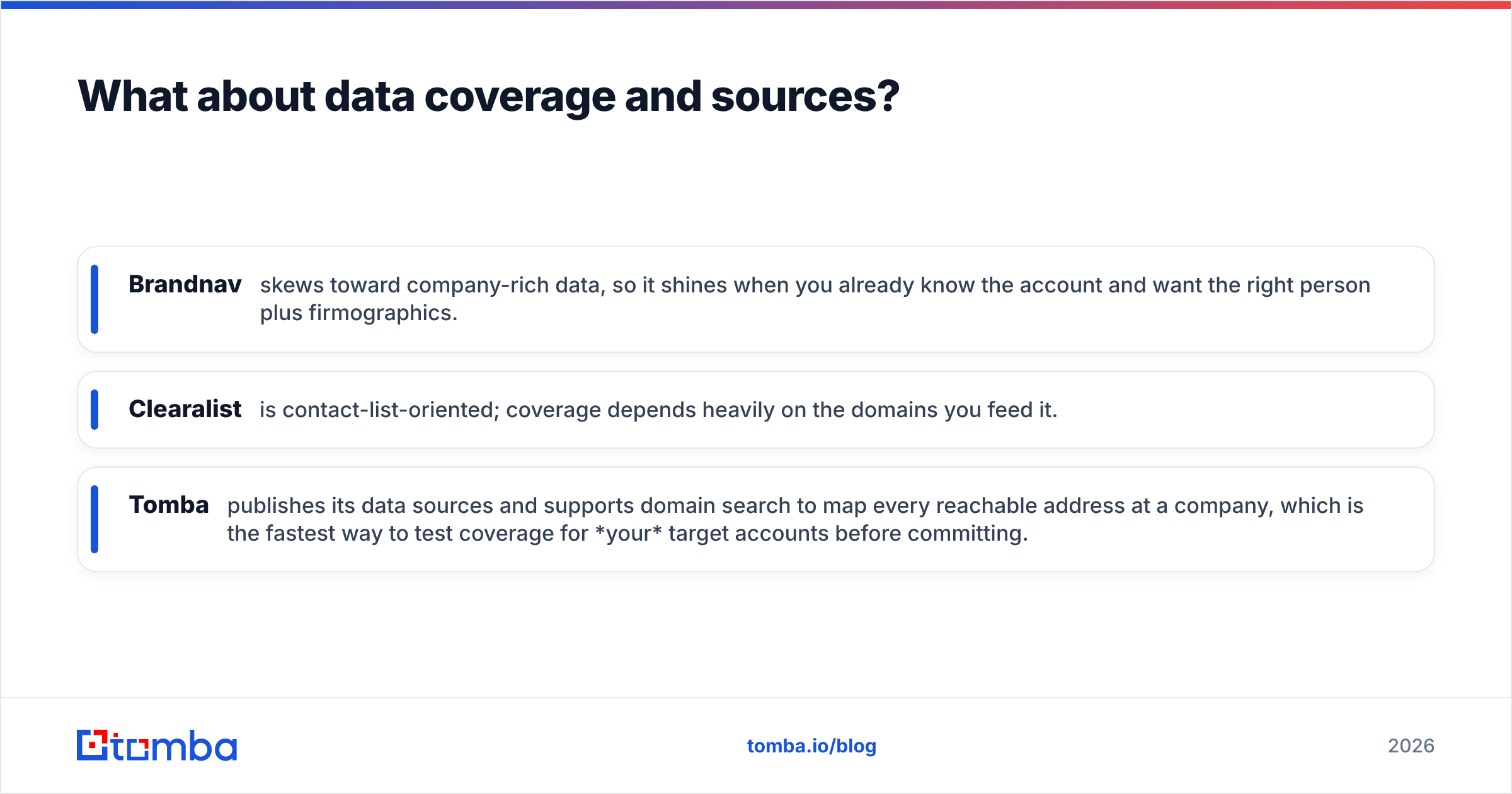
- Brandnav skews toward company-rich data, so it shines when you already know the account and want the right person plus firmographics.
- Clearalist is contact-list-oriented; coverage depends heavily on the domains you feed it.
- Tomba publishes its data sources and supports domain search to map every reachable address at a company, which is the fastest way to test coverage for your target accounts before committing.
The practical test beats any vendor claim: take 50 real target accounts, run them through each tool's free or trial tier, then verify the output with an independent checker. The tool that returns the most addresses that survive verification wins for your market — regardless of who has the biggest headline database.

Is Brandnav better than Clearalist?#
It depends on what you're optimizing for — there's no universal winner.
Choose Brandnav if:
- You run account-based outbound and want company context bundled with contacts.
- Firmographic enrichment matters as much as the email itself.
- You're comfortable with quote-based pricing and a heavier interface.
Choose Clearalist if:
- Your workflow is "list in, list out" and speed beats features.
- You're price-sensitive at the entry level.
- You don't need deep integrations or phone data.
Choose neither — and look at Tomba — if:
- You want finding and verification and catch-all handling without stitching tools together.
- Transparent, published pricing matters (no "contact sales" to learn the entry cost).
- You need native CRM integrations like HubSpot and Salesforce, plus a full API for engineering-led workflows.
How do the workflows differ in practice?#
Think of an email finder like a water filter. Brandnav gives you a filter plus a full readout of what's in the water (the enrichment context). Clearalist gives you a fast, simple filter that gets the job done with minimal fuss. The risk with both is the same: if the filter doesn't catch every contaminant — the catch-all domains, the stale addresses — some bad water still gets through, and you only find out when your bounce rate spikes.
A typical Brandnav flow: search by company → review enriched profile → pull the contact → export. More steps, more context.
A typical Clearalist flow: upload CSV → map columns → run → download. Fewer steps, less context.
A typical Tomba flow: find emails by name or domain → results arrive already scored and verified, with catch-all flagged → push straight to your CRM or export. The verification step that's a separate chore with the other two is part of the same pass here, which is the whole point: fewer bounces without an extra subscription.
For teams living in spreadsheets, all three export to CSV, but Tomba also offers a Google Sheets add-on and a Chrome extension so you can find and verify without leaving the tab you're already in.
What do reviews and third-party sources say?#
Don't take any vendor's word — including this one. Cross-check independent sources before you buy:
- Read current user reviews on G2 and Capterra for each tool, filtering for reviewers whose company size matches yours.
- Check each vendor's own documentation for how they define "verified" — the definitions vary wildly and that's where bounce-rate surprises hide.
- For a primer on what actually drives inbox placement, the fundamentals of email deliverability are worth ten minutes before you spend a dollar on any finder.
The pattern you'll notice across reviews: complaints rarely target whether a tool finds emails. They target bounce rates, surprise overage charges, and verification that costs extra. That's the lens to buy through.
Frequently asked questions#
Are Brandnav and Clearalist accurate enough for cold outreach? Both can be, if you add a verification pass. Raw output from any email finder should be verified before a cold campaign — a 2% bounce ceiling is the practical target to protect your domain. Tools that include verification (like Tomba) save you the second step.
Which is cheaper, Brandnav or Clearalist? Clearalist generally has a lower entry price; Brandnav trends toward quote-based pricing that suits larger accounts. But compare cost per verified email, not per search — a cheap finder with a separate paid verifier can cost more overall.
Can I try them before paying? Both offer limited trials. Tomba offers a standing free tier of 25 searches per month with no card required, which is the cleanest way to benchmark coverage on your own target accounts.
Do these tools handle catch-all domains? This is the key gap. Neither Brandnav nor Clearalist offers dedicated catch-all verification at the time of writing, while Tomba includes a catch-all verifier. Catch-all domains are a leading hidden cause of bounces, so it matters more than most buyers expect.
What if I also need phone numbers? Clearalist focuses on email only. Brandnav's phone coverage is limited. If multi-channel matters, a tool with a built-in phone finder consolidates the stack.
The bottom line#
Brandnav and Clearalist are both legitimate ways to find B2B emails. Brandnav suits account-based teams who value company context; Clearalist suits price-conscious list builders who want speed. Your choice between them should hinge on one number — cost per deliverable email — not headline search counts.
But if you're evaluating either one, run Tomba in the same test. It's the only one of the three that combines finding, verification, and catch-all handling in a single workflow at transparent, published pricing — starting free, then $49/mo. Start with the Tomba Email Finder, run your 50 real target accounts through it alongside Brandnav and Clearalist, and let the verified hit rate decide. The tool that puts the most real addresses in front of your reps — without a second subscription to clean them up — is the one that actually lowers your cost per meeting.
// get started
Find, verify and enrich your first contacts today
Start on the free plan with 25 searches a month, then scale when your team is ready.
Free plan · No credit card required · GDPR & CCPA
// about the author