Brandnav vs Generect: B2B Data Tool Comparison (2026)
Brandnav vs Generect compared on data accuracy, coverage, pricing, and workflow fit — plus where a focused email finder like Tomba beats both for cold outreach in 2026.
You are choosing between Brandnav and Generect because both promise the same thing: clean B2B contact data that turns into booked meetings. The problem is that "B2B data tool" hides three very different jobs — lead discovery, contact enrichment, and email verification — and the two platforms weight those jobs differently. Pick wrong and you pay for coverage you never use, or you launch campaigns on emails that bounce.
This is a neutral, side-by-side breakdown. No vendor wrote it for us. Where Tomba is genuinely the better fit, we say so; where Brandnav or Generect win, we say that too.
TL;DR — Brandnav vs Generect at a glance#
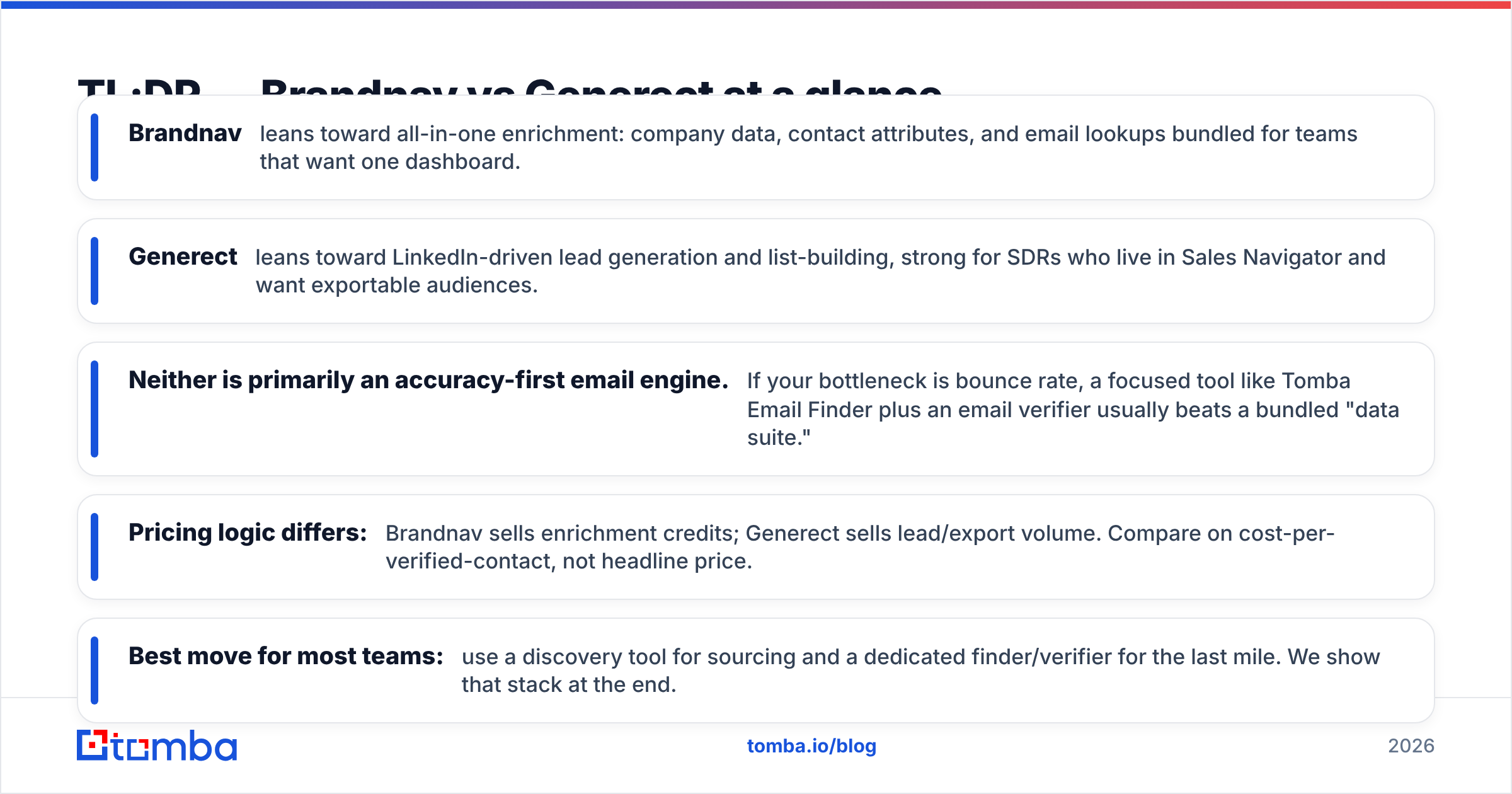
- Brandnav leans toward all-in-one enrichment: company data, contact attributes, and email lookups bundled for teams that want one dashboard.
- Generect leans toward LinkedIn-driven lead generation and list-building, strong for SDRs who live in Sales Navigator and want exportable audiences.
- Neither is primarily an accuracy-first email engine. If your bottleneck is bounce rate, a focused tool like Tomba Email Finder plus an email verifier usually beats a bundled "data suite."
- Pricing logic differs: Brandnav sells enrichment credits; Generect sells lead/export volume. Compare on cost-per-verified-contact, not headline price.
- Best move for most teams: use a discovery tool for sourcing and a dedicated finder/verifier for the last mile. We show that stack at the end.
What is Brandnav?#
Brandnav positions itself as a B2B data and enrichment platform. The core idea is consolidation: instead of stitching together a scraper, an enrichment API, and a verifier, you point Brandnav at a company or a contact and it returns a fuller profile — firmographics, role data, and email addresses where available.
That packaging is the appeal. Revenue and operations teams that hate juggling tools like the single-bill, single-login model. For a RevOps lead doing account-based work, having company attributes and contact data in one place reduces the glue work between systems.
The trade-off with any all-in-one is depth. A suite that does five things rarely does any one of them better than a specialist that does only that one thing. Email discovery and verification are exactly the areas where that gap shows up, because accuracy depends on constantly re-crawled sources and live SMTP checks — not a static database refresh.

What is Generect?#
Generect is built around lead generation, with a heavy LinkedIn and Sales Navigator orientation. The workflow is discovery-first: you define an audience by title, industry, company size, or geography, and Generect helps you build and export that list with contact details attached.
For an SDR team that already prospects inside LinkedIn, this is a natural extension. You think in terms of audiences and segments, not individual lookups, and Generect's strength is turning a search into a downloadable, structured list you can push into your sequencer or CRM.
The same orientation is its limit. List-builders optimize for volume and segmentation, and the emails they attach are often a byproduct rather than the product. That's fine until you send 2,000 cold emails and watch your bounce rate climb past the threshold that gets a domain throttled. Coverage is not the same as deliverability.
Brandnav vs Generect: the core comparison table#
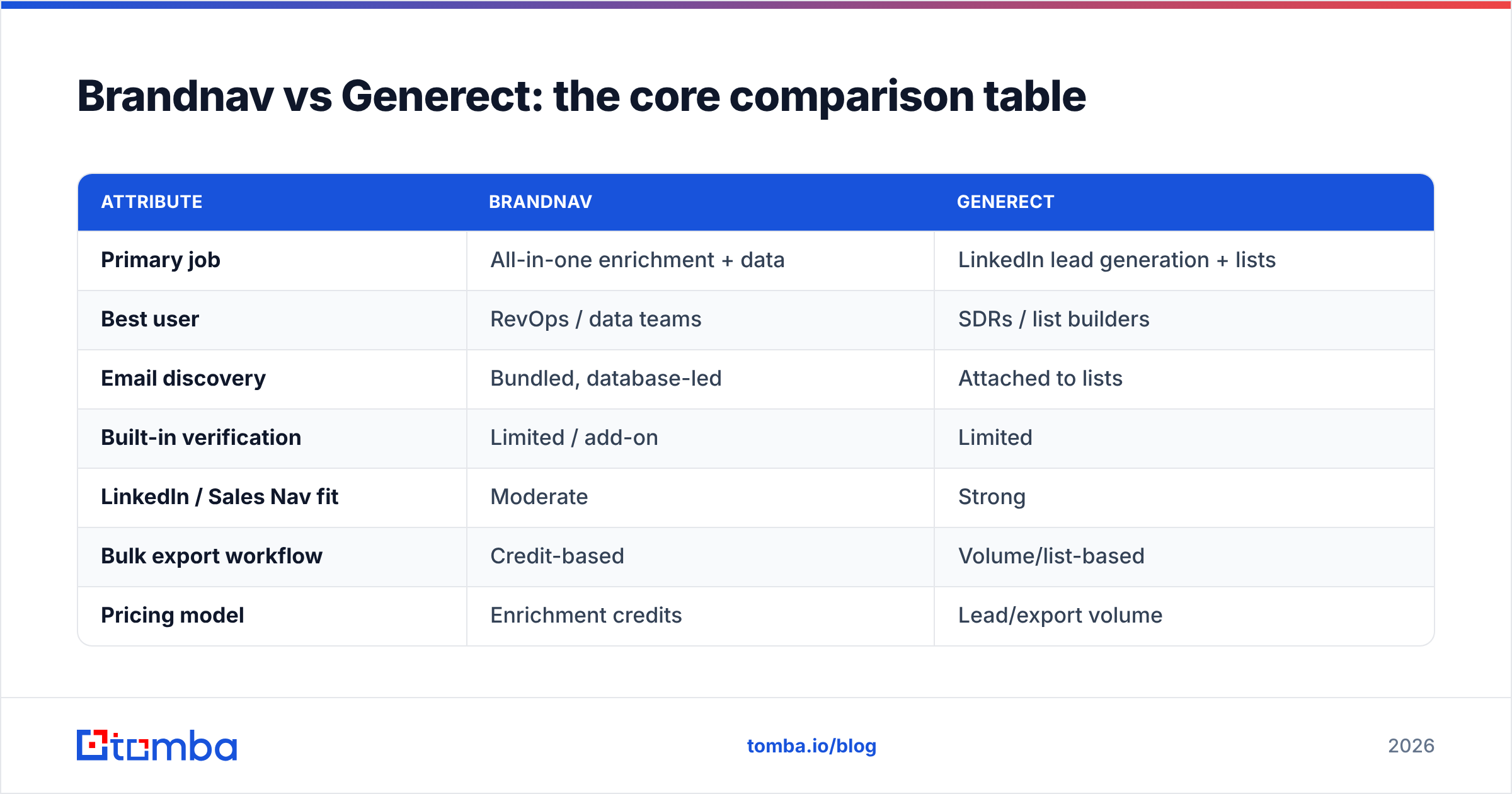
Here is the head-to-head on the attributes that actually change your results. Treat exact pricing as directional — vendors revise tiers often — and always confirm on the official site before buying.
| Attribute | Brandnav | Generect |
|---|---|---|
| Primary job | All-in-one enrichment + data | LinkedIn lead generation + lists |
| Best user | RevOps / data teams | SDRs / list builders |
| Email discovery | Bundled, database-led | Attached to lists |
| Built-in verification | Limited / add-on | Limited |
| LinkedIn / Sales Nav fit | Moderate | Strong |
| Bulk export workflow | Credit-based | Volume/list-based |
| Pricing model | Enrichment credits | Lead/export volume |
| Where it struggles | Email accuracy depth | Deliverability of attached emails |
The pattern is clear: these tools solve sourcing and enrichment, and treat verified email as a feature rather than a discipline. That distinction is the whole game for cold outreach.

Is Brandnav or Generect more accurate?#
Accuracy depends on which kind of accuracy you mean, and this is where most comparisons get lazy.
There are two numbers that matter, and people confuse them constantly:
- Match rate — of the contacts you searched, how many got an email at all.
- Bounce rate — of the emails you got, how many actually deliver.
A tool can show a gorgeous match rate and still wreck your sender reputation, because a high match rate that includes stale or guessed addresses is worse than a lower match rate of confirmed ones. Brandnav and Generect both report respectable coverage, but neither leads with a published, independently checkable bounce guarantee the way verification-first tools do.
This is the single biggest reason to keep a dedicated verifier in your stack regardless of which discovery tool you choose. Even when a suite "includes" verification, it's usually a syntax-and-MX check, not a deep SMTP and catch-all evaluation. If you send to catch-all domains without a real catch-all verifier, you're gambling, because catch-all servers accept everything at the door and bounce later.
The honest accuracy verdict on Brandnav vs Generect: comparable at the discovery layer, both weakest at the verification layer. That weakness is shared, which is exactly why the smarter question is not "which suite" but "what should sit downstream of the suite."
How do Brandnav and Generect price compare?#
Stop comparing headline monthly prices. They measure different units.
- Brandnav charges around enrichment credits. One enrichment can consume a credit whether or not it returns a usable, verified email — so your effective cost is
price ÷ usable contacts, notprice ÷ credits. - Generect charges around lead and export volume. A list of 5,000 looks cheap per row until you subtract the rows with no email, the duplicates, and the ones that bounce.
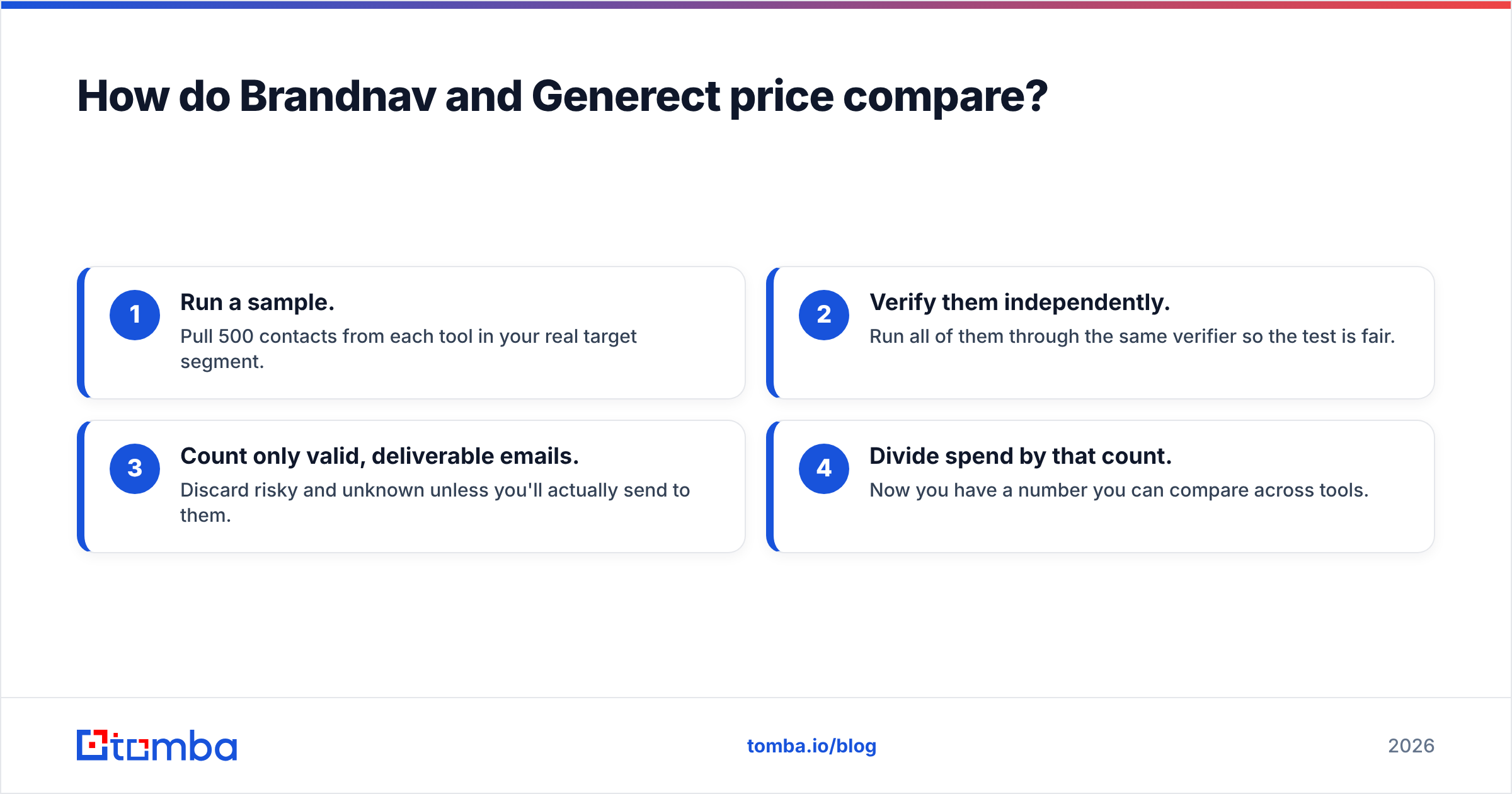
To compare fairly, compute cost per verified contact:
- Run a sample. Pull 500 contacts from each tool in your real target segment.
- Verify them independently. Run all of them through the same verifier so the test is fair.
- Count only valid, deliverable emails. Discard risky and unknown unless you'll actually send to them.
- Divide spend by that count. Now you have a number you can compare across tools.
When teams run this test, the bundled "cheap" option often loses, because you paid for rows you can't safely email. A focused finder with transparent pricing frequently wins the per-verified-contact math even when its sticker price looks similar.
For reference on how buyers rate these categories, cross-check public reviews on G2 and Capterra rather than trusting any single vendor's testimonials.
When should you pick Brandnav?#
Choose Brandnav if your problem is fragmentation, not the last mile. Specifically:
- You run RevOps or marketing ops and want firmographic + contact enrichment feeding your CRM from one source.
- You enrich more than you cold-email. If most contacts come in warm (inbound, events, existing accounts) and you just need to fill missing fields, a database-led enrichment tool fits.
- You value one bill and one login over best-in-class on any single dimension.
Brandnav is the wrong pick if your KPI is reply rate on cold outbound, because then verification depth matters more than breadth of attributes.
When should you pick Generect?#
Choose Generect if discovery inside LinkedIn is your daily motion:
- You build audiences by segment and want exportable lists, fast.
- Your SDRs live in Sales Navigator and want a smoother path from search to sequence.
- Volume of net-new accounts matters more to you than per-contact enrichment depth.
Generect is the wrong pick if you need clean, verified emails at the end of that list without a separate cleaning step — you'll still want a verifier between Generect and your sequencer. Compare it the same way you'd weigh any list tool against a Wiza alternative or similar LinkedIn-export players.
Where does Tomba fit between them?#
Tomba is not trying to be a do-everything suite, and that focus is the point. It does the last mile that both Brandnav and Generect treat as secondary: finding the right professional email and proving it will deliver.
A practical stack looks like this:
- Source accounts and people with your discovery tool (Brandnav for enrichment, Generect for LinkedIn lists, or both).
- Find the verified email with the Tomba Email Finder or pull a whole company at once with domain search.
- Verify every address — including catch-all domains — before send.
- Enrich and dedupe with bulk tools and data enrichment so your list is clean and unique.
- Send through your sequencer with bounce risk already removed.
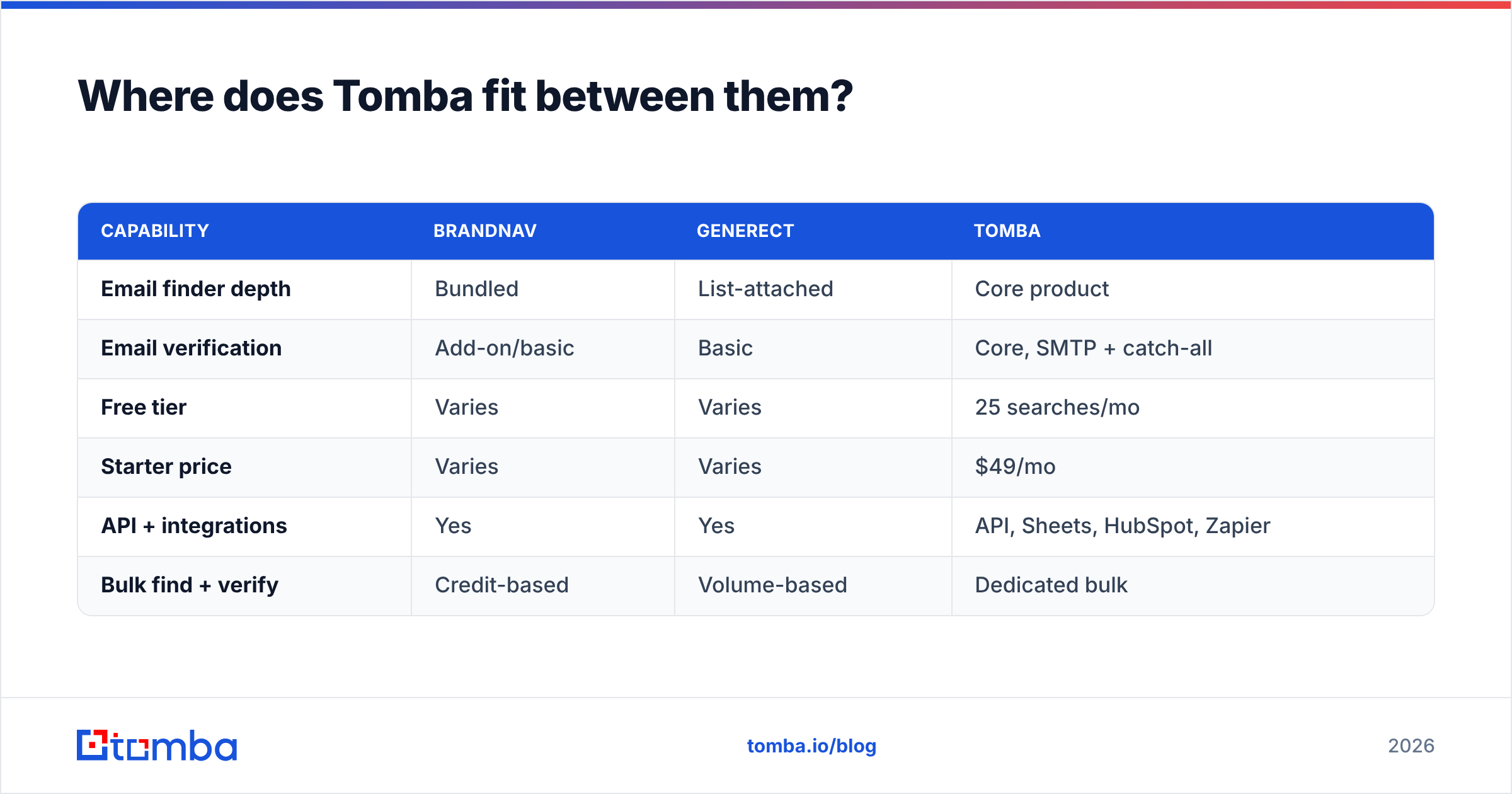
Here is how a focused finder/verifier compares to the suite approach on the dimensions that drive deliverability.
| Capability | Brandnav | Generect | Tomba |
|---|---|---|---|
| Email finder depth | Bundled | List-attached | Core product |
| Email verification | Add-on/basic | Basic | Core, SMTP + catch-all |
| Free tier | Varies | Varies | 25 searches/mo |
| Starter price | Varies | Varies | $49/mo |
| API + integrations | Yes | Yes | API, Sheets, HubSpot, Zapier |
| Bulk find + verify | Credit-based | Volume-based | Dedicated bulk |
Tomba's plans run from a Free tier (25 searches/month) to Starter at $49/mo, Growth at $99/mo, Pro at $249/mo, and custom Enterprise — and you can connect it through the Tomba API or push results straight into Google Sheets. The point isn't that Tomba replaces a discovery suite. It's that it removes the one failure mode both Brandnav and Generect share.
What about deliverability after you have the data?#
Clean data is necessary but not sufficient. Even perfect emails bounce if your domain isn't set up to send. Before any cold campaign, confirm the basics that protect sender reputation: a valid SPF record, DKIM signing, and DMARC alignment. Authentication standards are documented openly — the Wikipedia overview of DMARC is a reasonable starting point, and your provider's docs cover the records themselves.
No data vendor — Brandnav, Generect, or Tomba — can fix a misconfigured sending domain. So sequence the work: authenticate the domain, warm it, then feed it verified addresses. Doing it in that order is what keeps a strong list from being wasted by a weak setup.
Brandnav vs Generect: the verdict#
There is no universal winner, but there is a clear decision rule.
- Pick Brandnav if you're enrichment-led and want consolidation.
- Pick Generect if you're LinkedIn-led and want list volume.
- Add a focused finder/verifier in both cases, because the data both produce still needs a deliverability gate before it touches your sender reputation.
The framing "Brandnav vs Generect" assumes you must choose one suite to do everything. You don't. The highest-performing outbound stacks pair a discovery tool with a specialist that guarantees the email is real. That second slot is where the margin lives — fewer bounces, higher inbox placement, more replies per thousand sent.
Get the last mile right#
If your bounce rate is the thing holding back your outbound — and for most teams comparing Brandnav and Generect, it quietly is — start at the verification layer, not the discovery layer. Use the Tomba Email Finder to find and confirm professional emails, run them through the email verifier including catch-all domains, and only then load your sequencer. Begin on the free tier with 25 searches a month, test it against your current data on a real segment, and compare the per-verified-contact cost yourself. That single test will settle the Brandnav vs Generect debate for your specific use case faster than any review can.
// get started
Find, verify and enrich your first contacts today
Start on the free plan with 25 searches a month, then scale when your team is ready.
Free plan · No credit card required · GDPR & CCPA
// about the author