Brandnav vs Limeleads 2026: Which B2B Data Tool Wins?
Brandnav and Limeleads both sell B2B contact data, but they solve different problems. Here's an honest 2026 breakdown of pricing, accuracy, and the better-fit alternative.
Choosing between Brandnav and Limeleads usually comes down to one question you didn't expect: do you want a list, or do you want live, verified data on demand? Both tools promise B2B contacts, but they answer that question very differently. This breakdown gives you the honest version — where each one fits, where each one frustrates, and when a dedicated, verification-first tool is the smarter buy.
TL;DR#
- Brandnav leans toward enrichment and data APIs — useful when you already have a list and want to fill gaps or validate fields programmatically.
- Limeleads is a B2B list-building tool — you filter a database by industry, title, and geography, then export records in bulk.
- Accuracy is the real battleground. Static list exports decay fast; bounce rates climb the moment your CSV ages. Live lookup plus verification keeps your deliverability intact.
- Pricing models differ. Limeleads sells credits for exported leads; Brandnav prices around API/enrichment volume. Neither is "cheap at scale" once you factor in re-verification.
- Best-fit alternative: if deliverability is the metric you're judged on, a verification-first email finder like Tomba — Free tier through Pro at $249/mo — usually beats both for cold outreach hygiene.
What are Brandnav and Limeleads?#
Brandnav positions itself around data enrichment and lookup APIs. The pitch is developer-friendly: feed it identifiers, get back enriched company and contact fields you can pipe into a CRM or product. If your team writes code and wants data to flow automatically, that model is attractive.
Limeleads is a more classic self-serve list builder. You log in, apply filters — industry, company size, job title, location — preview matching records, and export them as a CSV or push them to your CRM. It's built for sales reps and founders who want a list today without a data engineering project.
The core distinction matters more than any feature checkbox: Brandnav is closer to infrastructure, Limeleads is closer to a list store. Mixing them up is the most common reason buyers end up disappointed.
)
How do Brandnav and Limeleads compare head-to-head?#
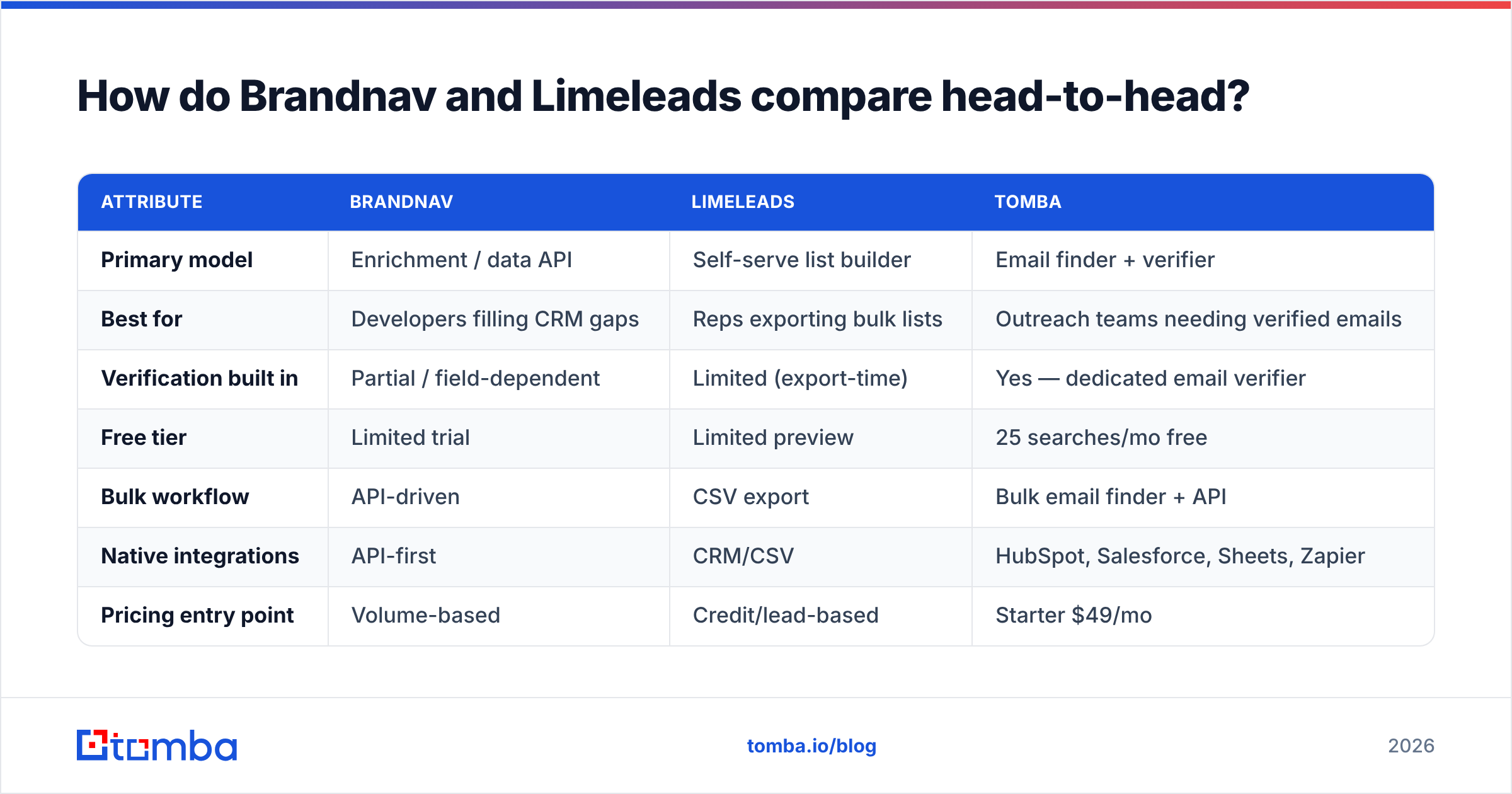
Here's the practical comparison most review posts skip — framed around what actually affects your pipeline, not marketing copy.
| Attribute | Brandnav | Limeleads | Tomba |
|---|---|---|---|
| Primary model | Enrichment / data API | Self-serve list builder | Email finder + verifier |
| Best for | Developers filling CRM gaps | Reps exporting bulk lists | Outreach teams needing verified emails |
| Verification built in | Partial / field-dependent | Limited (export-time) | Yes — dedicated email verifier |
| Free tier | Limited trial | Limited preview | 25 searches/mo free |
| Bulk workflow | API-driven | CSV export | Bulk email finder + API |
| Native integrations | API-first | CRM/CSV | HubSpot, Salesforce, Sheets, Zapier |
| Pricing entry point | Volume-based | Credit/lead-based | Starter $49/mo |
No single column "wins" every row — and that's the honest takeaway. If you're a developer enriching records, Brandnav's model fits. If you want a quick filtered list, Limeleads is faster to value. If your KPI is reply rate on cold email, verification depth is what you should weight highest.
Which has better data accuracy?#
Accuracy is where static lists lose and live lookup wins. A B2B contact database is a snapshot, and people change jobs constantly — studies from data vendors consistently peg B2B contact decay at roughly 2–3% per month, which compounds to a quarter of your list going stale in a year. A CSV you exported in January is materially worse by April.
This is the failure mode that quietly tanks campaigns:
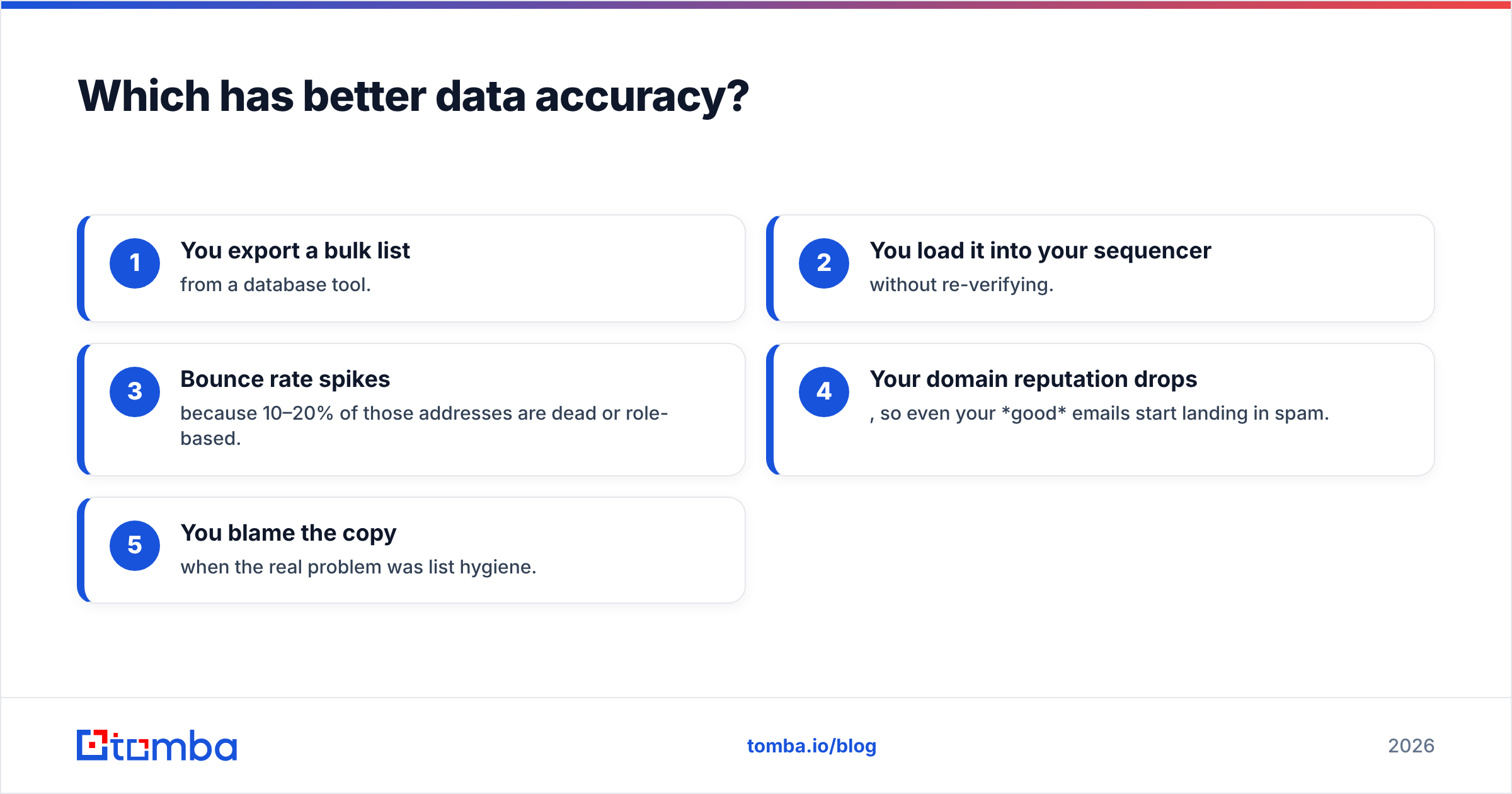
- You export a bulk list from a database tool.
- You load it into your sequencer without re-verifying.
- Bounce rate spikes because 10–20% of those addresses are dead or role-based.
- Your domain reputation drops, so even your good emails start landing in spam.
- You blame the copy — when the real problem was list hygiene.
Brandnav's enrichment approach mitigates some of this because you can re-query, but only if you've wired up the API to refresh on a schedule. Limeleads' export model is more exposed: once the CSV leaves the platform, it's frozen in time. Either way, you want a verification layer between "I have an address" and "I hit send."

That's the architectural reason a verification-first tool tends to outperform a list store on the only metric outreach teams are paid for: messages that actually reach a human. Tools that pair discovery with a catch-all verifier and SMTP checks catch the dead addresses before they cost you reputation.
How does pricing compare for Brandnav vs Limeleads?#
Pricing is genuinely hard to compare apples-to-apples because the units differ — Brandnav meters around API/enrichment volume, while Limeleads sells in exported-lead credits. The trap is the hidden cost: re-verification, deduplication, and the CRM cleanup time when bad records sneak in.
A few honest budgeting rules:
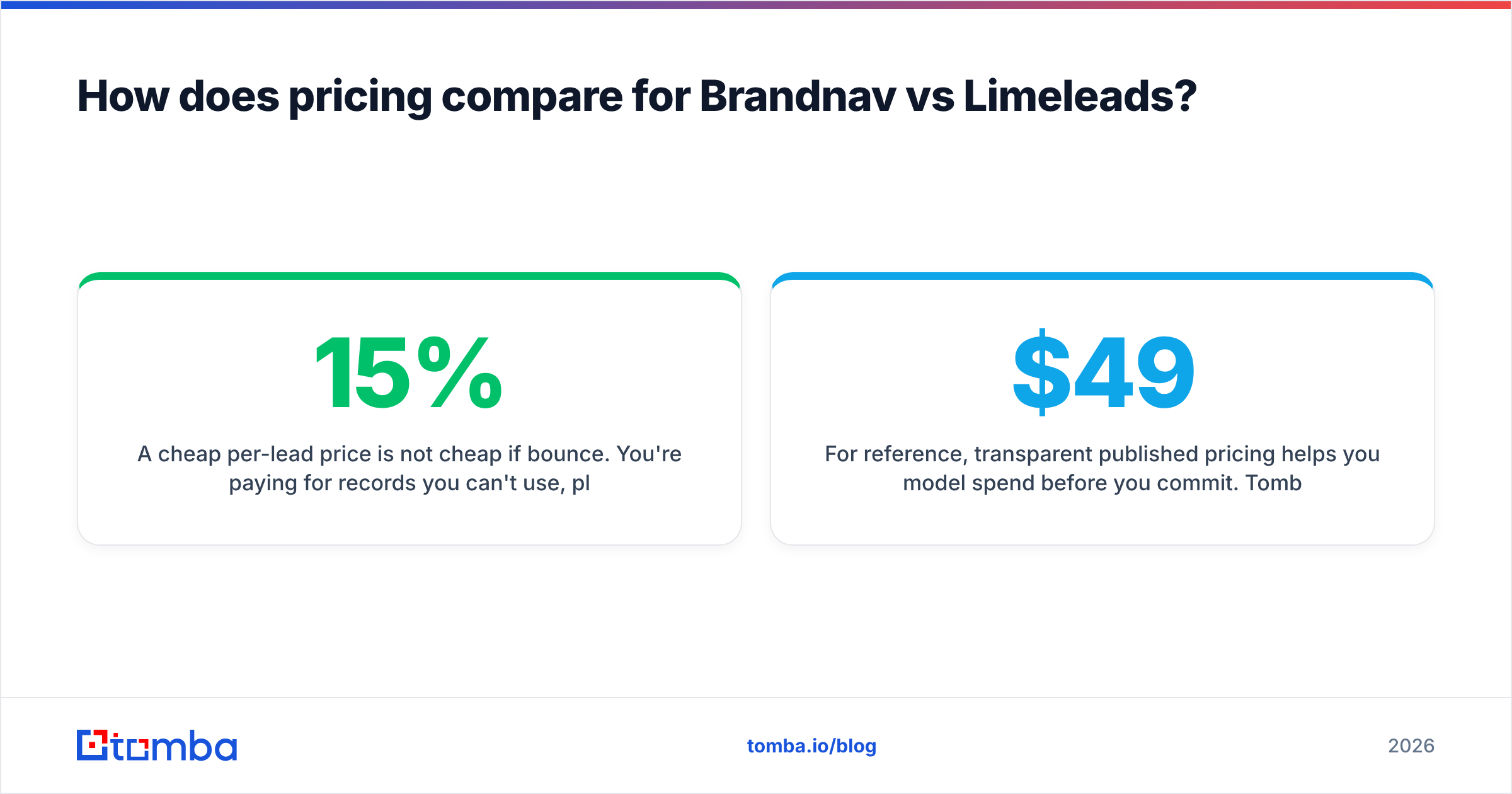
- A cheap per-lead price is not cheap if 15% bounce. You're paying for records you can't use, plus the reputation damage.
- Credit rollover and refund policies matter more than headline price. Read whether invalid leads are credited back.
- Verification is rarely "included" at the depth you need. Budget for a dedicated verifier regardless of which list tool you pick.
For reference, transparent published pricing helps you model spend before you commit. Tomba's pricing is public: a Free tier with 25 searches/mo, Starter at $49/mo, Growth at $99/mo, Pro at $249/mo, and custom Enterprise. You can compare that line-by-line against Brandnav's and Limeleads' quotes rather than guessing.
)
When should you pick Brandnav?#
Pick Brandnav when data is a system, not a one-off task. Concretely:
- You have engineering resources and want enrichment to run automatically inside your product or CRM.
- You already have a contact list and need to backfill missing firmographic or contact fields.
- You value programmatic refresh over a downloadable file.
If you don't have anyone to maintain an integration, Brandnav's strengths go underused — you'll be paying for infrastructure you operate like a spreadsheet.
When should you pick Limeleads?#
Pick Limeleads when speed-to-list beats everything. Concretely:
- You're a founder or small sales team that needs a targeted list this afternoon.
- You prefer a visual filter-and-export flow over writing API calls.
- Your outreach volume is modest enough that you can re-verify exports manually.
The caveat repeats: build a verification step into your process, or those fast exports will cost you on the back end. Pair any list tool with a standalone email verification pass before your first send.
Is there a better alternative to both?#
For cold outreach specifically, a verification-first email finder usually beats a generic list store or enrichment API — because it's engineered around the one number that decides campaign success: deliverability. This isn't a knock on Brandnav or Limeleads; it's a question of what you're optimizing for.
Where Tomba fits the gap between the two:
- Find-then-verify in one flow. Discover an address via domain search or name lookup, then verify it before export — no separate cleanup project.
- Both modes covered. Use the self-serve UI for ad-hoc work, or the Tomba API when you want Brandnav-style automation.
- Bulk without the decay tax. The bulk email finder verifies as it goes, so your export isn't stale on arrival.
- Native CRM paths. Push verified contacts straight into HubSpot or Salesforce instead of babysitting CSVs.
For deeper background on what separates a usable list from a liability, vendor-neutral directories like G2 and Capterra let you cross-check user reviews across all three tools. And HubSpot's own research on email deliverability reinforces why verification — not raw list size — is the lever that moves reply rates.
How do I decide for my team?#
Run this quick filter:
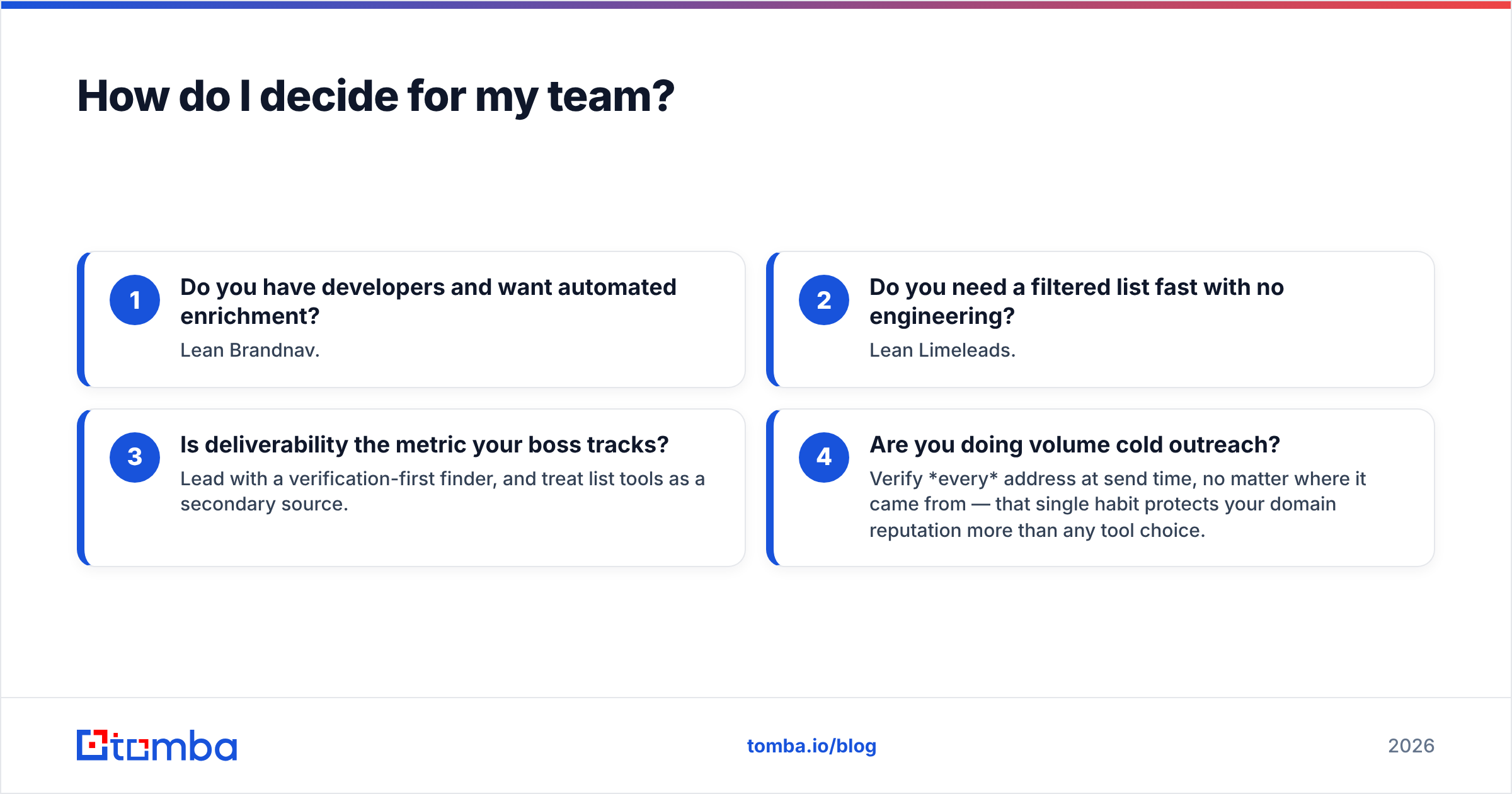
- Do you have developers and want automated enrichment? Lean Brandnav.
- Do you need a filtered list fast with no engineering? Lean Limeleads.
- Is deliverability the metric your boss tracks? Lead with a verification-first finder, and treat list tools as a secondary source.
- Are you doing volume cold outreach? Verify every address at send time, no matter where it came from — that single habit protects your domain reputation more than any tool choice.
Most teams I've seen end up with a hybrid: a discovery/verification tool as the daily driver, plus an enrichment API for CRM backfill. The mistake is expecting one product to be excellent at both list-building and deliverability hygiene when they're genuinely different jobs.
The bottom line#
Brandnav and Limeleads are reasonable tools for the problems they were built for — enrichment infrastructure and self-serve list building, respectively. But neither was designed first and foremost around the metric cold outreach lives or dies on: whether your email actually arrives.
If your team is judged on reply rates, start with discovery and verification in one workflow. Tomba's Email Finder gives you find-then-verify on a Free tier (25 searches/mo), with paid plans from $49/mo when you scale — so you can test it against your current list provider before switching anything. Pull a sample of your existing contacts, run them through verification, and let the bounce rate decide.
// get started
Find, verify and enrich your first contacts today
Start on the free plan with 25 searches a month, then scale when your team is ready.
Free plan · No credit card required · GDPR & CCPA
// about the author