BriteVerify vs Generect 2026: Which B2B Data Tool Wins?
BriteVerify verifies email lists; Generect builds lead lists. This 2026 breakdown shows which one fits your B2B workflow — and where a single platform beats both.
You are comparing BriteVerify and Generect because both promise cleaner pipeline data — but they solve opposite halves of the problem. Pick wrong and you either pay to verify a list you never built, or build a list you can't trust to send to.
TL;DR — BriteVerify vs Generect at a glance#
- BriteVerify is a pure email (and list) verification tool. It tells you whether the addresses you already have are safe to send to. It does not find new contacts.
- Generect is a B2B lead-generation and data platform. It builds contact lists from LinkedIn and company data, but verification depth is shallower than a dedicated cleaner.
- They are not direct competitors — one cleans, one sources. Buying both means two contracts, two logins, and two credit systems.
- If you want both jobs in one place, an all-in-one finder-plus-verifier like Tomba covers sourcing and validation from a single dashboard starting at $49/mo.
- Quick rule: clean an existing CRM → BriteVerify. Build net-new prospect lists → Generect. Do both regularly → consolidate.
What is BriteVerify and what does it actually do?#
BriteVerify, owned by Validity, is an email verification service. Think of it as a spell-checker for your contact list — it doesn't write the list, it just flags every entry that will bounce, hurt your sender reputation, or land you on a blocklist.
You feed it a list (or connect it via API to a form or CRM), and it returns a status for each address: valid, invalid, accept-all, unknown, or disposable. It also verifies phone numbers and postal addresses, which is unusual for an email-first tool.
What BriteVerify does not do is find contacts. If your spreadsheet is empty, BriteVerify has nothing to work with. Its pricing is pay-as-you-go, billed per verification credit, which gets expensive at scale compared to subscription-based verifiers.
Where it shines:
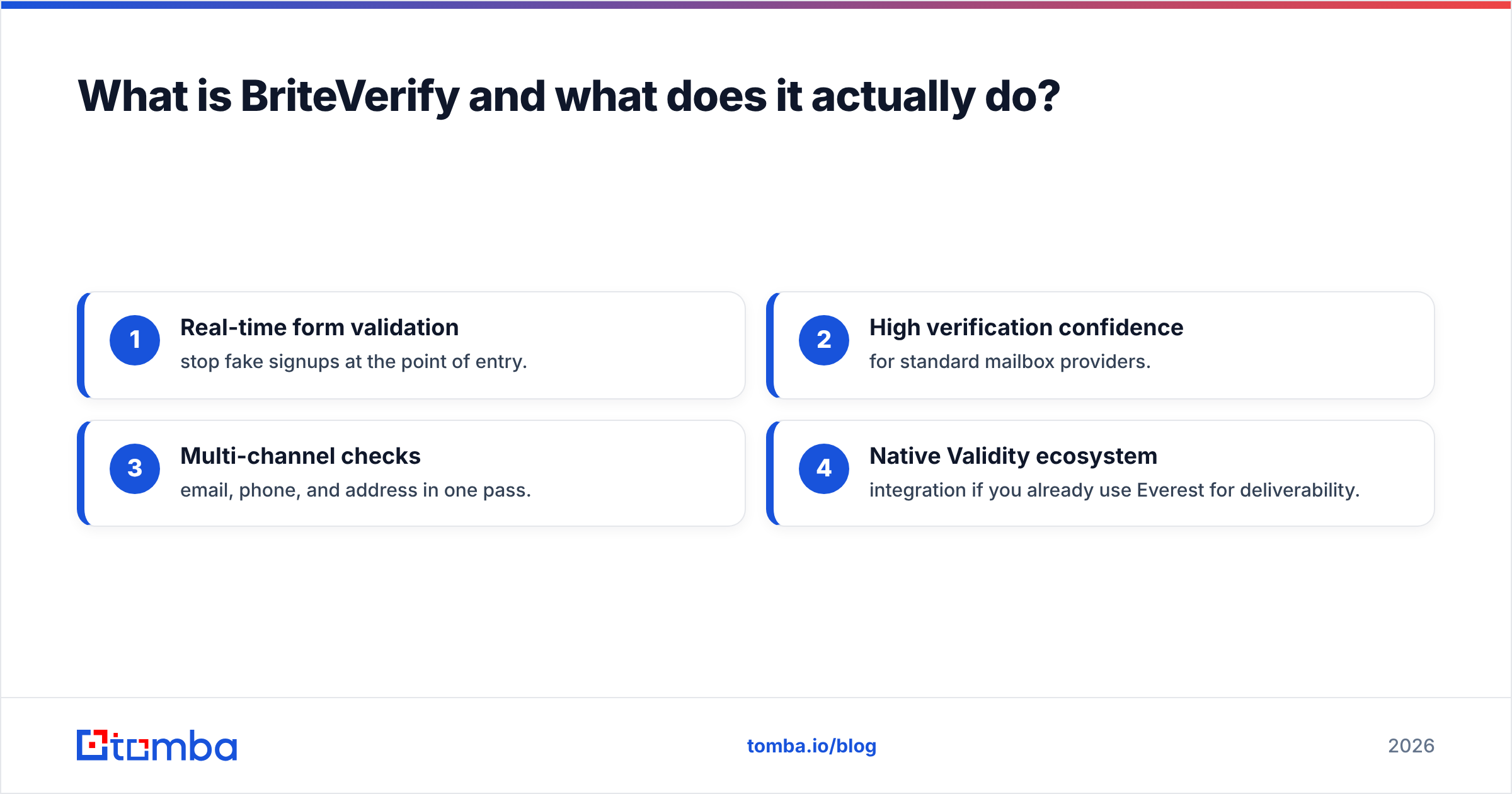
- Real-time form validation — stop fake signups at the point of entry.
- High verification confidence for standard mailbox providers.
- Multi-channel checks — email, phone, and address in one pass.
- Native Validity ecosystem integration if you already use Everest for deliverability.

If you only ever needed to clean lists, BriteVerify would be a reasonable single-purpose buy. But most teams reading this also need to build lists — and that is where the comparison gets interesting.
What is Generect and who is it for?#
Generect is a lead-generation platform built around LinkedIn and company data. Its core promise is the opposite of BriteVerify's: it creates prospect lists rather than cleaning them.
You search by job title, company, industry, headcount, and other firmographic filters, and Generect returns matching contacts with work emails and enrichment fields. It leans heavily on LinkedIn-sourced data, which makes it popular with outbound SDR teams who live in Sales Navigator and want exportable, sequence-ready lists.
Generect's strengths:
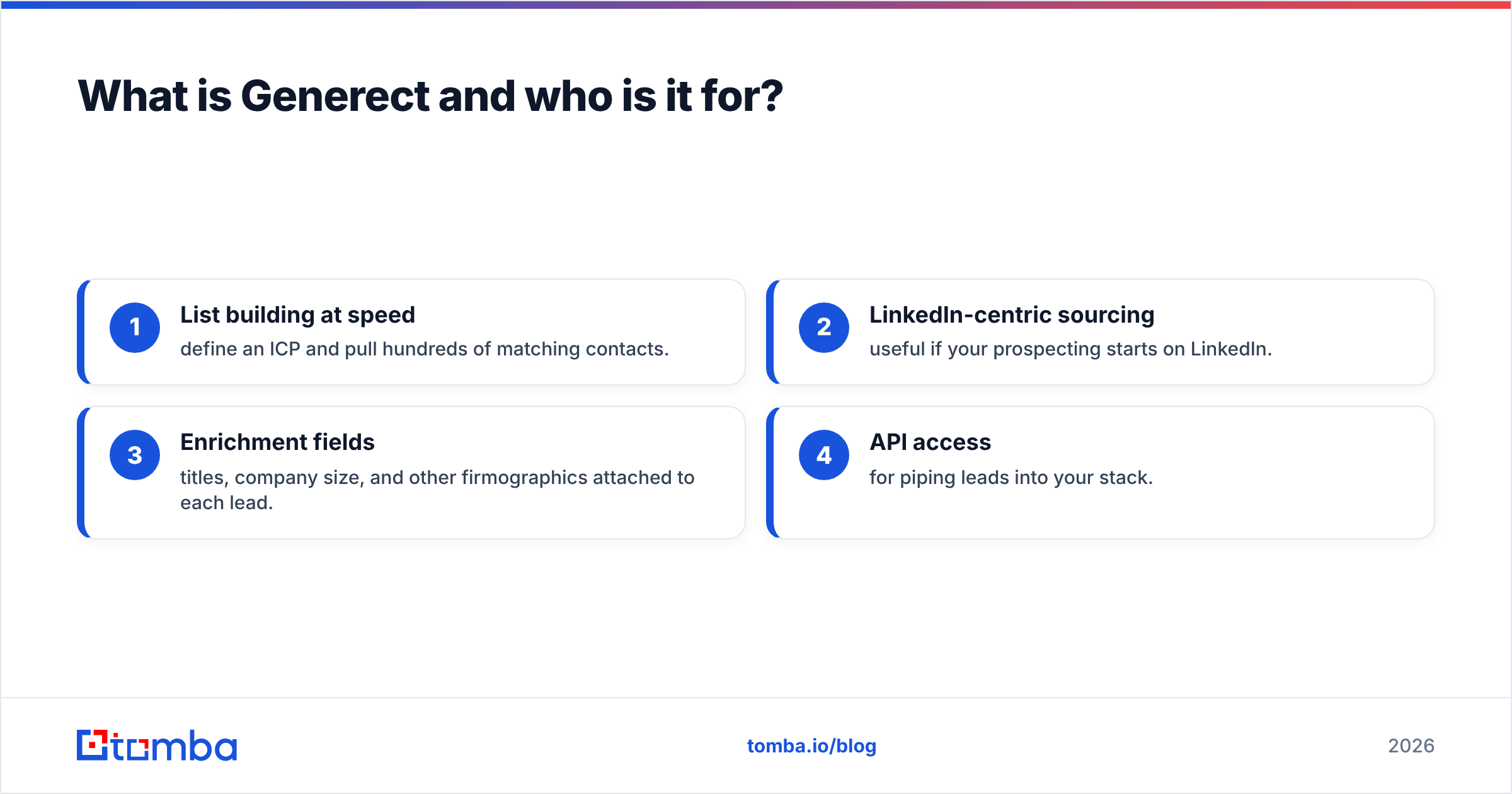
- List building at speed — define an ICP and pull hundreds of matching contacts.
- LinkedIn-centric sourcing — useful if your prospecting starts on LinkedIn.
- Enrichment fields — titles, company size, and other firmographics attached to each lead.
- API access for piping leads into your stack.
The trade-off: Generect's built-in email validation is lighter than a dedicated verifier. You often still run exports through a separate cleaner before sending — which is exactly why people end up looking at BriteVerify and Generect together.

BriteVerify vs Generect: the core comparison table#
Here is the honest side-by-side. Note that the two tools overlap less than their marketing implies.
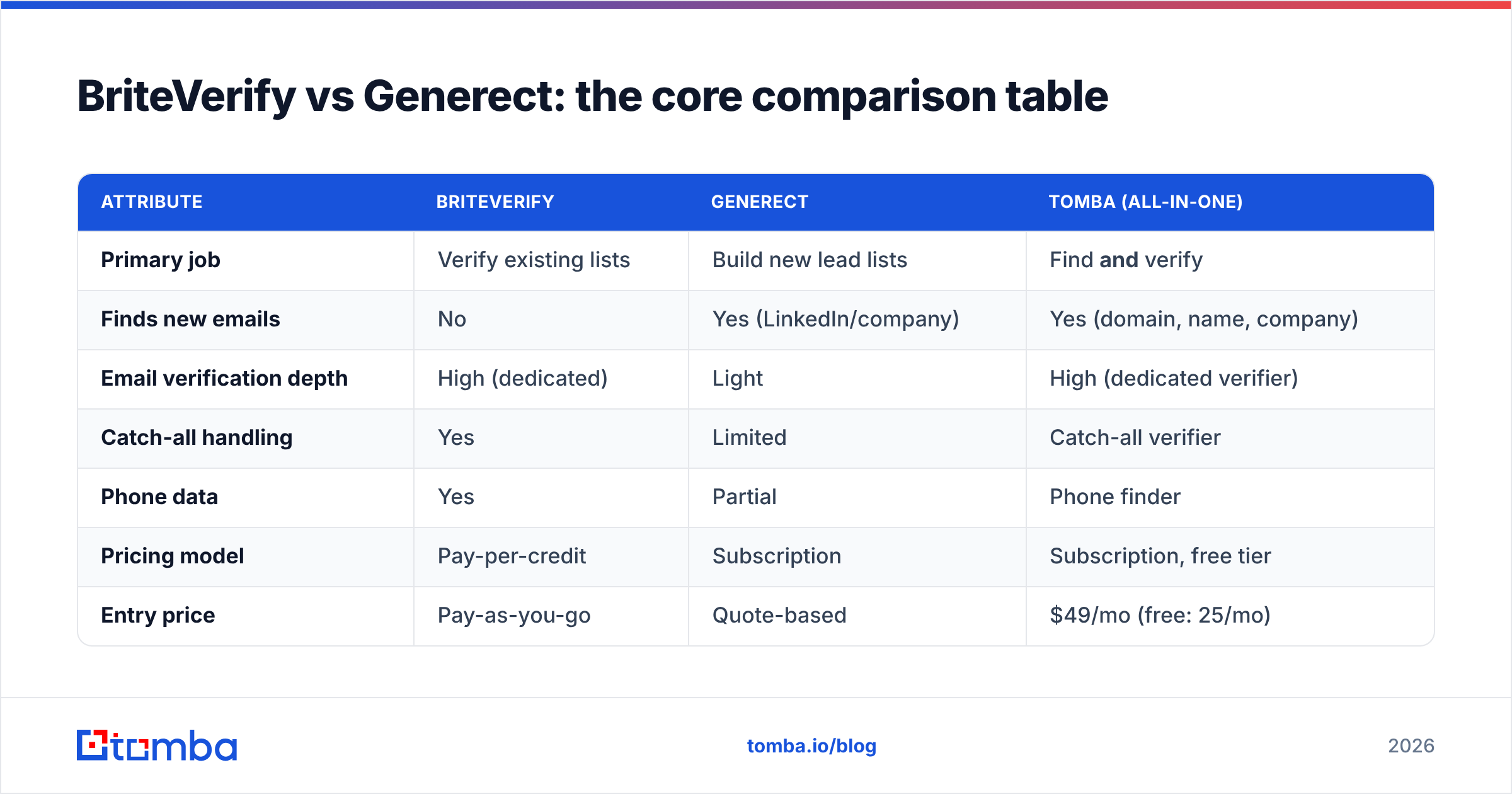
| Attribute | BriteVerify | Generect | Tomba (all-in-one) |
|---|---|---|---|
| Primary job | Verify existing lists | Build new lead lists | Find and verify |
| Finds new emails | No | Yes (LinkedIn/company) | Yes (domain, name, company) |
| Email verification depth | High (dedicated) | Light | High (dedicated verifier) |
| Catch-all handling | Yes | Limited | Catch-all verifier |
| Phone data | Yes | Partial | Phone finder |
| Pricing model | Pay-per-credit | Subscription | Subscription, free tier |
| Entry price | Pay-as-you-go | Quote-based | $49/mo (free: 25/mo) |
| Best for | List hygiene | Outbound list building | Teams doing both |
The pattern is clear: BriteVerify and Generect each cover one column of the workflow, while a combined finder-and-verifier covers both. If your team only does one job, a specialist is fine. If you do both every week, two specialists create friction.
Is BriteVerify better than Generect?#
Neither is "better" — they answer different questions. The better framing is which problem do you have right now?
Choose BriteVerify if:
- You already own a large list (CRM, newsletter, event leads) and bounce rates are climbing.
- You need real-time validation on web forms to block junk signups.
- You want phone and postal verification in the same tool.
- You're comfortable with pay-as-you-go pricing and don't need to source contacts.
Choose Generect if:
- Your bottleneck is finding prospects, not cleaning them.
- Your prospecting workflow is LinkedIn-first.
- You need firmographic enrichment attached to each new lead.
- You can tolerate running exports through a separate verifier before sending.
The uncomfortable truth: most outbound teams need both capabilities. You find a list (Generect's job), then you must verify it before sending (BriteVerify's job). Running two subscriptions, two credit systems, and a CSV shuffle between them is the hidden cost of the "best-of-breed" approach.

How do pricing models compare?#
This is where the two tools diverge most, and where a third option often wins on total cost.
BriteVerify charges per verification credit with no meaningful free tier. That is predictable for one-off cleanups but punishing if you verify continuously — every re-check of a returning lead costs again. According to G2 reviews, cost at scale is the most common complaint.
Generect uses subscription/quote-based pricing tied to lead volume and seats. It's built for teams pulling lists monthly, but you're paying for sourcing only — verification quality is not the headline feature, so you may still budget for a separate cleaner.
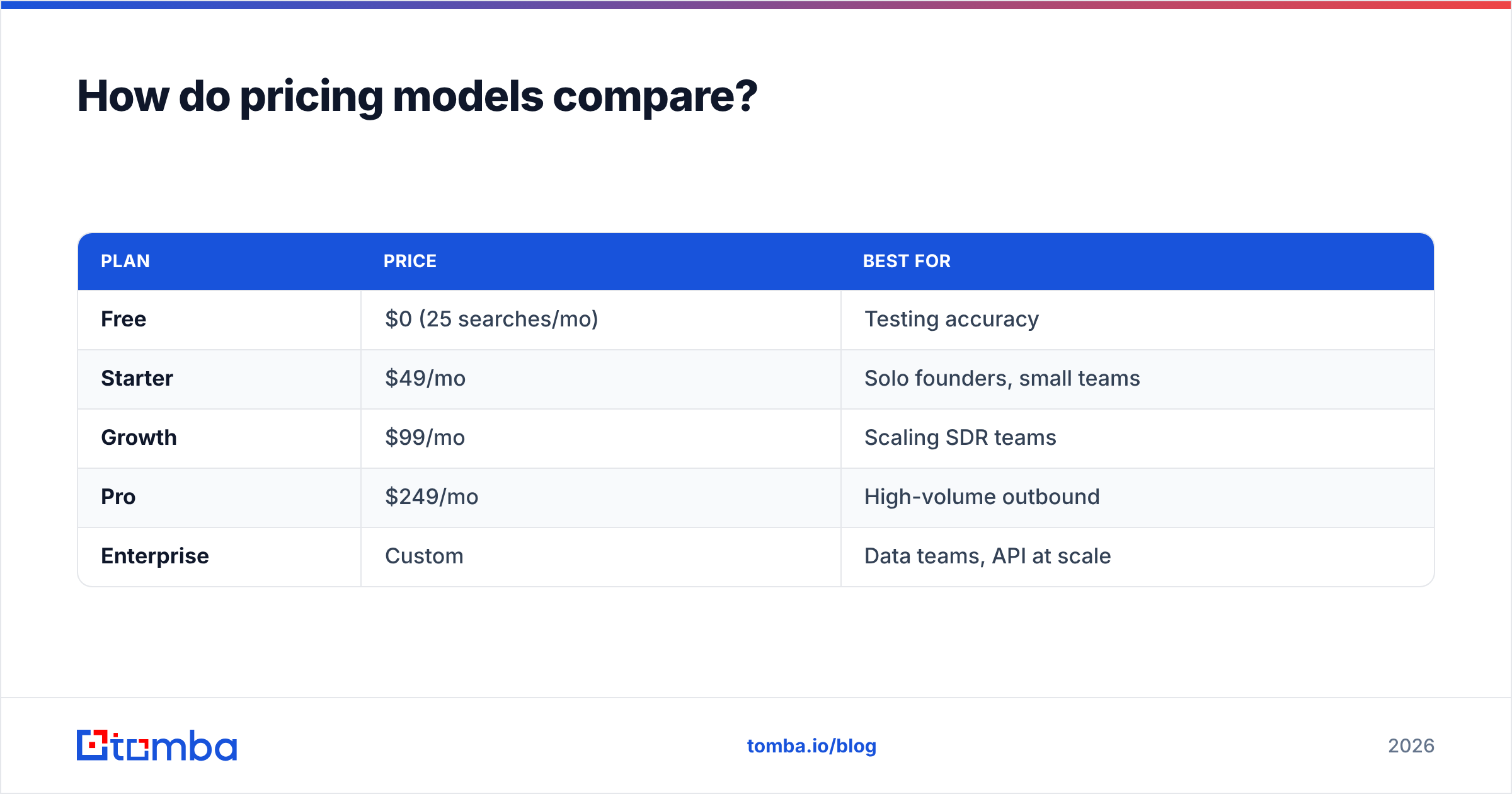
A consolidated platform changes the math. Instead of two bills, you pay one subscription that includes both finding and verifying. For reference, Tomba pricing runs:
| Plan | Price | Best for |
|---|---|---|
| Free | $0 (25 searches/mo) | Testing accuracy |
| Starter | $49/mo | Solo founders, small teams |
| Growth | $99/mo | Scaling SDR teams |
| Pro | $249/mo | High-volume outbound |
| Enterprise | Custom | Data teams, API at scale |
When you add BriteVerify's per-credit verification spend to Generect's subscription, a single all-in-one plan frequently lands cheaper — before you even count the time saved not exporting CSVs between two systems.
How accurate is the data in each tool?#
Accuracy means two different things here, so judge each tool on its own job.
BriteVerify is measured on verification accuracy — does its valid/invalid verdict match reality? For standard mailbox providers (Gmail, Outlook, corporate Microsoft 365), dedicated verifiers like BriteVerify perform well. The weak spot for every verifier is catch-all domains, where the server accepts all mail and no tool can be 100% certain. BriteVerify flags these as "accept-all" rather than guessing.
Generect is measured on sourcing accuracy — are the emails it finds correct and current? Because it leans on LinkedIn-derived data, freshness depends on how recently a profile was updated. Job-changers and pattern-guessed addresses are the usual sources of error, and lighter built-in verification means some bad addresses slip through to your export.
A combined tool tries to win both metrics by verifying at the moment of discovery. When you find email addresses and run them through a built-in email verifier in the same pass, you avoid the gap where a freshly sourced lead sits unverified in a CSV. For catch-all domains specifically, a dedicated catch-all finder gives you a confidence signal instead of a blind send.
If raw verification benchmarking is your priority, independent directories like Capterra list user-reported accuracy across categories — worth a scan before you commit.
What does the ideal workflow look like?#
Map the tools to the actual stages of an outbound motion and the overlap (and gaps) become obvious:
- Define ICP — firmographic filters. Generect strong, BriteVerify absent.
- Source contacts — pull matching emails. Generect strong, BriteVerify absent.
- Verify deliverability — flag bounces and catch-alls. BriteVerify strong, Generect light.
- Enrich — add phone, social, company fields. Both partial.
- Push to CRM/sequence — sync clean data. Both via API/integrations.
With BriteVerify + Generect you cover stages 1–5 but stitch two products together with manual exports between steps 2 and 3 — the most error-prone handoff in the chain.
With a single finder-plus-verifier, stages 2–4 happen in one tool. You can also enrich with a phone finder, pull contacts straight from LinkedIn, or run a whole company at once via domain search — without leaving the dashboard. That consolidation is the real argument for an all-in-one over two specialists.
When should you use BriteVerify and Generect together?#
There is a legitimate case for running both. If you are a large org with an established Generect contract for sourcing and a Validity/BriteVerify contract for deliverability governance, ripping out either to consolidate may not be worth the disruption. Enterprise teams often standardize on Validity's ecosystem for compliance reasons alone.
But for most small and mid-sized teams, two contracts is over-engineering. You are paying twice, training people on two interfaces, and introducing a CSV handoff that breaks every time a column header changes. The cleaner answer is a single platform that finds and verifies — and only escalates to specialist tools when a specific edge case (postal verification, deep deliverability monitoring) genuinely demands it.
A practical test: open your last three prospecting projects. If every one involved both building a list and cleaning it, you have the consolidation use case. If they were purely one or the other, a specialist is fine.
Which tool should you pick in 2026?#
Conclusion first: pick by the job you do most, and consolidate if you do both.
- Only cleaning lists? BriteVerify is a solid, focused verifier — accept the per-credit pricing.
- Only building lists? Generect's LinkedIn-first sourcing fits outbound teams, but budget for a separate verifier.
- Doing both regularly? Stop juggling two contracts. A combined finder-and-verifier removes the handoff, cuts total cost, and keeps your data current because verification happens at discovery.
Neither BriteVerify nor Generect is a bad tool. They are just half-tools for the modern outbound workflow — each excellent at its lane, neither complete on its own.
Get sourcing and verification in one place#
If your team builds and cleans lists every week, you do not need two subscriptions and a CSV shuffle. Tomba's Email Finder sources verified professional emails by name, company, or domain — with a built-in verifier, catch-all detection, and phone enrichment in the same dashboard. Start on the free tier (25 searches/mo), then scale to Starter at $49/mo when you're ready. Run a list you already have through the email verifier, or build a brand-new one with domain search — without paying two vendors to do one job.
Ready to find emails that actually work?
Join 150,000+ professionals who stopped guessing and started sending. Free credits on signup — no credit card required.
Get the Tomba newsletter
Practical outbound tactics and product updates — once every two weeks.
About the author