BuiltWith vs SimilarTech 2026: Which Tech Lookup Wins?
BuiltWith vs SimilarTech compared on coverage, pricing, accuracy, and sales use cases — plus how to turn technographic signals into real pipeline in 2026.
Technographics — knowing which tools a company already runs — is one of the strongest buying signals in B2B. If a prospect uses Shopify Plus, Klaviyo, and Gorgias, you instantly know their budget, maturity, and likely pain points. Two platforms dominate this space: BuiltWith and SimilarTech. This guide compares them honestly so you can pick the right one — and shows where they stop being useful.
TL;DR#
- BuiltWith wins on raw historical depth, lead-list exports, and trend reports; it's the older, more SEO-and-market-research-oriented tool.
- SimilarTech wins on a cleaner UI, real-time alerts, and sales-focused workflows like CRM push and saved prospecting lists.
- Accuracy is comparable for mainstream technologies; both miss server-side and privately hosted tools that leave no front-end fingerprint.
- Neither tool gives you contact data. A tech stack tells you who to target — not who to email. You still need an email finder to act on the signal.
- For most revenue teams, the real workflow is: detect the stack → build the account list → enrich with verified contacts → reach out.
What do BuiltWith and SimilarTech actually do?#
Both are technology lookup tools (technographics). They scan a website's HTML, JavaScript, DNS records, HTTP headers, and tracking pixels, then match those fingerprints against a database of known products. Point either tool at example.com and you get a list: the CMS, analytics, ad pixels, payment processors, CDN, email service provider, and dozens of other categories.
Think of it like reading the ingredient label on the back of a product. You can't see the recipe (the company's internal systems), but the public-facing wrapper tells you a lot about what's inside.
Where they differ is the packaging and the intended buyer:
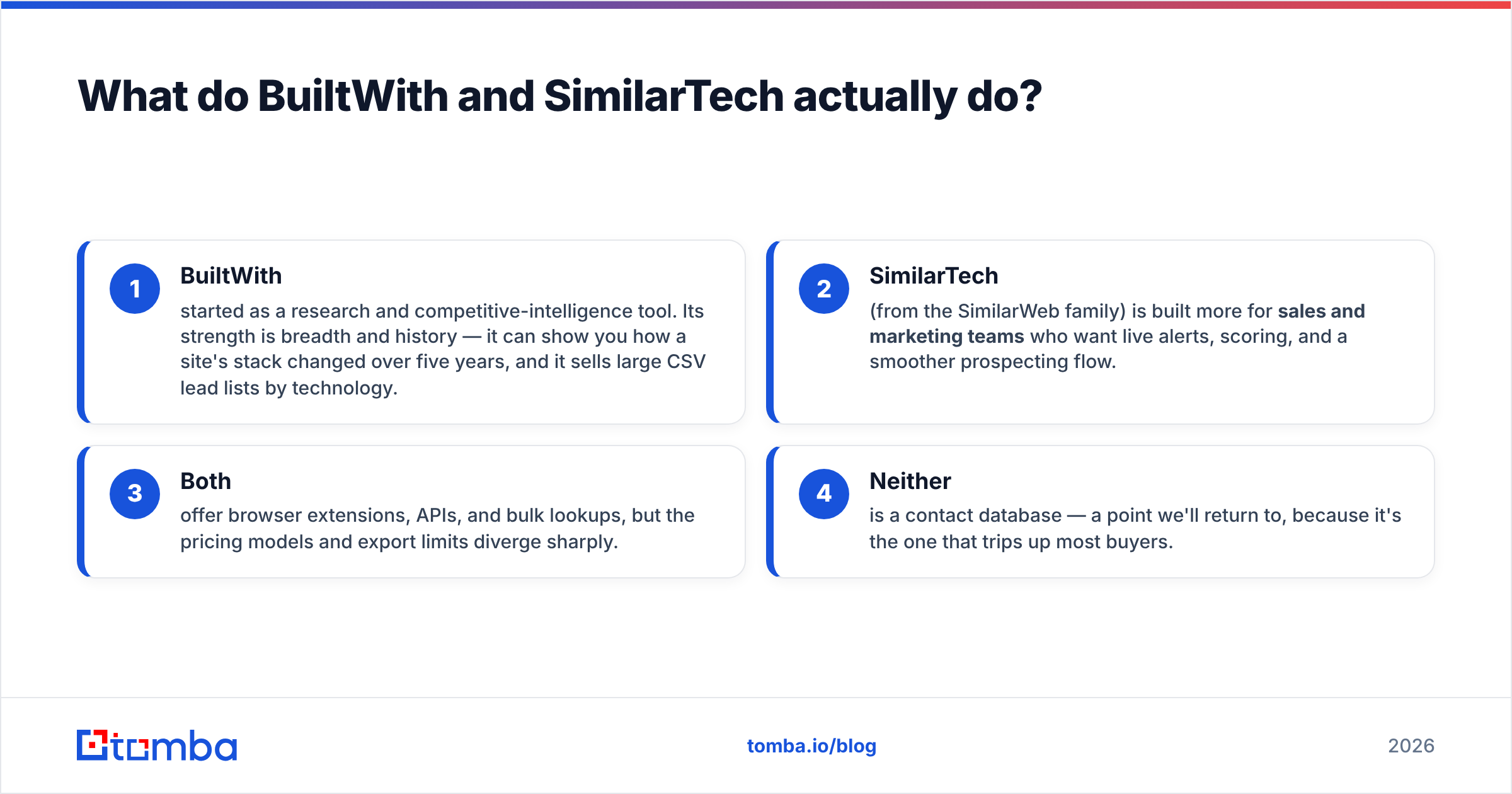
- BuiltWith started as a research and competitive-intelligence tool. Its strength is breadth and history — it can show you how a site's stack changed over five years, and it sells large CSV lead lists by technology.
- SimilarTech (from the SimilarWeb family) is built more for sales and marketing teams who want live alerts, scoring, and a smoother prospecting flow.
- Both offer browser extensions, APIs, and bulk lookups, but the pricing models and export limits diverge sharply.
- Neither is a contact database — a point we'll return to, because it's the one that trips up most buyers.
BuiltWith vs SimilarTech: full comparison table#
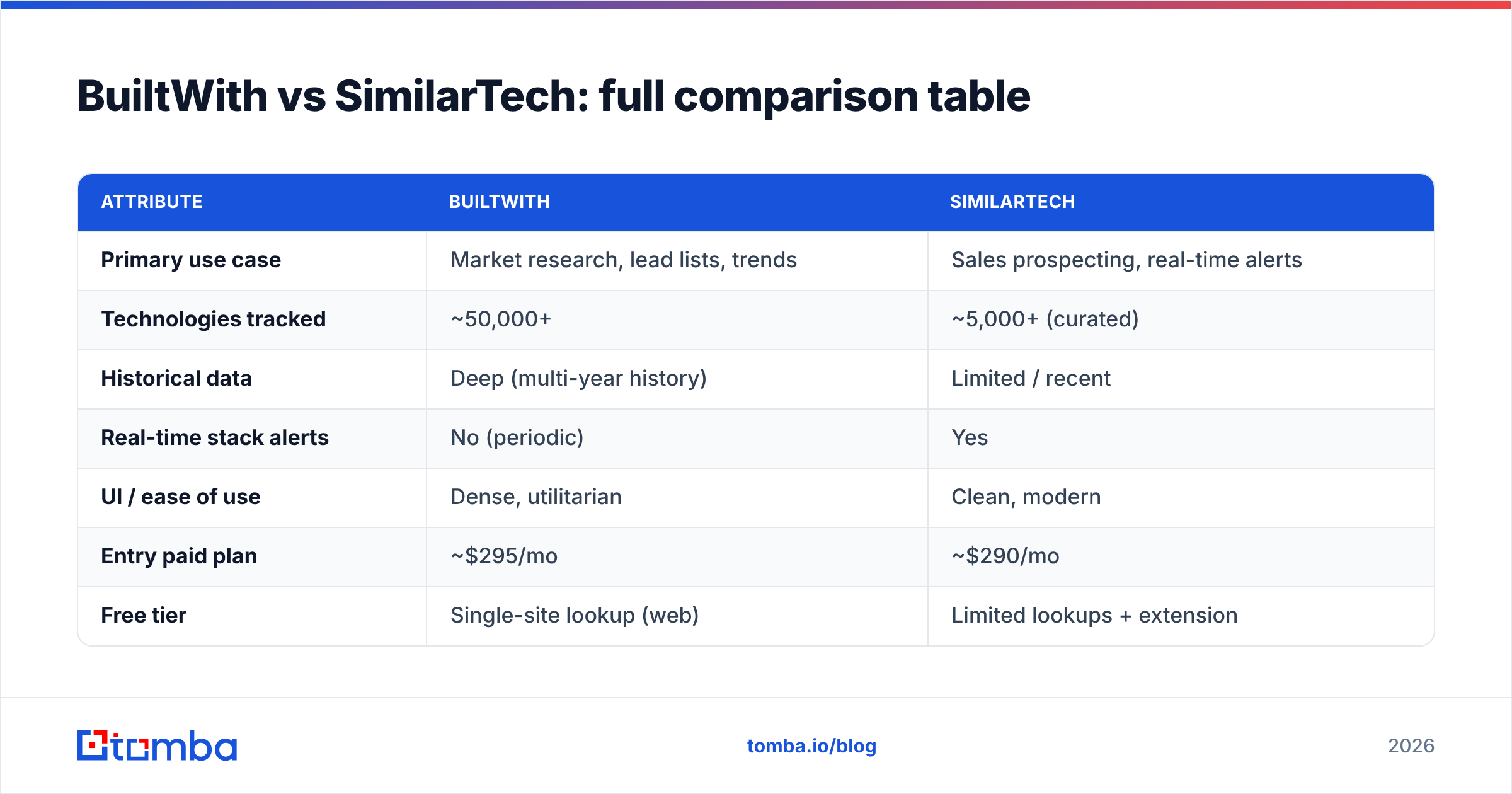
Here's the head-to-head on the attributes that actually affect a buying decision. Pricing reflects publicly listed plans as of 2026 and rounds to the nearest tier; always confirm current rates on each vendor's site.
| Attribute | BuiltWith | SimilarTech |
|---|---|---|
| Primary use case | Market research, lead lists, trends | Sales prospecting, real-time alerts |
| Technologies tracked | ~50,000+ | ~5,000+ (curated) |
| Historical data | Deep (multi-year history) | Limited / recent |
| Real-time stack alerts | No (periodic) | Yes |
| UI / ease of use | Dense, utilitarian | Clean, modern |
| Entry paid plan | ~$295/mo | ~$290/mo |
| Free tier | Single-site lookup (web) | Limited lookups + extension |
| Lead-list CSV export | Yes (a core selling point) | Yes (sales lists) |
| CRM integrations | Via API / export | Native push to CRM |
| API access | Yes (metered) | Yes (metered) |
| Contact / email data | No | No |
The takeaway: BuiltWith is the deeper database; SimilarTech is the smoother workflow. If you do quarterly market sizing or sell lead lists, BuiltWith's history and 50k+ technology catalog are hard to beat. If you're an SDR who wants a "this account just installed HubSpot" ping that lands in your CRM, SimilarTech feels purpose-built.
Which one is more accurate?#
For mainstream, client-side technologies, accuracy is roughly equal — usually 90%+ on things like CMS, analytics, and ad pixels. Both tools read the same public fingerprints, so when a company loads Google Analytics or a Shopify theme, both detect it reliably.
Accuracy diverges in three predictable places:
- Server-side and headless setups. If a company renders pages server-side or runs a tool that leaves no browser-visible trace (many data warehouses, internal CRMs, server-side tagging), neither tool sees it. This is a fundamental limit of front-end scanning, not a vendor flaw.
- Recency. SimilarTech's real-time crawl can flag a newly added pixel faster, while BuiltWith's periodic refresh may lag by days or weeks on smaller domains. Conversely, BuiltWith's history is better for "what did they used to run."
- Long-tail tools. BuiltWith's larger catalog catches niche products SimilarTech's curated list omits.
A practical rule: trust technographic data as a strong signal, not gospel. Treat a detected stack as "very likely true" and a missing technology as "unknown," not "absent." If a deal hinges on it, verify with a sales call or the company's own job postings, which often list their stack explicitly.
What neither tool tells you: who to actually contact#
Here's the gap that catches teams off guard. You run a BuiltWith report, pull 4,000 Shopify Plus stores, and feel productive. Then reality hits: you have domains, not people. No names, no titles, no email addresses, no phone numbers. A list of companies is not a list of leads.
This is where the technographic workflow breaks down without a second tool. To turn "this company uses Klaviyo" into a booked meeting, you need to:
- Identify the right person at that company (the VP of Marketing, not the generic info@ inbox).
- Find their verified work email so your message lands and doesn't bounce.
- Optionally grab a B2B phone number for multichannel follow-up.
- Push it all into your CRM or sequencing tool.
That's the job of an email-finding and enrichment layer. You can take the domains from BuiltWith or SimilarTech and run them through a domain search to pull every public email pattern at the company, then verify deliverability before you send. For the technology-detection step itself, a lightweight option like the free website tech stack checker covers quick one-off lookups without a paid technographics subscription.

How to build a real workflow from a tech stack signal#
The signal is only as good as what you do next. Here's a concrete pipeline that turns either tool's output into pipeline:
- Step 1 — Define the trigger. Pick the technology that maps to your ICP. "Uses Recharge" implies subscription DTC; "uses Marketo" implies an enterprise marketing org. Be specific; broad triggers create noisy lists.
- Step 2 — Pull the account list. Export from BuiltWith or SimilarTech as CSV. Filter by traffic, country, or vertical to keep volume sane.
- Step 3 — Find decision-makers. For each domain, identify titles that own the relevant tool. Use a bulk email finder to resolve names to verified emails at scale rather than guessing
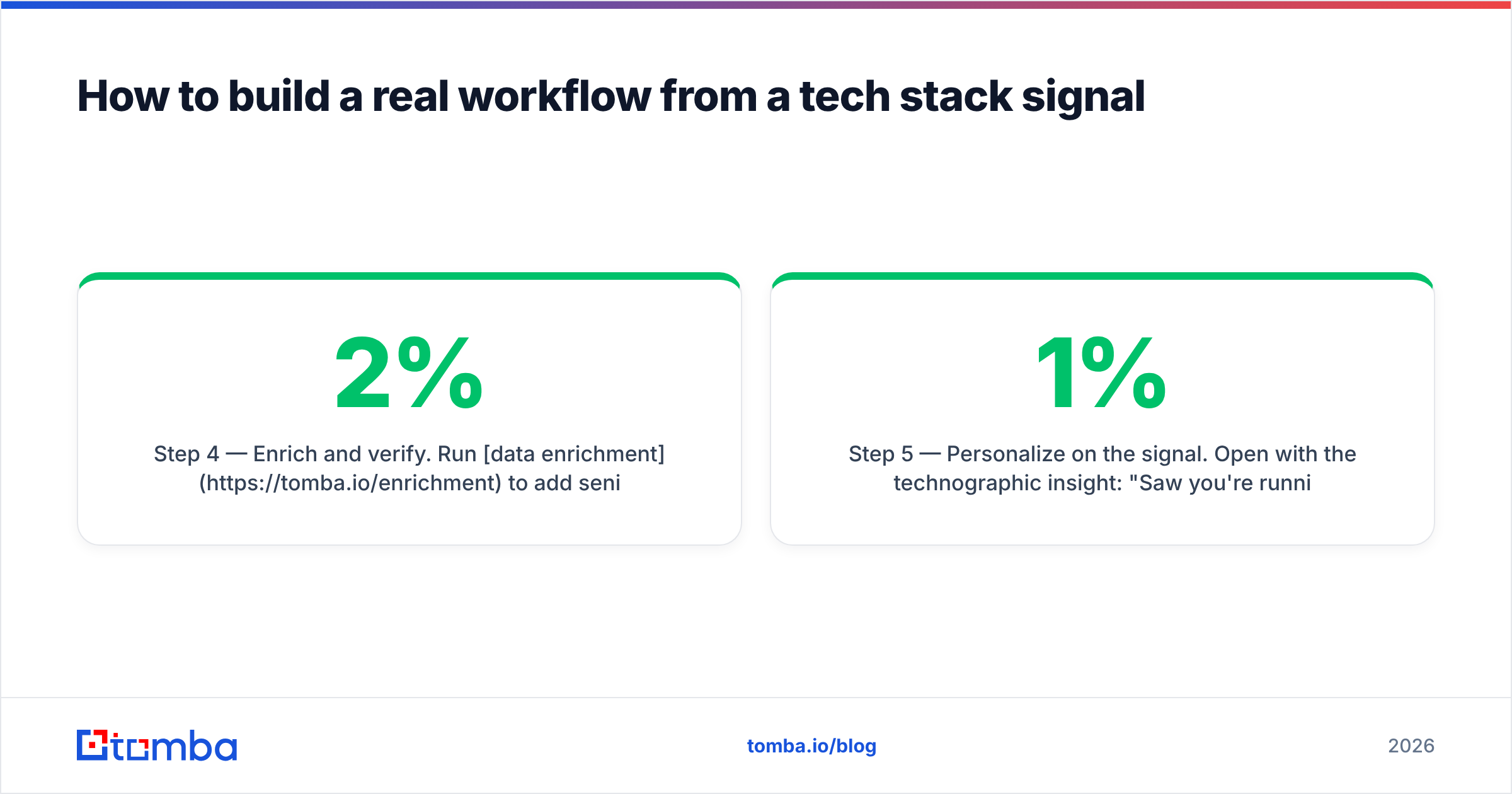
firstname@domain. - Step 4 — Enrich and verify. Run data enrichment to add seniority, location, and LinkedIn, then verify every address so your bounce rate stays under 2%.
- Step 5 — Personalize on the signal. Open with the technographic insight: "Saw you're running Gorgias — most teams we work with hit X bottleneck at your scale." This is what separates a 1% reply rate from a 10% one.
The signal (tech stack) and the action (verified outreach) are two halves of one motion. BuiltWith and SimilarTech own the first half well; they simply don't do the second.
Which should you choose?#
Pick based on your job, not the feature list:
- Choose BuiltWith if you do market research, competitive analysis, agency lead-gen, or need multi-year history and the widest technology catalog. Its CSV lead lists are a genuine differentiator.
- Choose SimilarTech if you're a sales or growth team that wants real-time alerts, a cleaner UI, scoring, and native CRM push — and you can live with a smaller, curated technology set.
- Choose neither (yet) if your real bottleneck is contact data. A technographics subscription that feeds a list you can't act on is a sunk cost. Start with the contact layer, then add detection.
You can compare current user reviews and feature scores for both on G2 before committing, and check the official feature pages at builtwith.com and similartech.com for the latest pricing, since both vendors adjust tiers frequently.
Frequently asked questions#
Is BuiltWith or SimilarTech free? Both offer limited free access. BuiltWith lets you run single-domain lookups on its website at no cost, and SimilarTech has a free browser extension plus a small monthly lookup allowance. Meaningful exports and bulk lists require paid plans on either tool.
Can these tools find email addresses? No. Both are technology-detection tools only. They return the software a company uses, not contact details. You need a dedicated email verifier and finder to get and validate addresses.
How accurate is technographic data overall? Generally strong for client-side tools (analytics, CMS, pixels) and weaker for server-side or privately hosted systems that leave no public fingerprint. Treat it as a high-confidence signal, not a guarantee.
Do I need both BuiltWith and SimilarTech? Rarely. Most teams pick one based on whether they prioritize historical depth (BuiltWith) or real-time sales workflows (SimilarTech). Running both is usually redundant spend.
Turn tech-stack signals into booked meetings#
BuiltWith and SimilarTech are both solid at what they do: telling you which companies run the tools that signal a fit. But a detected stack is a lead only after you know who to reach and have a verified way to reach them. That's the half they leave to you.
Tomba closes that gap. Feed your technographic account lists into the Tomba Email Finder to resolve decision-makers to real, verified work emails, enrich them with titles and phone numbers, and push the result straight into your sequencing tool. Start free with 25 searches a month, and review the full Tomba pricing when you're ready to scale — Starter is $49/mo, Growth $99/mo, Pro $249/mo. Detect the stack with BuiltWith or SimilarTech; turn it into pipeline with Tomba.
// get started
Find, verify and enrich your first contacts today
Start on the free plan with 25 searches a month, then scale when your team is ready.
Free plan · No credit card required · GDPR & CCPA
// about the author