Bulk Email Verification API: Best Tools Compared 2026
A bulk email verification API cleans thousands of addresses in one call. Here is how the top providers compare on speed, accuracy, and price in 2026.

A bulk email verification API lets you check thousands of email addresses for validity in a single programmatic request, instead of uploading CSV files by hand. If you run cold outreach, manage a CRM, or maintain a signup flow, this is the difference between a 2% bounce rate and a blocked sending domain.
TL;DR#
- A bulk email verification API validates large lists (1k–1M addresses) programmatically, returning deliverability status, MX records, catch-all flags, and risk scores.
- The three things that actually matter when choosing one: accuracy on catch-all domains, throughput, and cost per verification at scale.
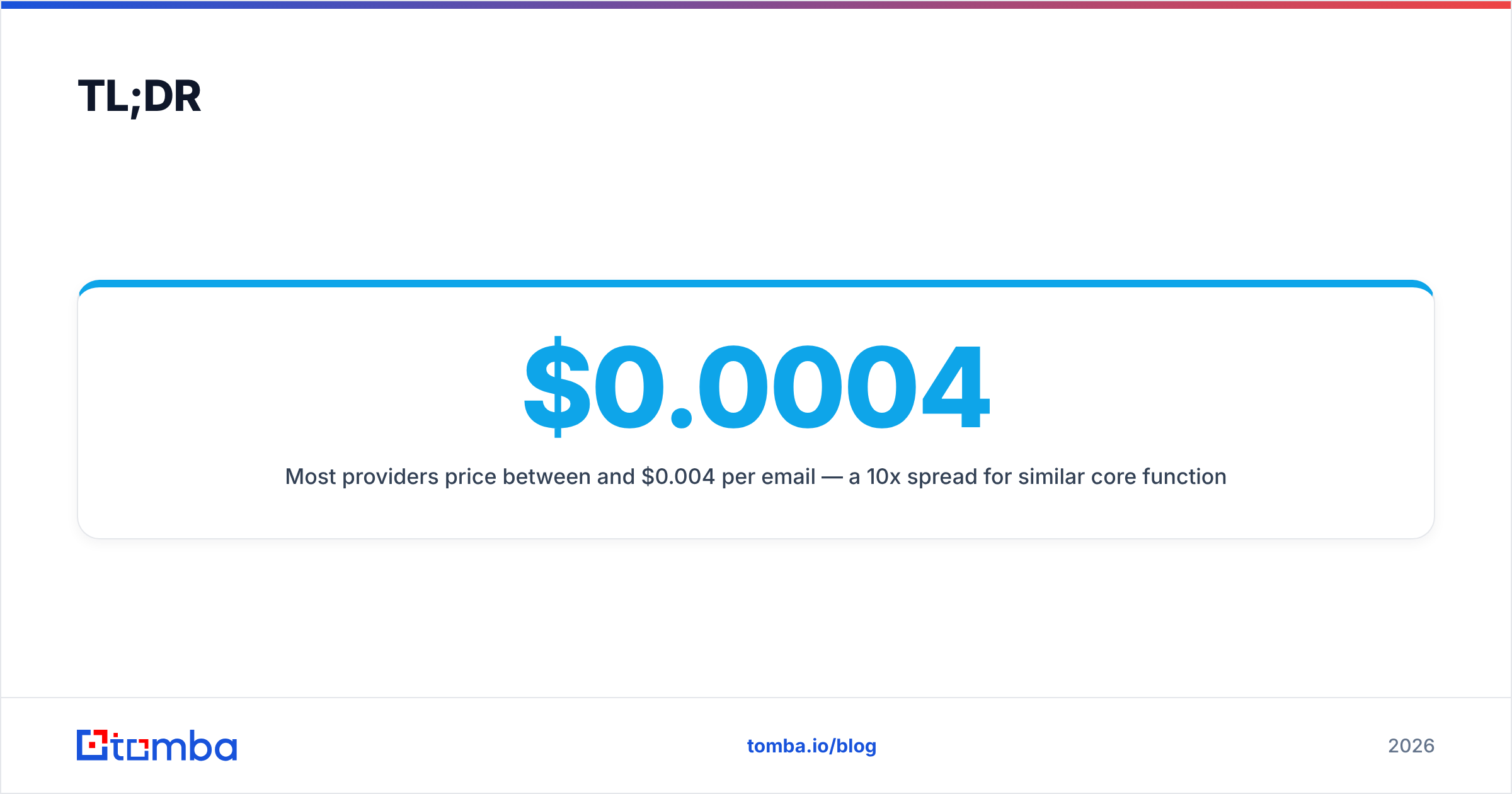
- Most providers price between $0.0004 and $0.004 per email — a 10x spread for similar core functionality.
- Tomba's email verifier and bulk endpoints handle async list jobs with catch-all detection, starting on a free tier and scaling to custom enterprise volume.
- Always verify a sample before committing your full list — accuracy claims vary wildly between marketing pages and reality.
What is a bulk email verification API?#
Think of it like airport security for your email list. A single verification API call is one passenger walking through the scanner. A bulk verification API is the entire terminal running hundreds of scanners at once, processing a planeload of passengers and handing you back one report. You submit a list, the service runs each address through a pipeline of checks asynchronously, and you poll for results or receive a webhook when the job finishes.
Under the hood, every serious provider runs the same core checks. The differences show up in how they handle the hard cases — catch-all domains, greylisting, and role accounts.
Here is what a verification pipeline checks, in order:
- Syntax validation — Is the address RFC-5322 compliant? Catches typos like
john@gmailorname@@domain.com. - Domain and MX records — Does the domain exist and publish mail-exchange records that can actually receive mail?
- SMTP handshake — The verifier opens a connection to the recipient's mail server and asks whether the mailbox exists, without sending an actual email.
- Catch-all detection — Some domains accept mail for any address. A good API flags these as "accept-all" rather than falsely marking them valid.
- Risk scoring — Disposable domains, role accounts (
info@,sales@), and known spam traps get flagged so you can decide whether to keep them.
Why use an API instead of a dashboard upload?#
The conclusion first: automation and scale. A dashboard works for a one-time list of 5,000 contacts. An API works when verification has to happen inside your product — every time a user signs up, every time a lead enters your CRM, every night as a scheduled cleanup job.
Manual CSV uploads break down for three reasons:
- They don't scale with your team. Someone has to remember to do it, export the list, wait, and re-import. That step gets skipped under pressure.
- They can't run in real time. You can't block a fake signup at the form level with a manual process.
- They don't integrate. An API drops verification results straight into HubSpot, Salesforce, or your data warehouse with no human in the loop.
If your verification needs are occasional and small, a dashboard is fine. The moment verification becomes a repeated, embedded step, you want the email verification API.
How do the top bulk email verification APIs compare in 2026?#
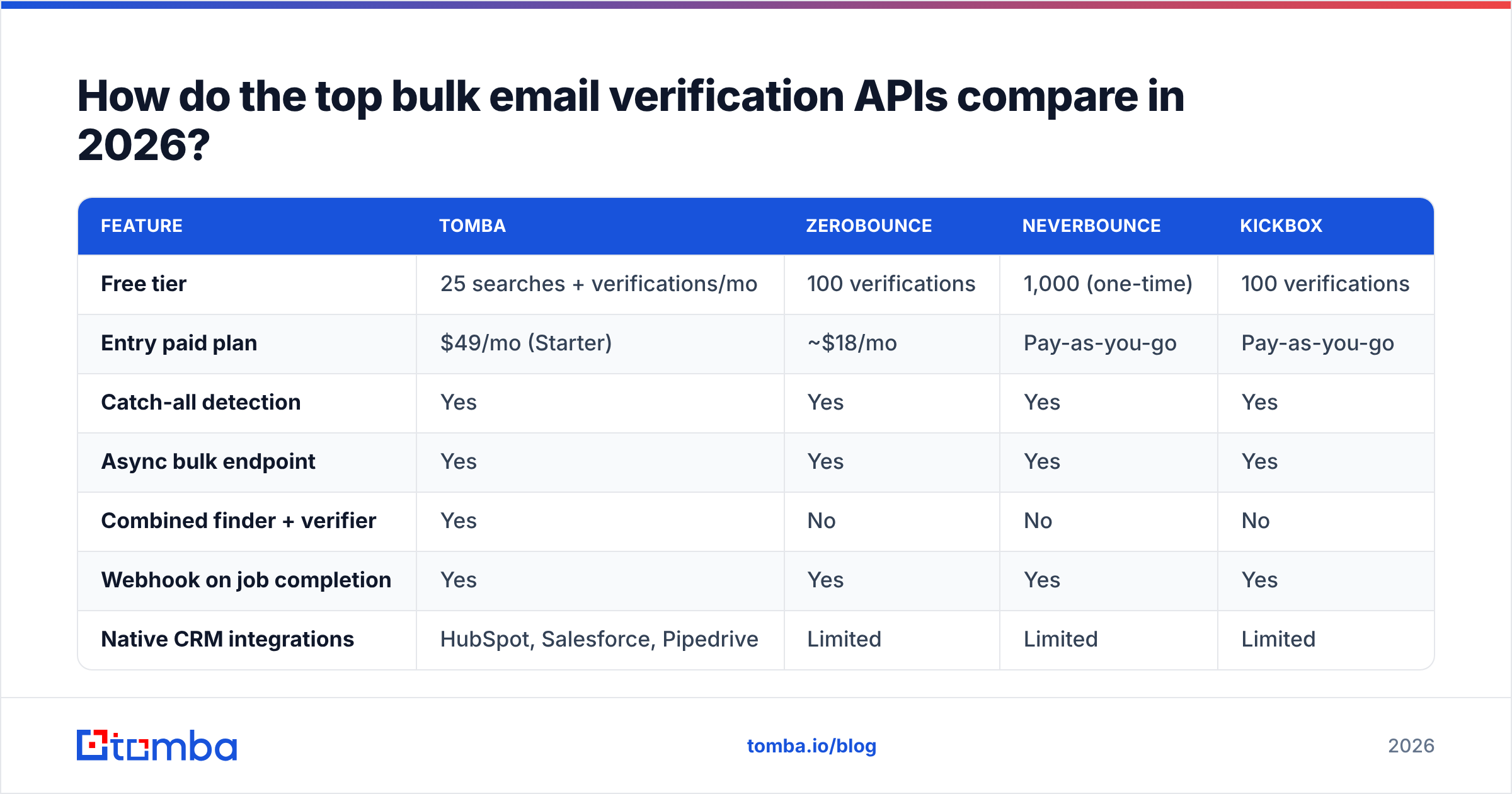
Pricing and limits move, so treat the numbers below as a starting point and confirm on each vendor's current pricing page before you commit. The table reflects published entry-level plans and typical per-verification economics as of early 2026.
| Feature | Tomba | ZeroBounce | NeverBounce | Kickbox |
|---|---|---|---|---|
| Free tier | 25 searches + verifications/mo | 100 verifications | 1,000 (one-time) | 100 verifications |
| Entry paid plan | $49/mo (Starter) | ~$18/mo | Pay-as-you-go | Pay-as-you-go |
| Catch-all detection | Yes | Yes | Yes | Yes |
| Async bulk endpoint | Yes | Yes | Yes | Yes |
| Combined finder + verifier | Yes | No | No | No |
| Webhook on job completion | Yes | Yes | Yes | Yes |
| Native CRM integrations | HubSpot, Salesforce, Pipedrive | Limited | Limited | Limited |
The honest read: most of these tools pass the same basic checks. The differentiators are (1) whether you also need to find addresses, not just verify them, and (2) how aggressively each one prices at high volume. Tomba bundles the email finder and verifier under one API key, which matters if your workflow is "find the contact, then confirm it's safe to send."
For independent reviews beyond vendor claims, check the verification category on G2 where real users report on accuracy and support.
What accuracy should you actually expect?#
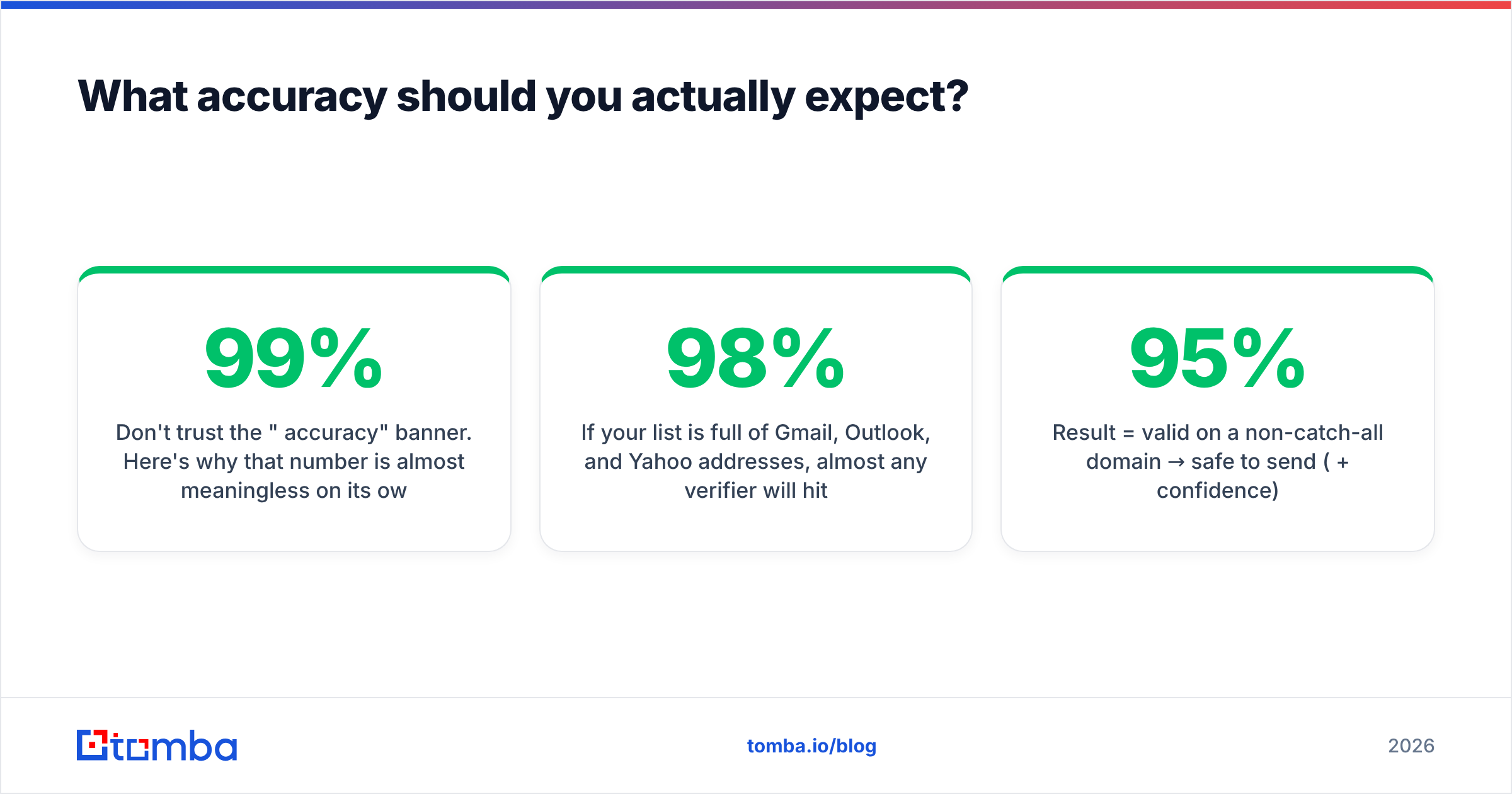
Don't trust the "99% accuracy" banner. Here's why that number is almost meaningless on its own: accuracy depends entirely on your list composition.
If your list is full of Gmail, Outlook, and Yahoo addresses, almost any verifier will hit 98%+ because those providers respond honestly to SMTP probes. The hard part is corporate domains that use catch-all configurations or aggressive anti-spam systems. On those, accuracy can drop to 70–85% across every provider, and the ones that claim otherwise are usually guessing "valid" on accept-all domains.
This is where a dedicated catch-all verifier earns its keep. Instead of a binary valid/invalid, you get an "accept-all" classification plus a confidence score, so you can route those addresses to a lower-risk sending pool rather than blasting them and tanking your sender reputation.
A practical accuracy rule of thumb:
- Result = valid on a non-catch-all domain → safe to send (95%+ confidence).
- Result = accept-all / risky → send sparingly, warm up first, monitor bounces.
- Result = invalid or disposable → drop it. No exceptions.

How do you integrate a bulk verification API?#
The flow is the same across providers, which makes switching costs low. A typical async bulk job looks like this:
- Authenticate. Pass your API key in the request header. Never hardcode it — pull it from an environment variable.
- Submit the list. POST a JSON array of addresses (or a file reference) to the bulk endpoint. You get back a
job_id. - Poll or wait for the webhook. Bulk jobs are asynchronous because SMTP probes take time. Either poll the job status endpoint every few seconds or register a webhook URL to be notified on completion.
- Fetch results. Download the per-address results: status, sub-status, MX found, catch-all flag, and risk score.
- Act on the data. Suppress invalids, tag risky addresses, and push clean contacts into your sending tool or CRM.
A minimal request to kick off a job looks roughly like this:
curl -X POST "https://api.tomba.io/v1/bulk/verifier" \
  -H "X-Tomba-Key: $TOMBA_API_KEY" \
  -H "Content-Type: application/json" \
  -d '{"emails": ["jane@acme.com", "info@startup.io"]}'
# → { "job_id": "bv_8f21c", "status": "queued" }
Then poll until the status flips to completed and pull the report. If you'd rather not write code, the same engine is available through no-code routes — the Tomba Chrome extension, Google Sheets add-on, and Zapier integration all hit the same verification backend.
What does bulk email verification cost at scale?#
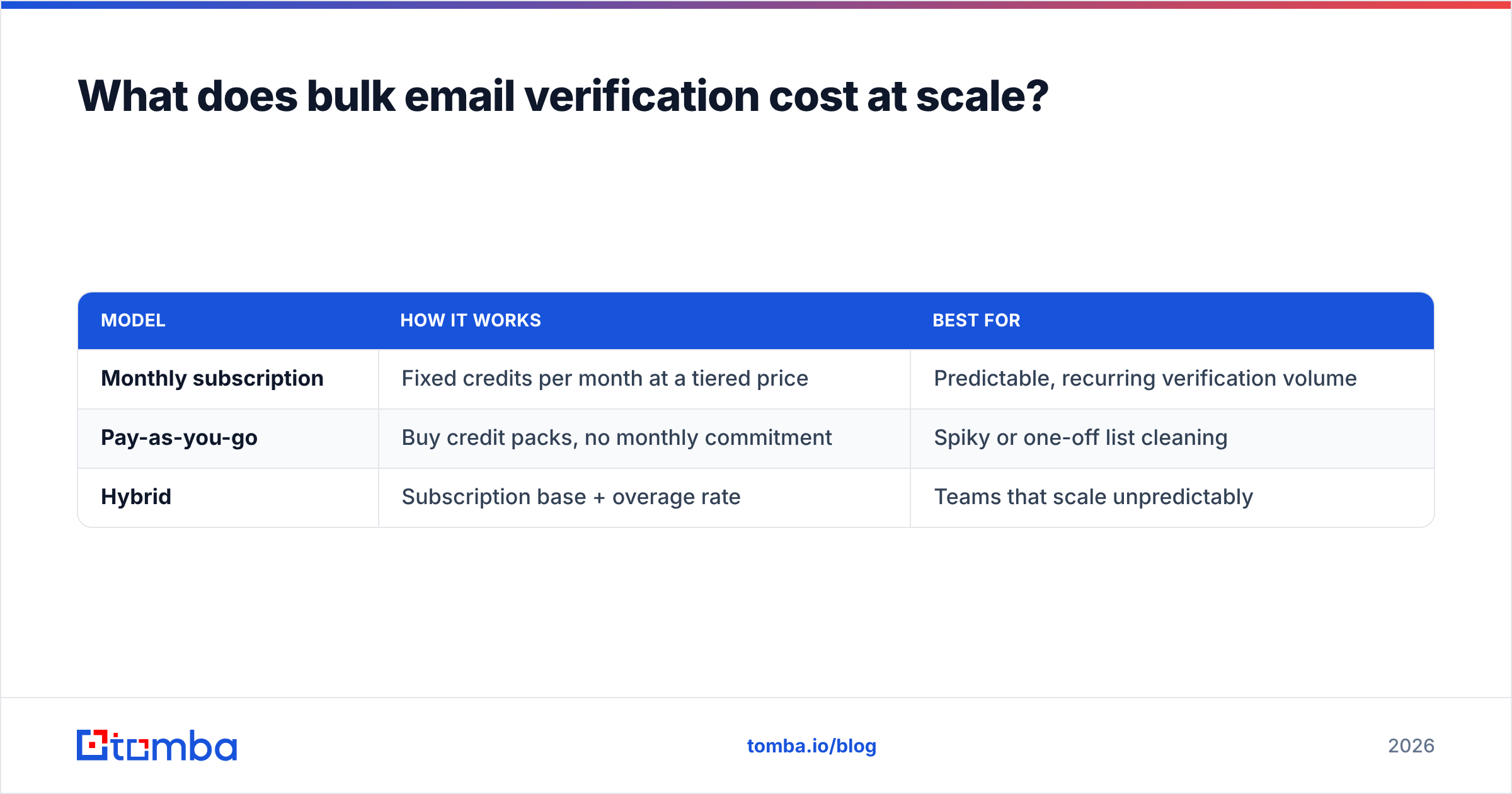
Cost is where the real decision happens, because the core features are commoditized. Pricing models fall into two camps:
| Model | How it works | Best for |
|---|---|---|
| Monthly subscription | Fixed credits per month at a tiered price | Predictable, recurring verification volume |
| Pay-as-you-go | Buy credit packs, no monthly commitment | Spiky or one-off list cleaning |
| Hybrid | Subscription base + overage rate | Teams that scale unpredictably |
Tomba uses a subscription model with a free tier (25 searches and verifications per month), then paid plans at $49/mo (Starter), $99/mo (Growth), $249/mo (Pro), and custom Enterprise pricing for high-volume API users. Credits are shared across the finder and verifier, so you're not paying for two separate tools.
When you model your own cost, calculate cost per verification at your real monthly volume, not the headline plan price. A $99/mo plan with 100,000 verifications ($0.001 each) beats a "cheap" $30/mo plan that only includes 10,000 ($0.003 each) the moment you scale past a small list.
Three cost traps to avoid:
- Re-verifying the same addresses. Cache results. An address that was valid last week is almost certainly still valid — don't burn credits re-checking it daily.
- Verifying obvious junk. Run a free syntax and disposable-domain filter first (Tomba's free email checker does this) before spending paid credits.
- Ignoring the free tier for testing. Always pilot your integration on the free tier and measure accuracy on a known sample before buying credits.
When should you verify — and how often?#
Verify at three moments, and you'll keep your list clean without overspending:
- At capture. Real-time single-address verification on signup forms and lead-gen forms stops bad data at the door. This is the highest-ROI check.
- Before each campaign. Run your send list through a bulk job 24–48 hours before launch. Email validity decays — people change jobs and abandon mailboxes.
- On a schedule. A monthly or quarterly bulk sweep of your full database catches decay you'd otherwise miss. Pair it with data enrichment to refresh stale records at the same time.
Clean lists protect more than your bounce rate. They protect sender reputation, which is the single biggest lever on whether your mail lands in the inbox or the spam folder. Mailbox providers watch your bounce and complaint rates closely; a spike from a dirty list can get your domain throttled for weeks. For background on how mail servers actually decide to accept or reject a message, the SMTP protocol overview on Wikipedia is a solid primer.
What are the common mistakes to avoid?#
- Treating "accept-all" as "valid." It isn't. It means the server won't tell you. Route these addresses carefully.
- Verifying once and never again. Lists decay roughly 2–3% per month. A list verified six months ago is no longer clean.
- Skipping rate limits. Bulk endpoints have concurrency caps. Respect them, handle 429 responses with backoff, and let the async job do its work instead of hammering the API.
- No error handling. Network calls fail. Wrap requests in proper error handling, log failures, and retry idempotently using the
job_id. - Choosing on price alone. The cheapest API that marks every catch-all "valid" will cost you far more in burned reputation than the few dollars you saved.
Which bulk email verification API should you pick?#
Match the tool to the job:
- You only ever verify, never find addresses, and verify huge volumes occasionally → a pay-as-you-go specialist like NeverBounce or Kickbox is reasonable.
- You both find and verify contacts and want one API key, one bill, and CRM integrations → Tomba is the stronger fit because the email finder and verifier share credits and infrastructure.
- You need catch-all nuance and confidence scoring, not just valid/invalid → prioritize providers with explicit accept-all classification.
The bottom line#
A bulk email verification API is infrastructure, not a nice-to-have. Once your sending volume passes a few thousand emails a month, manual cleaning stops scaling and a single dirty campaign can damage a domain you spent years warming up. Pick a provider with honest catch-all handling, model the cost at your real volume, and verify at capture, before each campaign, and on a schedule.
If your workflow involves finding contacts and then confirming they're safe to send, start with the Tomba Email Finder and its built-in verifier — test it free with 25 monthly credits, validate the accuracy on your own sample list, and wire the bulk API into your stack only after the numbers check out. Clean data is cheaper than a blocked domain.
Ready to find emails that actually work?
Join 150,000+ professionals who stopped guessing and started sending. Free credits on signup — no credit card required.
Get the Tomba newsletter
Practical outbound tactics and product updates — once every two weeks.
About the author