Business Email Address Finder: Best Tools Compared (2026)
A business email address finder turns a name and company into a verified, reply-ready inbox. Here's how the top tools compare on accuracy, price, and bulk speed in 2026.
You have a prospect's name and the company they work at. What you don't have is the one thing that actually starts a conversation: their email address. A business email address finder closes that gap — it takes a name plus a domain and returns the verified work inbox, usually in under a second.
This guide breaks down how these tools work, what separates an accurate one from a list-burner, and how the leading options stack up in 2026 on the metrics that decide your bounce rate and your budget.
TL;DR#
- A business email address finder converts a name + company (or domain) into a verified professional email, using pattern detection, public-data crawling, and live SMTP checks.
- Accuracy and verification matter more than database size — a huge list that bounces will torch your sender reputation faster than a smaller, cleaner one.
- The best tools pair finding with verification, catch-all handling, and bulk processing so you don't stitch three products together.
- Tomba offers a free tier (25 searches/mo) and paid plans from $49/mo, with email finder, verifier, and domain search under one roof.
- Always verify before you send — even a 95%-accurate finder needs a verification pass to protect deliverability.
What is a business email address finder?#
A business email address finder is a tool that locates the professional email address tied to a specific person at a specific company. You give it inputs — a full name and a company domain, a LinkedIn URL, or just a company website — and it returns the most probable work email, ideally with a confidence score and a verification status.
Think of it like a librarian who knows every company's filing system. You don't need to read every book on the shelf; you tell the librarian "the head of marketing at acme.com," and they hand you the exact record. Under the hood, the tool is doing three jobs at once: figuring out the company's email pattern (first.last@, flast@, first@), cross-referencing public sources where that person's address has appeared, and pinging the mail server to confirm the mailbox actually exists.
The output is only as useful as it is deliverable. That's why serious tools fold an email verifier into the same workflow — finding a candidate address is half the job; confirming it won't bounce is the other half.

How does a business email address finder actually work?#
Most tools combine the same core techniques. Understanding them helps you judge which vendor is doing real work versus guessing.
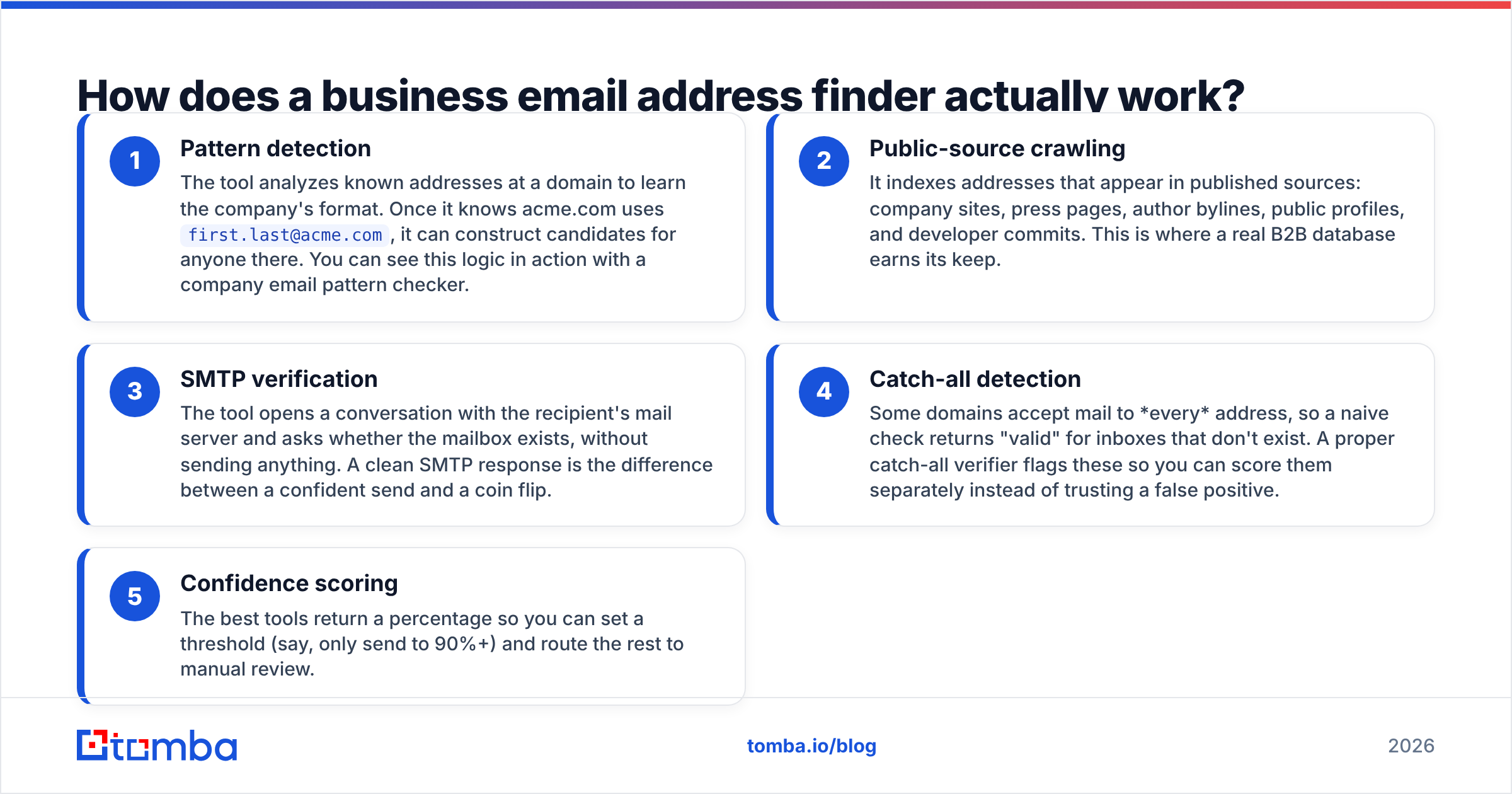
- Pattern detection — The tool analyzes known addresses at a domain to learn the company's format. Once it knows acme.com uses
first.last@acme.com, it can construct candidates for anyone there. You can see this logic in action with a company email pattern checker. - Public-source crawling — It indexes addresses that appear in published sources: company sites, press pages, author bylines, public profiles, and developer commits. This is where a real B2B database earns its keep.
- SMTP verification — The tool opens a conversation with the recipient's mail server and asks whether the mailbox exists, without sending anything. A clean SMTP response is the difference between a confident send and a coin flip.
- Catch-all detection — Some domains accept mail to every address, so a naive check returns "valid" for inboxes that don't exist. A proper catch-all verifier flags these so you can score them separately instead of trusting a false positive.
- Confidence scoring — The best tools return a percentage so you can set a threshold (say, only send to 90%+) and route the rest to manual review.

Wait — that's not a diagram, that's the meme. Here's the honest preference most reps land on once they've burned a list:

What makes one email finder more accurate than another?#
Accuracy comes down to data freshness, verification depth, and how the tool handles ambiguity. A finder that returns an answer for every query is suspicious — the honest move is to return "not found" rather than a guess that bounces.
The metrics worth comparing:
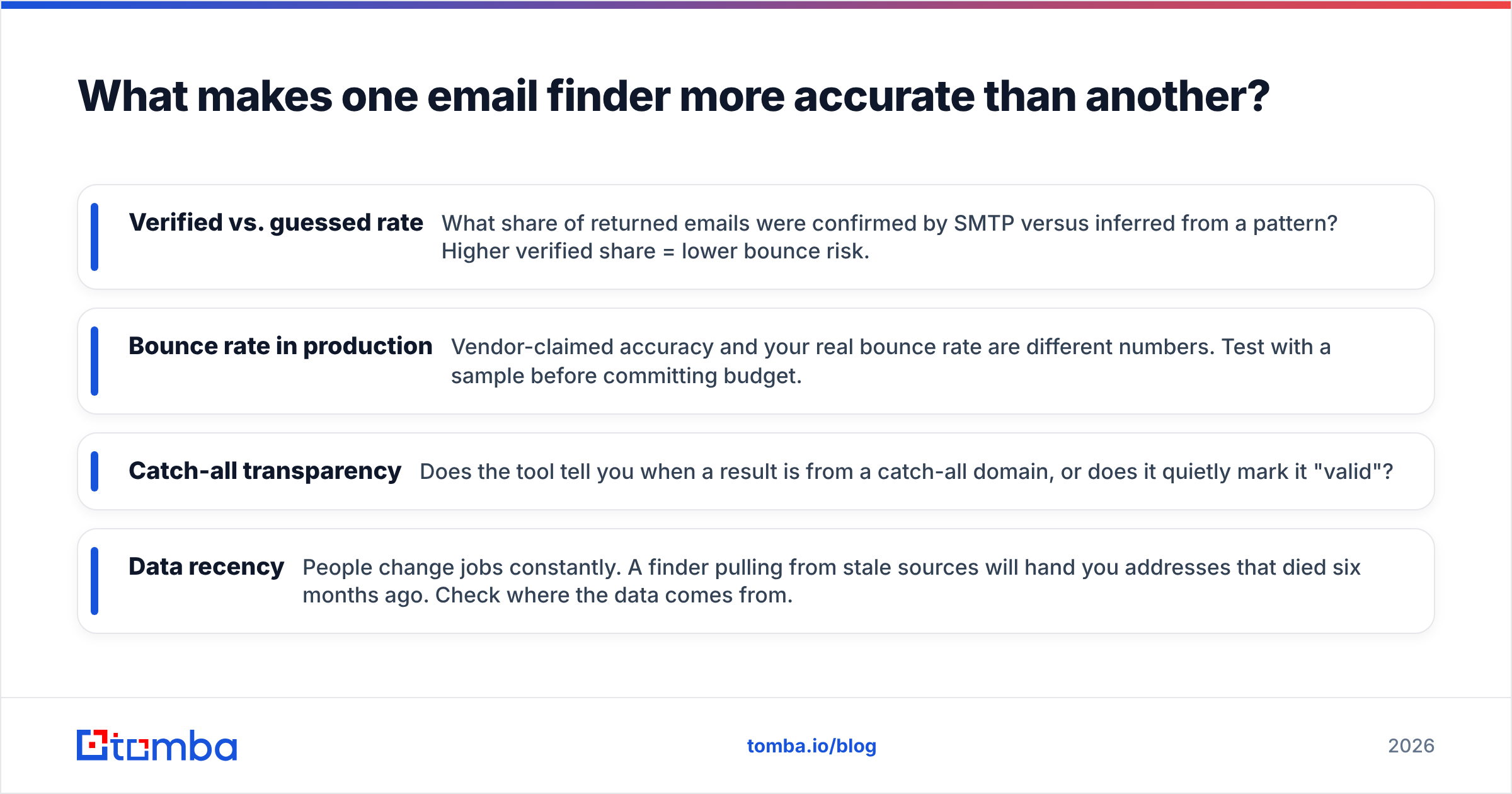
- Verified vs. guessed rate — What share of returned emails were confirmed by SMTP versus inferred from a pattern? Higher verified share = lower bounce risk.
- Bounce rate in production — Vendor-claimed accuracy and your real bounce rate are different numbers. Test with a sample before committing budget.
- Catch-all transparency — Does the tool tell you when a result is from a catch-all domain, or does it quietly mark it "valid"?
- Data recency — People change jobs constantly. A finder pulling from stale sources will hand you addresses that died six months ago. Check where the data comes from.
This is also why you keep the finder and verifier in the same pipeline. If you find 1,000 emails on Monday and don't re-verify before a Friday send, a chunk of them have already gone stale.
Which business email address finder should you use in 2026?#
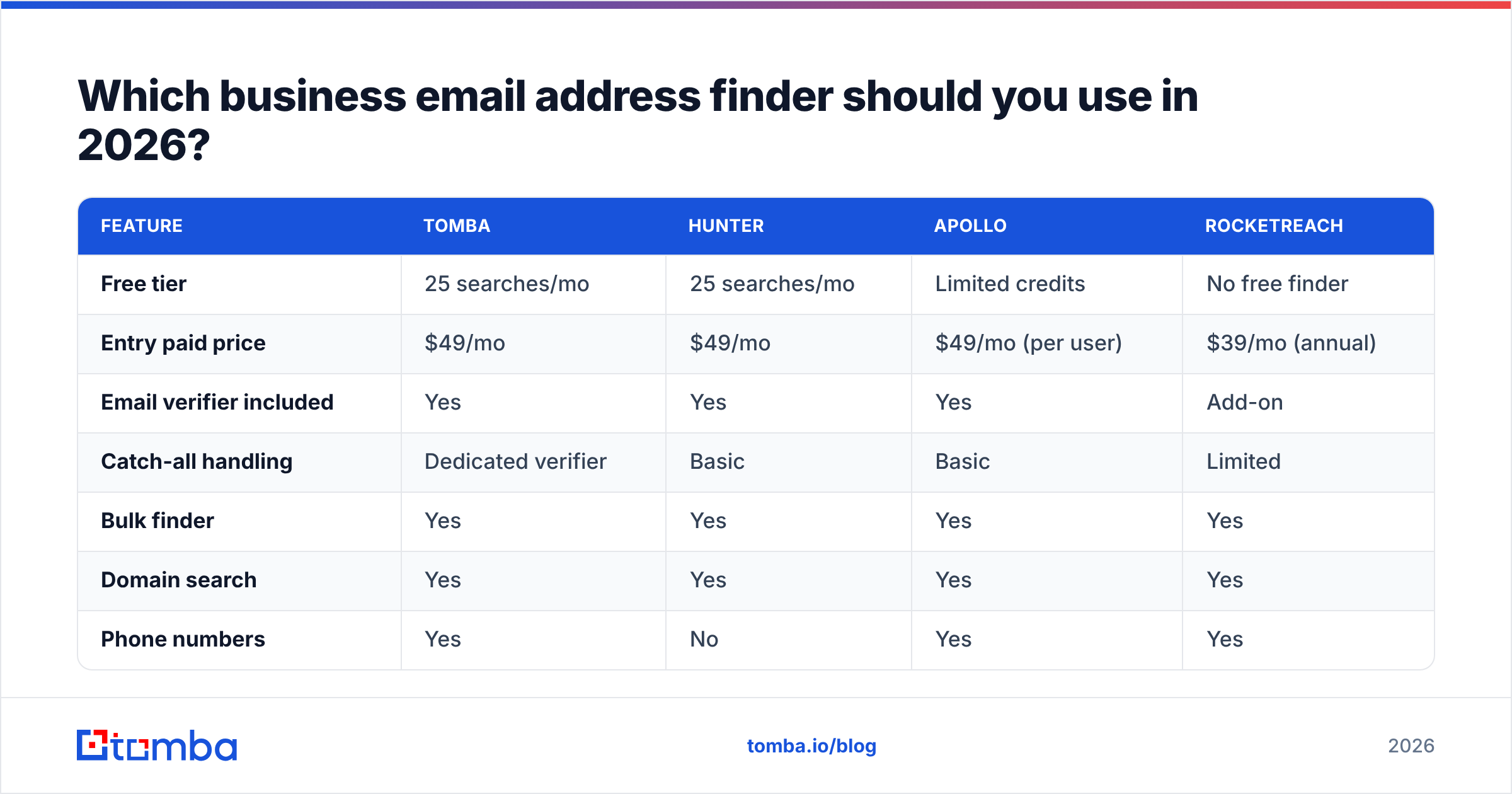
Here's a side-by-side on the attributes that actually affect your campaigns. Prices and tiers reflect each vendor's published entry plans.
| Feature | Tomba | Hunter | Apollo | RocketReach |
|---|---|---|---|---|
| Free tier | 25 searches/mo | 25 searches/mo | Limited credits | No free finder |
| Entry paid price | $49/mo | $49/mo | $49/mo (per user) | $39/mo (annual) |
| Email verifier included | Yes | Yes | Yes | Add-on |
| Catch-all handling | Dedicated verifier | Basic | Basic | Limited |
| Bulk finder | Yes | Yes | Yes | Yes |
| Domain search | Yes | Yes | Yes | Yes |
| Phone numbers | Yes | No | Yes | Yes |
| Native API | Yes | Yes | Yes | Yes |
The right pick depends on your motion. If you live in LinkedIn and want enrichment baked into sequences, Apollo's all-in-one suite is appealing. If you want the cleanest find-and-verify loop with transparent catch-all handling and a real bulk email finder for list work, Tomba is built around exactly that. Compare the full Tomba pricing against your monthly volume — the per-credit math usually decides it.

How do you find emails in bulk without trashing deliverability?#
Single lookups are easy. The risk shows up at scale, when you upload 5,000 names and blast whatever comes back. Don't.
A safe bulk workflow looks like this:
- Find in bulk — Upload your name + domain list to a bulk email finder and let it resolve addresses with confidence scores.
- Verify the output — Run every returned address through verification, even the high-confidence ones. Job changes happen between your find and your send.
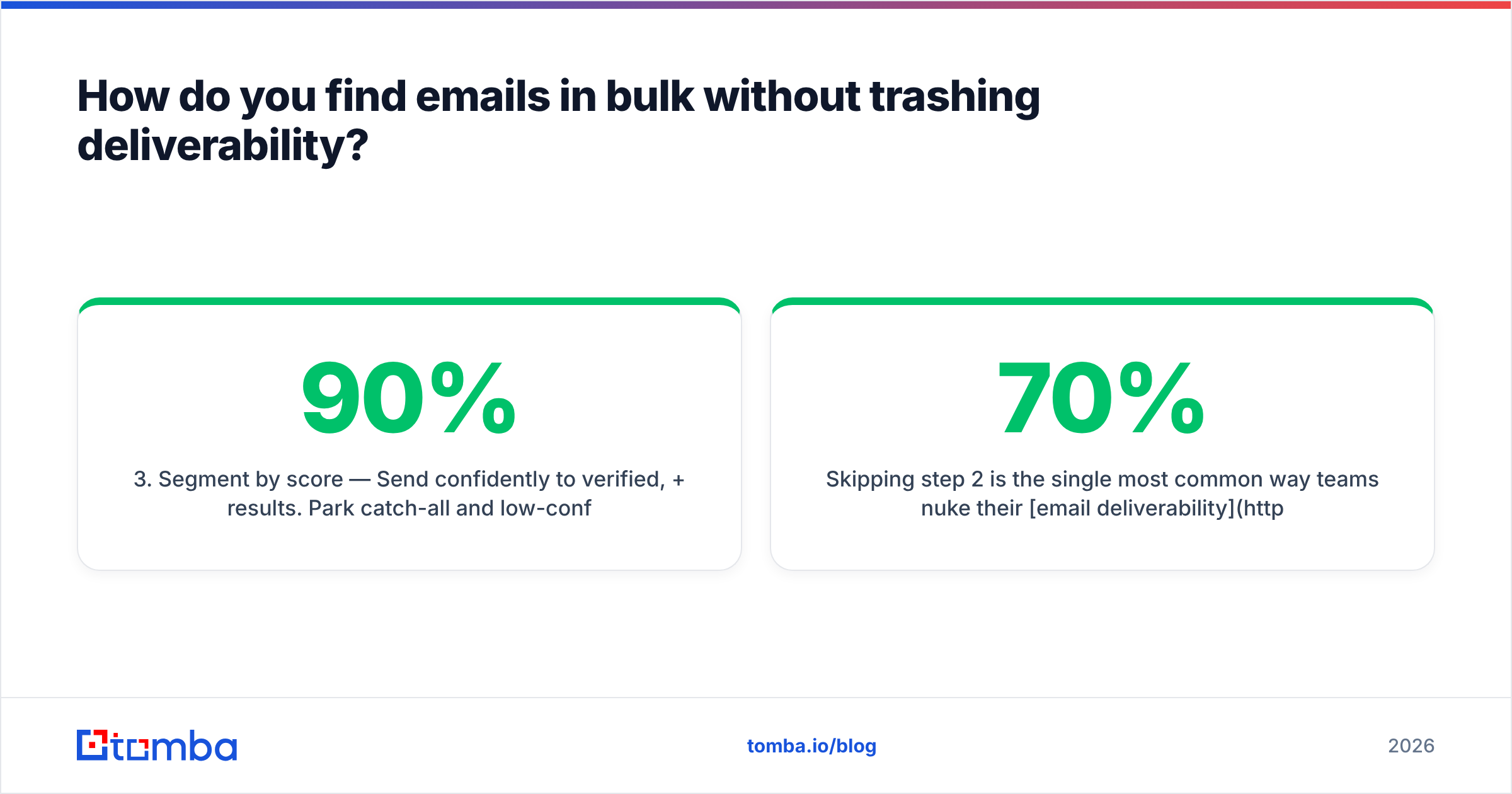
- Segment by score — Send confidently to verified, 90%+ results. Park catch-all and low-confidence addresses for manual review or a separate low-volume test.
- Warm up first — If the sending domain is new, ramp gradually. A clean list won't save a cold domain.
- Monitor sender reputation — Watch your sender reputation and bounce metrics after each batch; a spike means your list needs another verification pass.
Skipping step 2 is the single most common way teams nuke their email deliverability. A finder that returns a 70% confidence guess is fine — as long as you treat 70% like 70% and don't send to it blind.

Can you find business emails for free?#
Partially, yes — and free tiers are the right way to test accuracy before you pay. Most reputable tools give you a monthly allowance: Tomba's free tier includes 25 searches a month, enough to validate that the results actually land in your CRM clean.
You can also stretch free usage with companion utilities:
- Domain search — Pull every public address at a company with domain search when you don't have a specific name yet.
- Email permutator — Generate likely formats by hand with an email permutator, then verify the candidates.
- Free email checker — Spot-check a single address with a free email checker before adding it to a sequence.
The catch: free workflows that lean on permutation without verification just move the guessing earlier in the process. Use the free tier to confirm a tool's verified results are reliable, then scale on a paid plan once the numbers hold.
What about catch-all domains and risky results?#
Catch-all domains are the trap that inflates "valid" counts and quietly raises your bounce rate. A catch-all server accepts mail to any address — realperson@, xyz123@, all of it — so a basic checker reports everything as deliverable.
Treat catch-all results as a distinct bucket. Use a catch-all verifier to flag them, then decide per-segment: high-value named contacts at a catch-all domain might be worth a careful test send, while bulk catch-all results should sit out of your main campaign. The goal is to never let an unverifiable address ride along with your confirmed ones — that's how a 2% list bounce becomes an 8% one.
For broader context on the terminology and edge cases here, G2's email verification category is a useful neutral reference, and Hunter's own accuracy documentation explains the SMTP limits every vendor runs into.
How does this fit into your wider prospecting stack?#
A business email address finder is one node in a larger flow. The address is the entry point; what you attach to it determines whether the outreach converts.
- Enrich the contact — Once you have the email, layer on title, company size, and tech stack with data enrichment so your messaging is relevant.
- Add phone as a fallback — For high-value accounts, pair the email with a phone finder result for a multi-channel sequence.
- Push into your CRM — Wire results straight into HubSpot or Salesforce; vendor docs like HubSpot's contact API show how the records should map.
- Automate the loop — A clean email finder API lets you resolve and verify inside your own scripts or product, no manual exports.
Done right, the finder is invisible — it just feeds verified, enriched contacts into the channels your reps already work.
The bottom line#
A business email address finder is worth exactly as much as its verified accuracy. Database size is a vanity metric; bounce rate is the one that hits your sender reputation and your pipeline. Pick a tool that finds and verifies in one loop, that's honest about catch-all results, and that returns "not found" instead of a guess.
If that's the combination you want, start with the Tomba Email Finder. Find professional emails by name, domain, or company, verify them in the same flow, and test it all on the free tier — 25 searches a month, no card — before you scale to a paid plan. Your bounce rate will thank you.
// get started
Find, verify and enrich your first contacts today
Start on the free plan with 25 searches a month, then scale when your team is ready.
Free plan · No credit card required · GDPR & CCPA
// about the author