Business Email Subject Lines: 50+ Examples That Convert in 2026
The subject line decides whether your email gets opened or buried. Here are proven business email subject lines, data-backed formulas, and the mistakes that send you to spam in 2026.
Your subject line is the only part of your email most people will ever read. Before the pitch, the offer, or the carefully worded ask, there's a single line of text fighting for attention in a crowded inbox. Get it wrong and the other 200 words never matter.
This guide breaks down what actually moves open rates on business email in 2026 — with formulas, more than 50 copy-paste examples, length and timing data, and the spam traps to avoid.
TL;DR#
- Subject lines drive ~47% of open decisions. Recipients judge whether to open based on the subject and sender name alone, so this one line carries outsized weight.
- Keep it short and specific. 30–50 characters (4–7 words) is the sweet spot for B2B, and it survives mobile truncation.
- Personalization beyond first name wins. Referencing a company, role, or trigger event consistently outperforms generic blasts.
- Avoid spam triggers. All-caps, exclamation stacks, "FREE!!!", and misleading clickbait hurt deliverability and trust.
- Test everything. A/B two variants per send and let data, not opinion, pick your winner.
What makes a business email subject line work?#
A strong business email subject line does one job: earn the open without over-promising. It signals relevance, respects the reader's time, and tells them what's inside in plain language.
Think of the subject line like the headline on a newspaper rack. You have a fraction of a second and a few words to convince a busy person this is worth their next 20 seconds. Nobody buys the paper because the headline screamed louder — they buy it because it spoke to something they cared about.
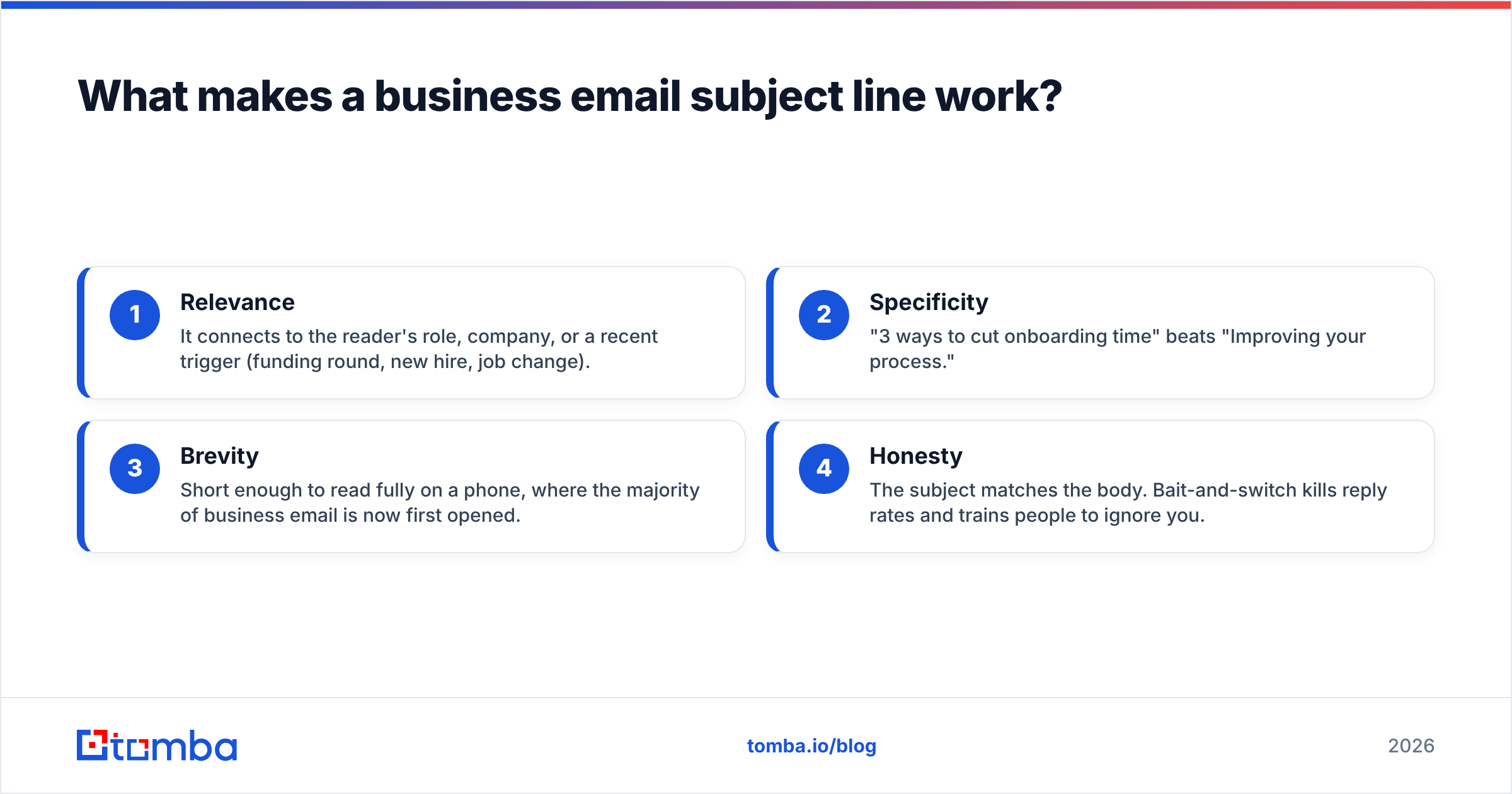
Four traits show up in nearly every high-performing subject line:
- Relevance — It connects to the reader's role, company, or a recent trigger (funding round, new hire, job change).
- Specificity — "3 ways to cut onboarding time" beats "Improving your process."
- Brevity — Short enough to read fully on a phone, where the majority of business email is now first opened.
- Honesty — The subject matches the body. Bait-and-switch kills reply rates and trains people to ignore you.
According to HubSpot's email research, personalized and concise subject lines consistently lift open rates across industries — and the inverse is also true: vague, spammy lines get ignored or filtered.
How long should a business email subject line be?#
Aim for 30–50 characters, or about 4–7 words. That range reads cleanly on mobile, where lines get truncated around 35–40 characters on many devices, and it forces you to cut filler.
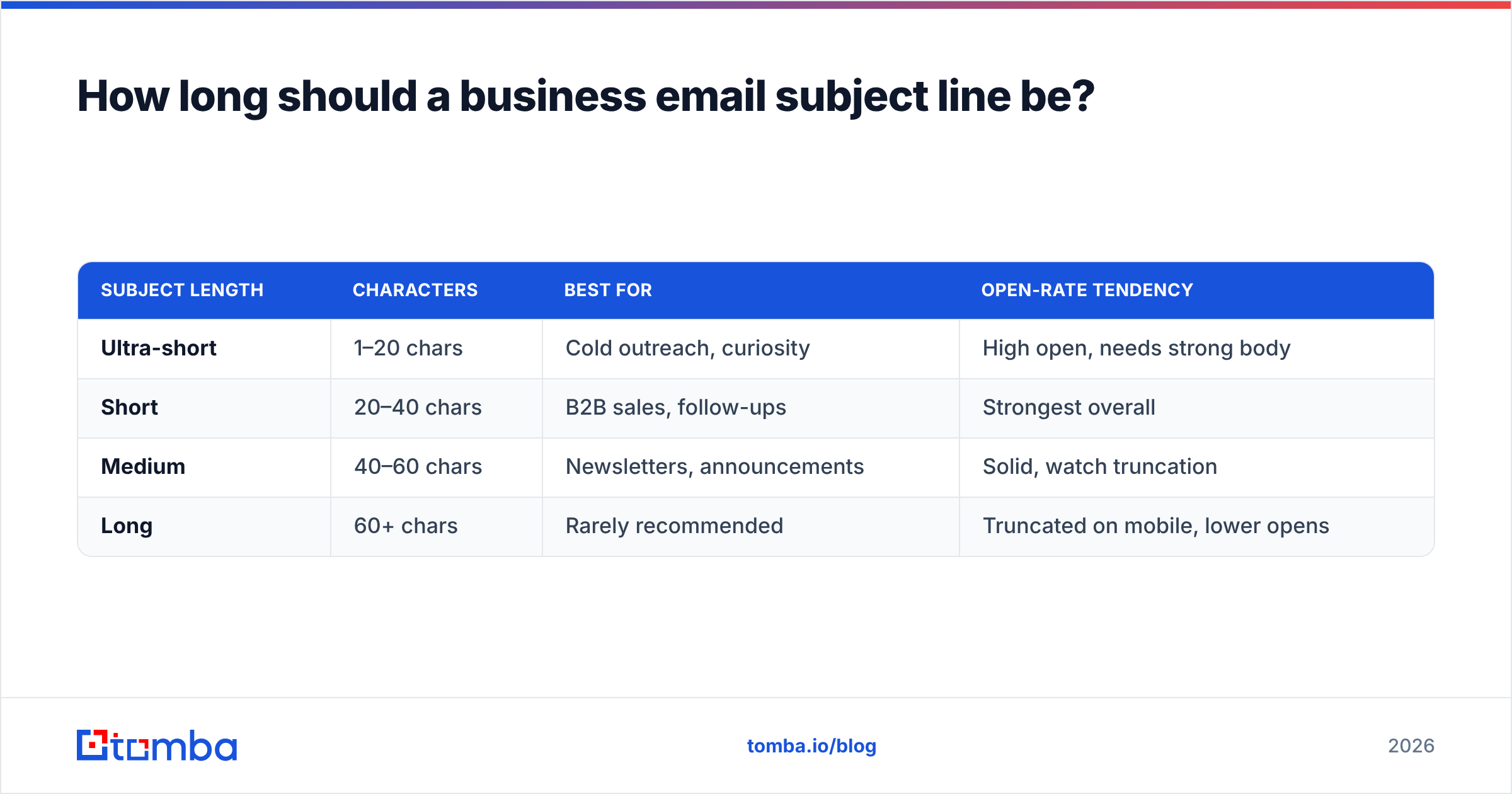
Here's how length maps to context:
| Subject length | Characters | Best for | Open-rate tendency |
|---|---|---|---|
| Ultra-short | 1–20 chars | Cold outreach, curiosity | High open, needs strong body |
| Short | 20–40 chars | B2B sales, follow-ups | Strongest overall |
| Medium | 40–60 chars | Newsletters, announcements | Solid, watch truncation |
| Long | 60+ chars | Rarely recommended | Truncated on mobile, lower opens |
The practical rule: front-load the most important words. If your line gets cut off at 40 characters, the first three words should still make the reader want to open. Put the company name, the benefit, or the question up front — never bury it behind "Following up regarding our recent..."
What are the best business email subject line formulas?#
Formulas give you a repeatable structure so you're not staring at a blank field every send. Here are the formats that hold up in 2026, each with examples you can adapt.
1. The direct question. Questions create an open loop the brain wants to close.
- "Quick question about {Company}'s hiring plans?"
- "Is {pain point} still a priority for {Company}?"
- "Worth a 15-min call next week?"
2. The benefit + number. Specific outcomes with a number feel concrete and scannable.
- "Cut {Company}'s onboarding time by 40%"
- "3 ways {competitor} is winning your buyers"
- "$12k saved in Q1 — here's how"
3. The trigger event. Reference something that just happened to make the timing feel intentional.
- "Congrats on the Series B, {First name}"
- "Saw {Company} is hiring 5 SDRs"
- "Noticed your new role at {Company}"
4. The pattern interrupt. Short, human, lowercase lines that don't look like marketing.
- "idea for {Company}"
- "you + {Company} = ?"
- "re: your demo request"
5. The social proof line. Borrow credibility from a peer or competitor.
- "How {peer company} doubled reply rates"
- "{Competitor} switched last month"
If writing from scratch still slows you down, a subject line generator can spin out a dozen variants in seconds, and a subject line tester scores them before you hit send. Pair either with proven cold email templates to keep the whole message tight.
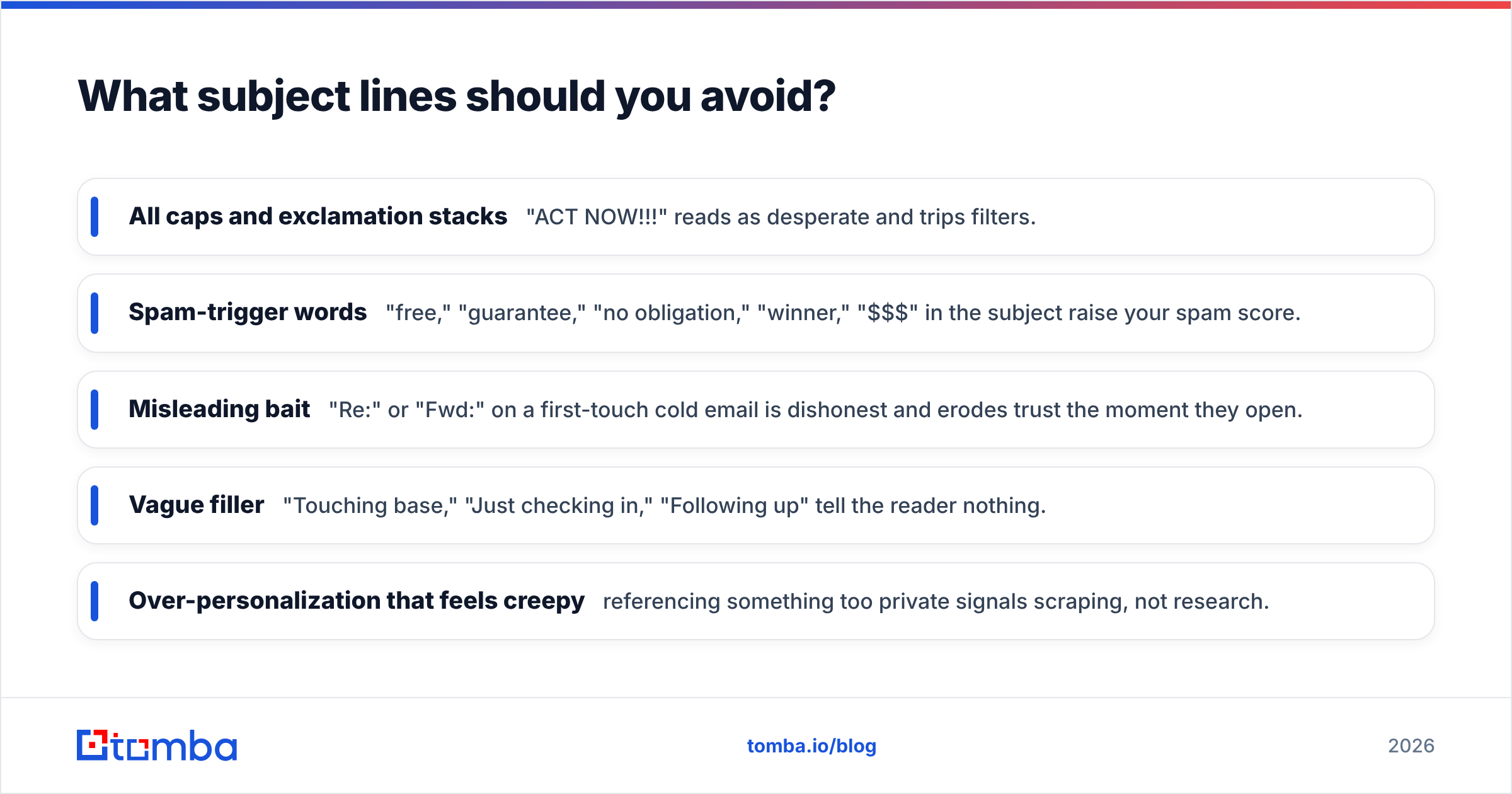
What subject lines should you avoid?#
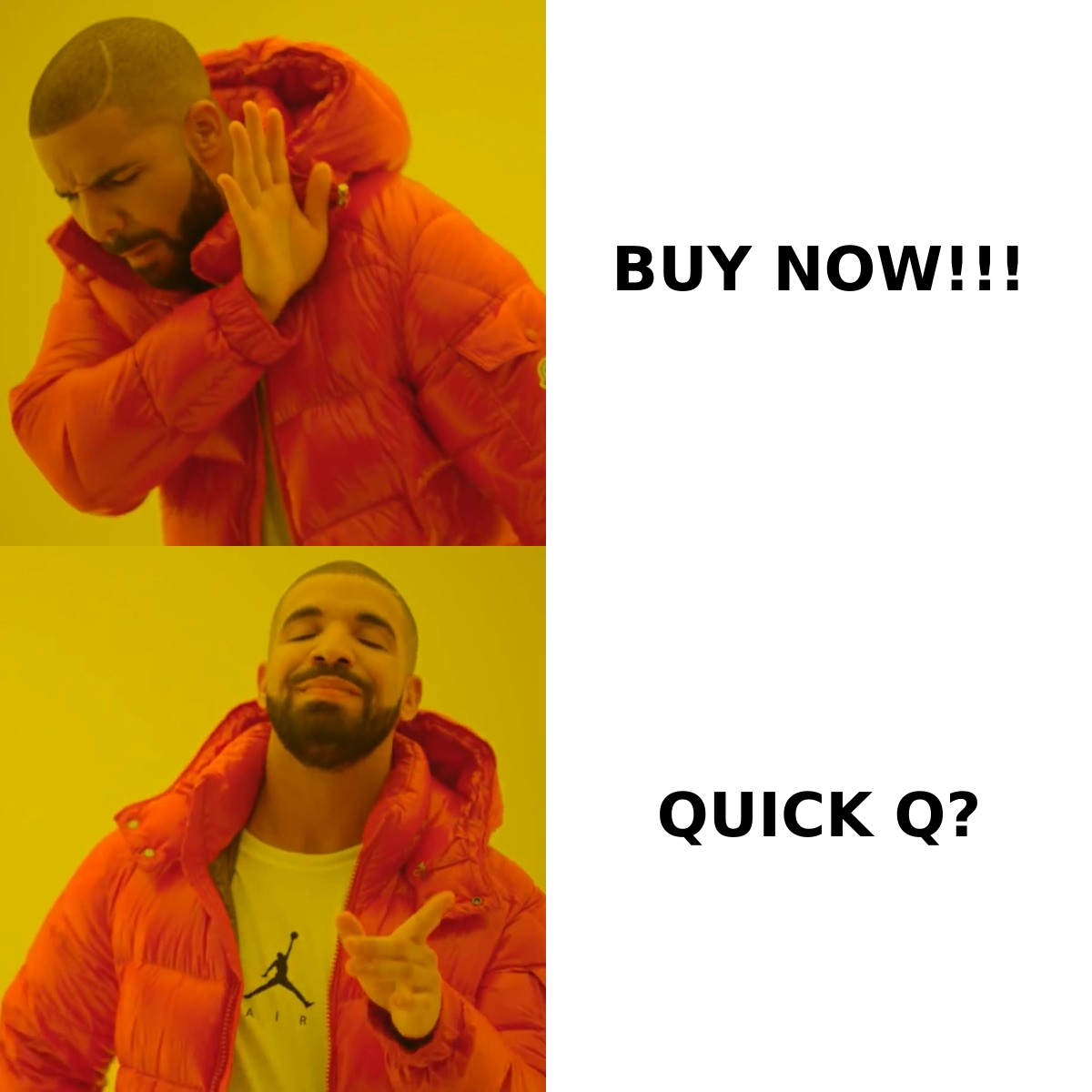
The fastest way to tank your open rate is to look like spam. Inbox filters and human readers have learned the same red flags, and tripping them sends you straight to the junk folder or the trash.
Avoid these:
- All caps and exclamation stacks — "ACT NOW!!!" reads as desperate and trips filters.
- Spam-trigger words — "free," "guarantee," "no obligation," "winner," "$$$" in the subject raise your spam score.
- Misleading bait — "Re:" or "Fwd:" on a first-touch cold email is dishonest and erodes trust the moment they open.
- Vague filler — "Touching base," "Just checking in," "Following up" tell the reader nothing.
- Over-personalization that feels creepy — referencing something too private signals scraping, not research.
Deliverability and copy go hand in hand. Even a great subject line won't help if your domain reputation is shot, so it's worth understanding the basics of email deliverability before you scale any campaign. A clean list and a warm sending domain protect every subject line you write.
50+ business email subject line examples by use case#
Copy, adapt, and test these. Swap the bracketed tokens for real data.
Cold outreach
- "{First name}, idea for {Company}"
- "Quick question, {First name}"
- "{Company} + {your company}?"
- "Saw your post on {topic}"
- "Worth a look for {Company}?"
Follow-ups
- "Bumping this up, {First name}"
- "Still worth a chat?"
- "Did this get buried?"
- "One last note on {topic}"
- "Closing the loop on {Company}"
Meeting and demo requests
- "15 minutes next Tuesday?"
- "Demo for the {Company} team?"
- "Calendar link inside"
- "Free Thursday at 2pm?"
Sales and renewals
- "Your {Company} plan renews soon"
- "A heads-up before {date}"
- "Locked in pricing for {Company}"
- "Quick ROI breakdown inside"
Newsletters and announcements
- "What changed this month at {Company}"
- "5 things worth your time"
- "New: {feature} is live"
- "The 2026 {industry} benchmark report"
Re-engagement
- "Still interested, {First name}?"
- "Should I close your file?"
- "We miss you at {Company}"
- "Last chance to keep your spot"
Trigger-based
- "Congrats on {milestone}"
- "Noticed {Company} is scaling {team}"
- "Saw the news about {event}"
Each line above stays under 50 characters and leads with relevance. Notice none of them shout — the quiet, specific lines almost always win in a professional inbox.
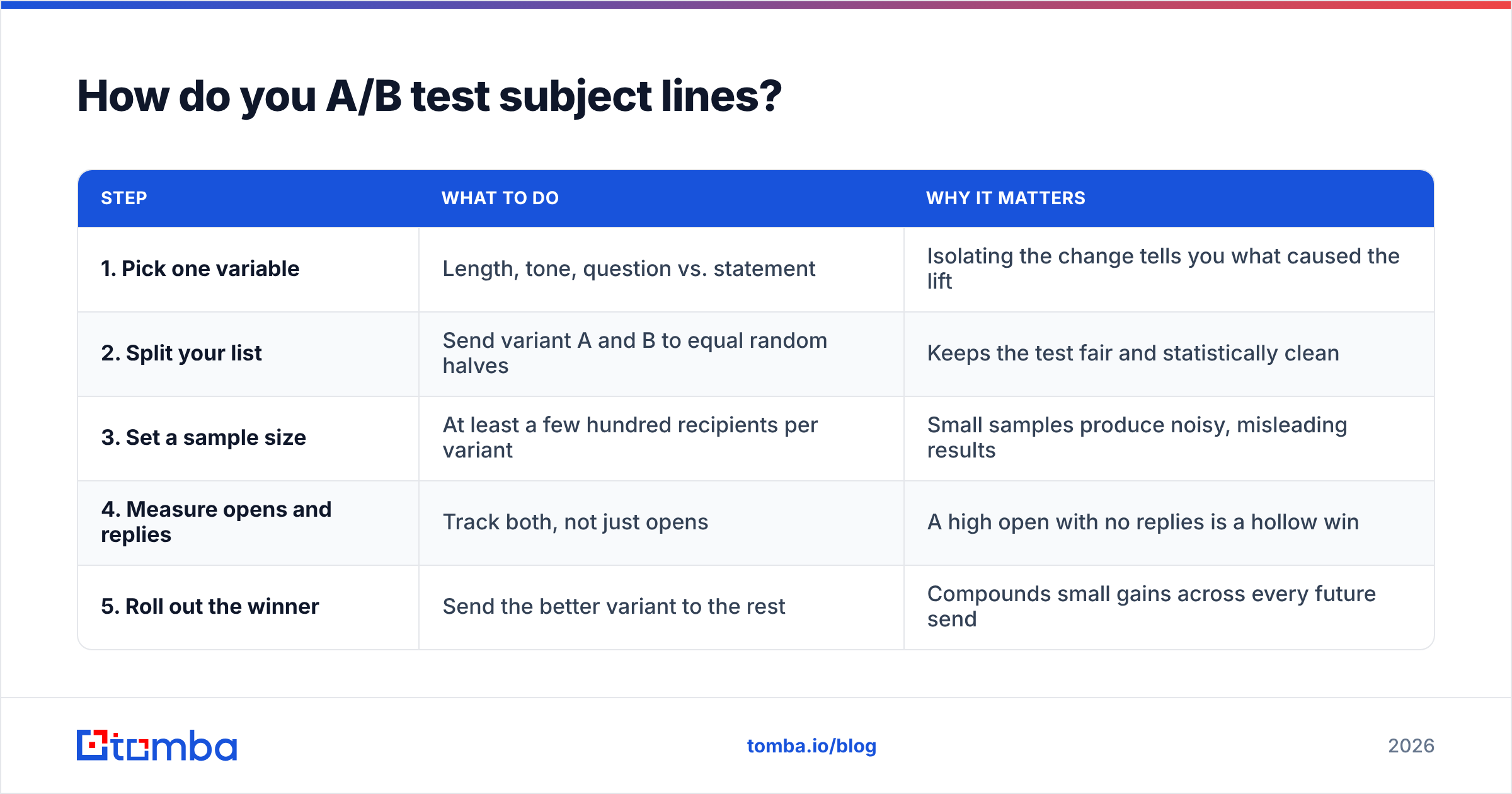
How do you A/B test subject lines?#
Test one variable at a time, send to a meaningful sample, and let the data decide. Opinions about what "sounds better" are notoriously wrong; the inbox is the only judge that matters.
A simple testing loop:
| Step | What to do | Why it matters |
|---|---|---|
| 1. Pick one variable | Length, tone, question vs. statement | Isolating the change tells you what caused the lift |
| 2. Split your list | Send variant A and B to equal random halves | Keeps the test fair and statistically clean |
| 3. Set a sample size | At least a few hundred recipients per variant | Small samples produce noisy, misleading results |
| 4. Measure opens and replies | Track both, not just opens | A high open with no replies is a hollow win |
| 5. Roll out the winner | Send the better variant to the rest | Compounds small gains across every future send |
Run this consistently and you'll build a private swipe file of what works for your audience — which beats any generic best-practice list, including this one. Tools like G2's email software category list platforms that automate the split and the math, but the discipline of testing matters more than the tool.
One often-missed factor: your subject line performance is only as good as the data behind it. If half your list bounces, your open rate is distorted and your sender reputation suffers. Verifying contacts before you send — and reaching the right person in the first place — is what makes subject-line testing meaningful at all.
Why does your contact data matter as much as your copy?#
The best subject line in the world fails if it lands in the wrong inbox — or no inbox at all. Open rate is a function of two things: the line you wrote and the address you sent it to.
Three data problems quietly kill open rates:
- Wrong person — A perfectly personalized line aimed at someone who left the company two years ago converts no one.
- Invalid address — Hard bounces hurt your domain reputation, which drags down deliverability for every future send.
- Generic targeting — Without role and company data, you can't write the trigger-based lines that perform best.
This is where reliable data enrichment and accurate contact discovery pay off. When you know the recipient's name, role, and company — and you know the email is valid — you can write subject lines that feel one-to-one instead of one-to-many. That's the difference between "Dear Sir/Madam" and "Congrats on the new role, Priya."
For a deeper look at why list hygiene underpins all of this, Wikipedia's overview of email deliverability is a solid neutral primer on bounce rates, reputation, and filtering.
Quick reference: subject line do's and don'ts#
| Do | Don't |
|---|---|
| Keep it 4–7 words / 30–50 chars | Write 60+ character lines that truncate |
| Front-load the key benefit or name | Bury the point behind "Following up on..." |
| Personalize with role, company, trigger | Blast the same generic line to everyone |
| Match the subject to the body | Use fake "Re:" or "Fwd:" on cold emails |
| A/B test two variants every send | Pick a winner based on gut feel |
| Verify addresses before sending | Mail an unverified, stale list |
Final takeaway and next step#
Strong business email subject lines are short, specific, honest, and aimed at the right person. The formulas and examples here give you a running start, and disciplined A/B testing turns that start into a reliable system. But remember the multiplier: copy and data work together. A brilliant line sent to a dead address earns zero opens.
If you want every subject line you write to actually reach a real, current decision-maker, start with accurate contact data. The Tomba Email Finder helps you find verified professional email addresses by name, company, or domain — so your tested, personalized subject lines land in the right inbox instead of bouncing. Start free with 25 searches a month, and check the Tomba pricing plans when you're ready to scale your outreach. Write the better line, send it to the right person, and watch your open rates climb.
// get started
Find, verify and enrich your first contacts today
Start on the free plan with 25 searches a month, then scale when your team is ready.
Free plan · No credit card required · GDPR & CCPA
// about the author