Business Meeting Invite Template: 12 Copy-Paste Examples for 2026
Steal 12 business meeting invite templates that actually get accepted — plus the 5 fields every invite needs and a side-by-side format comparison.
TL;DR#
- A good business meeting invite template answers five questions before the recipient has to ask: who, what, when, where, and why-me.
- The single biggest accept-rate lever is a one-line agenda with a clear outcome — not the subject line, not the design.
- Calendar invites (.ics) beat plain-text emails for internal meetings; emails win for cold or external first-touch invites.
- Below: 12 copy-paste templates for sales calls, internal syncs, client kickoffs, interviews, and follow-ups.
- Sending external invites? Verify the address first — a bounced invite is an instant no-show you can prevent.
What makes a business meeting invite template actually work?#
The conclusion first: a meeting invite gets accepted when the recipient can decide in under ten seconds whether the meeting is worth their time. Everything else is decoration.
Think of an invite like a movie trailer. Nobody reads the full script before buying a ticket — they watch two minutes, learn the genre, the stakes, and the runtime, then decide. Your invite is that trailer. If it forces the reader to reply "what's this about?" you've already lost momentum, and momentum is what fills calendars.
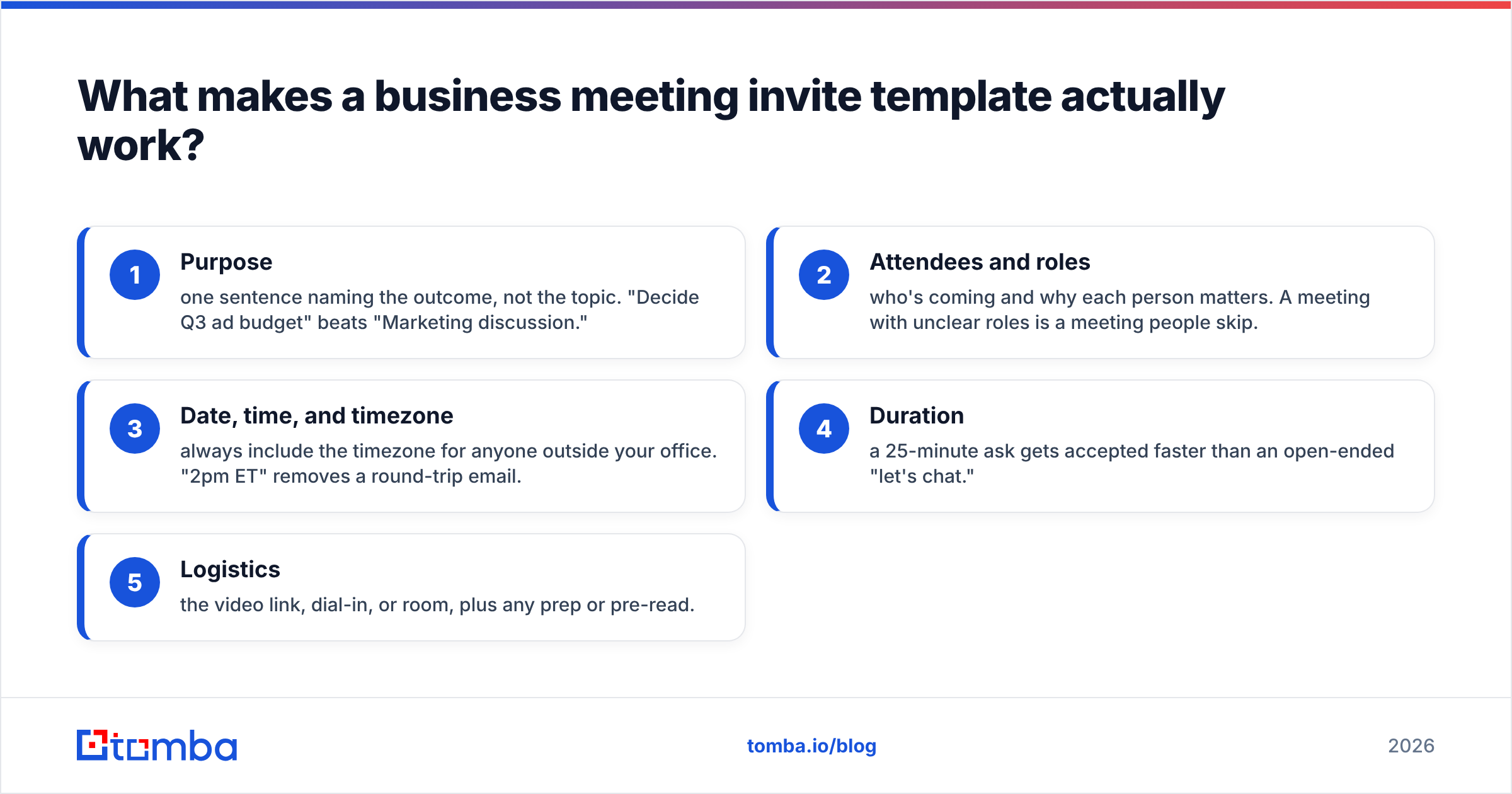
Every reliable invite carries the same five fields. Miss one and you create friction:
- Purpose — one sentence naming the outcome, not the topic. "Decide Q3 ad budget" beats "Marketing discussion."
- Attendees and roles — who's coming and why each person matters. A meeting with unclear roles is a meeting people skip.
- Date, time, and timezone — always include the timezone for anyone outside your office. "2pm ET" removes a round-trip email.
- Duration — a 25-minute ask gets accepted faster than an open-ended "let's chat."
- Logistics — the video link, dial-in, or room, plus any prep or pre-read.
Get those five right and the wording almost doesn't matter. Get them wrong and the cleverest subject line won't save you.
What are the best business meeting invite templates to copy?#
Below are field-tested templates. Swap the bracketed values, keep the structure. Each is short on purpose — invites that scroll get skimmed.
1. Internal team sync#
Subject: [Project] sync — 25 min, [Day] [Time ET]
Hi team,
Quick sync to lock the [milestone] before [deadline]. Agenda:
- Status round (5 min)
- Blockers + owners (10 min)
- Next steps (10 min)
Calendar invite attached. Please add blockers to the doc beforehand.
2. Sales discovery call (warm)#
Subject: [Their company] + [Your company] — 20 min next week?
Hi [Name],
Thanks for downloading [resource]. I'd love 20 minutes to learn how [their team] handles [problem] and share what's worked for similar [role]s. Does [Day] at [Time ET] work? If not, here's my calendar: [link].
3. Cold outreach invite#
Subject: Worth a 15-min chat, [Name]?
Hi [Name],
I help [persona] cut [metric] by [outcome]. [One specific, researched reason you're reaching out]. If that's relevant, are you open to 15 minutes on [Day] or [Day]? No prep needed — I'll come with two ideas specific to [their company].
4. Client kickoff#
Subject: [Project] kickoff — agenda + invite inside
Hi [Name],
Excited to start. Proposed 45-min kickoff agenda:
- Goals + success metrics
- Timeline + milestones
- Roles + communication cadence
- Q&A
I've attached a calendar invite for [Day] [Time TZ]. Reply if you'd like to adjust.
5. Executive / one-on-one#
Subject: 15 min on [topic] — your week?
Hi [Name],
I'd value 15 minutes on [specific decision]. I'll send a one-page brief 24 hours ahead so we use the time to decide, not catch up. Best slots on your side?
These five cover roughly 80% of business meetings. For the rest — interviews, follow-ups, reschedules — the same skeleton applies: outcome, duration, logistics.
Should you send a calendar invite or an email?#
Short answer: send a calendar invite (.ics) for anyone who already knows you, and an email for first contact.
A calendar invite drops straight onto the recipient's schedule with a built-in reminder, which is exactly what you want for internal and confirmed external meetings. But firing a raw calendar invite at a cold prospect feels presumptuous — you're claiming time you haven't earned. For cold or external first-touch, lead with an email that proposes times, then send the formal invite once they say yes.
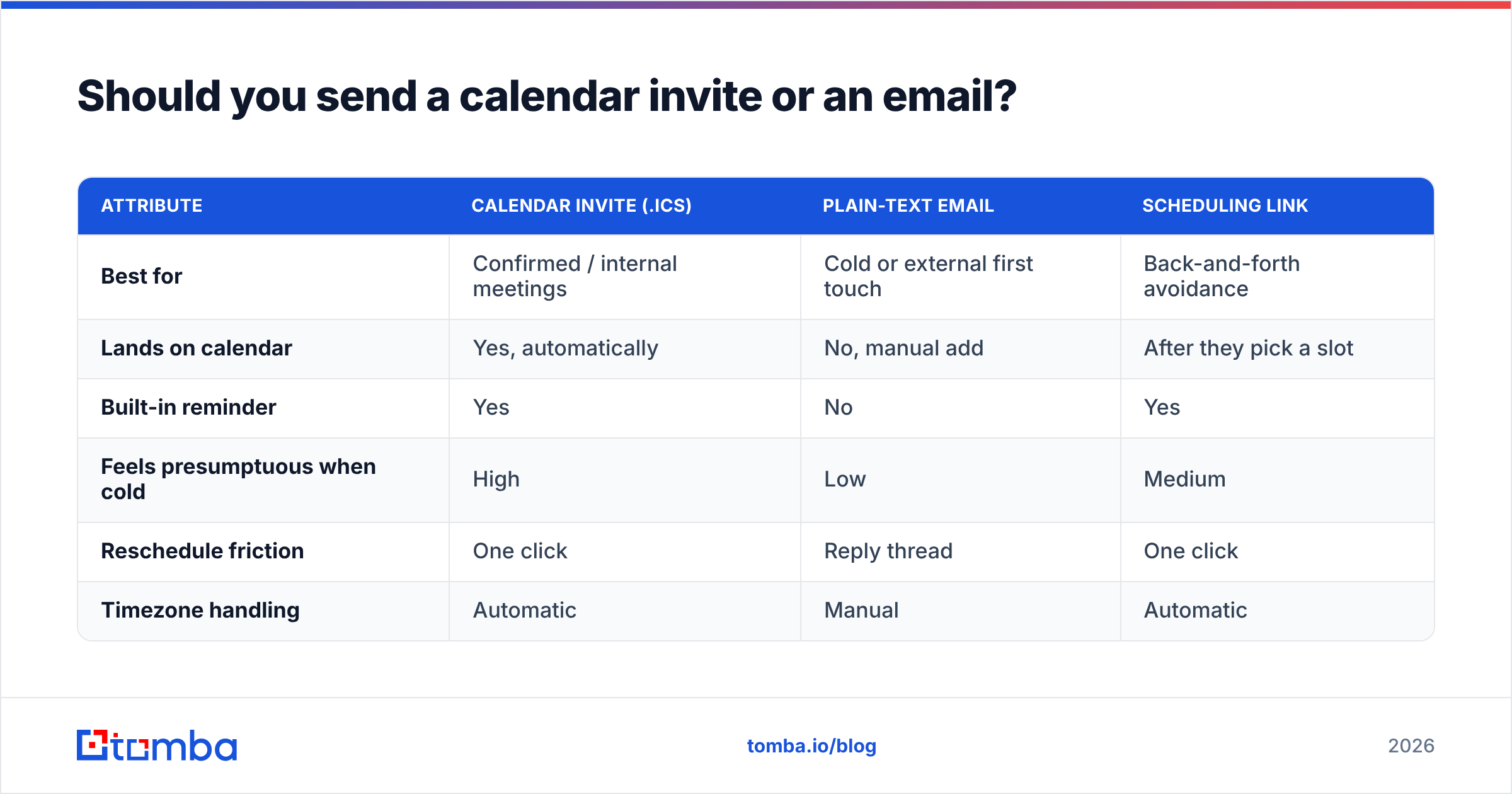
Here's how the formats stack up:
| Attribute | Calendar invite (.ics) | Plain-text email | Scheduling link |
|---|---|---|---|
| Best for | Confirmed / internal meetings | Cold or external first touch | Back-and-forth avoidance |
| Lands on calendar | Yes, automatically | No, manual add | After they pick a slot |
| Built-in reminder | Yes | No | Yes |
| Feels presumptuous when cold | High | Low | Medium |
| Reschedule friction | One click | Reply thread | One click |
| Timezone handling | Automatic | Manual | Automatic |
The practical rule: match the format to the relationship temperature. Warm and internal? Calendar invite. Cold and external? Email first, invite second. Drowning in back-and-forth? A scheduling link is fine — just personalize the message around it so it doesn't read like a form.
How do you write a meeting invite subject line that gets opened?#
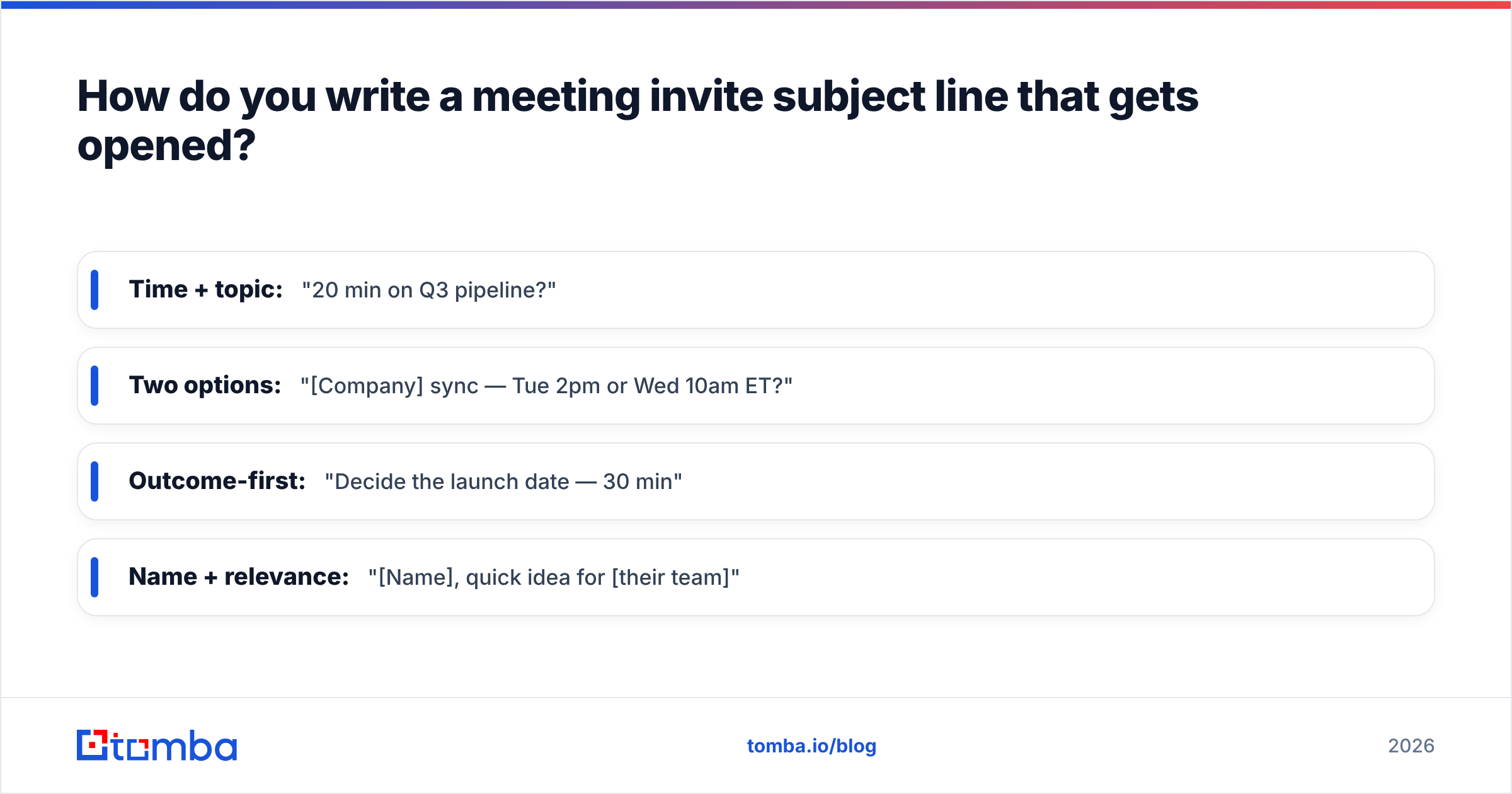
Lead with the outcome and the time cost. A subject line is a promise about how long the meeting will take and what the reader gets out of it.
Strong patterns, with examples:
- Time + topic: "20 min on Q3 pipeline?"
- Two options: "[Company] sync — Tue 2pm or Wed 10am ET?"
- Outcome-first: "Decide the launch date — 30 min"
- Name + relevance: "[Name], quick idea for [their team]"
Avoid one-word subjects ("Meeting"), vague asks ("Touching base"), and anything that hides the duration. If you want a faster way to test variants, a subject line generator and a subject line tester will score readability and length before you hit send. For the body, keeping sentences short and active does more for your response rate than any single phrase.
Why do external meeting invites bounce — and how do you stop it?#
The conclusion: most "ghosted" external invites never arrived. They bounced, hit a typo, or landed in spam because the address was wrong.
When you invite someone outside your company — a prospect, a partner, a candidate — you're often working from an address you guessed, scraped, or pulled from an old signature. If that address is dead, your invite vanishes silently and you blame the prospect. The fix is to confirm the address is real and deliverable before you send anything.
A clean workflow looks like this:
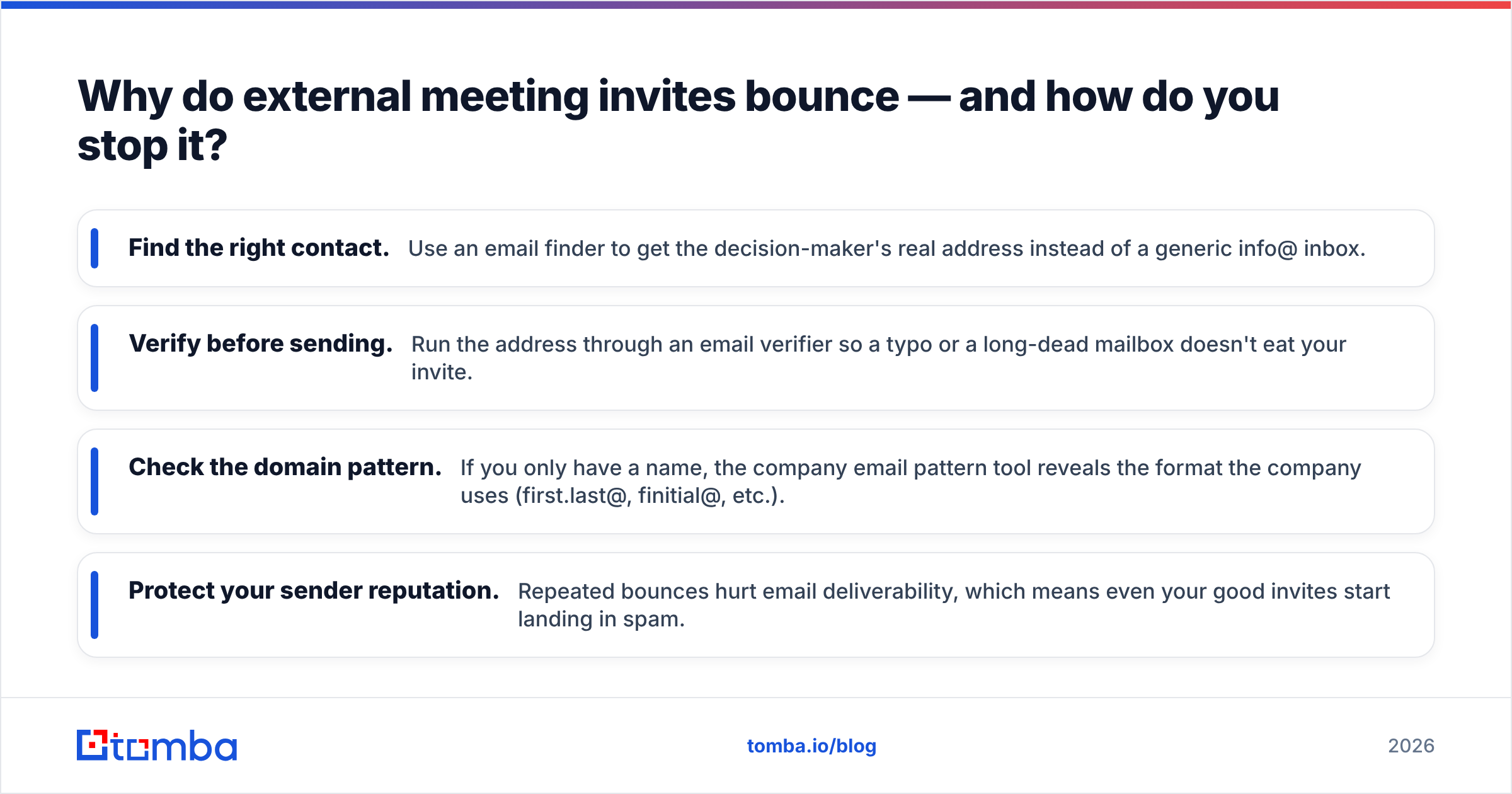
- Find the right contact. Use an email finder to get the decision-maker's real address instead of a generic info@ inbox.
- Verify before sending. Run the address through an email verifier so a typo or a long-dead mailbox doesn't eat your invite.
- Check the domain pattern. If you only have a name, the company email pattern tool reveals the format the company uses (first.last@, finitial@, etc.).
- Protect your sender reputation. Repeated bounces hurt email deliverability, which means even your good invites start landing in spam.
This step costs seconds and saves the most expensive failure mode in meeting outreach: a no-show that was never a no at all. Major CRMs like HubSpot and scheduling research from vendors on G2 consistently tie reply rates back to list hygiene — the meeting industry's quiet truth is that targeting and deliverability beat clever copy almost every time.
What should you do after sending the invite?#
Send one confirmation and one reminder — no more. The confirmation goes out the moment they accept ("Great, locked in for [Day] [Time ET], here's the link"). The reminder lands the morning of, with the agenda and any pre-read restated so nobody arrives cold.
If the meeting is external and high-value, a short reminder template earns its keep:
Subject: See you at [Time ET] today — [topic]
Hi [Name], looking forward to our [duration] today. Agenda's unchanged: [one line]. Here's the link: [URL]. Reply if anything's shifted on your end.
For rescheduling, never make the other person do the work. Propose two concrete new slots in the same message you use to cancel. "Something came up — can we move to Thu 11am or Fri 2pm ET?" keeps the meeting alive instead of dropping it into limbo.
If you run these sequences at volume, store your winners as reusable email templates so your team sends consistent invites without rewriting from scratch each time. Consistency here compounds: the more predictable your invites, the faster regular contacts learn to accept them on sight.
Quick reference: invite do's and don'ts#
| Do | Don't |
|---|---|
| State the outcome in one line | Write "quick chat" with no purpose |
| Include timezone every time | Assume the reader shares your zone |
| Cap the ask (15–30 min) | Leave duration open-ended |
| Verify external addresses first | Send to a guessed, unchecked email |
| Propose specific times | Ask "when works for you?" with no options |
| Attach .ics for confirmed meetings | Cold-drop a calendar hold on a stranger |
Final word: get the invite in front of a real person#
A meeting invite template only works if it reaches a real, monitored inbox. You can perfect the agenda, nail the subject line, and offer the cleanest two-option time slot in the world — none of it matters if the address bounces.
Start by getting the contact right. Use the Tomba Email Finder to pull verified, deliverable addresses for the decision-makers you actually want in the room, then verify the list before you send a single invite. Free accounts include 25 searches a month, and paid Tomba plans start at $49/mo when you scale up your outreach. Get the address right, send a clear invite, and watch your accept rate climb.
// get started
Find, verify and enrich your first contacts today
Start on the free plan with 25 searches a month, then scale when your team is ready.
Free plan · No credit card required · GDPR & CCPA
// about the author