Business Meeting Request Email Subject Lines: 2026 Guide
The exact business meeting request email subject lines that get opens and replies in 2026 — plus formulas, A/B data, and templates you can copy today.
(title rendered separately)
Your meeting request email lives or dies in the inbox preview pane. Before anyone reads your carefully written ask, they read 40-ish characters of subject line and decide — in under a second — whether you are worth their time. This guide gives you the business meeting request email subject lines that actually earn that second, the formulas behind them, and the data on what to send when.
TL;DR#
- Specific beats clever. Subject lines naming a person, company, time, or outcome out-open vague "Quick question" lines by a wide margin.
- Keep it to 4–7 words / 30–50 characters. Over half of B2B email is opened on mobile, where long lines get truncated.
- Match the subject to the relationship. Cold, warm, internal, and follow-up requests need different framing.
- Personalization tokens lift opens — but only when the data behind them is accurate. A wrong name or company kills trust instantly.
- Test two variants per send. Small wording changes routinely swing open rates by double digits.
What makes a business meeting request subject line work?#
A good subject line answers one question for the reader: why should I open this right now? The strongest meeting-request lines do at least one of four jobs — name a clear benefit, reference a shared context, create a light time-bound reason to act, or simply state the ask plainly.
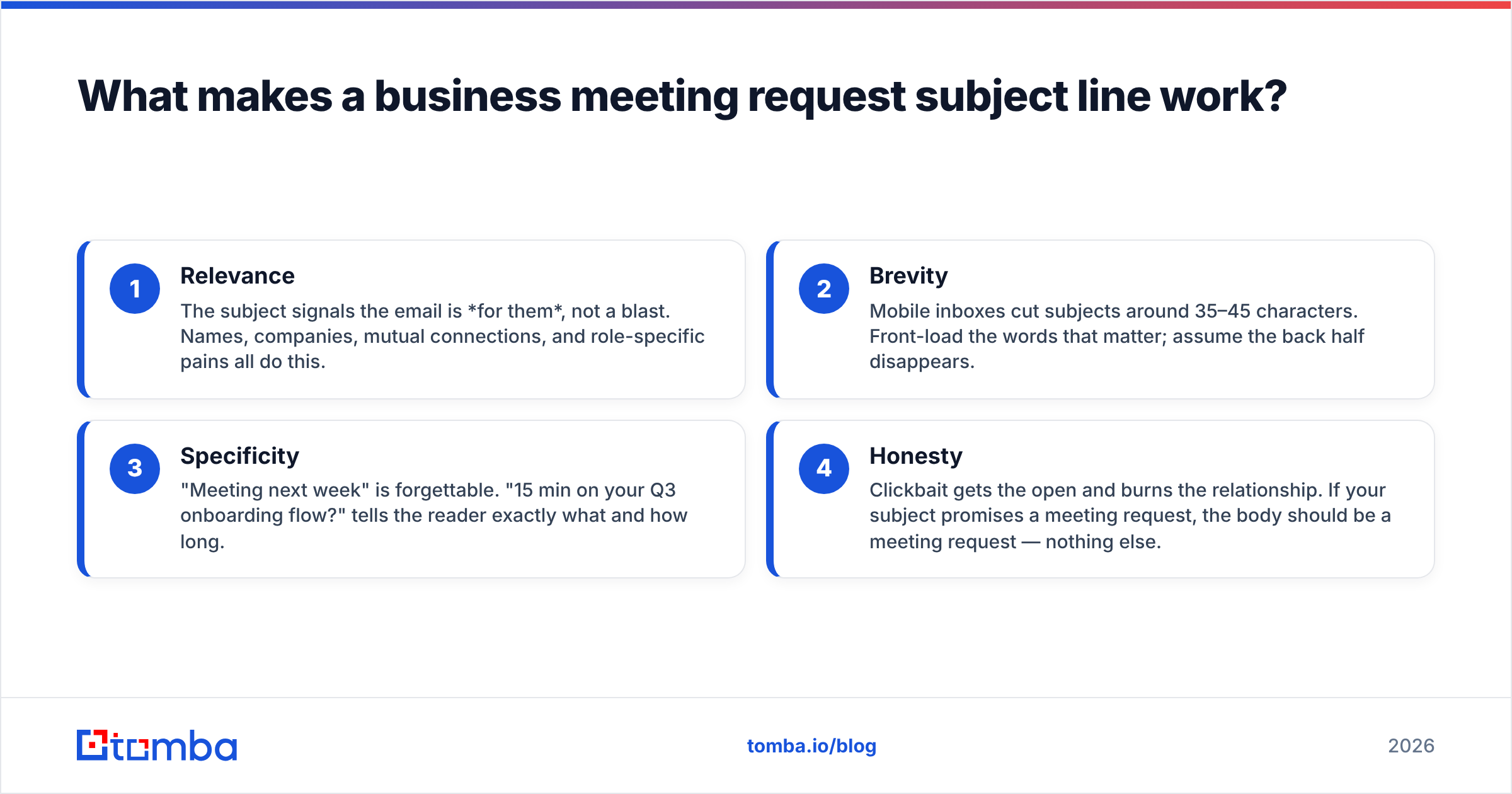
Four levers do most of the heavy lifting:
- Relevance — The subject signals the email is for them, not a blast. Names, companies, mutual connections, and role-specific pains all do this.
- Brevity — Mobile inboxes cut subjects around 35–45 characters. Front-load the words that matter; assume the back half disappears.
- Specificity — "Meeting next week" is forgettable. "15 min on your Q3 onboarding flow?" tells the reader exactly what and how long.
- Honesty — Clickbait gets the open and burns the relationship. If your subject promises a meeting request, the body should be a meeting request — nothing else.
A subject line only matters if the email lands in the right inbox in the first place. Sending a meeting request to a guessed or outdated address means your best line never gets seen — which is why accurate contact data sits upstream of every open-rate conversation.
What is the ideal length for a meeting request subject line?#
Aim for 4–7 words and 30–50 characters. That range survives truncation on iPhone Mail, Gmail mobile, and Outlook preview panes while leaving room for one specific detail.
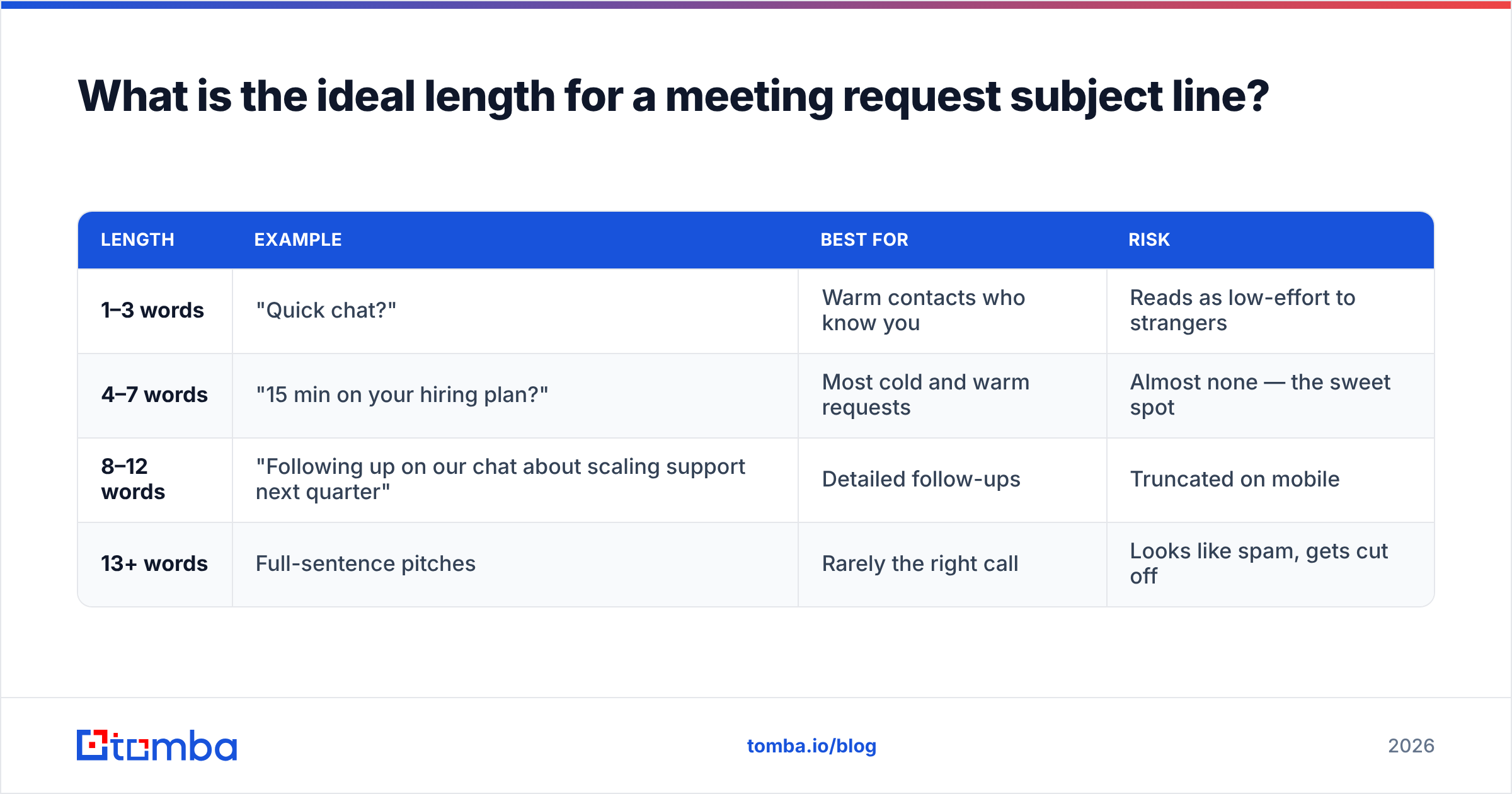
Here is how length maps to outcome in practice:
| Length | Example | Best for | Risk |
|---|---|---|---|
| 1–3 words | "Quick chat?" | Warm contacts who know you | Reads as low-effort to strangers |
| 4–7 words | "15 min on your hiring plan?" | Most cold and warm requests | Almost none — the sweet spot |
| 8–12 words | "Following up on our chat about scaling support next quarter" | Detailed follow-ups | Truncated on mobile |
| 13+ words | Full-sentence pitches | Rarely the right call | Looks like spam, gets cut off |
The pattern is consistent: the middle band wins. You have just enough room to be specific without spilling past the preview cutoff. When in doubt, write the line, then delete every word that does not change the meaning.
What are the best business meeting request email subject lines by scenario?#
Different relationships need different framing. A line that charms a warm lead reads as presumptuous to a stranger. Below are field-tested patterns grouped by context — adapt the brackets to your situation.
Cold outreach (no prior relationship)#
{First name}, 15 minutes on {specific topic}?Idea for {Company}'s {team/process}{Mutual connection} suggested we talkQuick question about {observed pain point}Worth a 15-min call, {First name}?
Cold lines win on specificity and low time-cost. Naming a real observation ("your new Series B," "your open SDR roles") signals you did homework. The 15-minute framing lowers the perceived commitment.
Warm leads (they know you or your brand)#
Following up — 20 min next week?{First name}, picking this back upReady when you are: {topic} callRe: {topic} — let's grab time
Warm requests can be shorter and more casual. The relationship already carries the relevance, so you spend your characters on the ask itself.
Internal / colleague meetings#
30 min on {project} this week?Sync re: {deadline/decision}Need your input — {topic}{Project} kickoff — finding time
Internal lines should be scannable and action-oriented. Coworkers triage dozens of internal threads; tell them the topic and the time commitment up front.
Executive / high-value targets#
{Company} + {Your company}: 20 min?{Specific outcome} for {Company}Brief intro — {mutual connection}
Executives reward concision and a clear value or a credible referral. Drop the fluff entirely.
How do follow-up subject lines differ from the first email?#
Follow-ups should acknowledge the prior touch without nagging. The second and third emails in a sequence convert a large share of booked meetings, so the subject strategy matters as much as the opener.
Two schools of thought, both valid:
- Keep the thread. Replying in the same thread (same
Re:subject) preserves context and signals continuity. Best when the first email was relevant and you are genuinely continuing a conversation. - Fresh subject, new angle. A brand-new line —
One more idea for {Company}orShould I close the loop?— re-earns the open when the original subject clearly failed.
A clean breakup line late in a sequence ("Closing the loop on this") often outperforms another polite nudge, because it triggers loss aversion. People reply to keep the door open. Pair your subject strategy with a tight cadence; if you need ideas for the body, our library of cold email templates covers the full sequence, and the subject line generator spins up variants fast.
Should you personalize meeting request subject lines?#
Yes — but only with data you trust. Personalization tokens (first name, company, role, recent event) consistently lift open rates because they prove the email is not a blast. The catch: a single wrong token does more damage than no token at all. "Hi Jennifer" to a Michael, or referencing the wrong company, ends the conversation before it starts.
That makes personalization a data problem before it is a copy problem. The best subject line in the world fails if it is built on a stale CRM record or a guessed email. This is where your prospecting stack earns its keep:
- Verify the person and the email before you write the line. An email verifier confirms the address is live so your tested subject actually reaches a human.
- Pull real attributes — title, company, seniority — through data enrichment so tokens are accurate, not approximate.
- Find the right contact in the first place with an email finder that returns verified addresses by name and domain.
Get the data right and personalization is a multiplier. Get it wrong and it is a liability.
What subject line mistakes kill meeting request emails?#
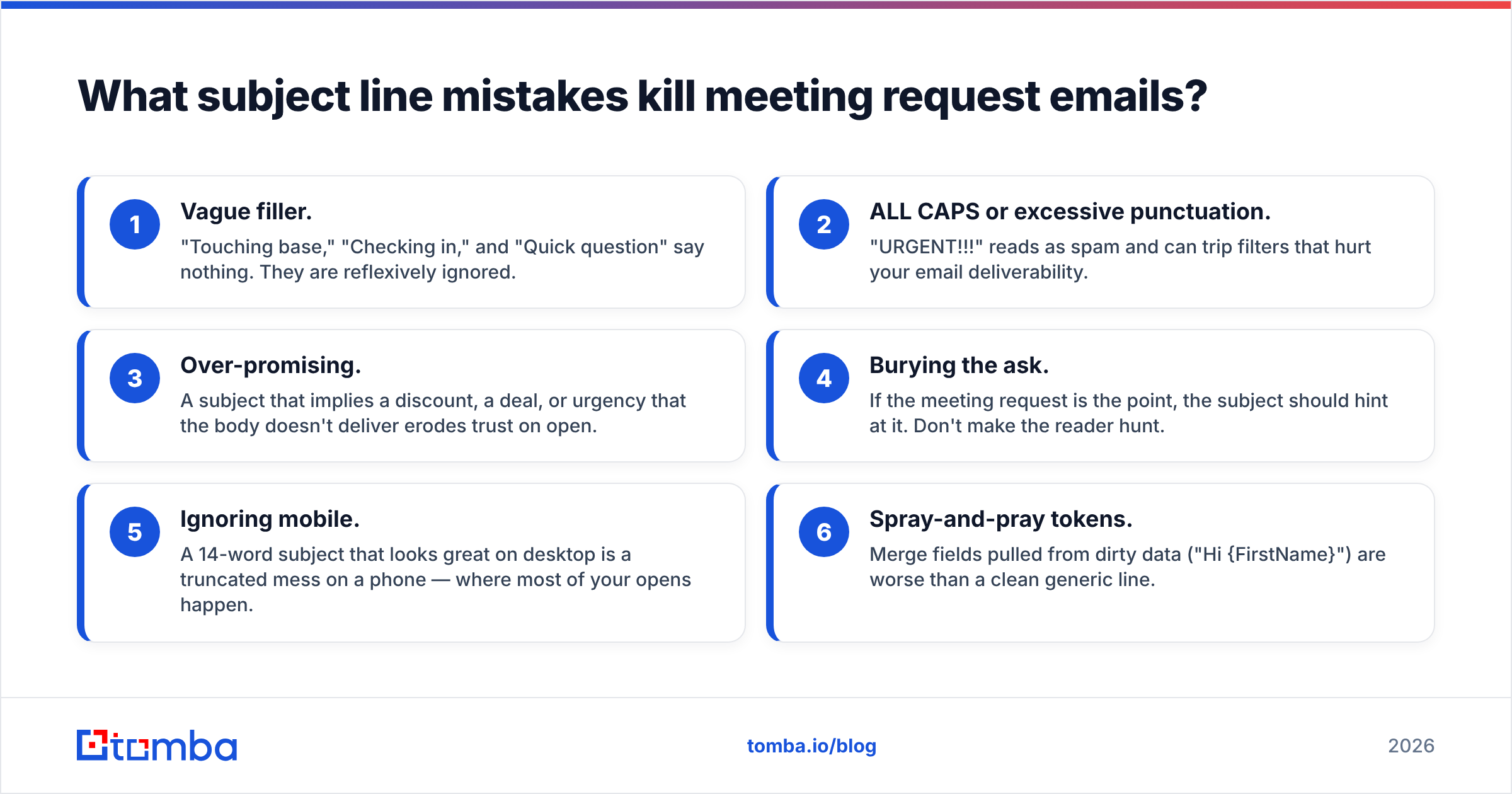
Most failed requests share the same handful of self-inflicted wounds. Avoid these and you are ahead of most senders:
- Vague filler. "Touching base," "Checking in," and "Quick question" say nothing. They are reflexively ignored.
- ALL CAPS or excessive punctuation. "URGENT!!!" reads as spam and can trip filters that hurt your email deliverability.
- Over-promising. A subject that implies a discount, a deal, or urgency that the body doesn't deliver erodes trust on open.
- Burying the ask. If the meeting request is the point, the subject should hint at it. Don't make the reader hunt.
- Ignoring mobile. A 14-word subject that looks great on desktop is a truncated mess on a phone — where most of your opens happen.
- Spray-and-pray tokens. Merge fields pulled from dirty data ("Hi {FirstName}") are worse than a clean generic line.
How do you A/B test meeting request subject lines?#
Test one variable at a time, on a sample large enough to mean something. The temptation is to rewrite everything at once; resist it. If you change length, tone, and personalization in the same test, a lift tells you nothing about why it worked.
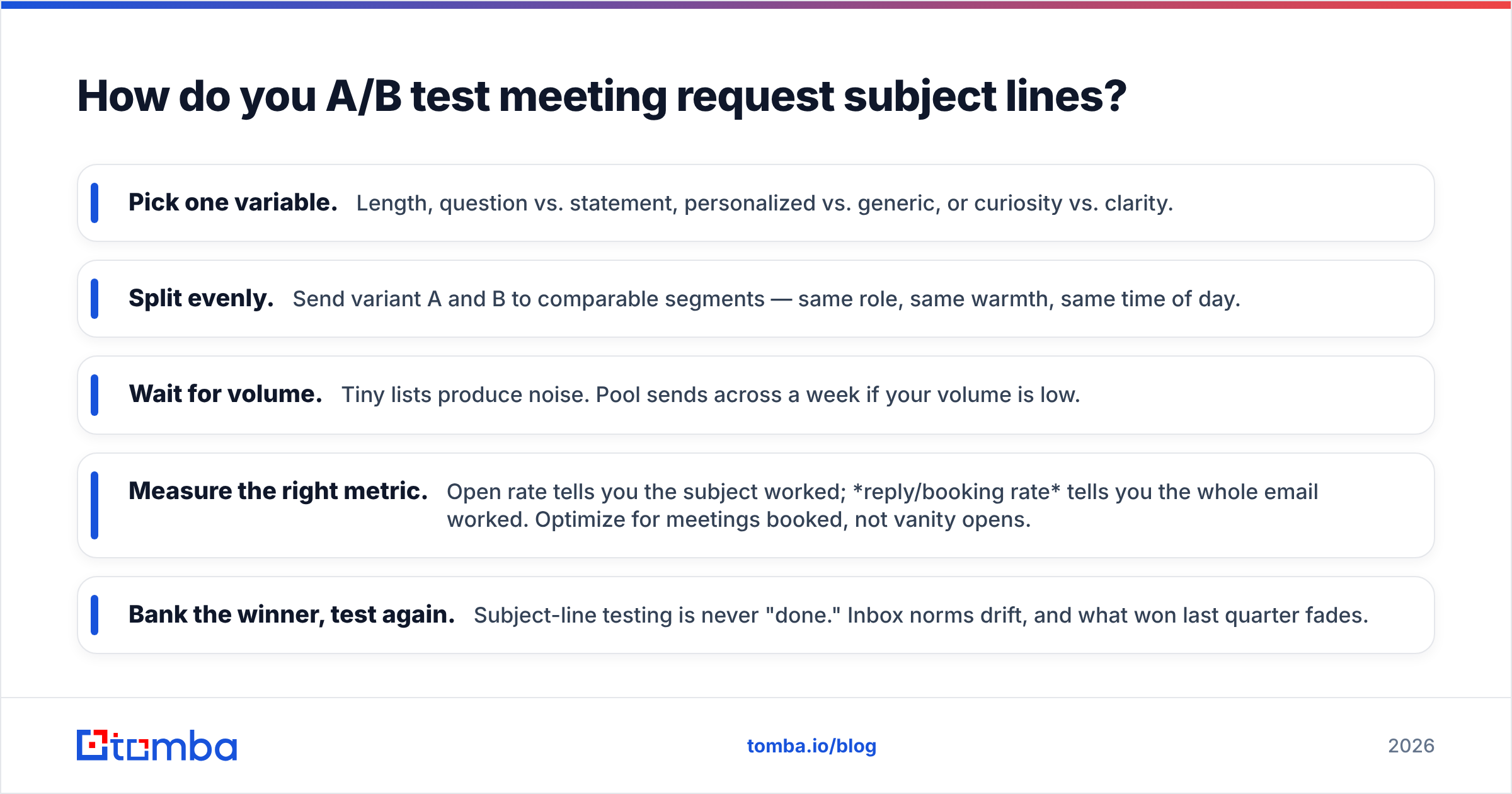
A simple, repeatable process:
- Pick one variable. Length, question vs. statement, personalized vs. generic, or curiosity vs. clarity.
- Split evenly. Send variant A and B to comparable segments — same role, same warmth, same time of day.
- Wait for volume. Tiny lists produce noise. Pool sends across a week if your volume is low.
- Measure the right metric. Open rate tells you the subject worked; reply/booking rate tells you the whole email worked. Optimize for meetings booked, not vanity opens.
- Bank the winner, test again. Subject-line testing is never "done." Inbox norms drift, and what won last quarter fades.
For the underlying mechanics of inbox placement that make these tests fair, Google's own Postmaster Tools documentation is the authoritative reference on sender reputation, and HubSpot's research on email subject lines is a solid benchmark library to compare your numbers against.
A copy-paste swipe file for 2026#
Adapt the brackets, keep the brevity:
{First name}, 15 min on {topic}?Idea for {Company}'s {process}{Mutual contact} thought we should talkWorth a quick call next week?Re: {topic} — found time?One question about {pain point}Closing the loop on {topic}{Company} + {Your company}: 20 min?Quick sync before {deadline}?Should I reach back out in Q3?
Run any of these through the subject line tester before you send to catch spam triggers and length issues, and keep a record of which ones book meetings for your specific audience.
The data layer behind every booked meeting#
Here is the part most subject-line guides skip: the best line in the world is wasted if it hits the wrong inbox. Before you obsess over wording, make sure the email is real, the name is right, and the company detail you referenced is current. Subject-line craft is the last 10% — accurate contact data is the 90% that decides whether your craft ever gets seen.
That sequence — find the verified contact, enrich the attributes, then write the perfectly specific subject — is what turns a clever line into a booked call. Start with Tomba's Email Finder to get verified, deliverable addresses by name or domain, layer in enrichment so every personalization token is accurate, and then send the subject line you A/B tested. Spin up a free Tomba account (25 searches a month, no card) and put your next meeting request in front of the right person the first time.
// get started
Find, verify and enrich your first contacts today
Start on the free plan with 25 searches a month, then scale when your team is ready.
Free plan · No credit card required · GDPR & CCPA
// about the author