Bytemine Pros and Cons in 2026: An Honest B2B Data Review
A neutral 2026 breakdown of Bytemine's pros and cons for email finding and lead enrichment — accuracy, pricing fit, integrations, and where it falls short.
Choosing a B2B data tool is mostly an exercise in trade-offs. No platform wins on coverage, accuracy, price, and ease of use at the same time — so the smart move is to know exactly where a tool is strong and where it leaks. This is an honest look at the Bytemine pros and cons so you can decide whether it fits your prospecting stack in 2026, or whether a leaner email finder serves you better.
TL;DR — Bytemine pros and cons at a glance#
- The short version: Bytemine is a serviceable B2B data and email-finding tool, but its accuracy and pricing transparency are where most buyers hesitate.
- Biggest pros: decent firmographic enrichment, a usable interface, and export options that fit into common CRM workflows.
- Biggest cons: inconsistent email verification on catch-all domains, opaque credit pricing, and thinner coverage outside North America.
- Who it suits: small teams that want an all-in-one dashboard and don't run high-volume outbound.
- Who should look elsewhere: anyone who needs verified emails at scale, predictable per-credit pricing, or a clean API. A focused email finder like Tomba usually beats a generalist on those exact points.
What is Bytemine and who is it for?#
Bytemine positions itself as a B2B lead-generation and data platform: you search by company or persona, it returns contact records with emails and firmographic details, and you push those into your outreach or CRM. In practice it sits in the crowded middle of the market — broader than a single-purpose email lookup tool, but narrower than a full sales-intelligence suite like ZoomInfo or Apollo.
That middle position is the root of most of its pros and cons. Generalist tools spread engineering effort across many features, which means no single feature — including the part you actually bought it for, finding and verifying emails — gets the obsessive attention a specialist gives it. If your entire pipeline depends on reaching the right inbox, that distinction matters more than any feature checklist.
Before weighing the trade-offs, it helps to be clear on the three jobs a tool like this is hired to do:
- Find contacts — return the right person at the right company from a name, domain, or filter.
- Verify deliverability — confirm the email is real and won't bounce, including the tricky catch-all cases.
- Enrich and route — attach firmographic data and move clean records into your CRM or sequencer.
A tool can be excellent at one of these and mediocre at the others. The sections below grade Bytemine on each.
What are the main pros of Bytemine?#
Credit where it's due — Bytemine does several things well enough that it earns its spot on shortlists.
- All-in-one dashboard. You search, filter, and export from one screen. For a solo founder or a two-person SDR team, not juggling separate finder, verifier, and enrichment tools is a real convenience.
- Reasonable firmographic enrichment. Company size, industry, and basic technographic signals are generally present, which helps with segmentation before you ever send a message.
- CRM-friendly exports. CSV export plus common integrations mean records land where your team already works, instead of dying in a spreadsheet.
- Gentle learning curve. The interface won't intimidate a non-technical user. Onboarding is faster than enterprise-grade platforms that assume a RevOps admin will configure them.
If your bar is "a tidy way to pull a few hundred leads a month without learning a complex tool," these pros are genuine and may be enough.
What are the cons and limitations of Bytemine?#
This is where buyers tend to slow down. The recurring complaints in the Bytemine pros and cons conversation cluster around four issues.
- Catch-all and verification gaps. Many corporate domains are catch-all, meaning the server accepts any address whether or not the mailbox exists. Tools that don't handle this well report shaky "valid" emails that still bounce. Reliable catch-all verification is hard, and it's a frequent weak spot for generalist platforms.
- Opaque credit pricing. Credit-based models can be fine, but only when the cost per successful, verified contact is predictable. When credits burn on failed lookups or unverifiable records, your effective price per usable lead climbs in ways the sticker price never advertised.
- Regional coverage thinness. Coverage outside North America — EMEA mid-market, APAC, LATAM — is often patchier, which hurts if your ICP is global.
- API and automation depth. For teams that want to wire enrichment into their own systems, a generalist's API is frequently an afterthought compared to a tool built API-first.
How accurate is Bytemine's data?#
Accuracy is the metric that quietly decides everything else, because a cheap email that bounces is more expensive than a costly one that lands. Every bounce chips at your sender reputation, and once your domain reputation drops, even your good emails start hitting spam.

Independent accuracy varies wildly by tool and by the segment you test. Bytemine performs acceptably on well-documented North American companies with standard email patterns (first.last@, first@). Where it slips is the long tail: smaller firms, non-Latin name handling, and — again — catch-all domains. If your list skews toward enterprise contacts at large, well-indexed companies, you'll see better hit rates than if you're chasing founders at 20-person startups in three countries.
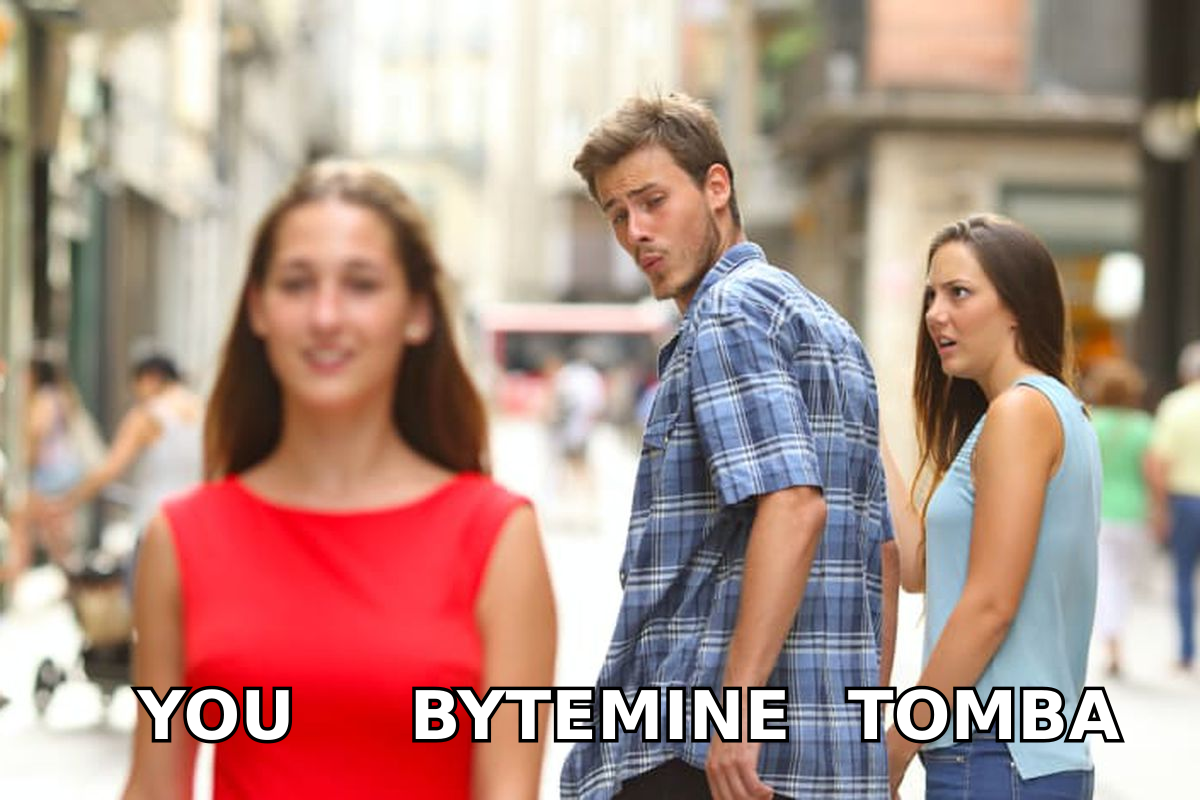
The practical takeaway: never trust a finder's self-reported accuracy. Run a real test against 100 contacts in your actual ICP, push the results through a dedicated email verifier, and measure the true bounce rate before you commit a budget. A tool that claims 95% but verifies at 70% on your list is a 70% tool for you.
Bytemine vs Tomba vs a typical all-in-one: how do they compare?#
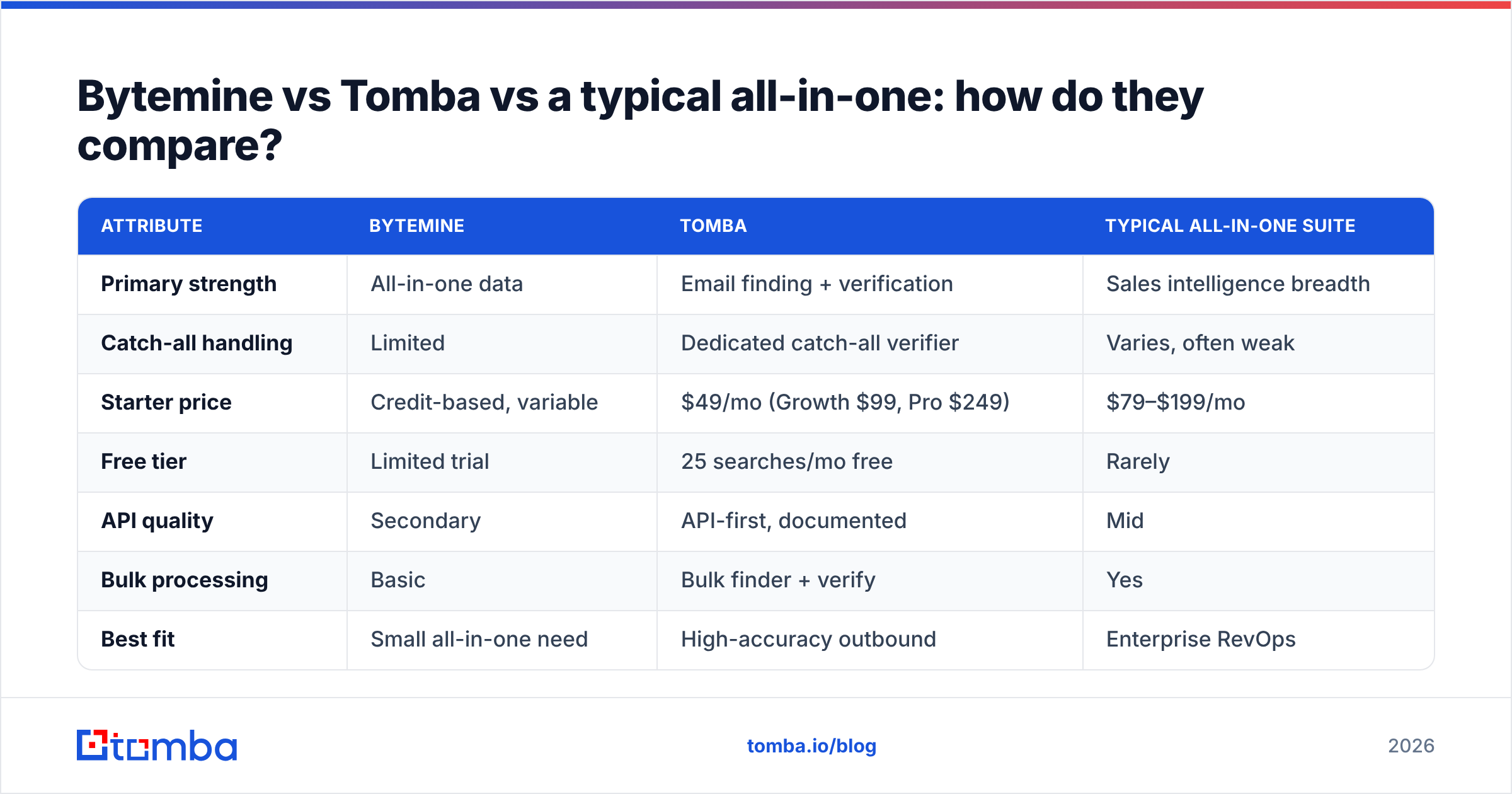
Here's a side-by-side on the attributes that actually move the needle for outbound teams. Treat the Bytemine column as a directional summary of its market positioning rather than a guaranteed spec sheet — credit tools change terms often.

| Attribute | Bytemine | Tomba | Typical all-in-one suite |
|---|---|---|---|
| Primary strength | All-in-one data | Email finding + verification | Sales intelligence breadth |
| Catch-all handling | Limited | Dedicated catch-all verifier | Varies, often weak |
| Starter price | Credit-based, variable | $49/mo (Growth $99, Pro $249) | $79–$199/mo |
| Free tier | Limited trial | 25 searches/mo free | Rarely |
| API quality | Secondary | API-first, documented | Mid |
| Bulk processing | Basic | Bulk finder + verify | Yes |
| Best fit | Small all-in-one need | High-accuracy outbound | Enterprise RevOps |
The honest reading: if you want one dashboard for light prospecting, a generalist is fine. If reaching the inbox is the whole point, a specialist with transparent Tomba pricing and a real verification layer gives you a lower cost per delivered email, which is the number your pipeline actually feels.
When does Bytemine make sense — and when should you switch?#
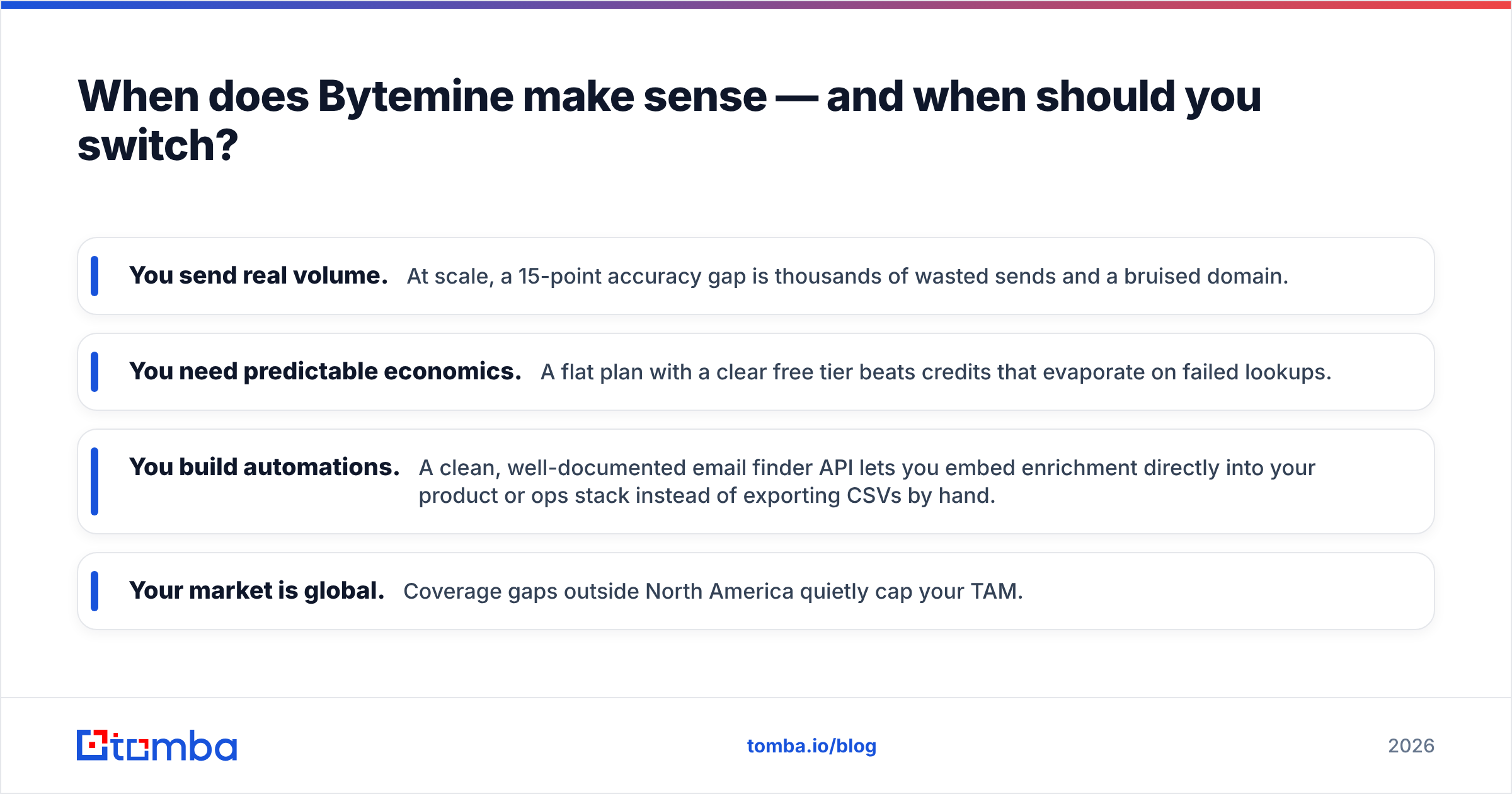
Stick with Bytemine if: you're a small team, your volume is low, your ICP is concentrated in North America, and the convenience of one tool outweighs squeezing out the last few points of accuracy. The pros genuinely outweigh the cons in that narrow lane.
Switch — or add a specialist — if any of these are true:
- You send real volume. At scale, a 15-point accuracy gap is thousands of wasted sends and a bruised domain.
- You need predictable economics. A flat plan with a clear free tier beats credits that evaporate on failed lookups.
- You build automations. A clean, well-documented email finder API lets you embed enrichment directly into your product or ops stack instead of exporting CSVs by hand.
- Your market is global. Coverage gaps outside North America quietly cap your TAM.
For deeper diligence, cross-check current user sentiment on G2 and Capterra — and remember that reviews skew toward extremes, so read the three-star ones most carefully. If you want background on the category itself, the concept of data enrichment is worth understanding before you compare vendors, because it explains why two tools can return wildly different records for the same contact.
How should you actually evaluate Bytemine before buying?#
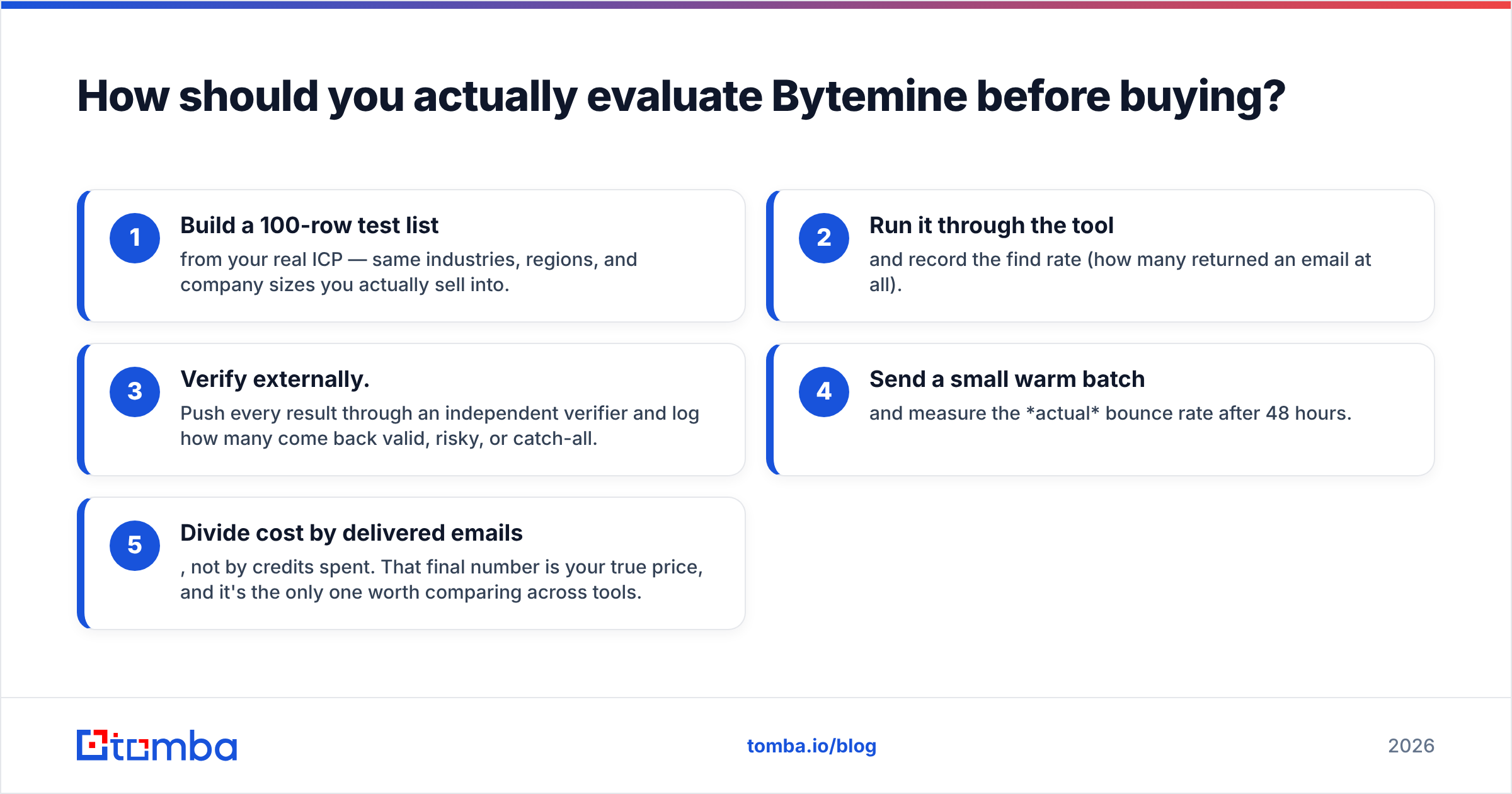
Don't buy on the marketing page. Run this 30-minute test against any contender, Bytemine included:
- Build a 100-row test list from your real ICP — same industries, regions, and company sizes you actually sell into.
- Run it through the tool and record the find rate (how many returned an email at all).
- Verify externally. Push every result through an independent verifier and log how many come back valid, risky, or catch-all.
- Send a small warm batch and measure the actual bounce rate after 48 hours.
- Divide cost by delivered emails, not by credits spent. That final number is your true price, and it's the only one worth comparing across tools.
This process turns a fuzzy "Bytemine pros and cons" debate into a hard number specific to your list. A tool that looks expensive per credit can be cheap per delivered email — and vice versa.
The bottom line on Bytemine pros and cons#
Bytemine is a reasonable generalist with real strengths in convenience and firmographic enrichment, held back by inconsistent verification, opaque credit pricing, and uneven international coverage. It's a fair choice for low-volume, North-America-focused teams that value one dashboard over peak accuracy. It's the wrong choice if deliverability, predictable pricing, or automation depth sit at the center of your motion.
If reaching the right inbox is the job that matters most, run your prospects through the Tomba Email Finder — find verified professional emails by name, domain, or company, validate them against a real catch-all checker, and start free with 25 searches a month before you ever touch a paid plan. Test it against your own 100-row list this week and let the delivered-email number, not the marketing, make the call.
Ready to find emails that actually work?
Join 150,000+ professionals who stopped guessing and started sending. Free credits on signup — no credit card required.
Get the Tomba newsletter
Practical outbound tactics and product updates — once every two weeks.
About the author