Bytemine vs Findemails.com (Toofr): Best Email Finder 2026
Bytemine and Findemails.com (Toofr) both promise verified B2B emails, but they win on different jobs. Here's the accuracy, pricing, and feature breakdown for 2026 — plus where each one quietly falls short.
Choosing between Bytemine and Findemails.com (the tool formerly branded Toofr) usually comes down to one question: do you want a lightweight name-to-email lookup, or a system that finds and verifies contacts at scale without burning your sender reputation? Both tools answer "we find B2B emails." The honest answer is that they're built for different sizes of operation, and neither is the only option worth pricing.
This breakdown compares the two on accuracy, pricing, data coverage, and workflow fit — and shows where a deliverability-first finder like Tomba changes the math.
TL;DR#
- Bytemine is the leaner, more automation-friendly option — decent for developers and small teams who want simple credit-based lookups and an API.
- Findemails.com (Toofr) leans on a guess-and-score model with bulk CSV processing; its legacy roots show in the UI but it remains usable for list building.
- Accuracy is the real differentiator. Both struggle with catch-all domains, where verification matters more than discovery.
- Pricing favors whoever sends low volume; per-credit costs climb fast on both once you scale past a few thousand lookups a month.
- If deliverability and verified-on-find accuracy are your priority, Tomba's email finder is the more defensible pick at $49/mo, with a verification layer baked in.
What do Bytemine and Findemails.com (Toofr) actually do?#
Both are email finders: you give them a name and a company domain, and they return a likely business email address. The mechanics differ underneath.
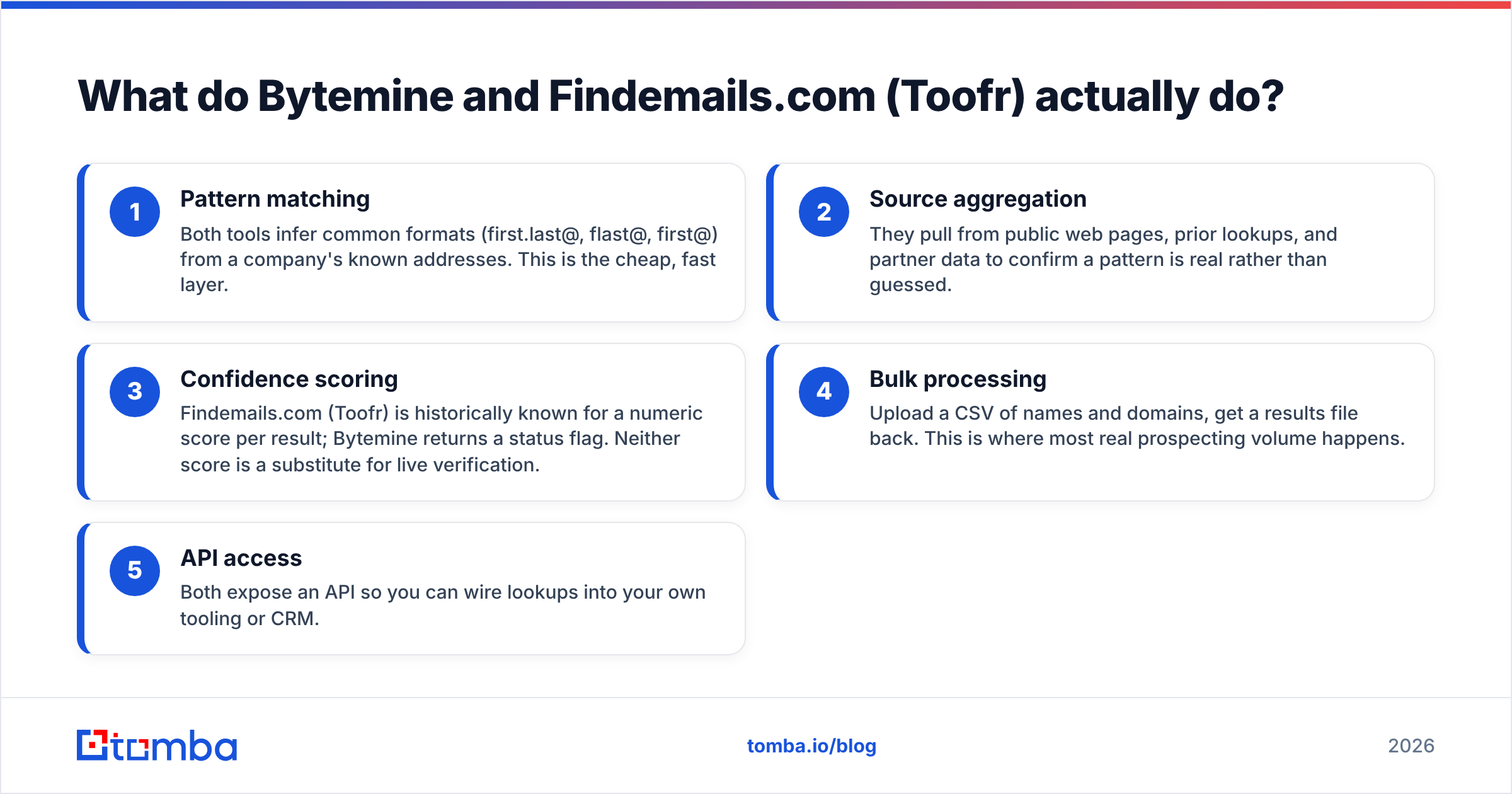
- Pattern matching — Both tools infer common formats (first.last@, flast@, first@) from a company's known addresses. This is the cheap, fast layer.
- Source aggregation — They pull from public web pages, prior lookups, and partner data to confirm a pattern is real rather than guessed.
- Confidence scoring — Findemails.com (Toofr) is historically known for a numeric score per result; Bytemine returns a status flag. Neither score is a substitute for live verification.
- Bulk processing — Upload a CSV of names and domains, get a results file back. This is where most real prospecting volume happens.
- API access — Both expose an API so you can wire lookups into your own tooling or CRM.
The trap is treating a "found" email as a "deliverable" email. A pattern guess that scores 80% can still bounce, and bounces are what wreck your domain reputation. That's why a built-in email verifier — not just a confidence number — is the feature that separates a list builder from a tool you can safely send from.

Is Bytemine more accurate than Findemails.com (Toofr)?#
Accuracy is rarely a single number — it depends on the segment you're searching.
For mainstream B2B domains (companies with public team pages and consistent email formats), both tools land in a comparable range. Pattern inference works well when the data exists. The gap opens up in three places:
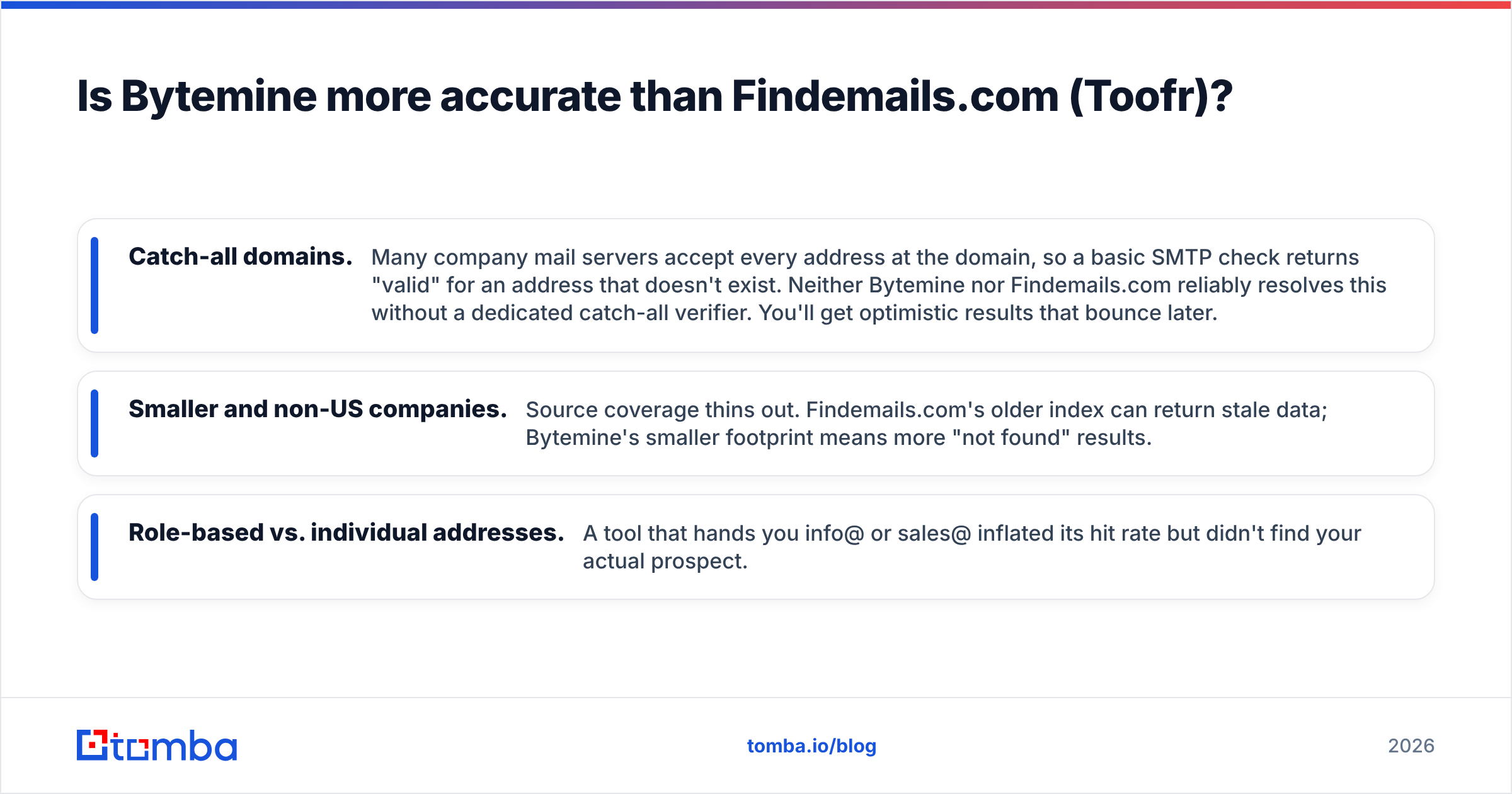
- Catch-all domains. Many company mail servers accept every address at the domain, so a basic SMTP check returns "valid" for an address that doesn't exist. Neither Bytemine nor Findemails.com reliably resolves this without a dedicated catch-all verifier. You'll get optimistic results that bounce later.
- Smaller and non-US companies. Source coverage thins out. Findemails.com's older index can return stale data; Bytemine's smaller footprint means more "not found" results.
- Role-based vs. individual addresses. A tool that hands you info@ or sales@ inflated its hit rate but didn't find your actual prospect.
The practical takeaway: judge an email finder by its verified hit rate, not its raw "found" rate. A tool that returns fewer results but verifies each one against the live mail server saves you from the bounce penalty that silently lowers your inbox placement.
)
Bytemine vs Findemails.com (Toofr): feature and pricing comparison#
Here's the head-to-head, with Tomba included as the deliverability-first reference point. Prices and tiers shift, so confirm current numbers on each vendor's own pricing page before you commit.
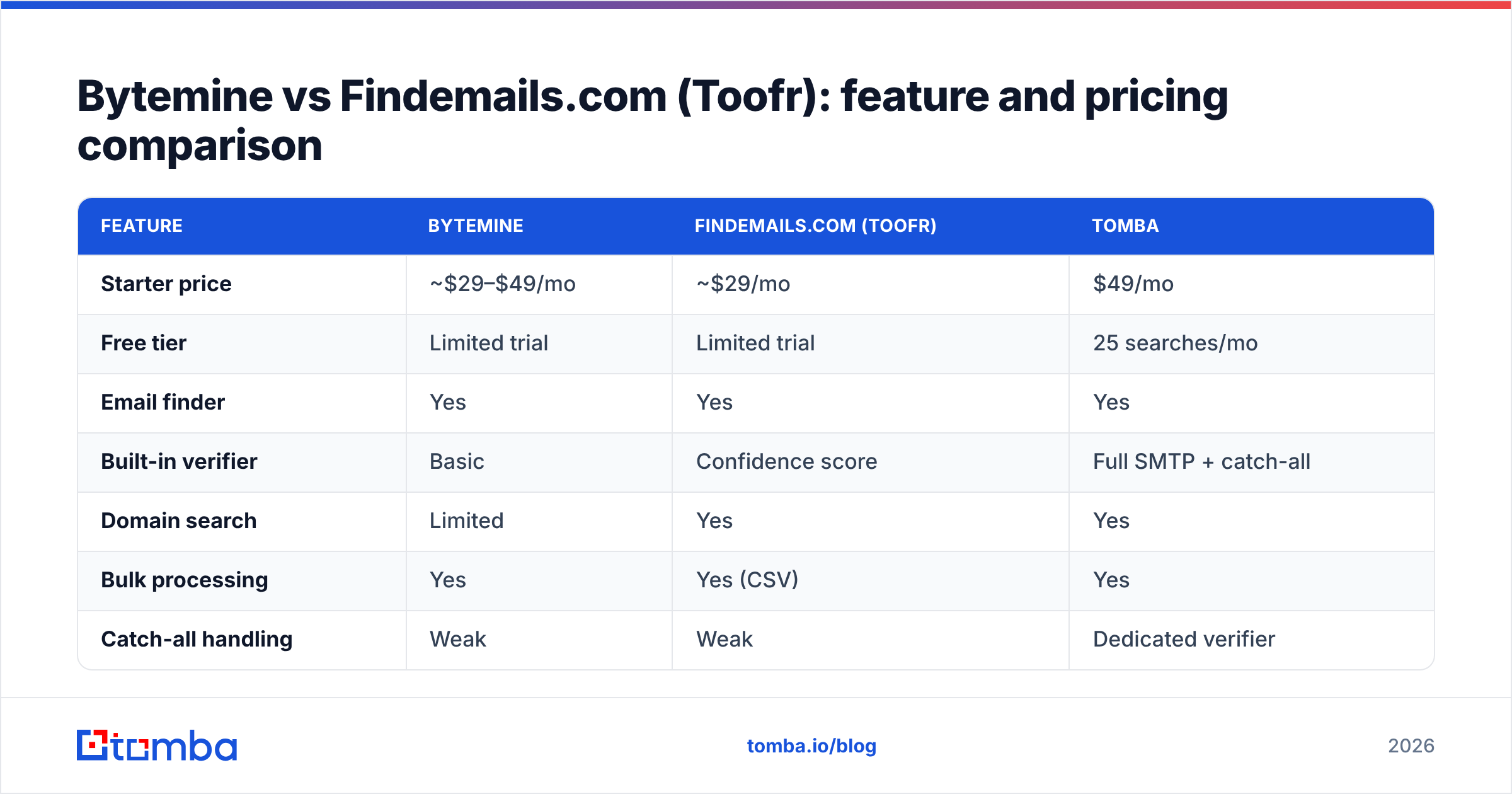
| Feature | Bytemine | Findemails.com (Toofr) | Tomba |
|---|---|---|---|
| Starter price | ~$29–$49/mo | ~$29/mo | $49/mo |
| Free tier | Limited trial | Limited trial | 25 searches/mo |
| Email finder | Yes | Yes | Yes |
| Built-in verifier | Basic | Confidence score | Full SMTP + catch-all |
| Domain search | Limited | Yes | Yes |
| Bulk processing | Yes | Yes (CSV) | Yes |
| Catch-all handling | Weak | Weak | Dedicated verifier |
| API | Yes | Yes | Yes (REST) |
| Phone / enrichment | No | No | Phone finder + enrichment |
| Native integrations | Few | Few | HubSpot, Salesforce, Sheets, Zapier |
A few things stand out. Both Bytemine and Findemails.com are competent at the core lookup but stop there — you're expected to bolt on your own verification and enrichment. Tomba folds verification, domain search, and data enrichment into one workflow, which matters when your goal is a clean, send-ready list rather than a raw export.
On price, the entry tiers look close. The divergence is per-credit cost at volume and what each credit buys you. A cheap credit that returns an unverified guess is more expensive than a slightly pricier credit that returns a verified address — because the first one costs you a bounce.
Which tool fits which team?#
Match the tool to the job rather than the headline price.
- Solo founder or developer doing low-volume, scripted lookups: Bytemine's simpler API and lean pricing make it a reasonable starting point. You'll handle verification yourself.
- Small sales team building lists from CSVs: Findemails.com (Toofr) is serviceable for batch work, especially if you already know the format and just need confirmation. Budget for a separate verification pass.
- Teams that send cold email and care about reply rates: You need verification at the point of discovery, native CRM sync, and catch-all resolution. This is where both legacy tools force you into a multi-vendor stack — and where a consolidated platform earns its keep.
- Agencies and RevOps running multi-client outreach: Bulk processing plus enrichment plus API throughput is the requirement. Evaluate on bulk email finder throughput and per-record cost, not the sticker price.
If you're comparing more than these two, it's worth reading broader roundups on G2 and Capterra where verified user reviews surface the support and accuracy complaints that vendor pages hide.
How much does email-finder accuracy affect deliverability?#
A lot — more than most teams account for. Your sender reputation is like a credit score for your domain: a few bounces won't sink you, but a pattern of them tells mailbox providers you're not maintaining your list, and they start routing you to spam.
Mailbox providers track your bounce rate, spam-complaint rate, and engagement. Industry guidance from sources like HubSpot and Google's own Postmaster Tools documentation points to keeping hard bounces under roughly 2%. If your email finder returns unverified guesses and you send to them cold, you can blow past that threshold on a single campaign.
This is the quiet cost of optimizing for "found rate." An email finder that hands you 1,000 addresses where 150 bounce has effectively cost you placement for the 850 good ones, because the damage is to the domain, not the individual message. Verifying before you send — ideally at the moment of discovery — is the single highest-leverage habit in cold email. You can learn the mechanics in Tomba's email deliverability glossary entry.
)
What are the real downsides of each tool?#
No tool is perfect, and a neutral comparison has to name the weak spots.
Bytemine downsides:
- Smaller data footprint means more "not found" results on non-US and SMB domains.
- Verification is shallow — you're largely trusting a status flag, not a live SMTP check with catch-all logic.
- Thin native integration list; expect to use the API or a middleware layer like Zapier to connect it to your CRM.
Findemails.com (Toofr) downsides:
- The legacy Toofr lineage shows in a dated UI and an index that can return stale contacts.
- The confidence score is useful but frequently misread as a verification guarantee, which it is not.
- Catch-all and role-based handling is weak, so apparent hit rates can be inflated.
Where Tomba isn't a free lunch either:
- The free tier is 25 searches a month — fine for testing, not for production. Real volume needs the Starter plan at $49/mo or above.
- It's a finder-and-data platform, not a full sending suite. You'll still pair it with a sequencing or warmup tool for actual campaign delivery.
Being clear-eyed about all three matters more than picking a "winner." The right answer depends on volume, segment, and whether verification lives inside or outside your finder.
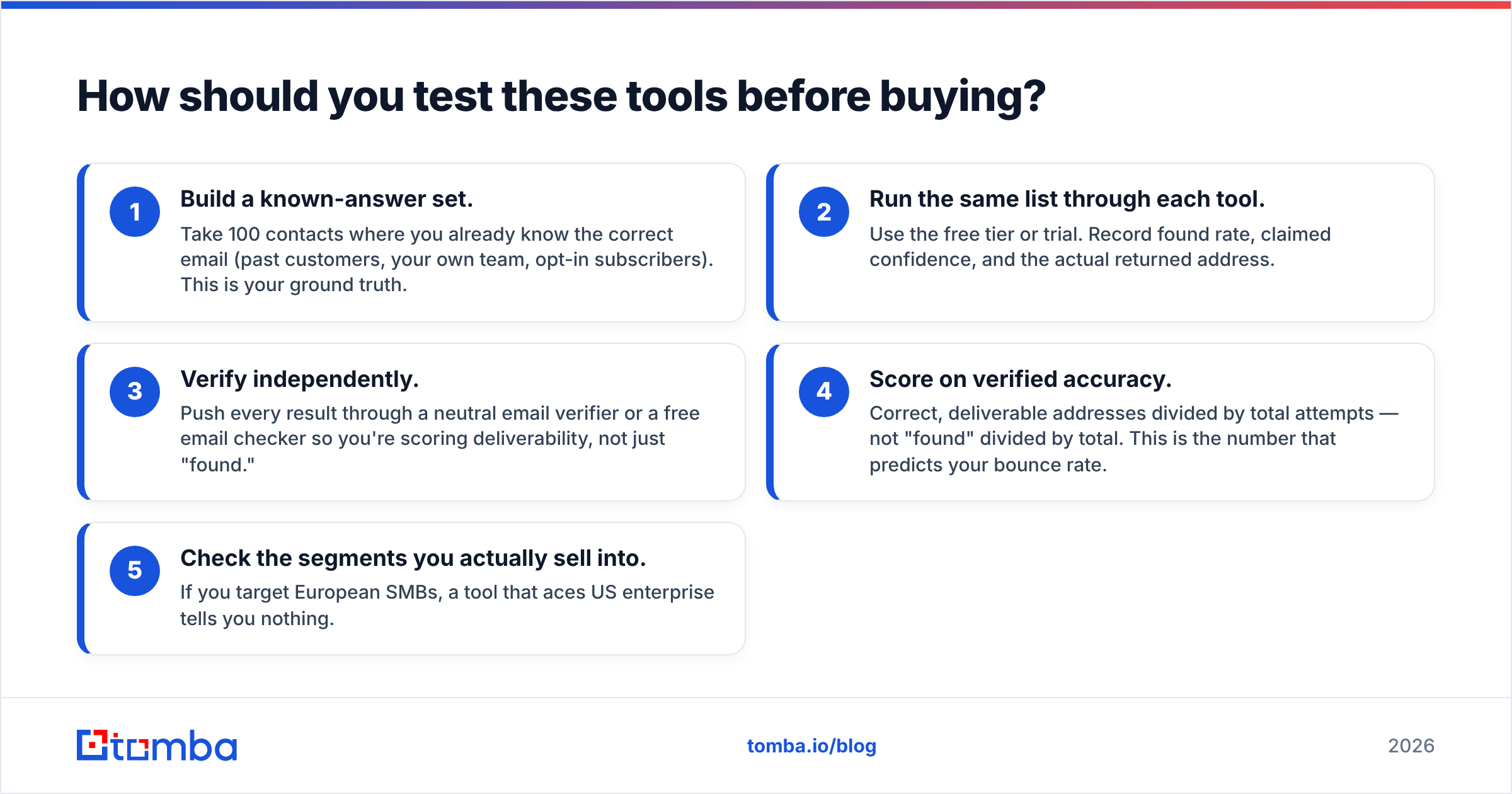
How should you test these tools before buying?#
Don't trust any vendor's published accuracy figure, including the ones above. Run your own bake-off on data you can verify.
- Build a known-answer set. Take 100 contacts where you already know the correct email (past customers, your own team, opt-in subscribers). This is your ground truth.
- Run the same list through each tool. Use the free tier or trial. Record found rate, claimed confidence, and the actual returned address.
- Verify independently. Push every result through a neutral email verifier or a free email checker so you're scoring deliverability, not just "found."
- Score on verified accuracy. Correct, deliverable addresses divided by total attempts — not "found" divided by total. This is the number that predicts your bounce rate.
- Check the segments you actually sell into. If you target European SMBs, a tool that aces US enterprise tells you nothing.
This test takes an afternoon and will tell you more than any comparison article — including this one. A tool that wins on your own ground-truth set is the one to buy.
Frequently asked questions#
Is Findemails.com the same as Toofr? Findemails.com is the rebrand of the tool that was originally launched as Toofr. The underlying guess-and-score approach and much of the data lineage carried over, which is why you'll still see "Toofr" referenced in comparisons and older reviews.
Can I use Bytemine or Findemails.com for free? Both offer limited trials or small free allotments to test the product, but neither supports production volume on a free plan. Compare their free limits against Tomba's 25 free searches per month before committing budget.
Which is best for cold email specifically? For cold email, prioritize verification over raw discovery, since bounces directly harm your sender reputation. A finder with built-in SMTP and catch-all verification protects deliverability better than a higher "found rate" with no verification.
Do these tools find phone numbers too? Bytemine and Findemails.com focus on email. If you need multi-channel data, a platform with a dedicated phone finder and enrichment will cover more of the workflow in one place.
The bottom line#
Bytemine and Findemails.com (Toofr) are both legitimate email finders, and either can work for low-to-moderate volume if you add your own verification step. Bytemine edges ahead on API simplicity; Findemails.com is the more familiar bulk-CSV workhorse. Their shared weakness is the same one most finders have: they optimize for discovery and leave deliverability to you.
If your real goal is a list you can send to without torching your domain reputation, run the ground-truth test above — and include a verification-first option in the bake-off. Tomba's email finder pairs discovery with full SMTP and catch-all verification, domain search, and native CRM sync from $49/mo, with 25 free searches to test it on your own data first. Find the email, confirm it's real, and protect the reputation you're spending money to build.
// get started
Find, verify and enrich your first contacts today
Start on the free plan with 25 searches a month, then scale when your team is ready.
Free plan · No credit card required · GDPR & CCPA
// about the author