Bytemine vs Reachfast 2026: Best Email Finder Tool
A neutral, data-driven breakdown of Bytemine vs Reachfast for 2026 — accuracy, pricing, data coverage, and which email finder actually fits your outbound workflow.
Choosing between Bytemine and Reachfast usually comes down to one question your reps actually care about: when I push a list into my sequencer, how many of these emails bounce? Everything else — UI polish, Chrome extensions, marketing copy — matters far less than raw data quality and the price you pay per verified contact.
This guide compares Bytemine vs Reachfast on the attributes that move pipeline: match rate, verification depth, pricing transparency, data freshness, and integrations. It also shows where a third option, Tomba, lands when you stack all three side by side.
TL;DR — Bytemine vs Reachfast at a glance#
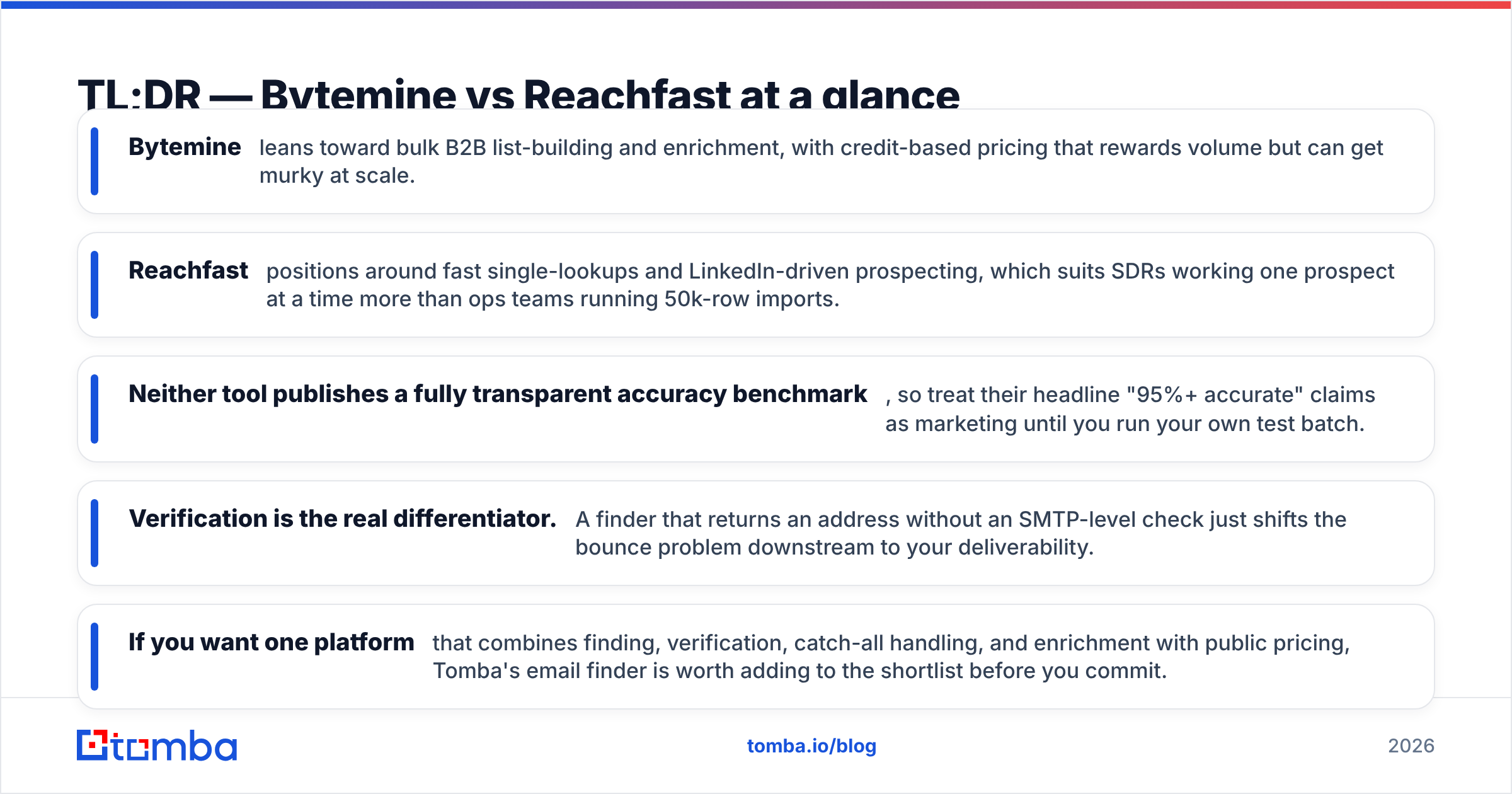
- Bytemine leans toward bulk B2B list-building and enrichment, with credit-based pricing that rewards volume but can get murky at scale.
- Reachfast positions around fast single-lookups and LinkedIn-driven prospecting, which suits SDRs working one prospect at a time more than ops teams running 50k-row imports.
- Neither tool publishes a fully transparent accuracy benchmark, so treat their headline "95%+ accurate" claims as marketing until you run your own test batch.
- Verification is the real differentiator. A finder that returns an address without an SMTP-level check just shifts the bounce problem downstream to your deliverability.
- If you want one platform that combines finding, verification, catch-all handling, and enrichment with public pricing, Tomba's email finder is worth adding to the shortlist before you commit.
What do Bytemine and Reachfast actually do?#
Both tools belong to the same category: B2B contact-data platforms that turn a name, domain, or LinkedIn profile into a business email address (and sometimes a phone number). Think of them like two locksmiths — you hand over the "address" (the person and company), and they hand back the "key" (the email). The difference is how good their key-cutting machine is and how often the key actually turns the lock.
Bytemine is built around list workflows. You upload a CSV of companies or contacts, and it enriches each row with emails, titles, and firmographics. That makes it attractive to demand-gen and RevOps teams who think in spreadsheets and batches.
Reachfast is built around speed-of-one. Its core loop is "find this specific person right now," often triggered from a LinkedIn profile or a quick domain search. That fits an SDR mid-prospecting who needs an email in the next ten seconds, not an overnight batch job.
Here's the catch with both: a found email is only useful if it's deliverable. That's why email verification belongs in the same conversation — finding and verifying are two halves of the same job, and tools that treat them separately tend to leak bounces.

How do they compare on features and pricing?#
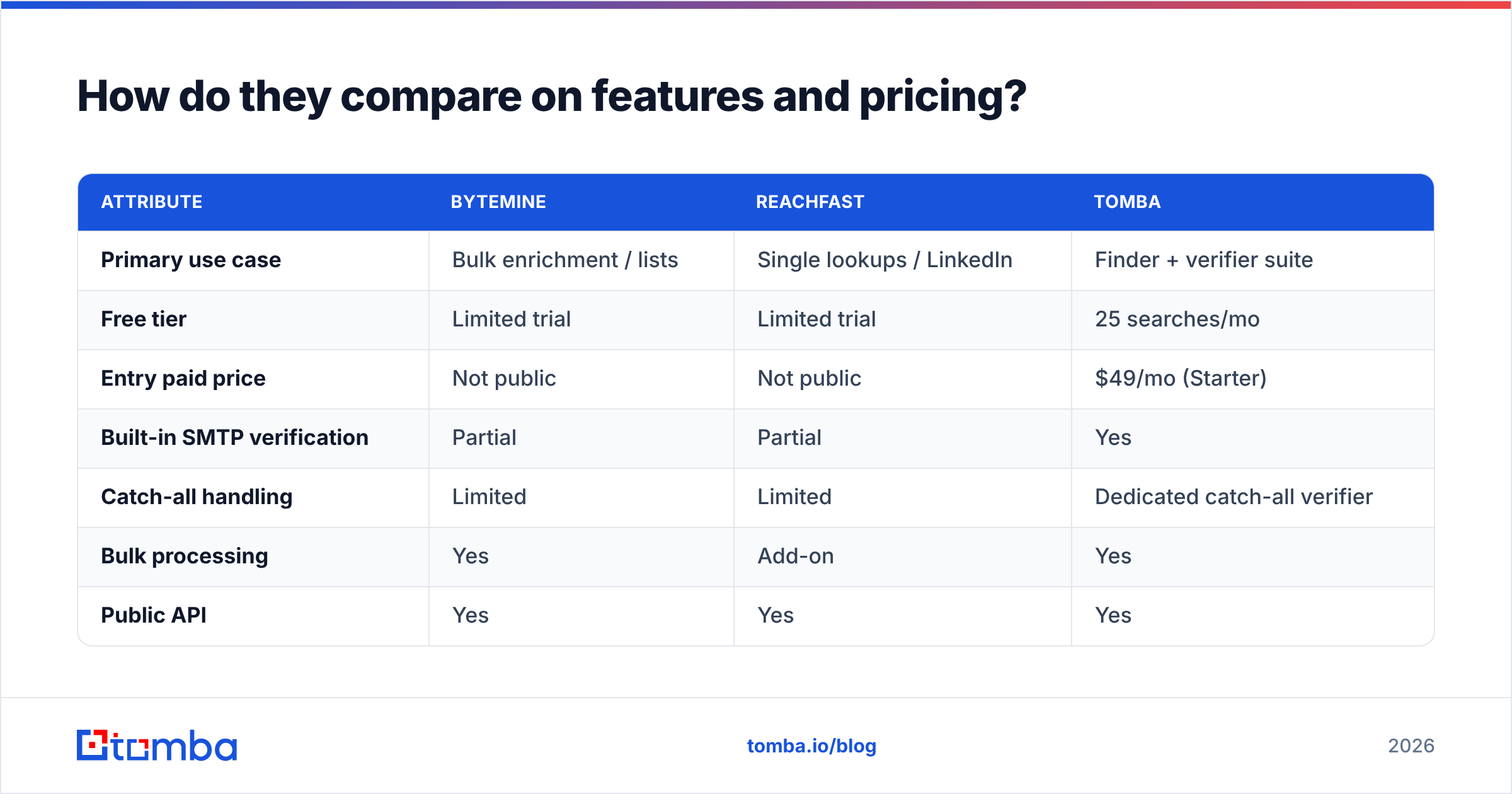
The table below maps the attributes that decide real-world outcomes. Where a vendor doesn't publish a number, "Not public" is the honest answer — and that opacity is itself a data point.
| Attribute | Bytemine | Reachfast | Tomba |
|---|---|---|---|
| Primary use case | Bulk enrichment / lists | Single lookups / LinkedIn | Finder + verifier suite |
| Free tier | Limited trial | Limited trial | 25 searches/mo |
| Entry paid price | Not public | Not public | $49/mo (Starter) |
| Built-in SMTP verification | Partial | Partial | Yes |
| Catch-all handling | Limited | Limited | Dedicated catch-all verifier |
| Bulk processing | Yes | Add-on | Yes |
| Public API | Yes | Yes | Yes |
| Phone numbers | Add-on | Add-on | Yes |
| Pricing transparency | Low | Low | Public tiers |
A few honest caveats. First, Bytemine and Reachfast both gate their real pricing behind sales calls or in-app paywalls, so the "Not public" rows aren't a dodge — they reflect what a buyer can actually verify before signing up. Second, "partial" verification means the tool does some validation but doesn't consistently expose SMTP-level results or catch-all scoring, which is where most silent bounces originate.
For reference, Tomba's pricing is public end to end: Free (25 searches/mo), Starter $49/mo, Growth $99/mo, Pro $249/mo, and custom Enterprise. You can read the full breakdown on the Tomba pricing page rather than guessing.
Which one is more accurate?#
Accuracy is the whole ballgame, and it's also where marketing claims get loosest. Every vendor in this space advertises "95%+ accuracy," but accuracy means nothing without a definition: accuracy at what bounce threshold, on what kind of domains, and measured against which verification standard?

The practical reality is that match rate and bounce rate pull against each other. A tool can show you a high "found" percentage by returning guessed permutations (firstname@domain, f.lastname@domain, and so on) that were never actually verified. That inflates the headline number and quietly inflates your bounce rate too. The only way to know how Bytemine and Reachfast really perform on your domains is to run an identical 200-row test list through both and verify the output independently.
When you do that test, score three things:
- Valid rate — how many addresses pass an independent SMTP check, not the vendor's own.
- Catch-all rate — how many land on catch-all domains that accept everything, which neither finder can confirm without deeper logic. A catch-all verifier is what separates "probably valid" from "actually risky."
- Hard-bounce rate — the number that actually burns your sender reputation.
That third metric is the one that should keep you up at night, because bounces don't just waste a send — they degrade your sender reputation and drag down deliverability for every future campaign.
How does data freshness affect your results?#
Conclusion first: a "found" email decays. People change jobs, companies rebrand domains, and an address that verified clean in January can hard-bounce by June. The question for both Bytemine and Reachfast is how often their underlying data is re-crawled and re-validated.
Static databases age fast — industry estimates from sources like Gartner consistently peg B2B contact data decay at roughly 20–30% per year. That means a tool relying on a stale snapshot will quietly degrade no matter how good its match logic is. The mitigation is verification at the moment of lookup, not just at the moment a record was first ingested.
This is also why a re-verification step before every campaign matters more than the finder you chose. Even the best finder benefits from a fresh email verifier pass right before send, because the address that was valid when you scraped it might not be valid today.
Bytemine vs Reachfast: which fits your workflow?#
Match the tool to the motion, not the other way around.
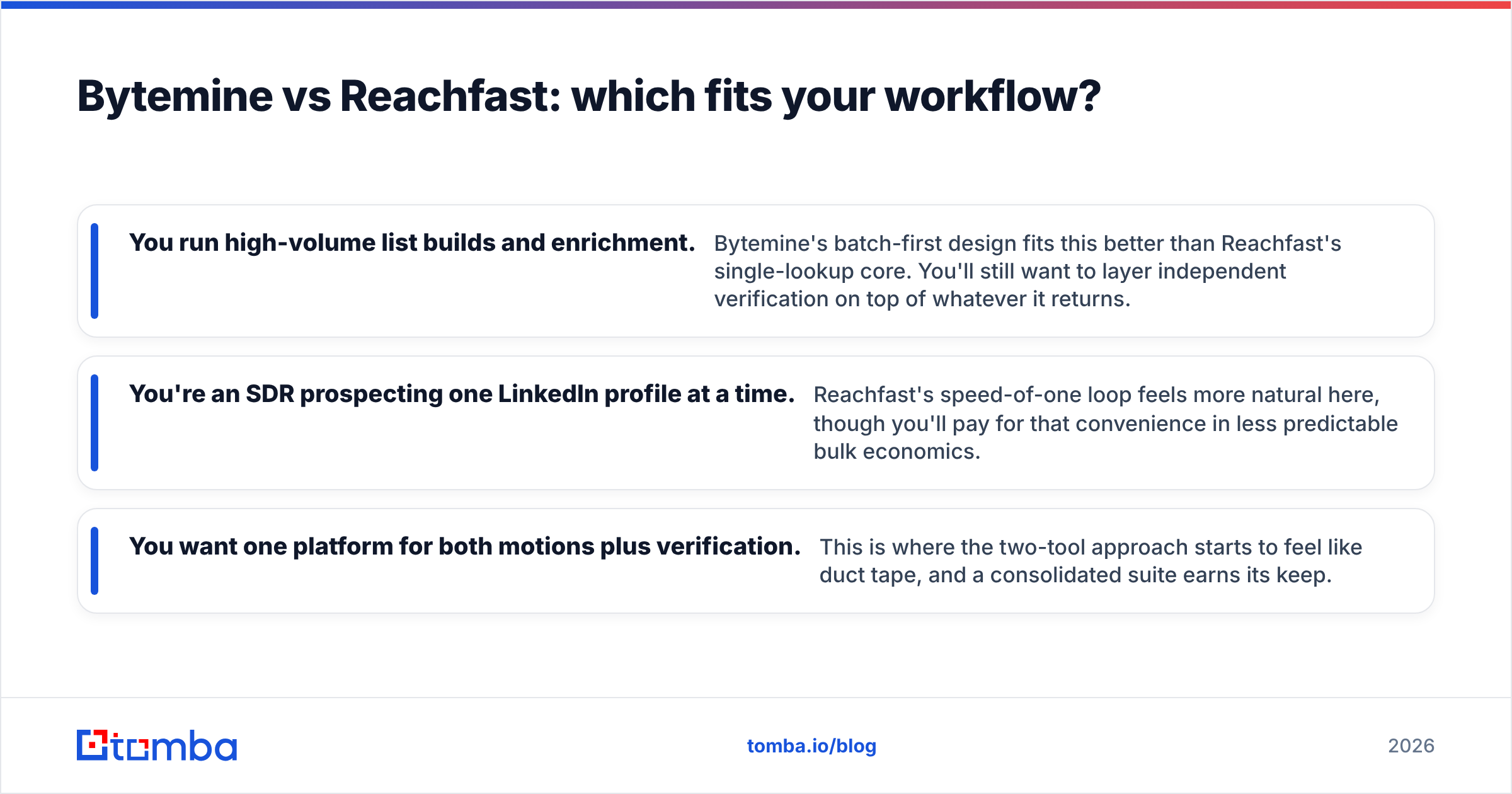
- You run high-volume list builds and enrichment. Bytemine's batch-first design fits this better than Reachfast's single-lookup core. You'll still want to layer independent verification on top of whatever it returns.
- You're an SDR prospecting one LinkedIn profile at a time. Reachfast's speed-of-one loop feels more natural here, though you'll pay for that convenience in less predictable bulk economics.
- You want one platform for both motions plus verification. This is where the two-tool approach starts to feel like duct tape, and a consolidated suite earns its keep.
The hidden cost of picking either Bytemine or Reachfast in isolation is the second tool you end up buying to cover its gap — a standalone verifier, a separate catch-all checker, or a phone-enrichment add-on. Each integration is another bill, another API key, and another place for data to fall through the cracks.
Where does Tomba fit in this comparison?#
Tomba is worth naming explicitly because it collapses the finder-plus-verifier split that forces most teams to run two subscriptions. The same account that runs the email finder also runs SMTP verification, catch-all verification, domain search for company-wide email discovery, phone lookups, and data enrichment — under public, predictable pricing.

That consolidation matters for two reasons. First, cost: one platform with a $49/mo Starter tier is easier to forecast than two opaque per-seat tools that quote you on a call. Second, data integrity: when finding and verifying happen in the same system, the verification result travels with the address instead of getting lost in a CSV handoff between two vendors.
Honesty check — Tomba isn't automatically the right pick for everyone. If your entire motion is LinkedIn-profile-to-email and you've already standardized on a browser-first workflow, a specialist single-lookup tool may feel snappier day to day. And if you've negotiated an enterprise contract with Bytemine that bundles firmographic data you can't get elsewhere, switching costs are real. The point isn't that one tool wins every scenario; it's that you should compare on verified deliverability per dollar, not on the headline accuracy number.
What should you check before you buy?#
Run this short due-diligence list against Bytemine, Reachfast, and any alternative — including Tomba — before you put a card down:
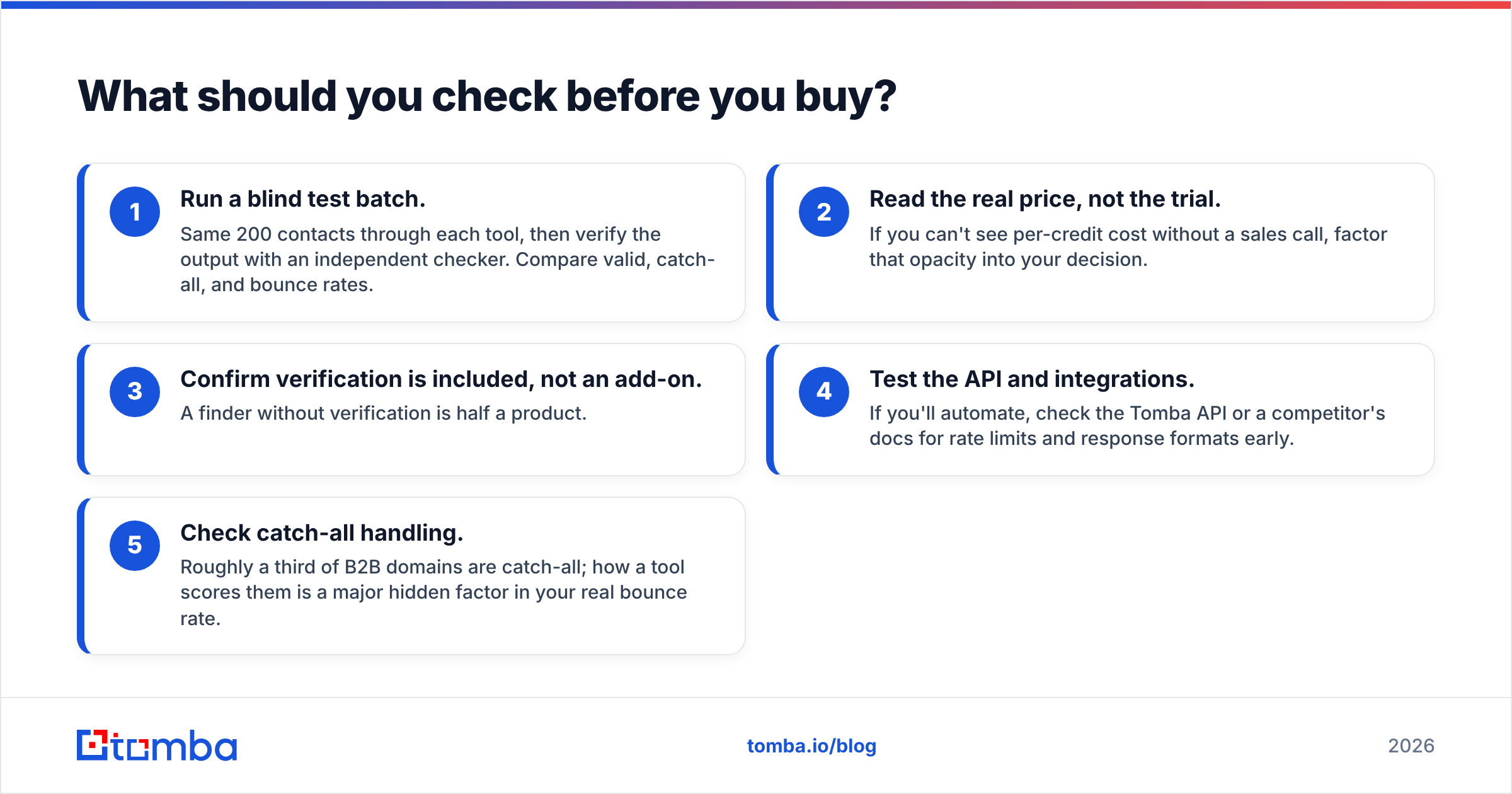
- Run a blind test batch. Same 200 contacts through each tool, then verify the output with an independent checker. Compare valid, catch-all, and bounce rates.
- Read the real price, not the trial. If you can't see per-credit cost without a sales call, factor that opacity into your decision.
- Confirm verification is included, not an add-on. A finder without verification is half a product.
- Test the API and integrations. If you'll automate, check the Tomba API or a competitor's docs for rate limits and response formats early.
- Check catch-all handling. Roughly a third of B2B domains are catch-all; how a tool scores them is a major hidden factor in your real bounce rate.
For broader context on how the wider category stacks up, independent review sites like G2 are useful for reading unfiltered user complaints — pay special attention to reviews mentioning bounce rates and billing surprises, since those are the issues vendor pages never advertise.
Final verdict#
There's no universal winner between Bytemine and Reachfast — there's only the right fit for your motion and the discipline to verify before you trust. Bytemine suits batch-heavy enrichment teams; Reachfast suits single-shot LinkedIn prospecting. Both make you assemble verification separately, and both keep their pricing behind a wall.
If you'd rather not stitch two tools together — and you want finding, verifying, catch-all scoring, and enrichment in one account with pricing you can read before you sign up — start with Tomba's Email Finder. Use the free tier (25 searches/mo) to run your own blind test against Bytemine and Reachfast, score the bounce rates yourself, and let the verified numbers pick the winner. Your sender reputation will thank you.
// get started
Find, verify and enrich your first contacts today
Start on the free plan with 25 searches a month, then scale when your team is ready.
Free plan · No credit card required · GDPR & CCPA
// about the author