Calendly vs Setmore 2026: Which Scheduling Tool Wins?
Calendly vs Setmore in 2026: a side-by-side look at pricing, features, payments, and team scheduling so you can pick the booking tool that actually fits your sales motion.
Picking a scheduling tool feels small until it quietly costs you booked meetings. Two of the most common names on every shortlist are Calendly and Setmore, and they solve the same surface problem — let people book time without the back-and-forth — in very different ways. This guide breaks down where each one wins so you spend ten minutes here instead of three weeks regretting a rollout.
TL;DR — Calendly vs Setmore in one screen#
- Calendly is the lightweight, link-first scheduler built for sales teams, SaaS, and anyone who lives in email and CRM workflows. Cleaner UX, deeper integrations, higher per-seat price.
- Setmore is an appointment-and-staff platform aimed at service businesses — salons, clinics, coaches, studios — with built-in payments, a free tier for up to 4 users, and a customer-facing booking page.
- Pricing: Calendly has a free plan (1 event type) and paid plans from about $10/seat/mo. Setmore's free plan covers 4 users and 200 appointments/mo; paid plans start around $5/user/mo billed annually.
- Choose Calendly for B2B sales scheduling and tight HubSpot/Salesforce loops. Choose Setmore for staffed, walk-in-style services that need payments and reminders out of the box.
- A scheduling link only converts if qualified people land on it — pairing either tool with clean prospect data from a email finder is what fills the calendar in the first place.

What is Calendly and who is it for?#
Calendly is a scheduling automation tool that turns your availability into a shareable link. You set your hours, connect your calendar, and people book open slots without emailing back and forth. It started as a one-person scheduling fix and grew into a platform for sales, recruiting, customer success, and education teams.
Its strengths are speed and polish. Creating an event type takes under a minute, the booking page looks clean on mobile, and the routing logic — round-robin, collective availability, qualification forms — is genuinely strong for revenue teams. If your meetings are people booking time with you or your reps, Calendly is built for that exact shape.
Where it gets expensive is seats. Calendly prices per user, so a 20-person sales team on a mid-tier plan adds up fast. It also leans on integrations rather than doing everything itself: payments run through Stripe/PayPal, reminders are solid but basic, and there's no concept of physical staff rostering.
What is Setmore and who is it for?#
Setmore is an appointment scheduling platform built for service businesses that book staff time and resources, not just calendar slots. Think hair salons, dental clinics, personal trainers, tutors, and consultants who need a public booking page, staff calendars, and payment collection in one place.
The headline draw is its free plan: up to 4 staff logins and 200 appointments per month at no cost, which is unusually generous. Paid tiers unlock recurring appointments, two-way calendar sync, SMS reminders, and a custom booking page. Setmore also ships a customer-facing "Booking Page" you can use as a mini-website, plus a video-call add-on (Setmore Teleport) for remote sessions.
The trade-off is that Setmore is less tuned for outbound B2B sales. Its routing and CRM hooks are thinner than Calendly's, and the interface, while functional, feels closer to a small-business operations tool than a slick sales widget.
Calendly vs Setmore: the full comparison table#
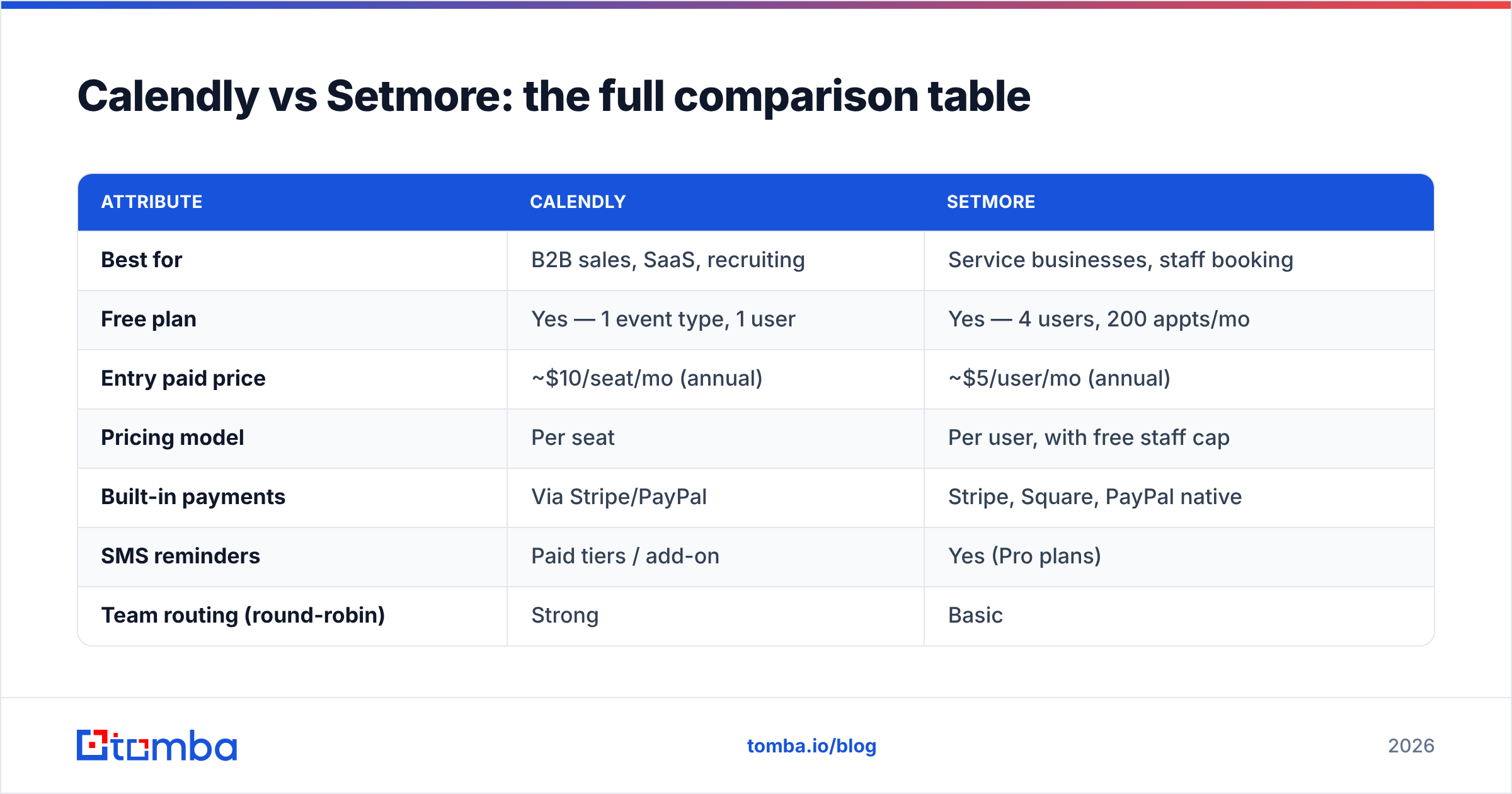
Here is the side-by-side on the attributes that actually drive a decision. Prices reflect publicly listed 2026 plans and can shift, so confirm on each vendor's site before you buy.
| Attribute | Calendly | Setmore |
|---|---|---|
| Best for | B2B sales, SaaS, recruiting | Service businesses, staff booking |
| Free plan | Yes — 1 event type, 1 user | Yes — 4 users, 200 appts/mo |
| Entry paid price | ~$10/seat/mo (annual) | ~$5/user/mo (annual) |
| Pricing model | Per seat | Per user, with free staff cap |
| Built-in payments | Via Stripe/PayPal | Stripe, Square, PayPal native |
| SMS reminders | Paid tiers / add-on | Yes (Pro plans) |
| Team routing (round-robin) | Strong | Basic |
| Public booking page | Booking link only | Full booking page/mini-site |
| Video calls | Zoom, Meet, Teams | Native Teleport + integrations |
| CRM depth | Deep (HubSpot, Salesforce) | Lighter integrations |
| Mobile apps | iOS, Android | iOS, Android |
Is Calendly better than Setmore for sales teams?#
Yes — for outbound and inbound B2B sales, Calendly is the stronger pick. The reason is workflow fit. Sales scheduling lives or dies on three things: getting the meeting on the right rep's calendar, qualifying the booker, and pushing the activity into your CRM. Calendly does all three natively.
Round-robin distribution spreads inbound demos across a team based on availability and priority. Routing forms send enterprise leads to AEs and SMB leads to SDRs automatically. And the HubSpot integration and Salesforce sync log meetings and contacts without manual data entry — which is where Setmore's lighter CRM hooks fall short.
Setmore can be used for sales, but you'll feel the gaps: weaker routing, fewer qualification options, and a booking experience designed for "pick a service and a stylist" rather than "book a discovery call with the right rep." If your team's whole job is converting pipeline, the per-seat premium on Calendly usually pays for itself.
Four signals you're a Calendly fit#
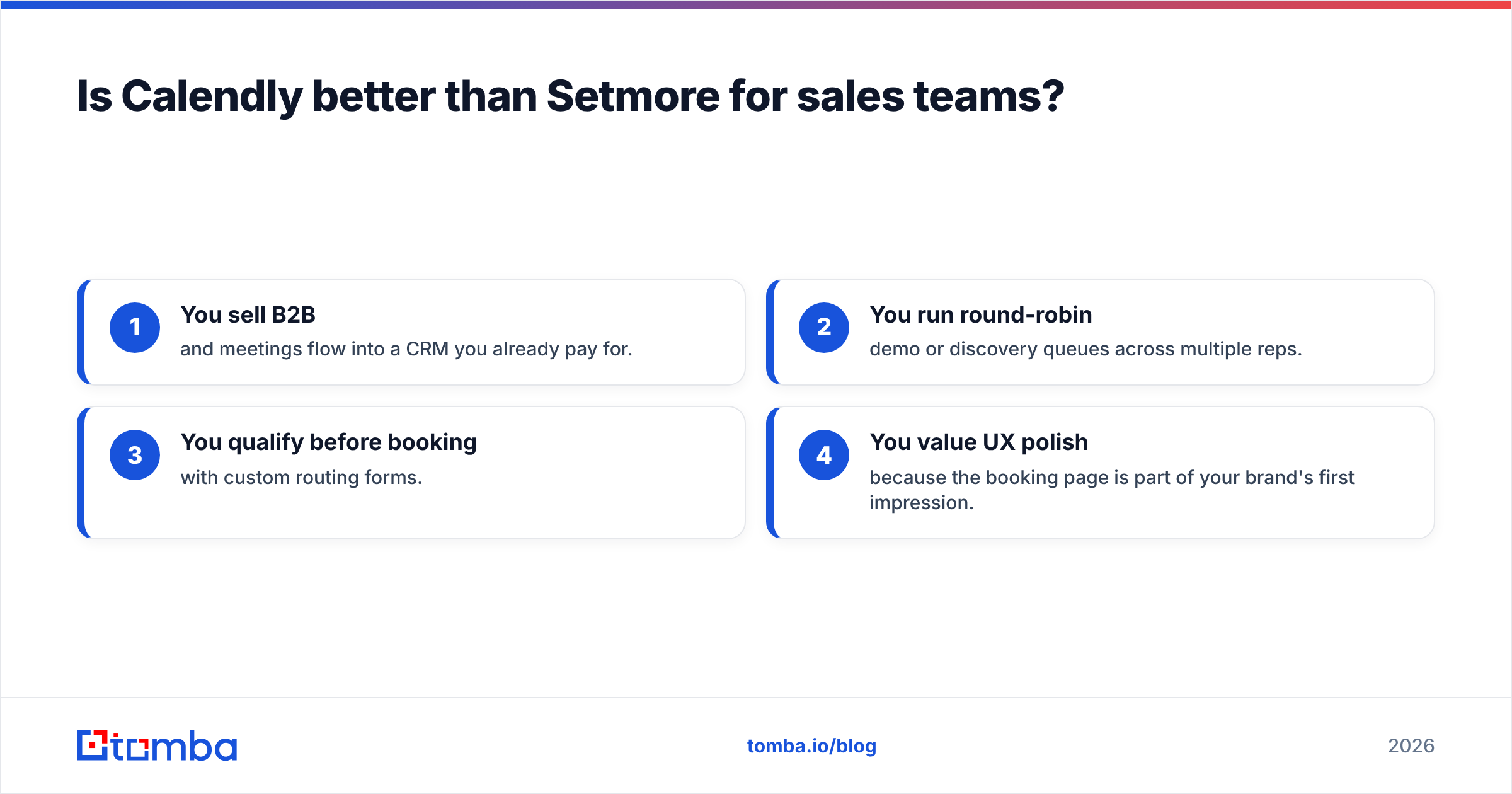
- You sell B2B and meetings flow into a CRM you already pay for.
- You run round-robin demo or discovery queues across multiple reps.
- You qualify before booking with custom routing forms.
- You value UX polish because the booking page is part of your brand's first impression.
Is Setmore better than Calendly for service businesses?#
Yes — if you book staff and collect payment at the time of booking, Setmore is the more complete tool out of the box. A salon doesn't need Salesforce routing; it needs a public page where a client picks a service, a stylist, and a time, pays a deposit, and gets an SMS reminder. Setmore bundles all of that, including native Stripe, Square, and PayPal payments, on plans that cost less per user than Calendly.
The free tier also matters more here. Four staff logins and 200 monthly appointments at zero cost lets a small clinic or studio run real operations without a subscription. Calendly's free plan, by contrast, caps you at a single event type and one user — fine for a solo consultant, thin for a team.
Four signals you're a Setmore fit#
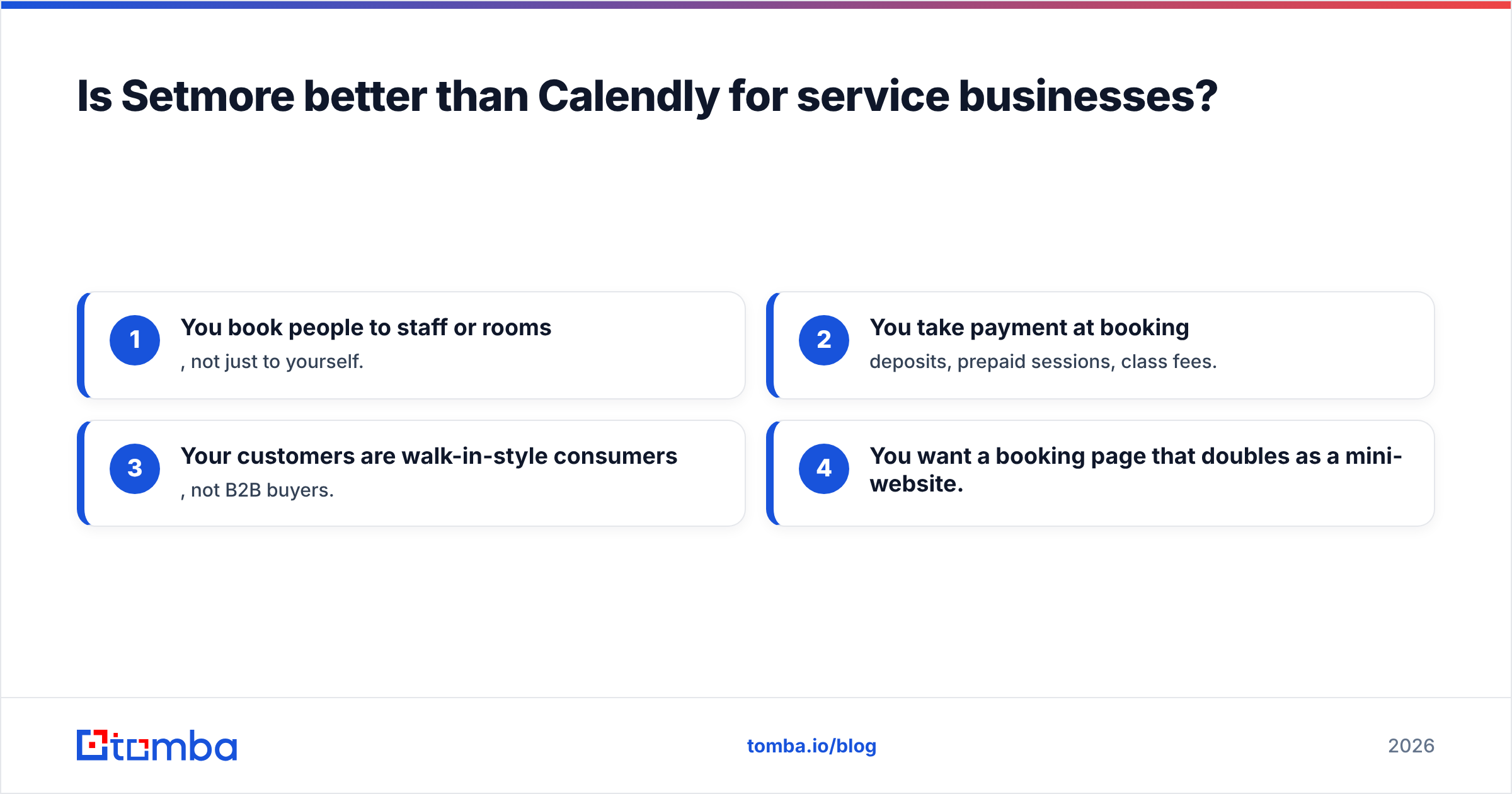
- You book people to staff or rooms, not just to yourself.
- You take payment at booking — deposits, prepaid sessions, class fees.
- Your customers are walk-in-style consumers, not B2B buyers.
- You want a booking page that doubles as a mini-website.

How do Calendly and Setmore pricing compare in 2026?#
The pricing philosophies differ as much as the products. Calendly charges per seat and gates advanced sales features (routing, analytics, multiple event types) behind higher tiers. That model rewards small, high-value teams and punishes large headcounts. Setmore charges per user too, but its free staff cap and lower entry price make it cheaper for businesses that need many logins doing relatively standard bookings.
A rough way to think about it:
- 1 solo user, simple needs: Both free plans work; Setmore's is more flexible.
- Small service team (2–4 staff): Setmore free or low-tier wins on cost.
- Sales team (5–20 reps) needing routing + CRM: Calendly's paid tiers justify the premium.
- Enterprise with SSO/admin controls: Both offer enterprise plans; evaluate on security and provisioning, not sticker price.
Don't choose on headline price alone. The real cost is the meetings you lose to a clunky flow or the hours your team burns on manual CRM entry. Read independent reviews on G2 and check current plans directly at calendly.com and setmore.com before committing — feature gates move between tiers more often than the marketing pages suggest.
What about integrations and the rest of your stack?#
This is where Calendly pulls ahead for technical and revenue teams. It connects to a deep bench of CRMs, marketing tools, and automation platforms, and its API and webhooks are mature enough to build custom workflows on. Setmore covers the essentials — Google Calendar, Office 365, payment processors, Zoom, and Zapier — which is plenty for a service business but lighter for a complex GTM stack.
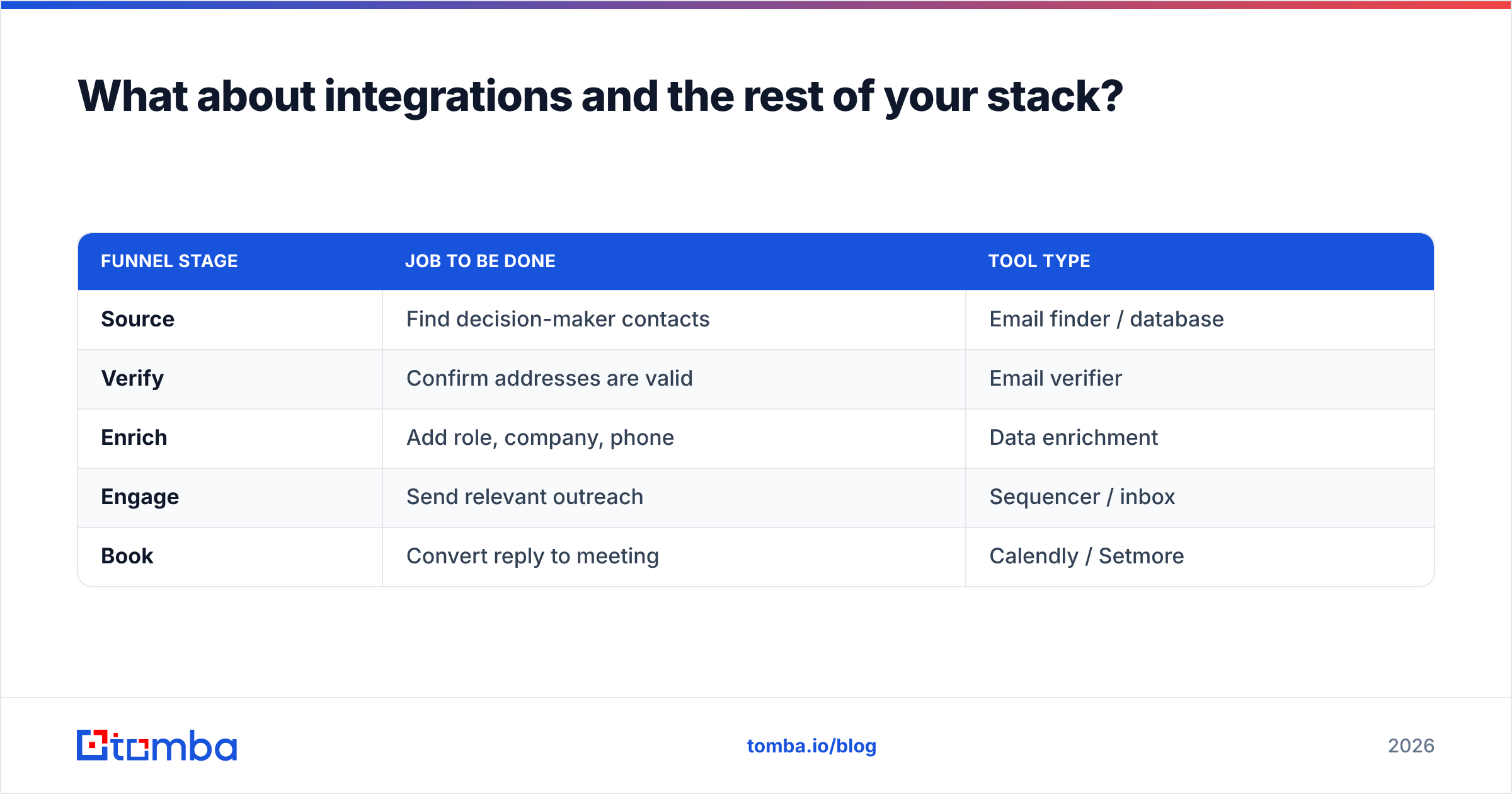
Whichever you pick, remember the scheduler is the last step in a chain. A booking link is only as valuable as the qualified people who click it. Most teams that struggle with "empty calendar" don't have a scheduling problem — they have a pipeline problem. That's where the front of the funnel matters: sourcing verified contacts, enriching them, and reaching the right person.
| Funnel stage | Job to be done | Tool type |
|---|---|---|
| Source | Find decision-maker contacts | Email finder / database |
| Verify | Confirm addresses are valid | Email verifier |
| Enrich | Add role, company, phone | Data enrichment |
| Engage | Send relevant outreach | Sequencer / inbox |
| Book | Convert reply to meeting | Calendly / Setmore |
You can fill the first three stages with Tomba's data enrichment and verification tools, then hand qualified, ready-to-book contacts to whichever scheduler you choose. The scheduler converts interest; the data creates it.
Calendly vs Setmore: pros and cons#
Calendly pros: polished UX, best-in-class team routing, deep CRM/automation integrations, strong mobile experience, mature API. Calendly cons: per-seat cost climbs fast, thin free plan, payments and reminders lean on integrations.
Setmore pros: generous 4-user free plan, native payments, built-in booking page, SMS reminders, lower entry price. Setmore cons: weaker sales routing and CRM depth, interface less refined, fewer advanced automations.
So which should you choose?#
Choose Calendly if you're a B2B sales, SaaS, or recruiting team that books meetings into a CRM and needs routing, qualification, and polish — and you can absorb a per-seat cost on a smaller, high-value headcount.
Choose Setmore if you run a service business that books staff time, takes payments at booking, and wants a customer-facing page without stitching tools together — especially if a free 4-user plan covers your operation today.
Both are good at the job they were designed for. The mistake is forcing a sales tool onto a salon or a salon tool onto a sales floor. Match the tool to your booking shape, not to a feature checklist.
Fill the calendar before you optimize it#
A scheduling tool can't book a meeting with a prospect you never found. Before you spend a week comparing booking widgets, make sure qualified, verified contacts are actually entering your funnel. Use the Tomba Email Finder to source decision-maker emails by domain, name, or company, verify them, and enrich them with role and company data — then hand clean leads to Calendly or Setmore to close the loop. Start on the free tier (25 searches/month) and check Tomba pricing when you're ready to scale. Get the data right, and whichever scheduler you pick will have a lot more meetings to book.
// get started
Find, verify and enrich your first contacts today
Start on the free plan with 25 searches a month, then scale when your team is ready.
Free plan · No credit card required · GDPR & CCPA
// about the author