Callpage Pricing, Reviews, Pros and Cons (2026 Guide)
A neutral 2026 breakdown of CallPage pricing, real user reviews, and the honest pros and cons — plus where a callback widget fits in your stack and where it doesn't.
TL;DR
- CallPage is a callback-and-scheduling widget: a visitor drops their number, and your rep gets connected in roughly 28 seconds. It converts existing traffic — it does not find new leads.
- Pricing is quote-and-tier based. Expect a free trial, an entry plan in the low hundreds per month, and per-call/lead limits that push you up tiers fast as volume grows.
- Reviews on G2 and Capterra are broadly positive on speed and setup, with recurring complaints about price-to-value for low-traffic sites and occasional call-quality issues.
- The biggest pro is speed-to-lead on inbound traffic. The biggest con is that it only works if you already have the traffic and the phone numbers.
- If your gap is finding contacts rather than calling back the ones who raise their hand, a data tool like a phone finder or email finder solves a different — and often earlier — part of the funnel.
What is CallPage and who is it for?#
CallPage is a conversion tool, not a prospecting tool. It sits on your website as a widget. When a visitor is browsing, a popup offers an instant callback — they enter a phone number, and CallPage dials a rep and the prospect simultaneously, aiming to connect both inside about 28 seconds. It also handles meeting scheduling, lead-capture forms, and after-hours callback requests.
The target buyer is a team that already has meaningful inbound web traffic and a phone-based sales motion: car dealerships, real estate, SaaS demos, agencies, insurance, and high-ticket B2C. If a visitor is worth a phone call and you lose them when they leave the page, CallPage is built to grab that moment.
That framing matters for the rest of this review. CallPage's whole value depends on two things you must already have: traffic on the page and a prospect willing to give a number. It does nothing to create either. Keep that in mind when you read the pricing.

How much does CallPage cost in 2026?#
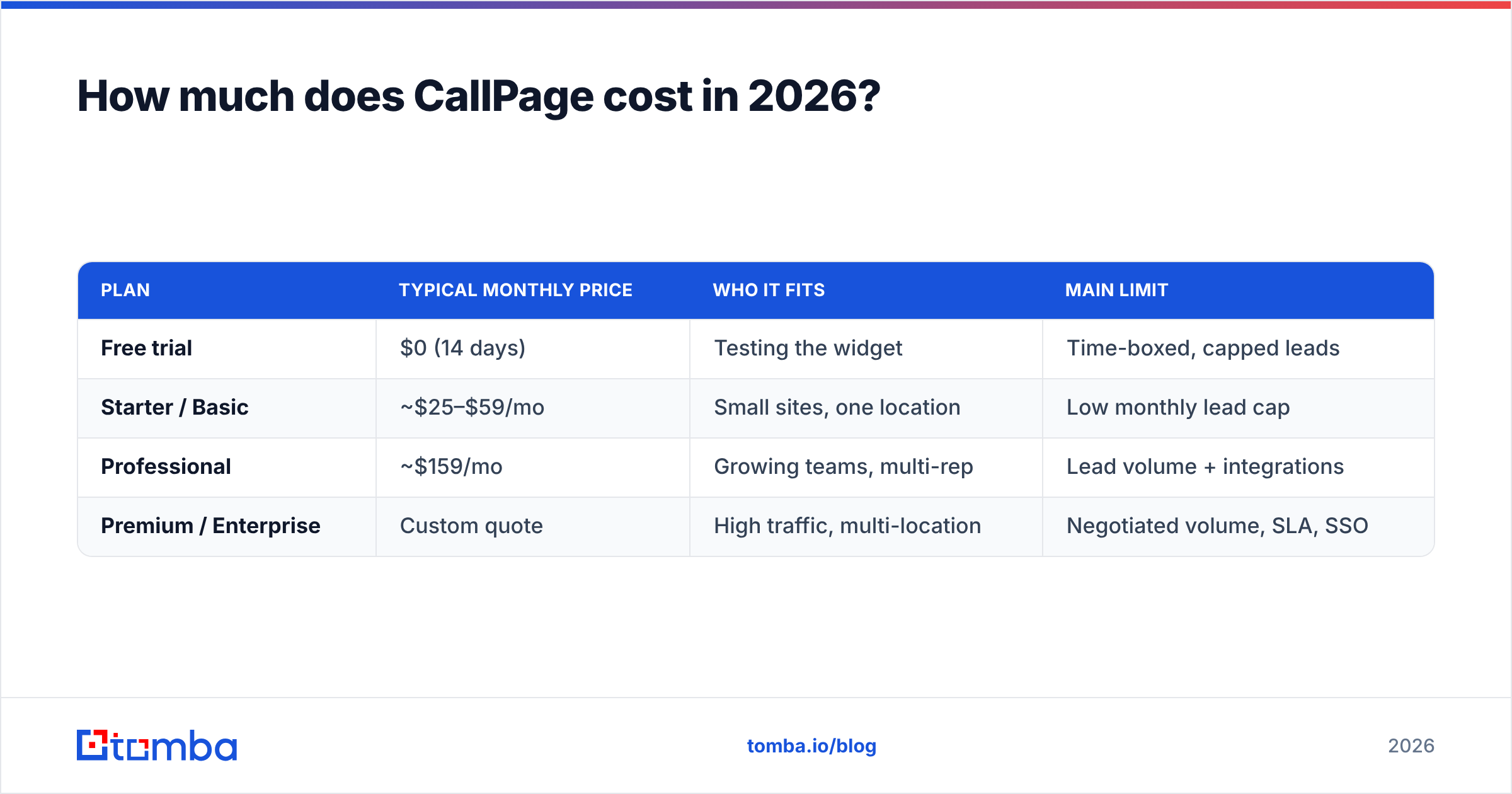
CallPage uses tiered subscriptions plus a free trial, and pricing scales with the number of leads/calls and seats. Exact numbers change and several plans are quote-based, so treat the table below as the shape of the pricing rather than a locked quote — confirm current figures on the CallPage site and on review marketplaces before you buy.
| Plan | Typical monthly price | Who it fits | Main limit |
|---|---|---|---|
| Free trial | $0 (14 days) | Testing the widget | Time-boxed, capped leads |
| Starter / Basic | ~$25–$59/mo | Small sites, one location | Low monthly lead cap |
| Professional | ~$159/mo | Growing teams, multi-rep | Lead volume + integrations |
| Premium / Enterprise | Custom quote | High traffic, multi-location | Negotiated volume, SLA, SSO |
A few things that surprise buyers:
- The jump between tiers is steep. The gap from an entry plan to the Professional tier is large relative to the extra leads you unlock, so mid-volume sites often feel stranded between plans.
- Lead caps drive the real cost. You are effectively paying per successful callback. A traffic spike can blow through your cap and force an upgrade mid-cycle.
- Annual billing is where the discounts live. Month-to-month pricing is noticeably higher; most published "from" prices assume annual commitment.
- Add-ons stack. Extra seats, advanced analytics, and some integrations sit outside the base plan.
For comparison, you can always check how transparent, flat-rate Tomba pricing looks next to a usage-capped callback model — the two solve different problems, but the contrast is a useful sanity check on what "per lead" really costs you.
What do CallPage reviews actually say?#
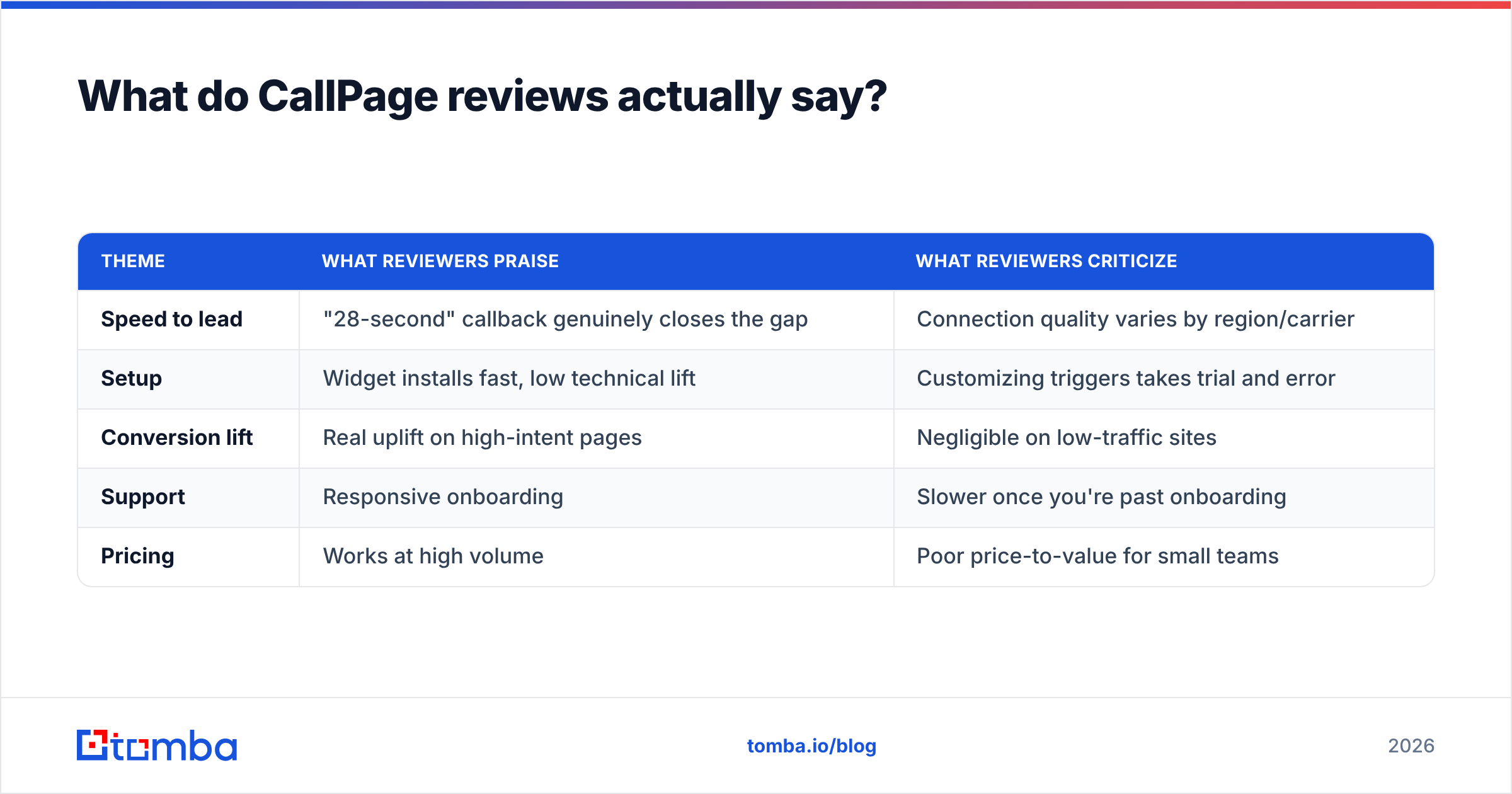
Pulling the recurring themes from public reviews on G2 and Capterra gives a clearer picture than any single star rating. Here is the honest split.
| Theme | What reviewers praise | What reviewers criticize |
|---|---|---|
| Speed to lead | "28-second" callback genuinely closes the gap | Connection quality varies by region/carrier |
| Setup | Widget installs fast, low technical lift | Customizing triggers takes trial and error |
| Conversion lift | Real uplift on high-intent pages | Negligible on low-traffic sites |
| Support | Responsive onboarding | Slower once you're past onboarding |
| Pricing | Works at high volume | Poor price-to-value for small teams |
The pattern is consistent: teams with the right profile — strong traffic, phone-led sales, high deal value — tend to be happy. Teams that bolt CallPage onto a thin-traffic site or a low-ticket product tend to feel the price and churn. None of that is a knock on the product; it's a fit problem, and it's the single most important thing to get right before you pay.
What are the pros and cons of CallPage?#
Here is the balanced ledger.
Pros
- Genuine speed-to-lead. Responding to an inbound lead in under a minute dramatically beats the industry-standard hours-or-days response. On high-intent pages this is the whole game.
- Low setup friction. It's a script on your site, not a CRM migration. You can be live the same day.
- Multiple capture modes. Instant callback, scheduled calls, and after-hours requests cover the common "I want to talk now / later" cases.
- Analytics on missed opportunities. You see who requested a call and when, which is useful coaching data for reps.
Cons
- It only converts traffic you already have. No traffic, no callbacks. It is downstream of every demand-generation problem.
- It needs a phone number from the prospect. Some audiences won't give one, especially earlier in B2B research.
- Price-to-value is rough for small sites. The lead caps and tier jumps punish low and mid volume.
- Single-channel. It's phone-first. If your motion is email- or LinkedIn-led, it covers a narrow slice.
Is CallPage worth it, or do you need something earlier in the funnel?#
Conclusion first: CallPage is worth it if your bottleneck is response speed on existing inbound traffic — and a poor buy if your real bottleneck is finding contacts in the first place.
Think of your funnel like a restaurant. CallPage is the host who greets people the instant they walk in so nobody wanders back out the door. Brilliant — but only if people are walking in. If the dining room is empty, a faster host changes nothing. You need to fill the room first.
That "fill the room" job is prospecting and data: identifying the right accounts, finding decision-makers, and getting verified contact details so you can reach out before they ever land on your site. That's a different toolset:
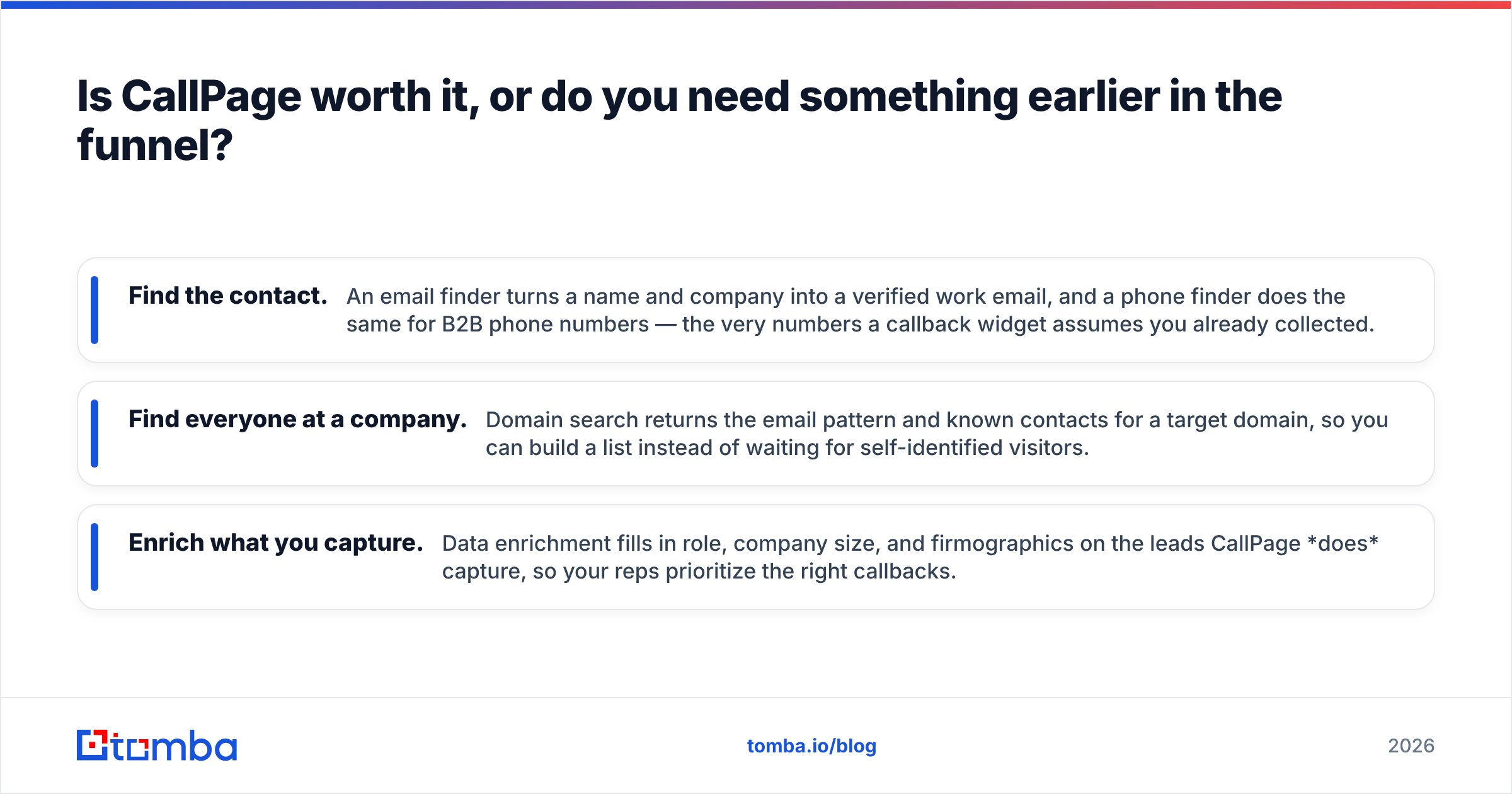
- Find the contact. An email finder turns a name and company into a verified work email, and a phone finder does the same for B2B phone numbers — the very numbers a callback widget assumes you already collected.
- Find everyone at a company. Domain search returns the email pattern and known contacts for a target domain, so you can build a list instead of waiting for self-identified visitors.
- Enrich what you capture. Data enrichment fills in role, company size, and firmographics on the leads CallPage does capture, so your reps prioritize the right callbacks.
These are complementary, not competing. A mature stack often runs both: a data layer to source and enrich contacts, and a conversion layer like CallPage to catch high-intent visitors. The mistake is buying the conversion layer to fix a sourcing problem.
How does CallPage compare to a data-first approach?#
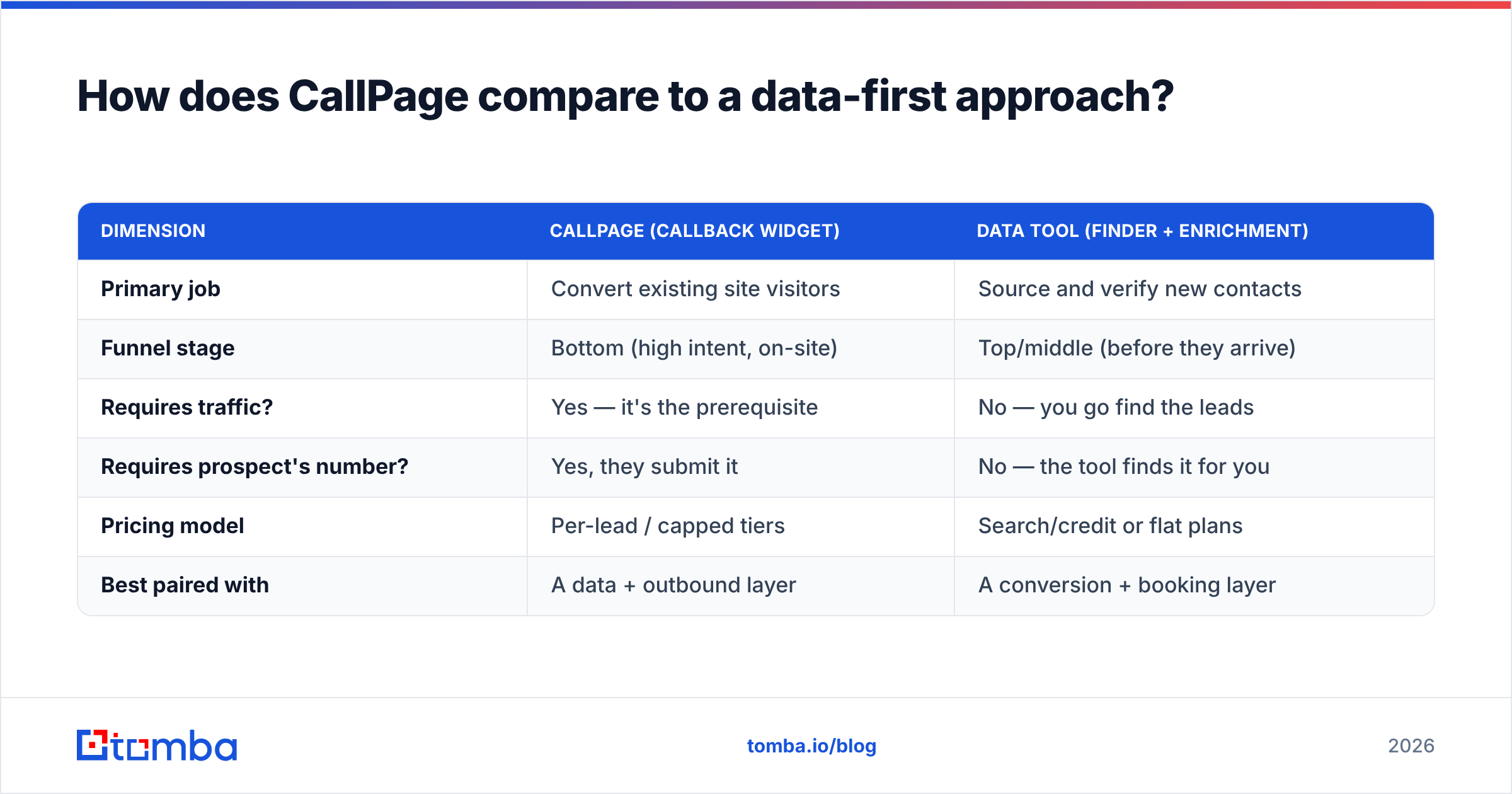
| Dimension | CallPage (callback widget) | Data tool (finder + enrichment) |
|---|---|---|
| Primary job | Convert existing site visitors | Source and verify new contacts |
| Funnel stage | Bottom (high intent, on-site) | Top/middle (before they arrive) |
| Requires traffic? | Yes — it's the prerequisite | No — you go find the leads |
| Requires prospect's number? | Yes, they submit it | No — the tool finds it for you |
| Pricing model | Per-lead / capped tiers | Search/credit or flat plans |
| Best paired with | A data + outbound layer | A conversion + booking layer |
The honest read: these tools answer different questions. "How do I not lose the people already on my site?" points to CallPage. "How do I get the right people into my pipeline at all?" points to a finder-and-enrichment stack. Most teams that think they need the first actually need the second — or both.
If you want to pressure-test that, look at where your pipeline actually leaks. If you have strong traffic and slow response times, a callback widget earns its keep. If your reps are starved for accounts and contacts, no widget will help, and you should invest upstream first. You can scope that quickly with a free email checker or a quick domain search to see how much reachable contact data you're leaving on the table.
Frequently asked questions#
Does CallPage have a free plan? There's a free trial (typically 14 days), but no permanent free tier. Volume-based plans start after the trial, so budget for an entry subscription once you're past testing.
How fast is the CallPage callback really? The headline is a connection in about 28 seconds, assuming a rep is available. Real-world speed depends on rep availability, carrier routing, and the prospect's region.
Is CallPage good for small businesses? Only if a small business has steady, phone-worthy inbound traffic. Low-traffic sites tend to find the price-to-value poor because they pay for capacity they can't fill.
What's the best CallPage alternative for lead sourcing? There isn't a like-for-like one, because CallPage converts traffic rather than finding leads. For the sourcing job, a verified phone finder and email finder cover the gap CallPage assumes you've already closed.
The bottom line#
CallPage is a focused, well-built callback tool that does one thing genuinely well: it catches high-intent visitors and connects them to a rep before they cool off. If you have the traffic and a phone-led motion, it can pay for itself. If you don't, no amount of speed-to-lead fixes an empty funnel — and the tiered, per-lead pricing will sting.
Be clear-eyed about which problem you're solving. If your real gap is finding the right people and reaching them first, start with the data layer. Tomba's email finder turns names and domains into verified contacts at scale, with a free tier (25 searches/month) and flat plans from $49/mo — so you can fill the room before you worry about greeting people at the door. Pair a strong sourcing engine with a conversion tool like CallPage, in that order, and the whole funnel works.
// get started
Find, verify and enrich your first contacts today
Start on the free plan with 25 searches a month, then scale when your team is ready.
Free plan · No credit card required · GDPR & CCPA
// about the author