Captain Verify vs SalesQL: Best Email Tool in 2026?
Captain Verify cleans your list; SalesQL finds the emails in the first place. Here's how the two compare in 2026 — and the one tool that does both.
Captain Verify vs SalesQL: Which Email Tool Wins in 2026?
If you are weighing Captain Verify vs SalesQL, you are really comparing two different jobs that sit at opposite ends of the same pipeline. One cleans a list you already have. The other builds the list in the first place. Picking the "winner" only makes sense once you know which job you actually need solved — and whether you can stop paying for two tools to do it.
TL;DR#
- Captain Verify is an email verifier. It checks whether addresses you already own are valid, risky, or dead. It does not find new contacts.
- SalesQL is a LinkedIn email finder. It extracts emails and phone numbers from LinkedIn profiles and searches. It does light verification, not deep list hygiene.
- They are complements, not true rivals. A realistic stack pairs a finder with a verifier — which is exactly why running both gets expensive.
- If you want one platform for finding and verifying, Tomba covers domain search, email finding, and verification under a single plan starting at $49/mo.
- Quick rule: choose Captain Verify for cleaning, SalesQL for LinkedIn sourcing, and Tomba when you want the whole loop in one place.
What Is Captain Verify?#
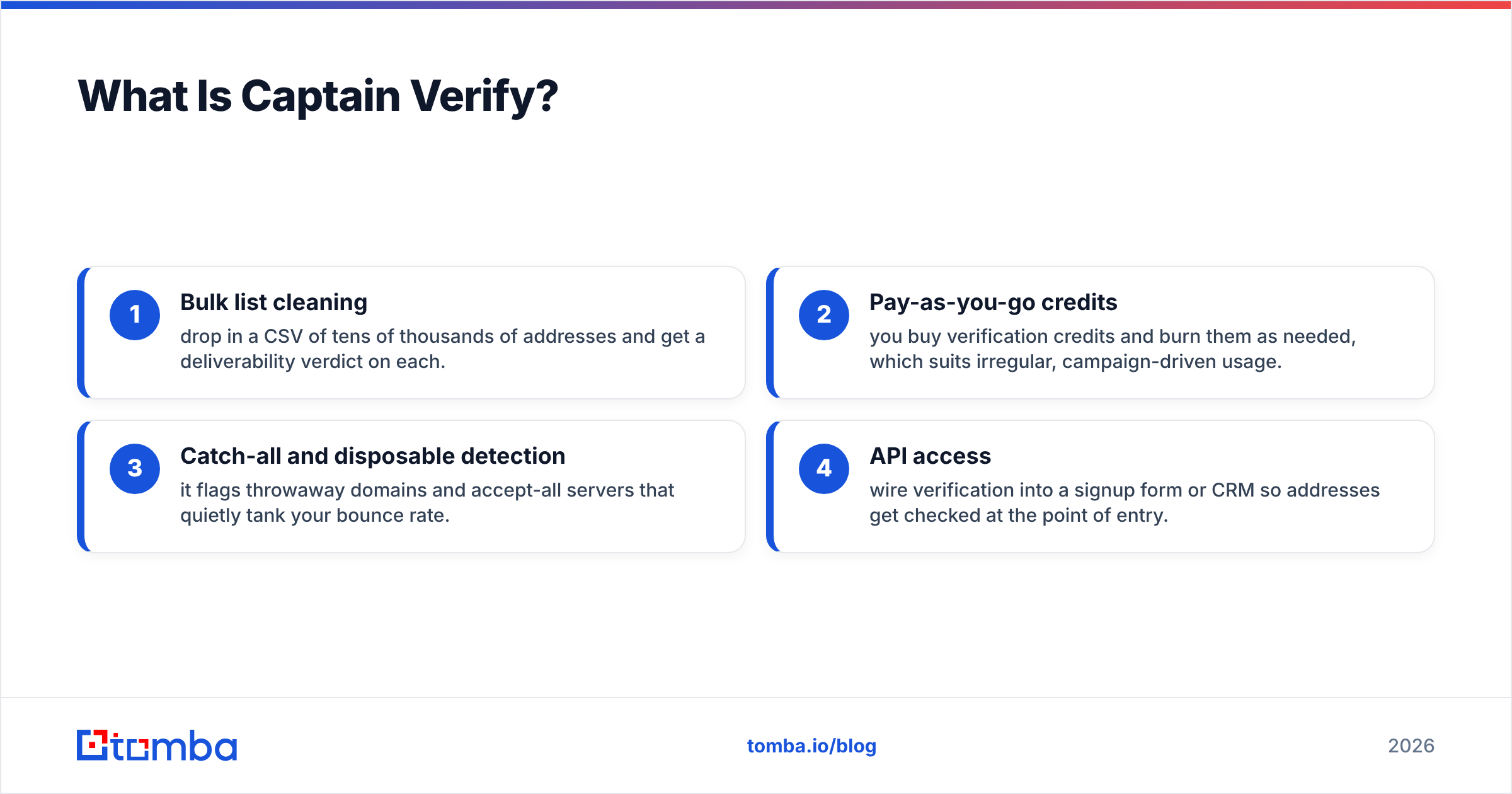
Captain Verify is a bulk email verification service. You upload a list, it pings each address through syntax checks, MX-record lookups, and SMTP handshakes, then returns a status: valid, invalid, risky, or unknown. Think of it like a bouncer at the door of your email campaign — it does not invite guests, it just turns away the ones who will bounce.
Its core strengths are narrow and deep:
- Bulk list cleaning — drop in a CSV of tens of thousands of addresses and get a deliverability verdict on each.
- Pay-as-you-go credits — you buy verification credits and burn them as needed, which suits irregular, campaign-driven usage.
- Catch-all and disposable detection — it flags throwaway domains and accept-all servers that quietly tank your bounce rate.
- API access — wire verification into a signup form or CRM so addresses get checked at the point of entry.
What Captain Verify does not do is find anyone. If your CRM is empty, a verifier has nothing to chew on. That is the boundary that matters in this comparison.

What Is SalesQL?#
SalesQL is a prospecting tool built around LinkedIn. You install a browser extension, open a profile or a search result, and it surfaces the person's professional and personal emails plus phone numbers. Where Captain Verify waits for a list, SalesQL goes out and creates one — pulling contact data off LinkedIn pages you are already viewing.
Its sweet spot is the LinkedIn-first SDR who lives in Sales Navigator. You can build lists profile by profile, push them to a CRM, and enrich connections at scale. SalesQL does run a verification pass on the emails it finds, but that pass is a quality gate on its own results, not a hygiene service for an arbitrary list you import from elsewhere.
So the honest framing is this: SalesQL is a find emails tool with verification attached, while Captain Verify is a verification tool with no finding attached. They overlap on exactly one feature — checking deliverability — and diverge on everything else.
Captain Verify vs SalesQL: Side-by-Side Comparison#
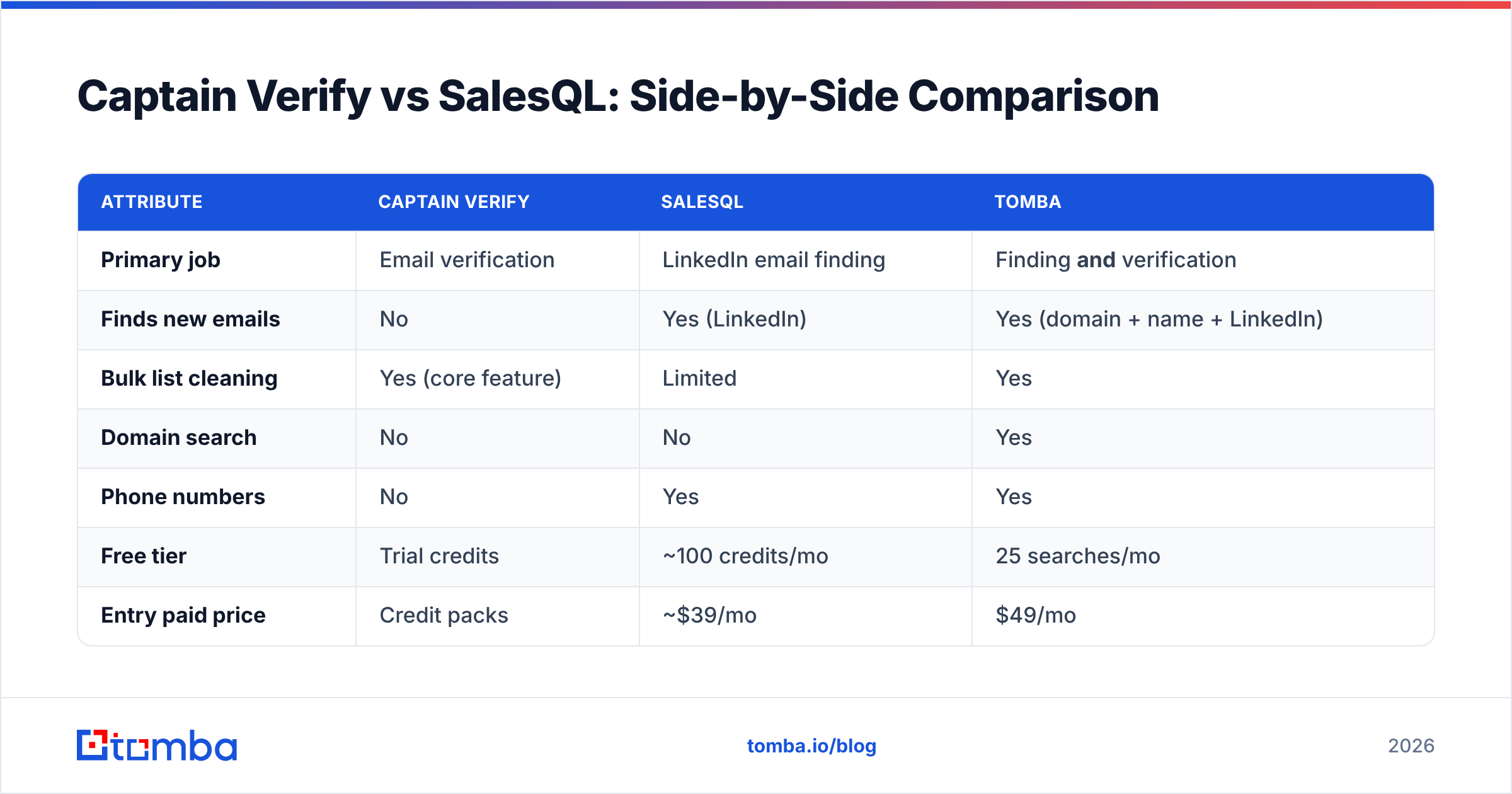
Here is the head-to-head on the attributes that actually drive a buying decision. Pricing reflects publicly listed entry tiers in 2026 and shifts with credit bundles, so treat it as directional.
| Attribute | Captain Verify | SalesQL | Tomba |
|---|---|---|---|
| Primary job | Email verification | LinkedIn email finding | Finding and verification |
| Finds new emails | No | Yes (LinkedIn) | Yes (domain + name + LinkedIn) |
| Bulk list cleaning | Yes (core feature) | Limited | Yes |
| Domain search | No | No | Yes |
| Phone numbers | No | Yes | Yes |
| Free tier | Trial credits | ~100 credits/mo | 25 searches/mo |
| Entry paid price | Credit packs | ~$39/mo | $49/mo |
| API | Yes | Yes | Yes (finder + verifier) |
| Best for | Cleaning existing lists | LinkedIn prospecting | End-to-end pipeline |
The table makes the real story obvious: neither tool covers the full path from "I have a target company" to "I have a verified, reachable contact." Captain Verify owns the back half. SalesQL owns one sourcing channel. The gap between them is where a two-tool tax usually creeps in.
Is Captain Verify Better Than SalesQL?#
Better at what? That is the only useful way to answer it.
Captain Verify wins when your problem is a dirty list. Say you inherited a 50,000-row spreadsheet from a trade show, an old CRM export, or a purchased list. You do not need to find anyone — you need to know who is still reachable before you send and torch your sender reputation. Captain Verify is purpose-built for that and does it well, with the catch-all and disposable flags that keep your bounce rate under control.
SalesQL wins when your problem is an empty list. If you are an SDR working named accounts on LinkedIn and you need decision-maker emails today, a verifier is useless to you — there is nothing to verify yet. SalesQL turns profiles into contact rows, which is the job that has to happen first.
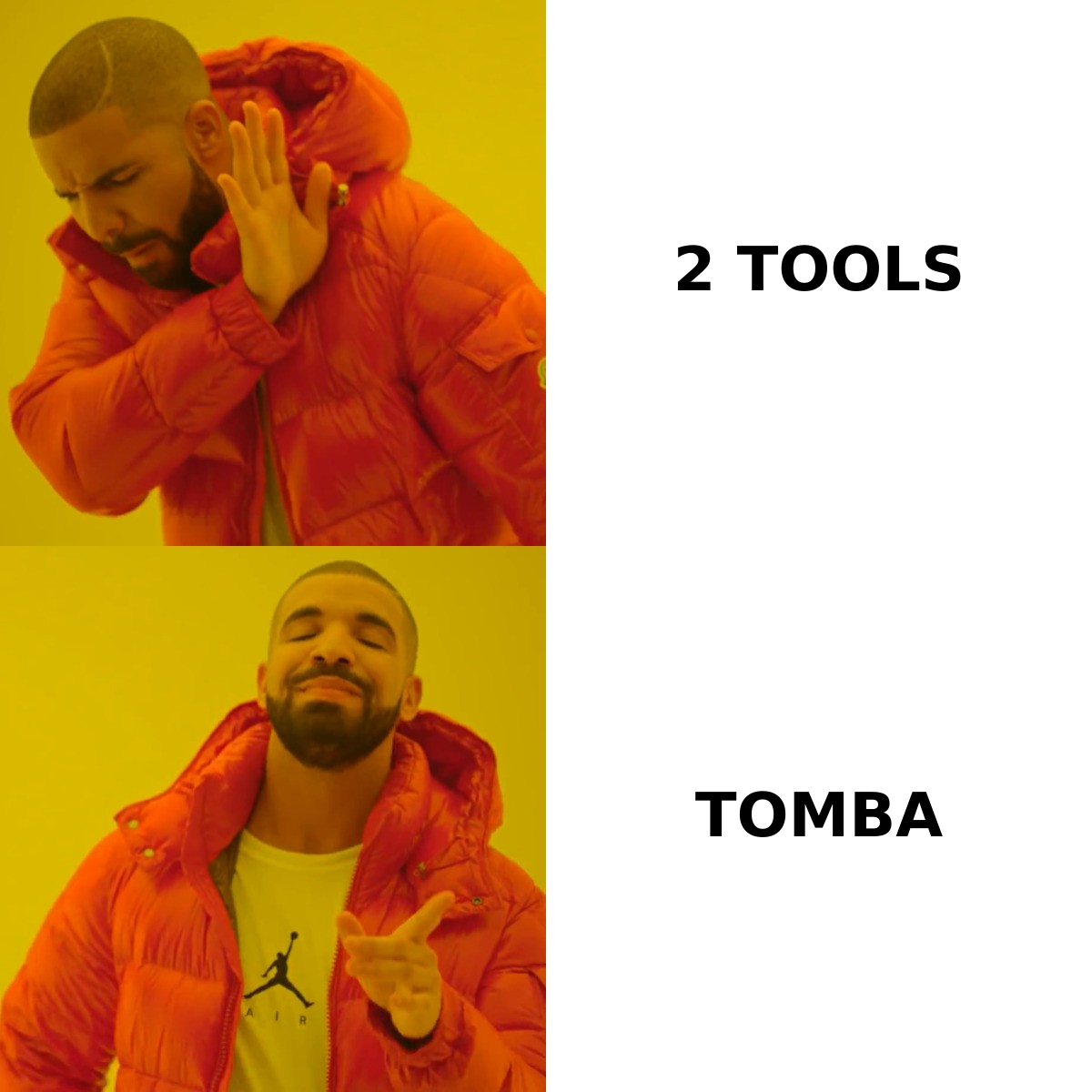
The trap is treating this as either/or when most teams need both. You source with something like SalesQL, then clean with something like Captain Verify before a big send. That works, but you are now paying two vendors, reconciling two credit systems, and stitching two exports together every week.

Where Does Tomba Fit in the Captain Verify vs SalesQL Debate?#
Tomba's argument is simple: the find step and the verify step belong in the same tool because they are the same workflow. Instead of buying a finder and a verifier separately, you run domain search to pull every public address at a target company, find a specific person by name, and verify the result — without leaving the platform or exporting anything.
That collapses the two-tool pattern into one loop:
- Domain search returns the contacts at a company and the email pattern they use, so you can infer addresses for people who are not even listed.
- The email finder resolves a name-plus-company into a specific address.
- The email verifier runs the same SMTP and catch-all checks Captain Verify is known for, on every address before it lands in your CRM.
- Bulk lead generation handles the spreadsheet-scale jobs that pull-everyone-from-LinkedIn workflows struggle with.
Where SalesQL is LinkedIn-only, Tomba also has a LinkedIn finder for that channel — so you do not lose the prospecting angle, you just stop paying for it as a separate subscription. For teams that care about data quality, Tomba is transparent about where its data comes from, which matters when accuracy is the metric you are buying on.
How Do They Compare on Accuracy?#
Accuracy splits into two questions, and the tools answer different ones.
For a verifier like Captain Verify, accuracy means correctly classifying an address — not marking a good one as invalid (a false negative that costs you a real lead) or passing a dead one as valid (a false positive that bounces). Catch-all domains are where every verifier earns or loses its reputation, because an accept-all server says "yes" to everything. A dedicated catch-all verifier is the differentiator there.
For a finder like SalesQL, accuracy means the email it returns is real and current. LinkedIn data goes stale fast — people change jobs, and the personal email scraped two years ago may be dead. That is why a finder without a strong verification backstop quietly inflates your bounce rate even when its hit rate looks good.
This is the case for combining both functions in one engine: when the tool that finds the address is also the tool that verifies it, you get one consistent confidence score instead of two systems disagreeing. Independent reviews on G2 and Capterra are the right place to sanity-check any vendor's accuracy claims before you commit — pricing pages always sound better than user reviews.

What Does Each Tool Cost in 2026?#
Cost structure differs as much as features, and it changes the math depending on how you work.
- Captain Verify sells verification credits, often as one-time packs. Great for occasional, campaign-driven cleaning; less predictable if you verify continuously.
- SalesQL runs a monthly subscription with a free tier around 100 credits and paid plans that scale credit volume. Predictable, but every credit is spent on finding — you still need a separate cleaning budget for large imported lists.
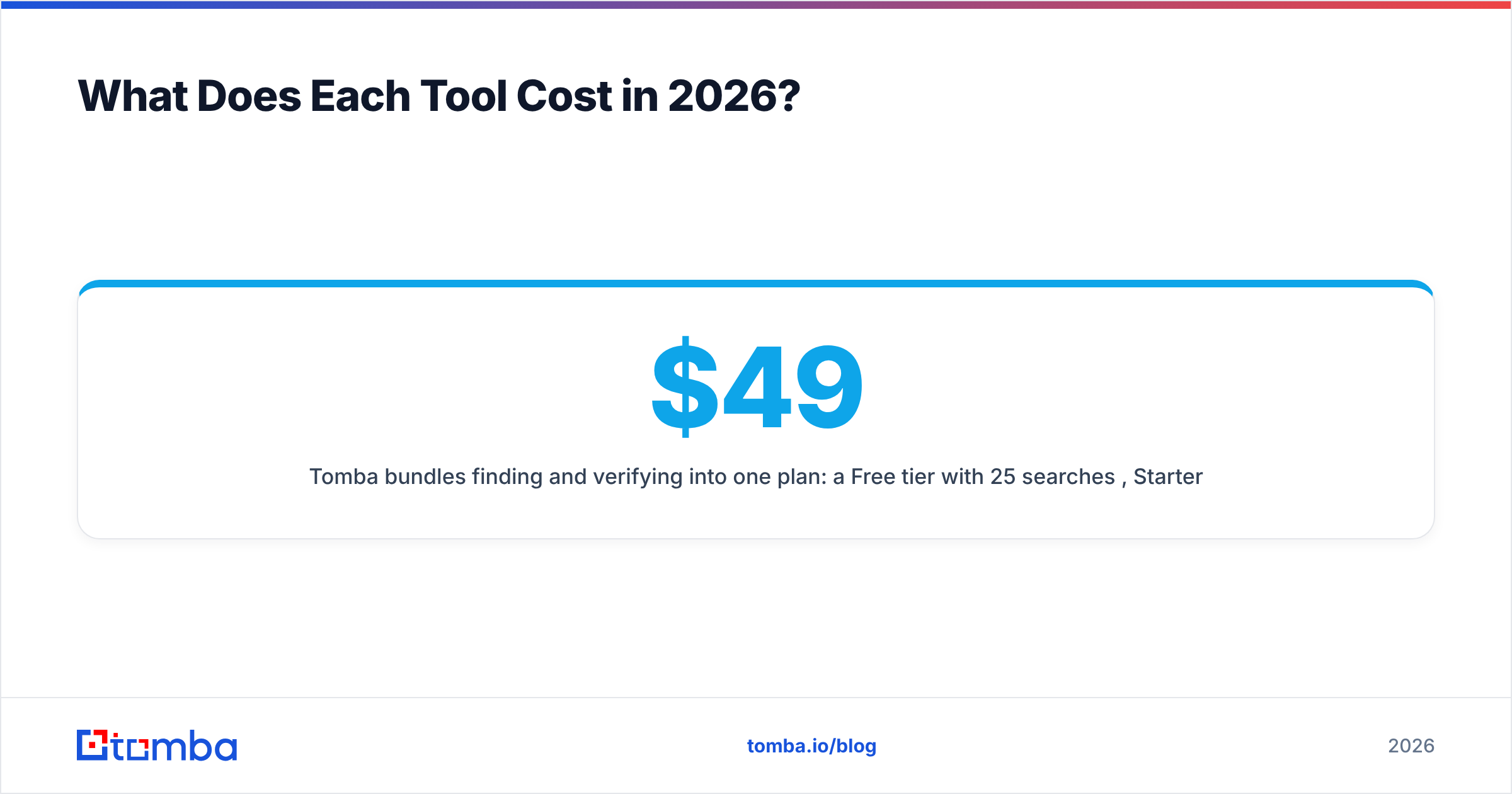
- Tomba bundles finding and verifying into one plan: a Free tier with 25 searches/month, Starter at $49/mo, Growth at $99/mo, Pro at $249/mo, and custom Enterprise. Full Tomba pricing is public, and because credits cover both jobs, you are not double-budgeting.
The hidden cost in the Captain-Verify-plus-SalesQL stack is not the sticker price — it is the integration tax. Two exports, two billing cycles, two support queues, and a manual handoff every time you move data from "found" to "verified." Consolidation removes that overhead, which is usually worth more than the per-credit difference.
Which Should You Choose?#
Match the tool to the bottleneck, not the brand:
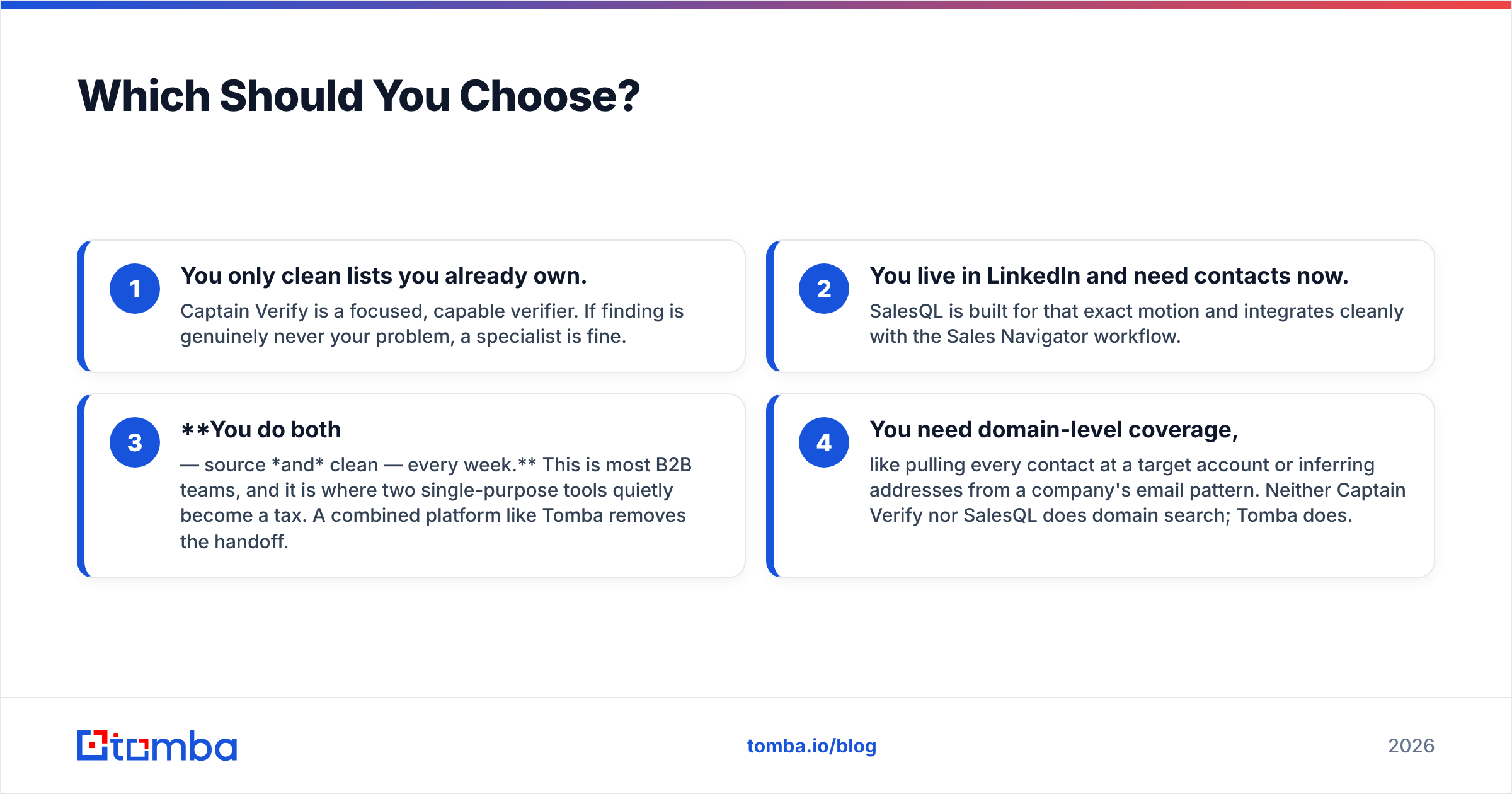
- You only clean lists you already own. Captain Verify is a focused, capable verifier. If finding is genuinely never your problem, a specialist is fine.
- You live in LinkedIn and need contacts now. SalesQL is built for that exact motion and integrates cleanly with the Sales Navigator workflow.
- You do both — source and clean — every week. This is most B2B teams, and it is where two single-purpose tools quietly become a tax. A combined platform like Tomba removes the handoff.
- You need domain-level coverage, like pulling every contact at a target account or inferring addresses from a company's email pattern. Neither Captain Verify nor SalesQL does domain search; Tomba does.
A useful gut check: if you exported your contact data tomorrow, how many tools touched it before it was campaign-ready? If the answer is two or more, you are a consolidation candidate. You can wire any of these into your stack via integrations like HubSpot, Salesforce, or Zapier, but fewer moving parts means fewer places for data to rot.
The Bottom Line#
Captain Verify and SalesQL are not really competitors — they are two halves of a pipeline. Captain Verify cleans, SalesQL finds, and a complete workflow needs both. The question is whether you want to assemble that workflow from two subscriptions or run it from one.
If your team finds and verifies contacts on a regular basis, start with Tomba's Email Finder. It pairs domain search and name-based lookup with built-in verification, so a contact goes from "company on a list" to "verified, reachable email" without ever leaving the tool — or paying two vendors to do one job. Try the free tier with 25 searches and see how much of your two-tool stack you can retire.
// get started
Find, verify and enrich your first contacts today
Start on the free plan with 25 searches a month, then scale when your team is ready.
Free plan · No credit card required · GDPR & CCPA
// about the author