How to Check Email Reputation in 2026: A Complete Sender Guide
Learn how to check email reputation across IP, domain, and sender signals in 2026 - the exact tools, scores, and fixes that keep your cold email out of spam.
You can write the best cold email in the world, but if your sender reputation is in the gutter, nobody reads it. Mailbox providers decide whether you land in the inbox or the spam folder before the recipient ever sees your subject line - and that decision runs on reputation signals you can measure today.
This guide shows you exactly how to check email reputation across the three layers that matter (IP, domain, and sender behavior), which free tools to use, how to read the scores, and what to actually do when the numbers come back ugly.
TL;DR#
- Email reputation is a trust score mailbox providers assign to your sending IP and domain. Low score = spam folder, high score = inbox.
- Check three layers: IP reputation (SenderScore, Talos), domain reputation (Google Postmaster Tools, Microsoft SNDS), and list hygiene (bounce + spam-complaint rates).
- Free tools cover most of it: Google Postmaster Tools, mail-tester, MXToolbox blacklist checks, and a sender reputation checker give you a full picture in under 30 minutes.
- The fastest reputation killer is bad data. Verifying your list before you send prevents the bounces and spam traps that tank your score.
- Repair takes weeks, not hours. Warm up gradually, fix authentication (SPF/DKIM/DMARC), and prune dead addresses.
What is email reputation?#
Email reputation is a trust score that inbox providers like Gmail, Outlook, and Yahoo assign to you based on how you send. Think of it like a credit score for your email program: lenders check your credit history before approving a loan, and mailbox providers check your sending history before approving delivery to the inbox.
That score is built from signals you generate every time you hit send - how many emails bounce, how many recipients mark you as spam, whether you authenticate properly, and how engaged your audience is. A few bad sends won't sink you, but a pattern of bounces and complaints will quietly route you to the junk folder, where open rates collapse.
There are two reputations to track, and they're scored separately:
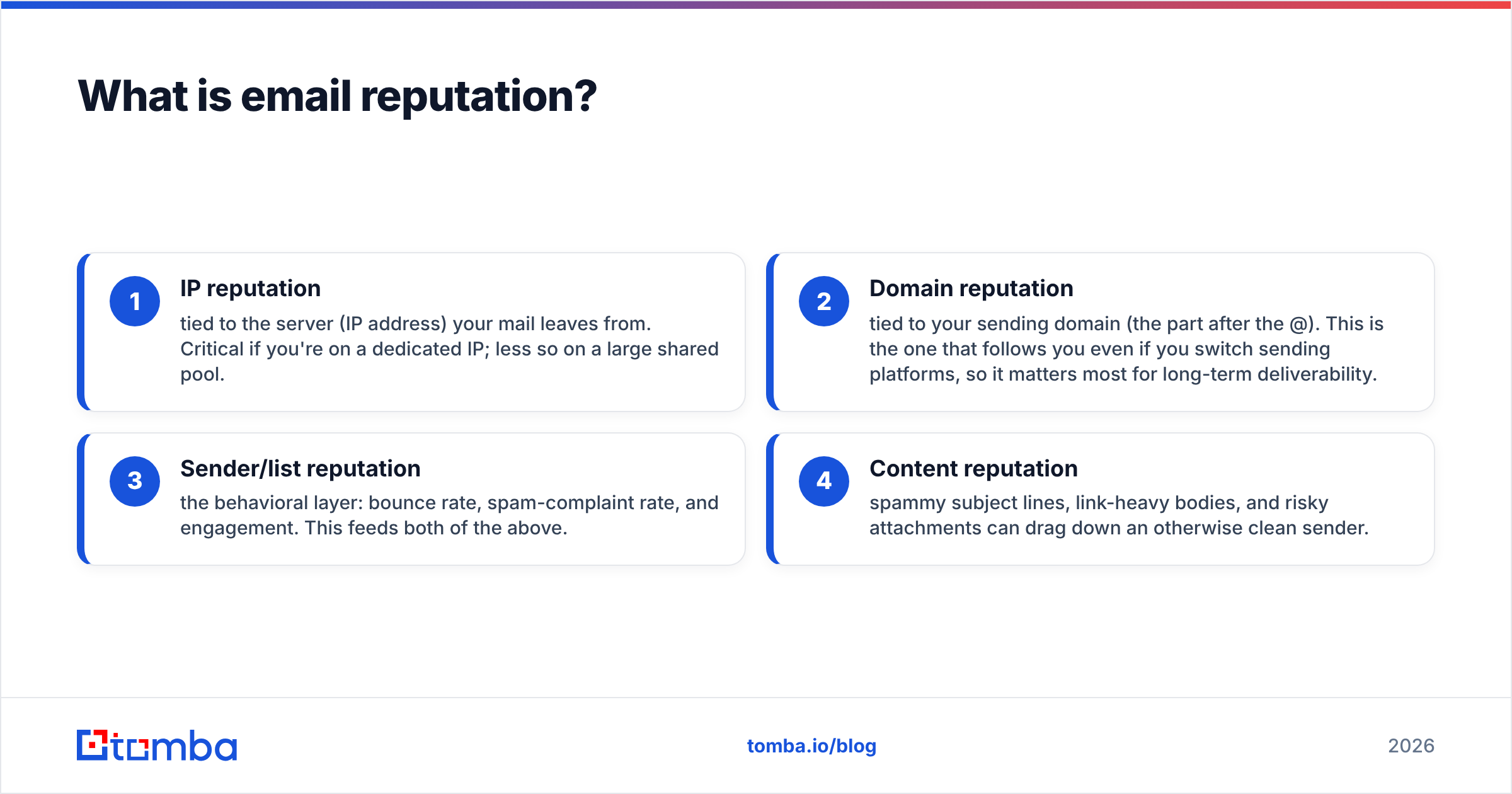
- IP reputation - tied to the server (IP address) your mail leaves from. Critical if you're on a dedicated IP; less so on a large shared pool.
- Domain reputation - tied to your sending domain (the part after the @). This is the one that follows you even if you switch sending platforms, so it matters most for long-term deliverability.
- Sender/list reputation - the behavioral layer: bounce rate, spam-complaint rate, and engagement. This feeds both of the above.
- Content reputation - spammy subject lines, link-heavy bodies, and risky attachments can drag down an otherwise clean sender.
When people say "check my email deliverability," they usually mean checking all four at once.
Why does checking email reputation matter in 2026?#
Because the rules got stricter. Google and Yahoo's bulk-sender requirements - rolled out in 2024 and tightened since - now enforce authentication, a visible unsubscribe, and a hard spam-complaint ceiling of 0.3% (with 0.1% as the real target). Miss those and your mail gets throttled or blocked outright, regardless of how clever your copy is.
The cost of ignoring reputation is brutal and compounding:
- Inbox placement drops silently. No bounce, no error - your email just lands in spam and your reply rate craters.
- One bad domain can poison a whole program. Send from a subdomain that gets flagged and the damage can bleed into your primary domain.
- Recovery is slow. A reputation built over months can be lost in a week of careless sending, then take 4-8 weeks to rebuild.
Checking your reputation regularly is the difference between catching a problem when it's a warning and discovering it after three months of dead campaigns.
How do you check email reputation? (Step by step)#
Here's the practical workflow. Run through it in order - each step builds on the last.
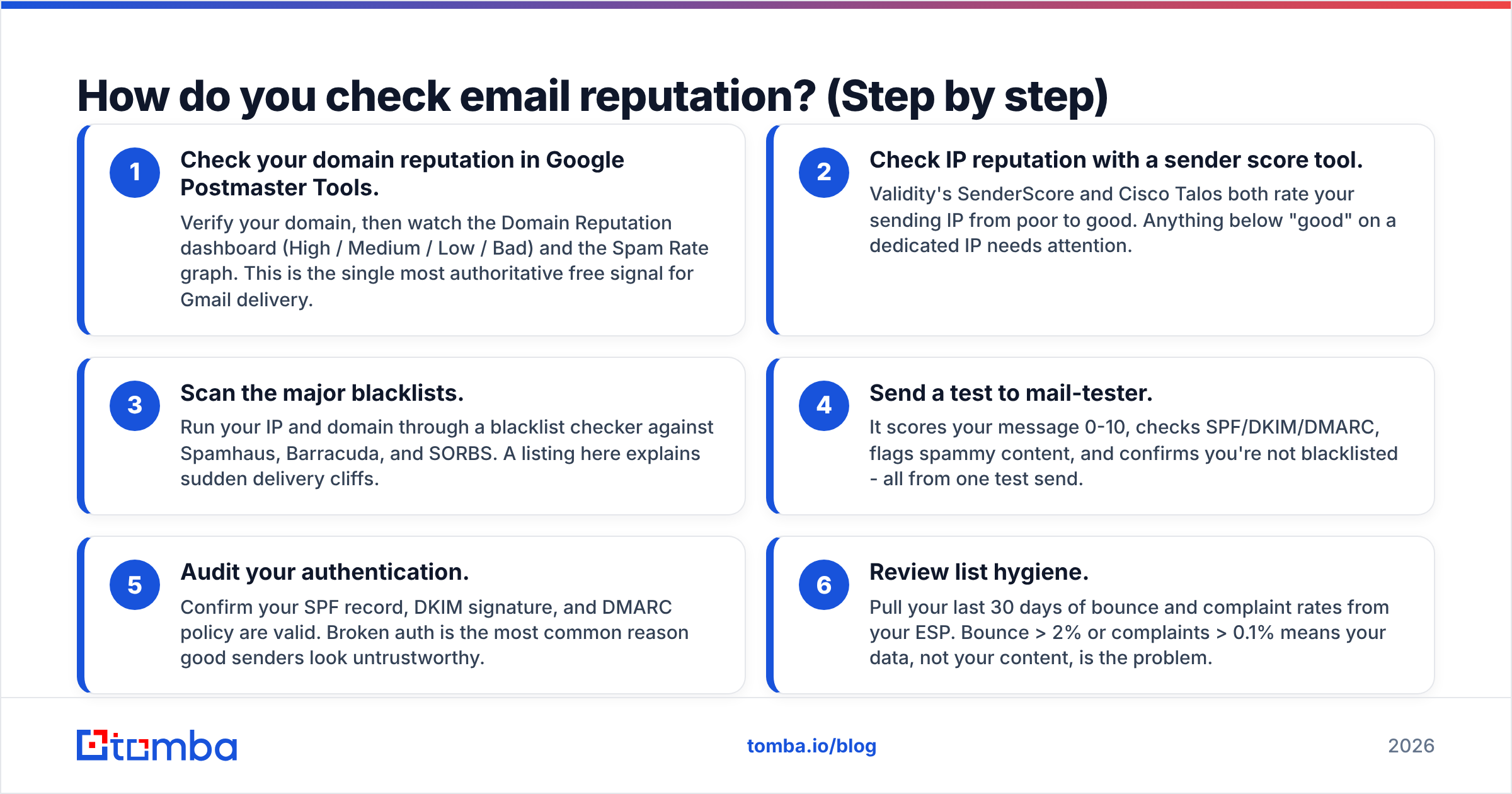
- Check your domain reputation in Google Postmaster Tools. Verify your domain, then watch the Domain Reputation dashboard (High / Medium / Low / Bad) and the Spam Rate graph. This is the single most authoritative free signal for Gmail delivery.
- Check IP reputation with a sender score tool. Validity's SenderScore and Cisco Talos both rate your sending IP from poor to good. Anything below "good" on a dedicated IP needs attention.
- Scan the major blacklists. Run your IP and domain through a blacklist checker against Spamhaus, Barracuda, and SORBS. A listing here explains sudden delivery cliffs.
- Send a test to mail-tester. It scores your message 0-10, checks SPF/DKIM/DMARC, flags spammy content, and confirms you're not blacklisted - all from one test send.
- Audit your authentication. Confirm your SPF record, DKIM signature, and DMARC policy are valid. Broken auth is the most common reason good senders look untrustworthy.
- Review list hygiene. Pull your last 30 days of bounce and complaint rates from your ESP. Bounce > 2% or complaints > 0.1% means your data, not your content, is the problem.
If you only have ten minutes, do steps 1, 4, and 6 - they catch the majority of real issues.
Which tools should you use to check email reputation?#
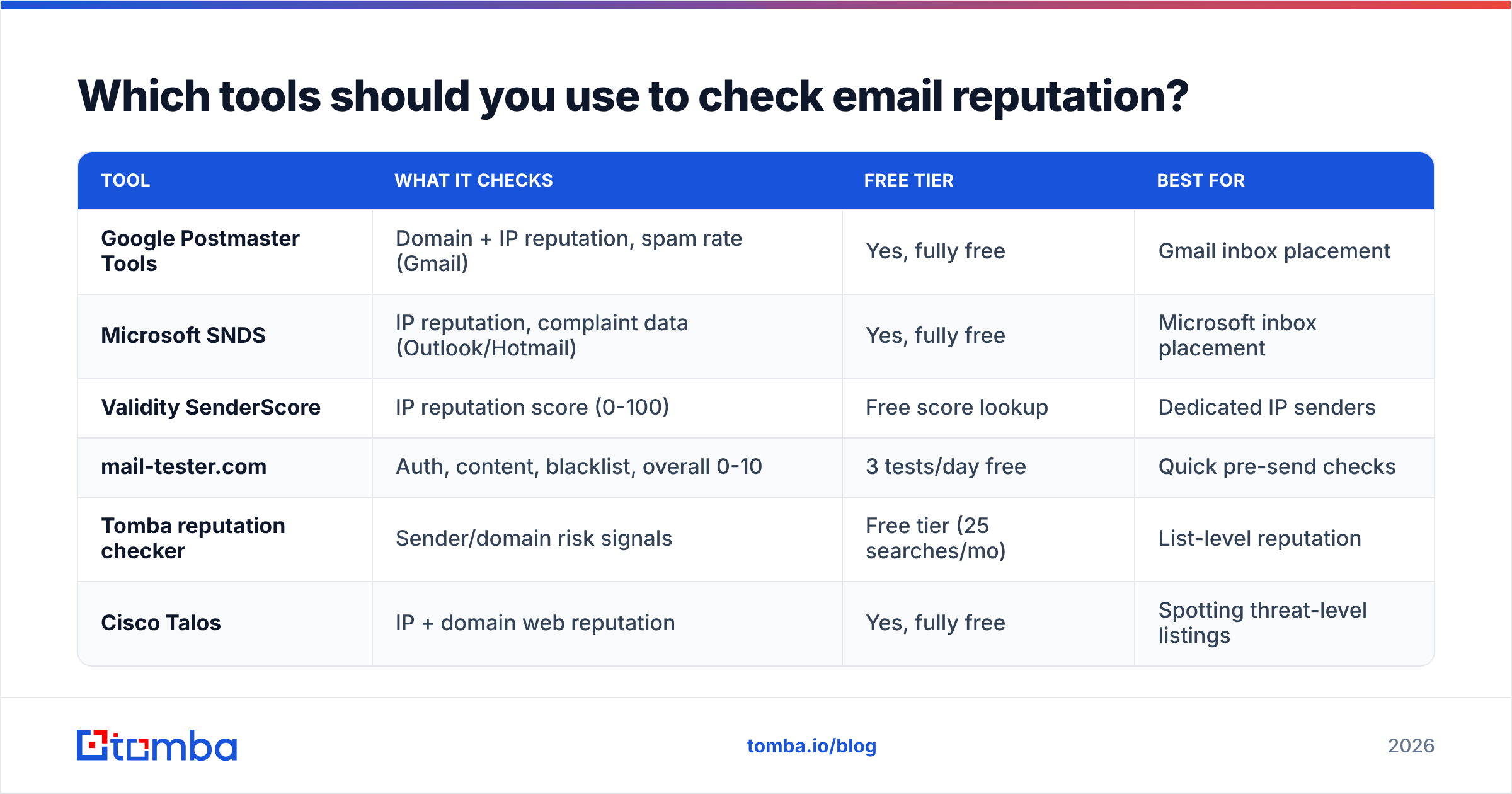
Different tools cover different layers. No single dashboard sees everything, so the smart move is to combine two or three. Here's how the main free and freemium options stack up.
| Tool | What it checks | Free tier | Best for |
|---|---|---|---|
| Google Postmaster Tools | Domain + IP reputation, spam rate (Gmail) | Yes, fully free | Gmail inbox placement |
| Microsoft SNDS | IP reputation, complaint data (Outlook/Hotmail) | Yes, fully free | Microsoft inbox placement |
| Validity SenderScore | IP reputation score (0-100) | Free score lookup | Dedicated IP senders |
| mail-tester.com | Auth, content, blacklist, overall 0-10 | 3 tests/day free | Quick pre-send checks |
| Tomba reputation checker | Sender/domain risk signals | Free tier (25 searches/mo) | List-level reputation |
| Cisco Talos | IP + domain web reputation | Yes, fully free | Spotting threat-level listings |
A reliable routine: Postmaster Tools for the trend line, mail-tester before a big campaign, and a sender reputation checker to spot risky addresses before they ever enter your sequence.
Reading the scores without panicking#
Scores use different scales, so context matters:
- Google Postmaster uses words: aim for "High." "Medium" is a yellow light; "Low" or "Bad" is an emergency.
- SenderScore runs 0-100. Above 80 is healthy, 70-79 needs work, below 70 is hurting you.
- mail-tester scores 0-10. Target 9+; anything under 7 means fix something before you send.
Don't over-index on a single number. A dip in one tool with healthy numbers elsewhere is usually noise. A decline across all of them is a trend - act on trends.
What hurts your email reputation the most?#
Reputation damage almost always traces back to a handful of root causes. In rough order of impact:
- High bounce rates from stale or fake addresses. Every hard bounce tells the provider you don't maintain your list. This is the number-one preventable killer.
- Spam-trap hits. Sending to a recycled or pristine spam trap can get you blacklisted instantly. You can't see traps - you avoid them with clean data.
- Spam complaints. Above 0.3% and Gmail/Yahoo will penalize you. Above 0.1% you're skating.
- Broken or missing authentication. No DKIM or a failing DMARC policy makes you look like a spoofer.
- Sudden volume spikes. Going from 50 emails a day to 5,000 overnight on a cold domain screams "spammer."
- Low engagement. If nobody opens or replies, providers assume your mail is unwanted.
Notice how many of these come back to data quality. That's not a coincidence.

How does list quality affect your sender reputation?#
Your list is the foundation everything else sits on. You can warm up perfectly and authenticate flawlessly, but if a quarter of your addresses are dead, your bounce rate alone will sink you.
Here's the chain reaction a dirty list sets off:
- Bad addresses bounce → the mailbox provider logs you as a careless sender.
- Spam traps fire → you get blacklisted, sometimes permanently for that domain.
- Engagement drops (dead addresses never open) → your "wanted mail" signal weakens.
- Reputation falls → even your valid recipients start landing in spam.
The fix is upstream: clean the list before you send, not after the damage is done. Run new contacts through an email verifier to catch invalid and risky addresses, and be especially careful with catch-all domains, which accept everything and hide dead mailboxes. A dedicated catch-all verifier helps separate the real inboxes from the noise.
Better still, start with accurate data in the first place. When you source contacts through a verified email finder instead of scraping or buying lists, the addresses entering your CRM are already validated - so reputation problems never get a foothold.
How do you fix and repair a bad email reputation?#
A damaged reputation is recoverable, but it takes patience and discipline. Here's the recovery playbook.
| Action | Timeline | Impact |
|---|---|---|
| Fix SPF/DKIM/DMARC | 1-2 days | High - stops auth failures immediately |
| Remove blacklist listings | 3-14 days | High - restores blocked delivery |
| Clean and re-verify your list | 1-3 days | High - cuts bounces at the source |
| Pause and warm up gradually | 2-6 weeks | High - rebuilds trust over time |
| Re-engage only active contacts | 2-4 weeks | Medium - lifts engagement signal |
| Switch to a clean subdomain | Ongoing | Medium - isolates new sending |
The core principle: slow down and send only to people who want your email. Reputation is rebuilt through consistent, low-complaint, high-engagement sending. There's no shortcut.
Concretely, for the first month of recovery:
- Verify your entire active list and delete every invalid or risky address.
- Confirm authentication passes on a test send.
- Resume sending at a fraction of your old volume, targeting your most engaged contacts first.
- Monitor Postmaster Tools daily and ramp volume only while spam rate stays low.
How often should you check your email reputation?#
Match the cadence to your sending volume:
- High-volume senders (10k+/month): check Postmaster Tools weekly, run a blacklist scan weekly.
- Mid-volume: monthly reputation review, verify new contacts before every campaign.
- Cold outreach teams: verify every list before import, and spot-check reputation before any new domain or volume increase.
The best teams bake reputation checks into their workflow rather than treating them as a fire drill. Verifying contacts at the point of entry - through your email verification step or an API call when a lead is created - means you're protecting reputation continuously instead of cleaning up after a crash.
Frequently asked questions#
Is email reputation the same as domain reputation? No. Domain reputation is one component of overall email reputation, which also includes IP reputation, list/sender behavior, and content signals. Domain reputation is the most durable because it follows you across sending platforms.
Can I check my email reputation for free? Yes. Google Postmaster Tools, Microsoft SNDS, Cisco Talos, and mail-tester are all free and cover the major signals. A free sender reputation checker adds list-level visibility.
How long does it take to fix a bad sender reputation? Authentication and blacklist fixes can land in days. Behavioral reputation repair - the part that depends on low complaints and real engagement - typically takes four to eight weeks of careful sending.
Does buying email lists hurt reputation? Almost always. Purchased lists are loaded with stale addresses and spam traps, which trigger bounces and blacklisting fast. Sourcing verified contacts yourself is far safer.
Start with clean data, protect your reputation#
The single highest-leverage thing you can do for your sender reputation is send to real, verified people. Every bounce you prevent, every spam trap you avoid, and every engaged recipient you reach starts with accurate data at the top of your funnel.
That's where the Tomba Email Finder earns its place in your stack. It surfaces professional email addresses by name, domain, or company, and pairs with built-in verification so the contacts entering your campaigns are validated before you ever press send - keeping bounces, complaints, and trap hits off your reputation ledger. Check out Tomba pricing to see how the free tier (25 searches/month) lets you test it on your next list. Start clean, stay in the inbox, and let your copy do the work it was written to do.
// get started
Find, verify and enrich your first contacts today
Start on the free plan with 25 searches a month, then scale when your team is ready.
Free plan · No credit card required · GDPR & CCPA
// about the author